

Screenshot appears after consentScreenshot appears after consentScreenshot appears after consentScreenshot appears after consent
Summary
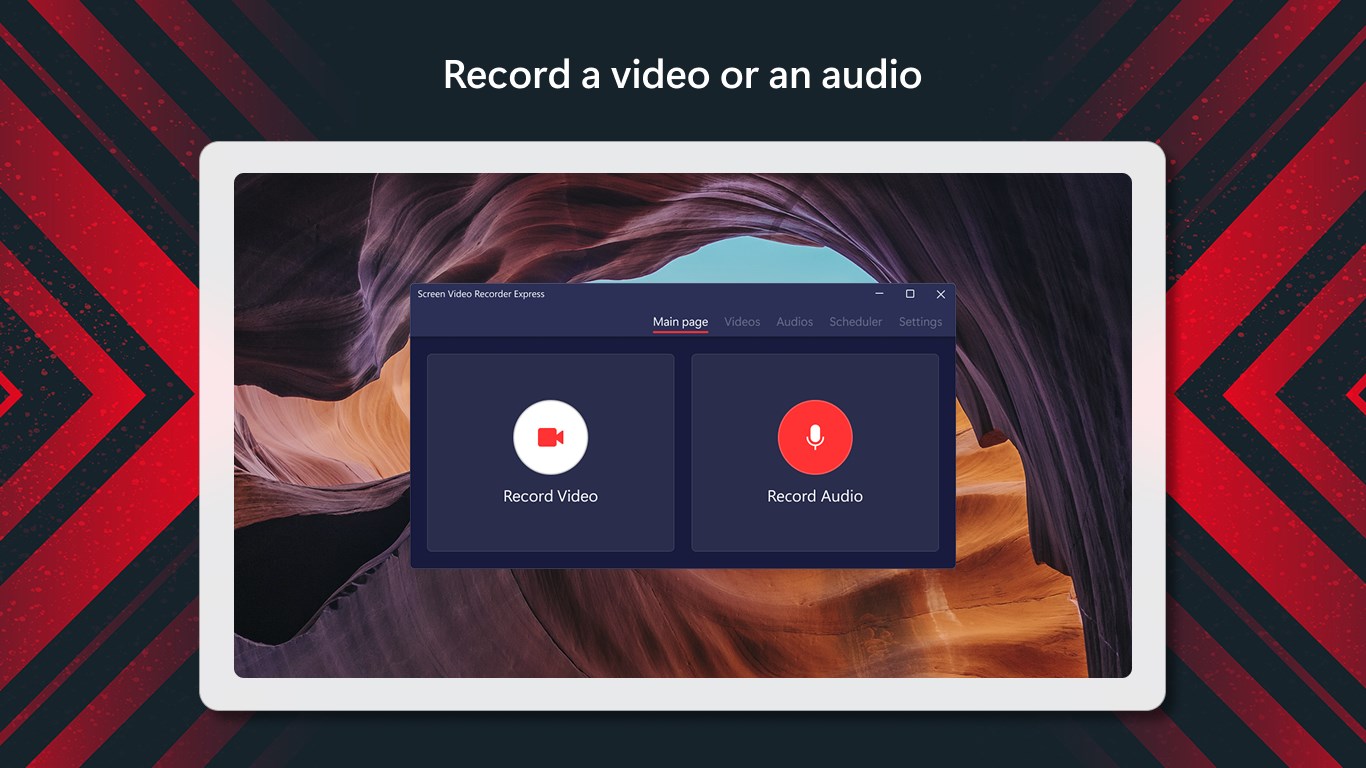
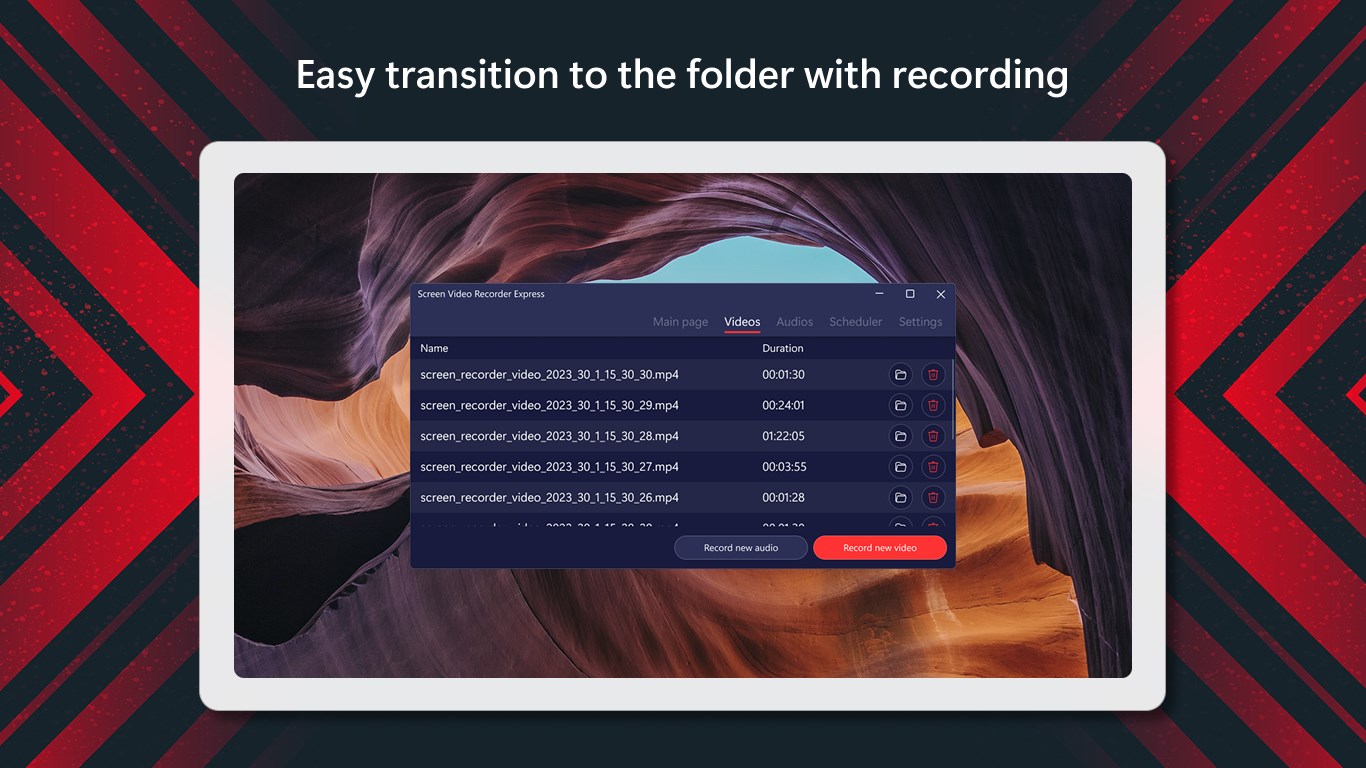
Screen Video Recorder Express is a screen recorder for capturing and sharing videos. It can record the full screen, a window, a specific monitor, or a selected region. It includes built-in hotkeys for quicker navigation and offers advanced configuration options along with the ability to create smaller-sized files. The app provides different modes for recording screen and video content and is suitable for recording Skype conversations. It is available in ten languages and offers a subscription with a one-week free trial for ad-free use.
Show the developer's original descriptionHide the original description
The #1 screen recorder in Microsoft Store. Capture and share videos in seconds.
Screen Video Recorder Express is a very simple and effective screen recorder that provides you with a high-quality working performance. The attractive and intuitive interface allows you to create screencasts with the ease of a professional.
Possibilities:
• Records full screen, window, monitor, region
• Incorporates hotkeys for easier and quicker navigation
• Sleek and modern interface
• Provides advanced configuration options
• Allows you to create small-sized files
• Different modes for recording screen and video
• Suitable for recording Skype conversations
• Available in 10 languages
To enjoy an ad-free experience and access all the app's benefits continuously, please activate a subscription with 1 week free trial.
Technical details about Screen Video Recorder Express
Play Store URL for "Screen Video Recorder Express"
If there is a version of this app for iOS/Mac or Windows we don't know about, paste the store link here — we'll auto-detect the store.
How to find the URL:1. Open the app in its store. 2.In the App Store app: tap the Share icon → “Copy Link”. In the browser: copy the URL from the address bar — it contains apps.apple.com/…/id… or apps.microsoft.com/detail/…. 3. Paste it here.
Paste the original link from the Apple App Store or Microsoft Store. We fetch all details automatically.
How to find the URL:
1. Open the app in its store. 2.In the App Store app: tap the Share icon → “Copy Link”. In the browser: copy the URL from the address bar — it contains apps.apple.com/…/id… or apps.microsoft.com/detail/…. 3. Paste it here.
Android apps can only be listed by their developer.