

Screenshot appears after consentScreenshot appears after consent
Summary
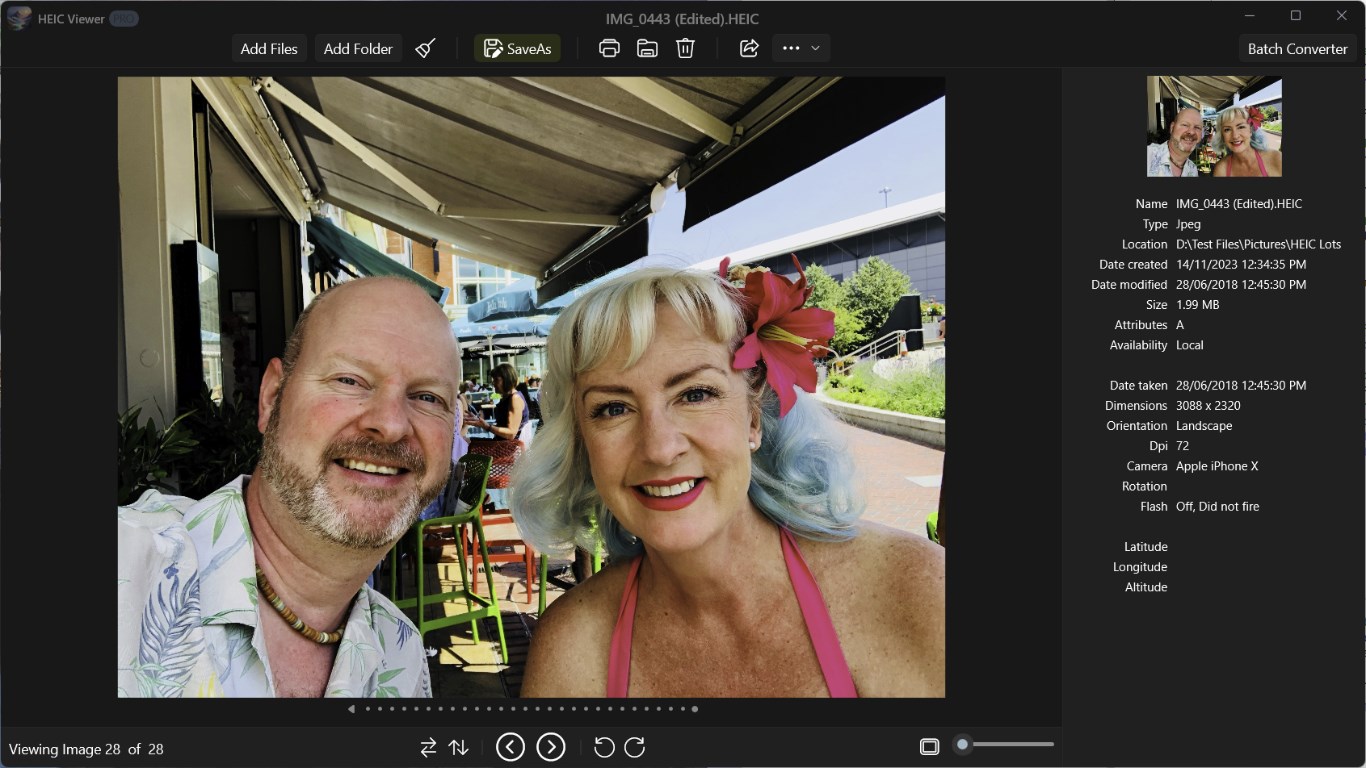
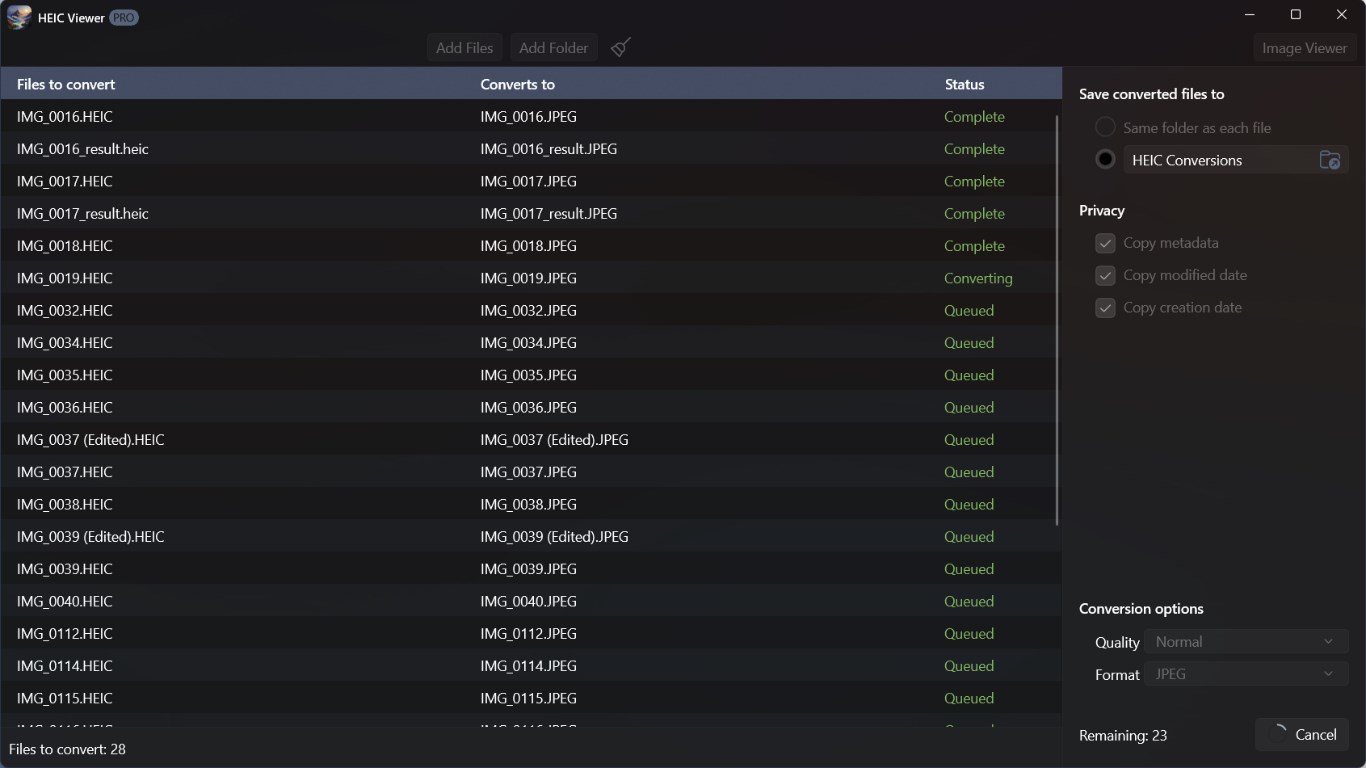
HEIC Viewer is an image viewer for HEIC files. It allows saving images as JPG, JPEG, or PNG, and supports printing, rotating, flipping, panning, and zooming. Images, thumbnails, or file paths can be copied to the clipboard, and pictures can be set as desktop or lock screen backgrounds. Files can be opened via right click in File Explorer, or added by dragging and dropping files or folders onto the window. An in-app purchase unlocks a pro edition offering batch conversion, icon creation from PNG files, support for additional file formats such as AVIF, BMP, GIF, SVG, and WebP, and options to strip metadata for privacy protection.
Show the developer's original descriptionHide the original description
View your HEIC files with this easy to use viewer.
• Viewer
• SaveAs JPG, JPEG, and PNG
• Printing
• Copy images, thumbnails, or paths to the clipboard
• Set as desktop or lock screen picture
• Rotate, Flip, Pan, Zoom
• Right click File Explorer to view files
• In-App-Purchase upgrdes to the pro edition and gives you:
• Batch conversion - convert thousands of files or folders
• Create icons from png files
• View additional file types such as avif, ai, bmp, dng, gif, png, svg, tiff, webp, jpeg, and ico
• Convert to additional file types such as bmp, tiff, ai, pdf, psd, gif, webp, and ico files
• More conversion options such as saving in lossless quality, to a folder or side-by-side
• Privacy protection, remove metadata, creation and modified dates
You can:
• Drag and Drop files onto the window.
• Drag and Drop folders onto the window.
• Add files or folders using the file selector.
If there is a version of this app for iOS/Mac or Windows we don't know about, paste the store link here — we'll auto-detect the store.
How to find the URL:1. Open the app in its store. 2.In the App Store app: tap the Share icon → “Copy Link”. In the browser: copy the URL from the address bar — it contains apps.apple.com/…/id… or apps.microsoft.com/detail/…. 3. Paste it here.
Paste the original link from the Apple App Store or Microsoft Store. We fetch all details automatically.
How to find the URL:
1. Open the app in its store. 2.In the App Store app: tap the Share icon → “Copy Link”. In the browser: copy the URL from the address bar — it contains apps.apple.com/…/id… or apps.microsoft.com/detail/…. 3. Paste it here.
Android apps can only be listed by their developer.