
Screenshot appears after consentScreenshot appears after consentScreenshot appears after consentScreenshot appears after consentScreenshot appears after consentScreenshot appears after consentScreenshot appears after consentScreenshot appears after consentScreenshot appears after consentScreenshot appears after consentScreenshot appears after consentScreenshot appears after consent
Summary
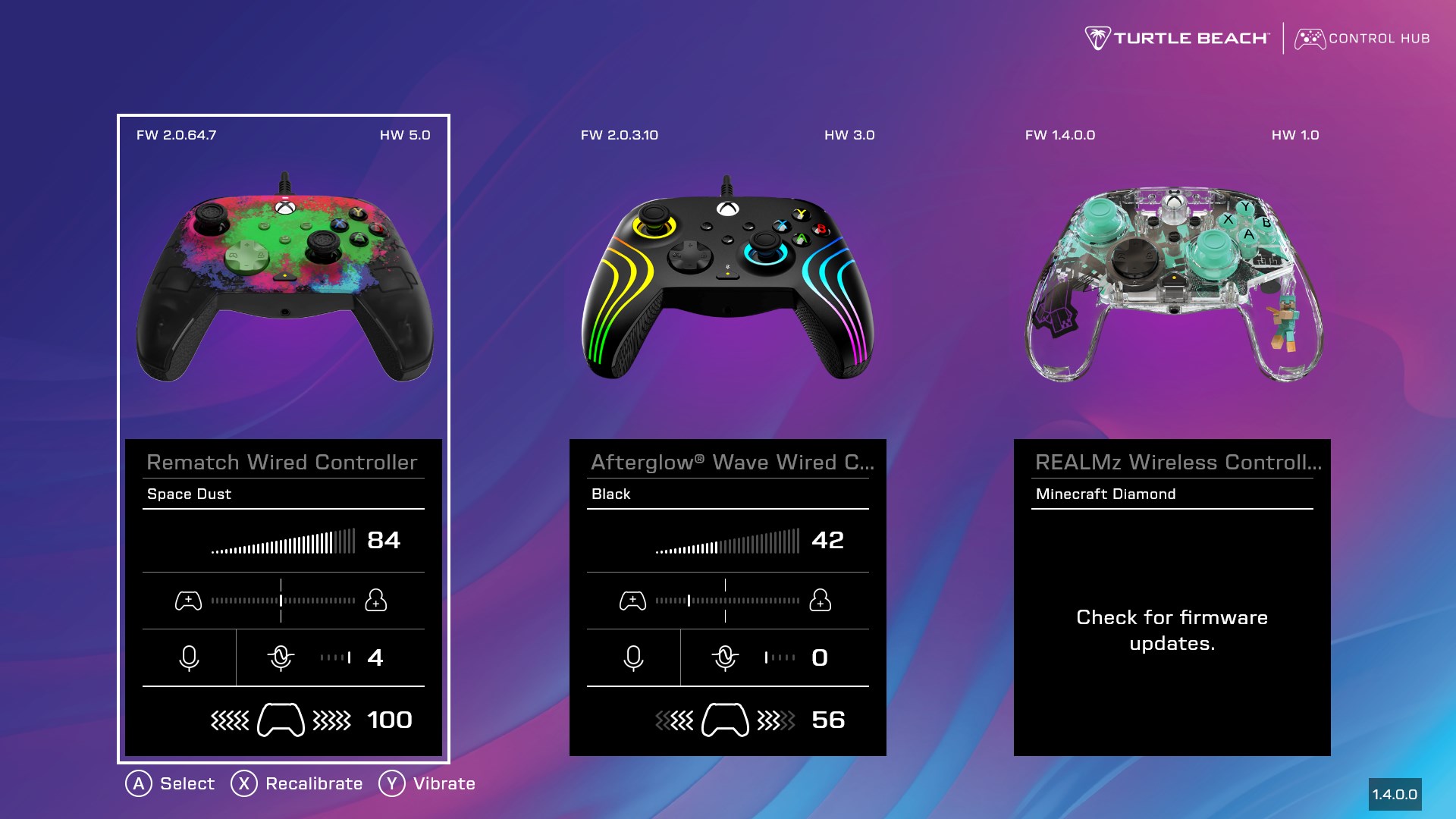
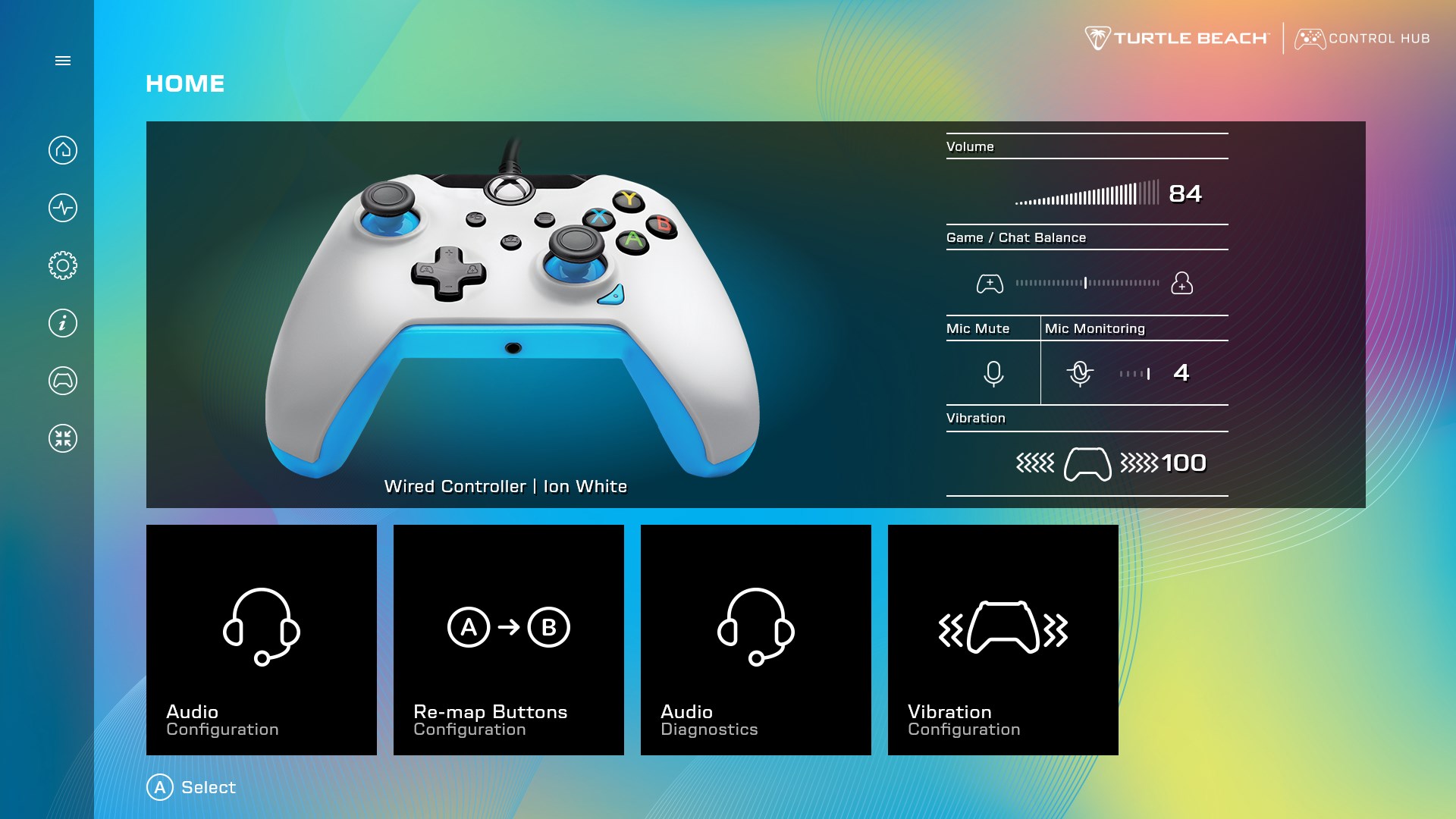
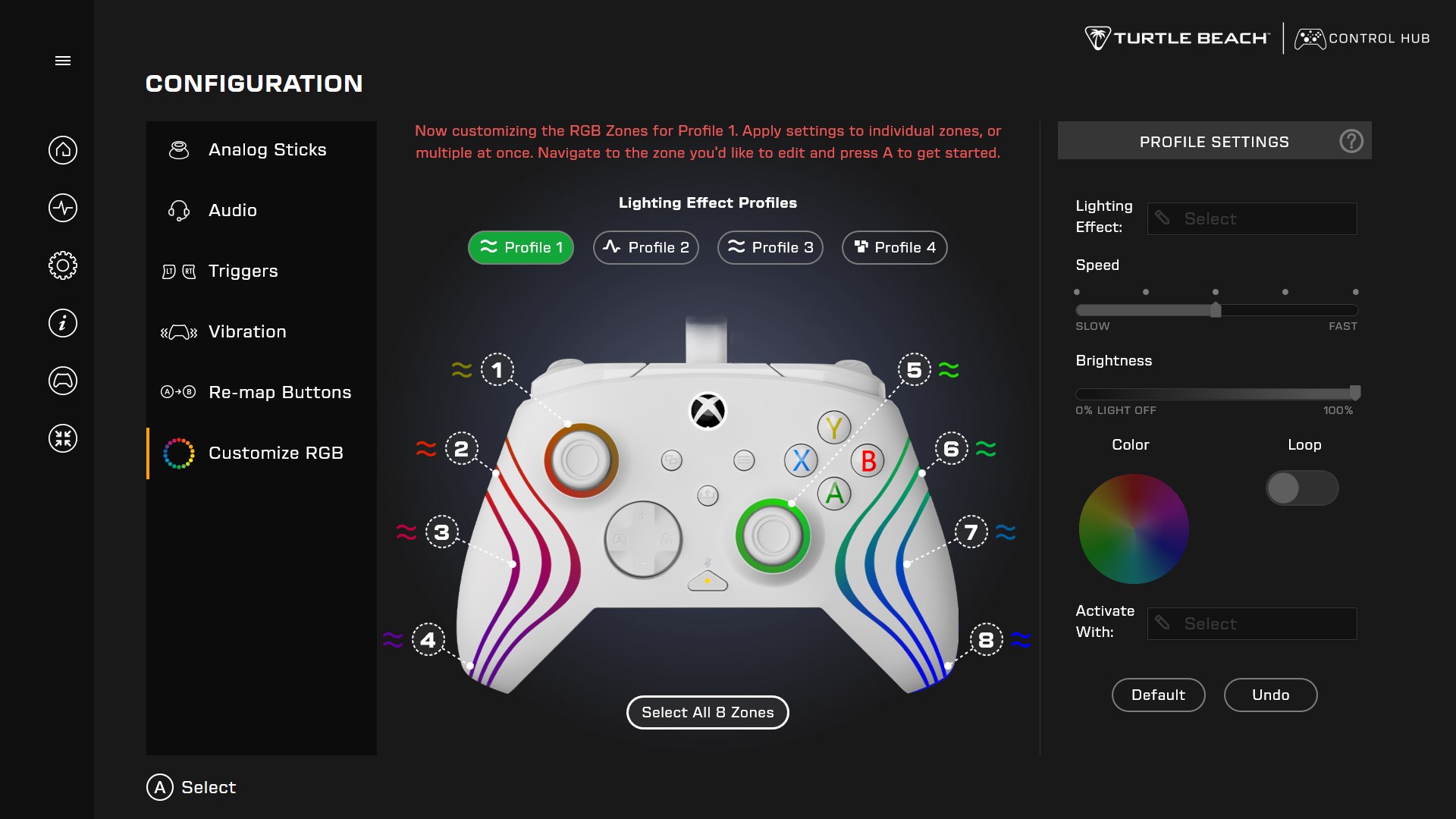
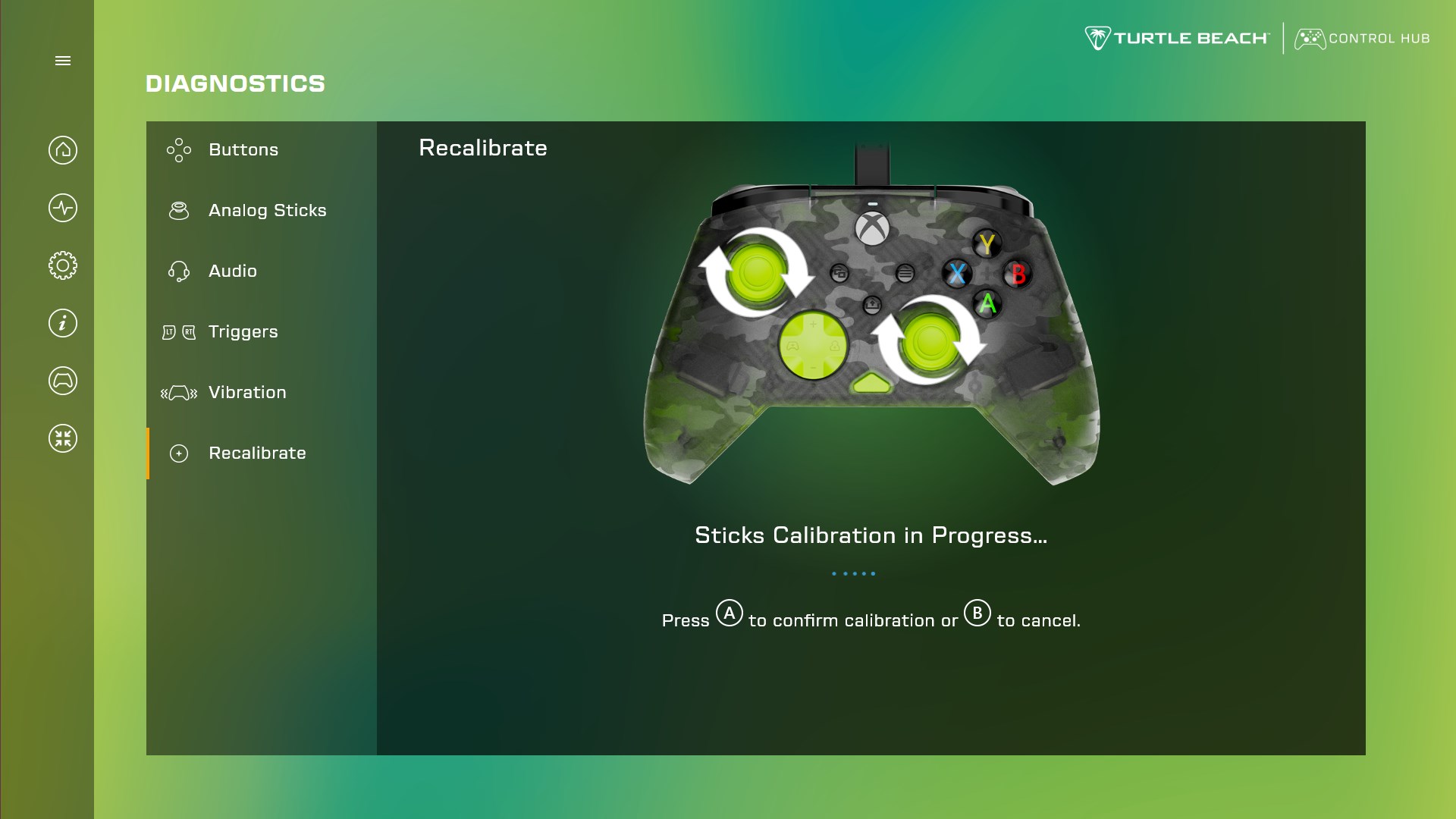
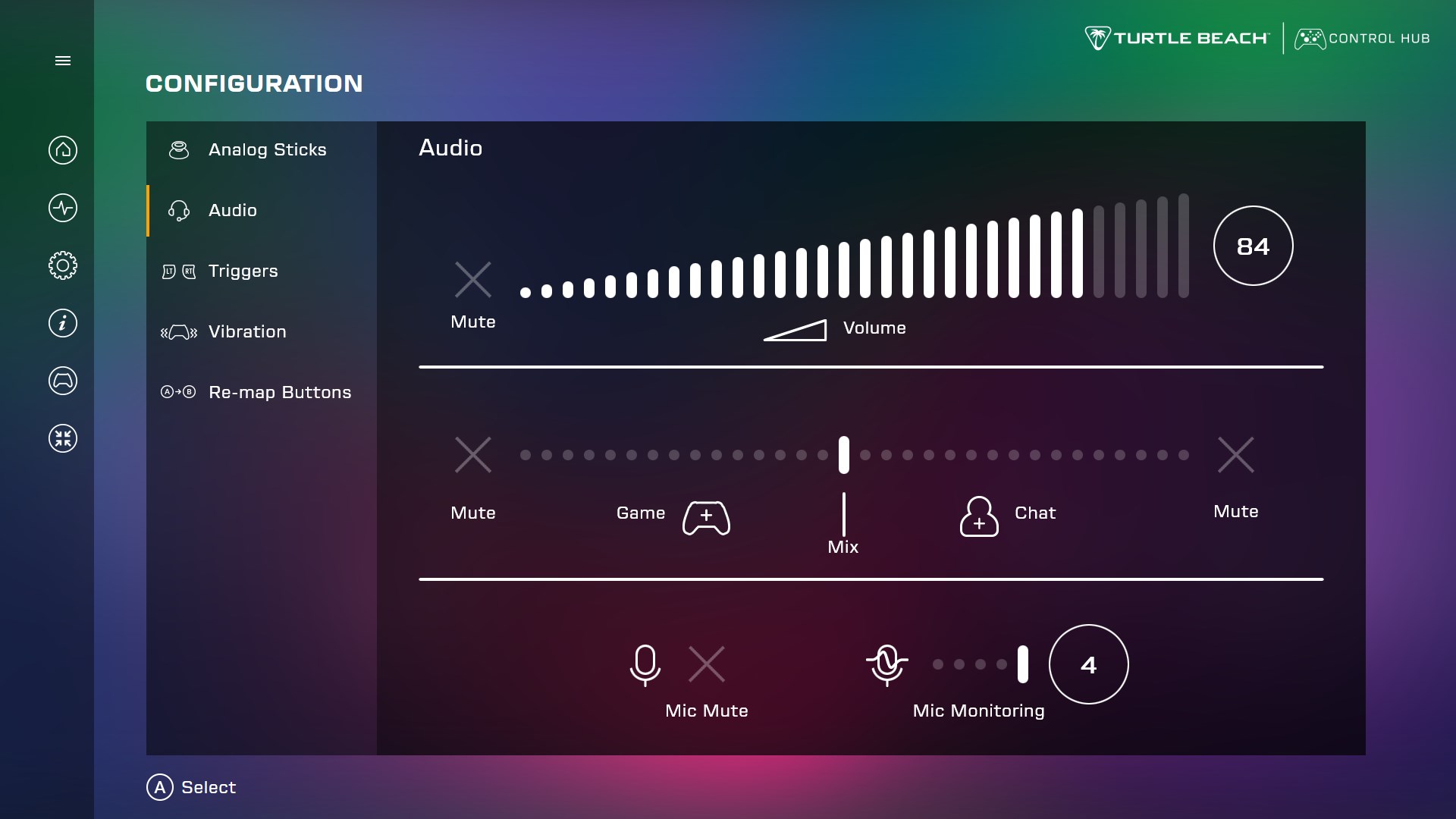
Turtle Beach - PDP Control Hub is a companion app for customizing and managing compatible Turtle Beach or PDP game controllers. It runs diagnostics that test buttons, sticks, triggers, audio, and vibration to confirm the controller is working properly. It offers recalibration for sticks and triggers that are not performing as expected. It also updates controller firmware. In its configuration section, it allows adjustment of audio and lighting settings, vibration strength, analog stick dead zone, and trigger dead zone, along with remapping of button values to personalize the controller.
Show the developer's original descriptionHide the original description
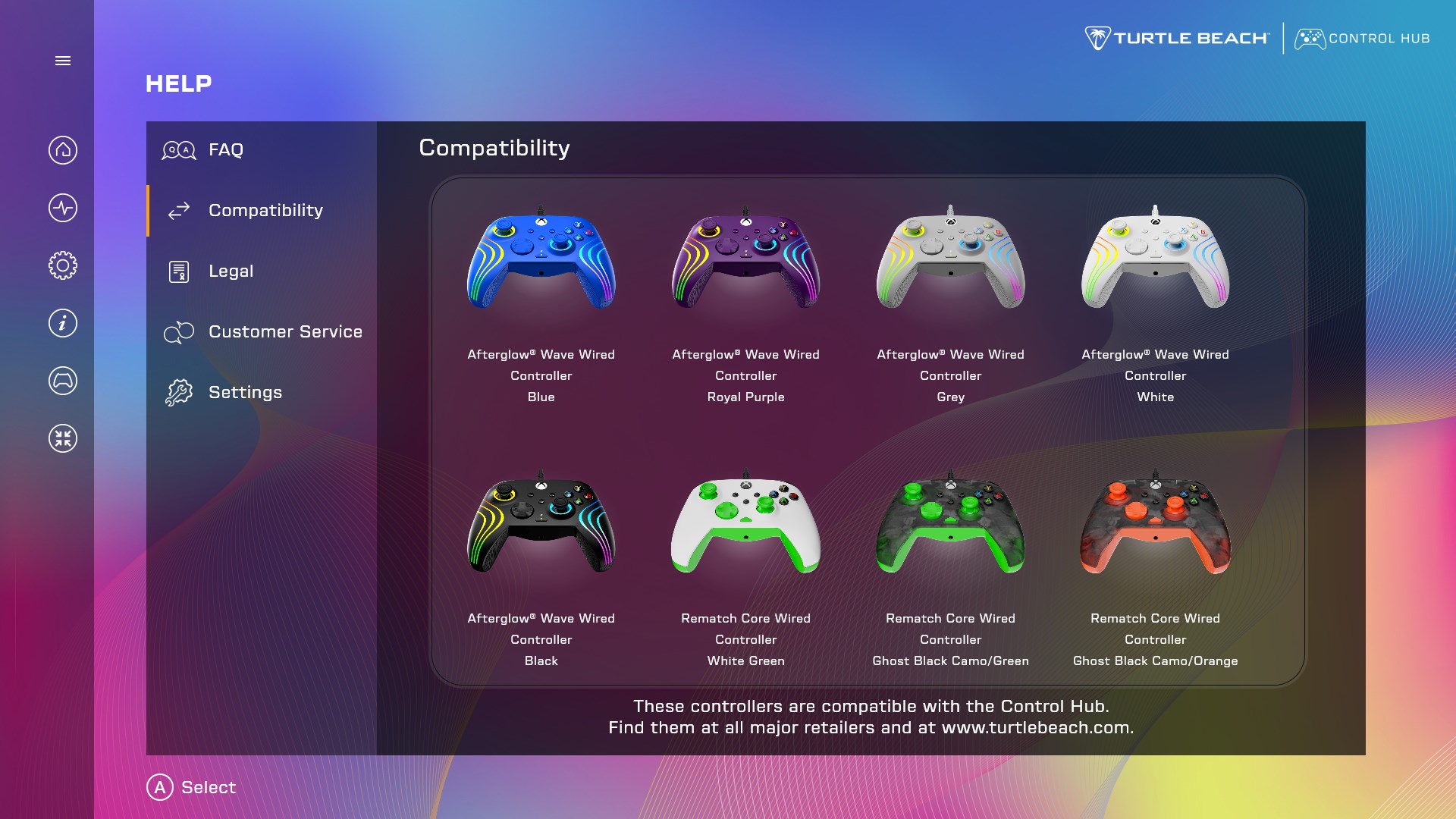
With Control Hub, customize your compatible Turtle Beach or PDP controller*, run diagnostics, easily update firmware, and tailor your gaming experience to fit your unique style. Go to the diagnostics section to make sure the controller is working as it should by running a test on the buttons, sticks, triggers, audio, or vibration. Control Hub even offers recalibration; if the sticks and triggers aren't performing as expected, run a recalibration to reset them. In configuration, customize the controller’s audio or lighting settings, vibration strength, analog stick dead zone, trigger dead zone, and re-map button values to make your controller truly yours.
Play Store URL for "Turtle Beach - PDP Control Hub"
If there is a version of this app for iOS/Mac or Windows we don't know about, paste the store link here — we'll auto-detect the store.
How to find the URL:1. Open the app in its store. 2.In the App Store app: tap the Share icon → “Copy Link”. In the browser: copy the URL from the address bar — it contains apps.apple.com/…/id… or apps.microsoft.com/detail/…. 3. Paste it here.
Paste the original link from the Apple App Store or Microsoft Store. We fetch all details automatically.
How to find the URL:
1. Open the app in its store. 2.In the App Store app: tap the Share icon → “Copy Link”. In the browser: copy the URL from the address bar — it contains apps.apple.com/…/id… or apps.microsoft.com/detail/…. 3. Paste it here.
Android apps can only be listed by their developer.