
Turtle Beach - PDP Control Hub

Customize, test and calibrate compatible Turtle Beach AI summary
Rank 2017
0 Up Votes, 0 Down Votes
▲
0
▼
Turtle Beach - PDP Control Hub is not available on Android and Apple — or is it? Submit URL
Screenshots
Screenshot 1 of Turtle Beach - PDP Control Hub on WindowsScreenshot
appears after consent
Screenshot 2 of Turtle Beach - PDP Control Hub on WindowsScreenshot
appears after consent
Screenshot 3 of Turtle Beach - PDP Control Hub on WindowsScreenshot
appears after consent
Screenshot 4 of Turtle Beach - PDP Control Hub on WindowsScreenshot
appears after consent
Screenshot 5 of Turtle Beach - PDP Control Hub on WindowsScreenshot
appears after consent
Screenshot 6 of Turtle Beach - PDP Control Hub on WindowsScreenshot
appears after consent
Screenshot 7 of Turtle Beach - PDP Control Hub on WindowsScreenshot
appears after consent
Screenshot 8 of Turtle Beach - PDP Control Hub on WindowsScreenshot
appears after consent
Screenshot 9 of Turtle Beach - PDP Control Hub on WindowsScreenshot
appears after consent
Screenshot 10 of Turtle Beach - PDP Control Hub on WindowsScreenshot
appears after consent
Screenshot 11 of Turtle Beach - PDP Control Hub on WindowsScreenshot
appears after consent
Screenshot 12 of Turtle Beach - PDP Control Hub on WindowsScreenshot
appears after consent
Summary
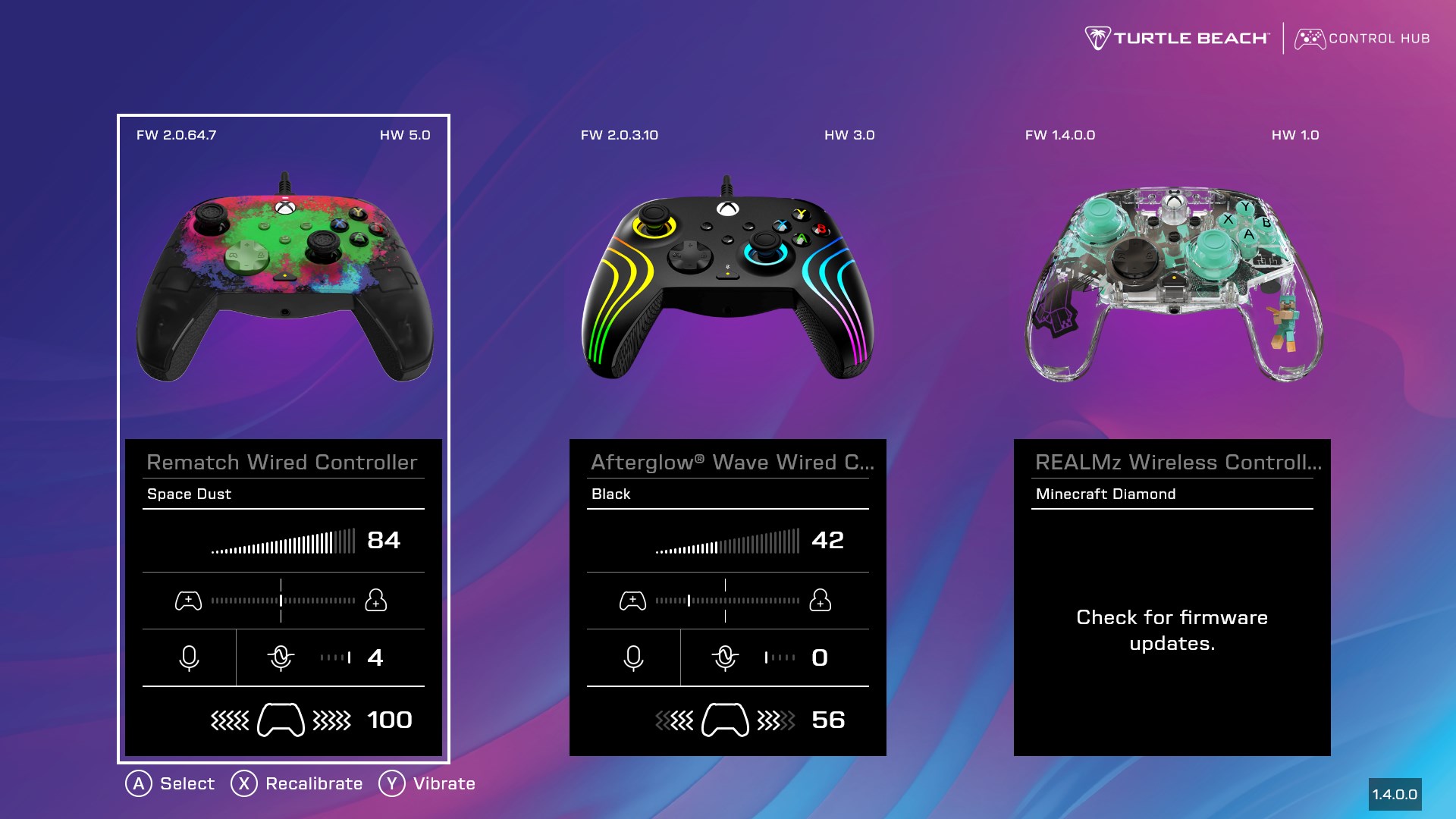
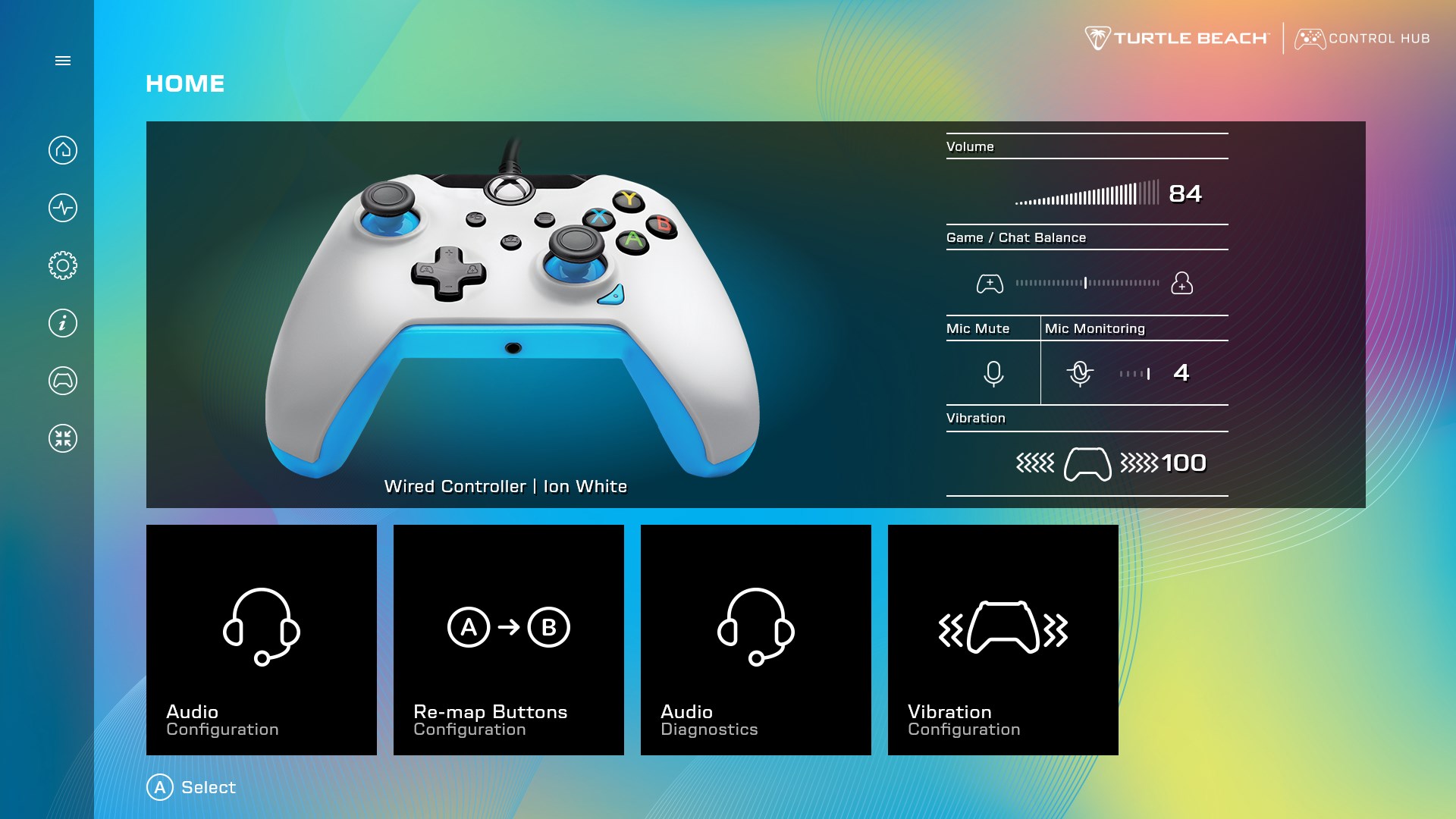
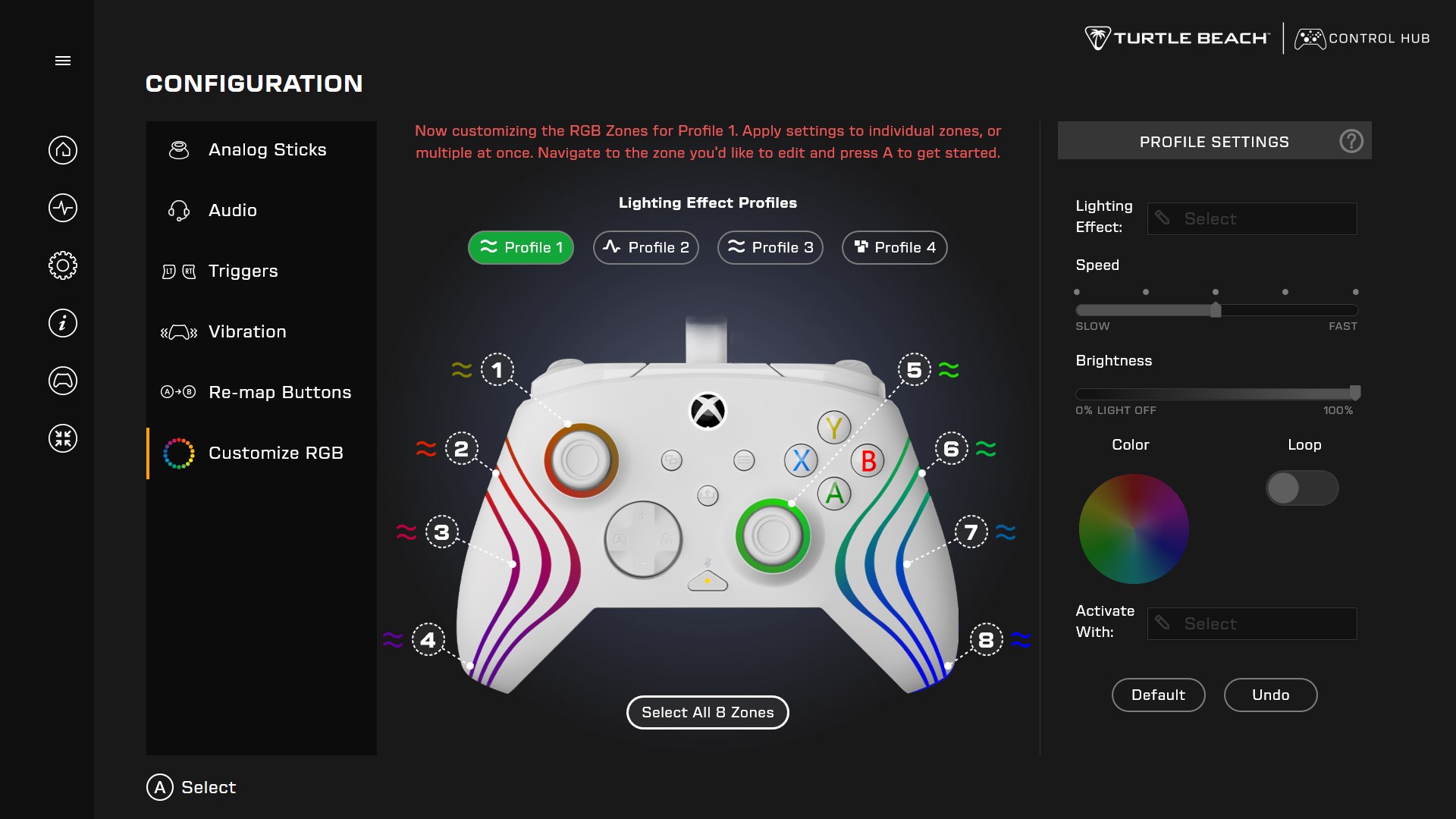
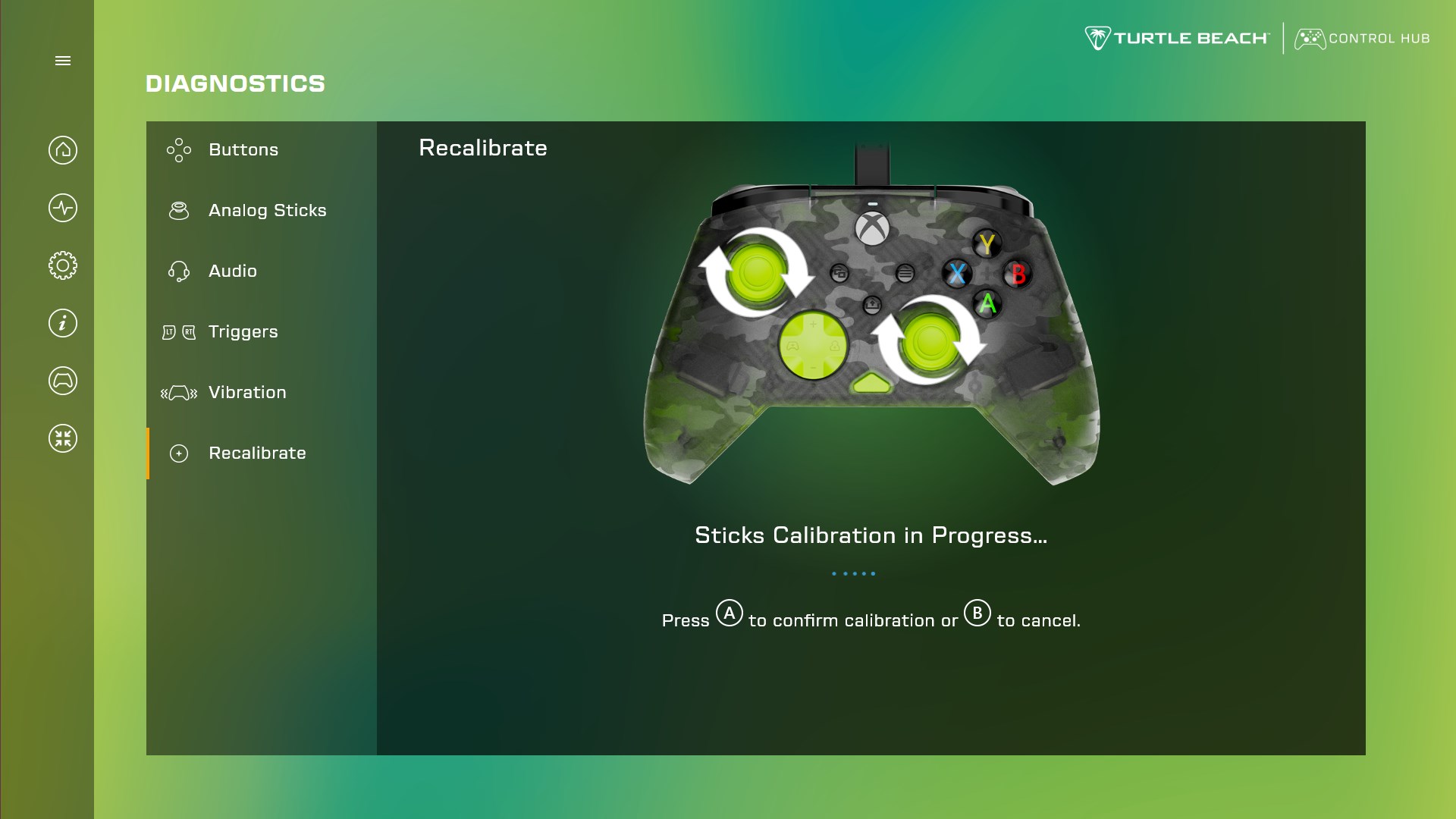
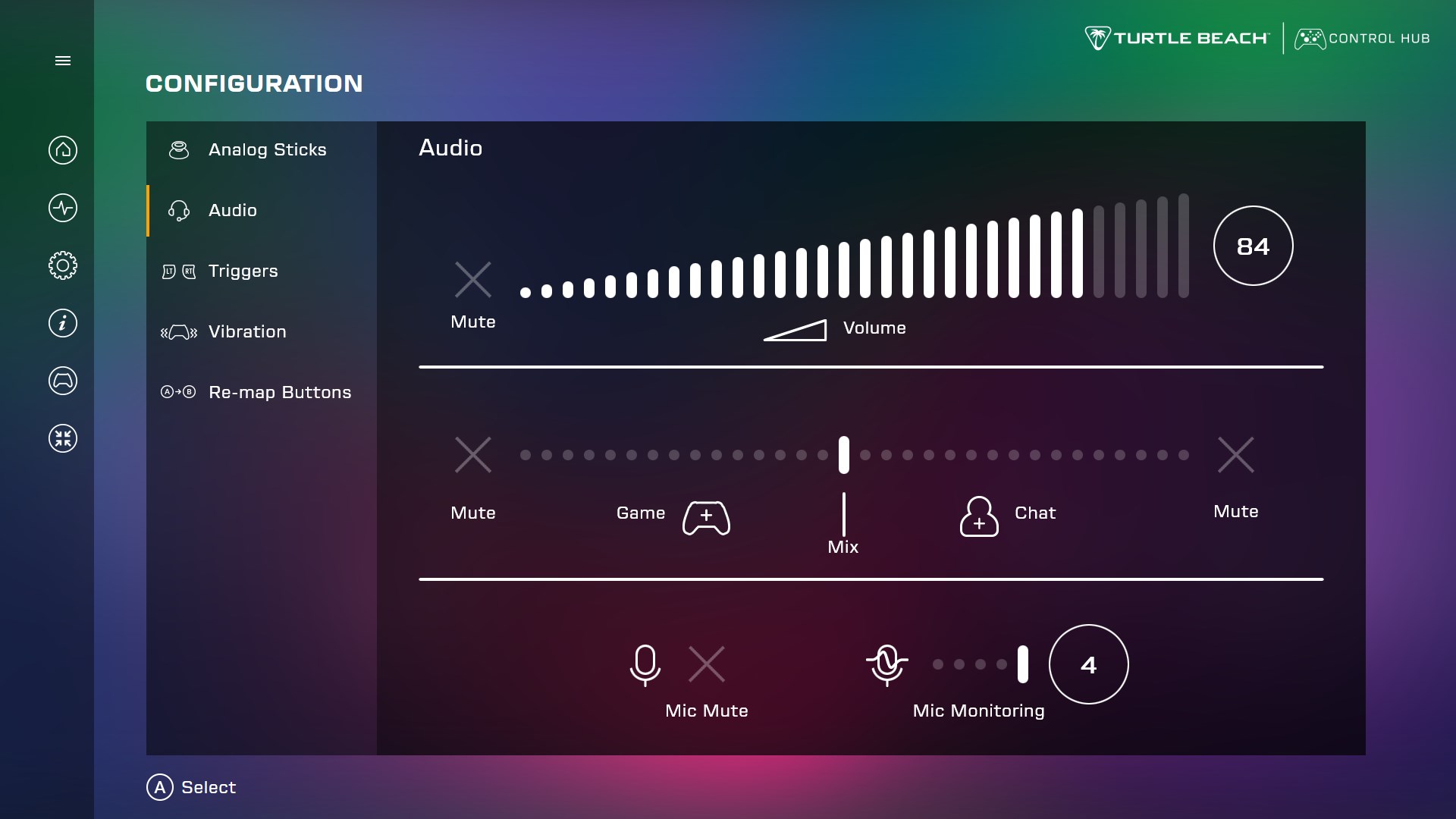
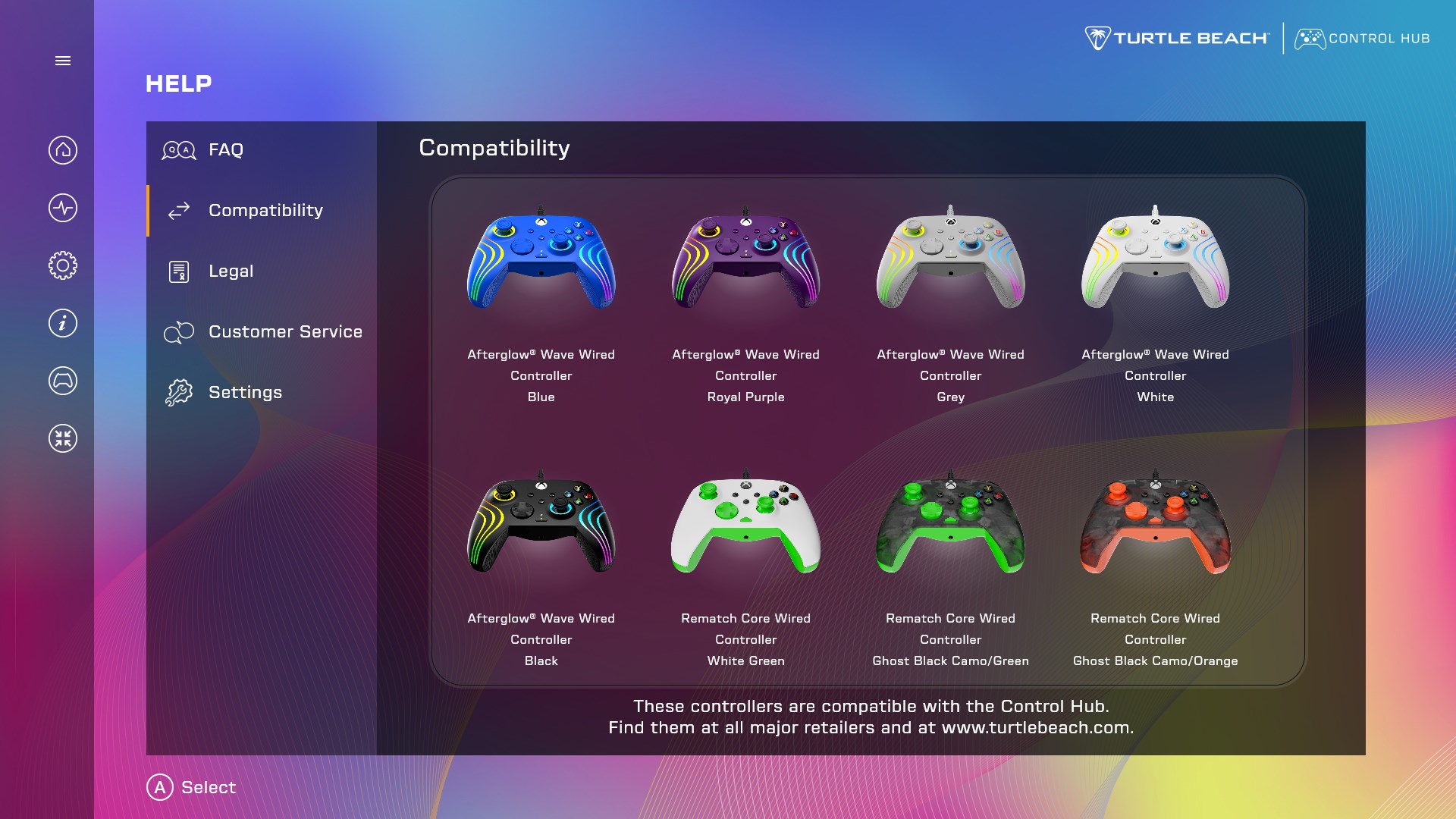
Turtle Beach - PDP Control Hub is a companion app for customizing and managing compatible Turtle Beach or PDP game controllers. It runs diagnostics that test buttons, sticks, triggers, audio, and vibration to confirm the controller is working properly. It offers recalibration for sticks and triggers that are not performing as expected. It also updates controller firmware. In its configuration section, it allows adjustment of audio and lighting settings, vibration strength, analog stick dead zone, and trigger dead zone, along with remapping of button values to personalize the controller.
Show the developer's original descriptionHide the original description
With Control Hub, customize your compatible Turtle Beach or PDP controller*, run diagnostics, easily update firmware, and tailor your gaming experience to fit your unique style. Go to the diagnostics section to make sure the controller is working as it should by running a test on the buttons, sticks, triggers, audio, or vibration. Control Hub even offers recalibration; if the sticks and triggers aren't performing as expected, run a recalibration to reset them. In configuration, customize the controller’s audio or lighting settings, vibration strength, analog stick dead zone, trigger dead zone, and re-map button values to make your controller truly yours.
Technical details about Turtle Beach
Category
Age Rating
Price
Size
738,4 MB
Last updated in Microsoft Store
2026-08-27
App Store Rating
2.4 ★
Devices
Turtle Beach in the rankings
Manage app

Are you on the developer team behind Turtle Beach?

Verify yourself and manage your listing on Most Voted Apps.

Verify Turtle Beach for free
Verification usually takes only a few minutes.
Similar apps to Turtle Beach