Sketchbook Pro

Drawing and painting app with professional tools and brushes AI summary
Rank 1828
0 Up Votes, 0 Down Votes
▲
0
▼
Sketchbook Pro is not available on Android — or is it? Submit URL
Screenshots
iPhone iPad Windows
Screenshot 1 of Sketchbook Pro on iPhoneScreenshot
appears after consent
Screenshot 2 of Sketchbook Pro on iPhoneScreenshot
appears after consent
Screenshot 3 of Sketchbook Pro on iPhoneScreenshot
appears after consent
Screenshot 4 of Sketchbook Pro on iPhoneScreenshot
appears after consent
Screenshot 5 of Sketchbook Pro on iPhoneScreenshot
appears after consent
Screenshot 6 of Sketchbook Pro on iPhoneScreenshot
appears after consent
Summary
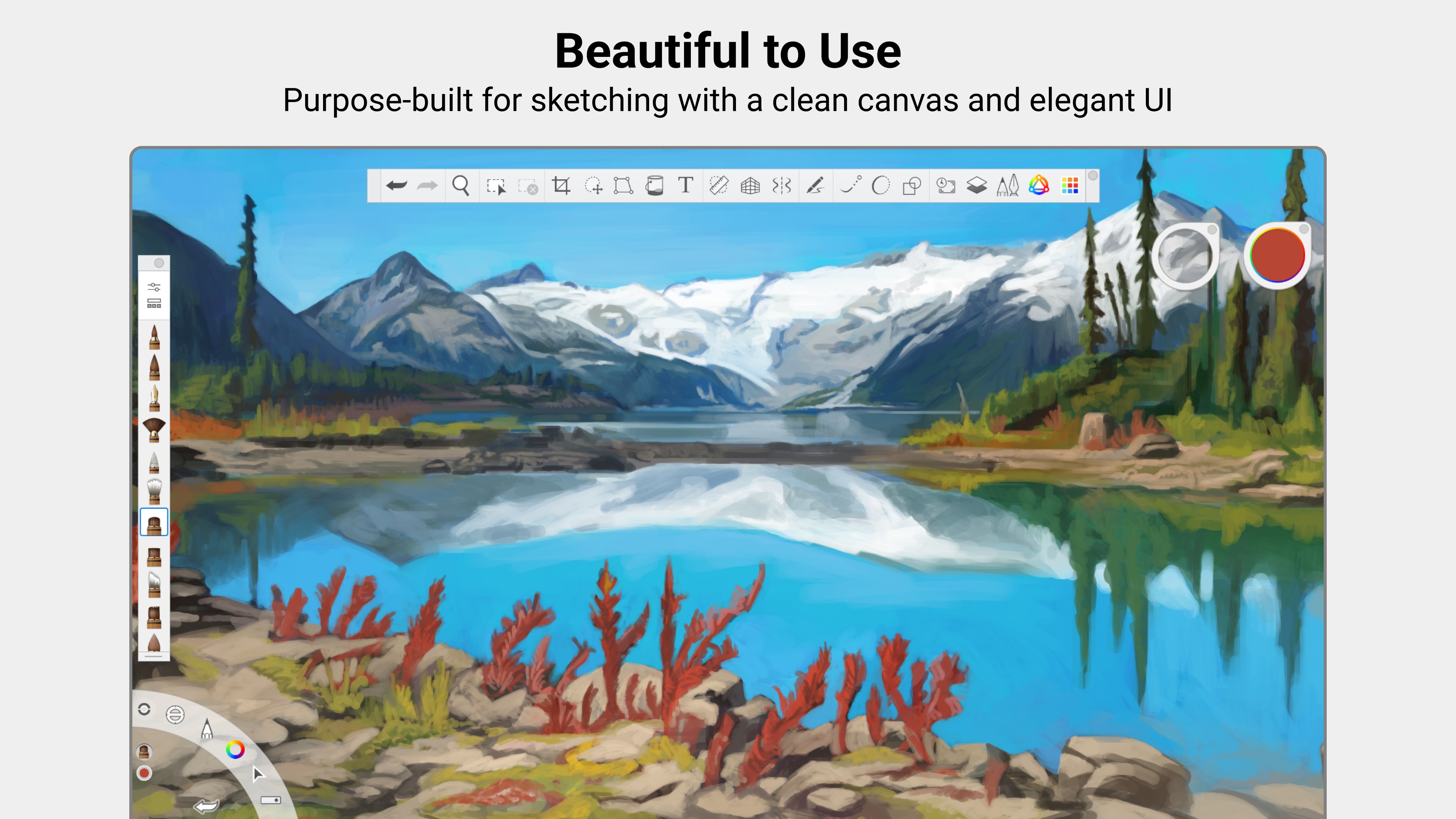
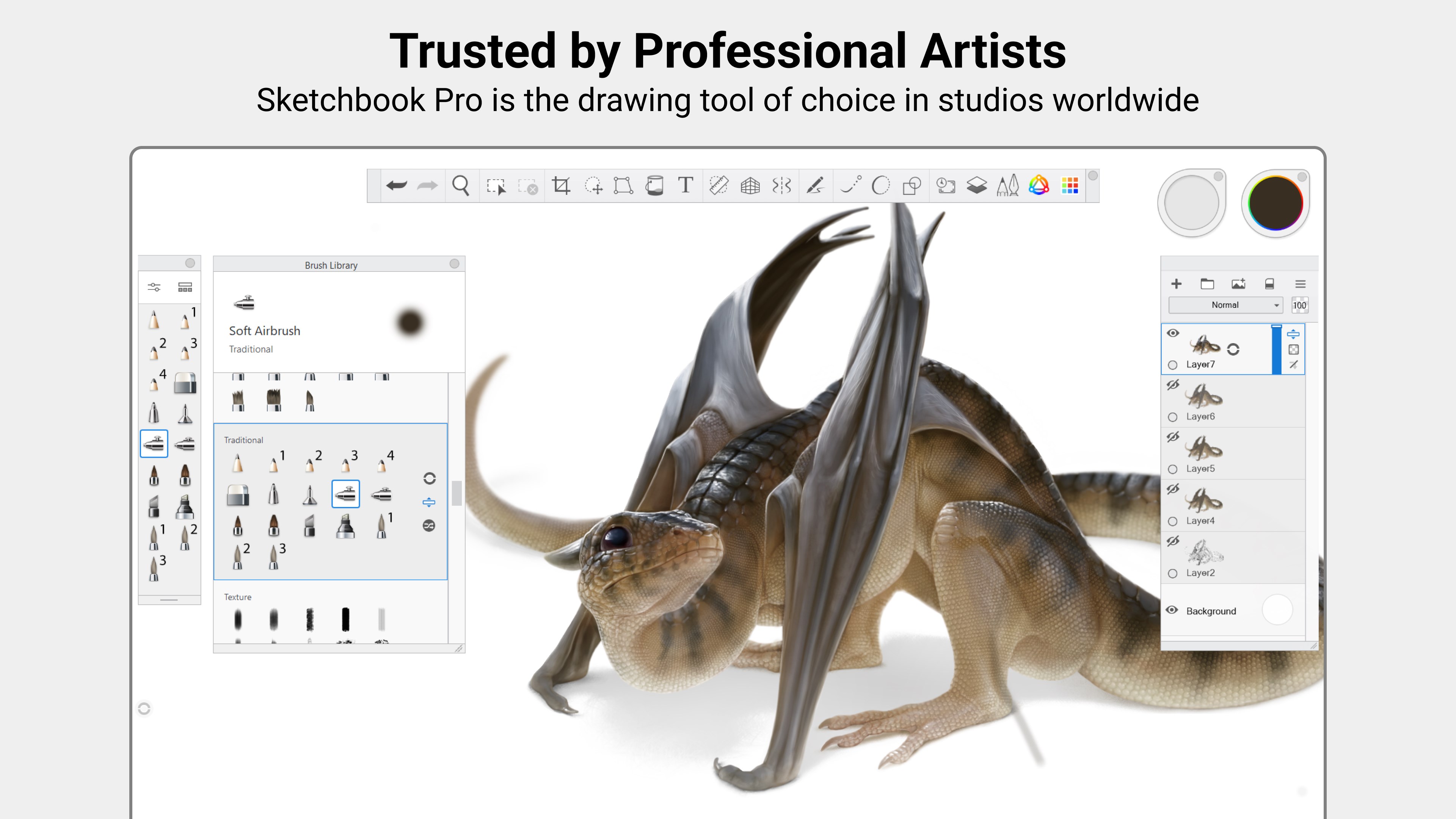
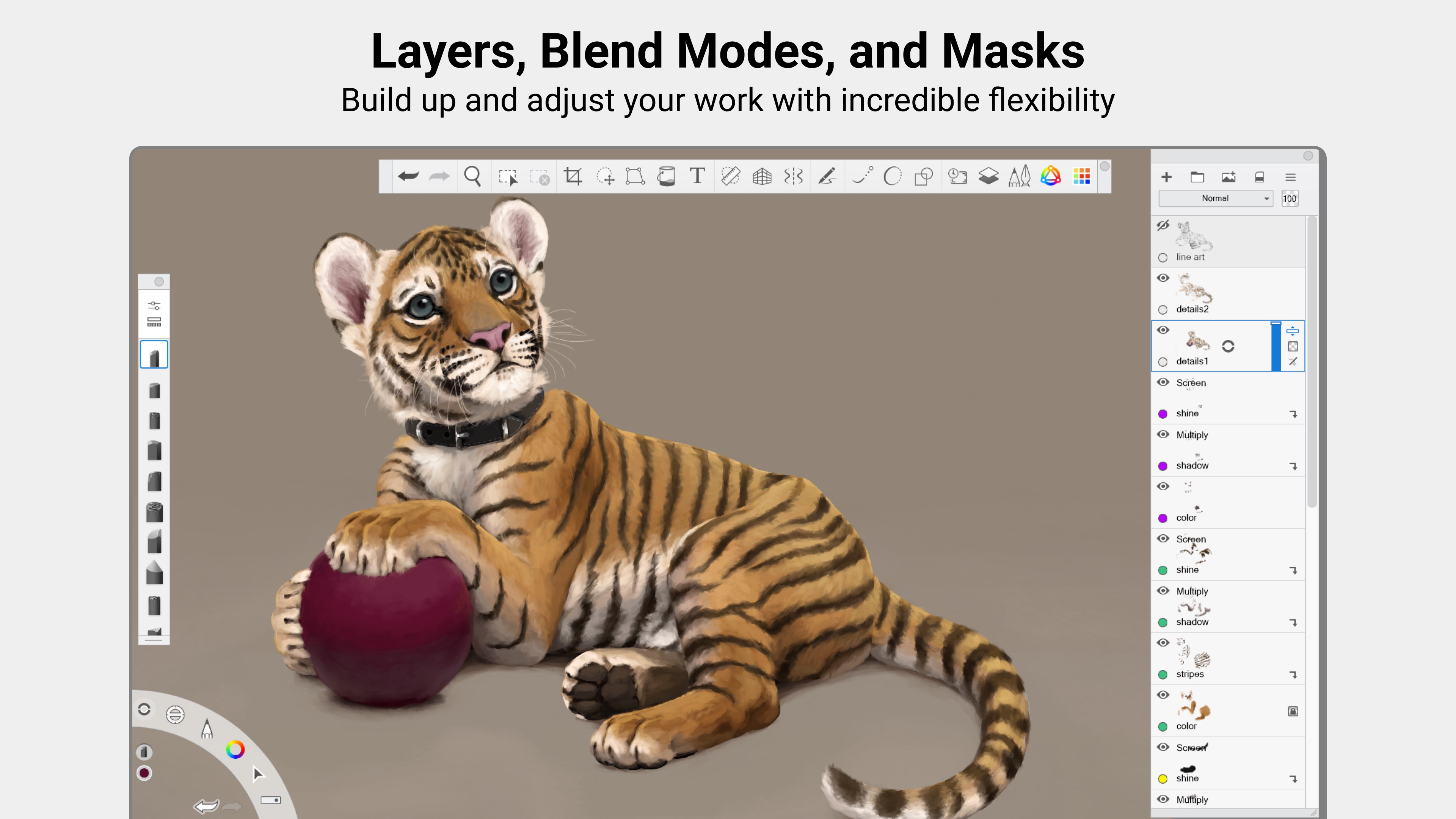
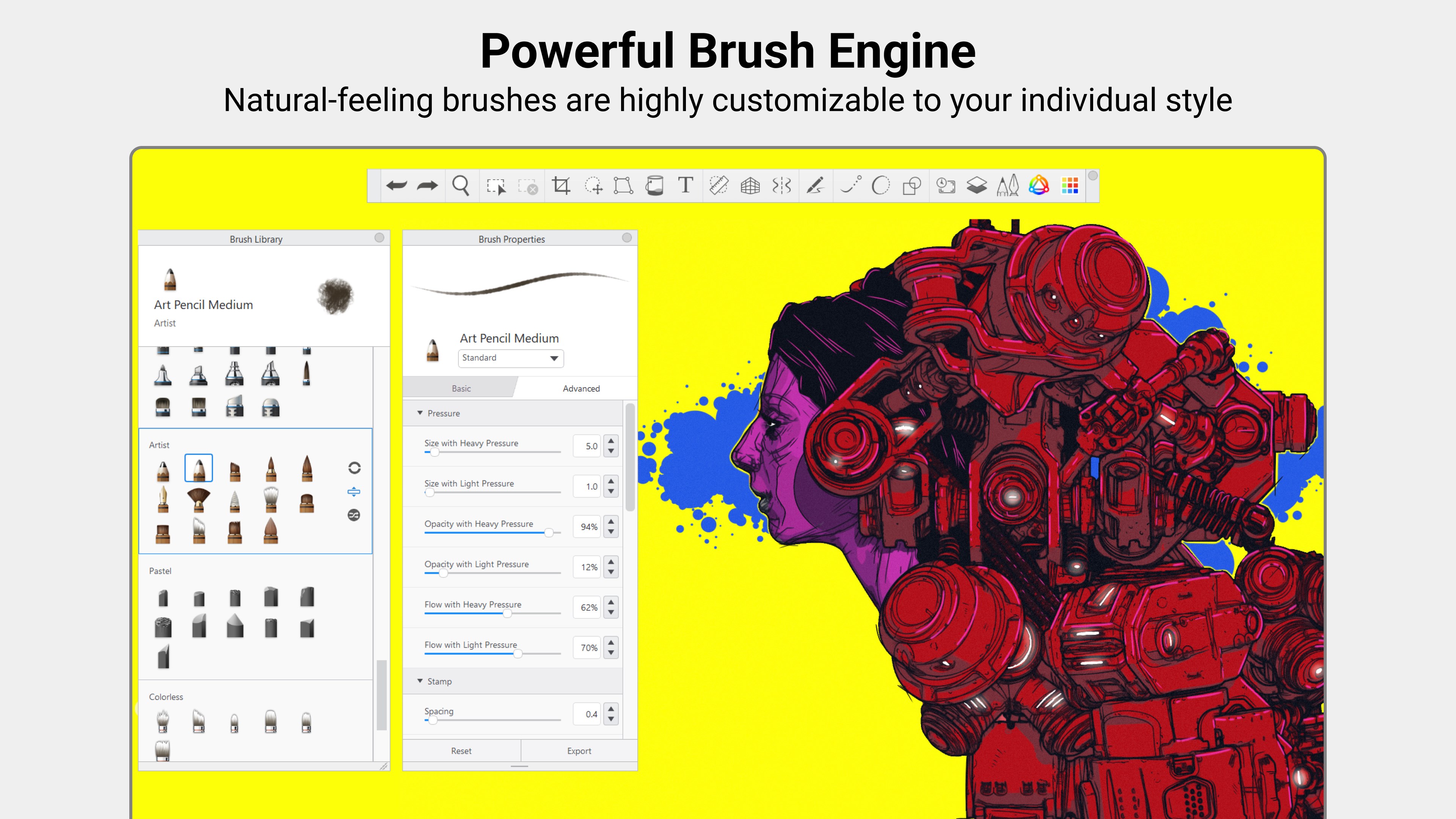
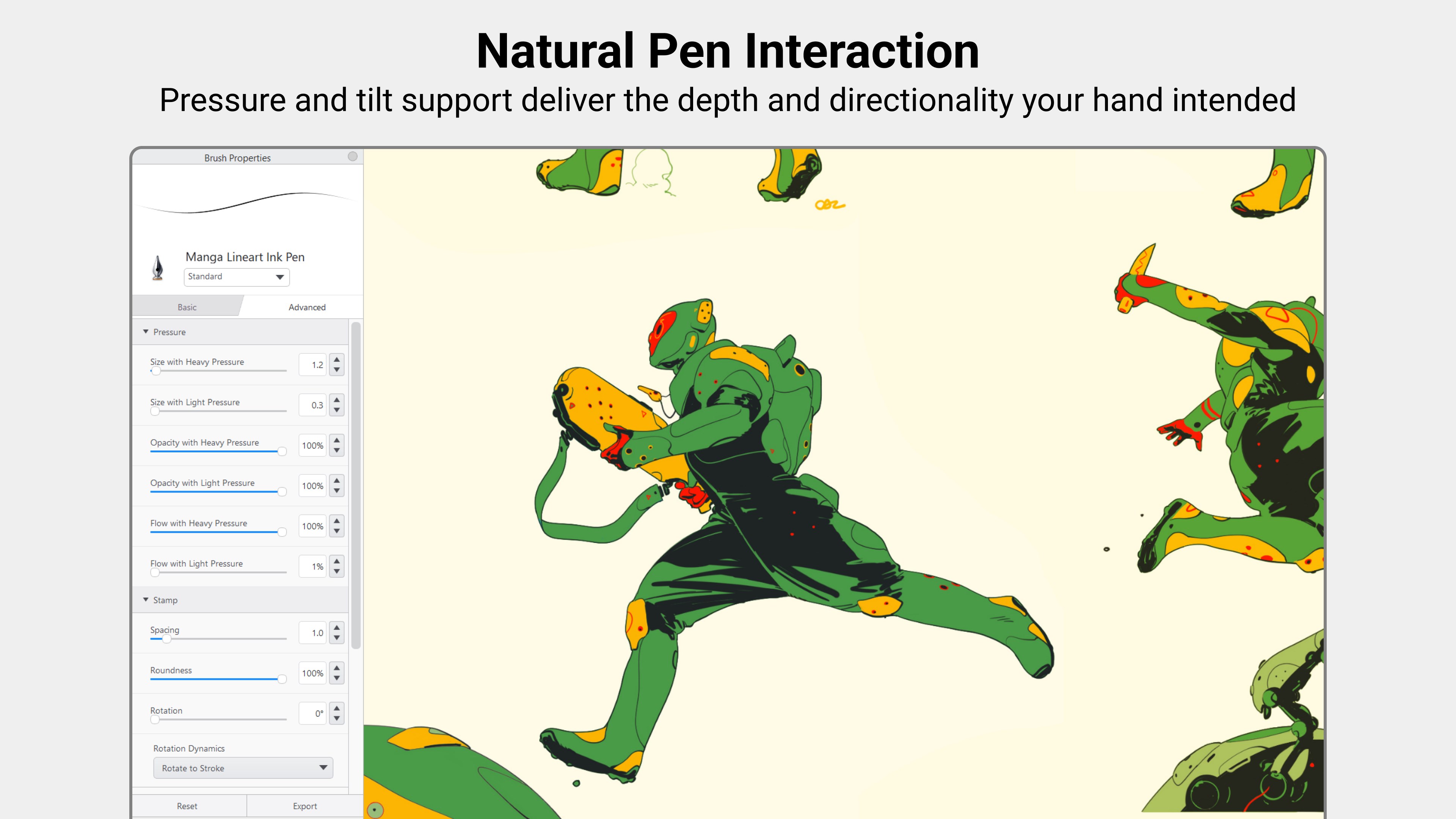
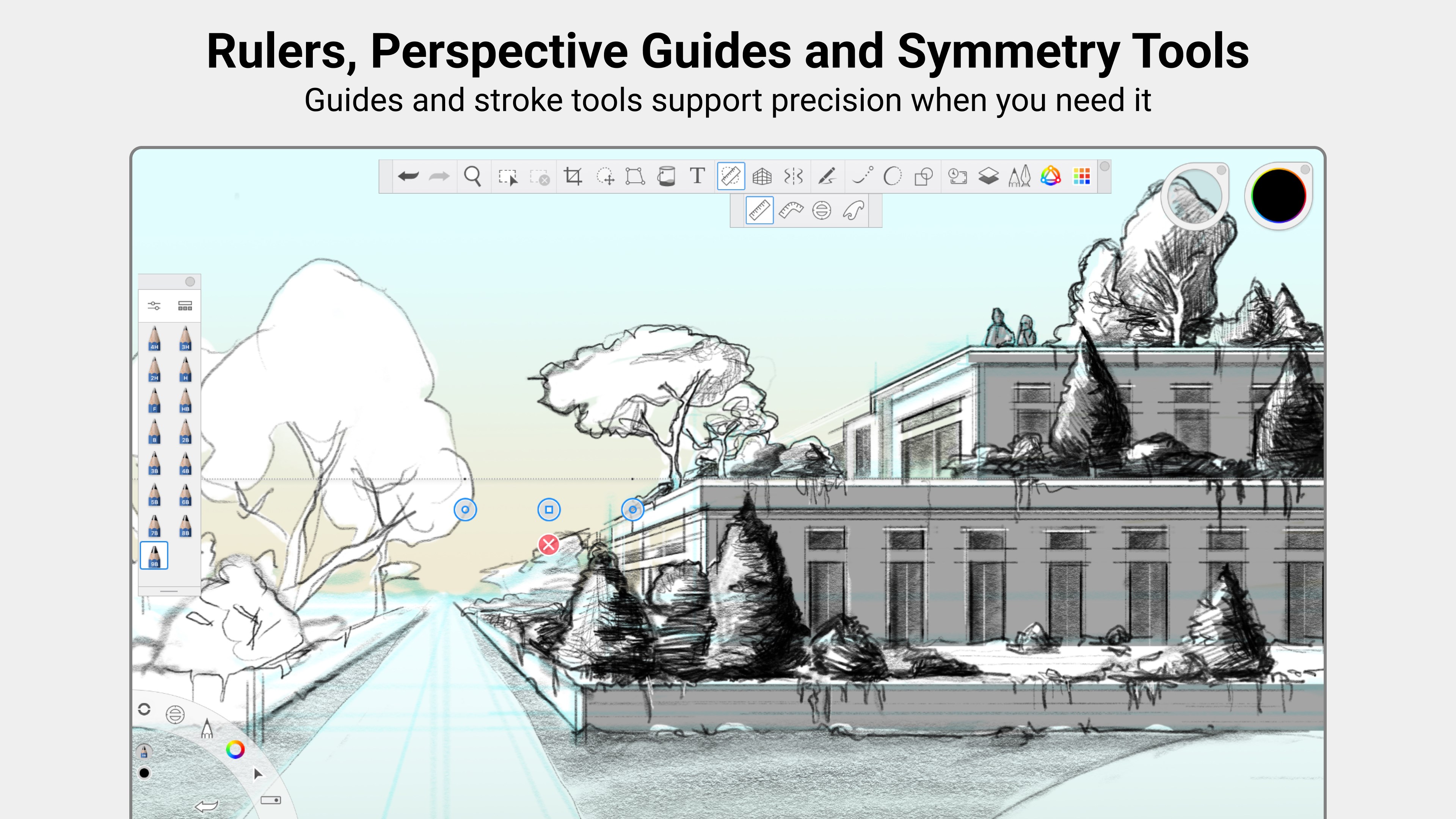
Sketchbook Pro is a drawing app for anyone who enjoys creating art. It offers a wide range of customizable brushes, including pencils, markers, airbrushes and smear tools, that behave like their physical counterparts. Guides, rulers and stroke tools support precision, while layers with a full set of blend modes allow drawings and colors to be built up and explored. The interface is kept clean and distraction-free to keep the focus on drawing. The app is a one-time purchase with no ads or subscription, and a Premium Bundle unlocks custom brush creation, canvas resizing, clipping masks, extra color tools, layer grouping and PDF export.
Show the developer's original descriptionHide the original description
Sketchbook Pro is an award-winning sketching, painting, and drawing app for anyone who loves to draw. Sketchbook Pro is a one-time purchase. There are no ads, and no subscription. Artists and illustrators love Sketchbook for its professional-grade feature set and highly customizable tools. Everyone loves Sketchbook for its elegant interface and natural drawing experience. Working in Sketchbook feels like drawing on paper. Brushes and pens behave like their physical counterparts (without cluttering up your desk or going dry). The interface is clean and unobtrusive, you can also tuck tools and palettes out of sight until you need them and focus on drawing. Sketchbook has all the features you expect from a professional-grade app. Hundreds of highly customizable brushes supported by guides, rulers and stroke tools give you both stylistic freedom and precision when you need it. Layers with a full complement of blend modes deliver the flexibility to build up and explore drawings and color.
Technical details about Sketchbook Pro
Age Rating
Price
Size
124,4 MB
Last updated in Microsoft Store
2026-11-12
App Store Rating
4 ★
Devices
Sketchbook Pro in the rankings
Manage app

Are you on the developer team behind Sketchbook Pro?

Verify yourself and manage your listing on Most Voted Apps.

Verify Sketchbook Pro for free
Verification usually takes only a few minutes.
Similar apps to Sketchbook Pro