

EZ APK App Installer

Install APK files to Android devices via USB or Wi-Fi AI summary
Rank 978
0 Up Votes, 0 Down Votes
▲
0
▼
EZ APK App Installer is not available on Android and Apple — or is it? Submit URL
Screenshots
Screenshot 1 of EZ APK App Installer on WindowsScreenshot
appears after consent
Screenshot 2 of EZ APK App Installer on WindowsScreenshot
appears after consent
Summary
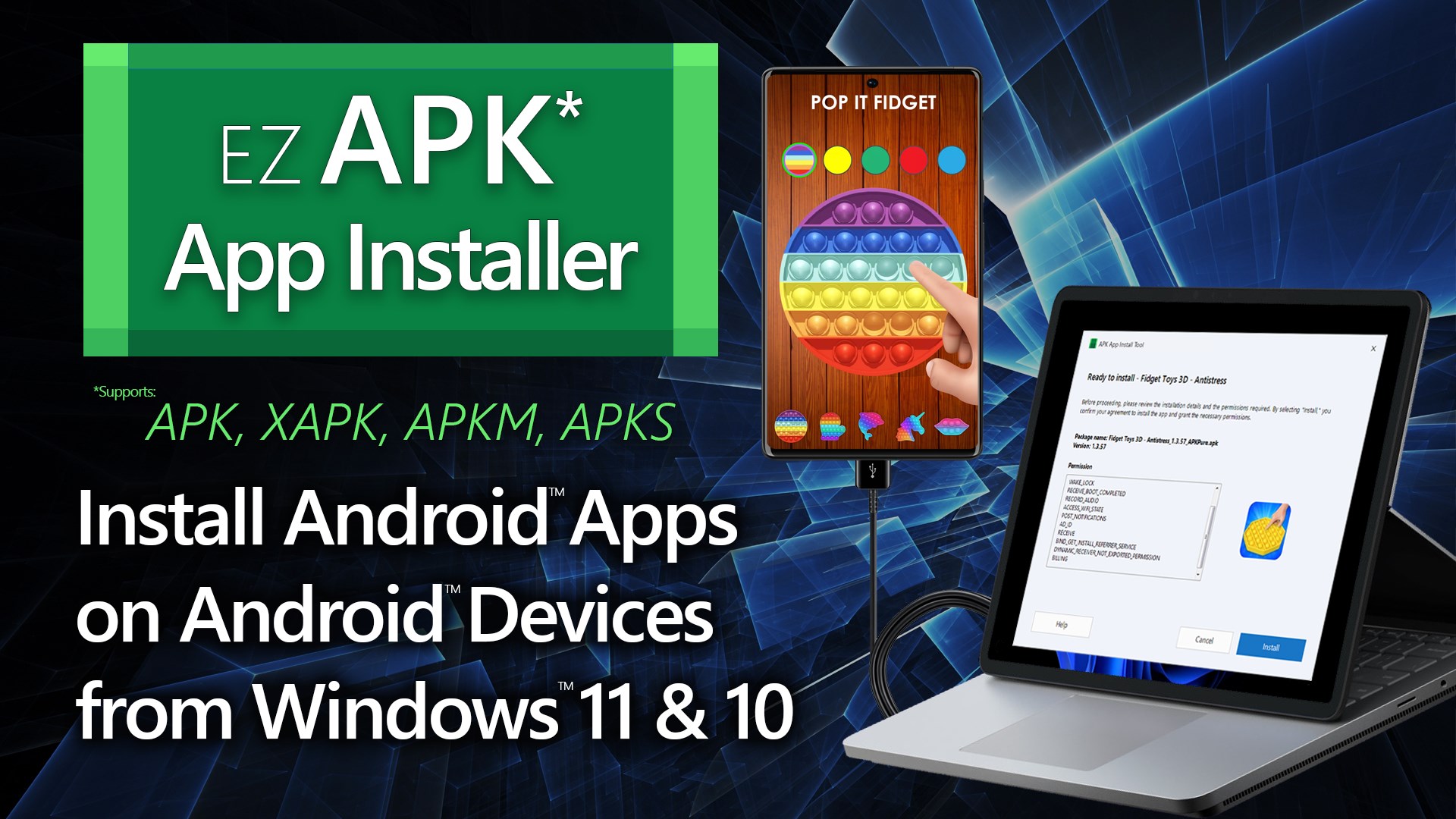
EZ APK App Installer is a Windows utility that installs Android APK files onto connected Android devices via USB or Wi-Fi. It uses Android Debug Bridge to detect connected devices and prepare them for installation through a guided workflow. It supports multiple package formats, including .apk, .xapk, .apkm, and .apks. Some devices can connect directly over Wi-Fi, while others require an initial USB connection before wireless pairing.
Show the developer's original descriptionHide the original description
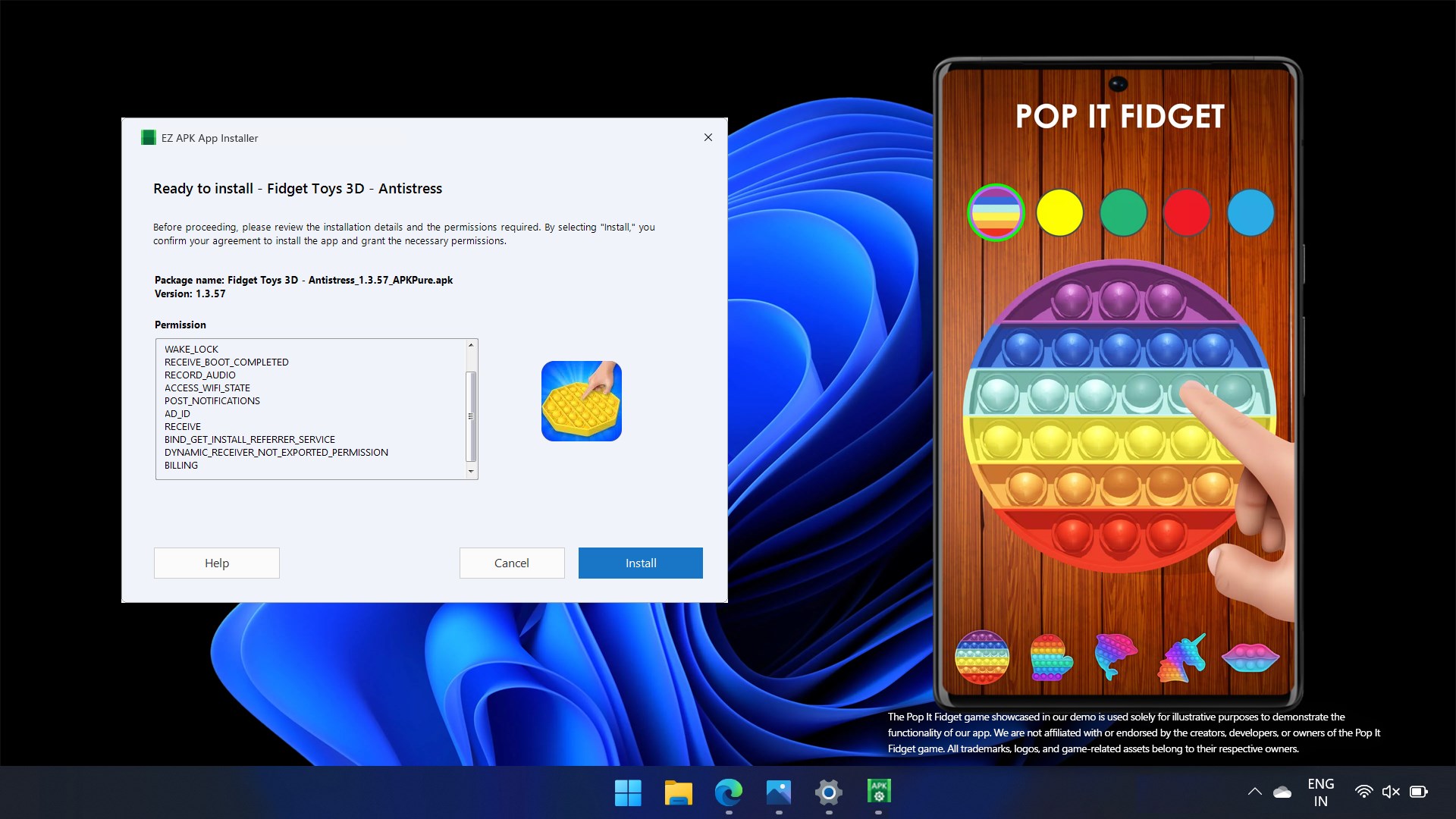
EZ APK App Installer enables Windows 10 and Windows 11 users to install Android™ APK files directly onto connected Android devices via USB or supported Wi-Fi connections. This app requires Android Debug Bridge (ADB) from the official Android developer tools to be already installed on your PC. Once ADB is available, the app detects Android devices connected via USB or Wi-Fi and prepares them for APK installation through a guided workflow. App License: The app starts with a free trial, allowing users to install any supported Android installer file once. After the trial, upgrading to the premium version unlocks unlimited access. Key Features: • Install Android apps on physical Android devices via USB or Wi-Fi connection • Supports Wi-Fi pairing for Android 11+ and Wi-Fi connection after USB pairing for earlier versions • Supports multiple APK package formats: .apk, .xapk, .apkm, and .apks • Automatically detects connected devices and verifies ADB readiness • Displays APK package details such as app name, version, and permissions • Step-by-step guided interface for safe and reliable installation Wi-Fi Connection Support: Devices running Android 11 or later can connect over Wi-Fi directly. Devices running earlier Android versions require an initial USB connection to enable Wi-Fi pairing. Once paired, APK installation can proceed wirelessly using the same guided process. EZ APK App Installer provides a clean and transparent way to manage APK installations on Android devices from your Windows PC using either wired or supported wireless connections.
Technical details about EZ APK App Installer
Category
Age Rating
Price
Size
55,6 MB
Last updated in Microsoft Store
2026-07-29
App Store Rating
4.4 ★
Devices
EZ APK App Installer in the rankings
Manage app

Are you on the developer team behind EZ APK App Installer?

Verify yourself and manage your listing on Most Voted Apps.

Verify EZ APK App Installer for free
Verification usually takes only a few minutes.
Similar apps to EZ APK App Installer