

Screenshot appears after consentScreenshot appears after consent
Summary
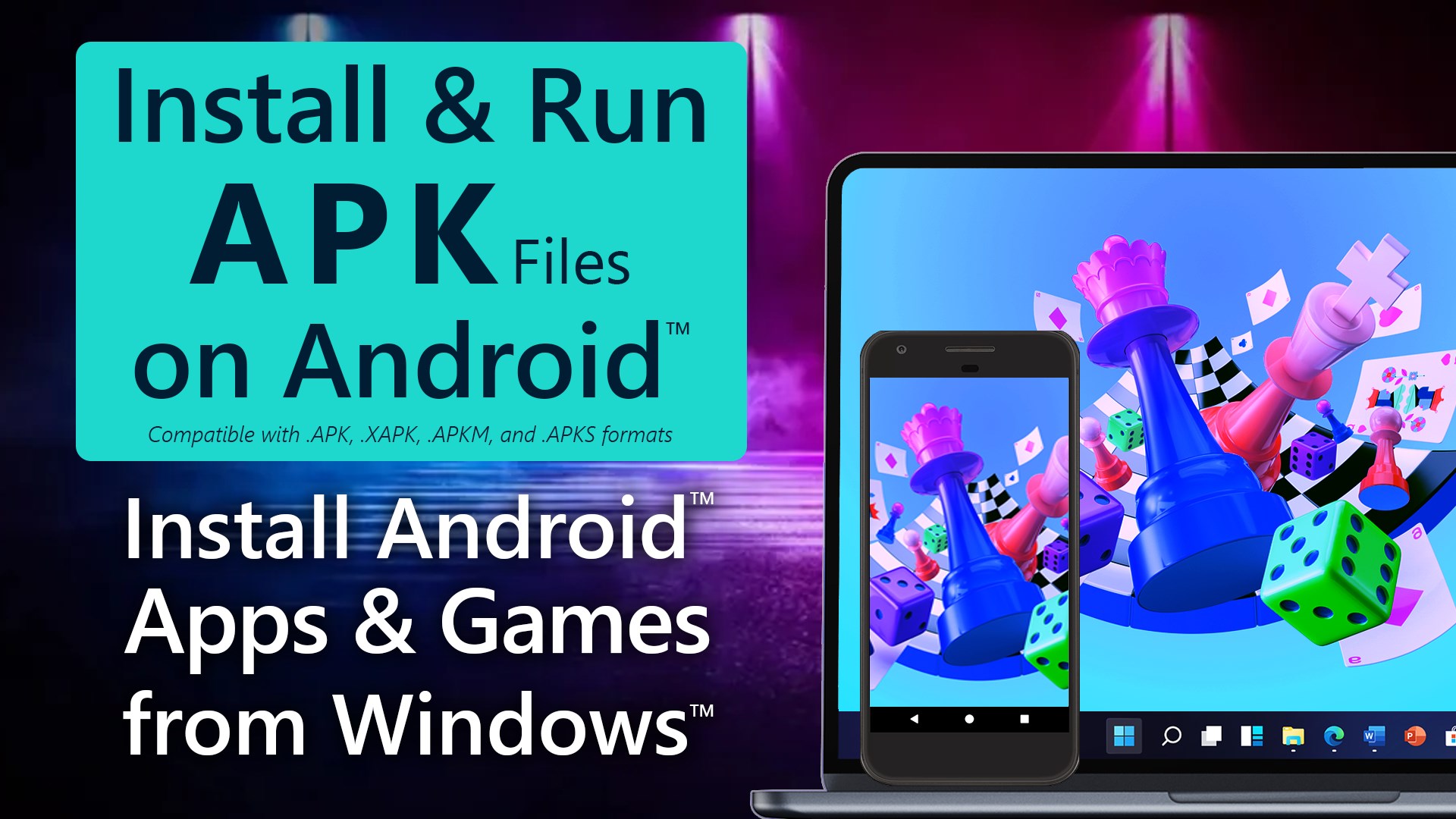
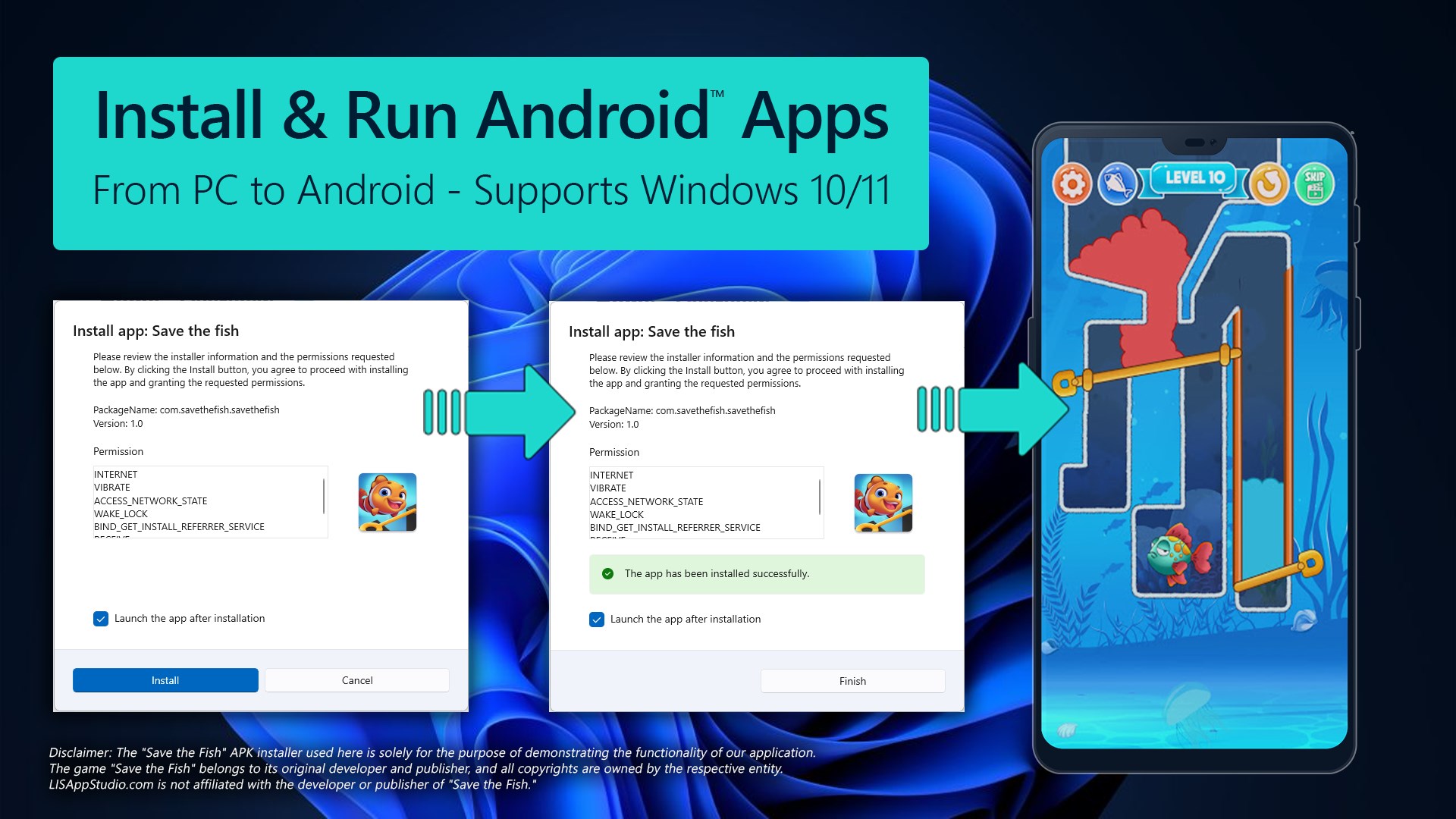
APK App Installer for Mobile is a Windows utility that installs APK files onto Android devices via USB or Wi-Fi. It requires ADB to detect devices and guides users through connecting an Android device, completing debugging authorization, and installing the chosen APK file. The app includes a device manager for detecting and selecting devices over USB or wireless pairing with QR code or pairing code, an option to switch between USB and Wi-Fi connections, and a device details view showing model, brand and Android version. A free trial limited to one APK installation is offered, with a premium upgrade available for unlimited installations.
Show the developer's original descriptionHide the original description
Install APK files to your Android device from Windows 10 and 11 using a USB or Wi-Fi connection. ADB (Android Debug Bridge) is required for this app to detect your device and install APK files. The app provides a guided solution for Windows users to connect an Android device, complete debugging authorization, and install APK apps to the selected device.
App License:
The app provides a free trial that lets users install one supported Android installer file. To gain unlimited installation access, users can upgrade to the premium version after the trial use.
Key features of the app include:
• Android Device Manager for USB and Wi-Fi device detection and selection
• Flexible Connection Options including USB, Wireless Pairing (QR Code/Pairing Code), and USB-to-Wi-Fi switching
• APK Installer for installing APK files to the selected Android device
• Device Details for viewing device information (model, brand, Android version, etc.)
• Refresh Devices for updating detection and connection status
Designed for reliability, the app helps reduce common setup friction with clear on-screen status, device selection controls, and a guided flow that gets you from “not detected” to “ready to install” with minimal guesswork.
Technical details about APK App Installer for Mobile
If there is a version of this app for iOS/Mac or Windows we don't know about, paste the store link here — we'll auto-detect the store.
How to find the URL:1. Open the app in its store. 2.In the App Store app: tap the Share icon → “Copy Link”. In the browser: copy the URL from the address bar — it contains apps.apple.com/…/id… or apps.microsoft.com/detail/…. 3. Paste it here.
Paste the original link from the Apple App Store or Microsoft Store. We fetch all details automatically.
How to find the URL:
1. Open the app in its store. 2.In the App Store app: tap the Share icon → “Copy Link”. In the browser: copy the URL from the address bar — it contains apps.apple.com/…/id… or apps.microsoft.com/detail/…. 3. Paste it here.
Android apps can only be listed by their developer.