
Screenshot appears after consentScreenshot appears after consentScreenshot appears after consentScreenshot appears after consentScreenshot appears after consentScreenshot appears after consent
Summary
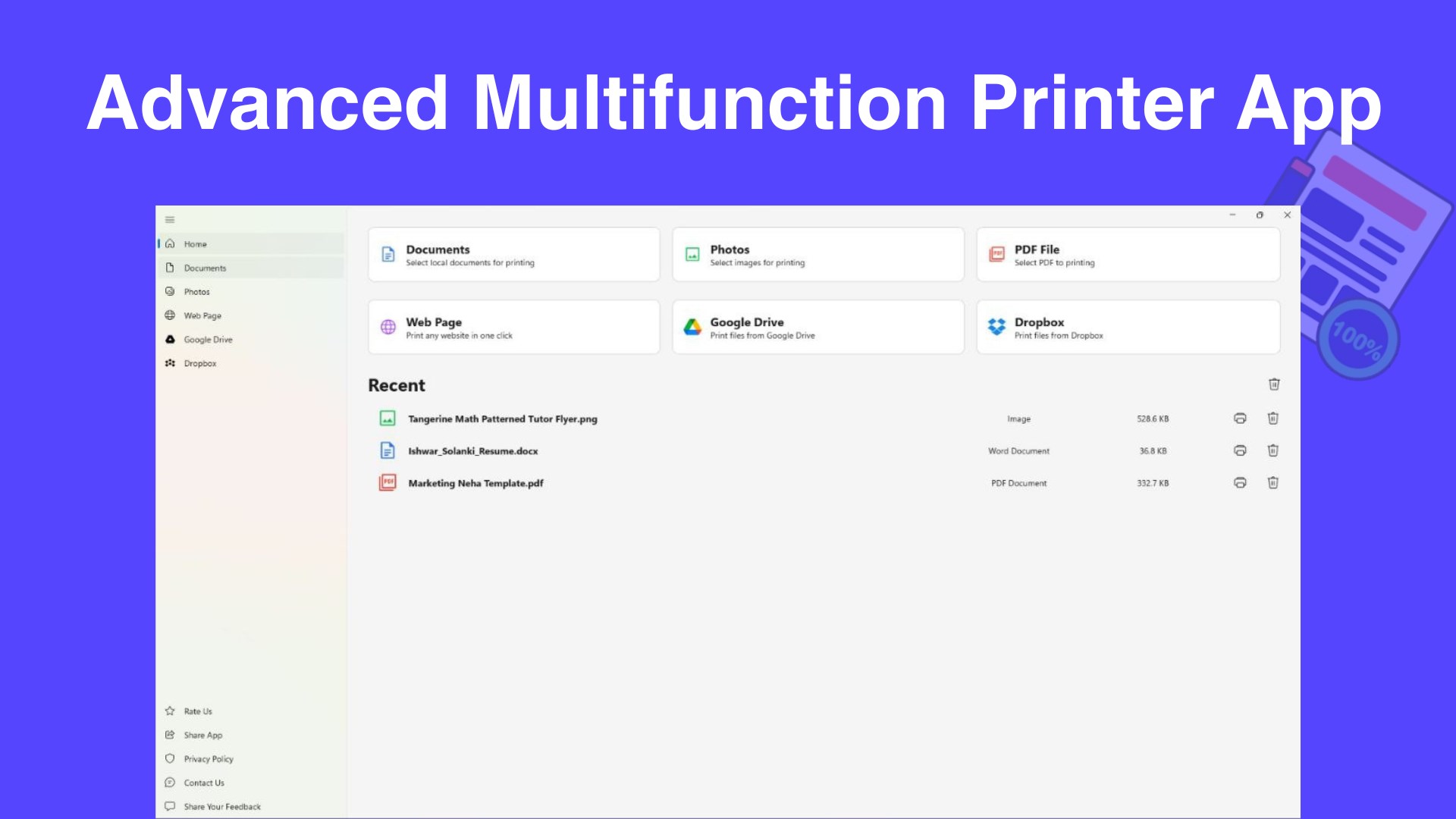
Smart Printer is a wireless printing app that turns a device into a printing hub for documents, photos, and web pages. It offers one-tap printing for articles, receipts, and blogs with automatic formatting, and it supports multiple file formats including PDFs, Word, Excel, images, and emails. Setup works with Wi-Fi printers. A built-in browser lets users search, view, and print content without switching apps, making it useful for printing at home, school, or work.
Show the developer's original descriptionHide the original description
Print Smarter, Anywhere!
Turn your device into a powerful wireless printing hub. Whether at home, school, or work, enjoy fast, crisp prints from your files, photos, and web pages-instantly and hassle-free.
Features:
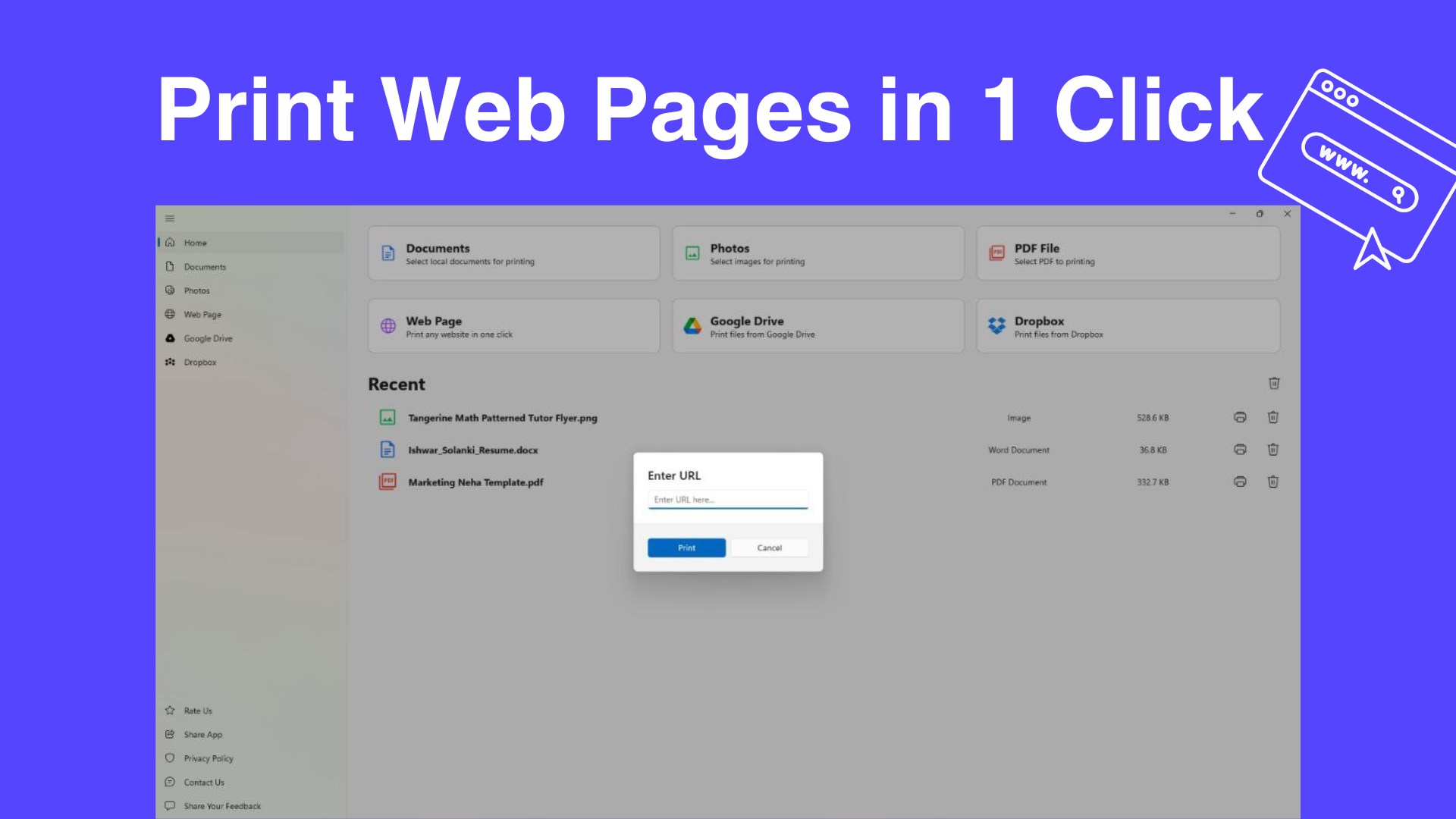
One-Tap Printing – Print articles, receipts, and blogs directly, perfectly formatted.
Supports All Formats – PDFs, Word, Excel, images, emails, and more.
Seamless Setup – Works with Wi-Fi printers.
Built-In Browser – Search, view, and print without switching apps.
Why You’ll Love It
Fast. Reliable. Intuitive. Everything you need to print documents and photos—without the hassle.
Download today and make printing effortless!
If there is a version of this app for iOS/Mac or Windows we don't know about, paste the store link here — we'll auto-detect the store.
How to find the URL:1. Open the app in its store. 2.In the App Store app: tap the Share icon → “Copy Link”. In the browser: copy the URL from the address bar — it contains apps.apple.com/…/id… or apps.microsoft.com/detail/…. 3. Paste it here.
Paste the original link from the Apple App Store or Microsoft Store. We fetch all details automatically.
How to find the URL:
1. Open the app in its store. 2.In the App Store app: tap the Share icon → “Copy Link”. In the browser: copy the URL from the address bar — it contains apps.apple.com/…/id… or apps.microsoft.com/detail/…. 3. Paste it here.
Android apps can only be listed by their developer.