



Screenshot appears after consentScreenshot appears after consentScreenshot appears after consentScreenshot appears after consentScreenshot appears after consentScreenshot appears after consentScreenshot appears after consentScreenshot appears after consentScreenshot appears after consentScreenshot appears after consentScreenshot appears after consentScreenshot appears after consentScreenshot appears after consentScreenshot appears after consentScreenshot appears after consent
Summary
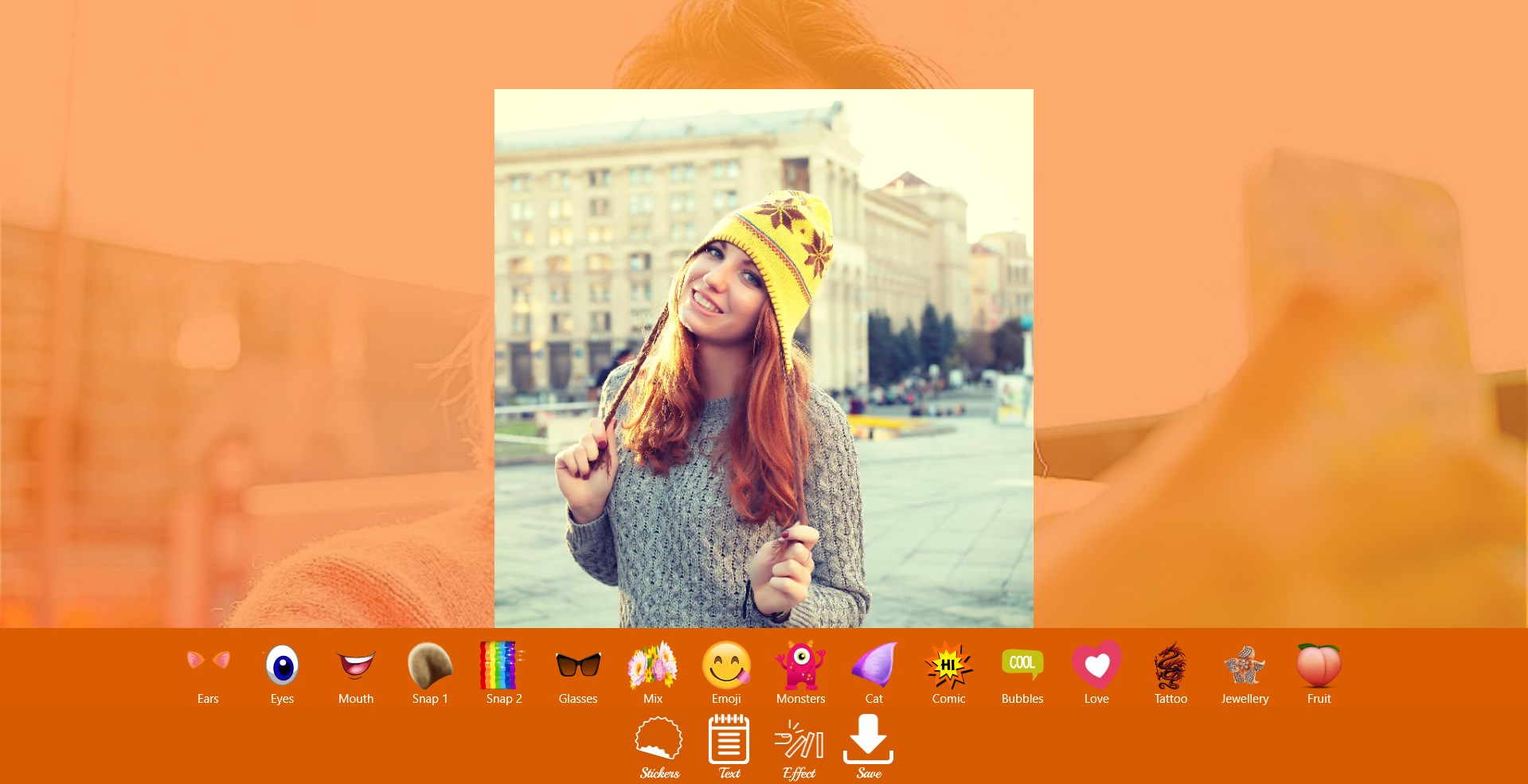
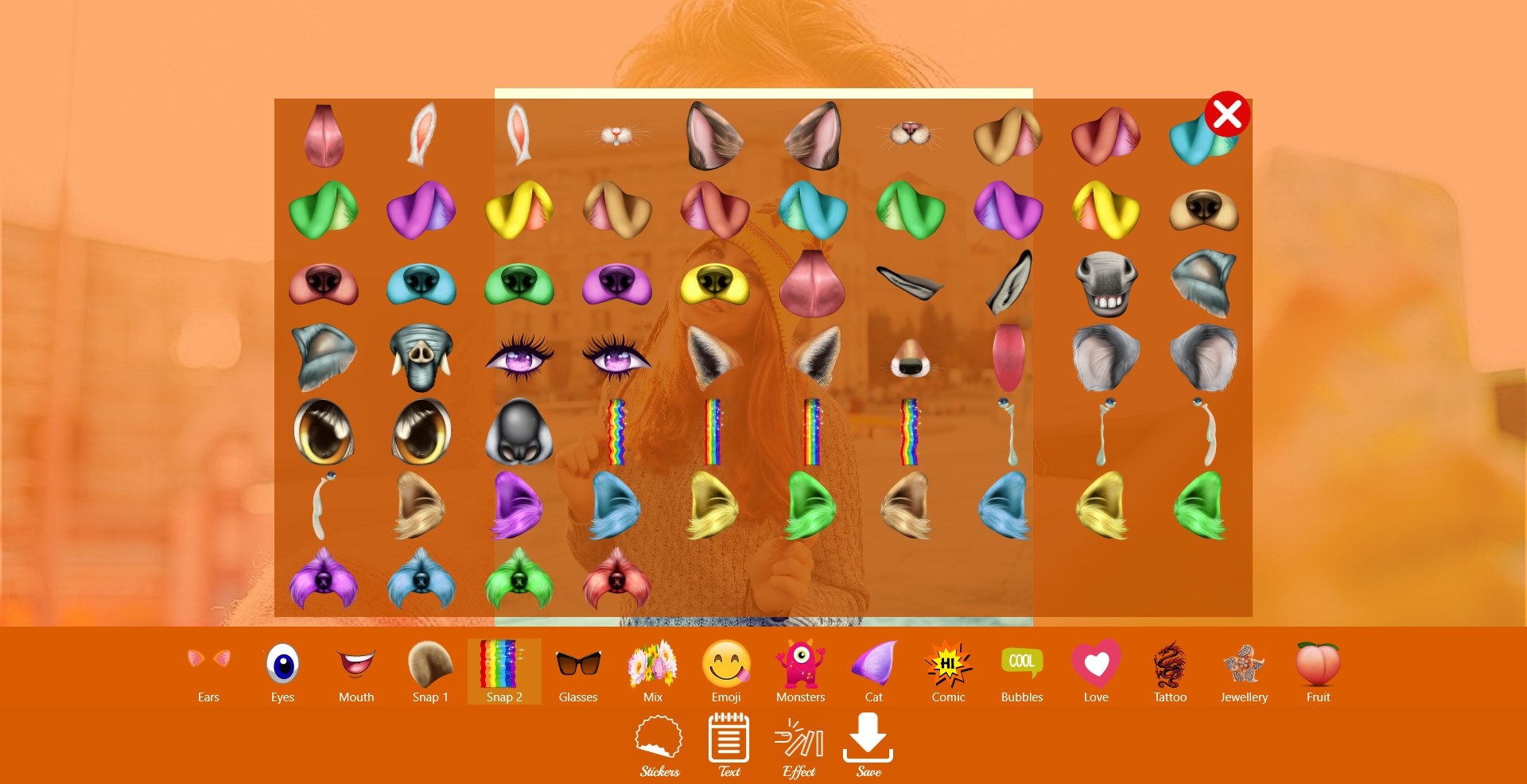
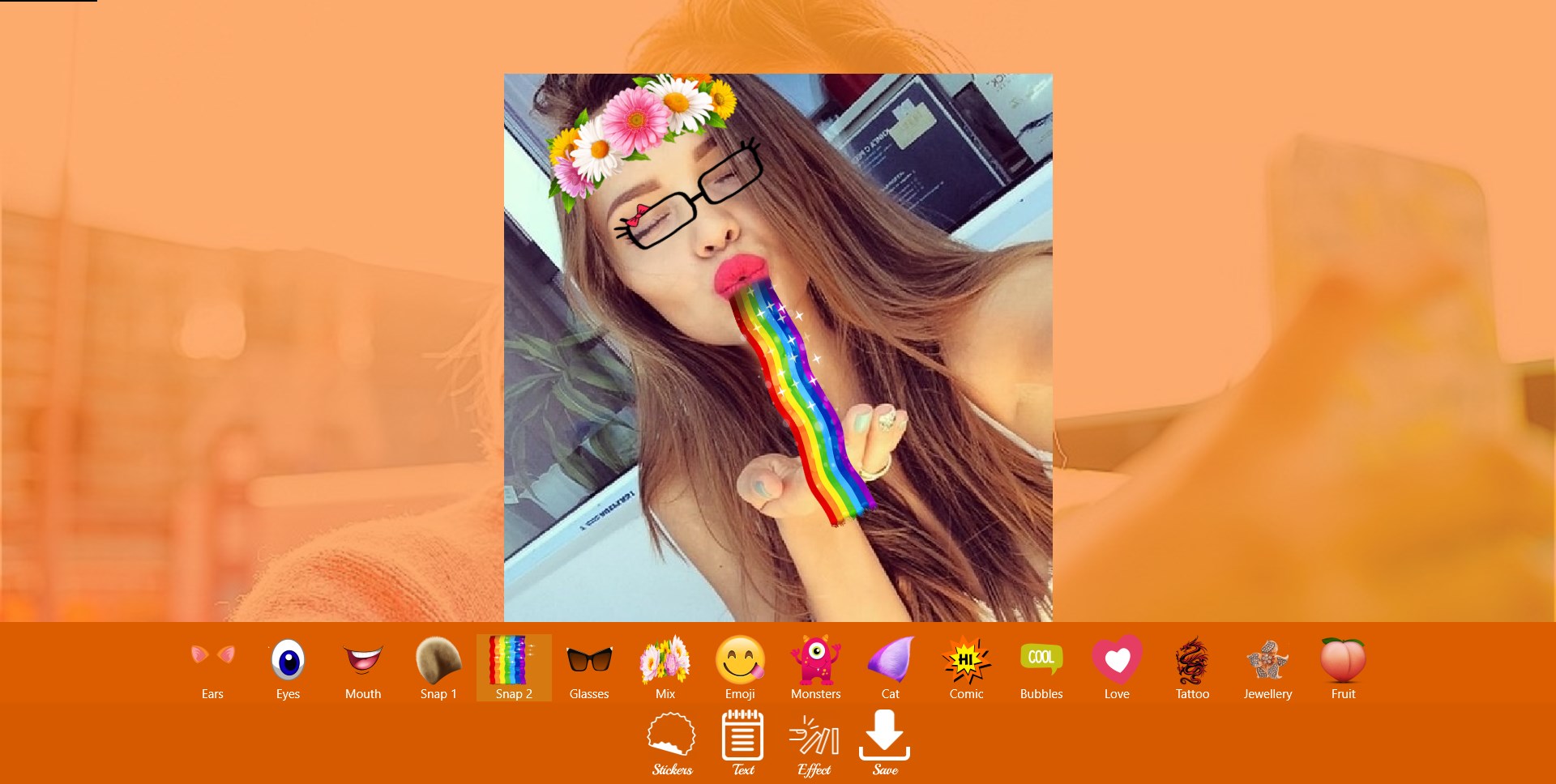
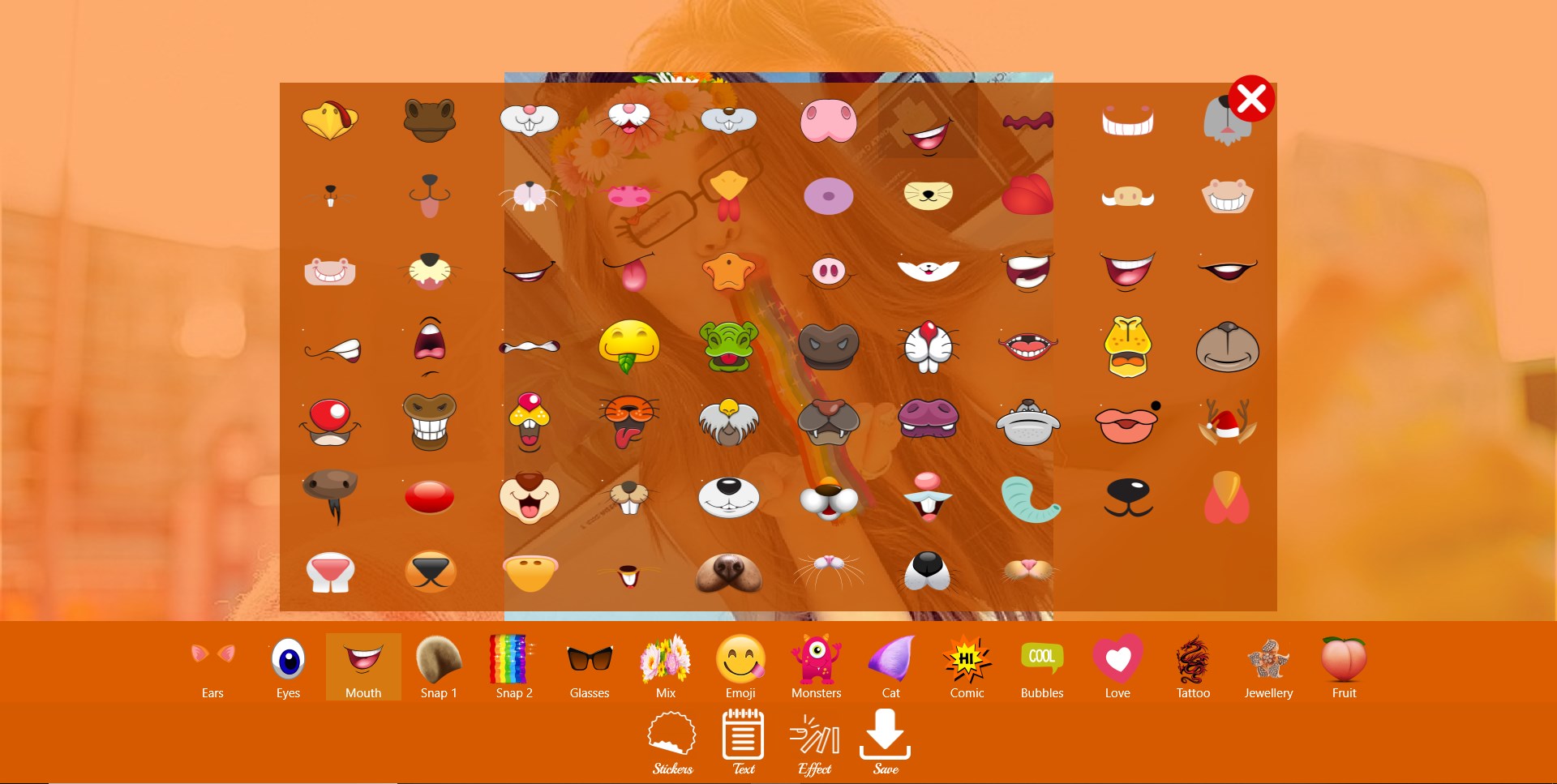
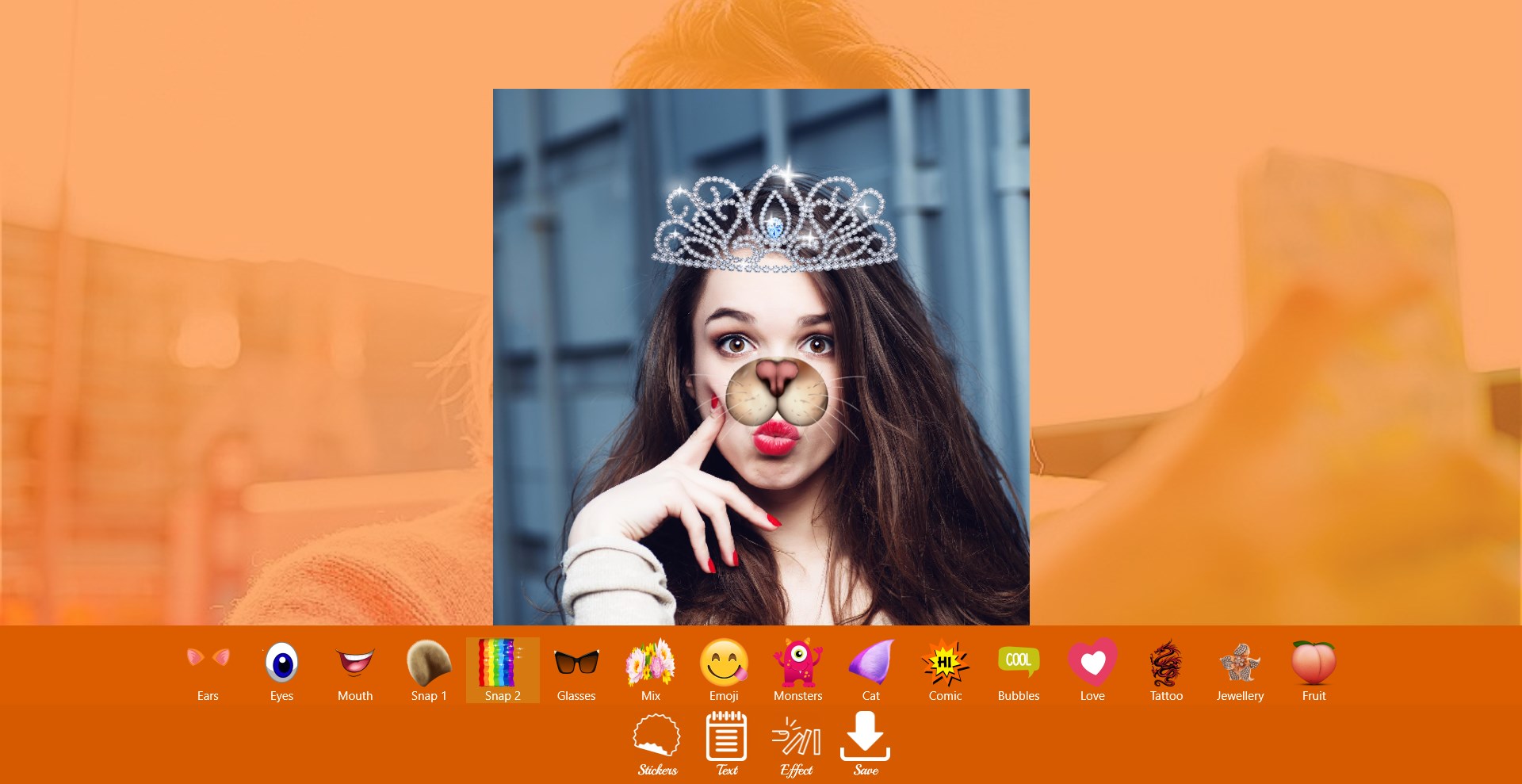
Snap Photo Filters is a photo editing app that adds filters, stickers and emoji effects to pictures and selfies. It offers a wide range of face filters and stickers, including doggy face, cat face, rabbit face, rainbow, animal eyes, ears, mouth, glasses, emoji and tears, along with snap text overlays. Edited photos can be saved to the gallery or shared on other social networks. The app is free to use.
Show the developer's original descriptionHide the original description
Snap Photo filters is perfect for what you are looking for!
An app that allows you to get much more likes and followers from snap app due to its intelligent options
Great and unique emoji filters and stickers
Take photos and add with Snap and selfie app filters & stickers that are cool, creative plus fun and special smileys that make your pictures perfect to receive likes and followers
Many filters & stickers are available, such as doggy face, cat face, rabbit face, rainbow, animal eyes, mix, ears, mouth, glasses, emoji, tears, snap text and so on.
Save your photos to your gallery.
- Share your photo on your other social networks.
- The best and completely FREE animal face morphing photo app.
If you see any problems, please send email to fruitcandy@zoho.com.
If there is a version of this app for iOS/Mac or Windows we don't know about, paste the store link here — we'll auto-detect the store.
How to find the URL:1. Open the app in its store. 2.In the App Store app: tap the Share icon → “Copy Link”. In the browser: copy the URL from the address bar — it contains apps.apple.com/…/id… or apps.microsoft.com/detail/…. 3. Paste it here.
Paste the original link from the Apple App Store or Microsoft Store. We fetch all details automatically.
How to find the URL:
1. Open the app in its store. 2.In the App Store app: tap the Share icon → “Copy Link”. In the browser: copy the URL from the address bar — it contains apps.apple.com/…/id… or apps.microsoft.com/detail/…. 3. Paste it here.
Android apps can only be listed by their developer.