
Screenshot appears after consentScreenshot appears after consentScreenshot appears after consentScreenshot appears after consentScreenshot appears after consentScreenshot appears after consentScreenshot appears after consentScreenshot appears after consentScreenshot appears after consentScreenshot appears after consentScreenshot appears after consentScreenshot appears after consentScreenshot appears after consentScreenshot appears after consentScreenshot appears after consentScreenshot appears after consentScreenshot appears after consent
Summary
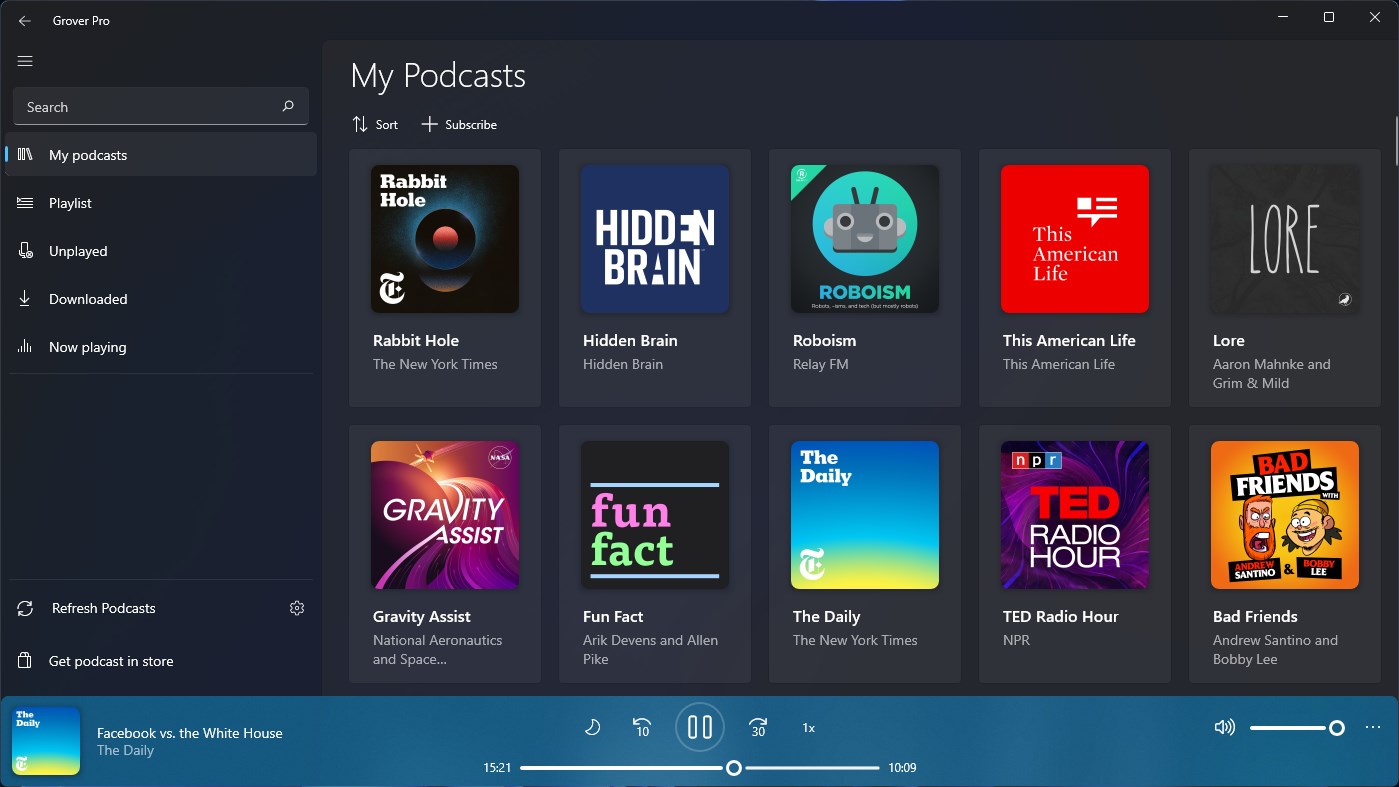
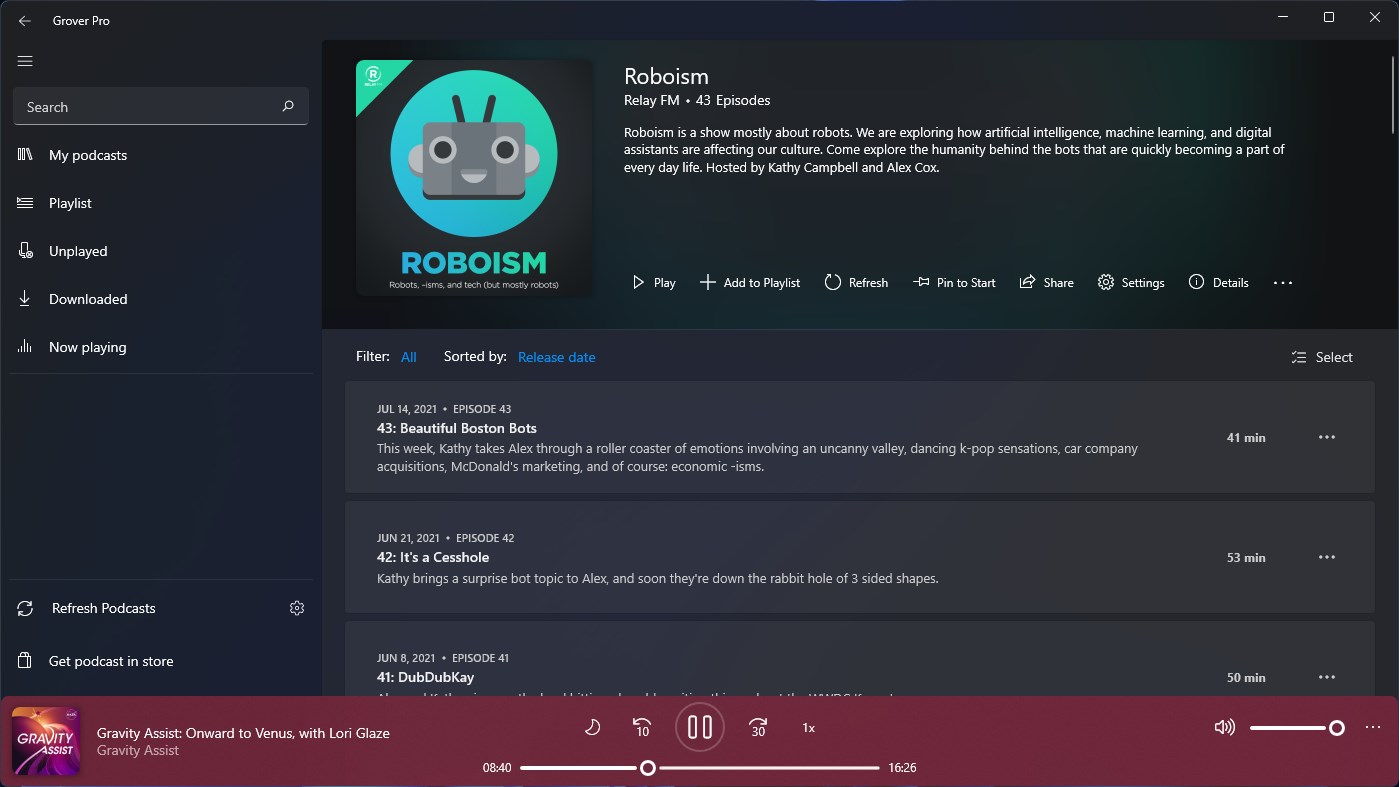
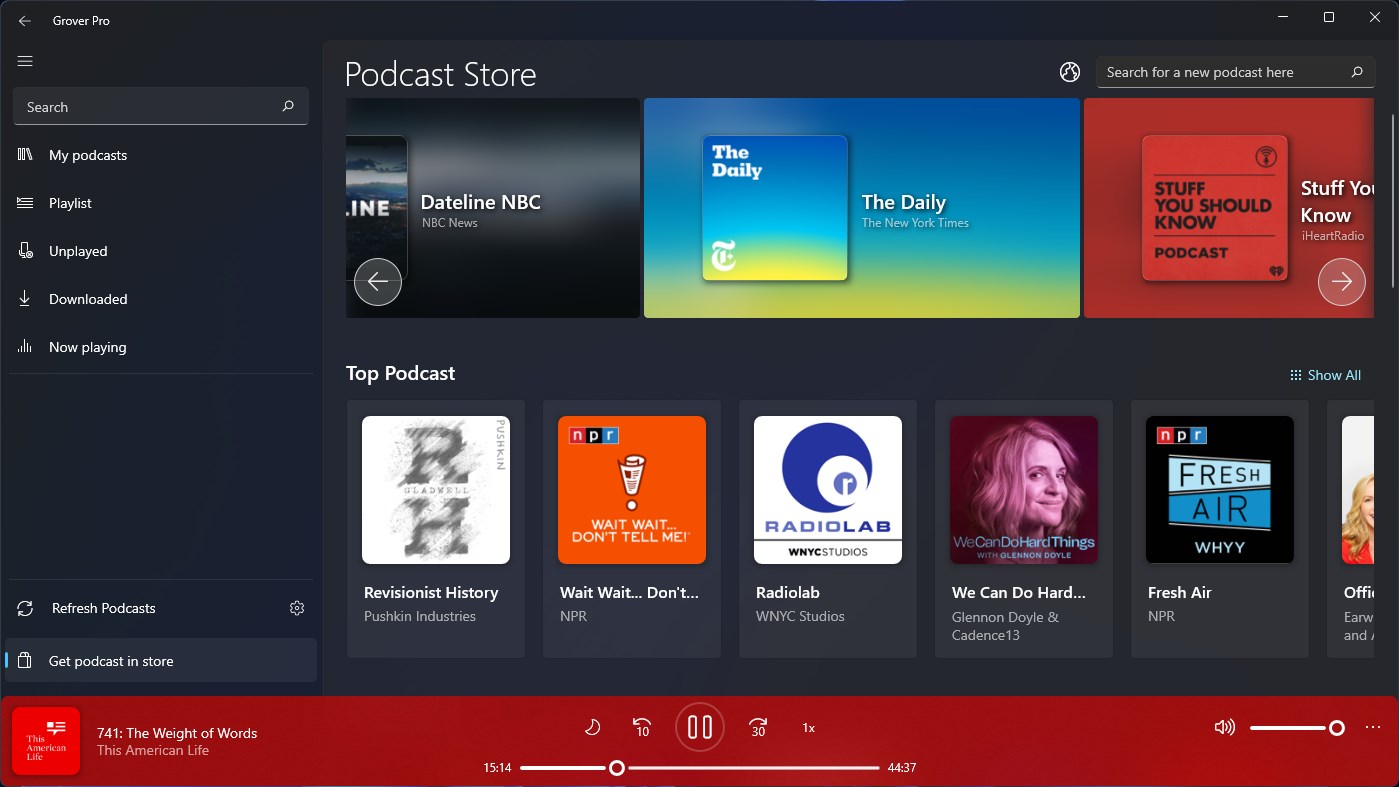
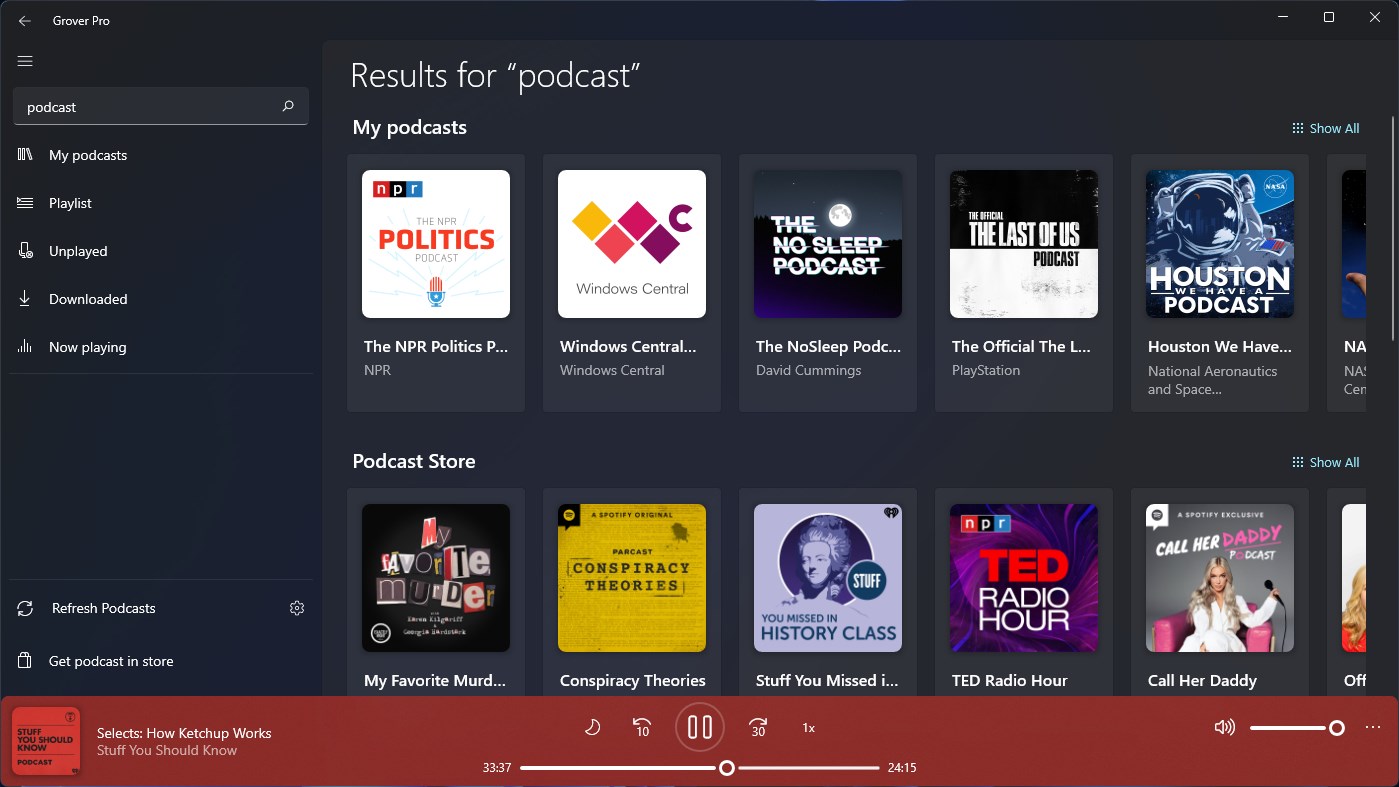
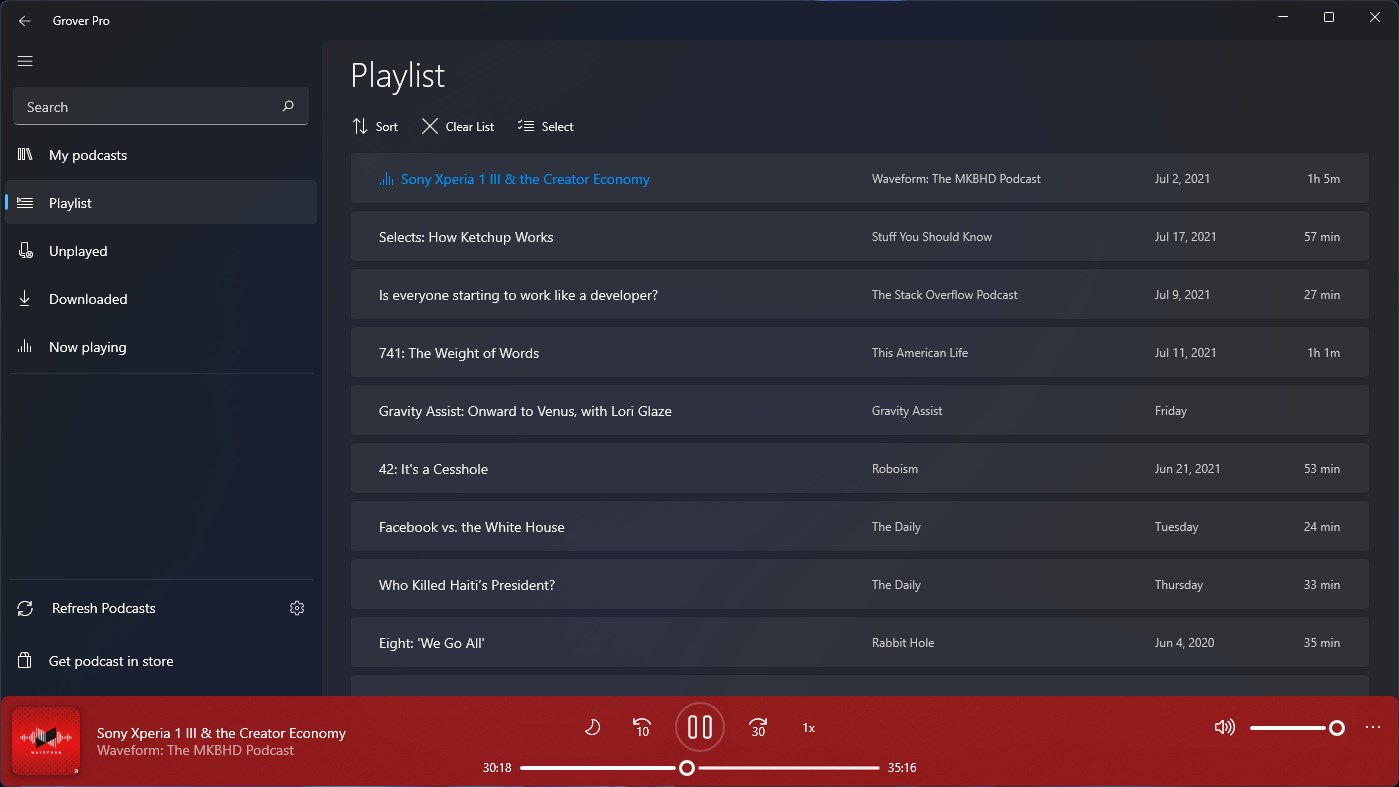
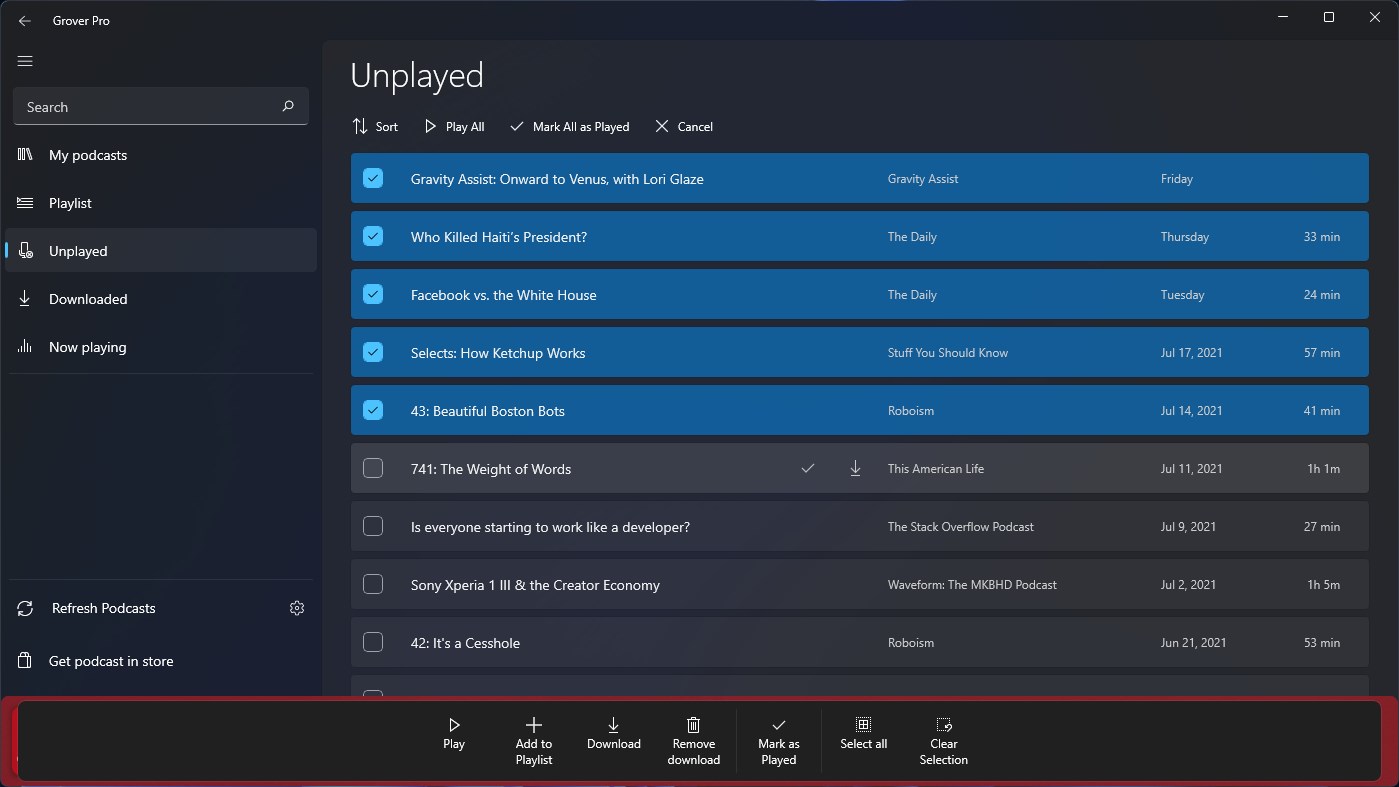
Grover Pro is a podcast manager for Windows. It periodically checks for new episodes in the background and can limit the number of downloaded episodes kept per podcast. Automatic download, automatic playlist addition and new-episode notifications can each be enabled for specific podcasts only. Subscriptions can be synced between devices through OneDrive, and downloads can be prevented over metered connections. Bluetooth controls can be changed to skip forwards or backwards, and the app is capable of running on Xbox.
Show the developer's original descriptionHide the original description
Grover Pro is the ultimate app to manage podcasts on Windows.
Grover Pro exclusive features:
- Periodically look for new episodes on background
- Limit the amount of downloaded episodes to keep per podcast.
- Enable 'Automatic download' only to specific podcasts.
- Enable 'Automatic add to playlist' only to specific podcasts.
- Enable the notification of new episodes only to specific podcasts.
- Sync your subscriptions between devices through OneDrive
- Capable of running on Xbox
- Change bluetooth control to skip forwards/backwards
- Prevent download over metered connections
If there is a version of this app for iOS/Mac or Windows we don't know about, paste the store link here — we'll auto-detect the store.
How to find the URL:1. Open the app in its store. 2.In the App Store app: tap the Share icon → “Copy Link”. In the browser: copy the URL from the address bar — it contains apps.apple.com/…/id… or apps.microsoft.com/detail/…. 3. Paste it here.
Paste the original link from the Apple App Store or Microsoft Store. We fetch all details automatically.
How to find the URL:
1. Open the app in its store. 2.In the App Store app: tap the Share icon → “Copy Link”. In the browser: copy the URL from the address bar — it contains apps.apple.com/…/id… or apps.microsoft.com/detail/…. 3. Paste it here.
Android apps can only be listed by their developer.