






Screenshot appears after consentScreenshot appears after consentScreenshot appears after consentScreenshot appears after consentScreenshot appears after consentScreenshot appears after consent
Summary
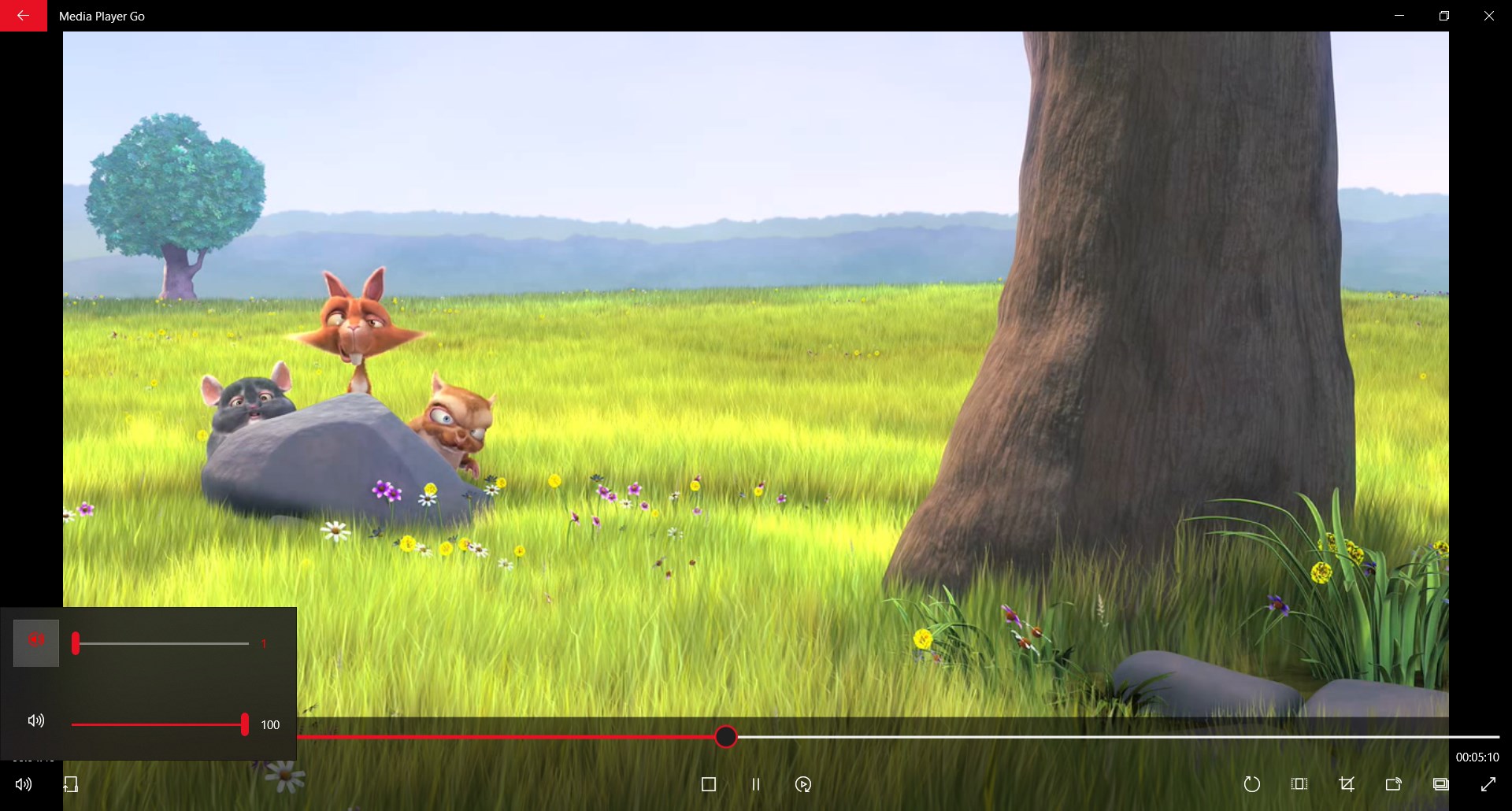
Media Player Go is a media player that supports almost all media file formats, playing files such as MP4, MP3, MKV and VOB. It supports both audio and video playback and allows casting media files using Miracast. The app offers a picture-in-picture mode and background playback for audio and video. Playback can be customized through adjustable playback rate, aspect ratio configuration, cropping and volume boost, along with external subtitle support and audio track selection. Media files can also be played on Xbox, and the app is available in multiple languages.
Show the developer's original descriptionHide the original description
Media Player Go is all in one media player app. Media Player Go supports almost all the media file formats.
Play MP4, MP3, MKV, VOB, etc files with Media Player Go app.
Features:
- Supports both audio and video files.
- Cast your media files using Miracast.
- Picture in Picture(PiP) mode available.
- Control playback rate of the media.
- External subtitle support.
- Cropping support to enhance your experience.
- Volume boost support for a better experience.
- Play your media files on Xbox.
- Support for background audio/video playback.
- Support for fullscreen media playback.
- Configure aspect ratio for a better experience.
- Select your favorite audio track.
- Use available controls to control the playback of the media.
- Lightweight app.
- Requires less storage and memory.
- Available in your favorite languages.
If there is a version of this app for iOS/Mac or Windows we don't know about, paste the store link here — we'll auto-detect the store.
How to find the URL:1. Open the app in its store. 2.In the App Store app: tap the Share icon → “Copy Link”. In the browser: copy the URL from the address bar — it contains apps.apple.com/…/id… or apps.microsoft.com/detail/…. 3. Paste it here.
Paste the original link from the Apple App Store or Microsoft Store. We fetch all details automatically.
How to find the URL:
1. Open the app in its store. 2.In the App Store app: tap the Share icon → “Copy Link”. In the browser: copy the URL from the address bar — it contains apps.apple.com/…/id… or apps.microsoft.com/detail/…. 3. Paste it here.
Android apps can only be listed by their developer.