
Screenshot appears after consentScreenshot appears after consentScreenshot appears after consentScreenshot appears after consentScreenshot appears after consent
Summary
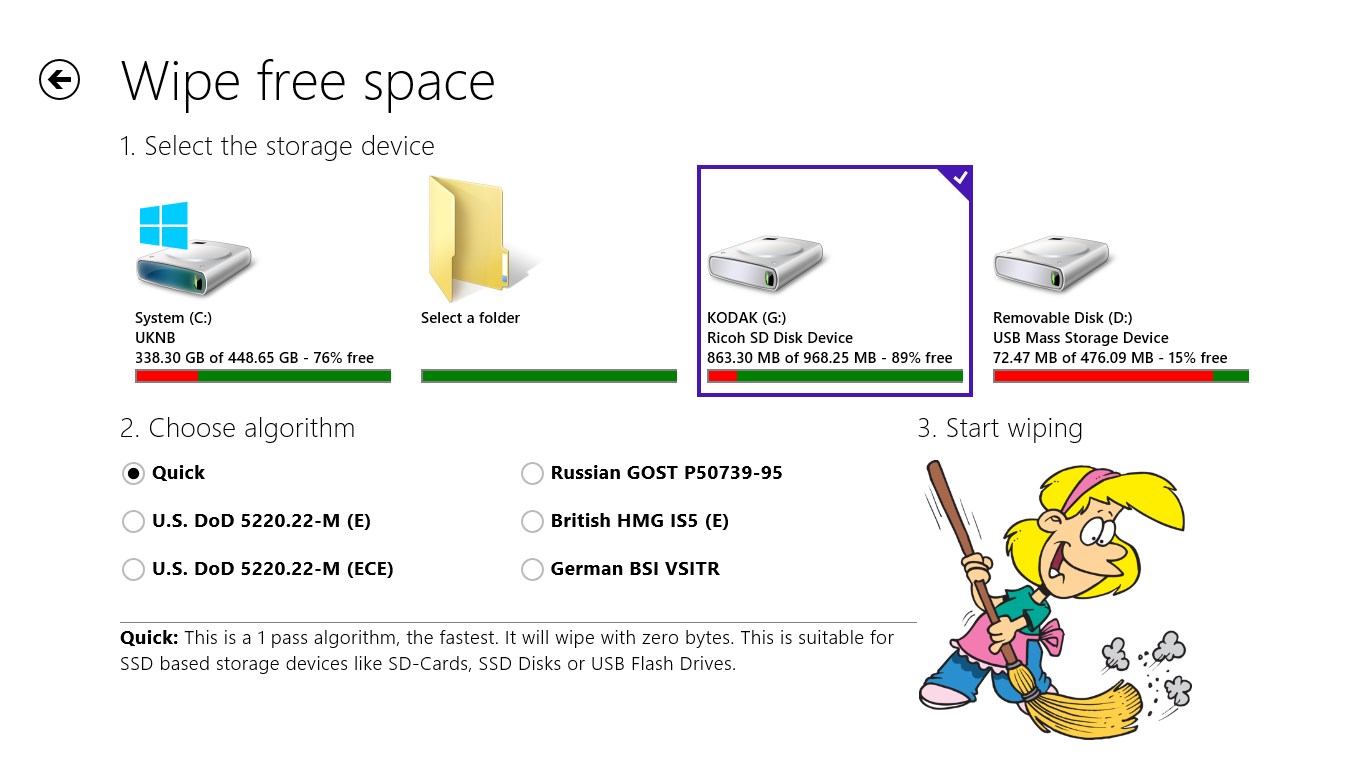
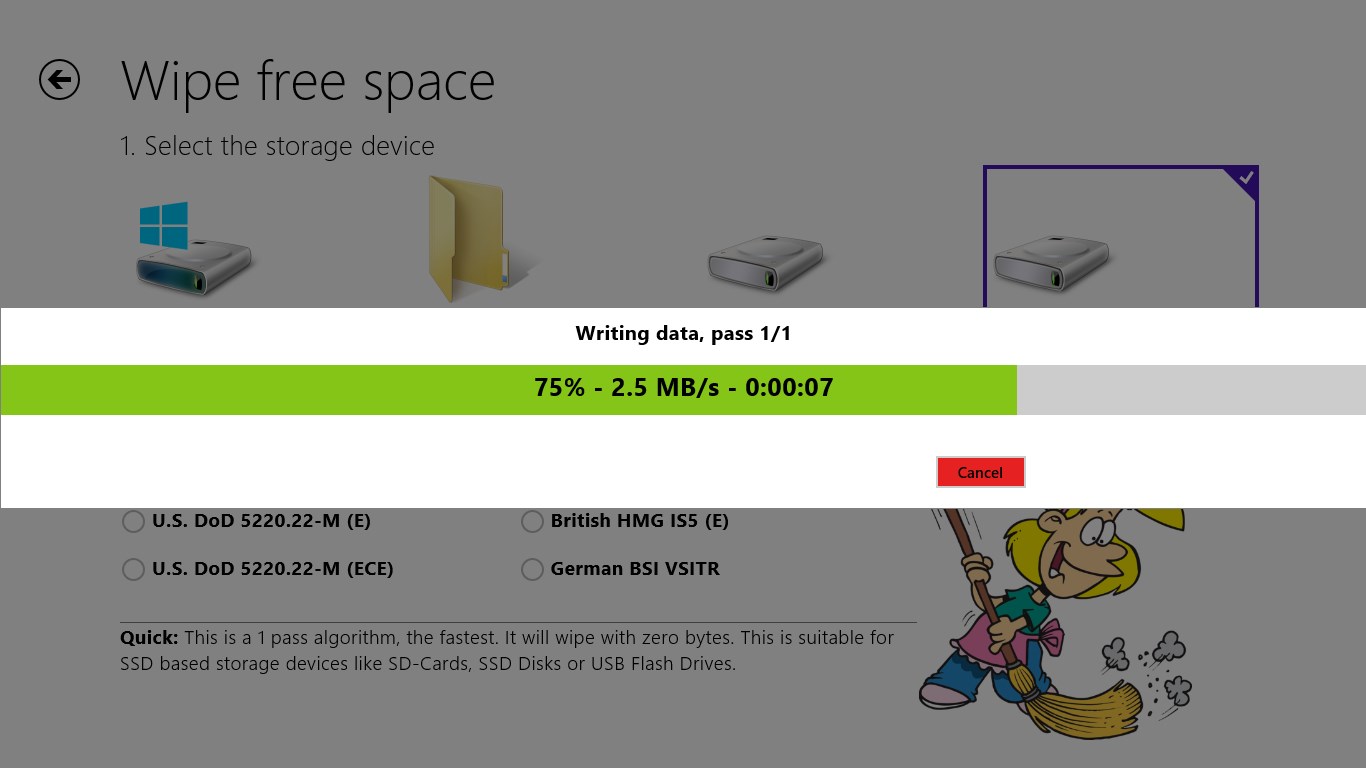
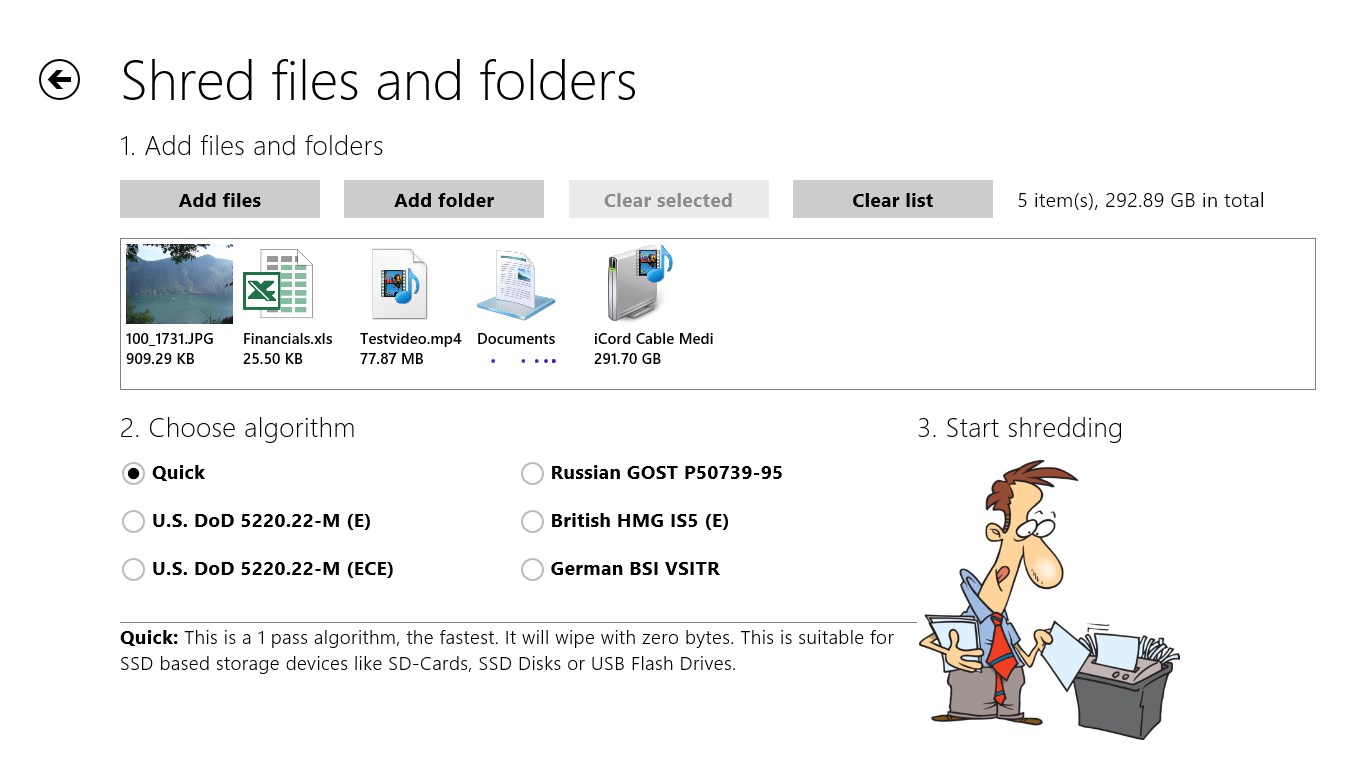
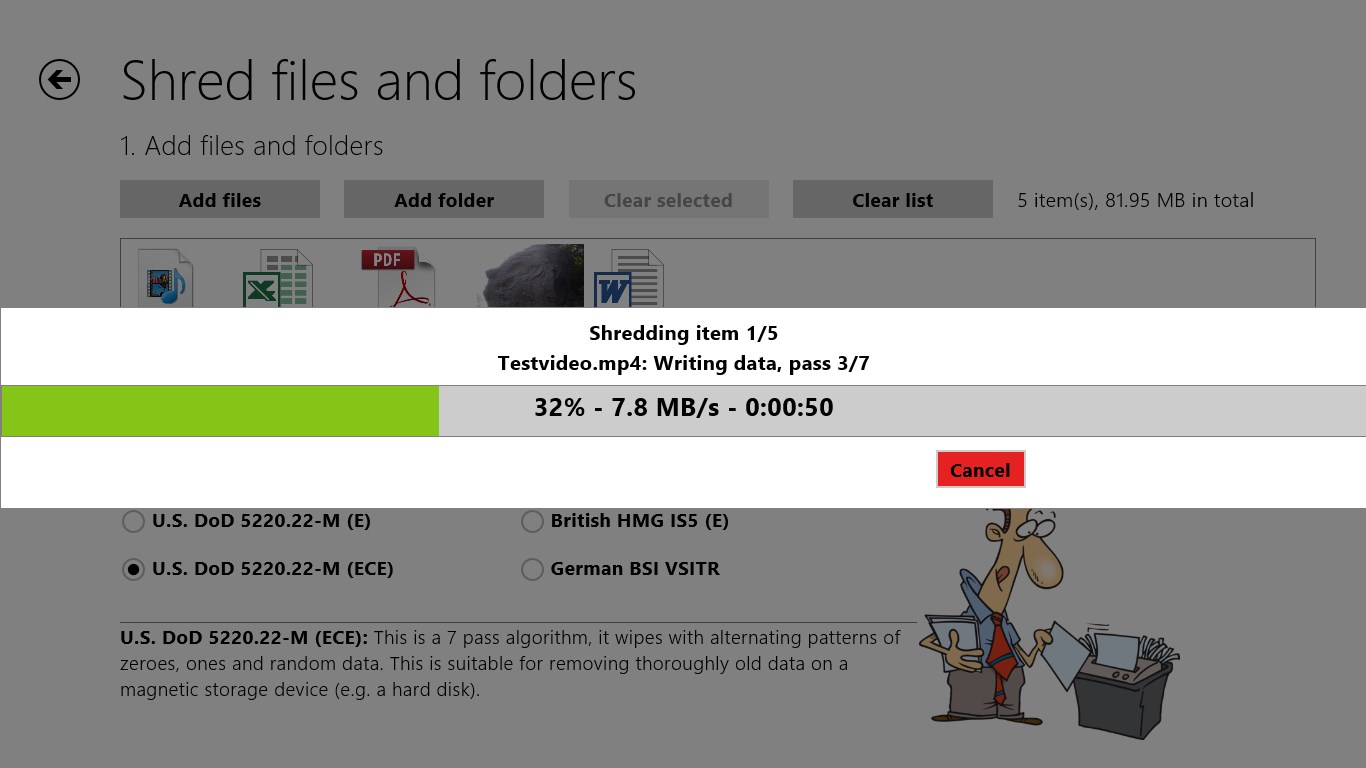
Shredder8 is a file shredder that permanently destroys file contents so they cannot be restored by recovery tools. It removes the actual data behind files and folders before deletion, rather than just deleting references to them. The app can also clean the free space on a storage device to erase traces of previously deleted files. Several standard erasure algorithms are available, including U.S. DoD 5220.22-M, British HMG IS5 Enhanced, Russian GOST P50739-95 and German VSITR, along with a quick option suited for SSDs and USB flash drives.
Show the developer's original descriptionHide the original description
Now up to 300% faster!
Shredder allows to permanently destroy file contents and wipe previously used storage space, so that secret data can't be restored even by advanced recovery tools.
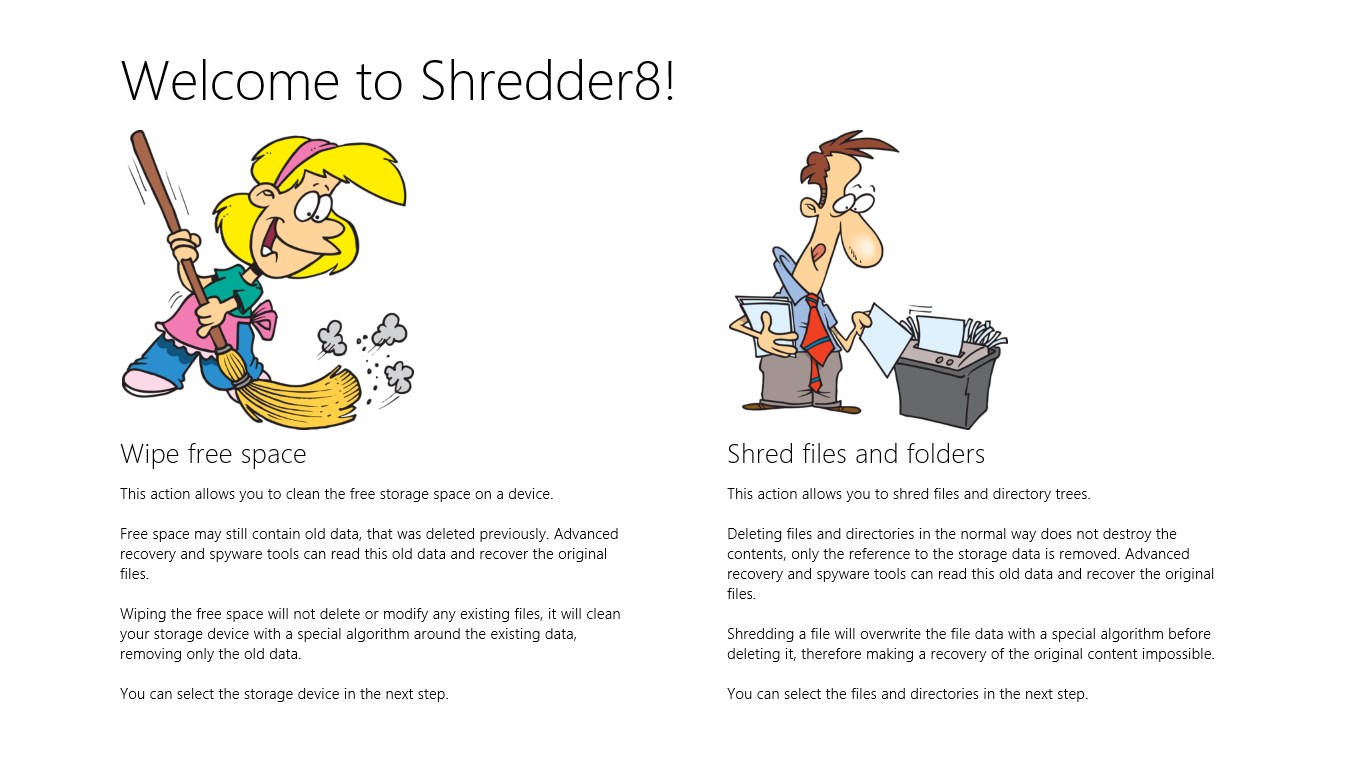
Deleting a file or directory does not remove the contents. Recovery tools can be used to restore the previous content. Shredder8 allows you to destroy the file contents prior to deleting files and directories.
Shredder8 also allows you to clean the existing free space of a storage device, where old file content may still exist.
You can choose out of a variety of standard cleaning algorithms, like U.S DoD 5220.22-M, British HMG IS5 (Enhanced), Russian GOST P50739-95, German VSITR or just do a quick shred, which should be enough for most SSD based storage devices and USB flash drives.
If there is a version of this app for iOS/Mac or Windows we don't know about, paste the store link here — we'll auto-detect the store.
How to find the URL:1. Open the app in its store. 2.In the App Store app: tap the Share icon → “Copy Link”. In the browser: copy the URL from the address bar — it contains apps.apple.com/…/id… or apps.microsoft.com/detail/…. 3. Paste it here.
Paste the original link from the Apple App Store or Microsoft Store. We fetch all details automatically.
How to find the URL:
1. Open the app in its store. 2.In the App Store app: tap the Share icon → “Copy Link”. In the browser: copy the URL from the address bar — it contains apps.apple.com/…/id… or apps.microsoft.com/detail/…. 3. Paste it here.
Android apps can only be listed by their developer.