Screenshot appears after consentScreenshot appears after consentScreenshot appears after consent
Summary
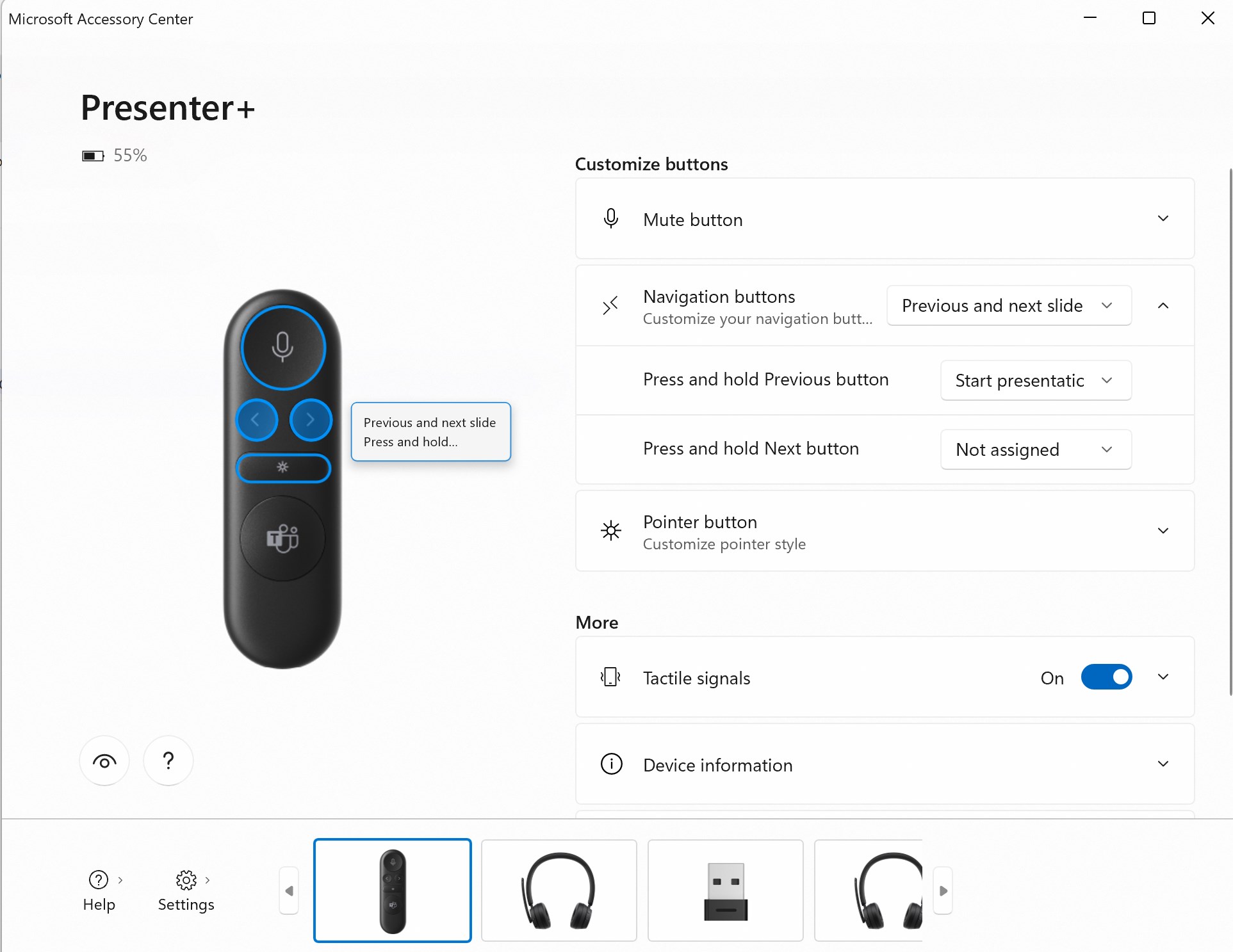
Microsoft Accessory Center is a companion app for customizing settings across a range of Microsoft accessories. For the Presenter+ it adjusts laser pointer size, color and sensitivity, navigation buttons and tactile feedback. For the Adaptive Hub and Adaptive Mouse it configures button assignments, cursor behavior and device or app profiles. For the Modern Wireless Headset it manages voice prompt volume and language, while the Audio Dock offers microphone noise suppression and sound equalizer presets. It also adjusts webcam video settings and microphone activation. Device information can be viewed for each connected accessory.
Show the developer's original descriptionHide the original description
Microsoft Accessory Center is a new all-in-one app to customize settings for your Microsoft accessories to get the most out of them.
Here are things you can do:
Microsoft Presenter+
• Change digital laser pointer size, color, and sensitivity
• Customize navigation buttons
• Turn on/off “Push to talk”
• Turn on/off tactile signals, change tactile intensity and tactile scenarios
• View device info
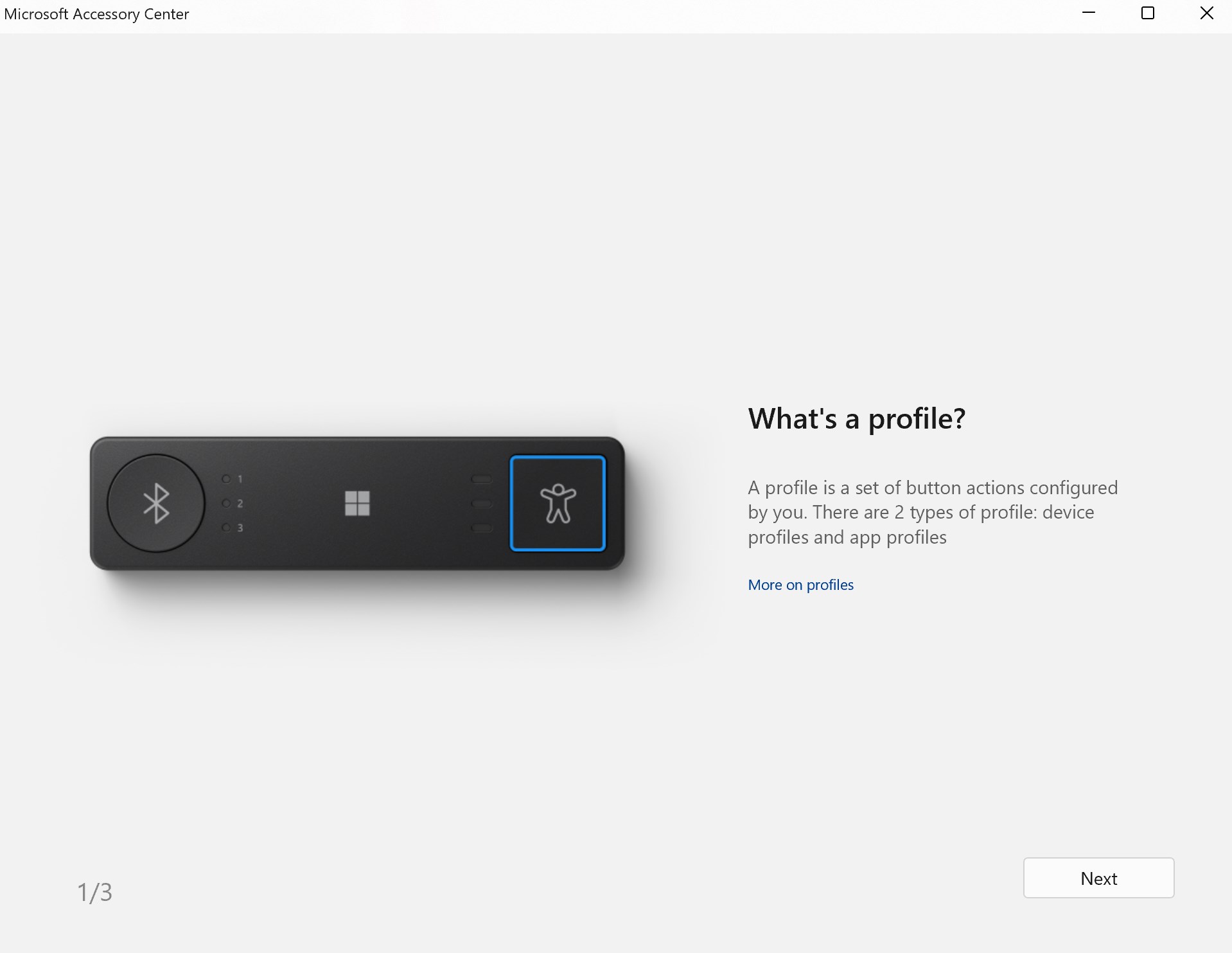
Microsoft Adaptive Hub
• Customize Microsoft Adaptive Buttons
• Customize your 3.5mm port 1 ~ 5 switches
• Add slot specific settings
• Add “Device Profile” or “App Profile”
• Rename Microsoft Adaptive Buttons
• Customize Microsoft Adaptive Button topper
• Configure which buttons stay pressed
• Set your Microsoft Adaptive Hub to skip certain profiles
• View device info
Microsoft Adaptive Mouse
• Customize cursor speed
• Reverse scrolling
• Adjust cursor angle
• Customize buttons: left button, right button, and wheel button
• Configure which buttons stay pressed
• Add slot specific settings
• Add “App Profile”
• View device info
Microsoft Modern Wireless Headset
• Rename your headset
• Change the voice prompt volume and language
• Limit the maximum headset volume
• Manage the Bluetooth connection
• Reset to factory settings
• Update firmware
• View device info
Microsoft Modern USB Headset / Microsoft Modern USB-C Headset
• Change the prompt volume
• Limit the maximum headset volume
• View device info
Microsoft Audio Dock
• Turn on/off prompt tone
• Change prompt volume
• Turn on/off “Push to talk”
• Change microphone noise suppression
• Choose a default sound equalizer: Classic, Flat, Jazz, Pop, Rock
• Create a customized sound equalizer
• View device info
Microsoft Modern USB-C Speaker
• Change the prompt volume
• View device info
Microsoft Modern Webcam
• Customize video settings
• Turn on the built-in microphone
• View device info
Technical details about Microsoft Accessory Center
If there is a version of this app for iOS/Mac or Windows we don't know about, paste the store link here — we'll auto-detect the store.
How to find the URL:1. Open the app in its store. 2.In the App Store app: tap the Share icon → “Copy Link”. In the browser: copy the URL from the address bar — it contains apps.apple.com/…/id… or apps.microsoft.com/detail/…. 3. Paste it here.
Paste the original link from the Apple App Store or Microsoft Store. We fetch all details automatically.
How to find the URL:
1. Open the app in its store. 2.In the App Store app: tap the Share icon → “Copy Link”. In the browser: copy the URL from the address bar — it contains apps.apple.com/…/id… or apps.microsoft.com/detail/…. 3. Paste it here.
Android apps can only be listed by their developer.



 Turtle Beach - PDP Control Hub
Customize, test and calibrate compatible Turtle Beach
 WindowsArea
News, reviews and deals about Windows and Microsoft
 spacedesk
Turn a Windows device into an extra display for your PC
 Microsoft To Do: Lists, Tasks & Reminders
Manage tasks, lists and reminders across devices
 Apple Devices
Manage Apple devices from your Windows PC