
Screenshot appears after consentScreenshot appears after consent
Summary
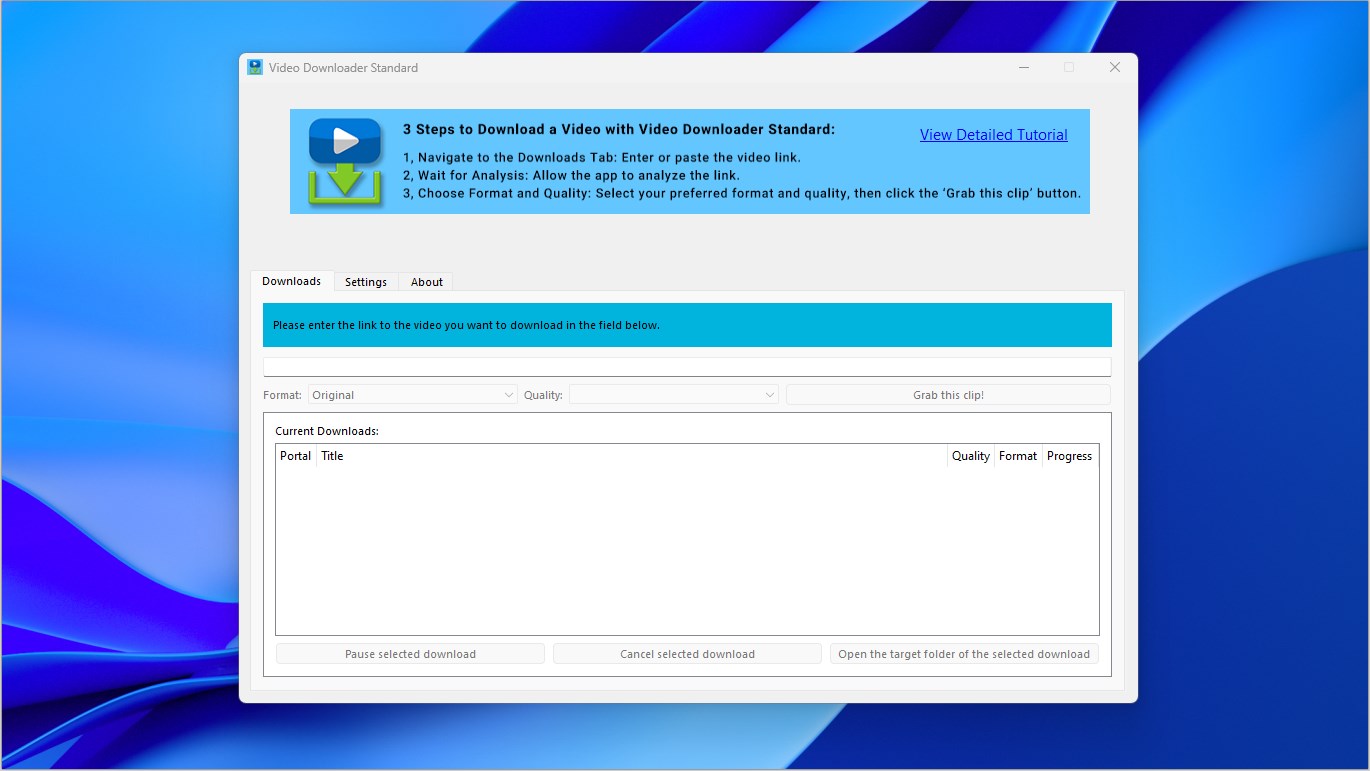
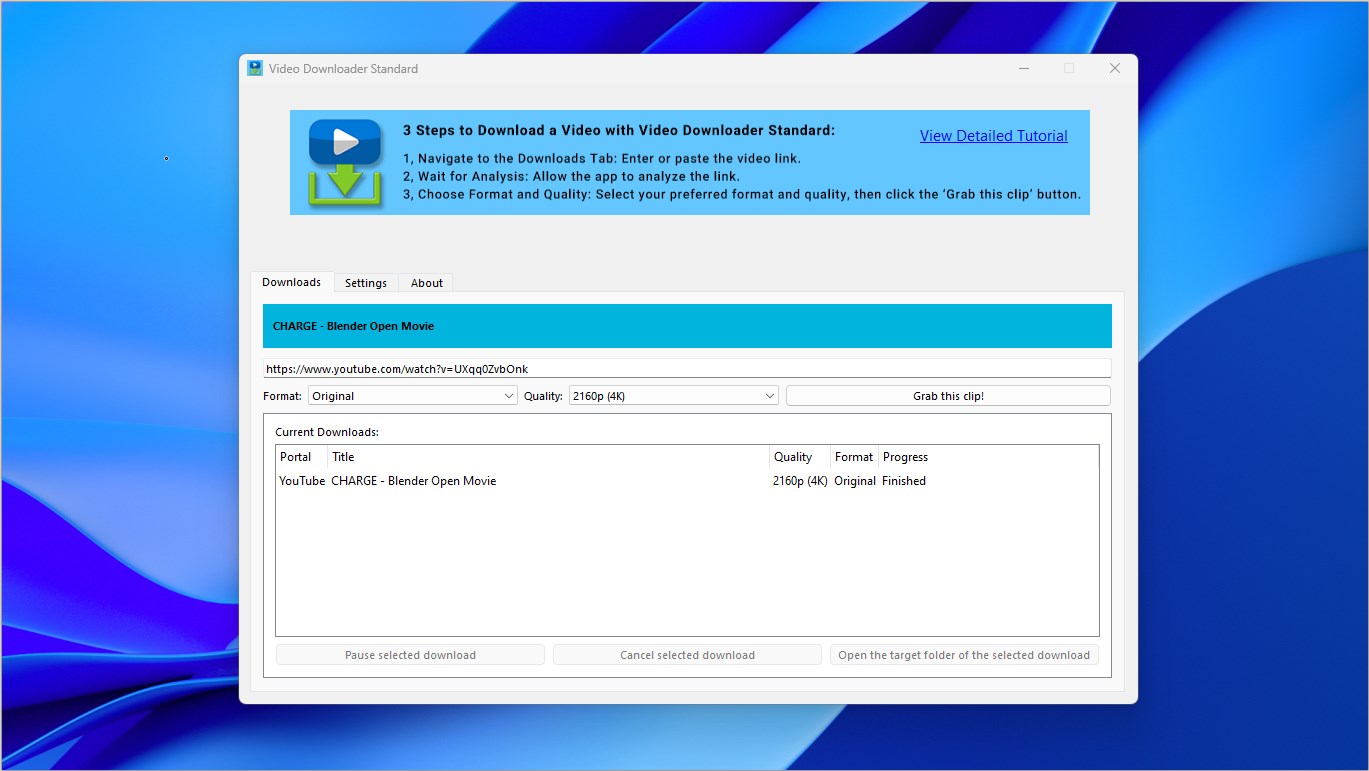
Video Downloader Standard is a video downloader that analyzes a pasted video link and downloads the clip. It works in three steps, requiring the user to paste the link, wait for analysis and then choose a format and quality before downloading. The app supports output formats including mpeg4, wmv, ogg theora, mp3 and ogg vorbis. It works with video sites such as YouTube, Vimeo, Dailymotion and Facebook, and through its video recognition system it supports downloads from thousands of other websites.
Show the developer's original descriptionHide the original description
Want to download a video from the internet? No problem! Video Downloader Standard will analyze the URL you input and download it for you.
It takes 3 straightforward steps to download a video from the internet in Video Downloader Standard.
- Navigate to the Downloads Tab: Enter or paste the video link.
- Wait for Analysis: Allow the app to analyze the link.
- Choose Format and Quality: Select your preferred format and quality, then click the "Grab this clip" button.
The output formats that Video Downloader Standard supports include mpeg4, wmv, ogg theora, mp3, ogg vorbis.
The video sites that Video Downloader Standard supports include YouTube, Vimeo, Dailymotion, Facebook and other sites. Through an advanced video recognition system, Video Downloader Standard allows the download from thousands of websites.
Note: This app uses youtube-dlp (https://github.com/yt-dlp/yt-dlp).
Disclaimer: Video Downloader Standard is provided as a general-purpose tool. It is the sole responsibility of the user to ensure that any content downloaded complies with applicable copyright laws, licensing requirements, and third-party terms of service. The developer expressly disclaims any liability arising from unauthorized or unlawful use of this software.
If there is a version of this app for iOS/Mac or Windows we don't know about, paste the store link here — we'll auto-detect the store.
How to find the URL:1. Open the app in its store. 2.In the App Store app: tap the Share icon → “Copy Link”. In the browser: copy the URL from the address bar — it contains apps.apple.com/…/id… or apps.microsoft.com/detail/…. 3. Paste it here.
Paste the original link from the Apple App Store or Microsoft Store. We fetch all details automatically.
How to find the URL:
1. Open the app in its store. 2.In the App Store app: tap the Share icon → “Copy Link”. In the browser: copy the URL from the address bar — it contains apps.apple.com/…/id… or apps.microsoft.com/detail/…. 3. Paste it here.
Android apps can only be listed by their developer.