

Screenshot appears after consentScreenshot appears after consent
Summary
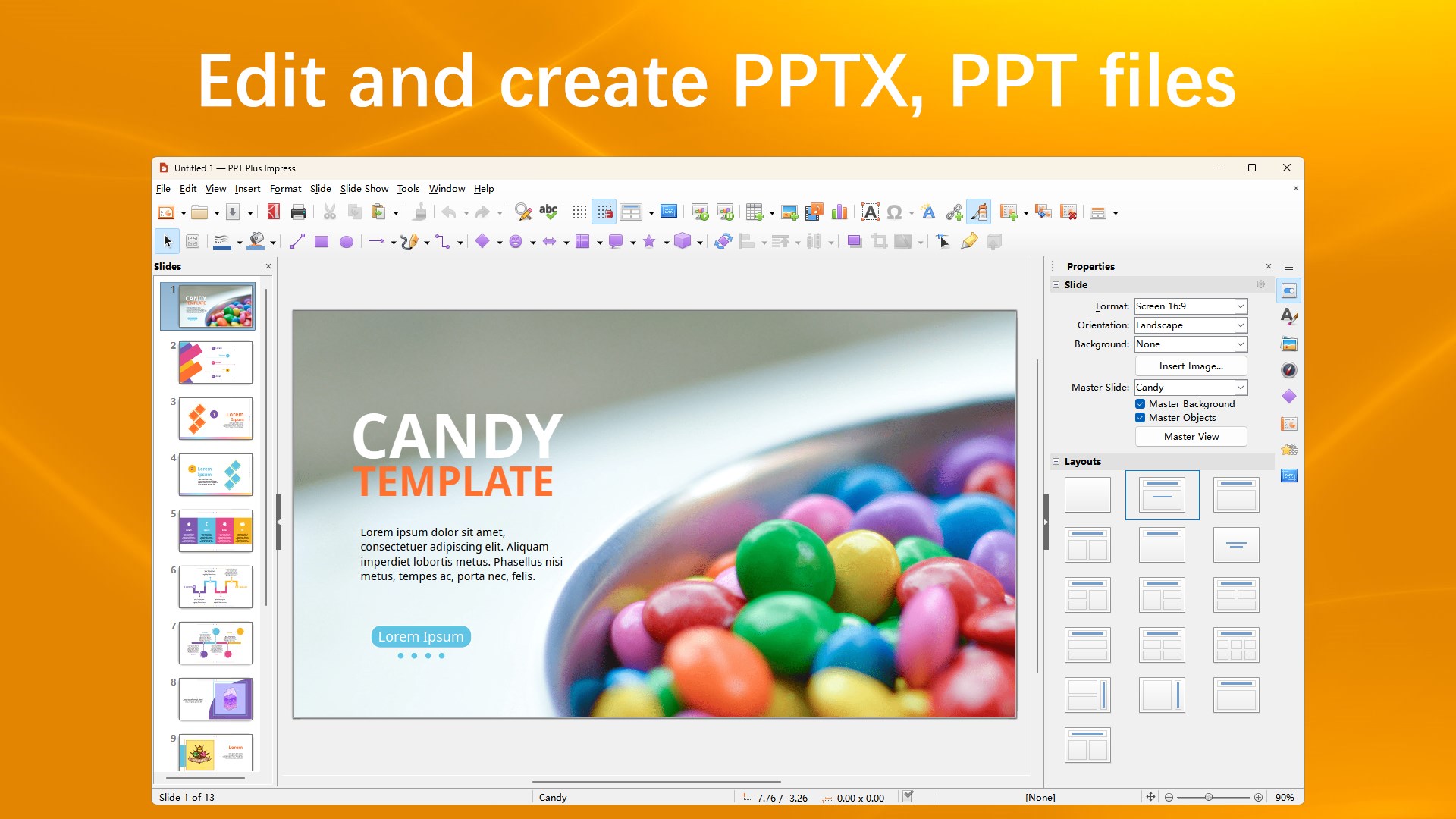
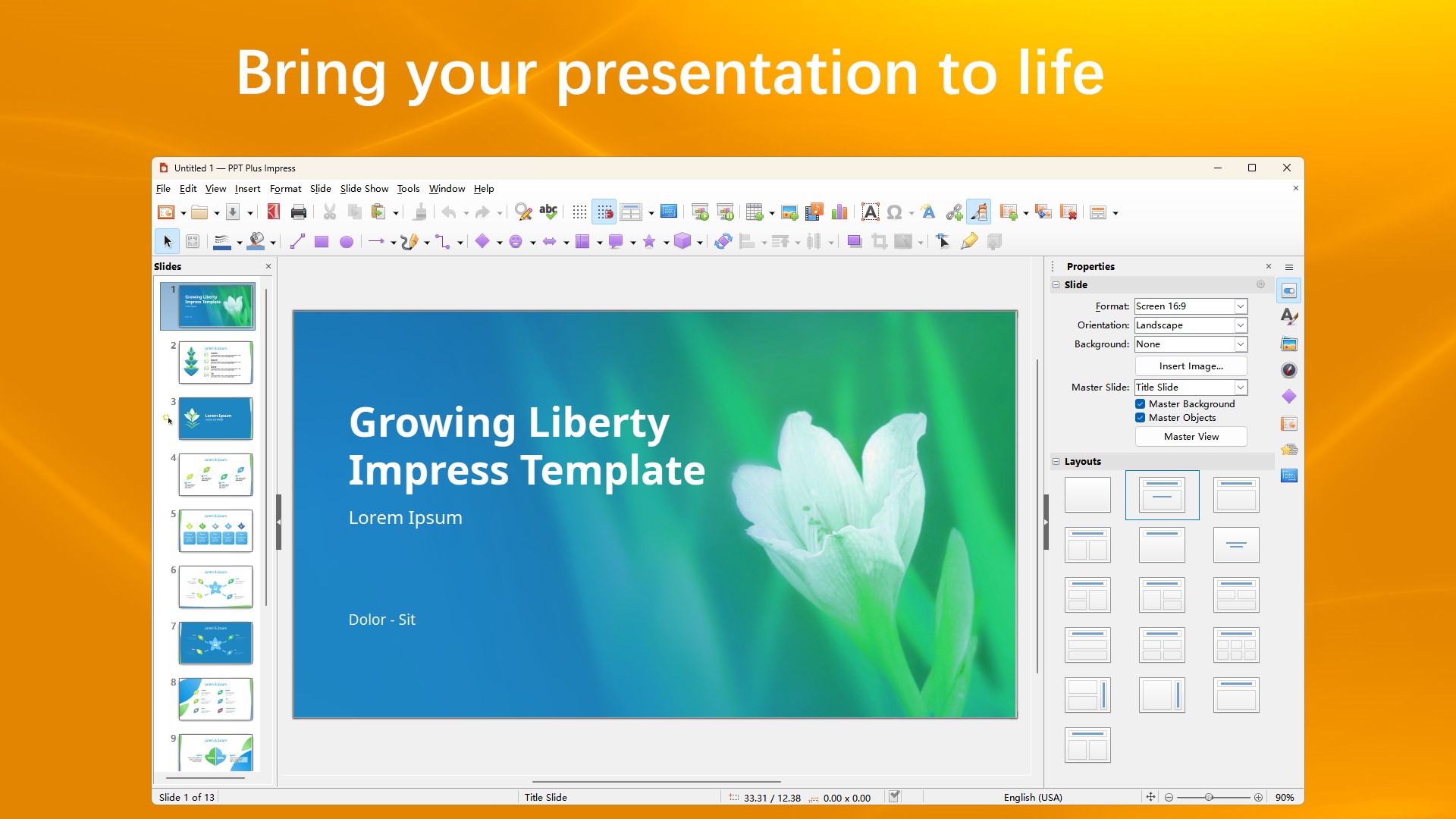
PPT + is a presentation editor for creating and editing Microsoft PowerPoint files. It offers drawing and diagramming tools for adding style to slides, along with slide show animations and effects. It supports opening, editing and creating PowerPoint, Excel and Word documents, and it can batch-convert PowerPoint documents into PDF files. It also supports a wide range of presentation and spreadsheet formats. The free version allows opening, viewing, editing and saving PowerPoint files, while editing features such as inserting images and tables, printing, exporting and editing other Office file types require upgrading to the premium version.
Show the developer's original descriptionHide the original description
PPT + has a comprehensive range of easy-to-use drawing and diagramming tools to add style and sophistication to your presentation. What's more, you can bring your presentation to life with slide show animations and effects.
It supports opening, editing and creating Microsoft PowerPoint (.pptx, .ppt), Excel (.xlsx, .xls, .csv) and Word (.docx, .doc, .rtf) document. It also supports batch conversion of PowerPoint documents to PDF documents.
License: The free version supports opening, viewing, editing, and saving PowerPoint(.pptx, .ppt) file. However, the editing (include Insert image and Table), printing, exporting and editing other office file require upgrading to the premium version. Thank you for your support.
Support formats:
-Office Open XML Presentations and Templates (*.pptx, *.ppsx, *.ppmx, *.potx, *.pomx).
-Microsoft PowerPoint 2007/2010 Presentations and Templates (*.pptx, *.ppsx, *.ppmx, *.potx, *.pomx).
-Microsoft PowerPoint 97/2000/XP/2003 Document (*.ppt, *.pps, *.ppm, *.pot, *.pom).
-Other formats (.123, .csv, .ods, .ots, .oxc, .stc, .fods, .wb2, .xml, .xltx, .xltm, .xlsb, .xlm, .xlk, .et, .ett, .dif, .wk1, .wks and so on).
If there is a version of this app for iOS/Mac or Windows we don't know about, paste the store link here — we'll auto-detect the store.
How to find the URL:1. Open the app in its store. 2.In the App Store app: tap the Share icon → “Copy Link”. In the browser: copy the URL from the address bar — it contains apps.apple.com/…/id… or apps.microsoft.com/detail/…. 3. Paste it here.
Paste the original link from the Apple App Store or Microsoft Store. We fetch all details automatically.
How to find the URL:
1. Open the app in its store. 2.In the App Store app: tap the Share icon → “Copy Link”. In the browser: copy the URL from the address bar — it contains apps.apple.com/…/id… or apps.microsoft.com/detail/…. 3. Paste it here.
Android apps can only be listed by their developer.