

Screenshot appears after consentScreenshot appears after consentScreenshot appears after consentScreenshot appears after consent
Summary
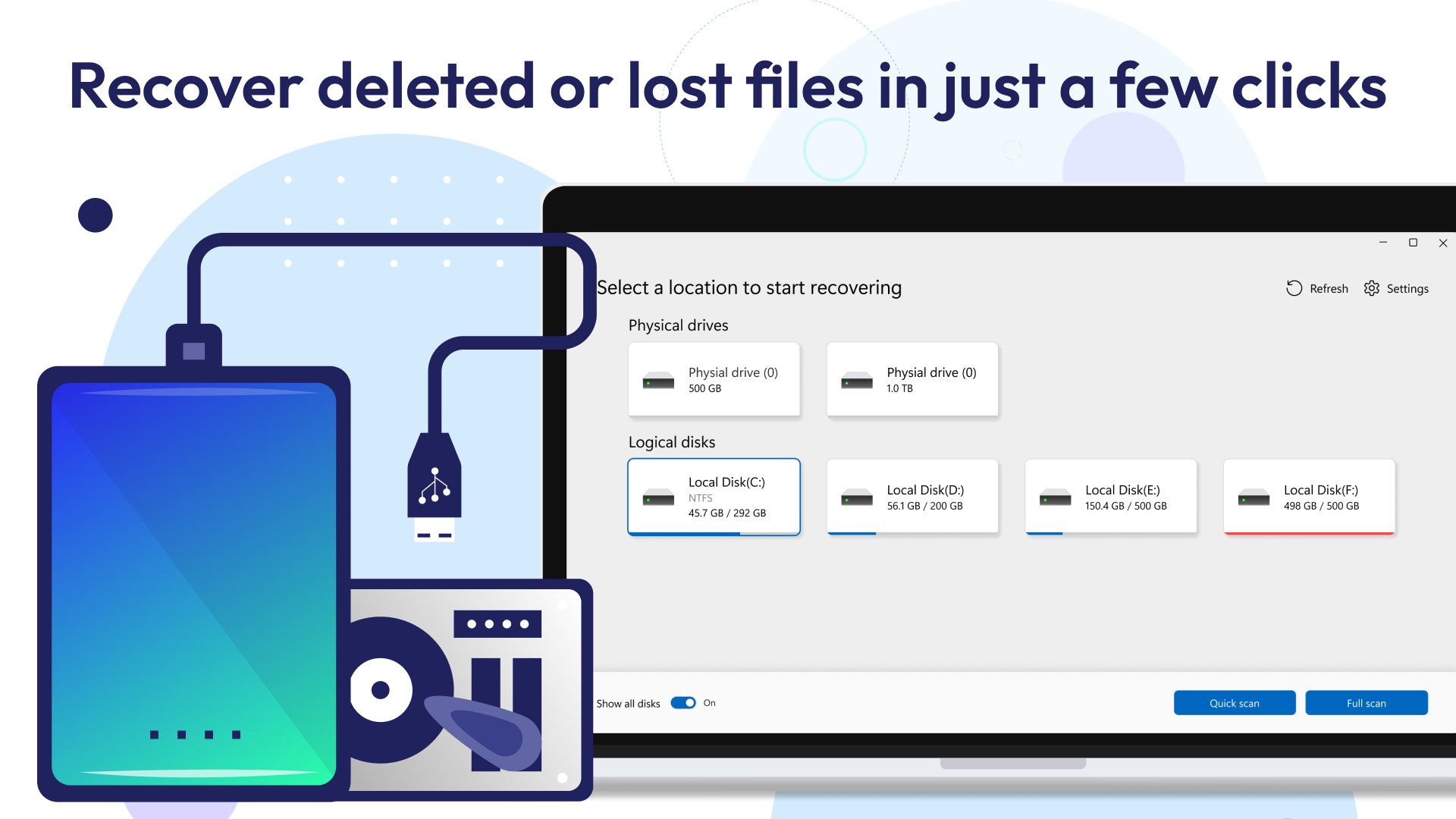
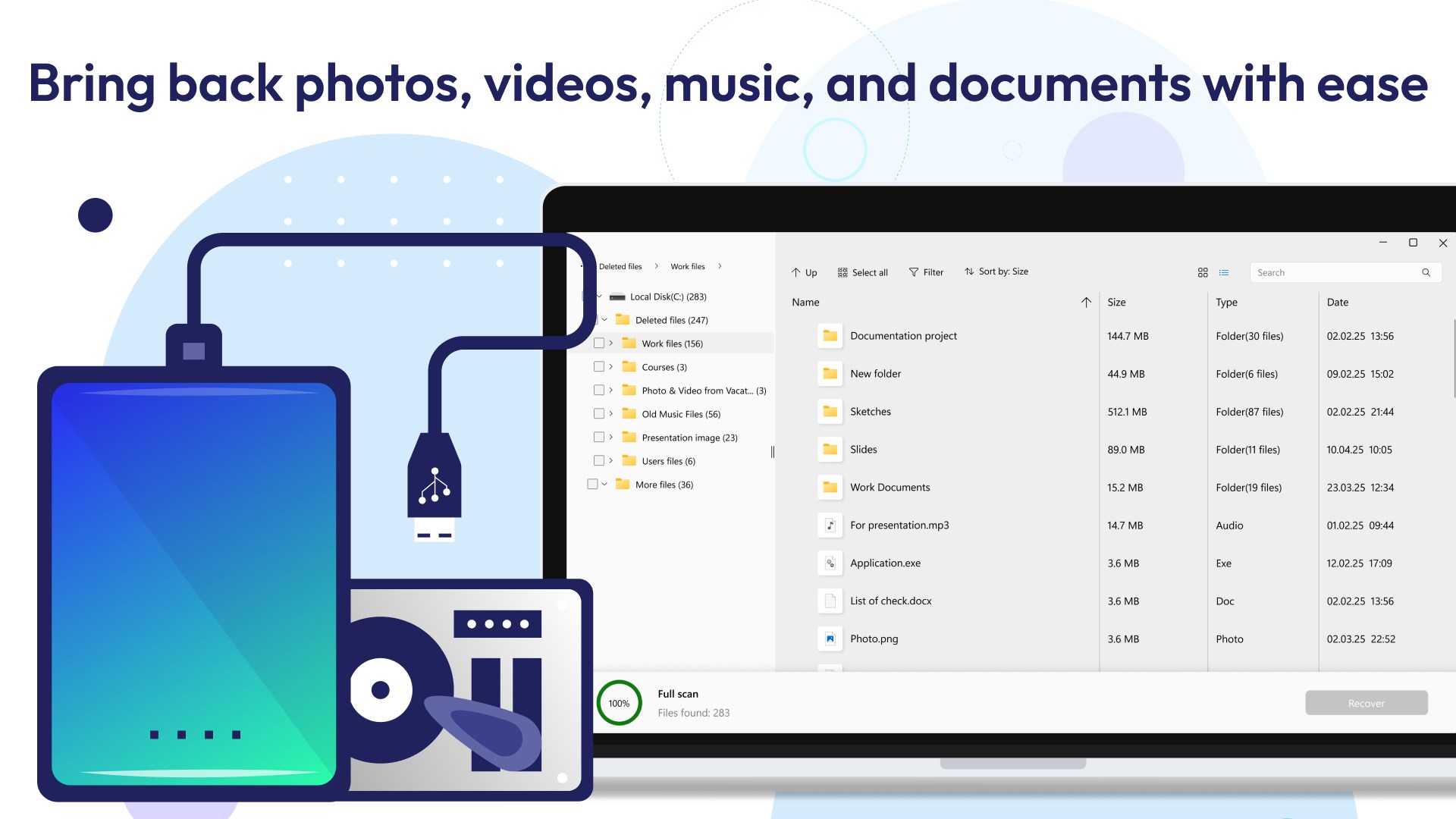
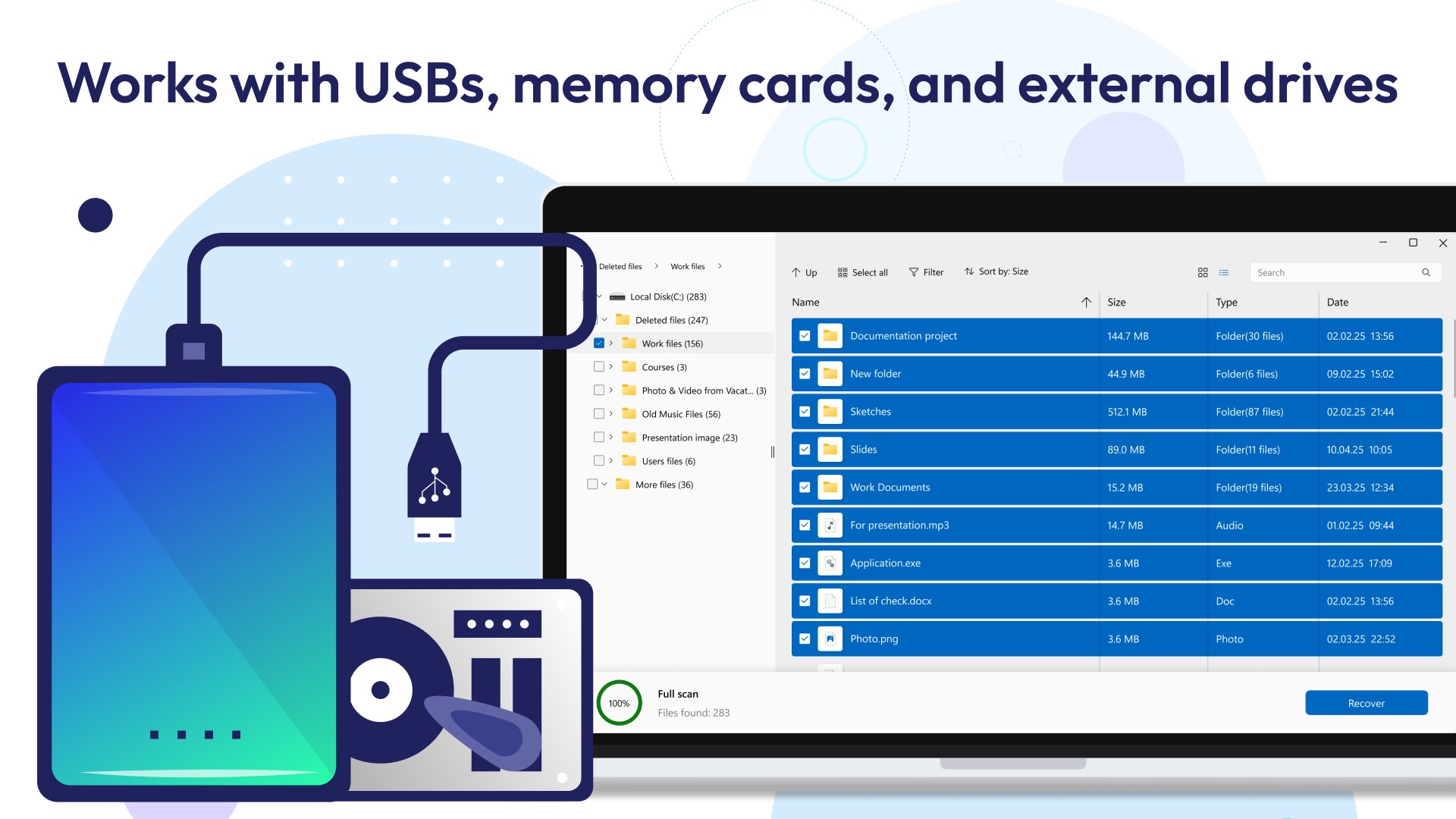
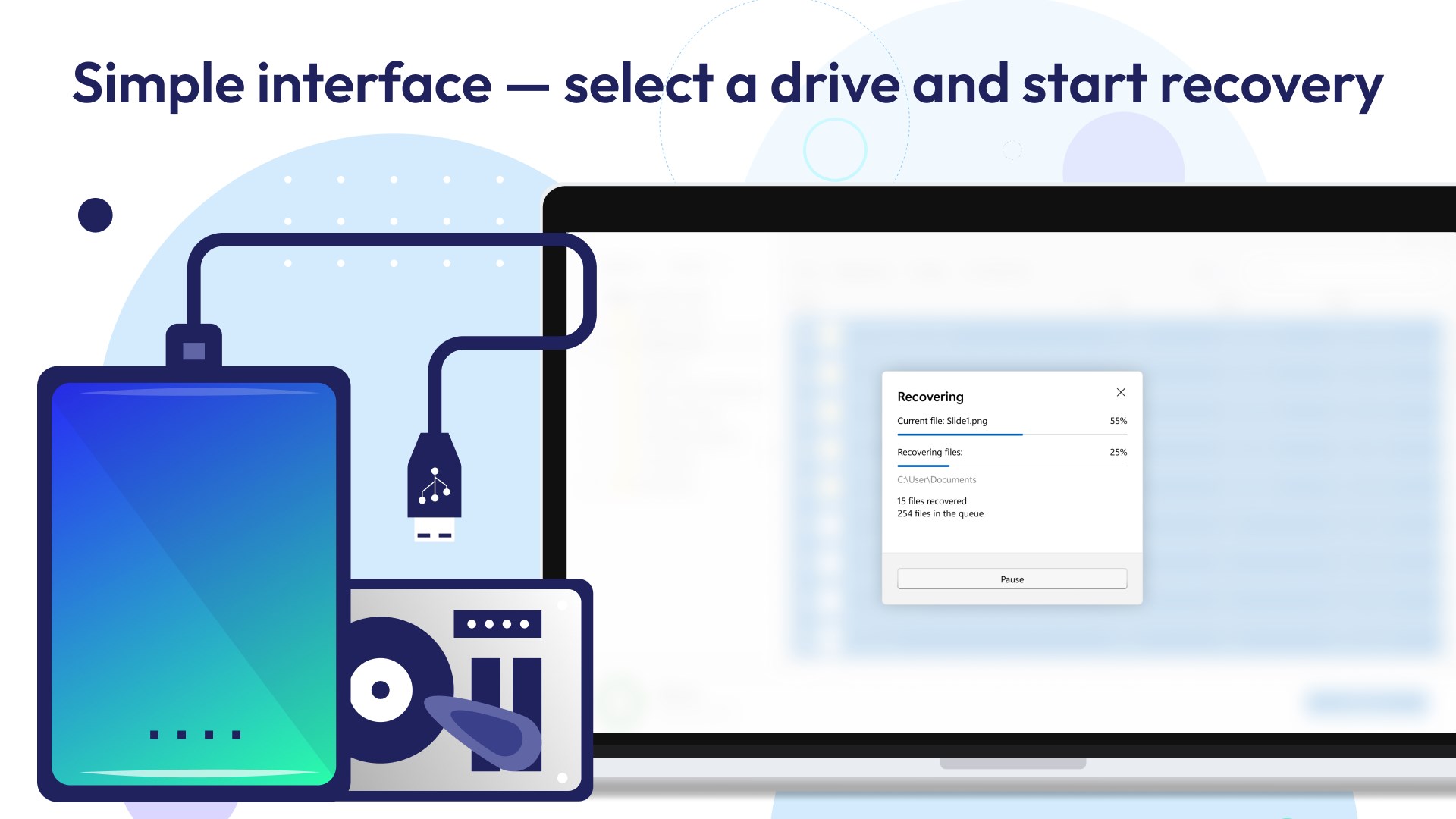
Restore Files is a data recovery tool for Windows desktops, laptops and other Windows-compatible devices. It recovers data from formatted partitions, hard drives, USB drives, memory cards and other storage devices. It can retrieve files from internal or external HDDs, SSDs, USB drives, SD cards, digital cameras and video players that appear damaged, corrupted or inaccessible. It also recovers files that were accidentally deleted or lost after a computer crash. Operation is simple, requiring only the selection of the disk or removable media to be restored, after which the application handles the recovery process itself.
Show the developer's original descriptionHide the original description
Restore Files is a powerful, fast and easy-to-use software for data recovery from Windows desktops, laptops, and other Windows-compatible devices.
There is nothing redundant in the application interface. Just select a local disk or any removable media you want to restore and the application does the rest with a higher success rate than others.
Whether you format the storage device accidentally or intentionally, the consequences are the same: All the files on the storage medium will be lost. Restore Files is a long-proven solution to recover data from a formatted partition, hard drive, USB drive, memory card, and other storage devices.
It's quite upsetting when an HDD, SSD, or external storage device gets damaged, corrupted, or becomes inaccessible. With Restore Files, there is a high chance to retrieve files from a seem-to-be-dead internal/external HDD, SSD, USB drive, SD card, digital camera, video player, and other supported devices.
Accidentally deleted an important file? Lost files after a computer crash? No problem - Restore Files recovers your data easily!
If there is a version of this app for iOS/Mac or Windows we don't know about, paste the store link here — we'll auto-detect the store.
How to find the URL:1. Open the app in its store. 2.In the App Store app: tap the Share icon → “Copy Link”. In the browser: copy the URL from the address bar — it contains apps.apple.com/…/id… or apps.microsoft.com/detail/…. 3. Paste it here.
Paste the original link from the Apple App Store or Microsoft Store. We fetch all details automatically.
How to find the URL:
1. Open the app in its store. 2.In the App Store app: tap the Share icon → “Copy Link”. In the browser: copy the URL from the address bar — it contains apps.apple.com/…/id… or apps.microsoft.com/detail/…. 3. Paste it here.
Android apps can only be listed by their developer.