
Screenshot appears after consentScreenshot appears after consentScreenshot appears after consentScreenshot appears after consentScreenshot appears after consentScreenshot appears after consentScreenshot appears after consentScreenshot appears after consentScreenshot appears after consentScreenshot appears after consentScreenshot appears after consentScreenshot appears after consentScreenshot appears after consentScreenshot appears after consentScreenshot appears after consentScreenshot appears after consentScreenshot appears after consent
Summary
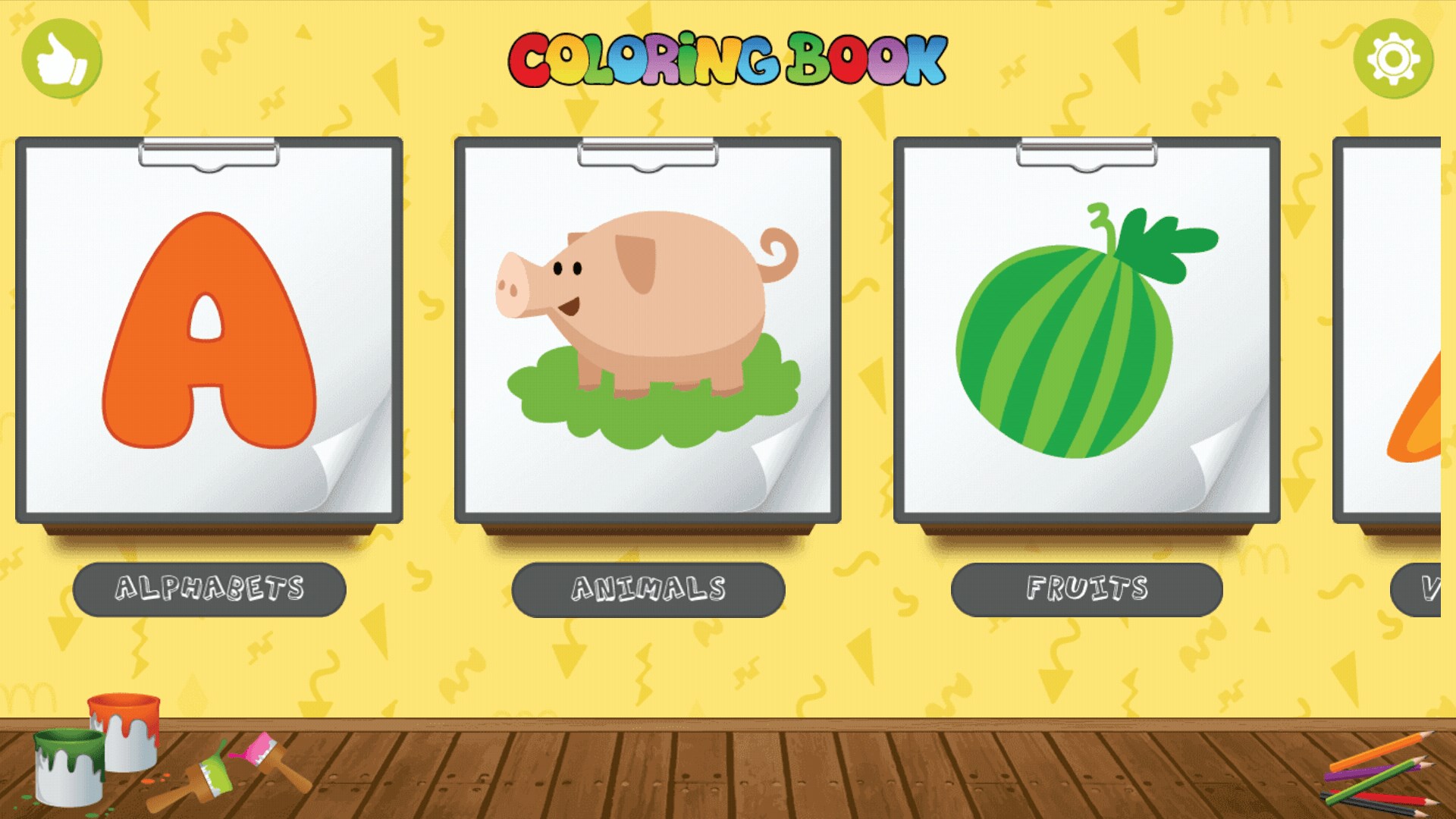
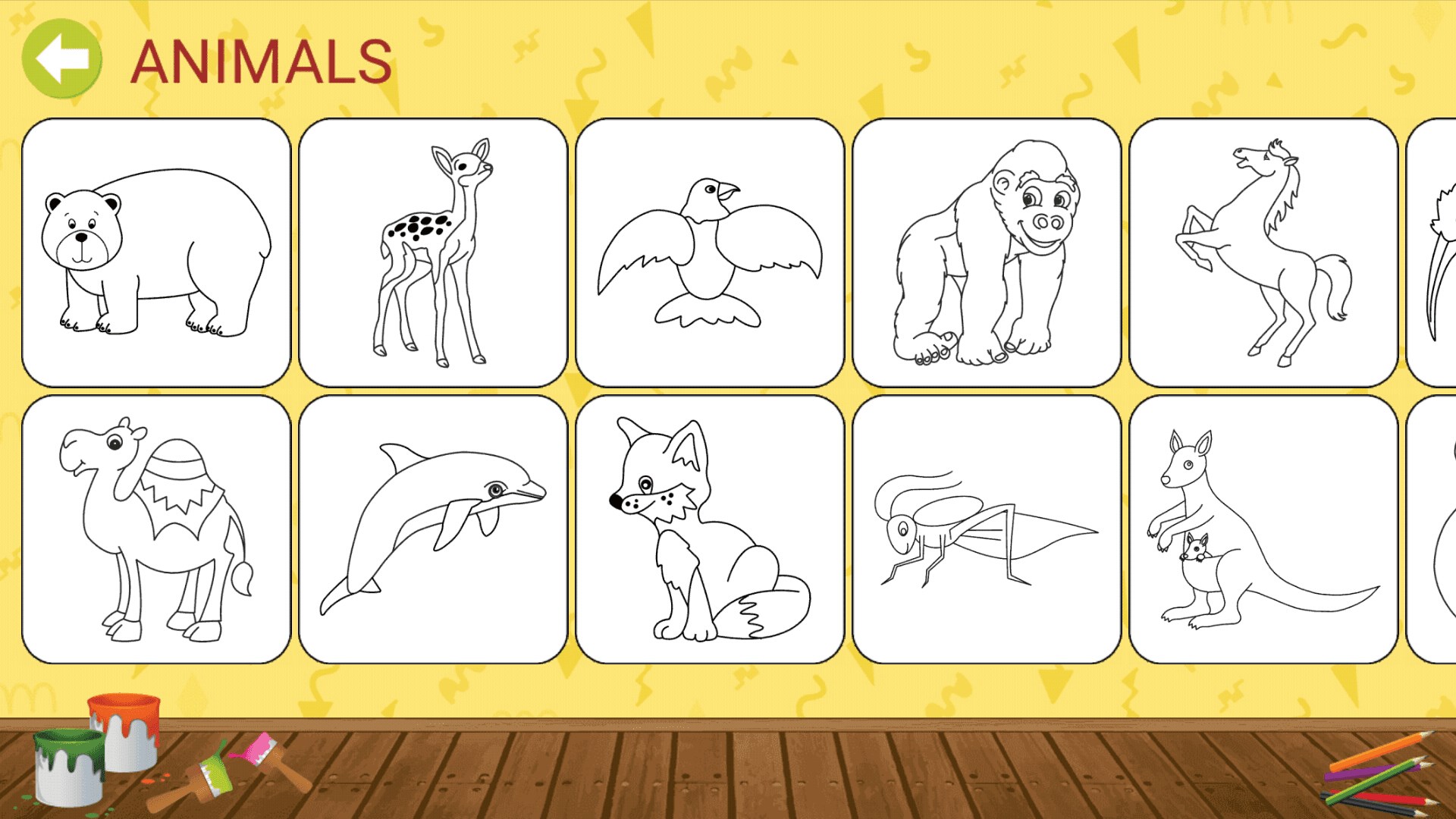
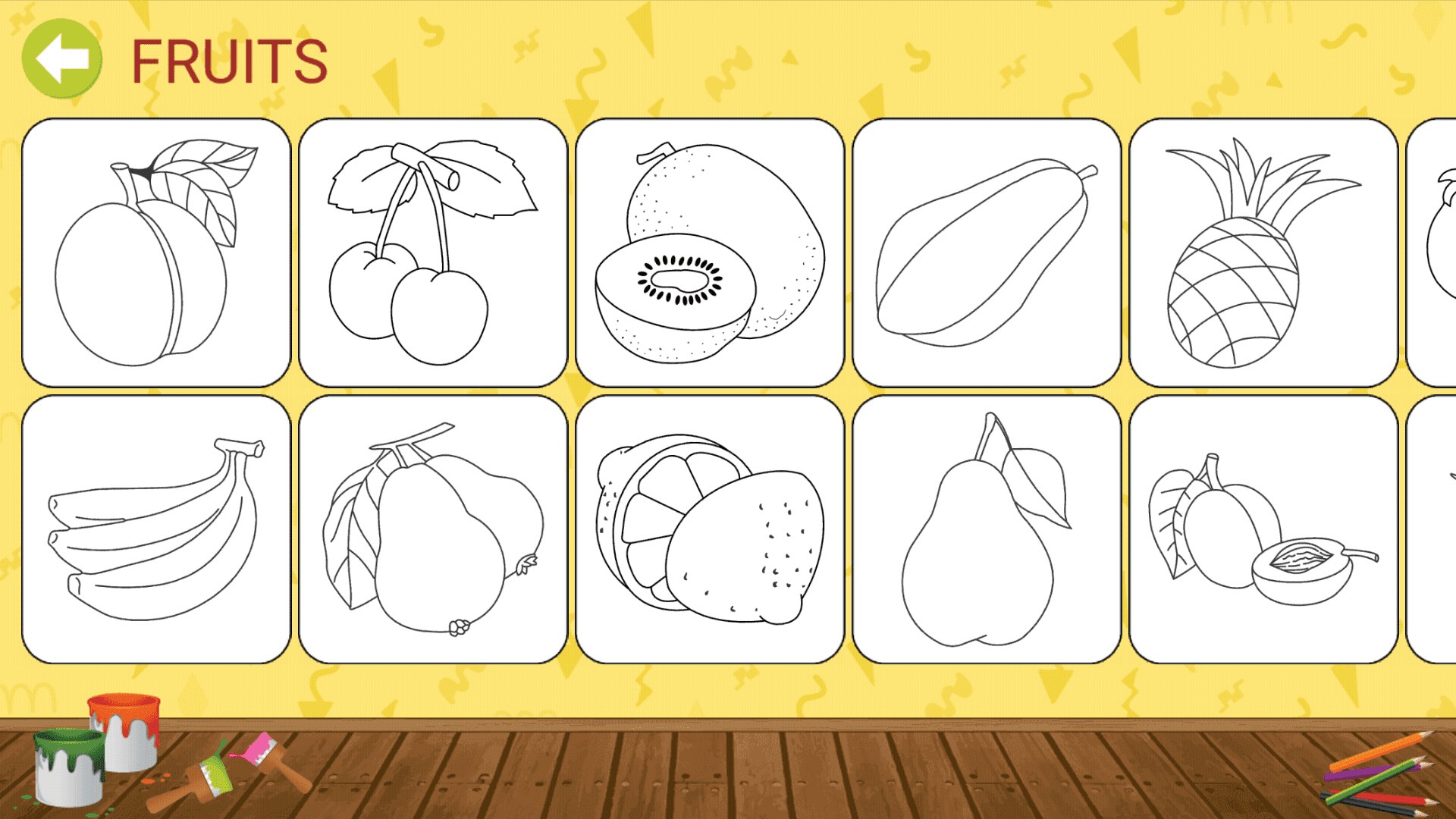
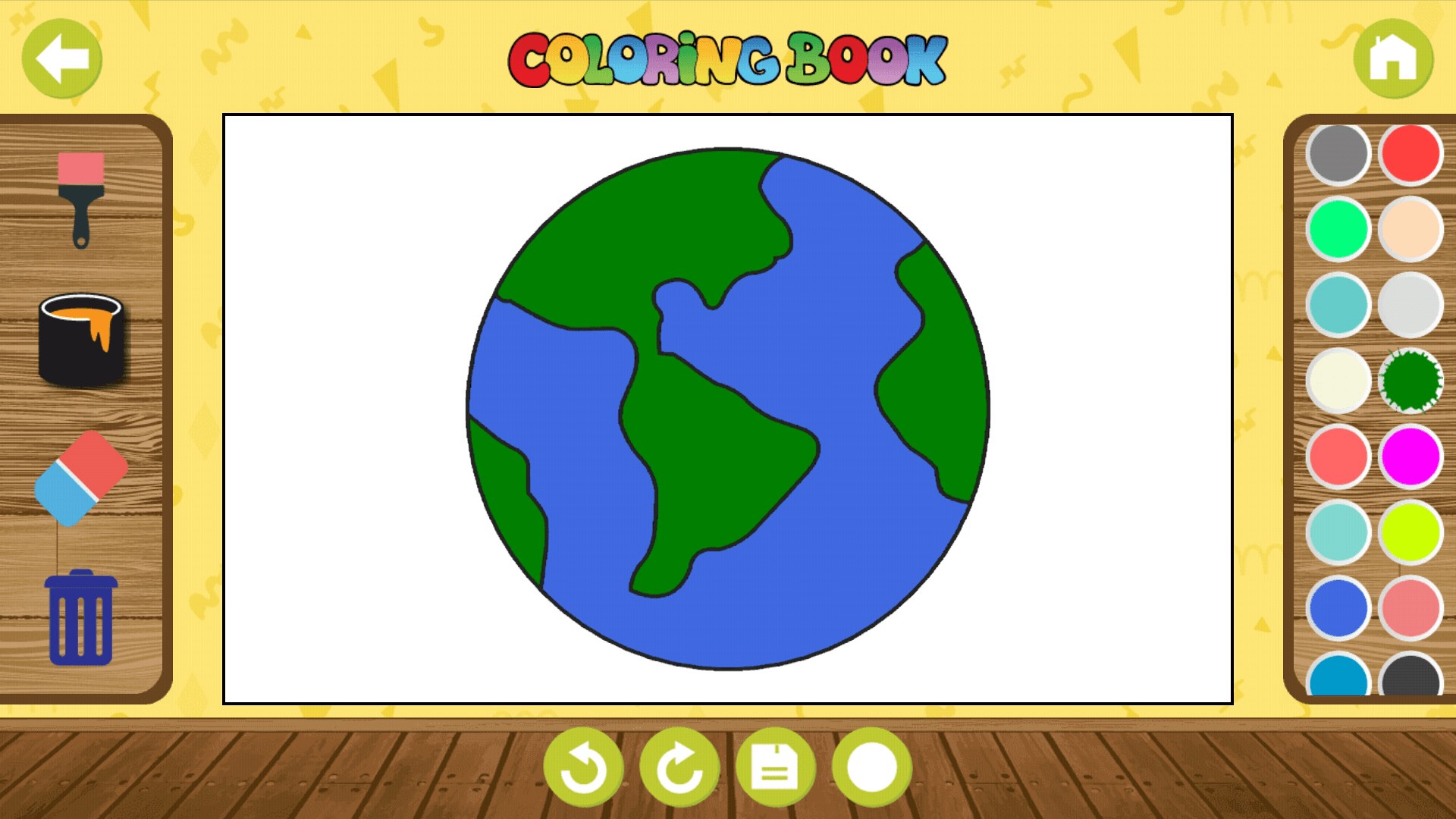
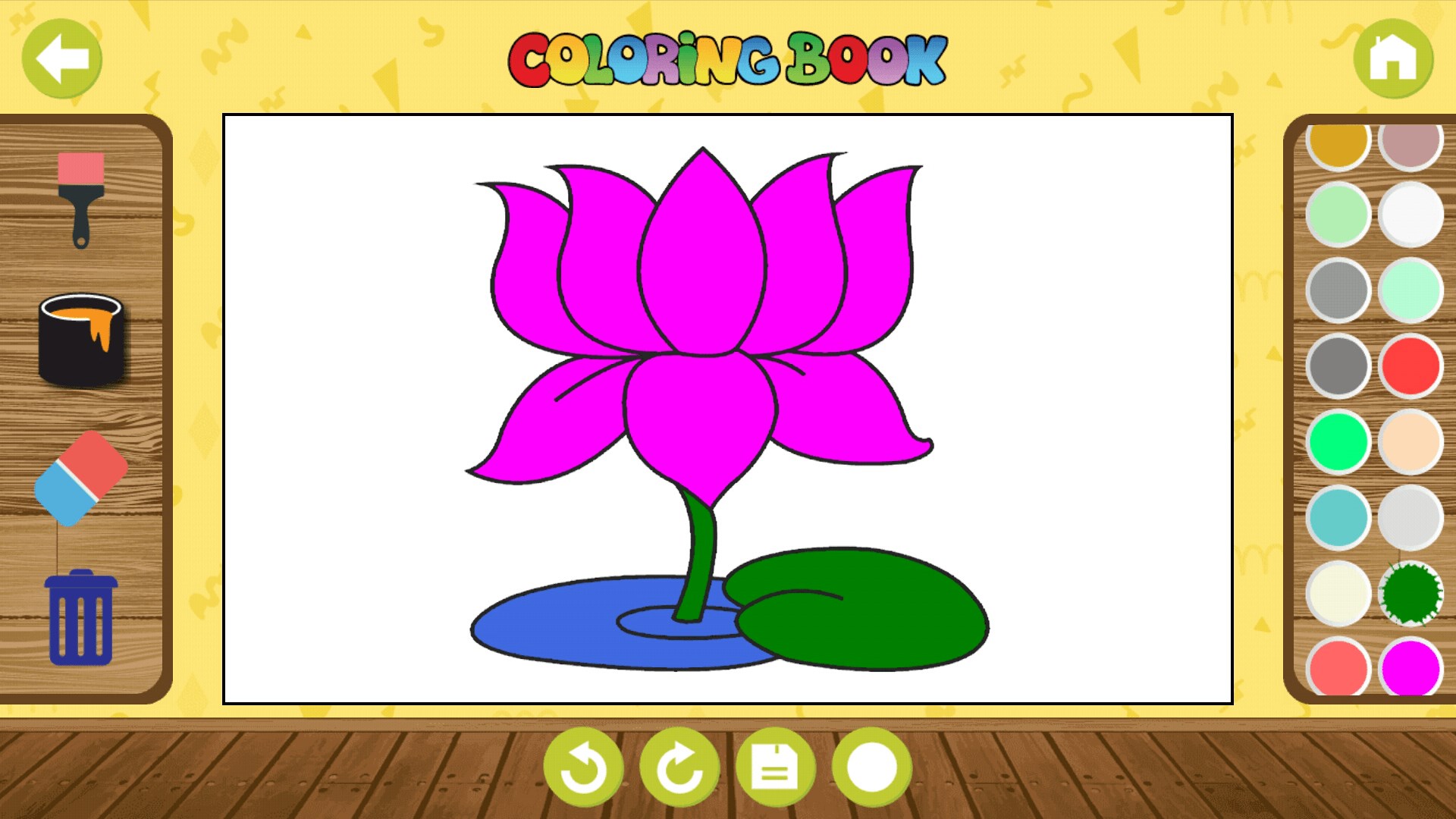
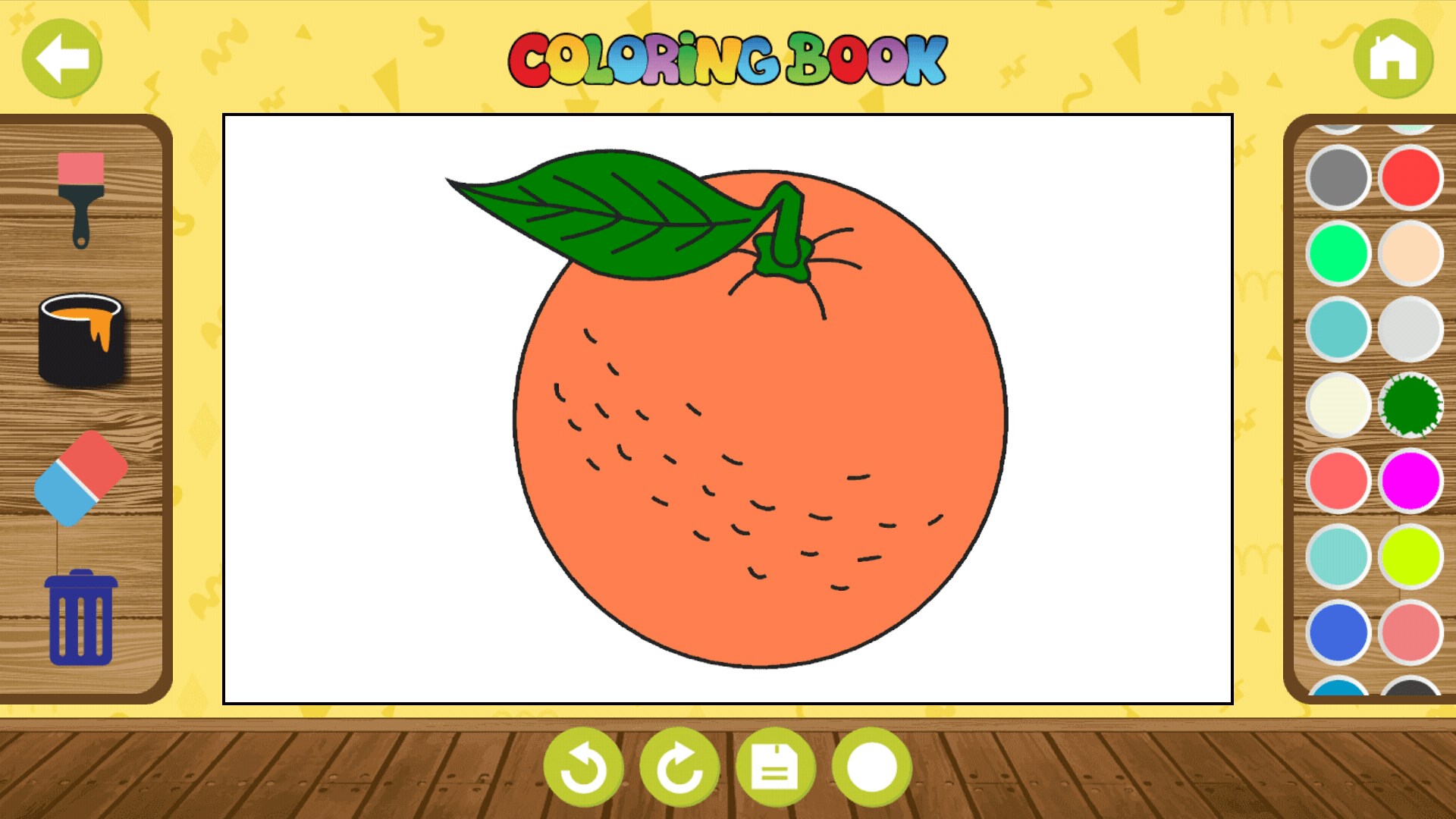
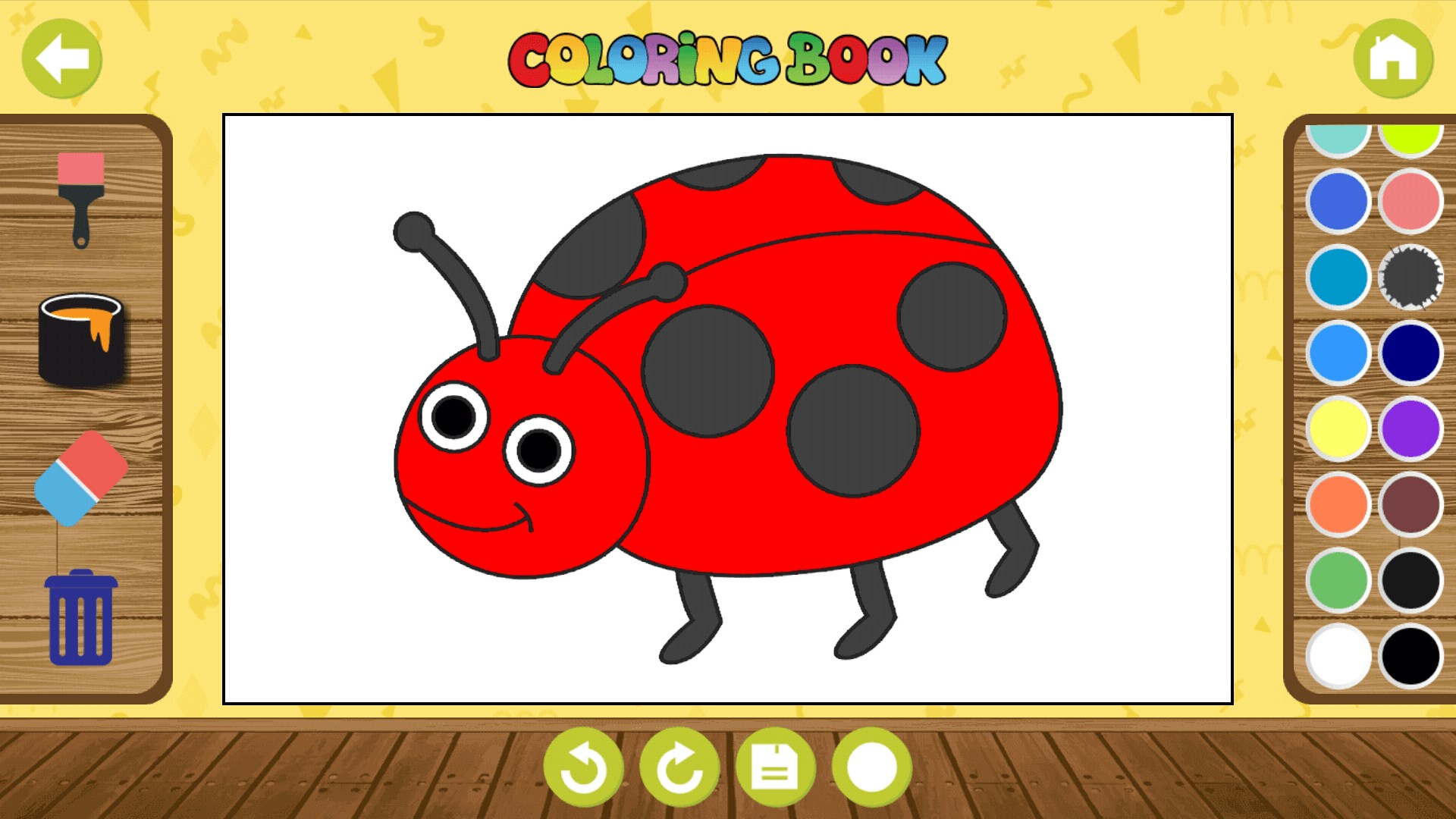
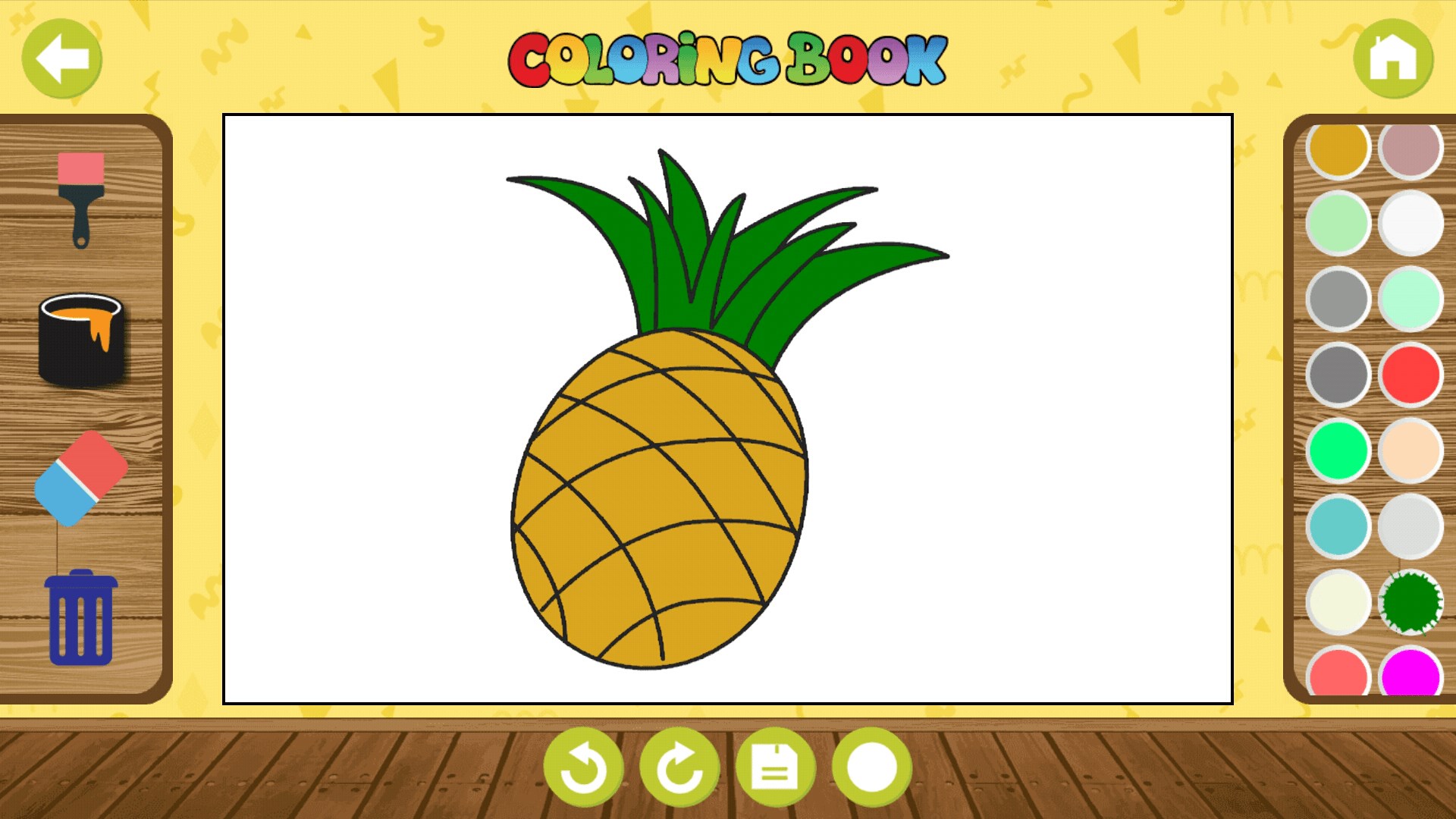
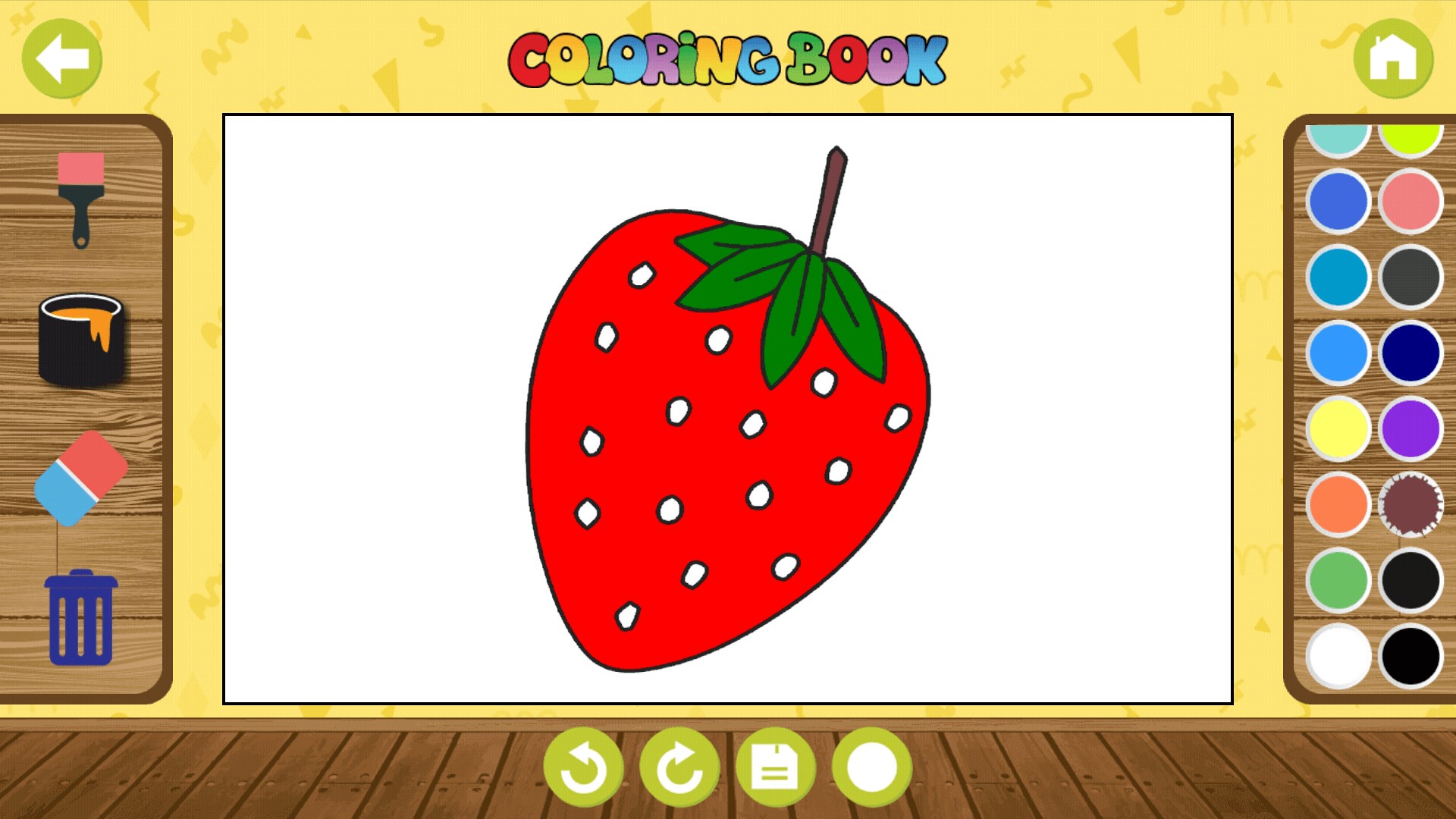
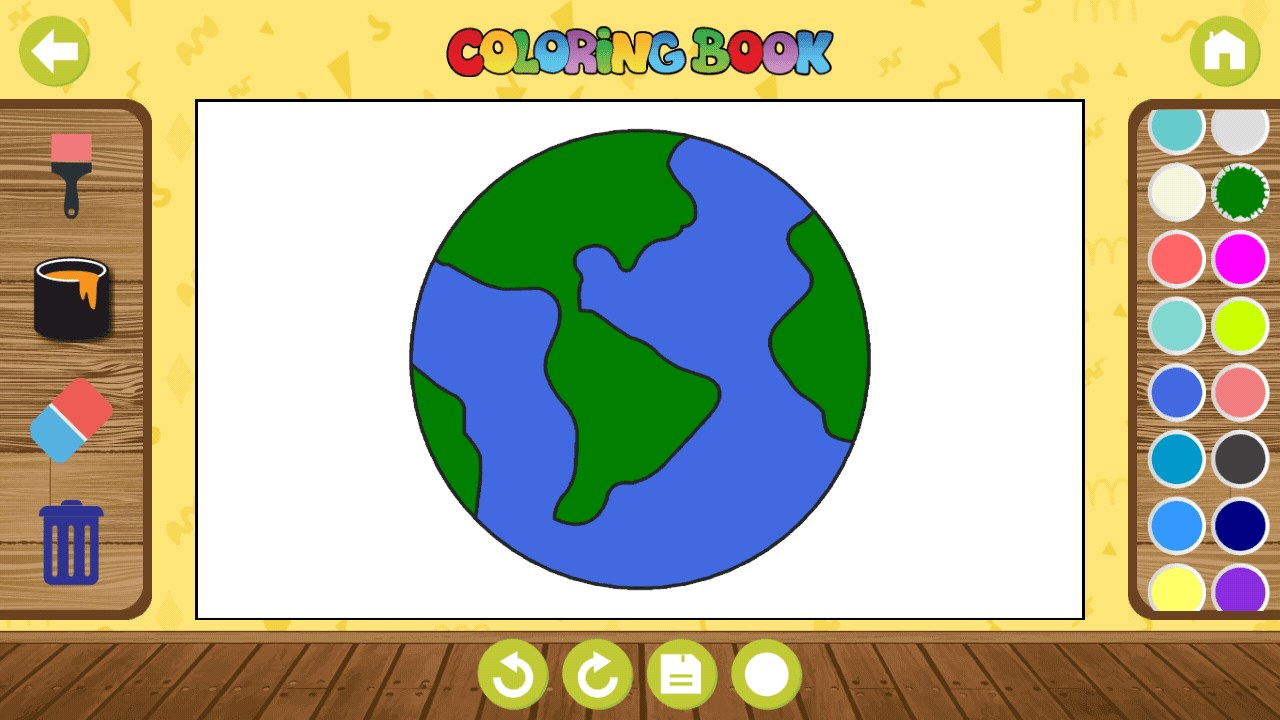
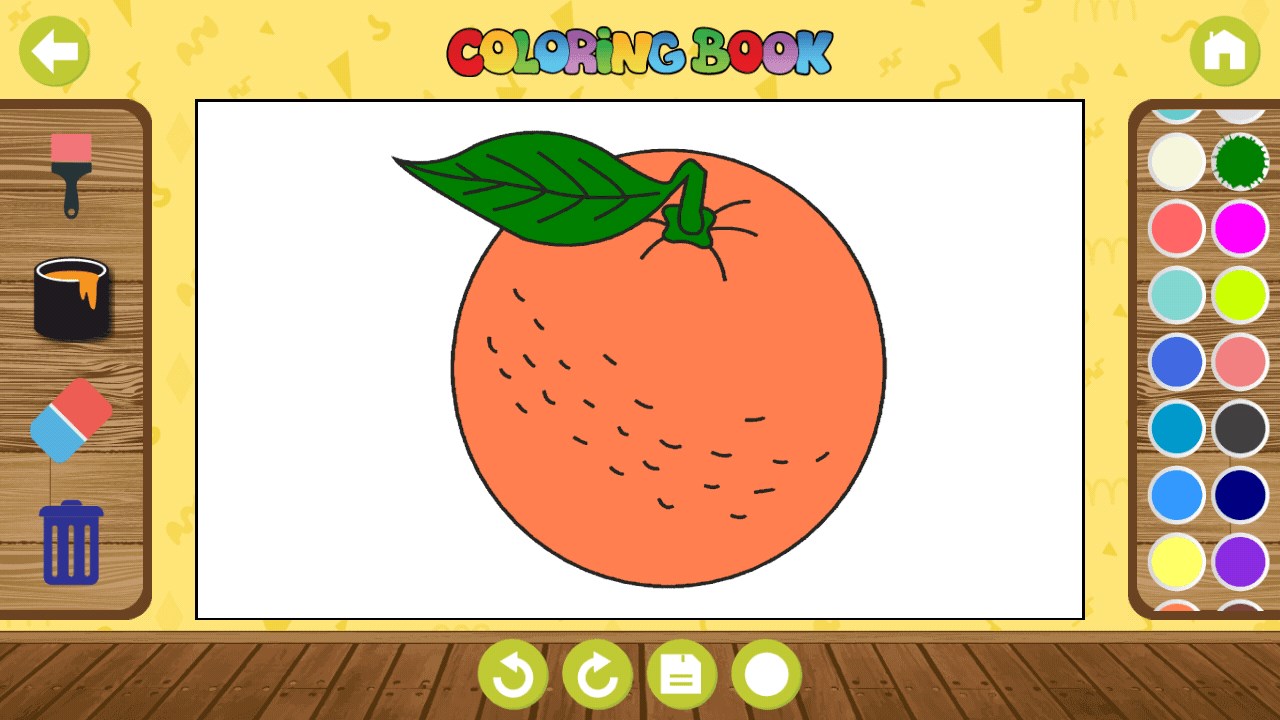
Kids Coloring Fun is a coloring book app for preschool children and toddlers. It offers more than 190 coloring pages divided into categories such as alphabets, vehicles, animals, fruits, vegetables and flowers. Each picture is designed to be simple so that children can recognize letters, animals, fruits, flowers, vegetables and vehicles while coloring. The app aims to keep children occupied for hours while supporting their learning.
Show the developer's original descriptionHide the original description
Kids coloring book is a game for preschool kids and toddlers. Each picture is very simple and provides education to your child while coloring your kid will start recognising alphabets, animals, fruits, flowers, vegetables, vehicles. App is loaded with 190+ coloring pages that can keep your kid busy for hours and make the learn.
** Categories
1. Alphabets
2. Vehicles
3. Animals
4. Fruits
5. Vegetables
6. Flowers
If there is a version of this app for iOS/Mac or Windows we don't know about, paste the store link here — we'll auto-detect the store.
How to find the URL:1. Open the app in its store. 2.In the App Store app: tap the Share icon → “Copy Link”. In the browser: copy the URL from the address bar — it contains apps.apple.com/…/id… or apps.microsoft.com/detail/…. 3. Paste it here.
Paste the original link from the Apple App Store or Microsoft Store. We fetch all details automatically.
How to find the URL:
1. Open the app in its store. 2.In the App Store app: tap the Share icon → “Copy Link”. In the browser: copy the URL from the address bar — it contains apps.apple.com/…/id… or apps.microsoft.com/detail/…. 3. Paste it here.
Android apps can only be listed by their developer.