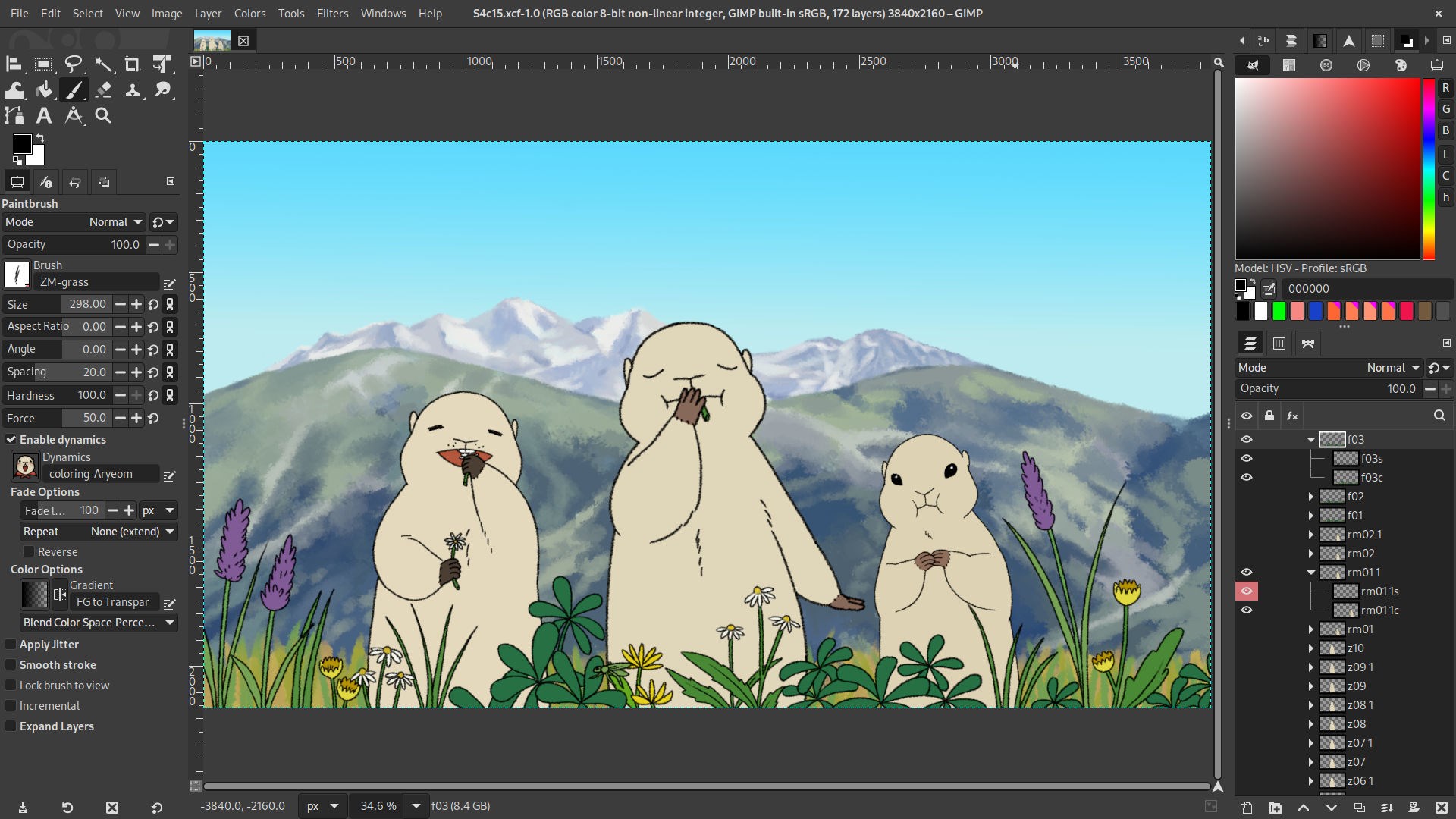
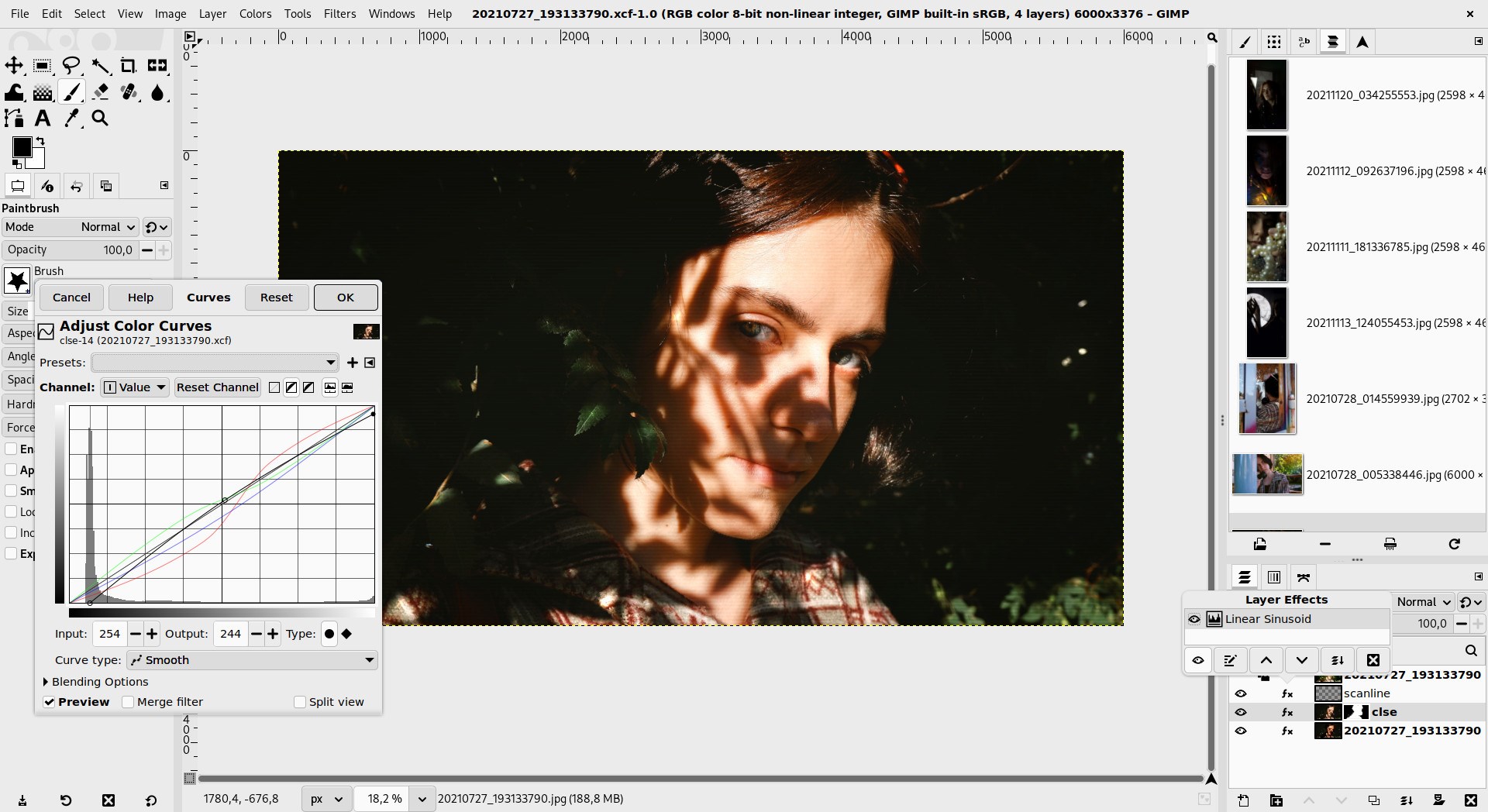


Screenshot appears after consentScreenshot appears after consent
Summary
GIMP is an image editor for image creation and manipulation. It functions as a paint program, a photo retouching tool, an image composition tool, a batch processing system, a mass production image renderer and an image format converter. It is expandable through plug-ins and extensions that allow it to handle a wide range of additional tasks. An advanced scripting interface allows both simple and complex image manipulation procedures to be automated. GIMP is available for Linux, Microsoft Windows and macOS.
Show the developer's original descriptionHide the original description
GIMP is an acronym for GNU Image Manipulation Program. It is Community-driven Free Software for high-end image creation and manipulation.
It has many capabilities. It can be used as a paint program, an expert quality photo retouching program, image composition, an online batch processing system, a mass production image renderer, an image format converter, etc.
GIMP is expandable and extensible. It is designed to be augmented with plug-ins and extensions to do just about anything. The advanced scripting interface allows everything from the simplest task to the most complex image manipulation procedures to be easily scripted. GIMP is available for Linux, Microsoft Windows and macOS.
(NOTE: for Windows 11 users, like on the .exe installer package, some app data is preserved/persistent on %AppData%/GIMP even after updates and uninstall, this allows preserving your plugins, custom brushes, etc)
If there is a version of this app for iOS/Mac or Windows we don't know about, paste the store link here — we'll auto-detect the store.
How to find the URL:1. Open the app in its store. 2.In the App Store app: tap the Share icon → “Copy Link”. In the browser: copy the URL from the address bar — it contains apps.apple.com/…/id… or apps.microsoft.com/detail/…. 3. Paste it here.
Paste the original link from the Apple App Store or Microsoft Store. We fetch all details automatically.
How to find the URL:
1. Open the app in its store. 2.In the App Store app: tap the Share icon → “Copy Link”. In the browser: copy the URL from the address bar — it contains apps.apple.com/…/id… or apps.microsoft.com/detail/…. 3. Paste it here.
Android apps can only be listed by their developer.