Screenshot appears after consentScreenshot appears after consentScreenshot appears after consentScreenshot appears after consentScreenshot appears after consentScreenshot appears after consentScreenshot appears after consent
Summary
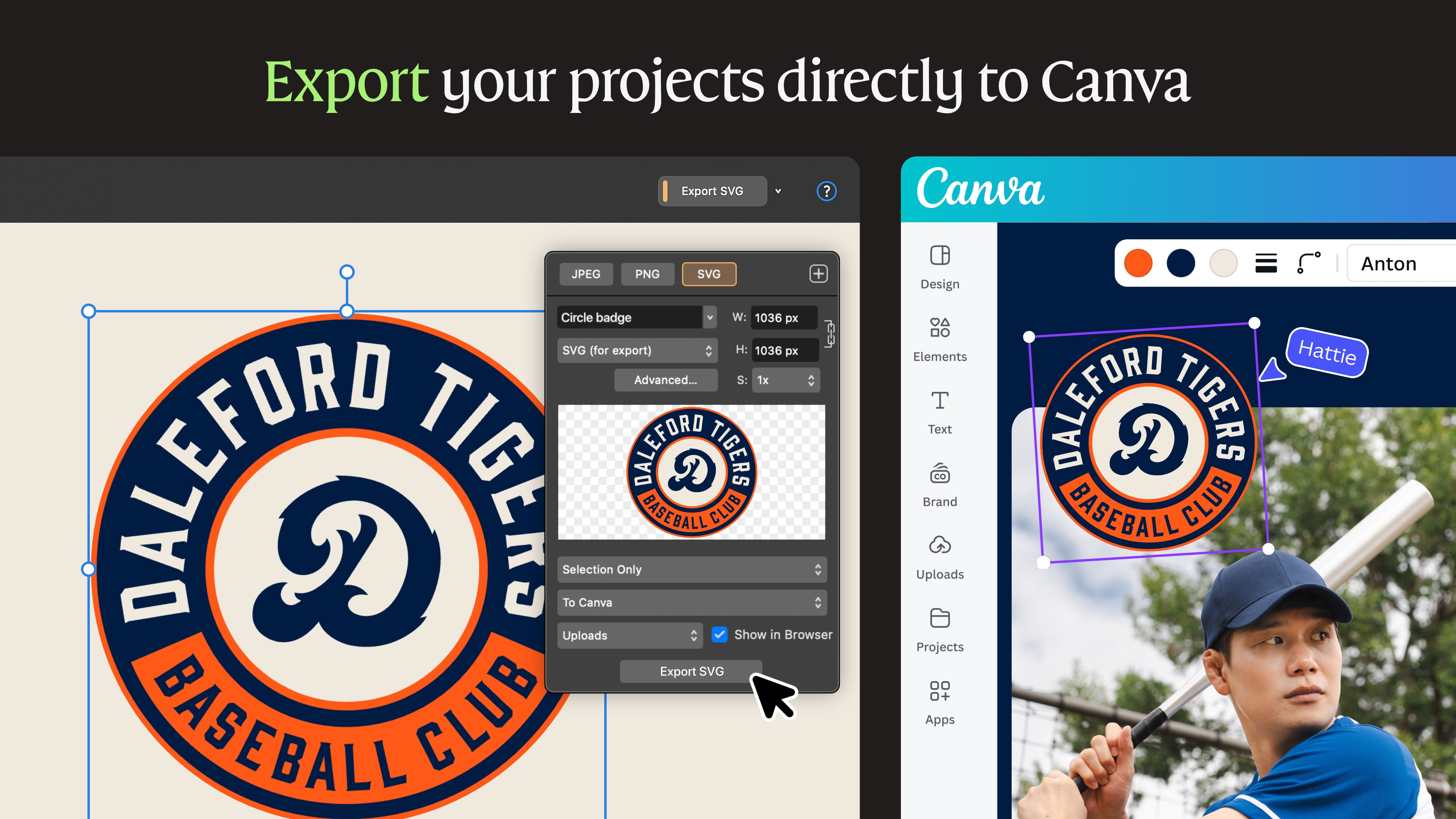
Affinity by Canva is a program that combines vector, photo editing and page layout tools in one package. It offers advanced photo editing with layer-based compositing, non-destructive RAW development and batch processing. Its vector tools include curve editing, a shape builder and image tracing to convert images into editable vectors. For page layout it provides typography controls, press-ready output and data merge for large-scale designs. The workspace can be rearranged into custom studios, and files such as PSD, AI, IDML and DWG can be imported with structure intact. The app is free, while AI features like generative fill require a Canva subscription.
Show the developer's original descriptionHide the original description
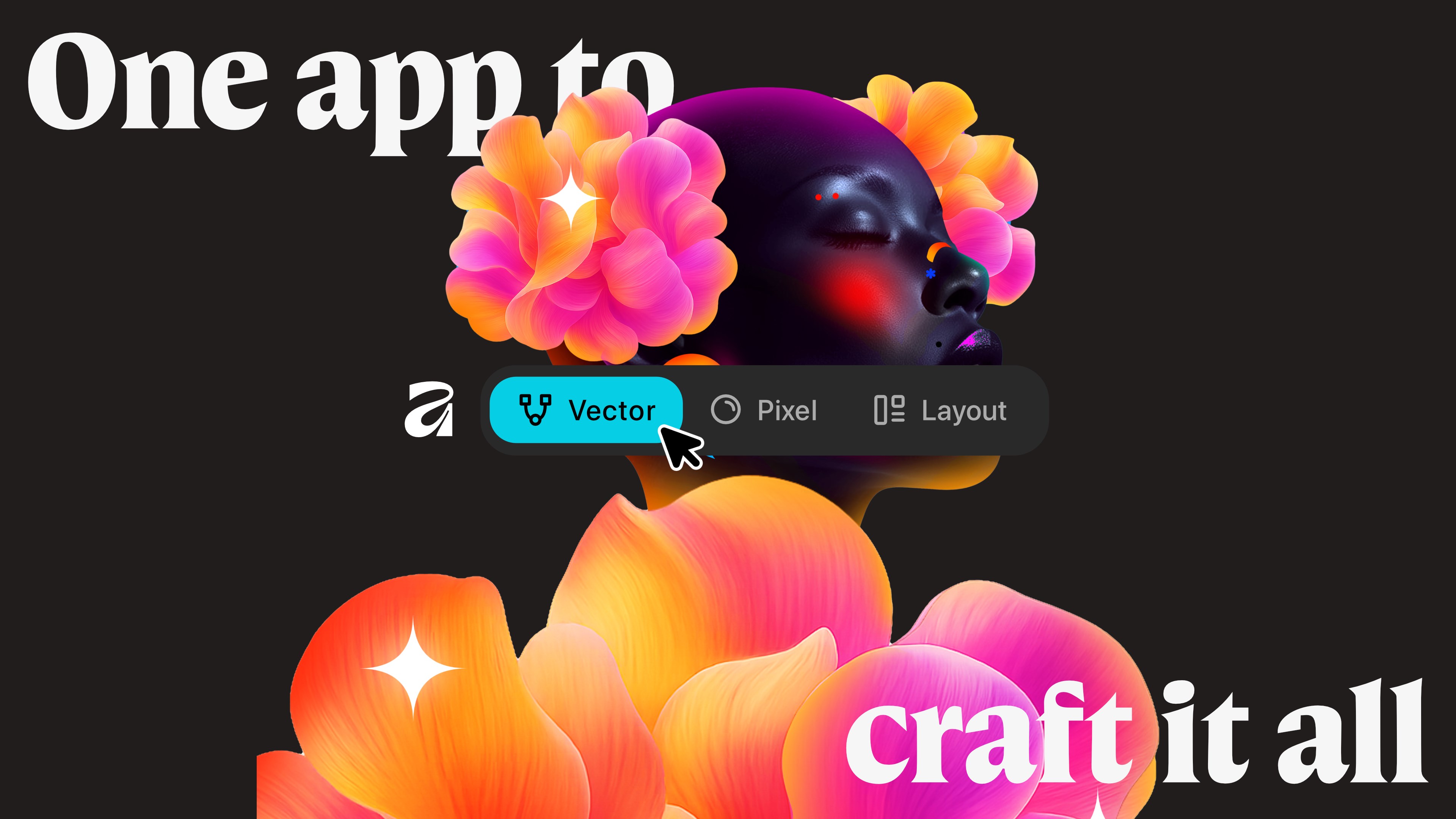
ONE APP TO CRAFT IT ALL, FOR NO COST AT ALL.
Design. Edit. Lay it out. Affinity gives you vector, pixel, and layout tools, all in the same professional-grade app. No switching between programs or stitching files back together. Just everything you need, in one place – completely free.
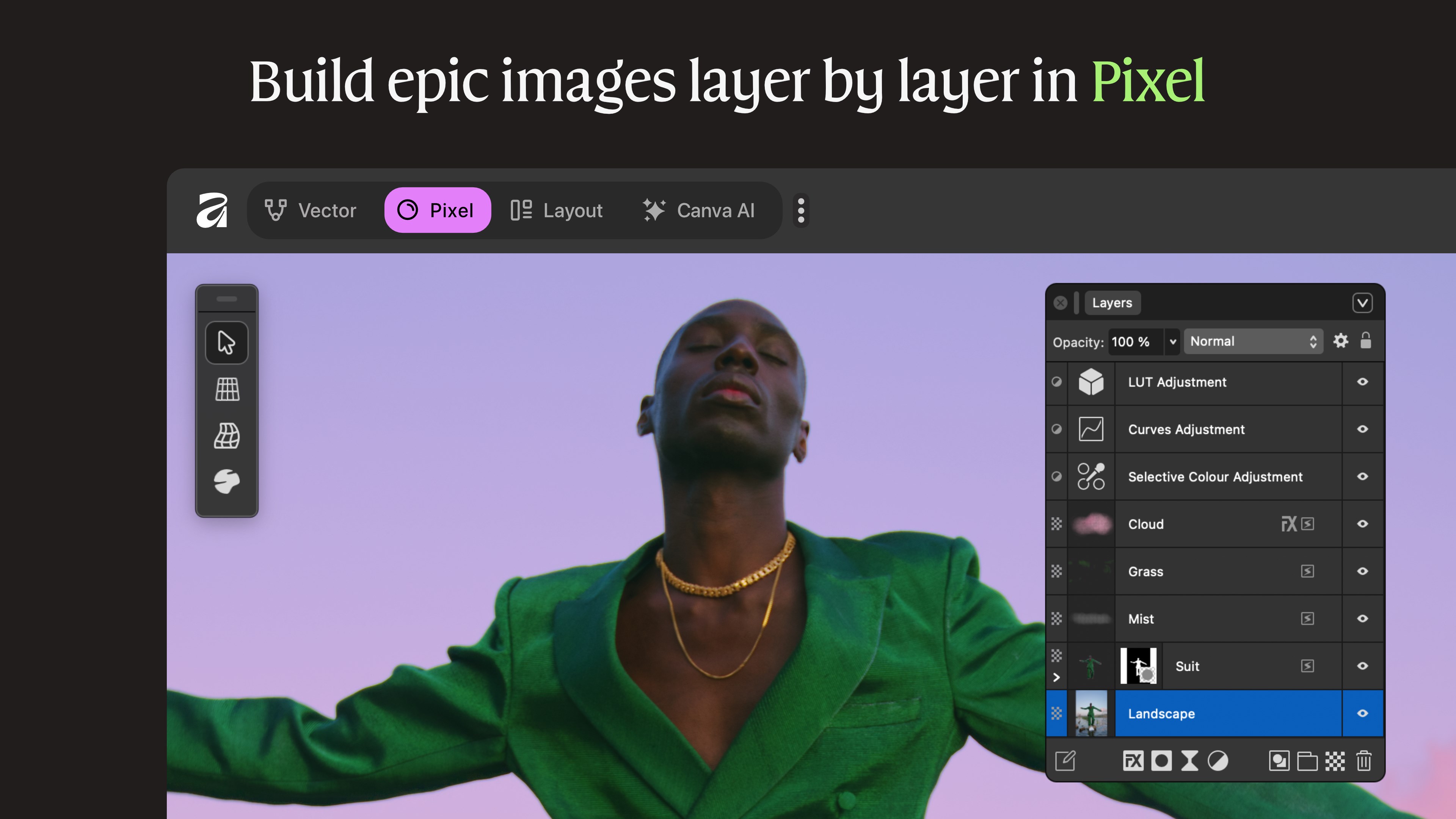
FULLY-FUELED PHOTO EDITING
From epic image composites to non-destructive RAW editing, Affinity delivers powerful photo tools without compromise.
- Advanced retouching for natural-looking results
- Layer-based image compositing
- Full non-destructive RAW development
- Stacks, batch processing & macros to save time
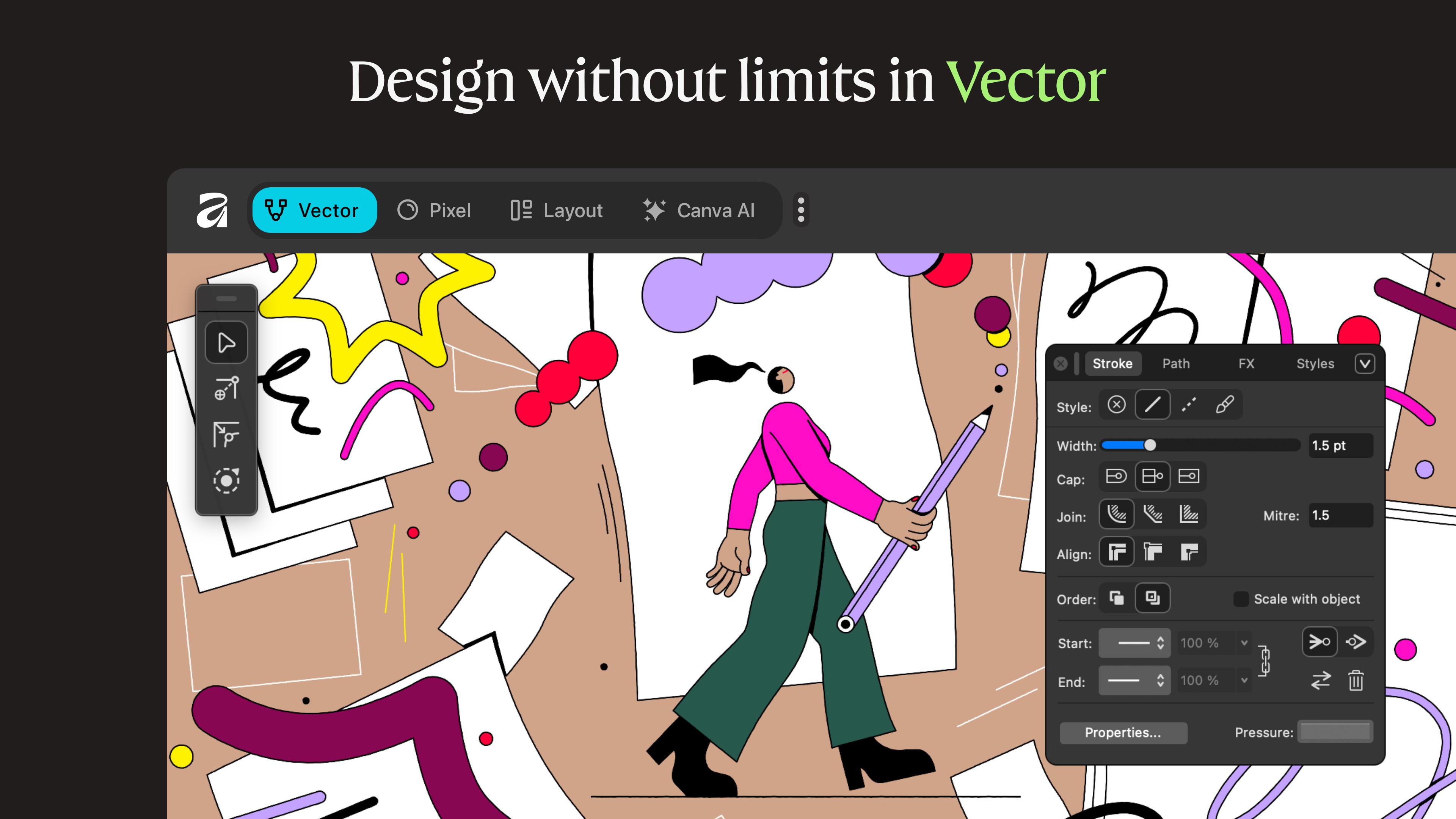
ADVANCED VECTOR DESIGN
Powerful enough for full UI systems, fast enough for sketching ideas on the fly – vector design in Affinity stays responsive and precise.
- Curve editing tools built for total control
- Shape Builder for creating and customizing geometry
- Flexible gradient fills for depth, color, and texture
- Image Trace to convert flat images into editable vectors
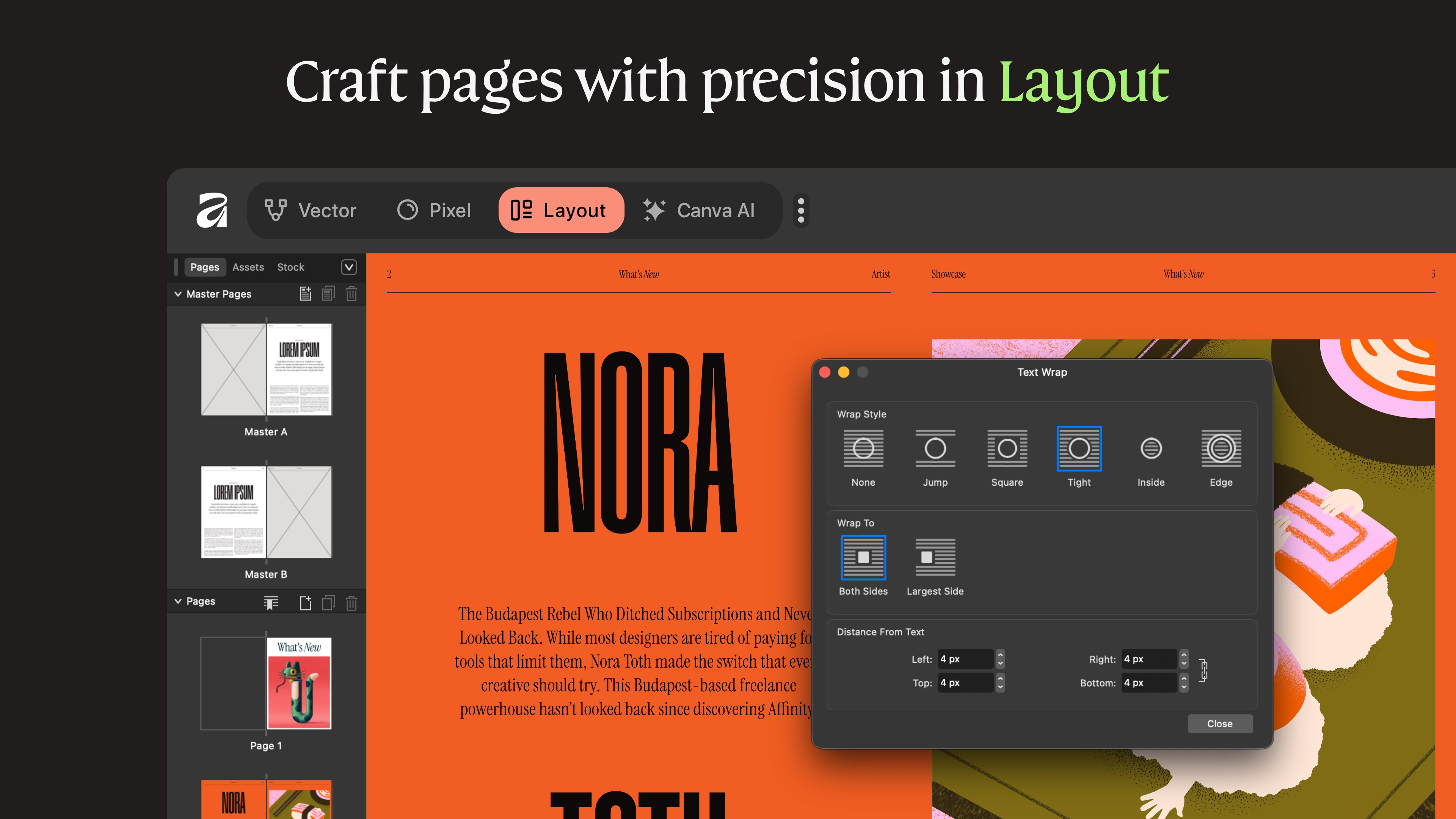
PAGE LAYOUT POWERHOUSE
Whether you’re designing a book, brochure, or multi-section report, Affinity handles complex layouts with ease.
- Layout tools for consistent, editable designs
- Advanced typography controls
- Press-ready output with accurate previews
- Data Merge for generating designs at scale
A WORKSPACE THAT ADAPTS TO YOU
Affinity comes with built-in vector, photo, and layout studios — but you’re never locked in. Rearrange panels, mix tools, and build custom studios to suit your workflow. Save multiple setups, switch instantly, or share configurations with others.
PERFORMANCE THAT KEEPS UP
Ultra-fast, smooth, and precise, Affinity is built to handle complex documents without slowing you down. Every adjustment, filter, and layer effect updates live, so what you see on screen is exactly what you export.
EDIT FEARLESSLY, UNDO EASILY
Non-destructive editing keeps your original files intact at every stage. Stack edits, tweak or remove them at any time, and refine your work without flattening or committing early.
BRING YOUR FILES WITH YOU
Import PSD, AI, IDML, DWG, and other industry-standard formats with layers, structure, and creative intent preserved. And because Affinity is free, collaborators can open and edit files without barriers.
OPTIONAL AI-POWERED TOOLS
If you’re on a Canva plan, you can unlock AI features directly in Affinity, including generative fill, background removal, and image or vector generation — thoughtfully integrated to support your workflow, not disrupt it.
GET AFFINITY TODAY – it’s free to download and use (optional AI features require a Canva plan).
If there is a version of this app for iOS/Mac or Windows we don't know about, paste the store link here — we'll auto-detect the store.
How to find the URL:1. Open the app in its store. 2.In the App Store app: tap the Share icon → “Copy Link”. In the browser: copy the URL from the address bar — it contains apps.apple.com/…/id… or apps.microsoft.com/detail/…. 3. Paste it here.
Paste the original link from the Apple App Store or Microsoft Store. We fetch all details automatically.
How to find the URL:
1. Open the app in its store. 2.In the App Store app: tap the Share icon → “Copy Link”. In the browser: copy the URL from the address bar — it contains apps.apple.com/…/id… or apps.microsoft.com/detail/…. 3. Paste it here.
Android apps can only be listed by their developer.





 Canva AI Photo & Video Editor
Design graphics, photos and videos professionally
 Adobe Express
Create designs, videos and images with AI effects
 Fotor - Photo Editor & Design
Edit and design photos and videos with AI tools
 Amadine: Vector Design and Art
Vector design app for illustrations, logos and icons
 Tezza: Aesthetic Photo Editor
Edit photos and videos with filters, effects and templates
 Pixelmator Pro: Edit Images
Edit photos, create designs and paint digital art