Screenshot appears after consentScreenshot appears after consent
Screenshot appears after consentScreenshot appears after consentScreenshot appears after consentScreenshot appears after consentScreenshot appears after consentScreenshot appears after consent
Summary
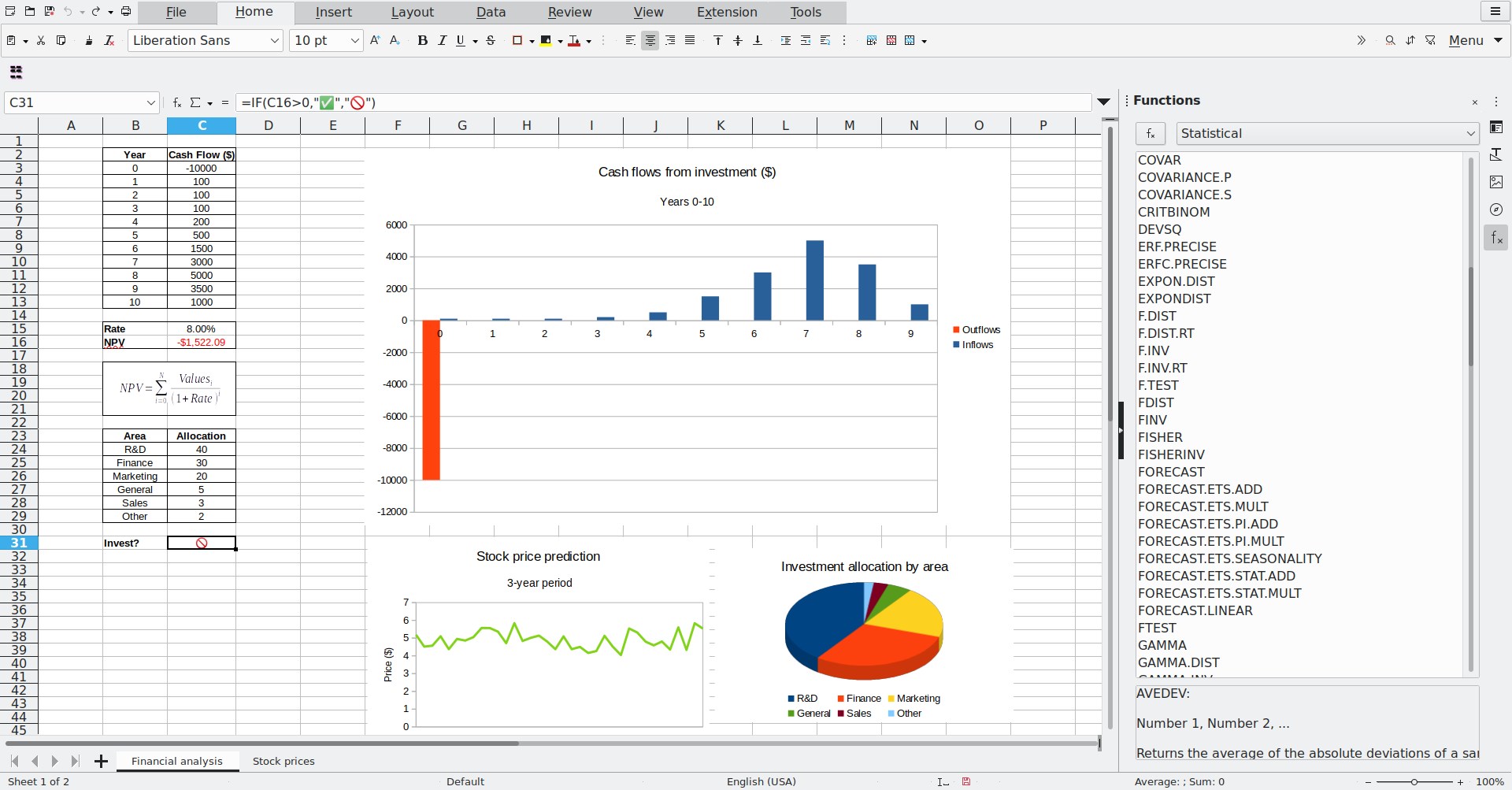
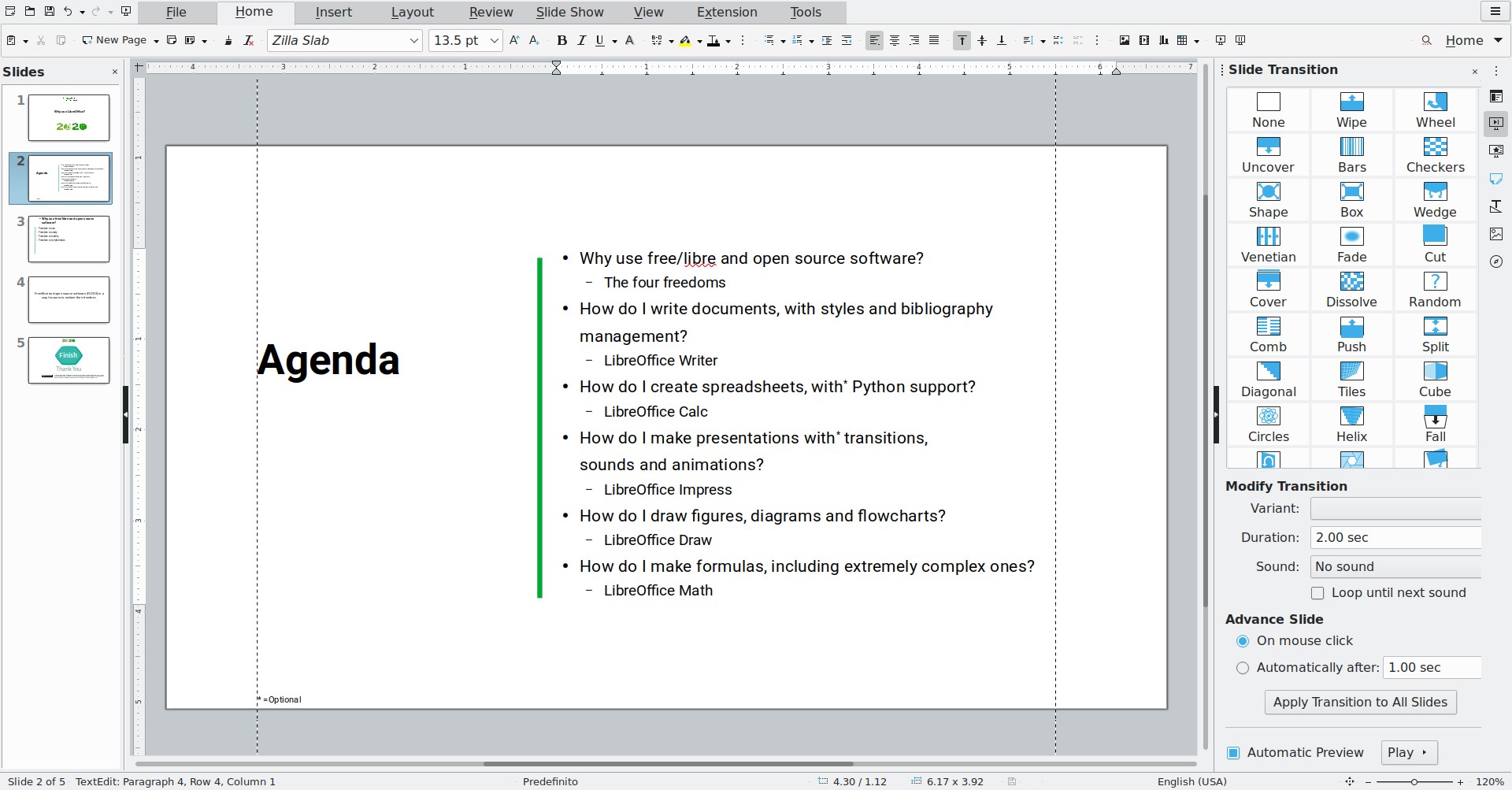
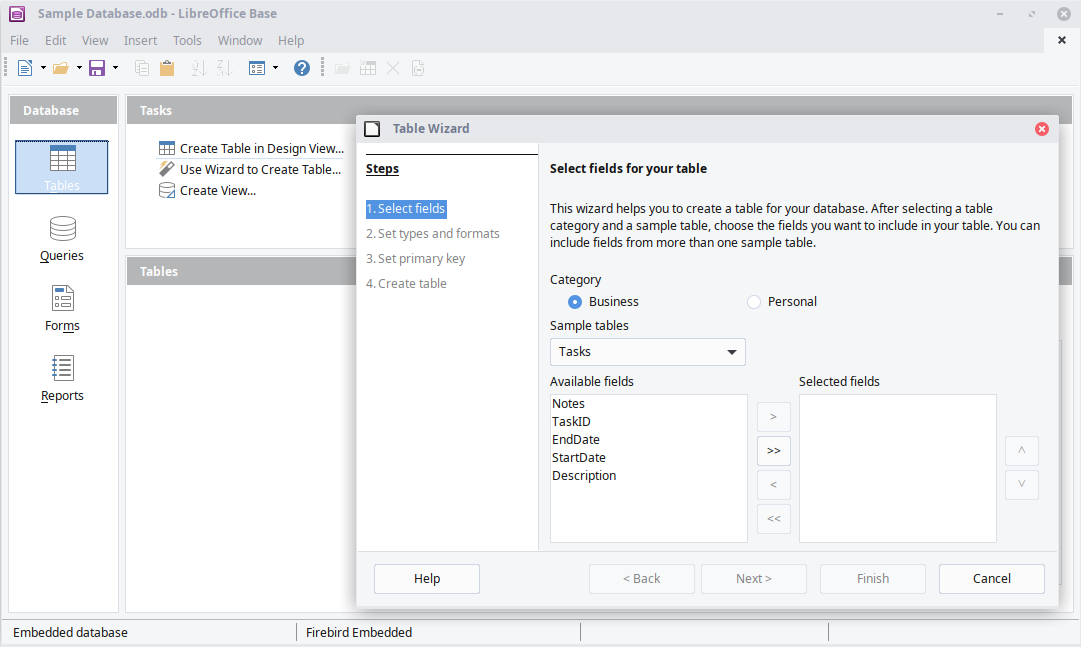
LibreOffice is an office suite that includes tools for word processing, spreadsheets, presentations, vector graphics and flowcharts, databases and formula editing, named Writer, Calc, Impress, Draw, Base and Math respectively. It is compatible with Microsoft Word, Excel, PowerPoint and Publisher document formats, and natively supports the Open Document Format as well as export to PDF and other formats. According to the provider, it respects user privacy and gives users control over their data and content. It is developed by a worldwide community and backed by The Document Foundation, a non-profit organisation.
Show the developer's original descriptionHide the original description
Powerful privacy-respecting office suite, based on OpenOffice, compatible with Microsoft® Office. It has been in development since 2010, and is used by tens of millions of people around the world. It's backed by The Document Foundation, a non-profit organisation.
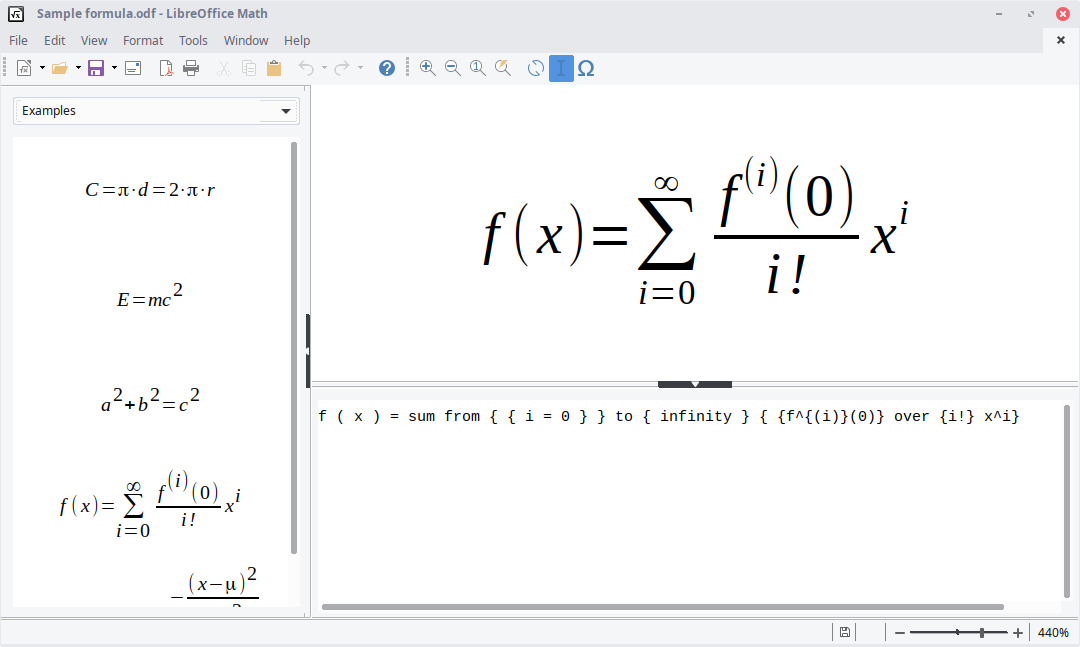
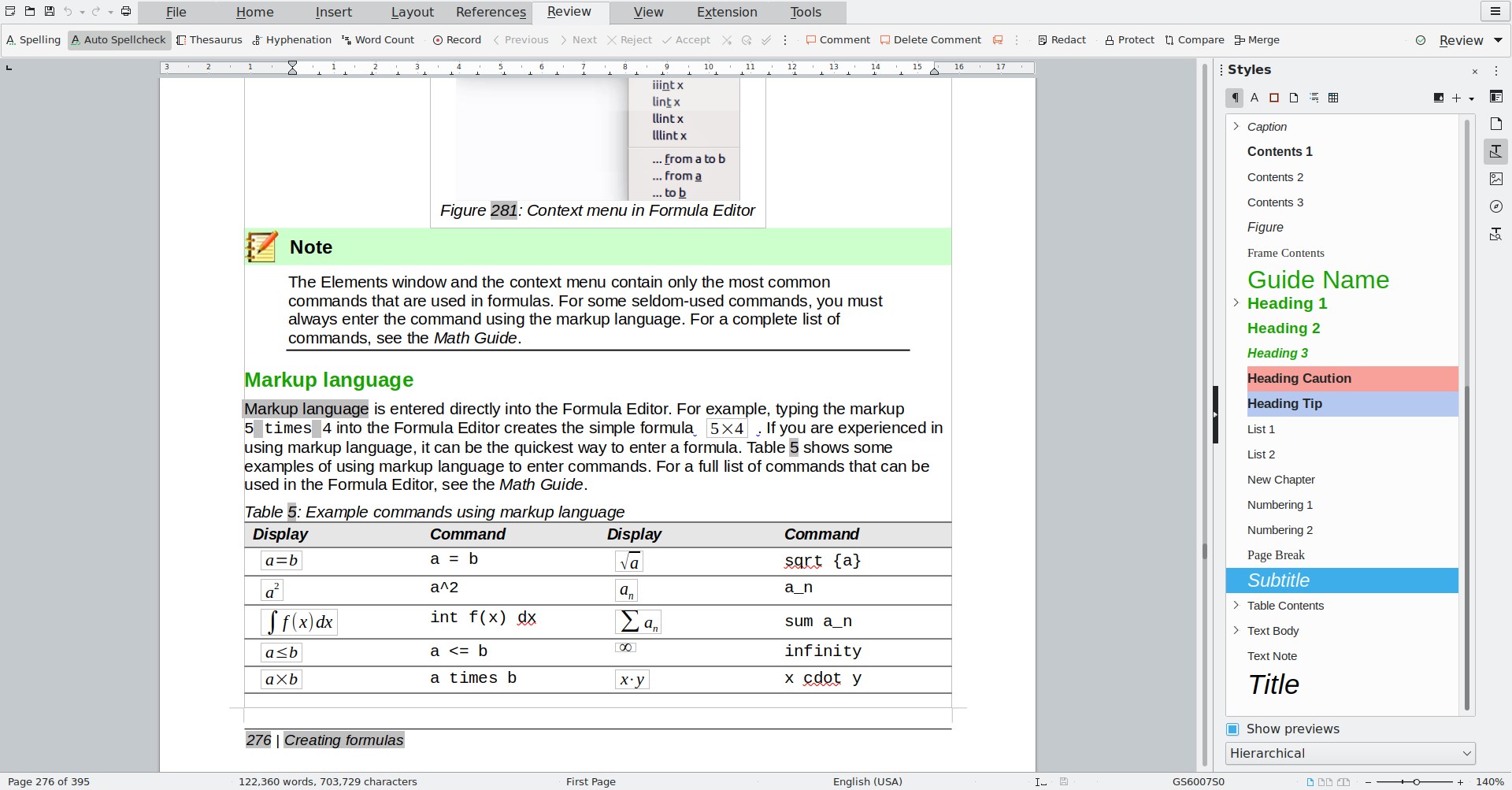
Included: Writer (word processing), Calc (spreadsheets), Impress (presentations), Draw (vector graphics and flowcharts), Base (databases), and Math (formula editing).
LibreOffice is compatible with a wide range of document formats such as Microsoft® Word (.doc, .docx), Excel (.xls, .xlsx), PowerPoint (.ppt, .pptx) and Publisher. But LibreOffice goes much further with its native support for a modern and open standard, the Open Document Format (ODF). With LibreOffice, you have maximum control over your data and content – and you can export your work in many different formats including PDF.
LibreOffice is made by a worldwide community, who can help you:
* Do you have a question about LibreOffice? See https://ask.libreoffice.org
* Want to report a problem? Let our QA community know: https://bugs.documentfoundation.org
Please note that the version provided in the App Store cannot support Java functionality, such as Java-based extensions.
EnglishGermanCatalanChineseCroatianCzechDanishDutchFinnishFrenchGreekHungarianIndonesianItalianJapaneseKoreanMalayNorwegian BokmålPolishPortugueseRomanianRussianSlovakSpanishSwedishThaiTurkishUkrainianVietnamese+ View all 29 languages
If there is a version of this app for iOS/Mac or Windows we don't know about, paste the store link here — we'll auto-detect the store.
How to find the URL:1. Open the app in its store. 2.In the App Store app: tap the Share icon → “Copy Link”. In the browser: copy the URL from the address bar — it contains apps.apple.com/…/id… or apps.microsoft.com/detail/…. 3. Paste it here.
Paste the original link from the Apple App Store or Microsoft Store. We fetch all details automatically.
How to find the URL:
1. Open the app in its store. 2.In the App Store app: tap the Share icon → “Copy Link”. In the browser: copy the URL from the address bar — it contains apps.apple.com/…/id… or apps.microsoft.com/detail/…. 3. Paste it here.
Android apps can only be listed by their developer.