Screenshot appears after consentScreenshot appears after consentScreenshot appears after consent
Screenshot appears after consentScreenshot appears after consentScreenshot appears after consentScreenshot appears after consentScreenshot appears after consentScreenshot appears after consentScreenshot appears after consent
Screenshot appears after consentScreenshot appears after consentScreenshot appears after consentScreenshot appears after consentScreenshot appears after consentScreenshot appears after consentScreenshot appears after consentScreenshot appears after consentScreenshot appears after consentScreenshot appears after consent
Screenshot appears after consentScreenshot appears after consentScreenshot appears after consentScreenshot appears after consentScreenshot appears after consentScreenshot appears after consentScreenshot appears after consent
Summary
GoPro Player is a video app for playing and editing GoPro footage, supporting a wide variety of formats including 360-degree recordings. It transforms 360 footage into new videos with adjustable viewing angles using Reframe, and offers stabilization, lens correction and horizon leveling for post-production control. Batch export lets multiple clips be queued and converted at once into standard MP4 files compatible with other editing software, in a range of resolutions and codecs. Full-resolution frame grabs allow still photos to be extracted from any video, and precise trimming keeps only chosen moments, while subscribers can stream their cloud library on Apple TV.
Show the developer's original descriptionHide the original description
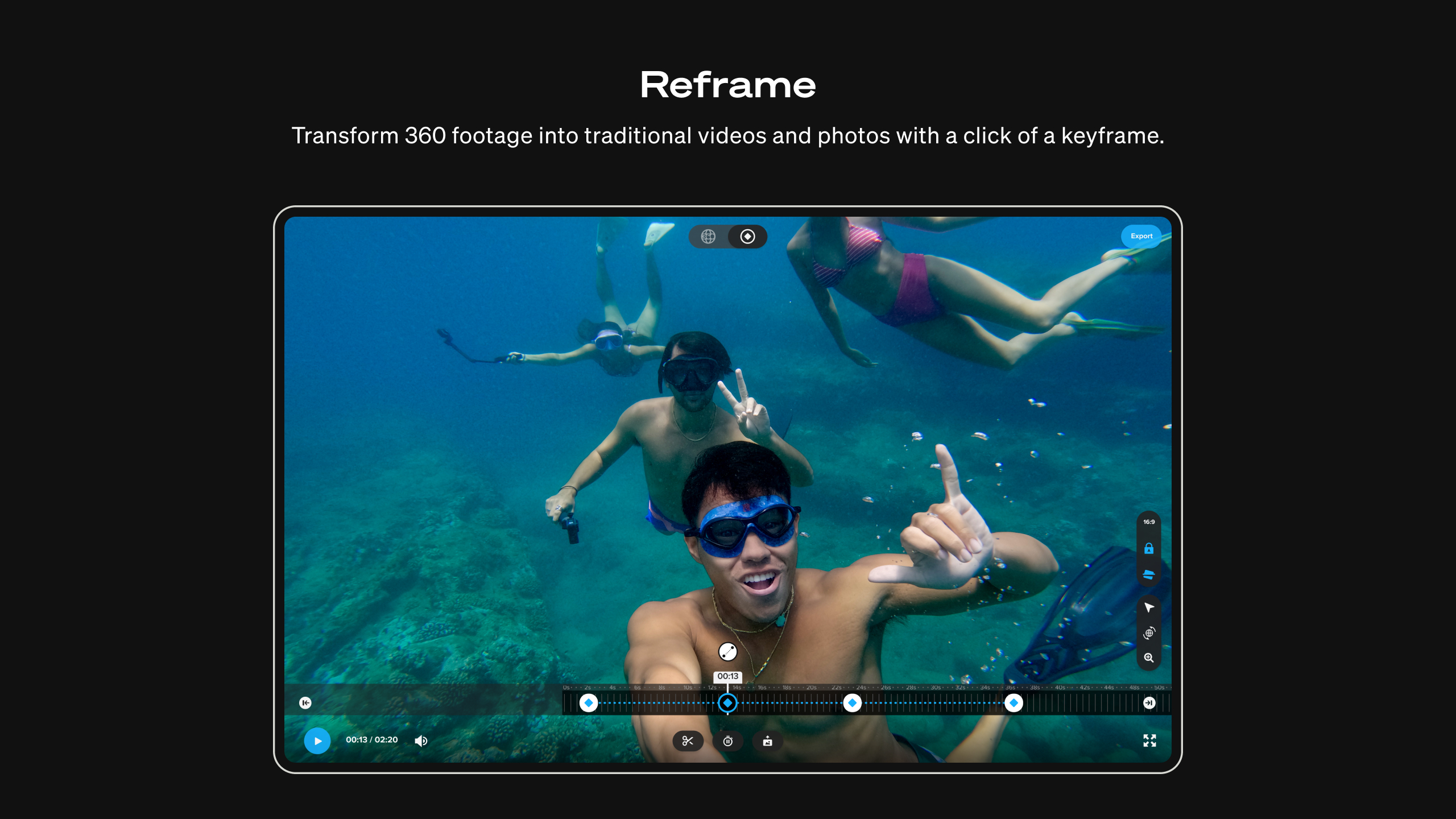
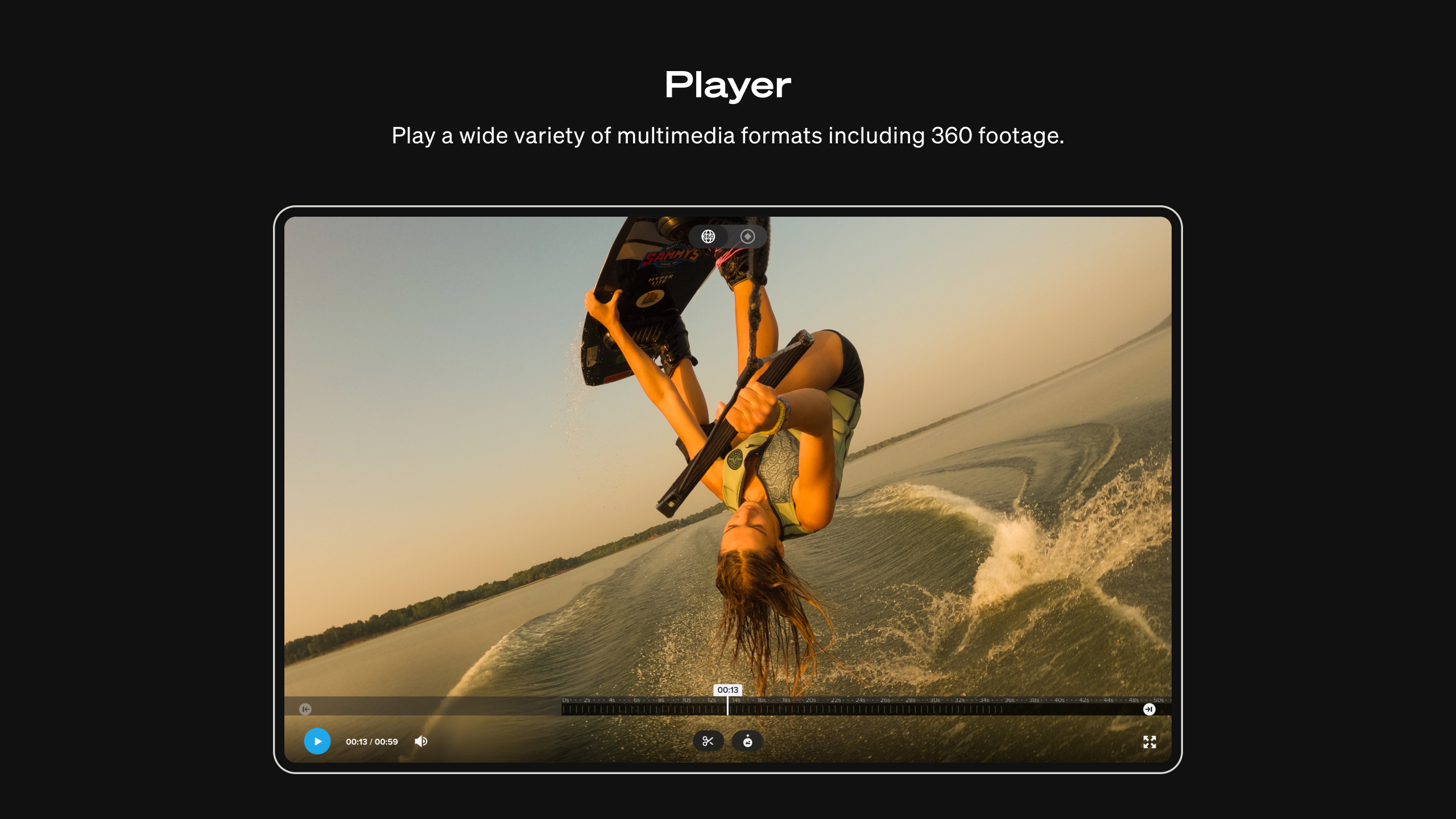
Player with HyperSmooth Pro offers easy-to-use tools that professionals demand.[1] With Reframe, transform 360 footage into countless cinematic angles for new videos with just the click of a keyframe. Stabilization becomes even smoother with HyperSmooth Pro. Instead of traditional image analysis, HyperSmooth Pro analyzes the motion of your GoPro to deliver pro quality stabilization on virtually any shot. Player allows you to view a wide variety of multimedia formats, including 360 footage. Along with these features, Player with HyperSmooth Pro contains improved workflows and compatibility.
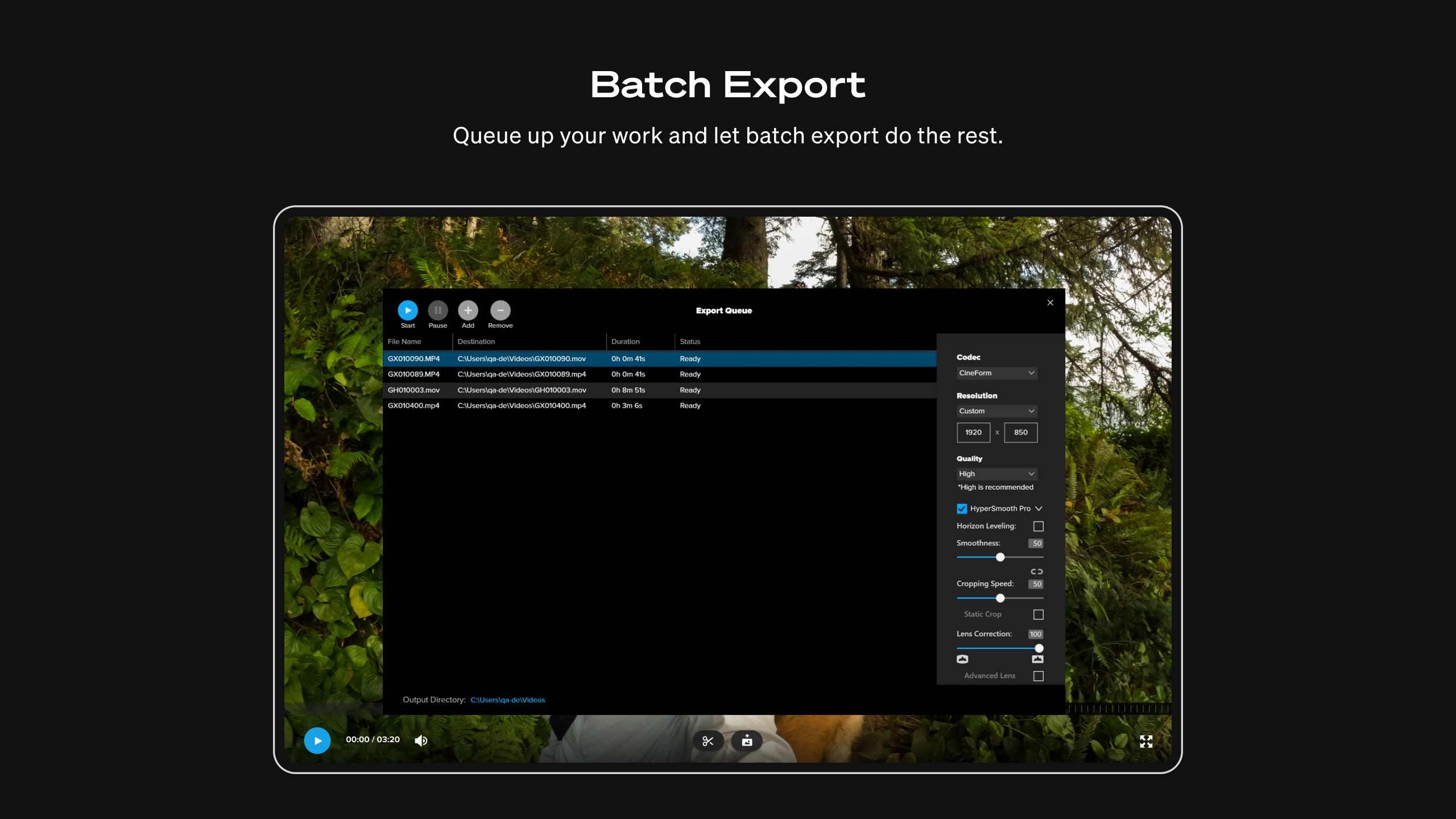
Creating is easier with batch export, simply queue up your work and let batch export do the rest. Then, convert and export traditional .mp4 files that play nicely with your favorite editing programs and can be shared on socials. A variety of resolutions and codecs are supported so you can view your videos and photos right from the player.
— Key Features —
Transform 360 footage into cinematic shots
Use Reframe to experiment with countless views, choose the best shots and instantly create cinematic transitions with a click of a keyframe. Then, export a traditional video or photo you can edit and share.
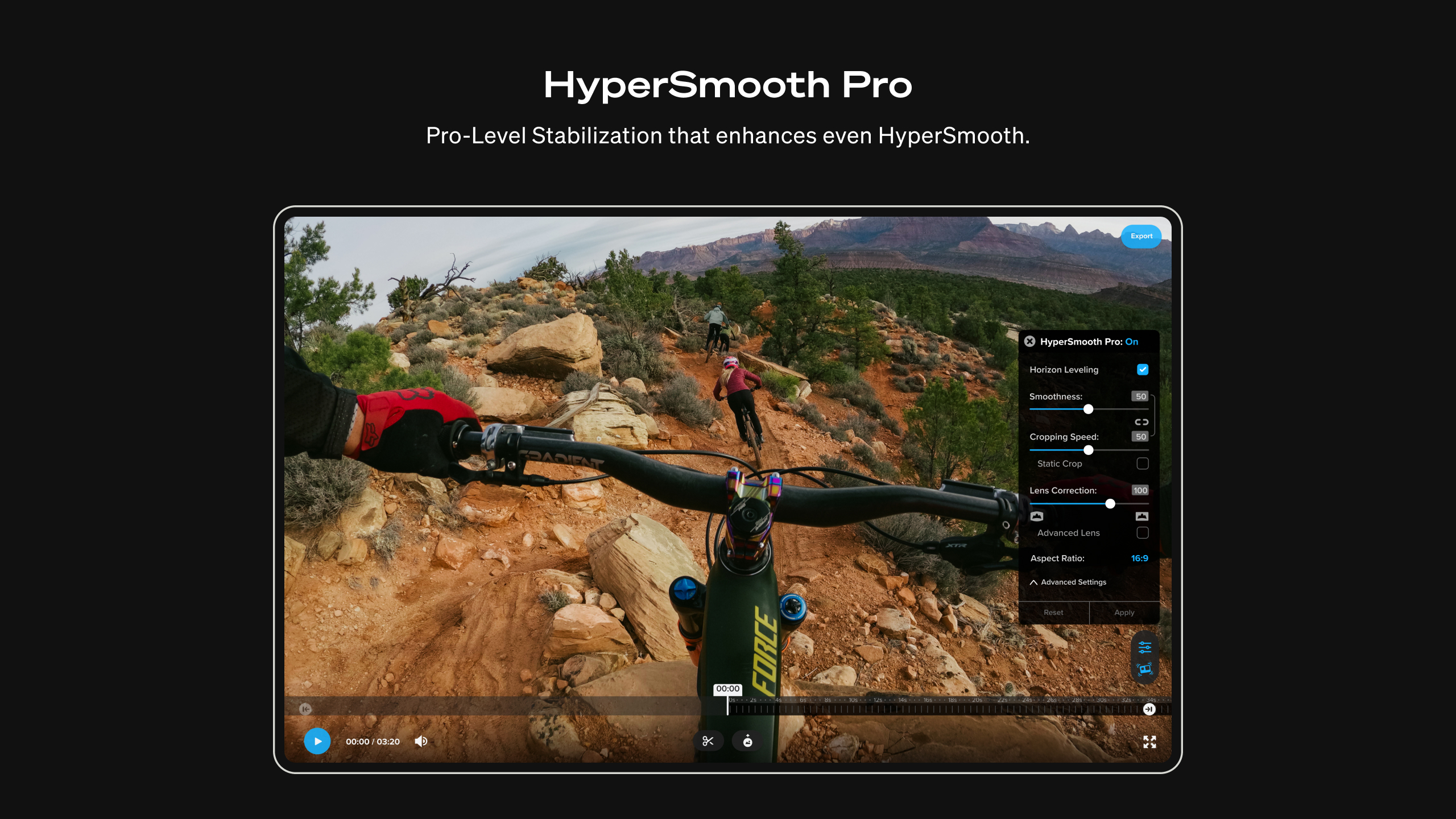
World-class stabilization with HyperSmooth Pro
HyperSmooth Pro goes even further than HyperSmooth and delivers best-in-class stabilization. With simple controls, your footage becomes fluid, silky, and buttery smooth. Seriously, this thing is so smooth it’s baffling.
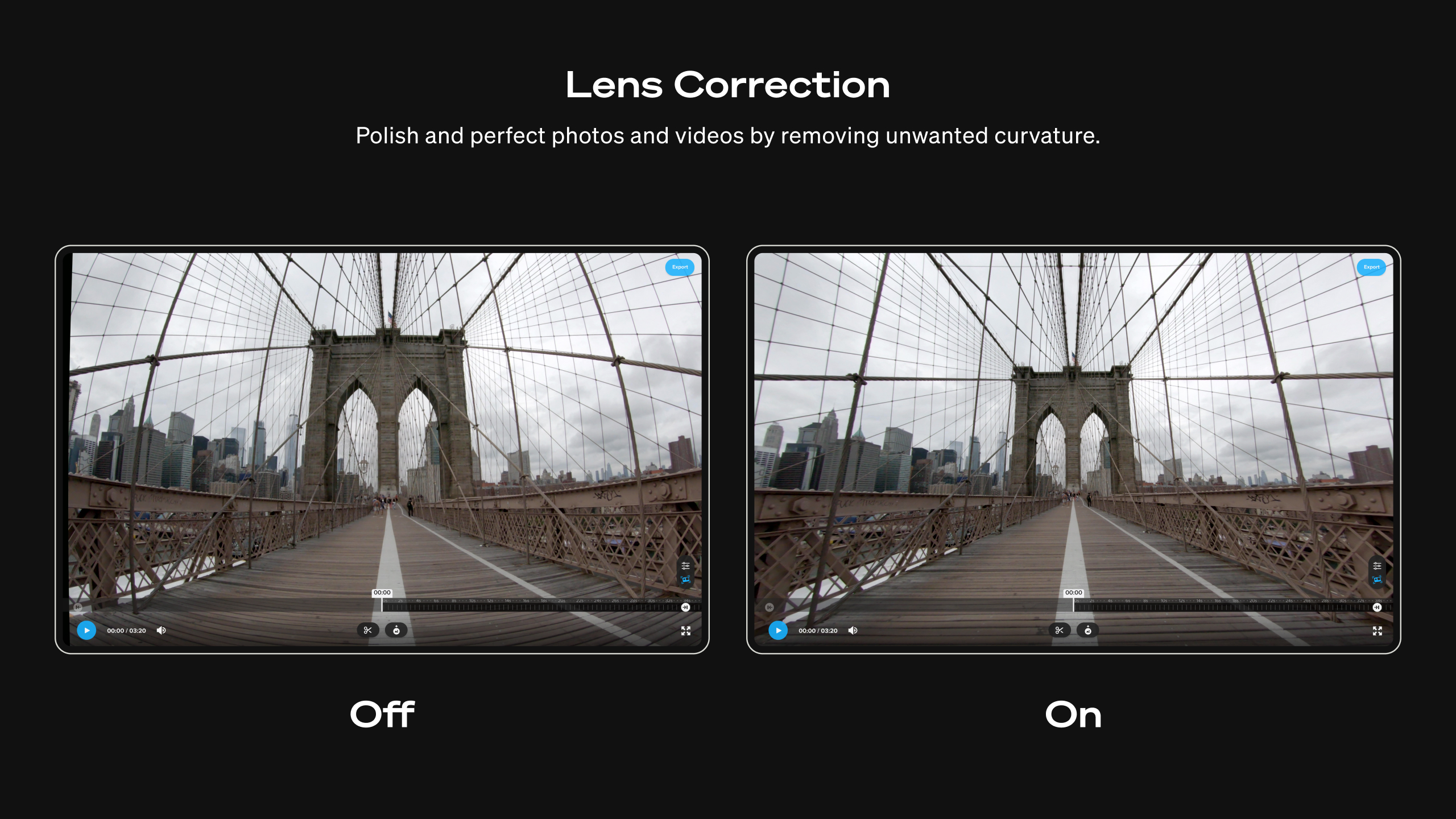
Lens correction
Remove unwanted curvature from photos and videos.[2]
Batch export
Save precious time and energy by queueing up your work and letting batch export do the rest.
Export .mp4 files to edit and share
Export both spherical and traditional .mp4 files that are compatible with other editing software and ready to be shared on social.
Convert 360 and traditional videos
Choose from a range of resolutions (5.6K, 4K, custom) [3] and codecs (HEVC, H.264, Apple ProRes).
Frame grab in full resolution
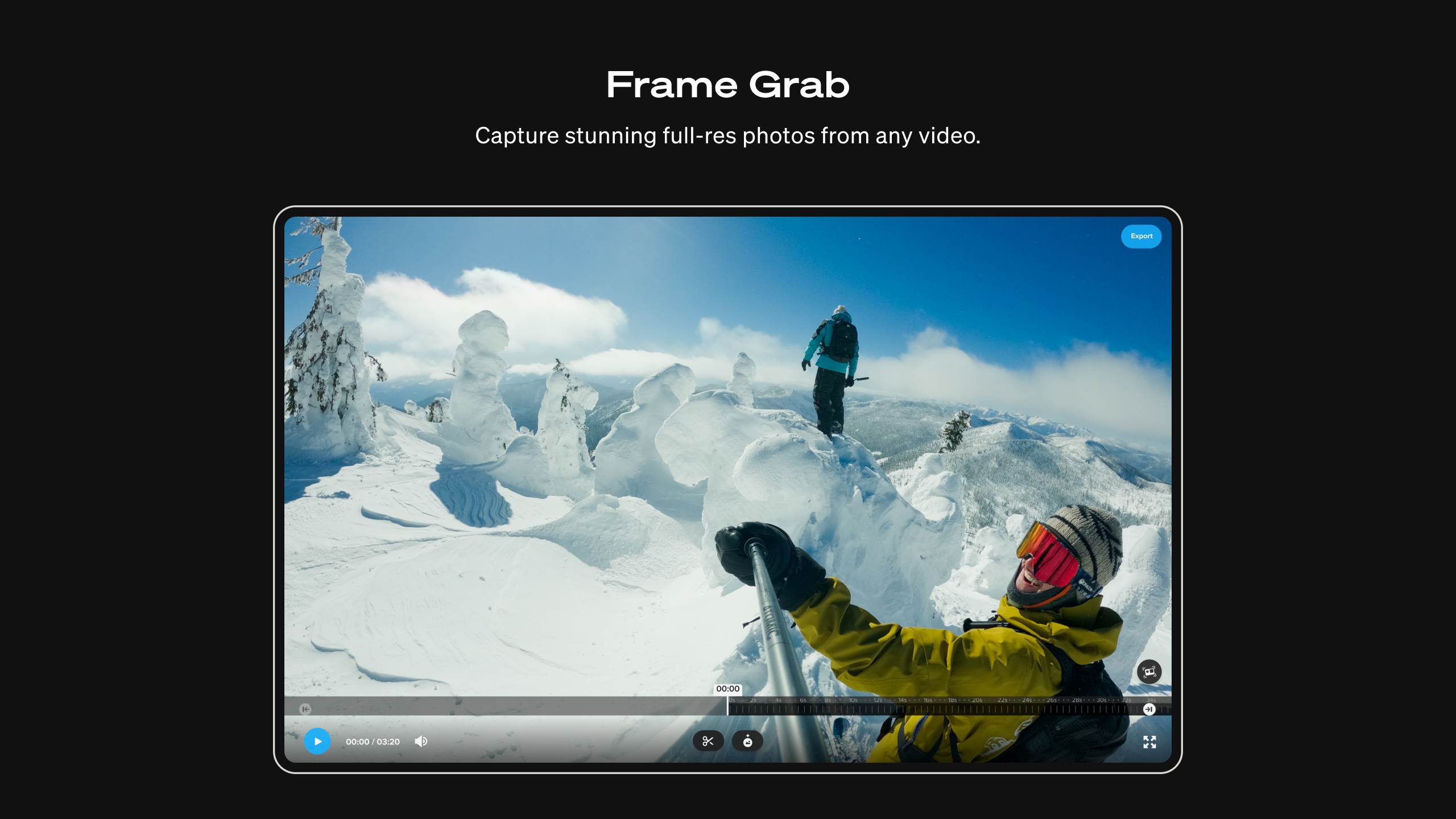
Capture incredible photos from any of your 360 or traditional videos in full resolution by grabbing a frame.
Horizon leveling control
Enable horizon leveling in post-production for added control of your footage. Whether you’re getting sideways, running or doing backflips.
World lock control
Use World Lock in post-production to set the orientation of your MAX videos and minimize rotation in your footage.
Freeze your favorite frames
Emphasize a cool shot in your 360 videos. Pause and extend a moment for as long as you want with Freeze Frame, and then reframe for an even greater effect.
Trim with precision
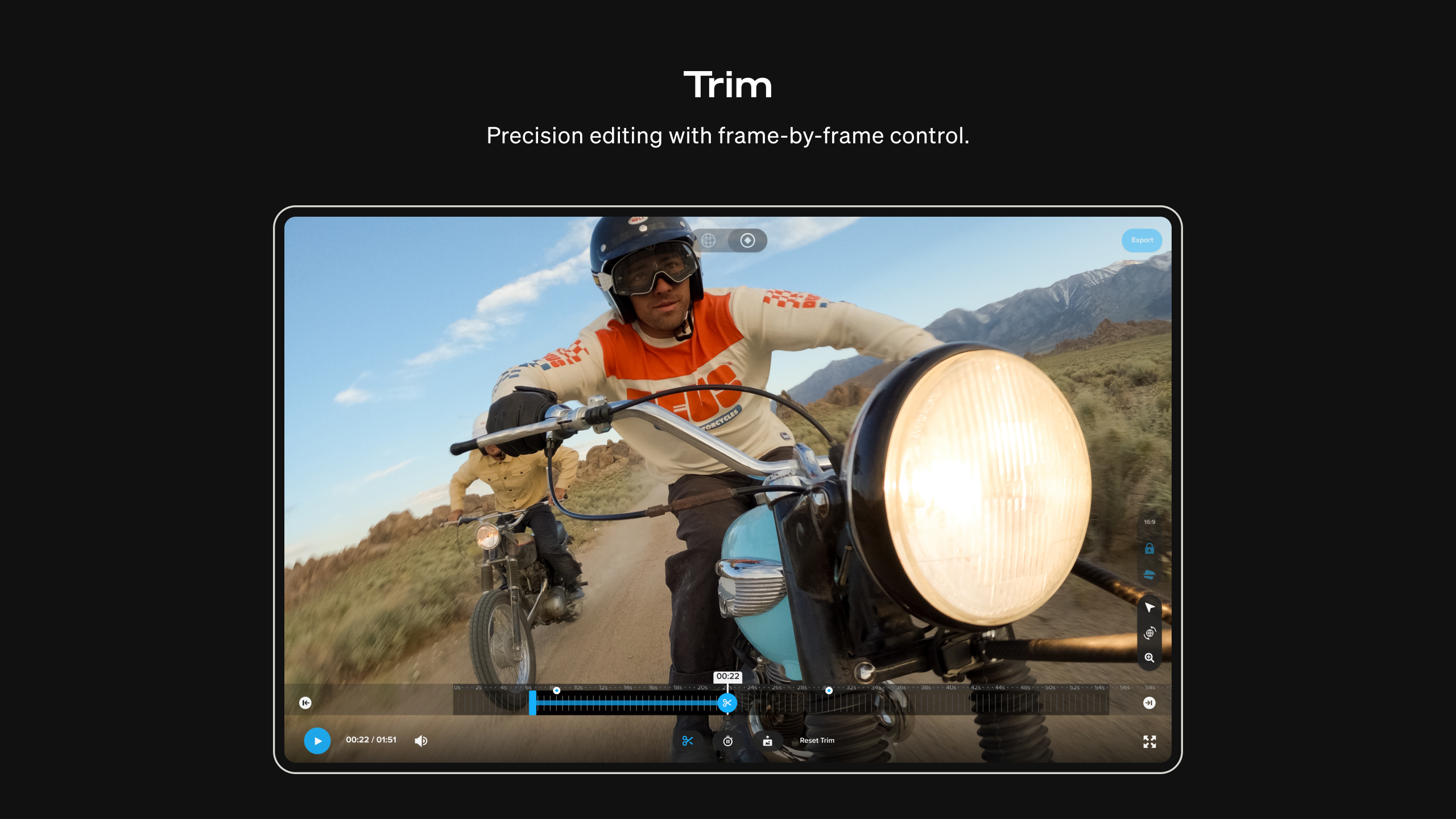
Trim with frame-by-frame accuracy to keep only the parts you want in your videos.
Play it back
View all videos and photos from your GoPro MAX camera or a wide range of formats right in the player.
— System Requirements --
Cameras: GoPro HERO & MAX cameras
Cameras for which most video modes are supported (including HyperSmooth): HERO12, HERO11, HERO10, HERO9, HERO8.[4]
Cameras with limited video modes supported if EIS and HyperSmooth are OFF during capture: HERO7, HERO6, HERO2018, HERO5 Session, HERO5.
Format Compatibility
Import/Playback and Export Formats: (5.3K, 4K, custom) and codecs (H.264, H.265, and Apple ProRes). 5.6k and other 360 formats are supported. Note - HyperSmooth Pro isn’t available for 360 content.
— Footnotes —
[1] In-app purchase required for access to HyperSmooth Pro. HyperSmooth Pro is not available for 360 content.
[2] Lens Correction functionality only available with HyperSmooth Pro in-app purchase.
[3] Files can export only at the same or lower recorded resolution.
[4] Tripod mode in HERO11 & HERO10 is not supported; video not initially captured in a video mode is not supported (e.g., TimeWarp and Time Lapse).
If there is a version of this app for iOS/Mac or Windows we don't know about, paste the store link here — we'll auto-detect the store.
How to find the URL:1. Open the app in its store. 2.In the App Store app: tap the Share icon → “Copy Link”. In the browser: copy the URL from the address bar — it contains apps.apple.com/…/id… or apps.microsoft.com/detail/…. 3. Paste it here.
Paste the original link from the Apple App Store or Microsoft Store. We fetch all details automatically.
How to find the URL:
1. Open the app in its store. 2.In the App Store app: tap the Share icon → “Copy Link”. In the browser: copy the URL from the address bar — it contains apps.apple.com/…/id… or apps.microsoft.com/detail/…. 3. Paste it here.
Android apps can only be listed by their developer.






 GoPro Quik
Automatically create and edit videos from photos and clips
 Screen Recorder Plus - Screen & Webcam Recorder
Record and share screen content in HD
 Video Player - Play All Videos
Video player with gesture controls and screen capture
 GPX Player
Load GPX files and play them back in 3D
 Record Screen - Video & Audio Recorder
Record screen in Full HD up to 60 fps
 Ghost Lens AR Fun Movie Maker
Edit videos and photos with transparency effects