

Screenshot appears after consentScreenshot appears after consentScreenshot appears after consentScreenshot appears after consentScreenshot appears after consentScreenshot appears after consentScreenshot appears after consent
Summary
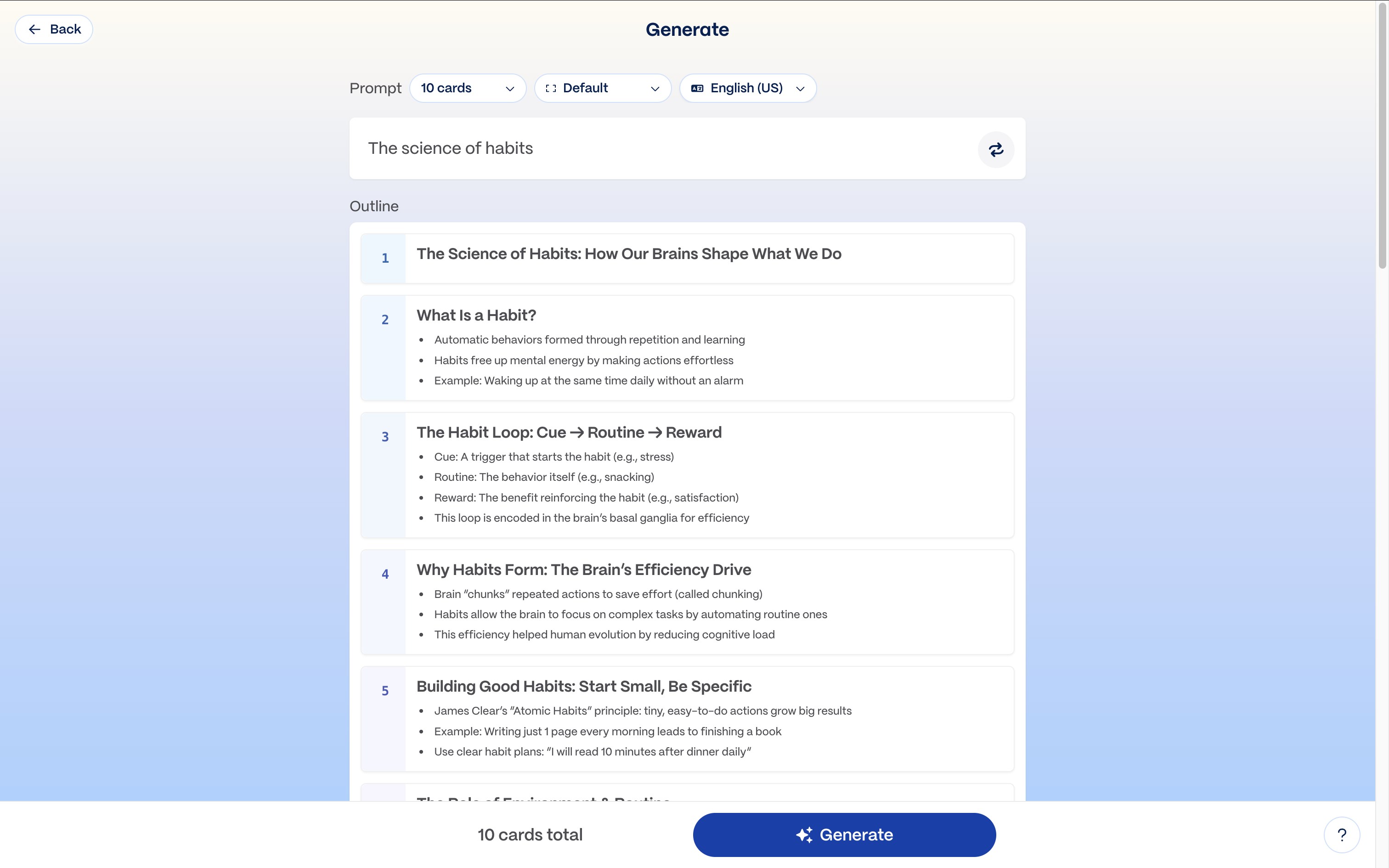
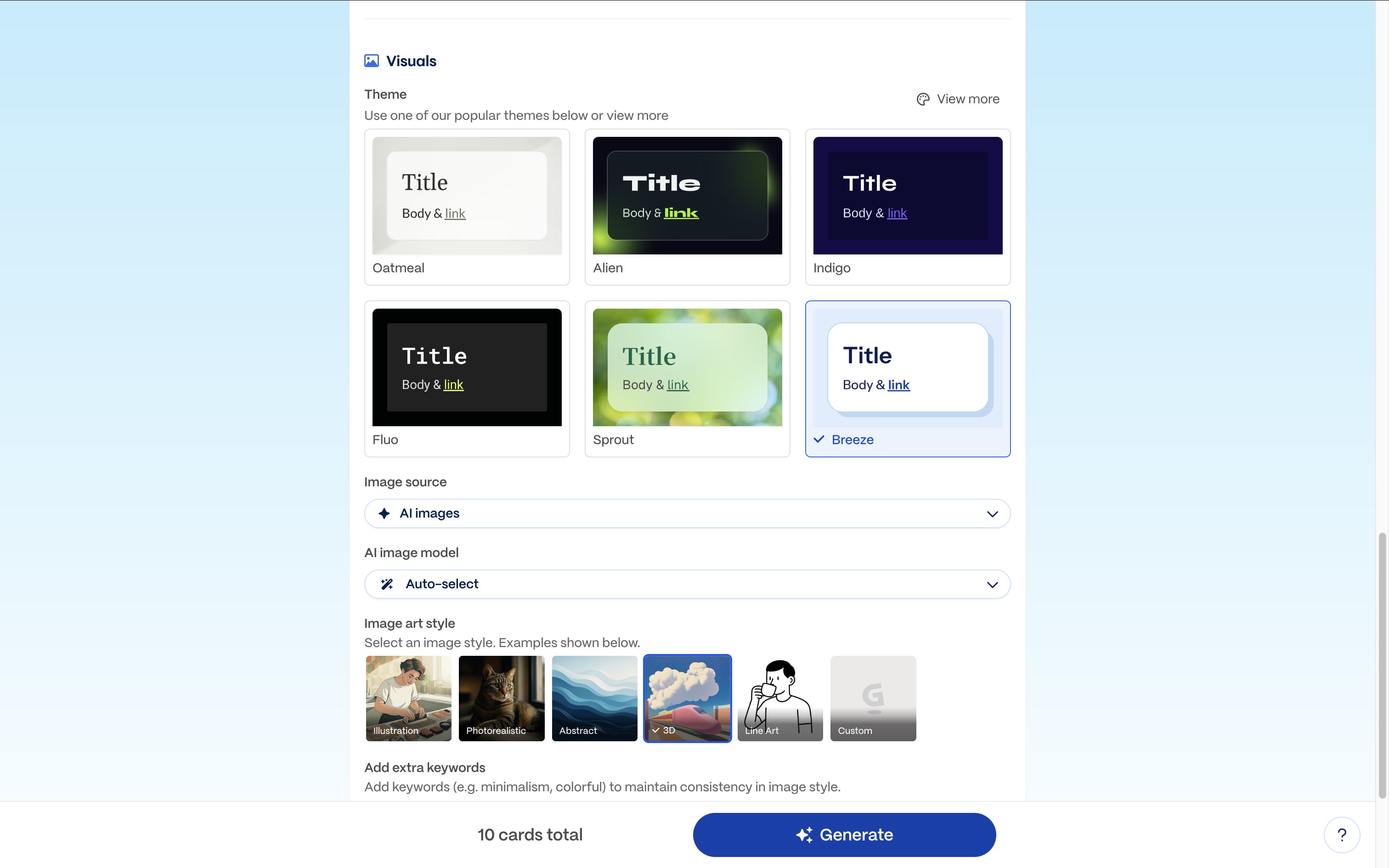
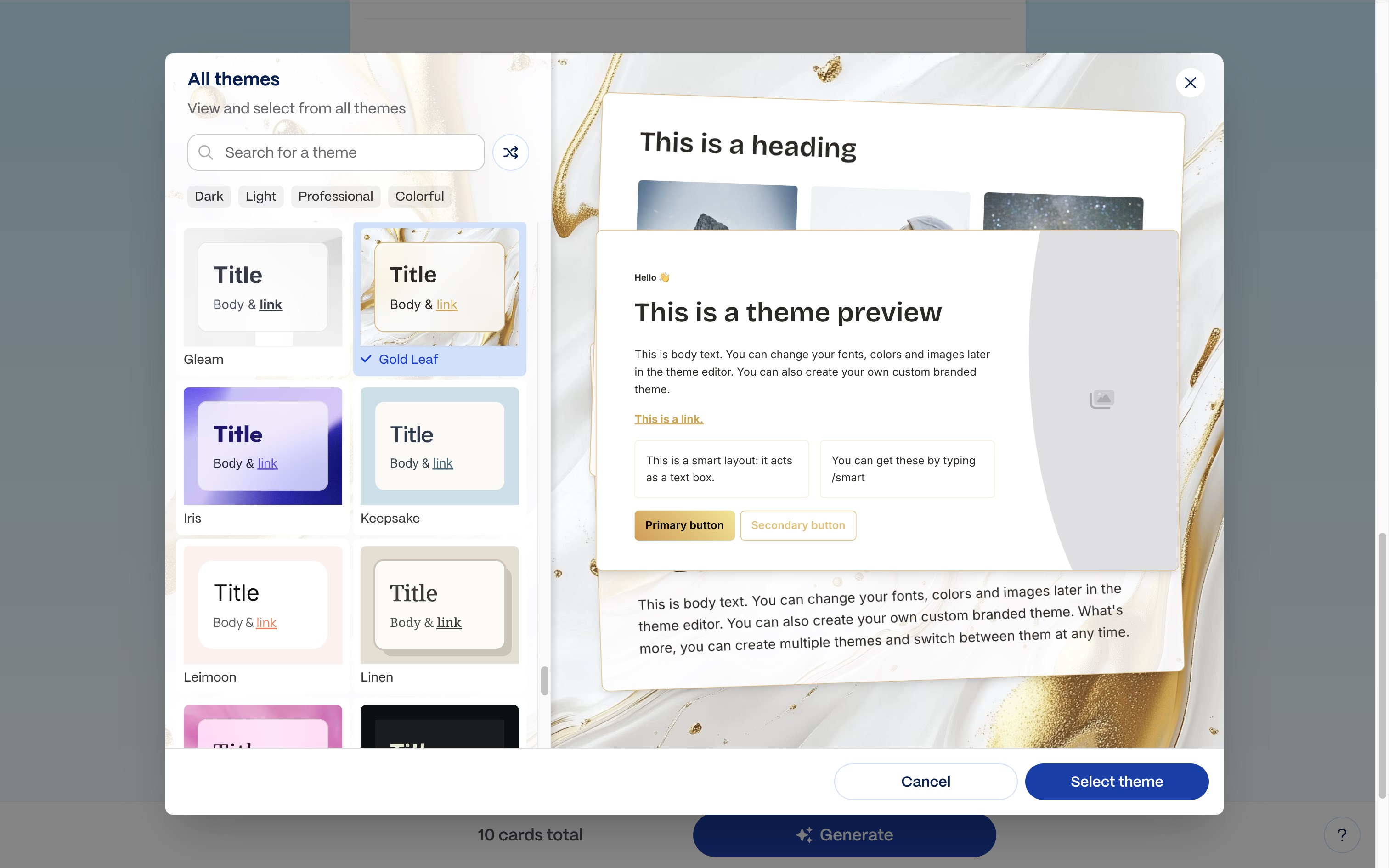
Gamma is an AI design tool for creating presentations, documents, social media graphics and websites. It generates slides with consistent branding within minutes and allows export to formats such as PPT and Google Slides. It can produce proposals, PDFs and visual aids on any topic, as well as graphics and copy for direct sharing to social platforms. It also builds business sites, landing pages and portfolios without requiring coding. An API is available to connect Gamma programmatically, automate content creation and integrate with other tools.
Show the developer's original descriptionHide the original description
Gamma is your AI design partner for effortless presentations, websites, social media posts, and more—so you can focus on what you do best.
Presentations: Stunning slides with consistent branding in minutes. Export to PPT, Google Slides, and more.
Documents: Show-stopping proposals, PDFs, visual aids and more, lightning-fast on any topic.
Social Media: Gorgeous graphics and convincing copy. Share directly to social platforms.
Websites: Business sites, landing pages, portfolios and more. Faster than you can blink. No coding required.
API: Connect to Gamma programmatically. Automate creation, integrate with your tools, and scale your storytelling.
Join 50+ million users around the world changing how we communicate.
If there is a version of this app for iOS/Mac or Windows we don't know about, paste the store link here — we'll auto-detect the store.
How to find the URL:1. Open the app in its store. 2.In the App Store app: tap the Share icon → “Copy Link”. In the browser: copy the URL from the address bar — it contains apps.apple.com/…/id… or apps.microsoft.com/detail/…. 3. Paste it here.
Paste the original link from the Apple App Store or Microsoft Store. We fetch all details automatically.
How to find the URL:
1. Open the app in its store. 2.In the App Store app: tap the Share icon → “Copy Link”. In the browser: copy the URL from the address bar — it contains apps.apple.com/…/id… or apps.microsoft.com/detail/…. 3. Paste it here.
Android apps can only be listed by their developer.