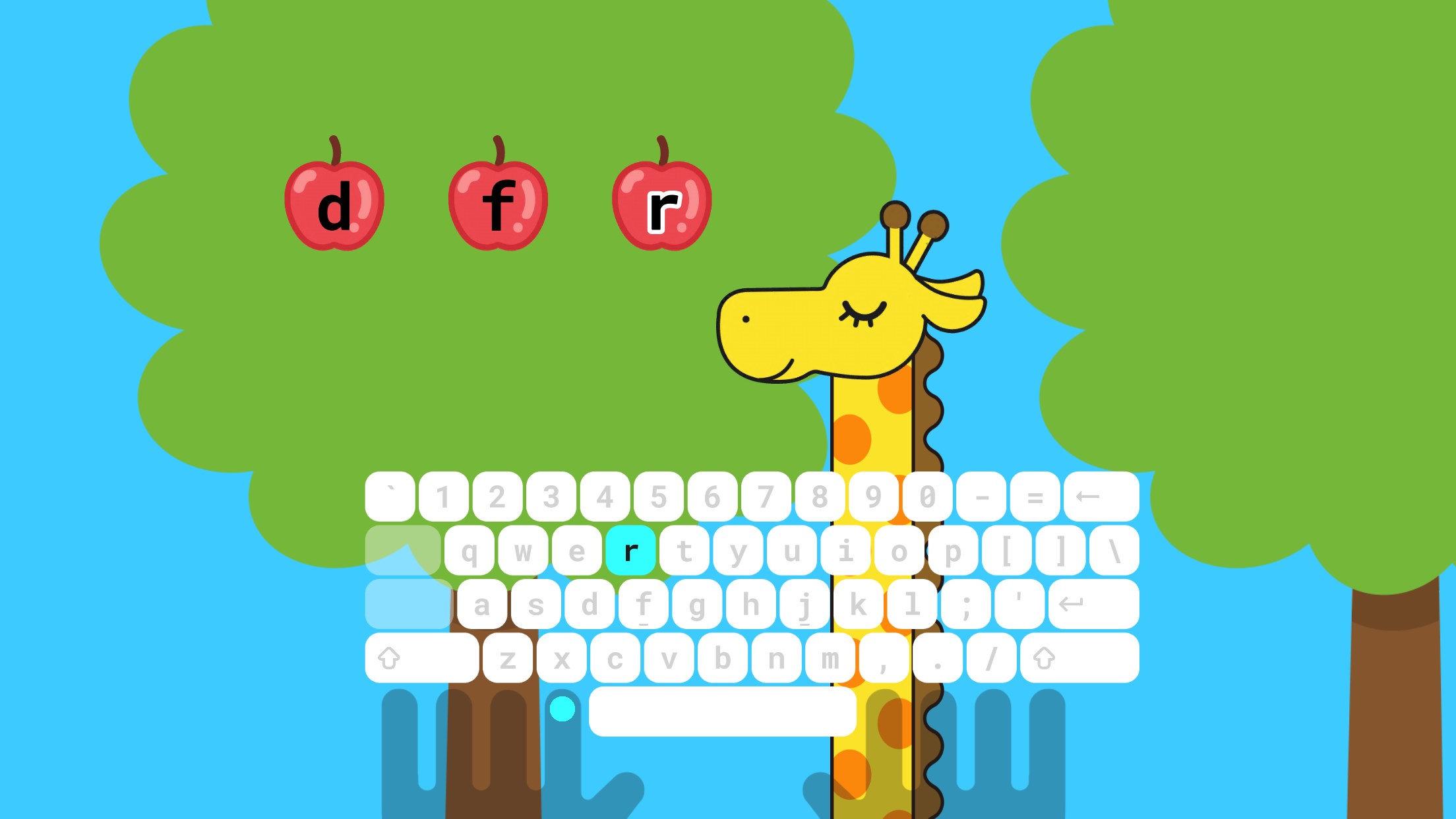
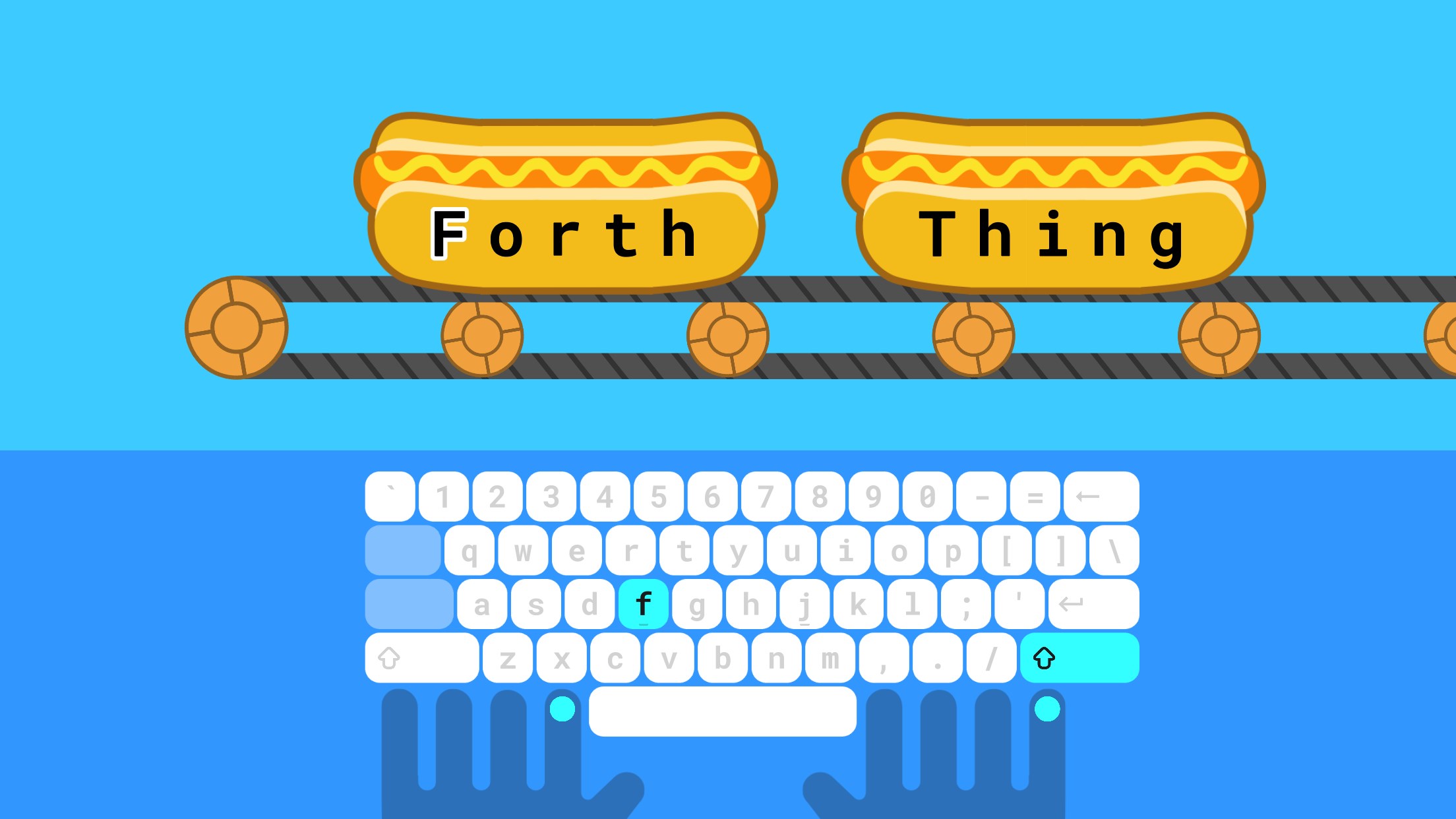
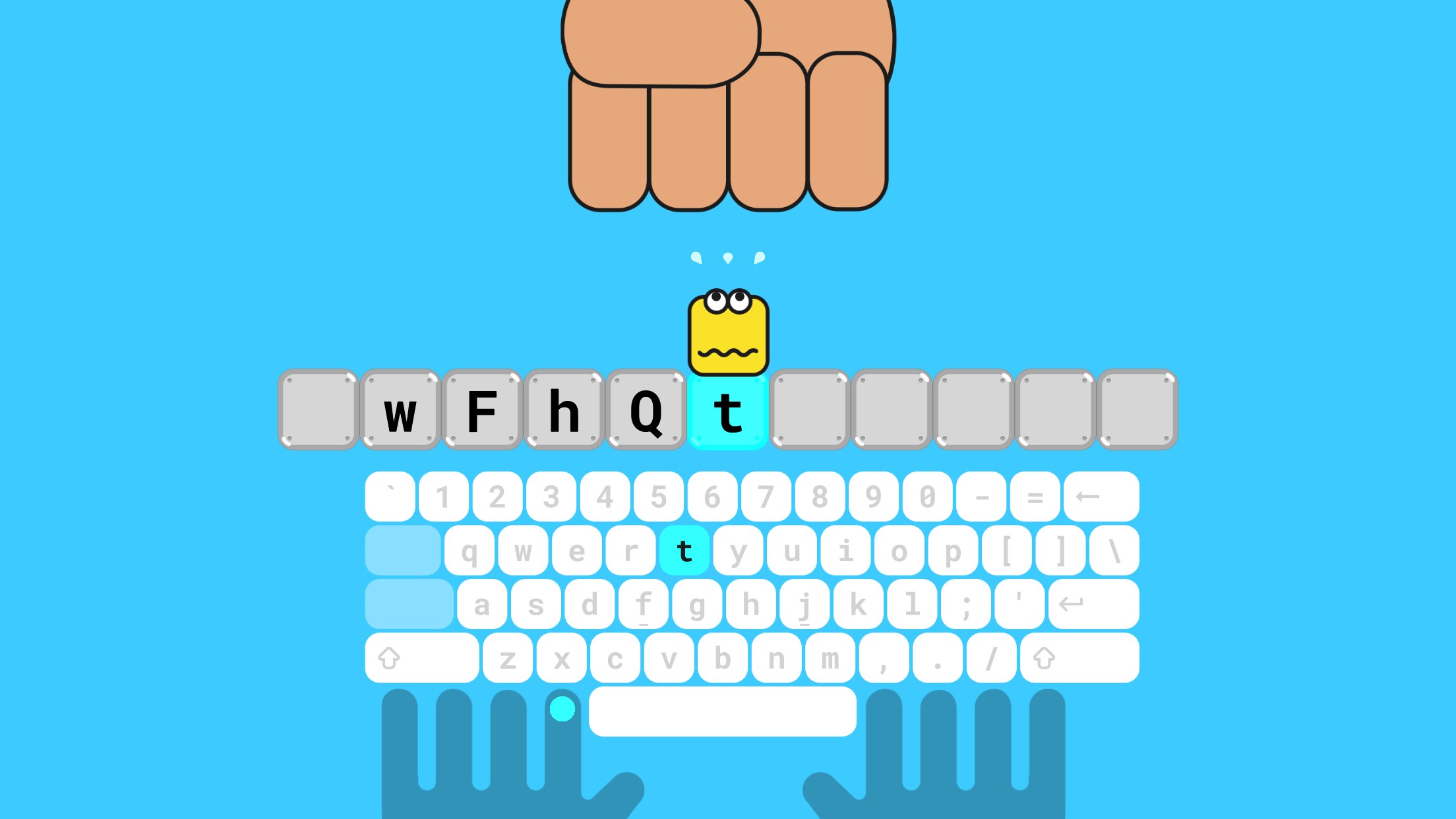
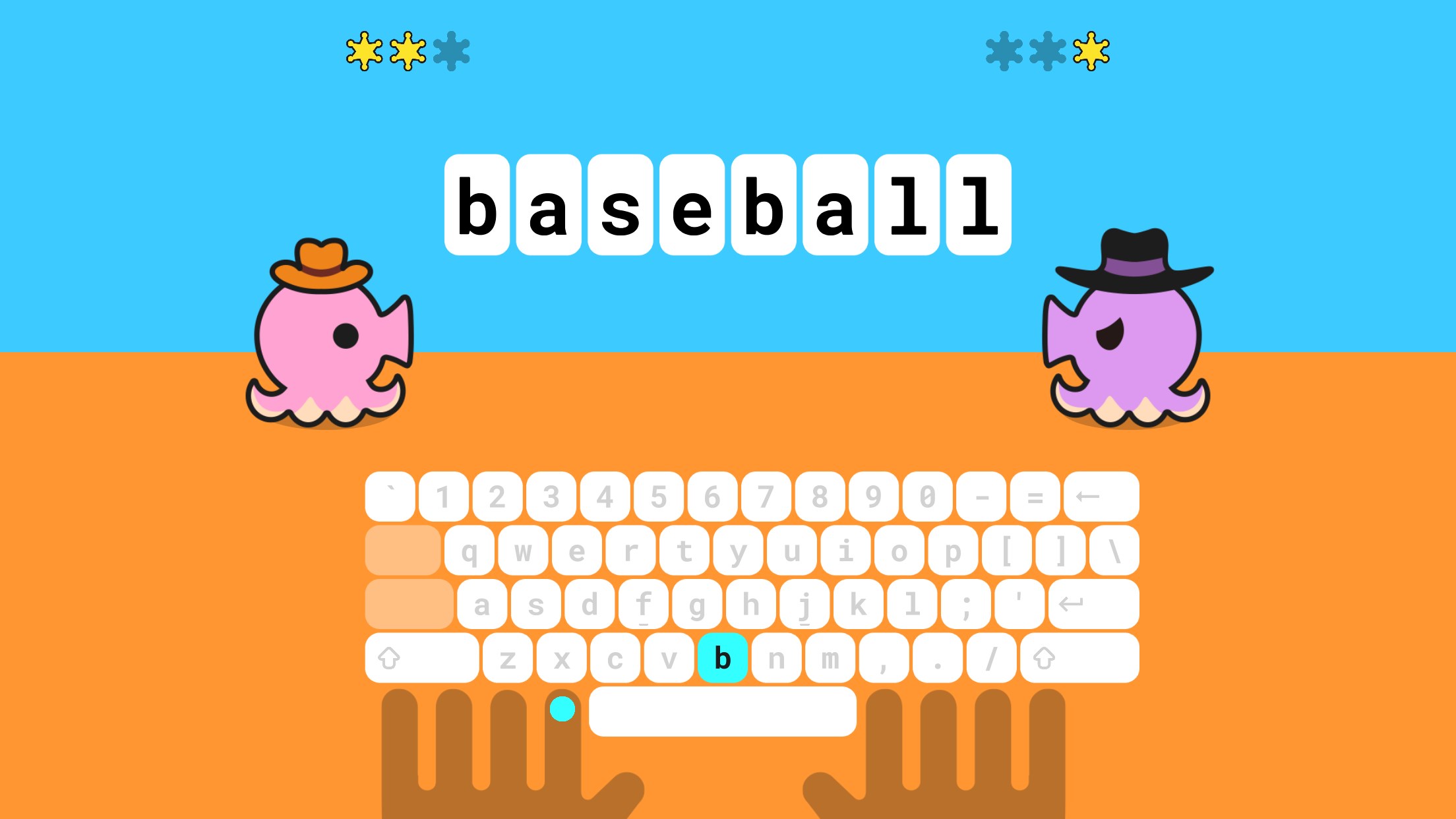


Screenshot appears after consentScreenshot appears after consentScreenshot appears after consentScreenshot appears after consentScreenshot appears after consentScreenshot appears after consentScreenshot appears after consentScreenshot appears after consentScreenshot appears after consentScreenshot appears after consent
Summary
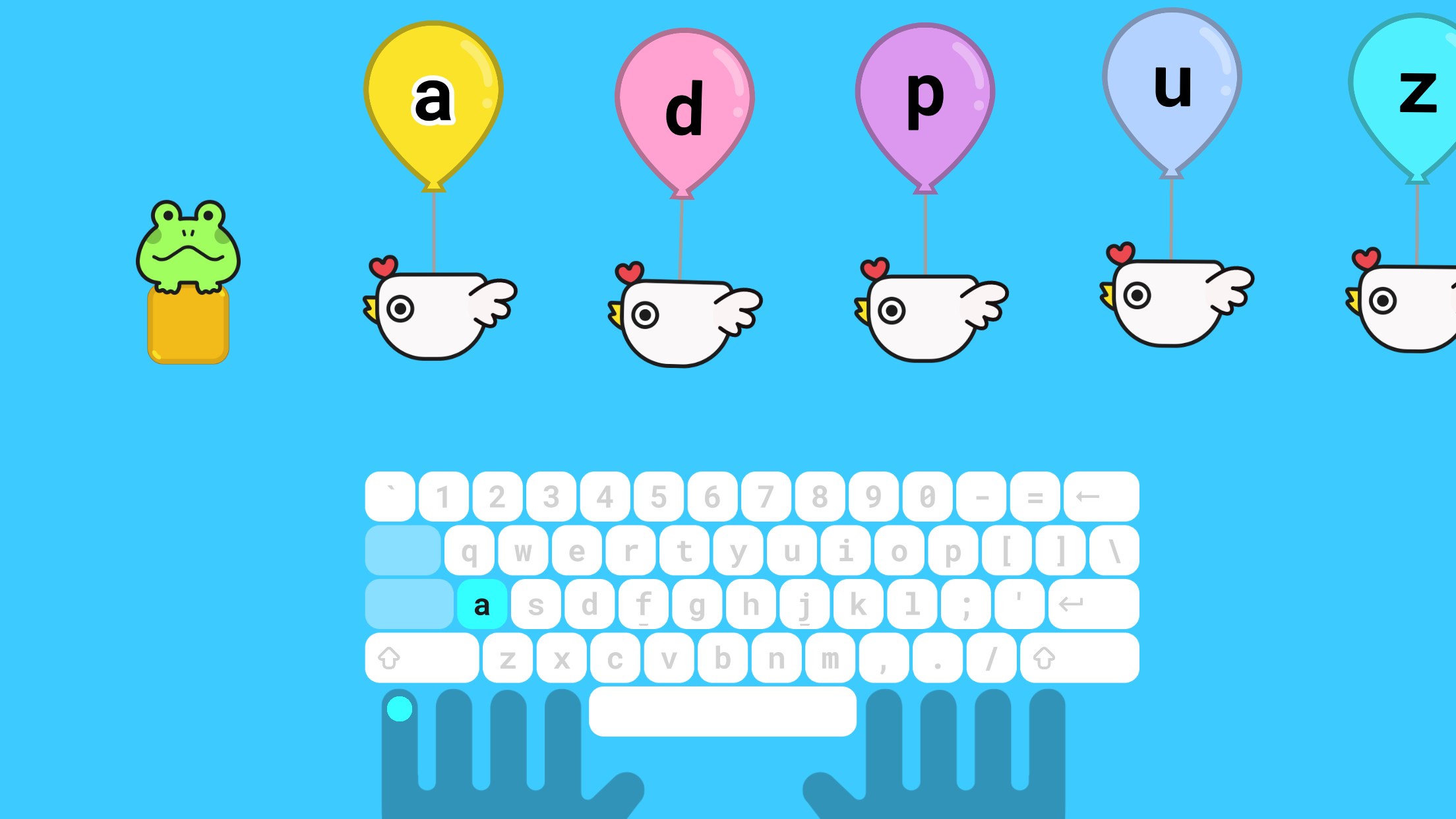
Typing Land is a typing game played with a physical keyboard, built around 40 kinds of mini-games that teach typing skills. It starts from the basics, including proper finger placement, and offers 81 lessons that are all free to play. Progress is rewarded with badges earned by reaching lesson goals, and any of the 150 collectible badges can be set as a profile icon. A challenge mode measures typing speed and accuracy using preset sentences or custom texts. Once installed, the app can be played offline and contains no advertisements.
Show the developer's original descriptionHide the original description
A fun and exciting typing game.
This app requires the use of a physical keyboard.
Learn how to type through 40 kinds of mini-games!
- Features
1. From finger placement
Learn from basics including how to position the fingers.
2. Free lessons
All 81 lessons are free to play. Donations are appreciated!
3. No advertisement
Completely kids-friendly and ads-free.
4. Play offline
Once installed, games can be played offline.
- Collect the badges
Earn badges by achieving lesson goals. Play to collect all 150 badges. Each badge can be set as your profile icon.
- Challenge-mode for your next step
Once you get used to the typing lessons, try the Challenge-mode. Score is determined by your typing speed and accuracy. Practice with pre-set sentences or texts of your choice.
- Exclusive game
If you enjoy this app, please make a donation to the developer. Donation will unlock the exclusive mini-game, "Typing Sword".
- From the developer
We have developed this app as a safe platform for children and adults around the world to use. It is also a great tool for use in your company or classroom.
If there is a version of this app for iOS/Mac or Windows we don't know about, paste the store link here — we'll auto-detect the store.
How to find the URL:1. Open the app in its store. 2.In the App Store app: tap the Share icon → “Copy Link”. In the browser: copy the URL from the address bar — it contains apps.apple.com/…/id… or apps.microsoft.com/detail/…. 3. Paste it here.
Paste the original link from the Apple App Store or Microsoft Store. We fetch all details automatically.
How to find the URL:
1. Open the app in its store. 2.In the App Store app: tap the Share icon → “Copy Link”. In the browser: copy the URL from the address bar — it contains apps.apple.com/…/id… or apps.microsoft.com/detail/…. 3. Paste it here.
Android apps can only be listed by their developer.