
Screenshot appears after consentScreenshot appears after consentScreenshot appears after consentScreenshot appears after consentScreenshot appears after consentScreenshot appears after consentScreenshot appears after consent
Summary
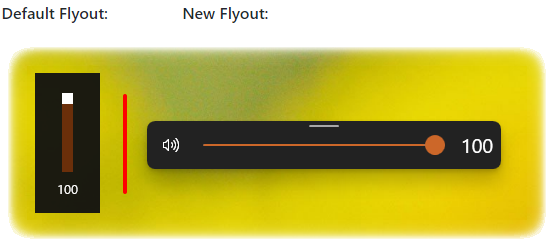
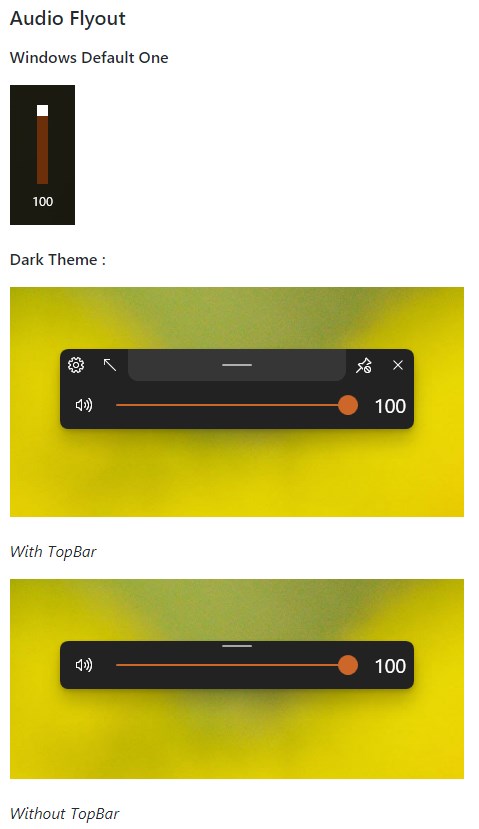
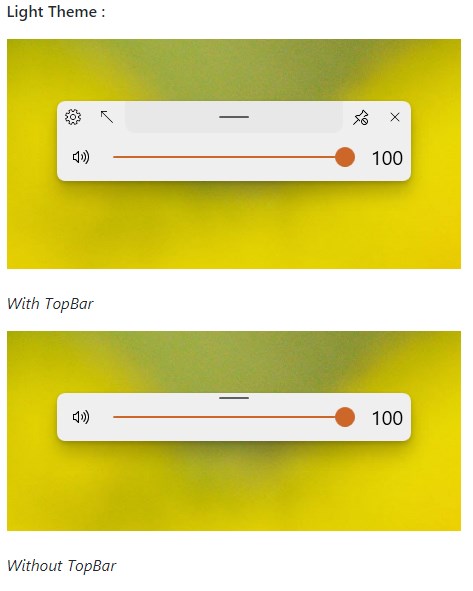
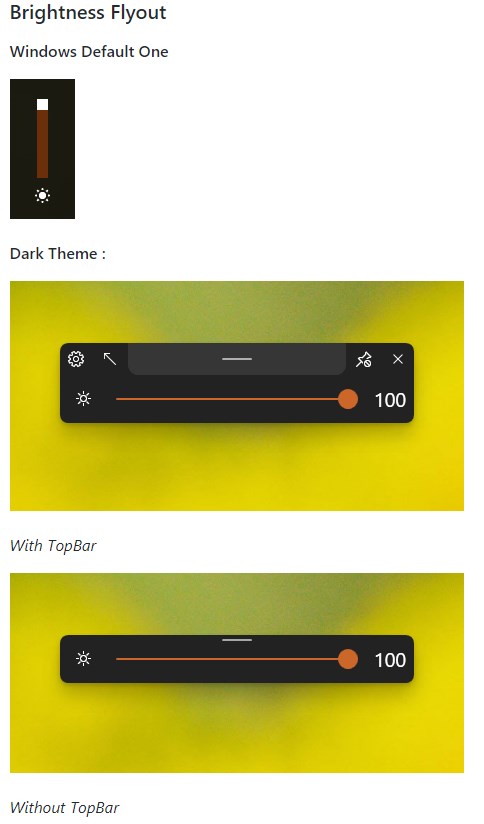
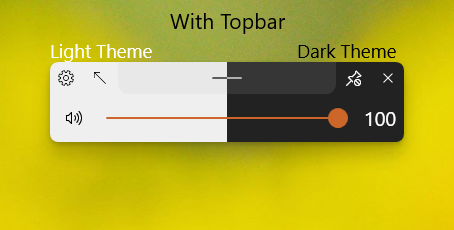
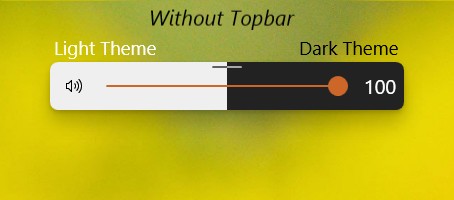
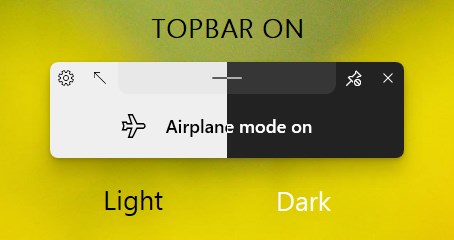
ModernFlyouts (Preview) is a customization tool that replaces the default Windows flyouts for volume, brightness, airplane mode and similar system controls with a redesigned interface. Each flyout can be customized or disabled independently, covering audio, media session, airplane mode, brightness, scroll lock, number lock, caps lock and insert or overtype mode. The native Windows flyout is not permanently removed but is hidden whenever the modern one appears, so users can choose between the default flyout, the modern one, or none at all.
Show the developer's original descriptionHide the original description
This application will replace the default audio/airplane/brightness flyouts found in Windows shown when the volume or brightness changes or when airplane mode key is pressed with a customisable Flyout with a modern UI.
Note : The native flyout is not permanently closed but will be hidden when this flyout is shown Thus, users have the freedom to choose between the windows default one. this modern one or none.
Each Flyout can be customized or disabled independently.
The current list of Flyouts Supported are:
• Audio Flyout
• Media session Flyout
• Airplane Mode
• Brightness
• Scroll Lock
• Number Lock
• Caps Lock
• Insert / Overtype mode
We are collaborating with users every step of the way through GitHub, if you have a feature request or feedback for the app, make sure to share it on the GitHub repository at ( https://github.com/ShankarBUS/ModernFlyouts ).
Credits:
• ShankarBUS - Lead Developer / Package Maintainer
• ADeltaX - laid the foundation for this project, and has been a huge support along the way.
• Samuel12321 - package publisher (including Microsoft Store), helps maintaining the repo & takes care of issues.
•Everyone else who has contributed to this App
If there is a version of this app for iOS/Mac or Windows we don't know about, paste the store link here — we'll auto-detect the store.
How to find the URL:1. Open the app in its store. 2.In the App Store app: tap the Share icon → “Copy Link”. In the browser: copy the URL from the address bar — it contains apps.apple.com/…/id… or apps.microsoft.com/detail/…. 3. Paste it here.
Paste the original link from the Apple App Store or Microsoft Store. We fetch all details automatically.
How to find the URL:
1. Open the app in its store. 2.In the App Store app: tap the Share icon → “Copy Link”. In the browser: copy the URL from the address bar — it contains apps.apple.com/…/id… or apps.microsoft.com/detail/…. 3. Paste it here.
Android apps can only be listed by their developer.