






Screenshot appears after consentScreenshot appears after consentScreenshot appears after consentScreenshot appears after consentScreenshot appears after consentScreenshot appears after consentScreenshot appears after consentScreenshot appears after consentScreenshot appears after consent
Summary
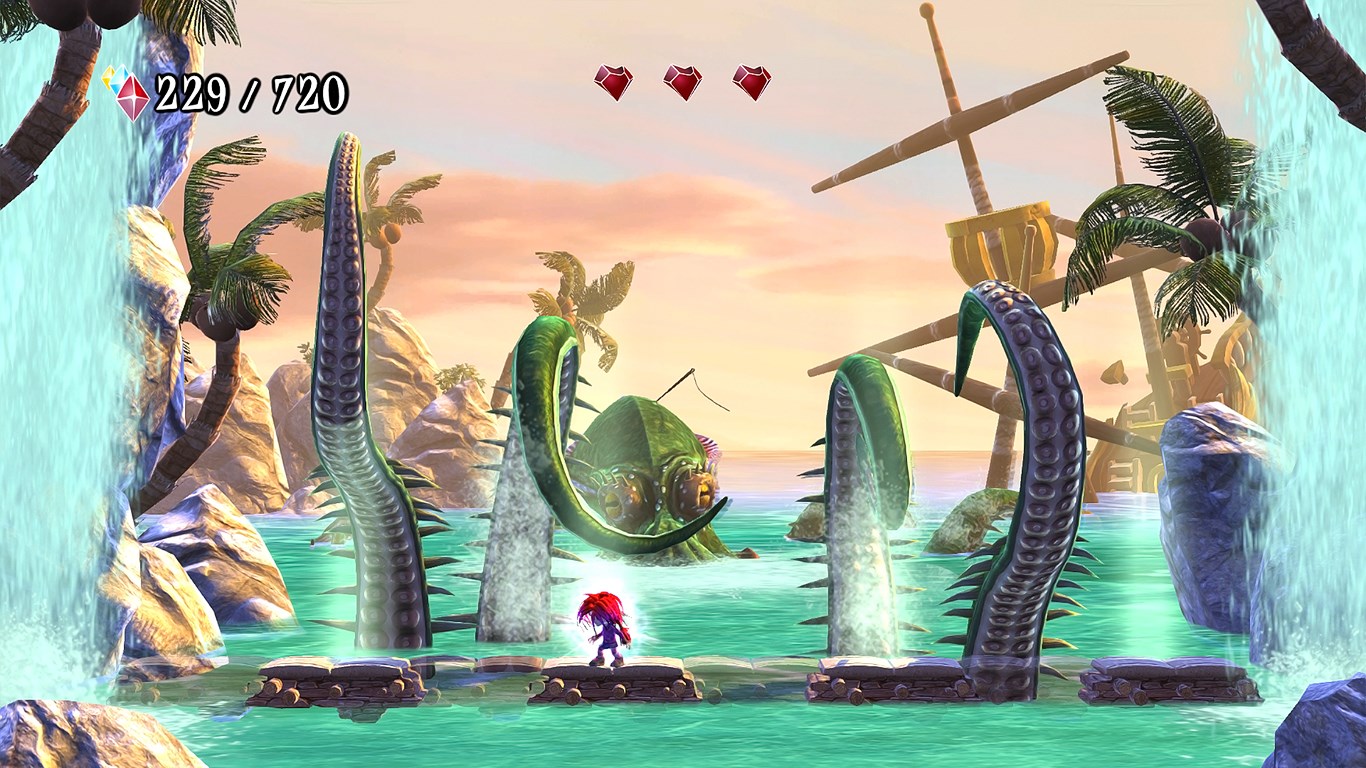
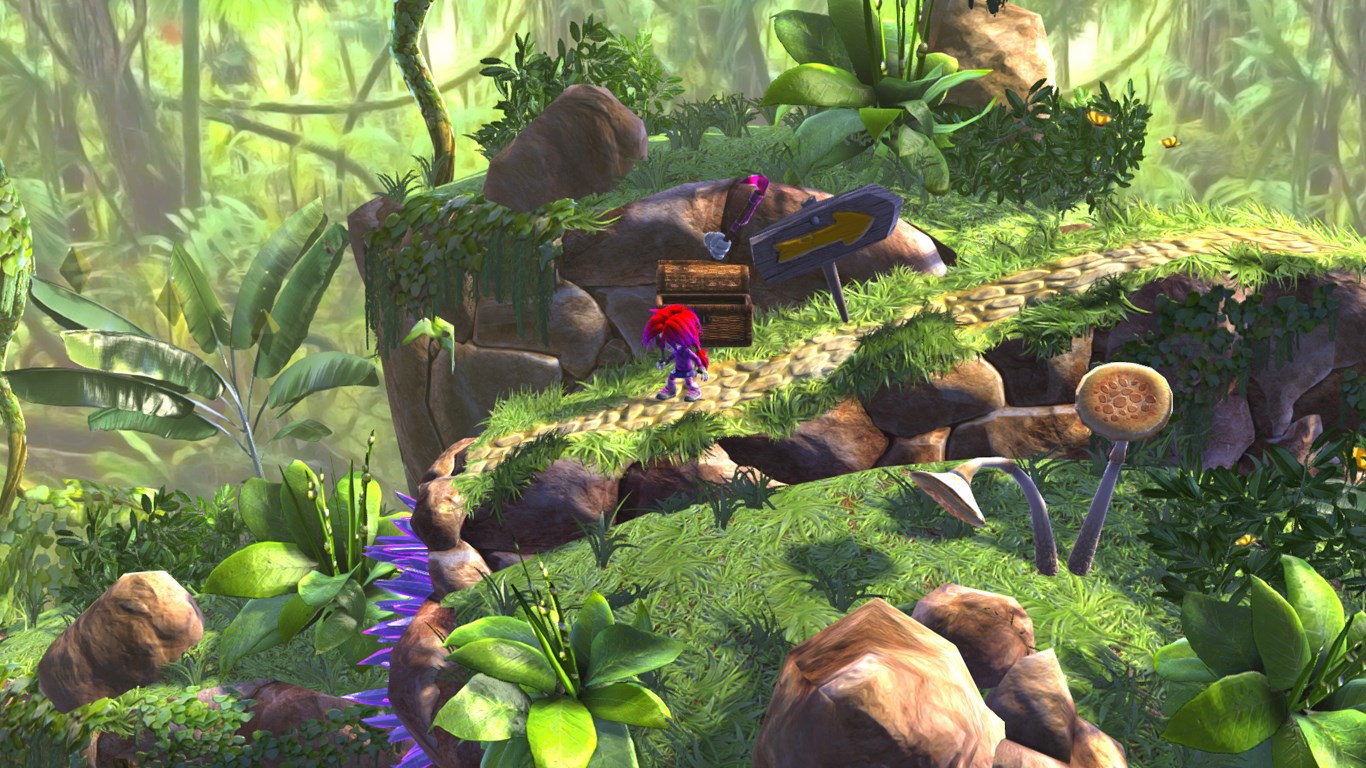
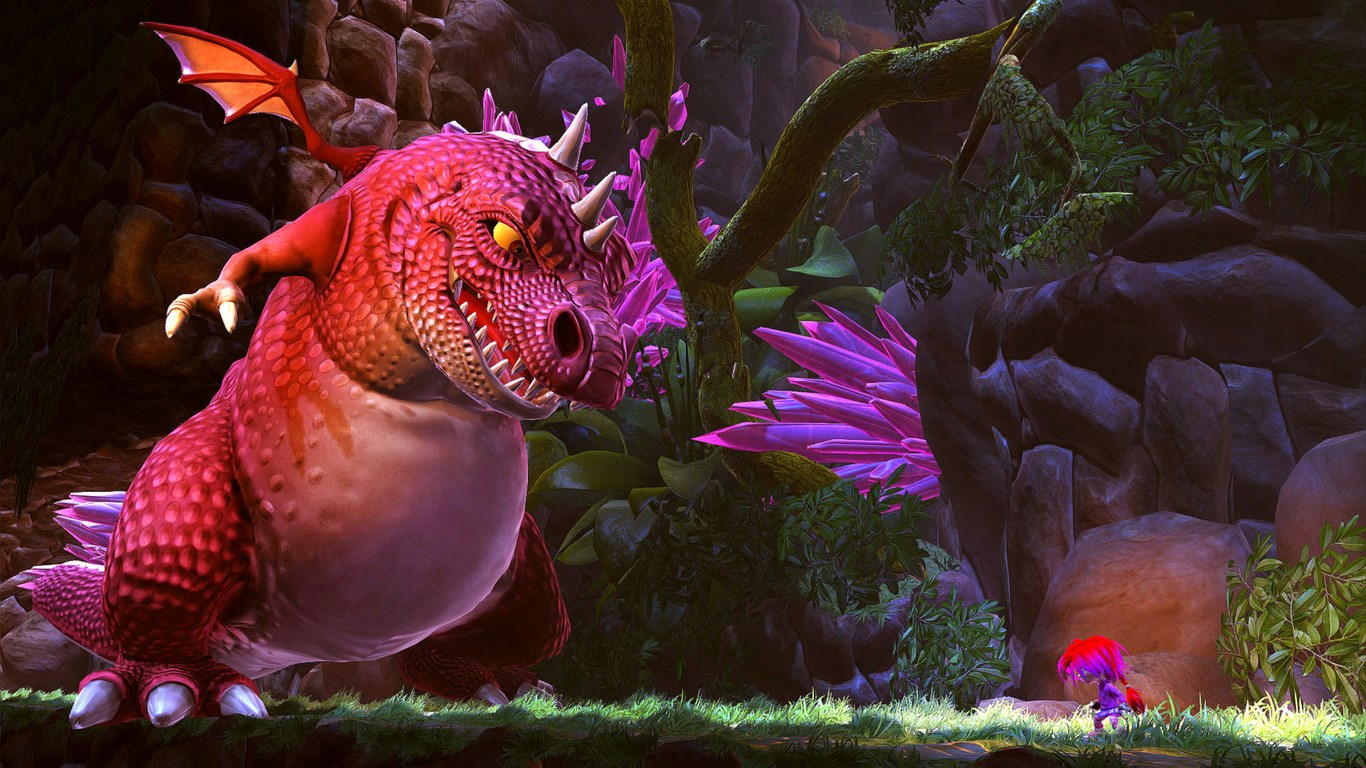
Giana Sisters: Twisted Dreams is a platformer built around two contrasting dream worlds. Players warp Giana between these dimensions to change her abilities and defeat the twisted creatures inside them. The game combines retro-style platforming challenge with detailed graphics and tight controls. Puzzles and enemies are tackled by fluidly morphing between the two worlds, requiring players to combine sweet Giana's twirling jump attack with Punk Giana's hammering dash attack to survive. The game supports keyboard and mouse as well as an optional controller and does not offer touch controls.
Show the developer's original descriptionHide the original description
Giana Sisters: Twisted Dreams is a blistering platformer with contrasting worlds. Warp Giana’s vivid dreams to alter your abilities and destroy the twisted creatures lurking within. Giana Sisters: Twisted Dreams combines the challenge of retro era platforming with graphics that pack a visual punch and tight controls.
Fluidly morph between two dynamically different dream worlds to solve puzzles and combat grueling enemies. Players will have to intertwine sweet Giana's twirling jump attack with Punk Giana's hammering dash attack to survive the dualling dimensions.
The game supports Windows-compatible keyboard and mouse, optional controller (Xbox 360® Controller for Windows recommended). This game does not have touch capabilities.
Play Store URL for "Giana Sisters: Twisted Dreams"
If there is a version of this app for iOS/Mac or Windows we don't know about, paste the store link here — we'll auto-detect the store.
How to find the URL:1. Open the app in its store. 2.In the App Store app: tap the Share icon → “Copy Link”. In the browser: copy the URL from the address bar — it contains apps.apple.com/…/id… or apps.microsoft.com/detail/…. 3. Paste it here.
Paste the original link from the Apple App Store or Microsoft Store. We fetch all details automatically.
How to find the URL:
1. Open the app in its store. 2.In the App Store app: tap the Share icon → “Copy Link”. In the browser: copy the URL from the address bar — it contains apps.apple.com/…/id… or apps.microsoft.com/detail/…. 3. Paste it here.
Android apps can only be listed by their developer.