Screenshot appears after consentScreenshot appears after consentScreenshot appears after consent
Summary
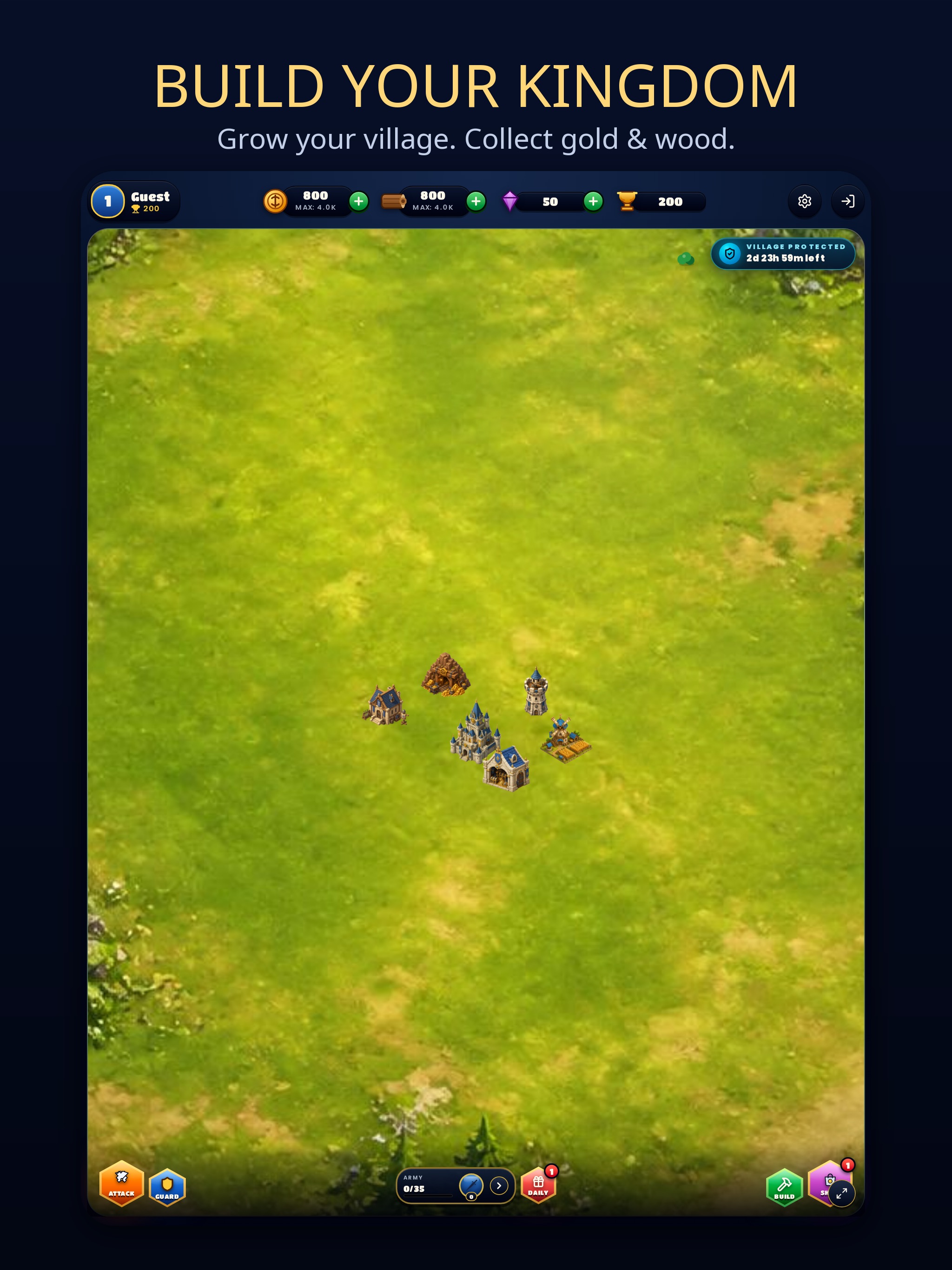
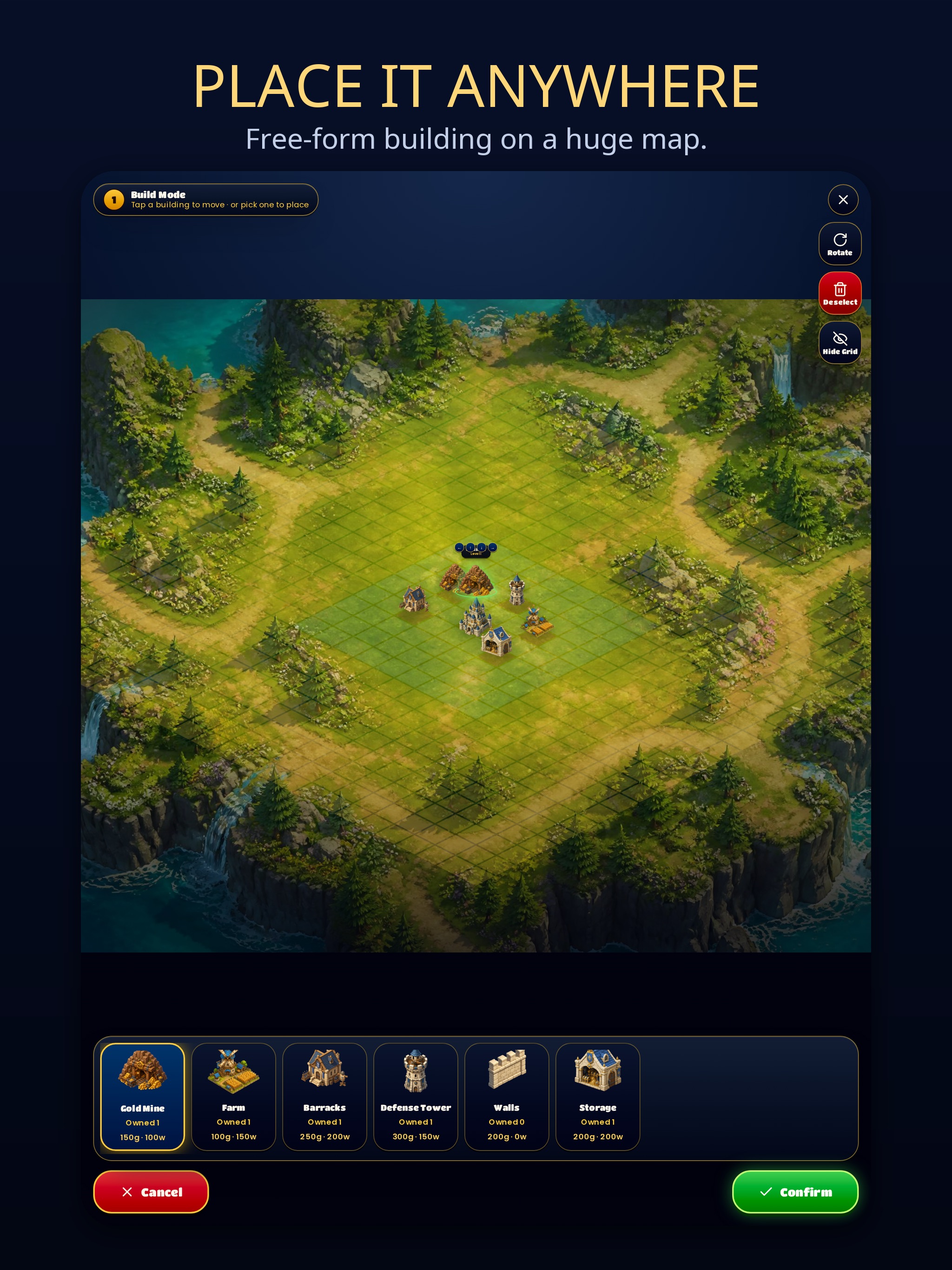
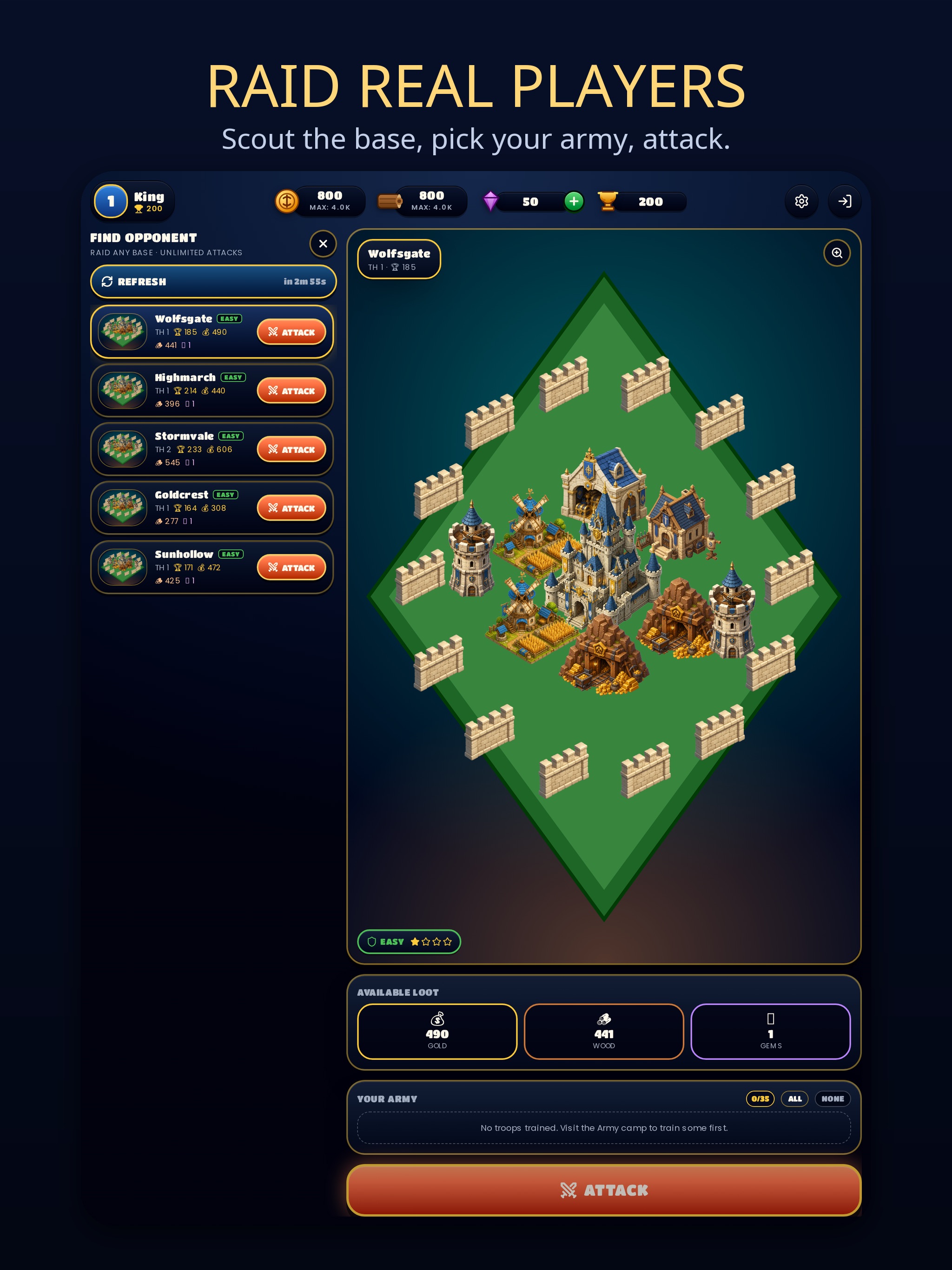
Kingdom Rising is a strategy game in which players grow a single castle into a full kingdom. Players place gold mines, farms, barracks, towers and walls on an open map, with buildings visually upgrading as they level up to Level 40. Troops can be recruited and upgraded up to Level 100, becoming bigger and stronger at higher levels. Players can scout a live preview of an enemy base, choose which troops to bring, and raid other players for gold, wood and gems. Defense towers automatically fire on attackers, with range and damage scaling to their level, while shields protect the village during absence. The app is free to play with optional in-app purchases.
Show the developer's original descriptionHide the original description
Rise from a single castle to an unstoppable kingdom.
BUILD YOUR VILLAGE
Place gold mines, farms, barracks, towers and walls anywhere on a huge open map. Every building visually upgrades as it levels — up to Level 40.
TRAIN YOUR ARMY
Recruit and upgrade troops all the way to Level 100. Bigger levels mean bigger, stronger soldiers.
RAID REAL PLAYERS
Scout a live preview of any enemy base before you commit, choose exactly which troops to bring, and attack for gold, wood and gems.
DEFEND YOUR KINGDOM
Defense towers auto-fire on attackers with range and damage scaled to their level. Shields protect your village while you're away.
DAILY REWARDS
Claim a reward every day and keep your kingdom growing.
Free to play, with optional in-app purchases.
By downloading or using Kingdom Rising, you agree to our Terms of Use (EULA): https://kingdomrising.sbs/terms
If there is a version of this app for iOS/Mac or Windows we don't know about, paste the store link here — we'll auto-detect the store.
How to find the URL:1. Open the app in its store. 2.In the App Store app: tap the Share icon → “Copy Link”. In the browser: copy the URL from the address bar — it contains apps.apple.com/…/id… or apps.microsoft.com/detail/…. 3. Paste it here.
Paste the original link from the Apple App Store or Microsoft Store. We fetch all details automatically.
How to find the URL:
1. Open the app in its store. 2.In the App Store app: tap the Share icon → “Copy Link”. In the browser: copy the URL from the address bar — it contains apps.apple.com/…/id… or apps.microsoft.com/detail/…. 3. Paste it here.
Android apps can only be listed by their developer.