Screenshot appears after consentScreenshot appears after consentScreenshot appears after consentScreenshot appears after consentScreenshot appears after consentScreenshot appears after consent
Summary
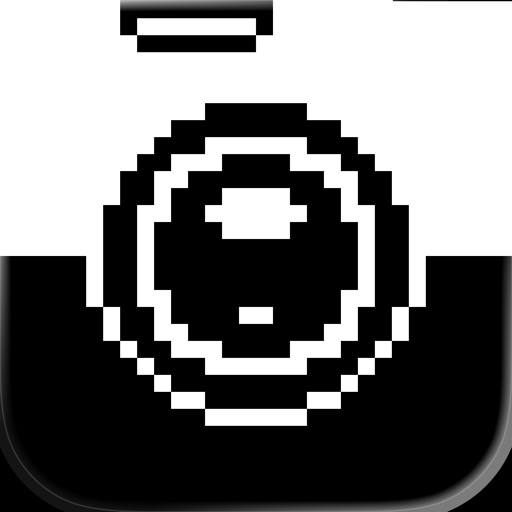
BitCam is a camera app that captures photos in a 1-bit style, rendering images in pure black and pure white pixels only. Camera mode offers three pixel resolutions to experiment with, plus an 8-color mode for a variation on the aesthetic. An editor mode allows dithering any photo from the library and applying modern colors and gradients, with output as clean, high-resolution PNG files suitable for printing or digital art projects. The app runs natively on iPad and Mac. Camera mode is free and unlimited, while the editor mode requires a one-time in-app purchase after a trial period.
Show the developer's original descriptionHide the original description
A blast from the past!
Capture your photos with a unique 1-bit camera: only pure black and pure white pixels, no grayscale!
BitCam's interface is delightfully old school, featuring chunky buttons and mechanical sounds the likes of which haven't graced your screen in over 40 years.
In Camera mode, three different pixel resolutions let you experiment, and an 8-color mode brings you a little closer to the current day while preserving the distinct aesthetic.
Or jump over to the editor to dither any photo from your library and experiment with resolutely modern colors & gradients.
Clean, high resolution PNG output means you can print those files, use them in digital collages, or other art projects.
You can also now run BitCam natively on your iPad, and your Mac!
And on Mac, you can install a system extension to use BitCam in any app that uses the camera: Zoom, FaceTime, Google Meet, WebEx, Photo Booth, etc.
The camera mode is entirely free and unlimited. The editor mode offers a 3 day trial, after which it requires a one-time in-app purchase for full access, on all of your account's devices.
If there is a version of this app for iOS/Mac or Windows we don't know about, paste the store link here — we'll auto-detect the store.
How to find the URL:1. Open the app in its store. 2.In the App Store app: tap the Share icon → “Copy Link”. In the browser: copy the URL from the address bar — it contains apps.apple.com/…/id… or apps.microsoft.com/detail/…. 3. Paste it here.
Paste the original link from the Apple App Store or Microsoft Store. We fetch all details automatically.
How to find the URL:
1. Open the app in its store. 2.In the App Store app: tap the Share icon → “Copy Link”. In the browser: copy the URL from the address bar — it contains apps.apple.com/…/id… or apps.microsoft.com/detail/…. 3. Paste it here.
Android apps can only be listed by their developer.