Screenshot appears after consentScreenshot appears after consentScreenshot appears after consentScreenshot appears after consentScreenshot appears after consentScreenshot appears after consent
Screenshot appears after consentScreenshot appears after consentScreenshot appears after consentScreenshot appears after consent
Screenshot appears after consentScreenshot appears after consentScreenshot appears after consentScreenshot appears after consentScreenshot appears after consentScreenshot appears after consent
Summary
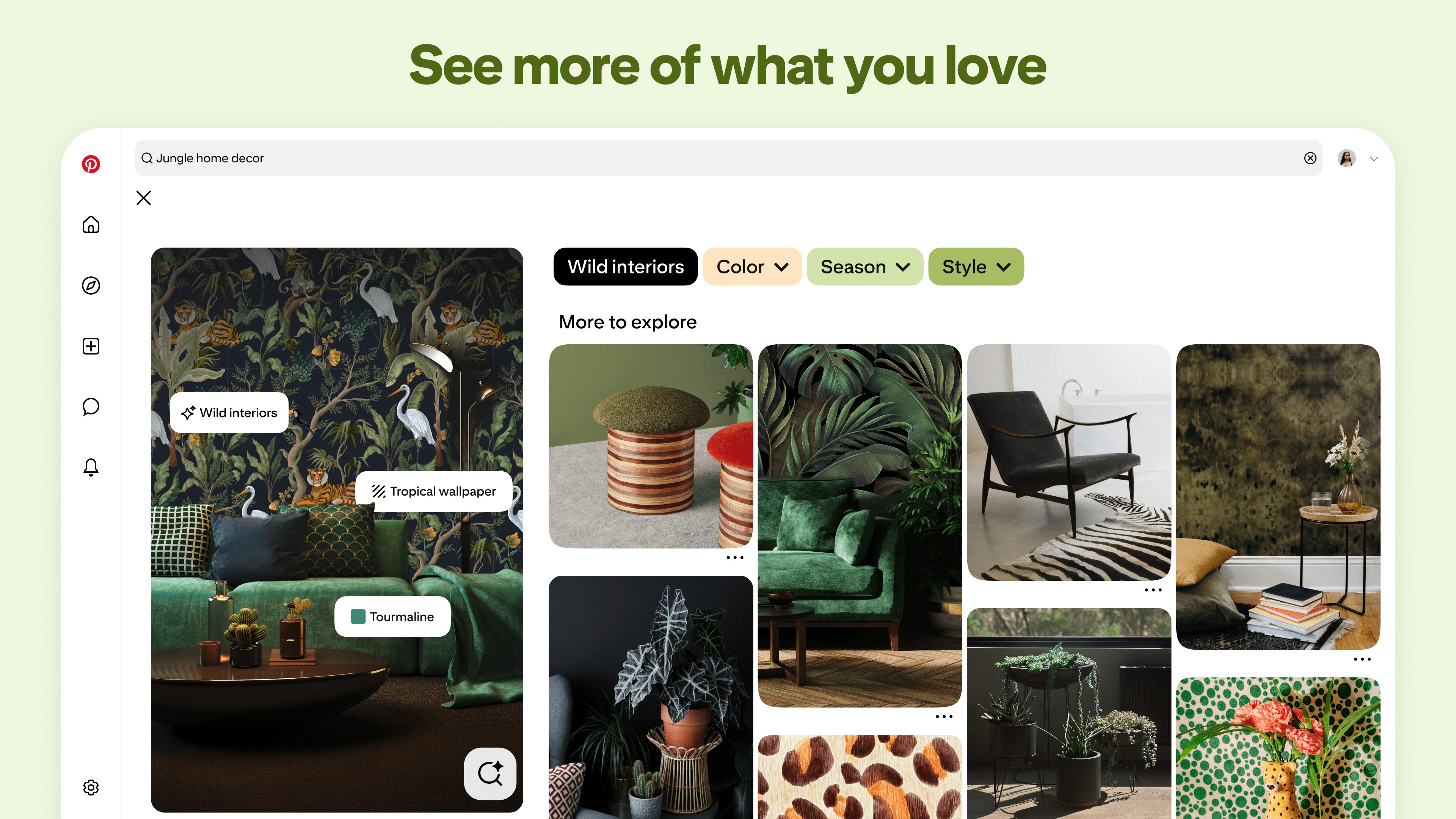
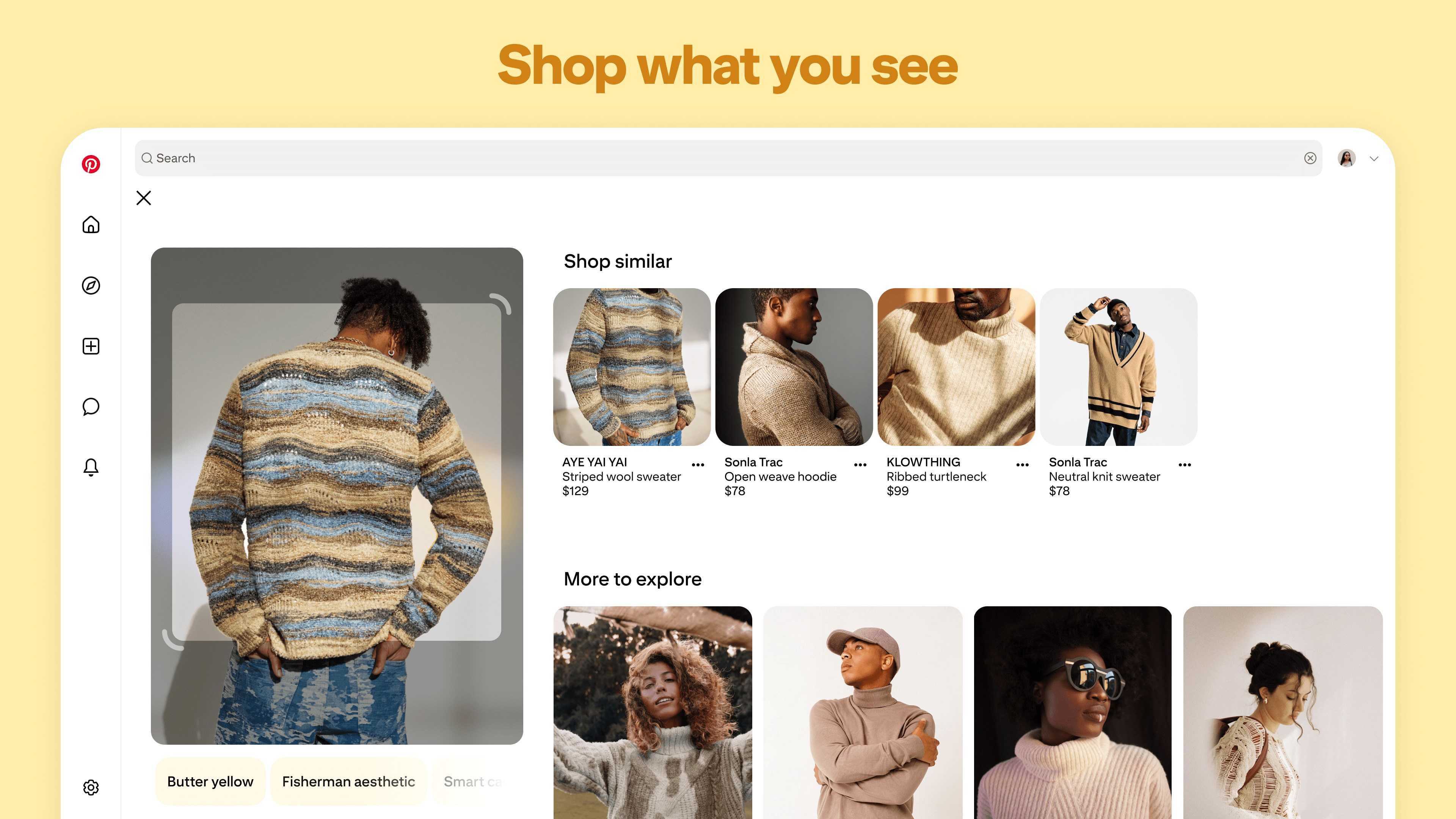
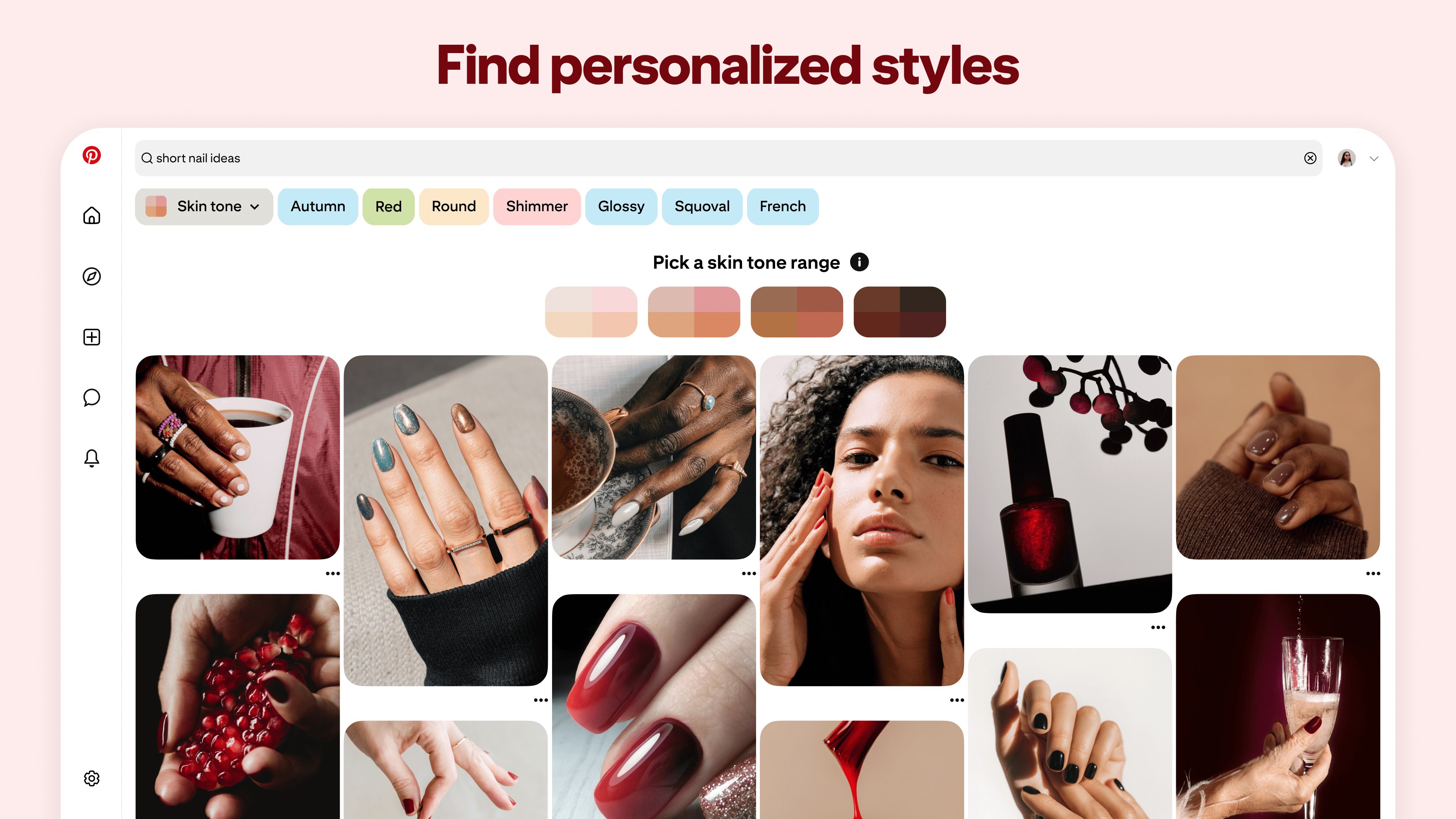
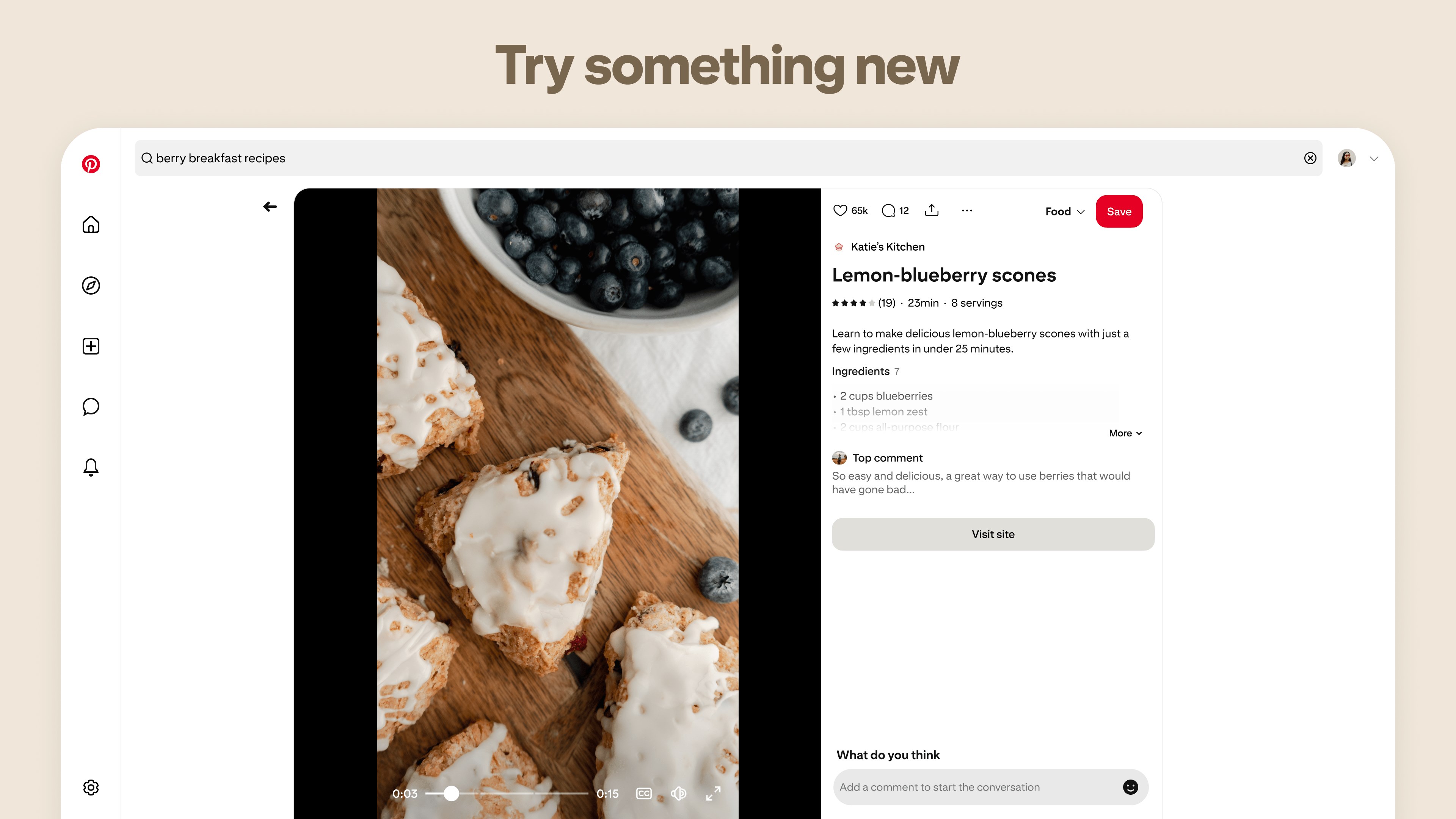
Pinterest is a visual discovery app for finding and saving ideas across everyday life topics. It lets users create boards, save pins and build collages around fashion tips, recipes, DIY projects and home design concepts. A camera search feature, Pinterest Lens, identifies objects seen in the real world and suggests ways to buy, make or do them. The app also supports collaborating with friends on shared plans such as a trip, party or DIY project. Ideas can be organized by topic and covers areas including travel, fitness, beauty, wedding planning, fashion and cooking.
Show the developer's original descriptionHide the original description
Pinterest is a place of endless possibilities. You can:
- Discover everyday inspiration
- Shop styles you love
- Try and learn something new
Create boards, save Pins and make collages of all your inspiration. Unlock billions of ideas, from fashion tips and easy recipes to DIY projects and fresh ways to redo your space. Creating the life you love?
It's Possible.
EnglishGermanAFArabicBGBNChineseCroatianCzechDanishDutchFinnishFrenchGreekHebrewHindiHungarianIndonesianItalianJapaneseKKKYKoreanMalayNorwegian BokmålPolishPortugueseRomanianRussianSlovakSpanishSwedishTEThaiTurkishUkrainianVietnamese+ View all 37 languages
Paste the original link from the Apple App Store or Microsoft Store. We fetch all details automatically.
How to find the URL:
1. Open the app in its store. 2.In the App Store app: tap the Share icon → “Copy Link”. In the browser: copy the URL from the address bar — it contains apps.apple.com/…/id… or apps.microsoft.com/detail/…. 3. Paste it here.
Android apps can only be listed by their developer.