Screenshot appears after consentScreenshot appears after consentScreenshot appears after consentScreenshot appears after consentScreenshot appears after consentScreenshot appears after consentScreenshot appears after consent
Summary
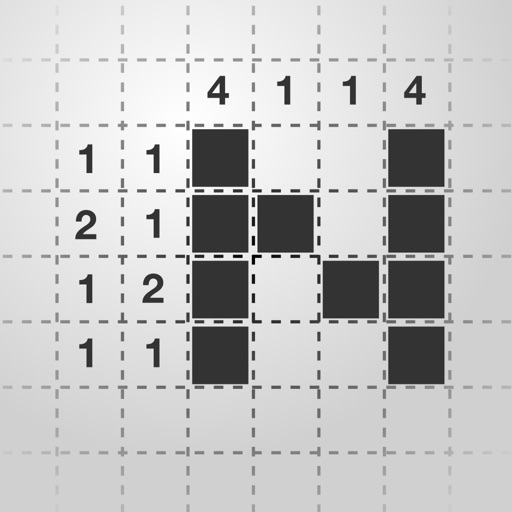
Nonoverse - Nonogram Puzzles is a puzzle game in which number clues guide players to fill grids and reveal hidden pixel art. It offers multiple puzzle types to explore and daily puzzles for regular play. Controls include dragging, double tapping and assist tools for smooth solving, alongside flexible settings and customization options. The app works offline and includes a dark mode, with no ads interrupting play.
Show the developer's original descriptionHide the original description
One of the cleanest and most user-friendly nonogram puzzle games. Use number clues to solve grids and reveal hidden pixel art. Whether you're new to nonograms or already a fan, Nonoverse offers a relaxing, satisfying, and rewarding experience.
Come for the essentials:
- Thoughtfully designed interface,
- No ads,
- Works offline,
- Dark mode.
Stay for the depth:
- Multiple puzzle types to explore,
- Daily puzzles,
- Smooth controls (drag, double tap, assist tools).
- Flexible settings and customization,
Loved by players:
- "Fantastic, clean UI and well designed puzzles. Would love to see this continue to grow. It’s so nice to have a nonogram app that isn’t bloated or clunky or awkward to play."
- "Simple, clean, and really satisfying to play. The puzzles are well-designed, the controls are smooth, and it’s easy to jump in for a quick brain break or settle in for longer sessions."
- "Can’t recommend this highly enough."
Start revealing hidden images today.
If there is a version of this app for iOS/Mac or Windows we don't know about, paste the store link here — we'll auto-detect the store.
How to find the URL:1. Open the app in its store. 2.In the App Store app: tap the Share icon → “Copy Link”. In the browser: copy the URL from the address bar — it contains apps.apple.com/…/id… or apps.microsoft.com/detail/…. 3. Paste it here.
Paste the original link from the Apple App Store or Microsoft Store. We fetch all details automatically.
How to find the URL:
1. Open the app in its store. 2.In the App Store app: tap the Share icon → “Copy Link”. In the browser: copy the URL from the address bar — it contains apps.apple.com/…/id… or apps.microsoft.com/detail/…. 3. Paste it here.
Android apps can only be listed by their developer.