Screenshot appears after consentScreenshot appears after consentScreenshot appears after consentScreenshot appears after consentScreenshot appears after consentScreenshot appears after consentScreenshot appears after consent
Screenshot appears after consentScreenshot appears after consentScreenshot appears after consentScreenshot appears after consent
Summary
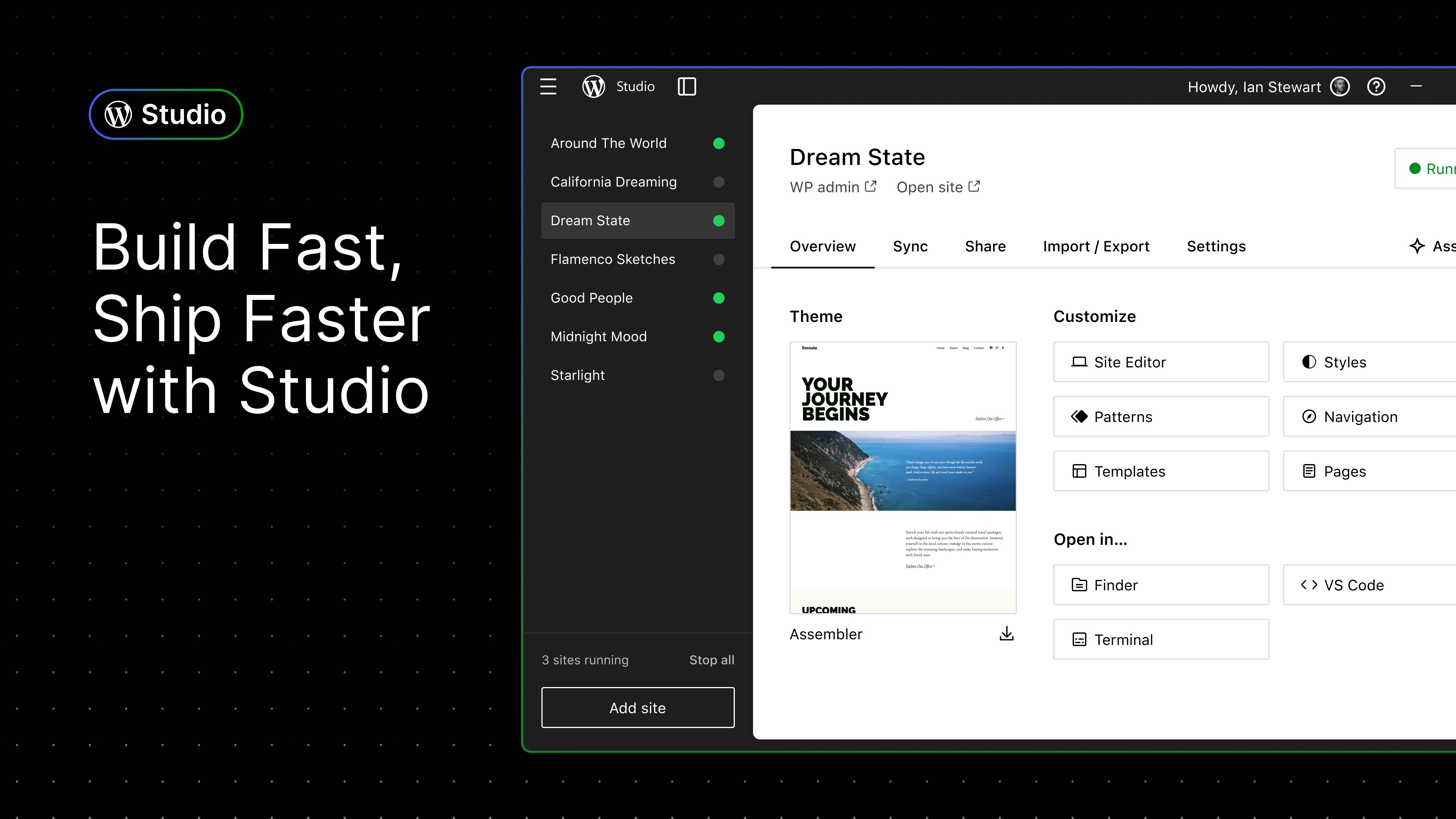
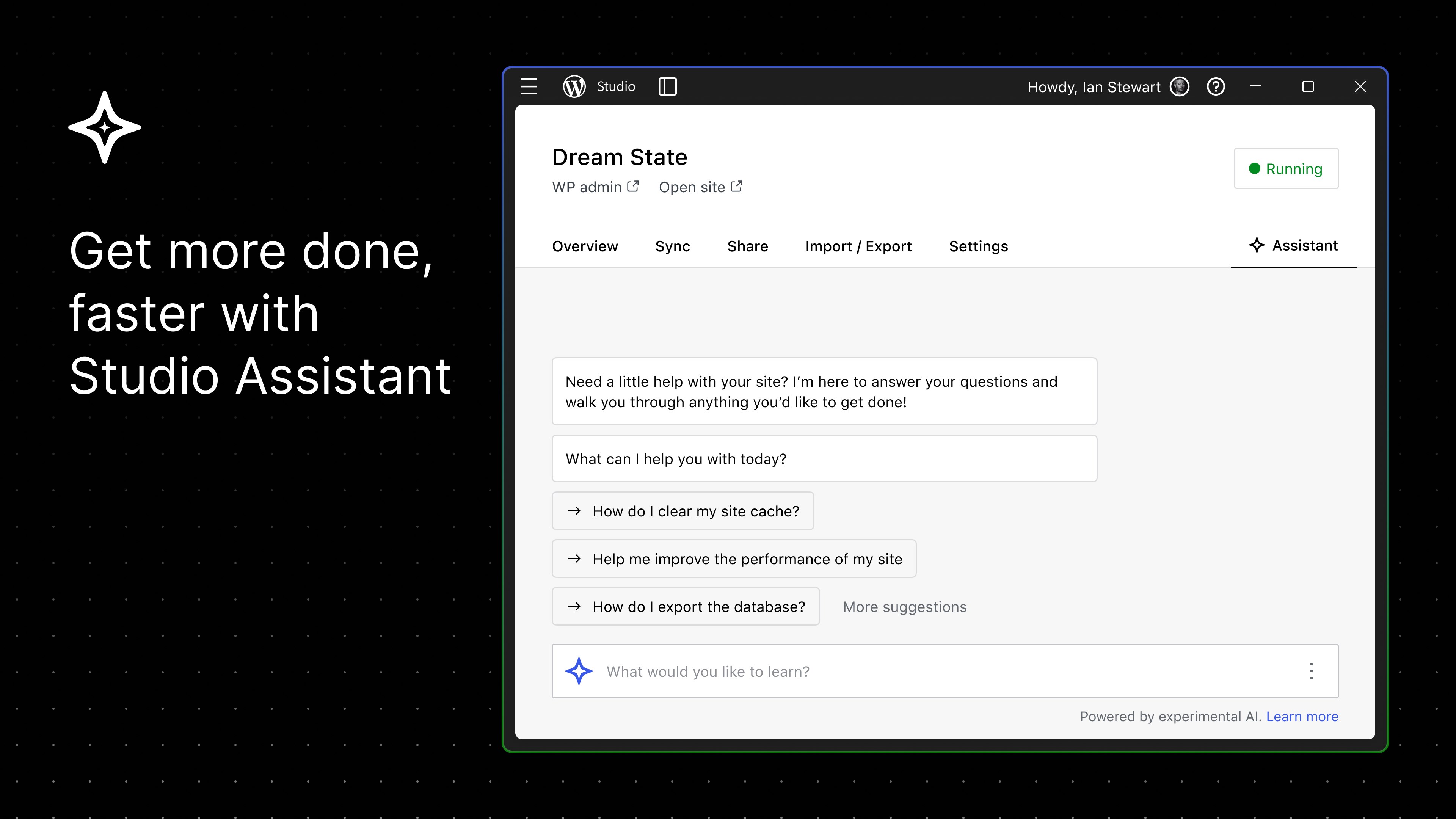
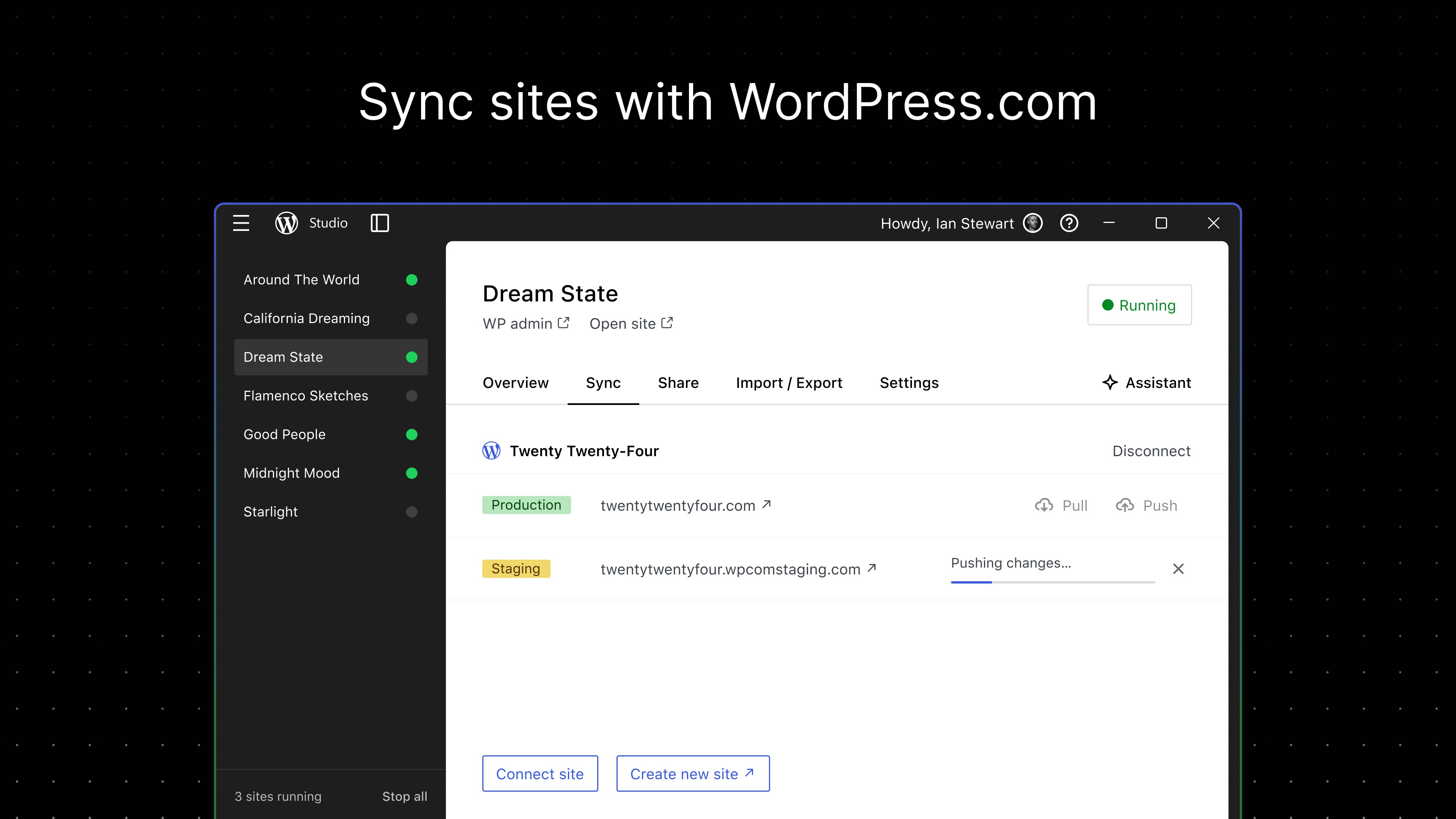
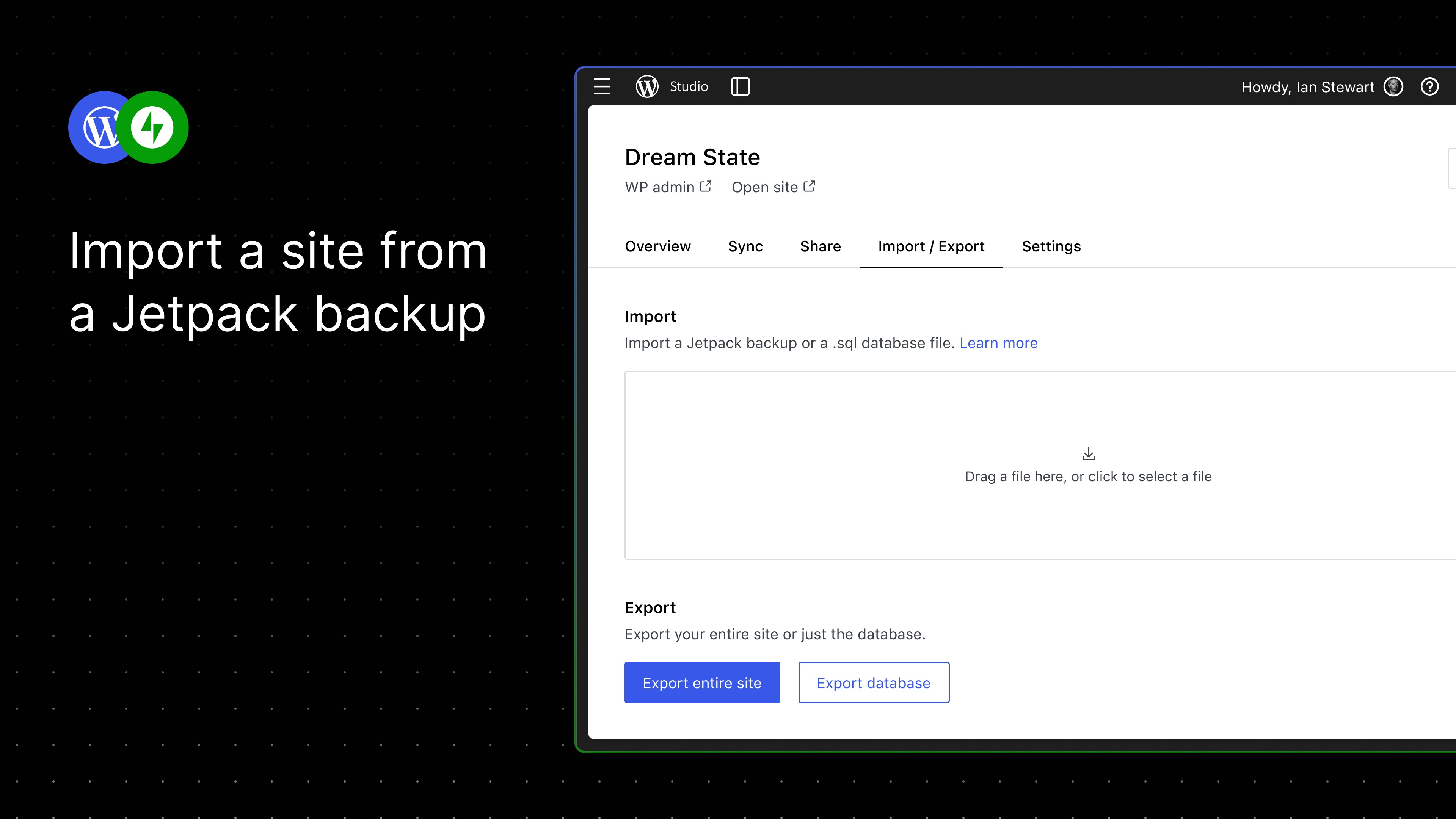
WordPress Studio – Website-Baukasten is a website and blog builder that allows managing WordPress sites directly from a mobile device. It supports creating and editing posts and pages, uploading photos and videos, and viewing site statistics. It also allows replying to comments from within the app. The app works with WordPress.com as well as with self-hosted WordPress.org sites running WordPress 4.0 or higher. According to the provider, it is an open source project that users can contribute to developing.
Show the developer's original descriptionHide the original description
Manage or create your WordPress blog or website right from your iOS device: create and edit posts and pages, upload your favorite photos and videos, view stats and reply to comments.
With WordPress for iOS, you have the power to publish in the palm of your hand. Draft a spontaneous haiku from the couch. Snap and post a photo on your lunch break. Respond to your latest comments, or check your stats to see what new countries today’s visitors are coming from.
WordPress for iOS is an Open Source project, which means you too can contribute to its development. Learn more at https://apps.wordpress.com/contribute/.
WordPress for iOS supports WordPress.com and self-hosted WordPress.org sites running WordPress 4.0 or higher.
Need help with the app? Visit the forums at https://wordpress.org/support/forum/mobile/ or tweet us @WordPressiOS.
View the Privacy Notice for California Users at https://automattic.com/privacy/#california-consumer-privacy-act-ccpa.
EnglishGermanArabicBGCYChineseCroatianCzechDanishDutchFrenchHebrewHungarianISIndonesianItalianJapaneseKoreanNorwegian BokmålPolishPortugueseRomanianRussianSQSlovakSpanishSwedishThaiTurkish+ View all 29 languages
If there is a version of this app for iOS/Mac or Windows we don't know about, paste the store link here — we'll auto-detect the store.
How to find the URL:1. Open the app in its store. 2.In the App Store app: tap the Share icon → “Copy Link”. In the browser: copy the URL from the address bar — it contains apps.apple.com/…/id… or apps.microsoft.com/detail/…. 3. Paste it here.
Paste the original link from the Apple App Store or Microsoft Store. We fetch all details automatically.
How to find the URL:
1. Open the app in its store. 2.In the App Store app: tap the Share icon → “Copy Link”. In the browser: copy the URL from the address bar — it contains apps.apple.com/…/id… or apps.microsoft.com/detail/…. 3. Paste it here.
Android apps can only be listed by their developer.