Screenshot appears after consentScreenshot appears after consentScreenshot appears after consentScreenshot appears after consentScreenshot appears after consentScreenshot appears after consentScreenshot appears after consentScreenshot appears after consent
Screenshot appears after consentScreenshot appears after consentScreenshot appears after consentScreenshot appears after consentScreenshot appears after consentScreenshot appears after consentScreenshot appears after consentScreenshot appears after consent
Screenshot appears after consentScreenshot appears after consentScreenshot appears after consentScreenshot appears after consentScreenshot appears after consentScreenshot appears after consentScreenshot appears after consentScreenshot appears after consent
Screenshot appears after consentScreenshot appears after consent
Screenshot appears after consentScreenshot appears after consentScreenshot appears after consentScreenshot appears after consentScreenshot appears after consentScreenshot appears after consentScreenshot appears after consentScreenshot appears after consent
Summary
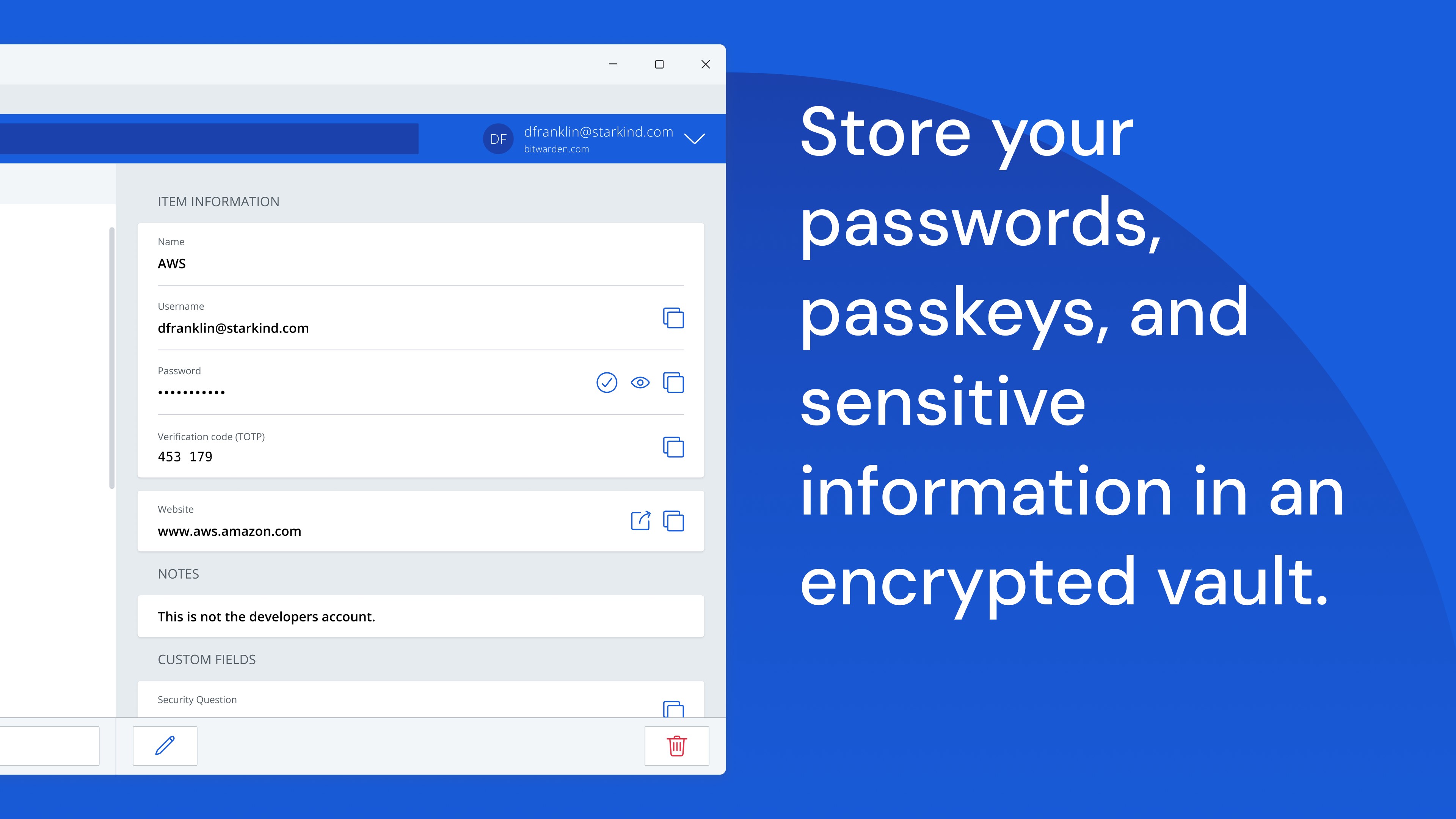
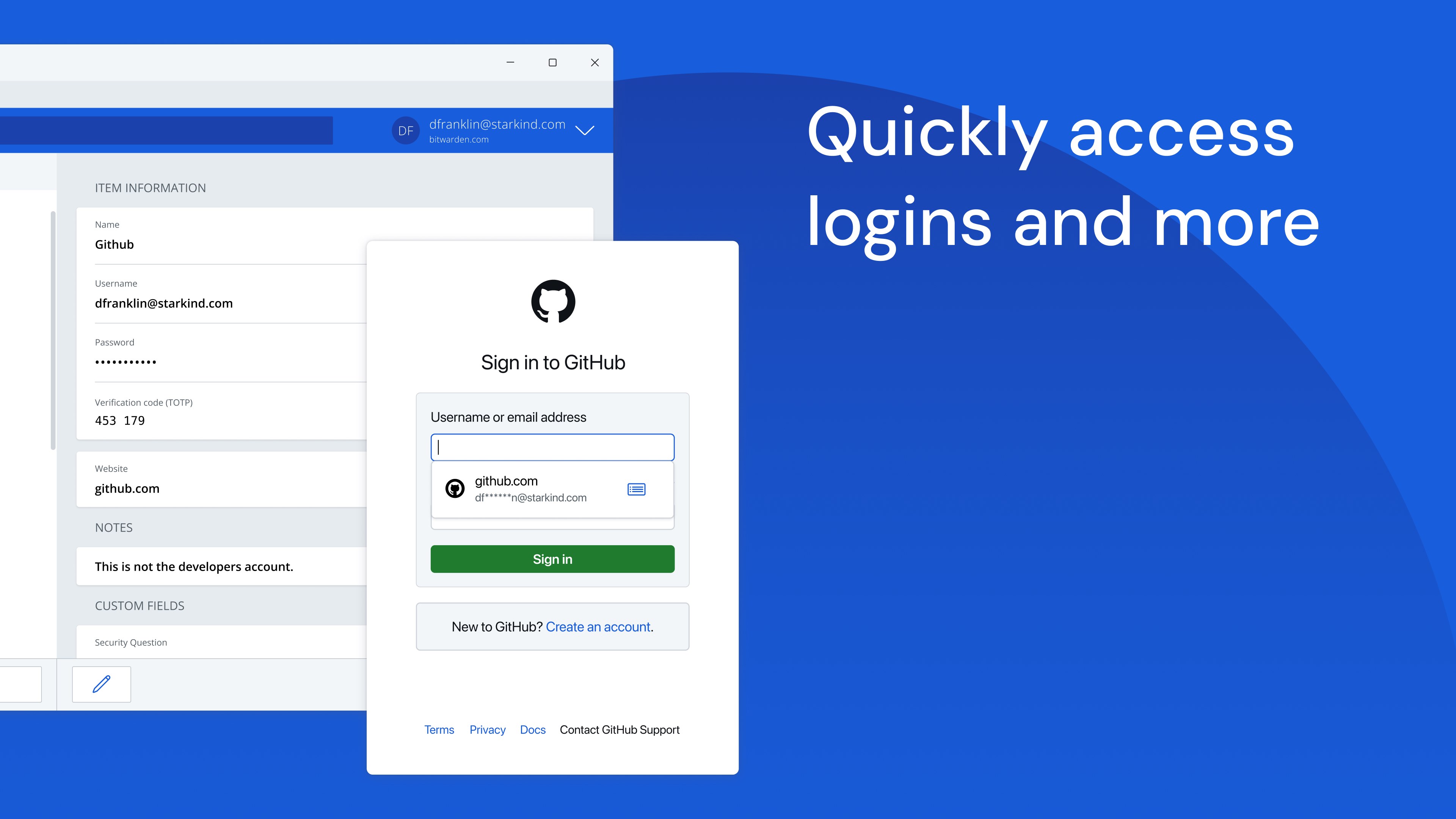
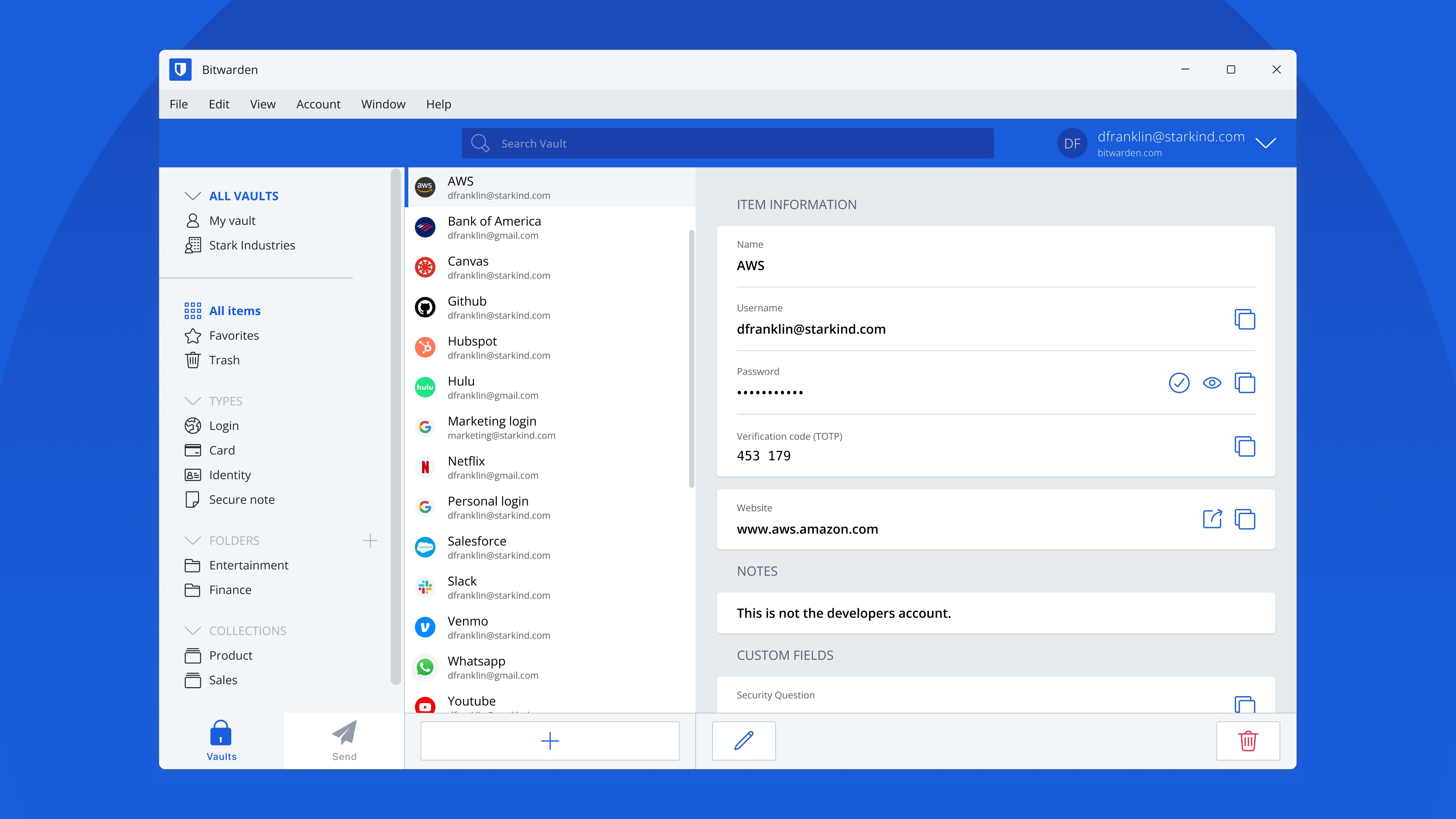
Bitwarden is a password manager that stores logins, passwords and passkeys in an encrypted vault synced across all devices. It generates long, complex passwords and usernames for every account, and lets data be shared with others through Bitwarden Send while keeping end-to-end encryption. Login can be secured with two-factor authentication through a third-party authenticator or FIDO2 WebAuthn credentials such as a hardware key or passkey. Access works from any browser, mobile device or desktop operating system. Data is protected with AES-256 bit encryption and salted hashing, and not even Bitwarden itself can read it.
Show the developer's original descriptionHide the original description
Recognized as best password manager by PCMag, The Verge, CNET, G2, and more!
SECURE YOUR DIGITAL LIFE
Secure your digital life and protect against data breaches by generating and saving unique, strong passwords for every account. Maintain everything in an end-to-end encrypted password vault that only you can access.
ACCESS YOUR DATA, ANYWHERE, ANYTIME, ON ANY DEVICE
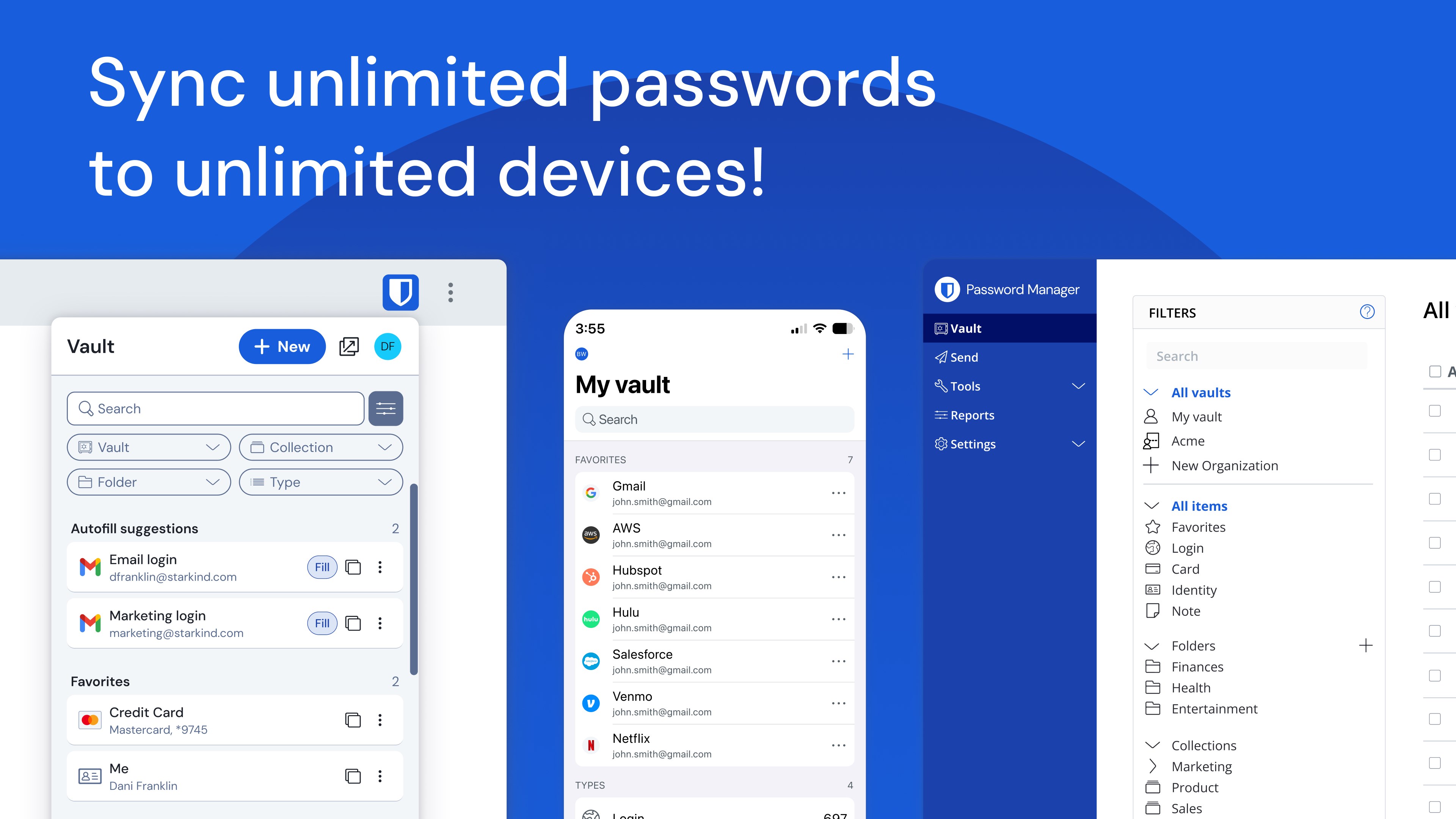
Easily manage, store, secure, and share unlimited passwords and passkeys across unlimited devices without restrictions.
EVERYONE SHOULD HAVE THE TOOLS TO STAY SAFE ONLINE
Utilize Bitwarden for free with no ads and or selling data. Bitwarden believes everyone should have the ability to stay safe online. Premium plans offer access to advanced features.
EMPOWER YOUR TEAMS WITH BITWARDEN
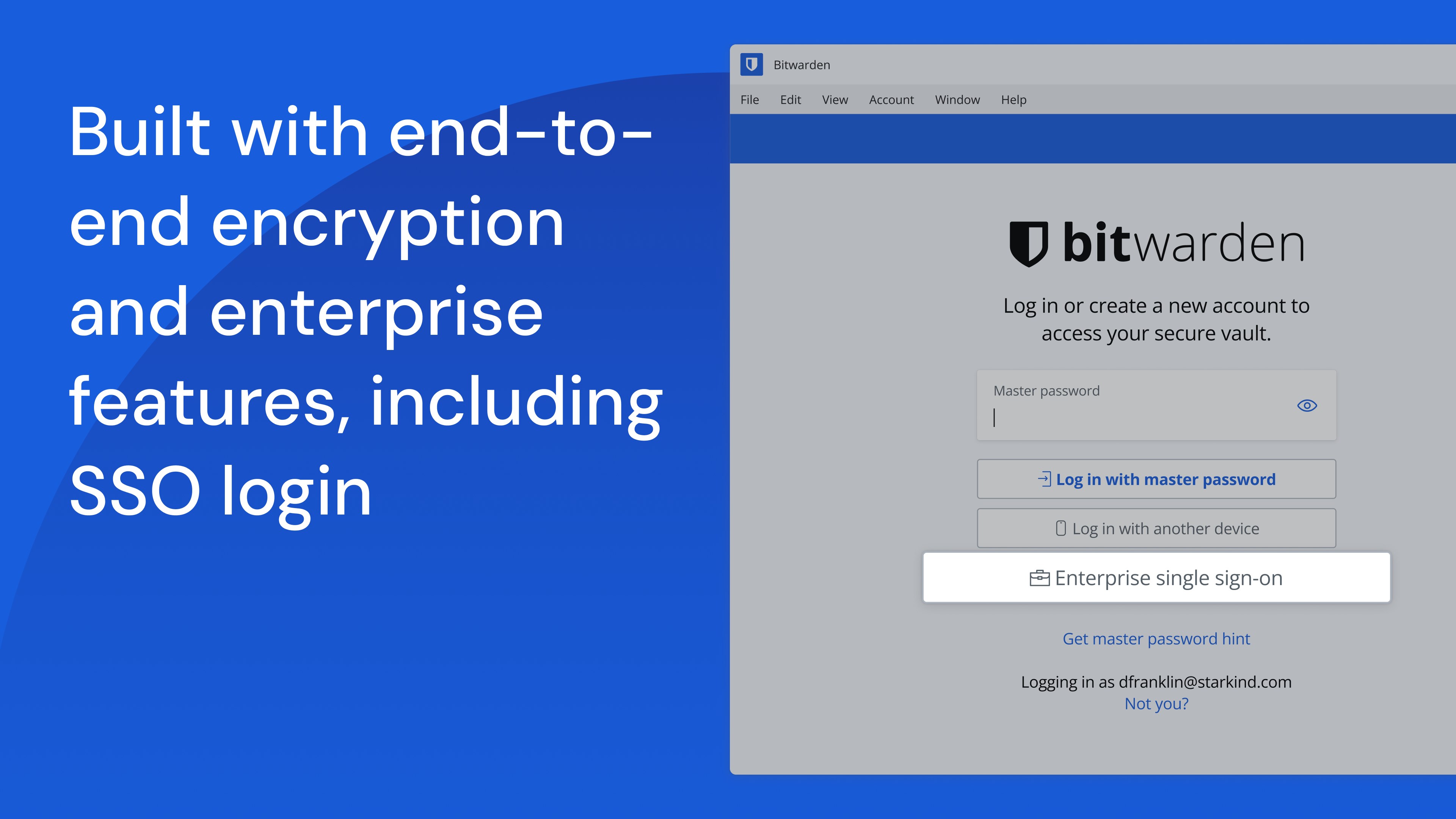
Plans for Teams and Enterprise come with professional business features. Some examples include SSO integration, self-hosting, directory integration and SCIM provisioning, global policies, API access, event logs, and more.
Use Bitwarden to secure your workforce and share sensitive information with colleagues.
More reasons to choose Bitwarden:
World-Class Encryption
Passwords are protected with advanced end-to-end encryption (AES-256 bit, salted hashing, and PBKDF2 SHA-256) so your data stays secure and private.
3rd-party Audits
Bitwarden regularly conducts comprehensive third-party security audits with notable security firms. These annual audits include source code assessments and penetration testing across Bitwarden IPs, servers, and web applications.
Advanced 2FA
Secure your login with a third-party authenticator, emailed codes, or FIDO2 WebAuthn credentials such as a hardware security key or passkey.
Bitwarden Send
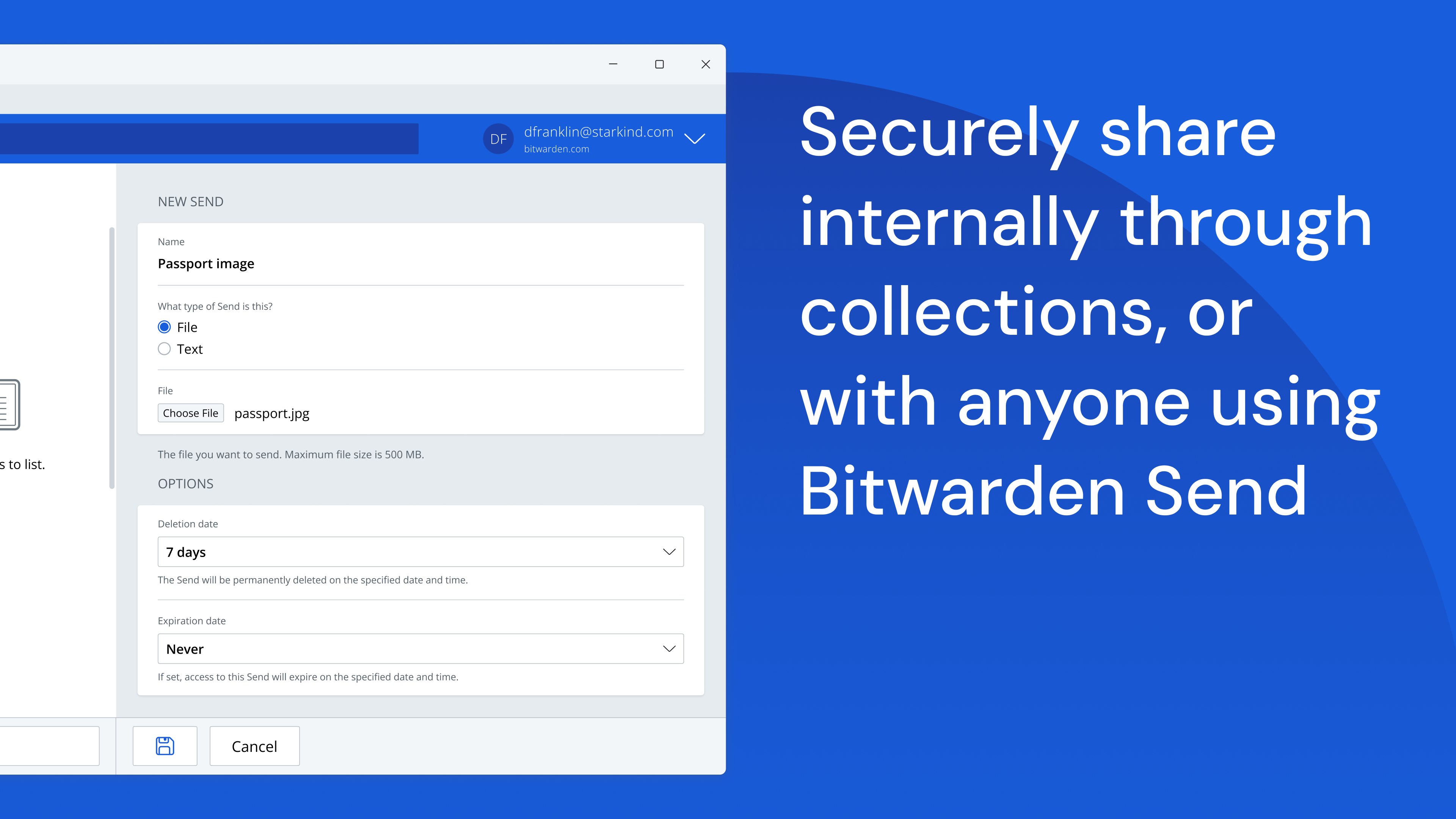
Transmit data directly to others while maintaining end-to-end encrypted security and limiting exposure.
Built-in Generator
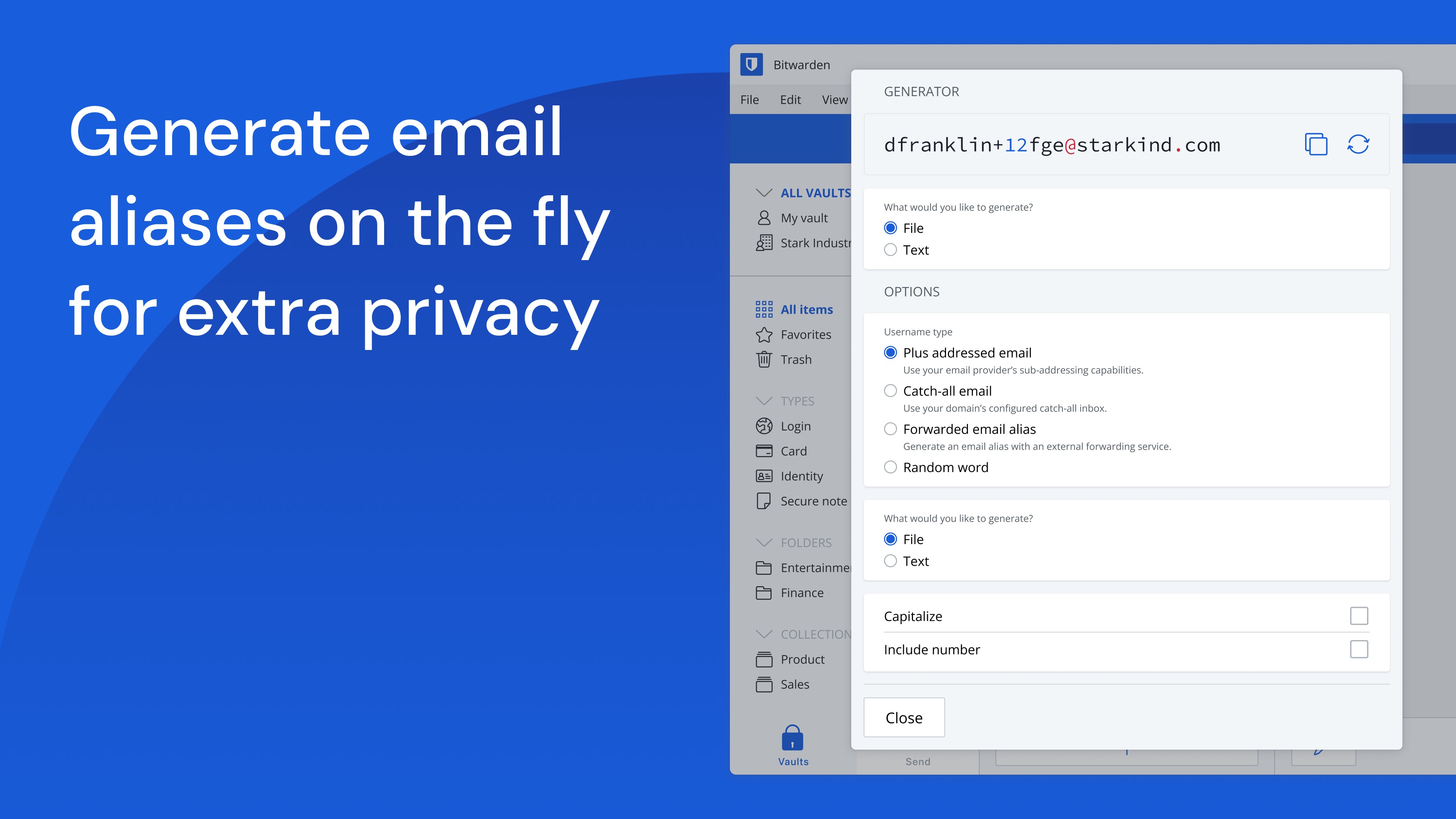
Create long, complex, and distinct passwords and unique usernames for every site you visit. Integrate with email alias providers for additional privacy.
Global Translations
Bitwarden translations exist for more than 60 languages, translated by the global community though Crowdin.
Cross-Platform Applications
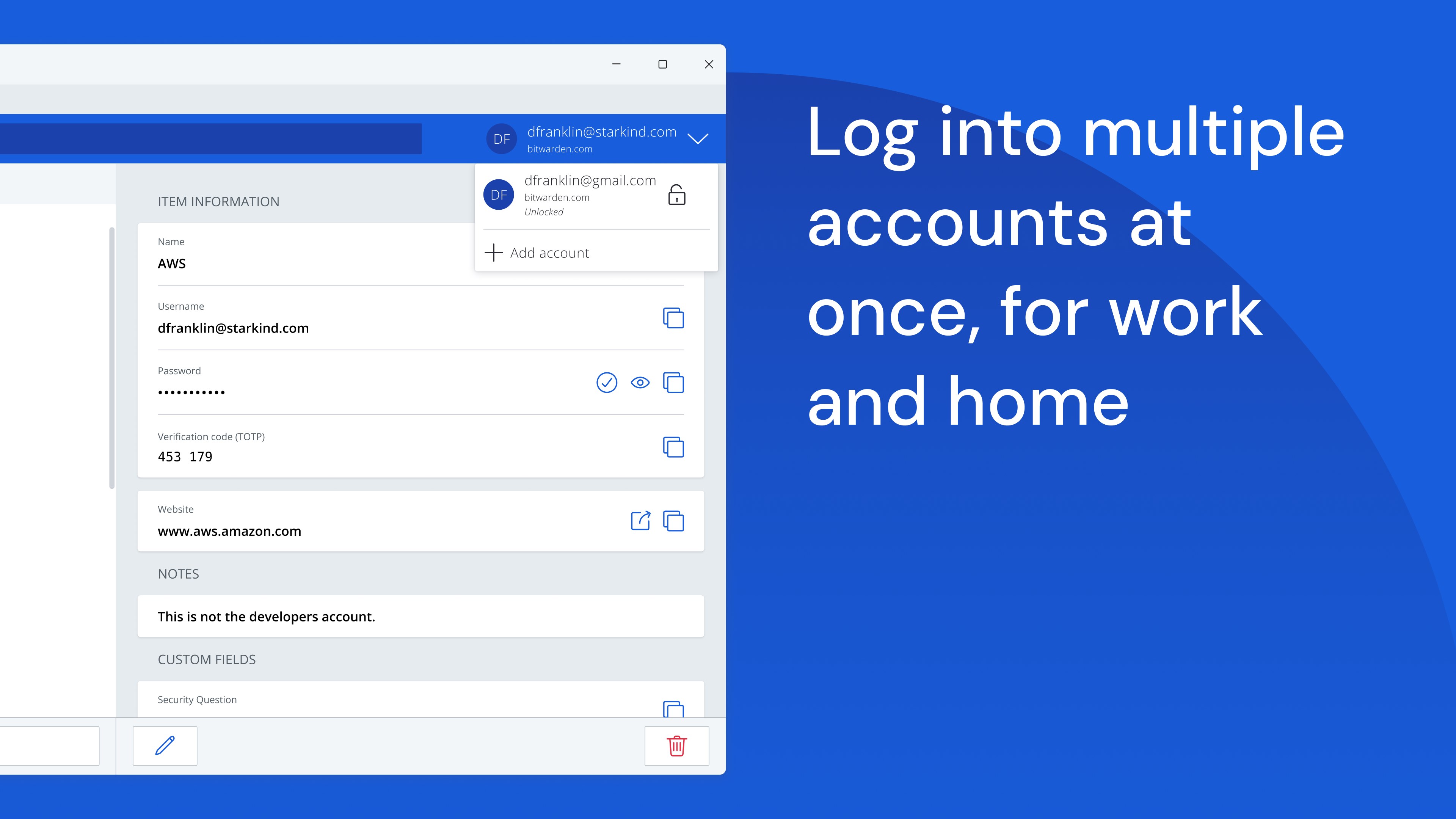
Secure and share sensitive data within your Bitwarden Vault from any browser, mobile device, or desktop OS, and more.
EnglishGermanAFAZArabicBEBGBNBSBurmeseCYCatalanChineseCroatianCzechDanishDutchETEUFAFinnishFrenchGalicianGreekHebrewHindiHungarianIndonesianItalianJapaneseKAKNKYKoreanLTLVMLMRNENorwegian BokmålNorwegian NynorskORPolishPortugueseRomanianRussianSISLSerbianSlovakSpanishSwedishTATEThaiTurkishUkrainianVietnamese+ View all 58 languages
Paste the original link from the Apple App Store or Microsoft Store. We fetch all details automatically.
How to find the URL:
1. Open the app in its store. 2.In the App Store app: tap the Share icon → “Copy Link”. In the browser: copy the URL from the address bar — it contains apps.apple.com/…/id… or apps.microsoft.com/detail/…. 3. Paste it here.
Android apps can only be listed by their developer.








 Bitwarden
Store, manage and share passwords across all your devices
 Keeper® Password Manager
Encrypted password vault with sync across devices
 SecureSafe Password Manager
Cloud storage with password manager and strong encryption
 Strongbox - Password Manager
Password manager with encryption and cloud sync
 Enpass Password Manager
Store passwords and passkeys in your choice of cloud
 Dashlane Password Manager
Store passwords, autofill, and monitor breaches