Screenshot appears after consentScreenshot appears after consentScreenshot appears after consentScreenshot appears after consentScreenshot appears after consent
Screenshot appears after consentScreenshot appears after consentScreenshot appears after consentScreenshot appears after consent
Summary
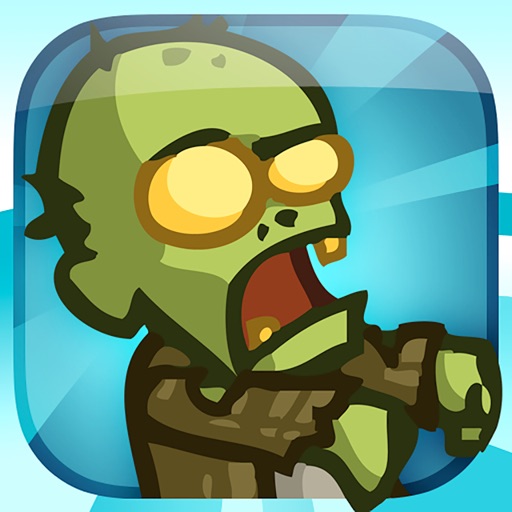
Zombieville USA 2 is an arcade shooter in which players battle hordes of zombies, either alone or with friends. It offers simple pick-up-and-play action focused on fighting enemies, managing ammo and chasing high scores. Players can take command of customizable characters, unlocking dozens of weapons, skills and upgrades. The game supports wireless co-op multiplayer and includes Game Center integration with achievements and leaderboards. iCloud support allows progress to sync automatically across devices.
Show the developer's original descriptionHide the original description
The definitive zombie shooter returns, reborn with stunning new graphics, gameplay and more!
Brought to you by the creators of Battleheart, OMG Pirates!, and the original Zombieville USA - this sequel is jam packed with content and features. Take command of your favorite character, customize them with a spectrum of weapons and skills, and do battle with the living dead - either alone, or with your friends!
- Features -
• Simple, pick-up-and-play arcade action. Fight hordes of enemies, make the most of your ammo, and go for your high score!
• Tons of unlockable content, including dozens of weapons, skills, playable characters and upgrades.
• Incredibly fluid, stylish animation optimized for retina displays.
• Full Game Center integration, including achievements and leader boards.
• Wireless Co-op multiplayer! (requires iPhone 3GS+, iPod Touch 3rd Gen+, or any iPad)
• iCloud support, allowing your zombie slaying progress to sync automatically to all of your devices!
Follow us on Twitter @MikaMobile to keep up to date on all of our games!
If there is a version of this app for iOS/Mac or Windows we don't know about, paste the store link here — we'll auto-detect the store.
How to find the URL:1. Open the app in its store. 2.In the App Store app: tap the Share icon → “Copy Link”. In the browser: copy the URL from the address bar — it contains apps.apple.com/…/id… or apps.microsoft.com/detail/…. 3. Paste it here.
Paste the original link from the Apple App Store or Microsoft Store. We fetch all details automatically.
How to find the URL:
1. Open the app in its store. 2.In the App Store app: tap the Share icon → “Copy Link”. In the browser: copy the URL from the address bar — it contains apps.apple.com/…/id… or apps.microsoft.com/detail/…. 3. Paste it here.
Android apps can only be listed by their developer.