Screenshot appears after consentScreenshot appears after consentScreenshot appears after consentScreenshot appears after consentScreenshot appears after consent
Summary
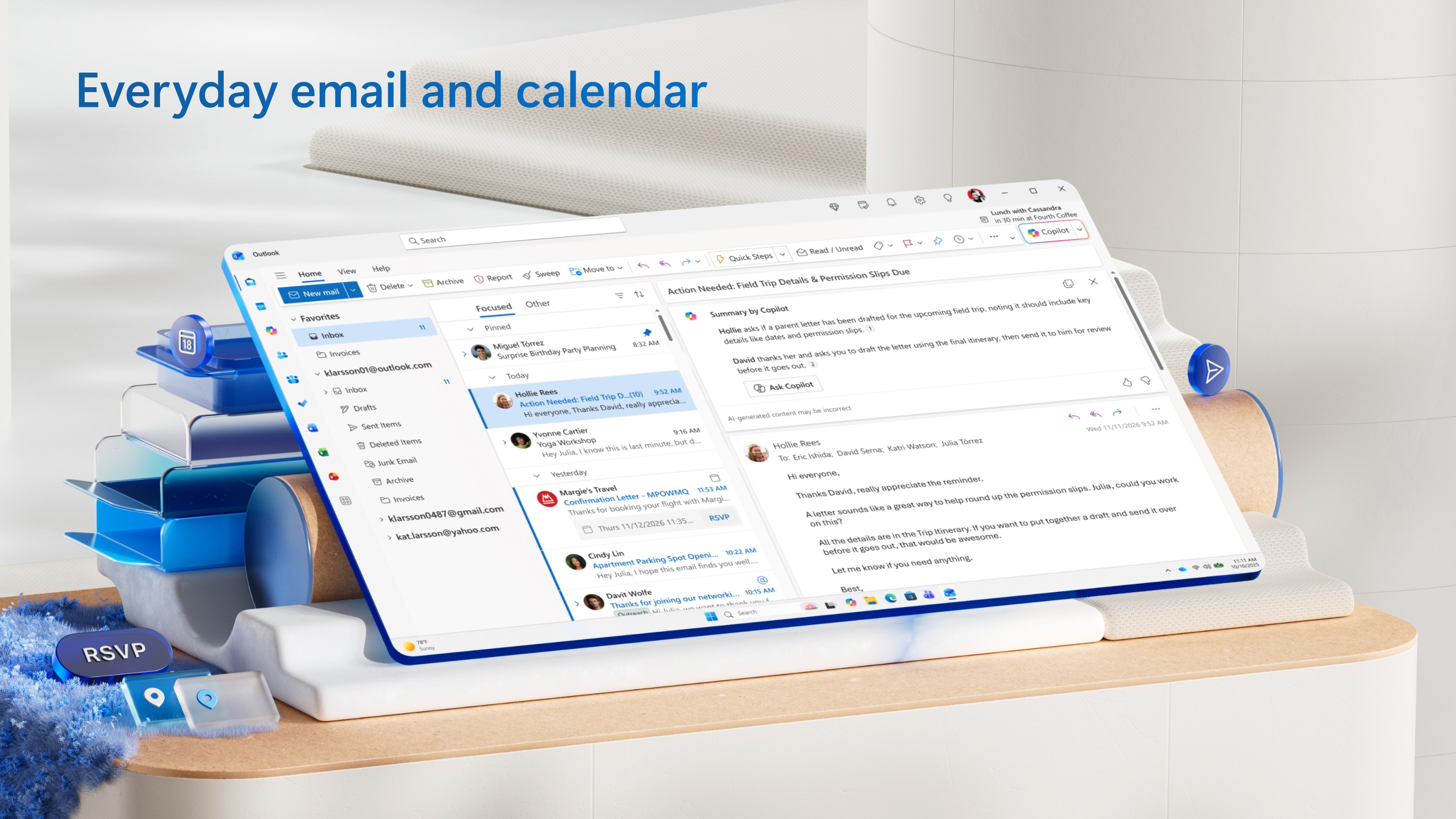
Outlook for Windows is an email app that connects personal and work email accounts and calendars in one place. It supports sending and receiving mail across accounts such as Outlook.com, Gmail, Yahoo! Mail and iCloud. Built-in AI suggestions along with spelling and grammar checks help with writing clearer emails. The inbox offers scheduled sending, a ten-second undo for sent mail, reminders for follow-ups, and direct access to OneDrive files and web versions of Word, Excel and PowerPoint. The app is free to use and ad-supported, with a Microsoft 365 subscription available to remove ads and expand storage.
Show the developer's original descriptionHide the original description
The new Outlook for Windows is a best-in-class email experience that is free for anyone with Windows. Easily connect and coordinate your personal and work email accounts and calendars in one app. Write clear, concise mails and get intelligent suggestions with built-in AI. Seamlessly attach important documents and photos to any note. With the new Outlook for Windows, you can stay on top of it all, for free. This app will replace the Windows Mail, Calendar, and People apps beginning in 2024.
Streamline your email accounts: Coordinate multiple inboxes and calendars in one app. Send, receive, and easily switch between your various email accounts, including Outlook.com, Gmail, Yahoo! Mail, iCloud, and more.
Write more effective emails: Help keep your sentences concise and error-free with AI-powered suggestions from Outlook as you write,* and make your emails polished and professional with intelligent spelling and grammar checks.
Enhance your inbox: Get organized and enjoy a number of features to help you better coordinate your world. Schedule email sends in advance, undo a sent email within ten seconds, and get reminders to follow up on important conversations. Access OneDrive files right from your Outlook inbox and use Word, Excel, and PowerPoint web apps for free — perfect for making quick edits and comments.
An inbox that looks more you: Personalize your Outlook to fit your unique needs and style. Choose from over 50 themes and fonts, pin important emails to the top of your inbox, and customize how many emails you want to see in your inbox with roomy, cozy, and compact view options.
The new Outlook for Windows offers some of the most popular features and configurations from the current Outlook for Windows and Outlook.com, along with a variety of new tools, with more to come. Use it along with our free iOS and Android apps for a unified, seamless experience both at home and on the go. It is a free, ad-supported version for customers who don’t have a paid subscription. If you use a free email service such as Outlook.com, Hotmail, or Gmail without a Microsoft 365 subscription, you’ll see ads in the new Outlook for Windows.
For an ad-free experience and expanded mailbox storage, you may purchase a Microsoft 365 Basic, Personal, or Family subscription to remove any advertising served by Microsoft. To learn more, visit microsoft.com/outlook-for-windows
* Microsoft 365 subscription required
Consumer Health Privacy: https://go.microsoft.com/fwlink/?linkid=2259814
If there is a version of this app for iOS/Mac or Windows we don't know about, paste the store link here — we'll auto-detect the store.
How to find the URL:1. Open the app in its store. 2.In the App Store app: tap the Share icon → “Copy Link”. In the browser: copy the URL from the address bar — it contains apps.apple.com/…/id… or apps.microsoft.com/detail/…. 3. Paste it here.
Paste the original link from the Apple App Store or Microsoft Store. We fetch all details automatically.
How to find the URL:
1. Open the app in its store. 2.In the App Store app: tap the Share icon → “Copy Link”. In the browser: copy the URL from the address bar — it contains apps.apple.com/…/id… or apps.microsoft.com/detail/…. 3. Paste it here.
Android apps can only be listed by their developer.





 Mail Apps
Manage multiple email accounts in one app
 Microsoft Outlook
Manage email, calendar and files in one place
 Multi Mail - Multi-Account Email Client
Manage multiple email accounts in one unified inbox
 One Calendar
Combine calendars from Google, Outlook, iCloud and more
 Mail+
Manage Gmail, Outlook and other email accounts side by side
 Blue Mail - Email & Calendar
Email client for multiple accounts with AI assistance