Screenshot appears after consentScreenshot appears after consentScreenshot appears after consentScreenshot appears after consent
Summary
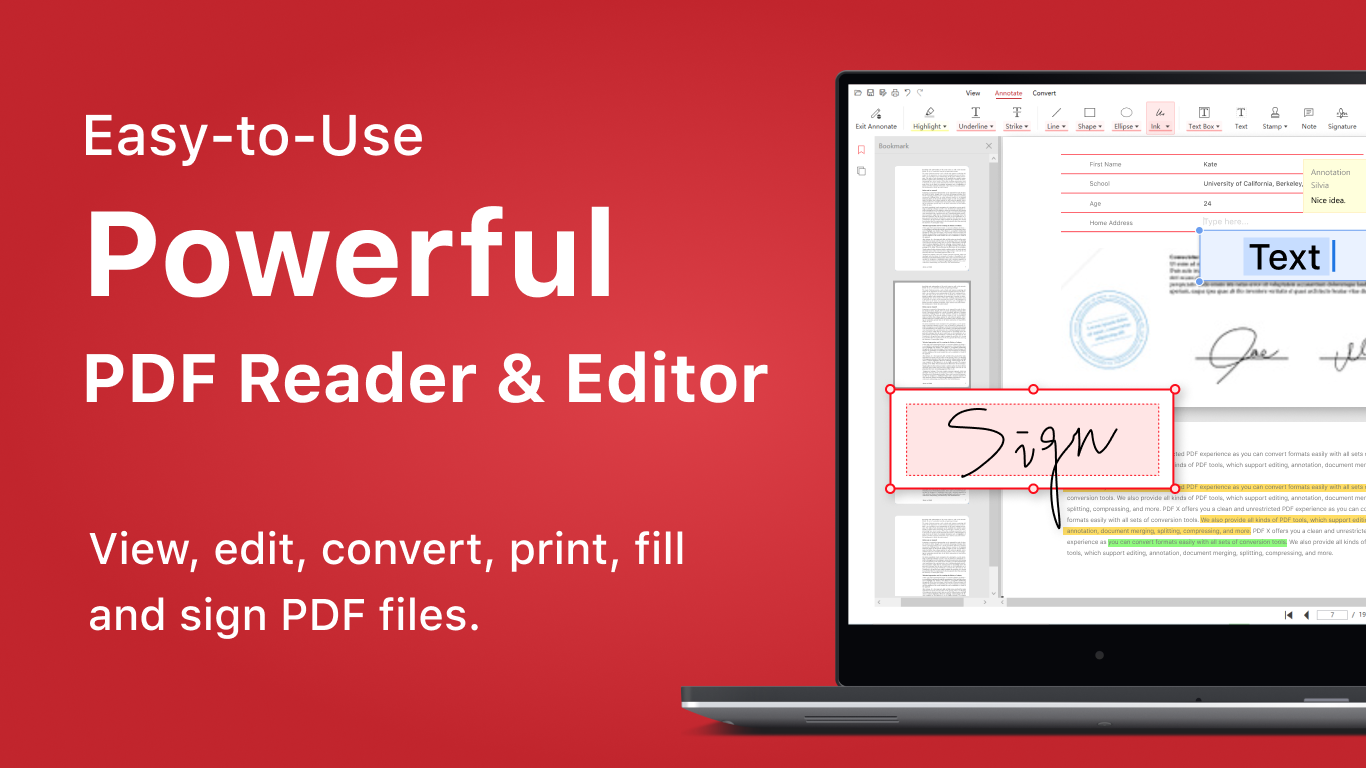
PDF X is a PDF viewer and editor for Windows that supports viewing, editing, annotating, signing and converting PDF documents. It allows merging, splitting, extracting and reorganizing pages, filling out and signing forms, and adding annotations such as highlights, comments, watermarks and stamps. It converts PDF files to formats like Word, Excel, images, RTF, text and HTML, and converts Word, Excel, PowerPoint, images, RTF and text files to PDF. A premium version, available as a yearly subscription or one-time lifetime purchase, adds features such as PDF compression, page reordering, image-to-text conversion through OCR, and use on up to ten devices.
Show the developer's original descriptionHide the original description
Trusted by over 30 million users worldwide, PDF X lets you view, edit, sign, and convert PDF files with ease. Merge, split, compress, and scan to PDF in one powerful tool.
PDF X is an all-in-one PDF editor, PDF viewer, PDF converter, and PDF scanner for Windows. It helps you manage documents efficiently, convert PDF to Word, JPG, and other formats, fill and sign forms, annotate files, and organize pages with fast and reliable tools.
[Features]
View PDF
• Horizontal or Vertical scroll, Single Page or Continuous scroll modes.
• Search text, zoom in, zoom out & Presentation Mode.
• Open Embedded Adobe Acrobat PDF Files
• Share and print PDF documents
• Thumbnails
• Bookmark specific pages or sections of PDFs
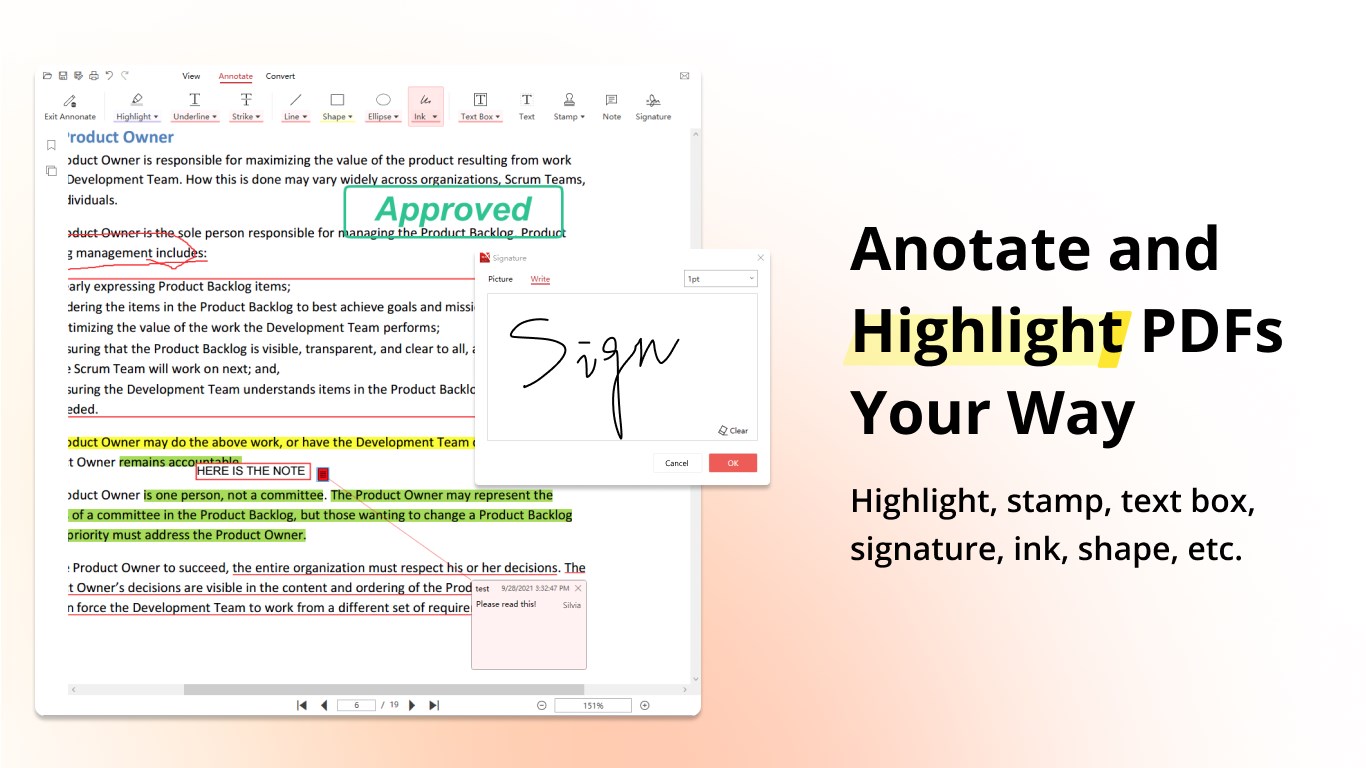
Annotate PDF
• Adding annotations, removing annotations, editing annotations
• Markup with highlight, underline, strikeout
• Add text comments, text boxes, and hyperlinks to PDF files
• Free hand-writing and drawing
• Fill out PDF forms
• Add signatures to pdf
• Add Watermark to pdf
• Add Stamp to pdf
Fill PDF forms
• Fill out PDF forms
• Fill & sign PDF form
Page Editor
• Merge PDF
• Split PDF
• Extract - Extract the desired pages to create a new PDF
• Append - Insert another file (entire files or specific page ranges) into the existing file
• Rotate PDF
• Delete PDF pages
• Edit text, images, and links
• Redact PDF- Hide sensitive information
• Unlock PDF
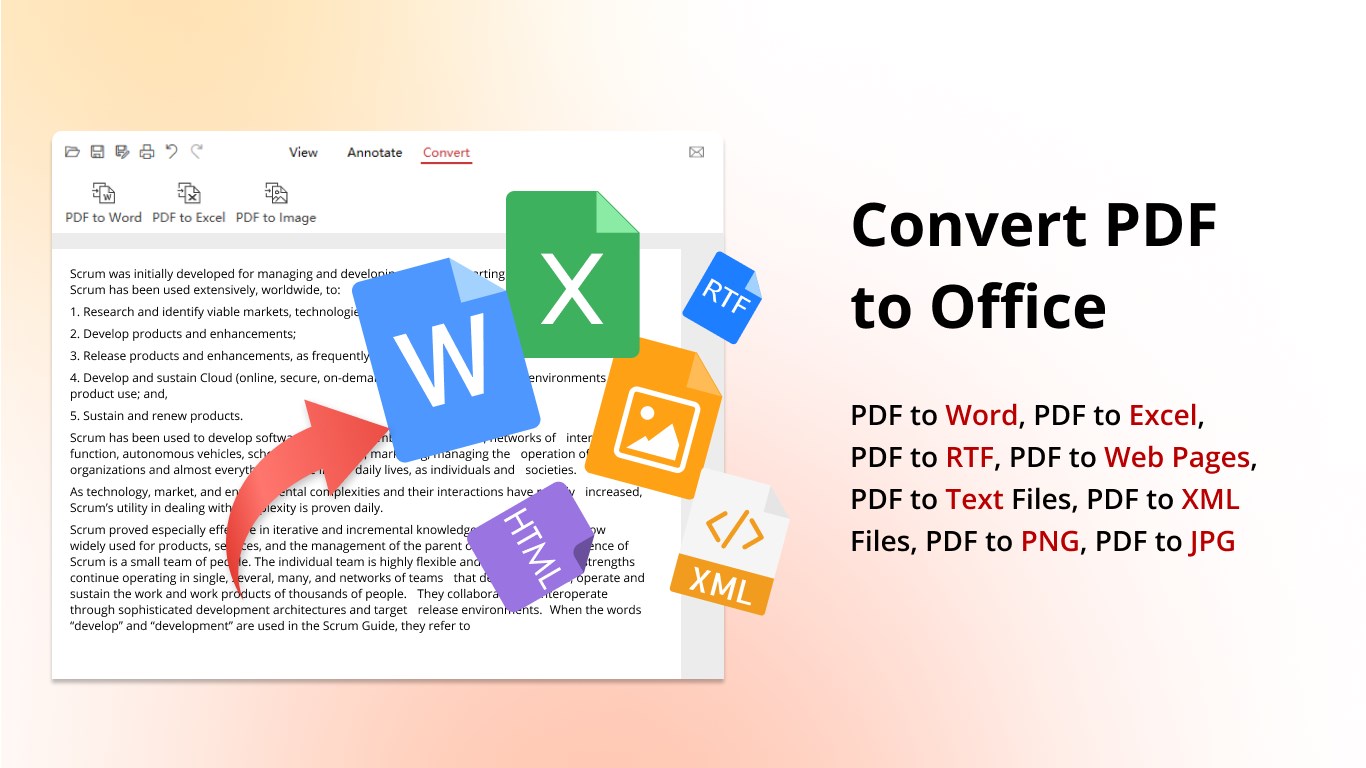
Convert PDF
• Convert PDF to Word (PDF to DOCX )
• Convert PDF to Excel (PDF to XLSX/XLS)
• Convert PDF to PNG (PDF to Image)
• Convert PDF to JPG /JPEG(PDF to Image)
• Convert PDF to RTF
• Convert PDF to Text (PDF to TXT)
• Convert PDF to Web Pages (PDF to HTML)
• Convert PDF to XML
Convert to PDF
• Convert Word to PDF (Docx to PDF )
• Convert Excel to PDF (XLSX to PDF)
• Convert PowerPoint to PDF (PPT to PDF)
• Convert PNG to PDF (Image to PDF)
• Convert JPG to PDF (Image to PDF)
• Convert RTF to PDF
• Convert Text to PDF (TXT to PDF)
PDF X contains an optional in-app purchase as Premium, which provides the following features:
• Convert PDF files to Word, Excel, image, etc
• Sign, compress PDF
• Merge, split, delete, insert, extract, and reorder pages
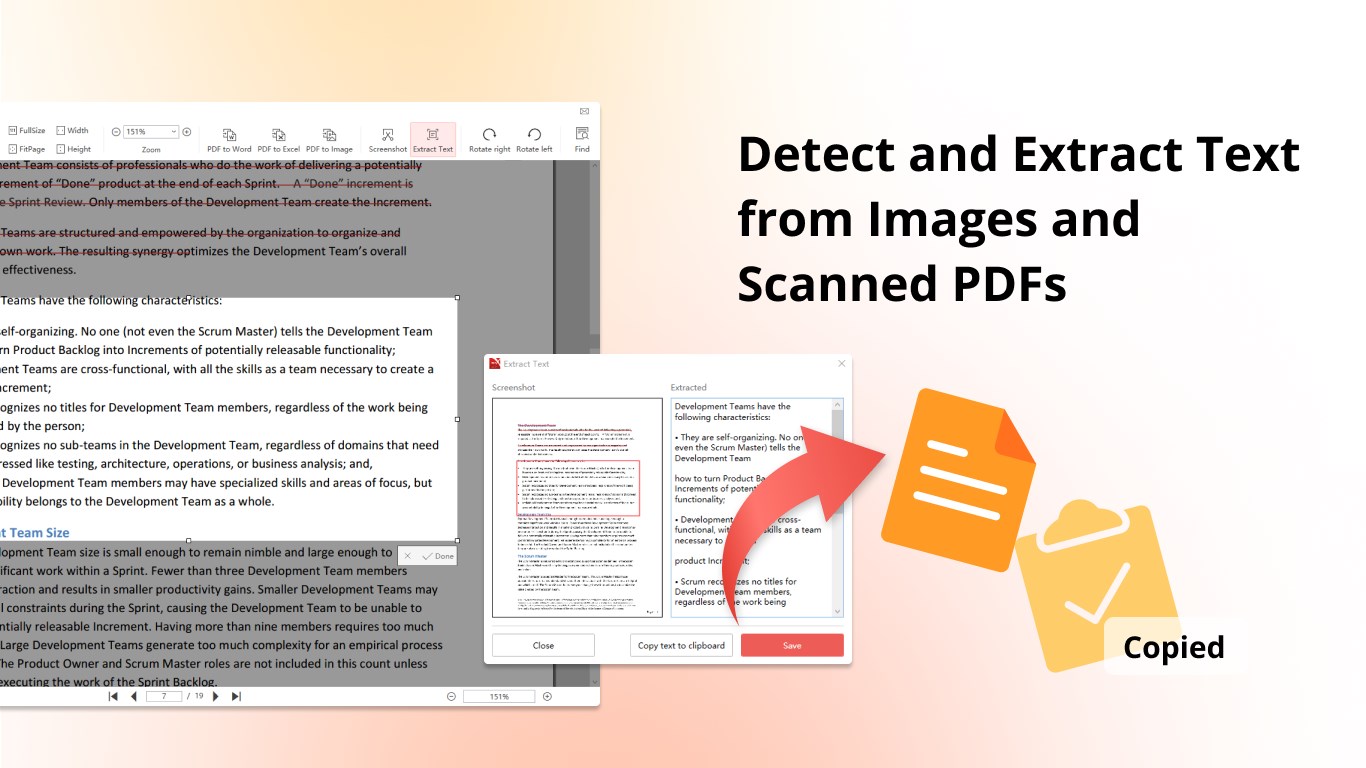
• Image to texts (OCR)
• Up to 10 devices
Play Store URL for "PDF X: PDF Editor & PDF Reader"
If there is a version of this app for iOS/Mac or Windows we don't know about, paste the store link here — we'll auto-detect the store.
How to find the URL:1. Open the app in its store. 2.In the App Store app: tap the Share icon → “Copy Link”. In the browser: copy the URL from the address bar — it contains apps.apple.com/…/id… or apps.microsoft.com/detail/…. 3. Paste it here.
Paste the original link from the Apple App Store or Microsoft Store. We fetch all details automatically.
How to find the URL:
1. Open the app in its store. 2.In the App Store app: tap the Share icon → “Copy Link”. In the browser: copy the URL from the address bar — it contains apps.apple.com/…/id… or apps.microsoft.com/detail/…. 3. Paste it here.
Android apps can only be listed by their developer.



 Adobe Acrobat Reader DC
View, edit, sign and analyze PDFs with an AI assistant
 PDF Extra - PDF Reader and PDF Editor
Edit, convert, sign and organize PDF documents
 PDF Reader Pro - PDF Editor & Converter
Edit, convert, sign and fill PDF forms with ease
 Xodo - PDF Reader & Editor
PDF reader for viewing, editing, signing and converting
 PDF Expert: Editor & Reader
Read, annotate, fill and edit PDFs with AI-powered tools
 PDF-XChange Editor
Create, edit, enhance and convert PDF documents