Screenshot appears after consentScreenshot appears after consentScreenshot appears after consentScreenshot appears after consentScreenshot appears after consentScreenshot appears after consentScreenshot appears after consentScreenshot appears after consent
Screenshot appears after consentScreenshot appears after consentScreenshot appears after consentScreenshot appears after consentScreenshot appears after consentScreenshot appears after consentScreenshot appears after consentScreenshot appears after consent
Screenshot appears after consentScreenshot appears after consentScreenshot appears after consentScreenshot appears after consentScreenshot appears after consentScreenshot appears after consentScreenshot appears after consent
Screenshot appears after consentScreenshot appears after consentScreenshot appears after consentScreenshot appears after consentScreenshot appears after consentScreenshot appears after consentScreenshot appears after consentScreenshot appears after consent
Summary
Microsoft 365 Copilot is a productivity app for work and home that brings together an AI assistant, content creation, and access to Microsoft 365 apps in one place. It allows chatting with Copilot to summarize documents, draft emails, or analyze spreadsheets using natural language, and helps find files, photos, and past work quickly. Built-in AI agents generate research reports and analyze complex datasets, while Copilot Notebooks organize ideas, documents, and links for projects. Conversations can become shareable, editable Pages for real-time collaboration, and voice interaction allows hands-free planning with a Microsoft account.
Show the developer's original descriptionHide the original description
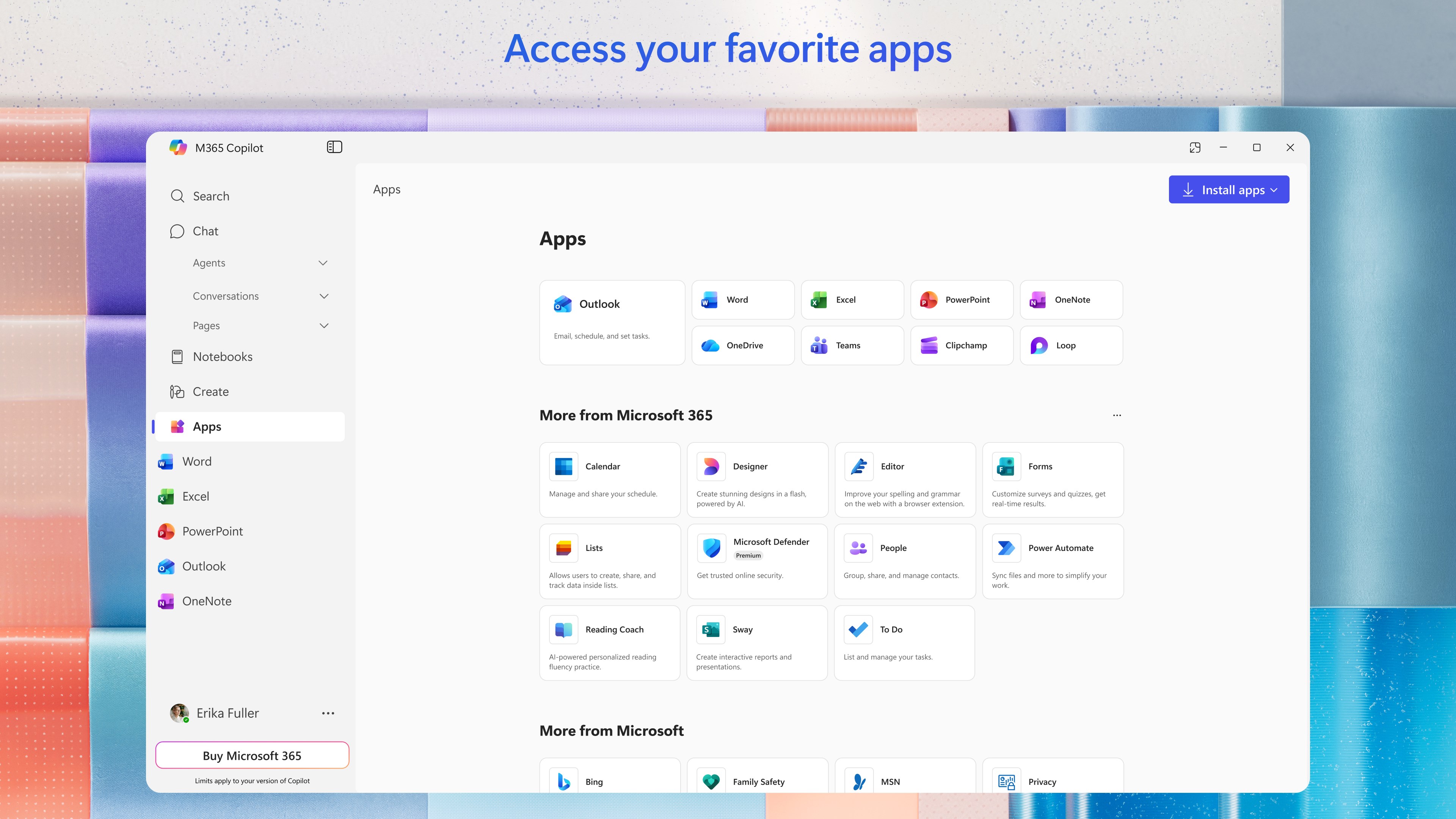
The Microsoft 365 Copilot app is your AI-first productivity app for work and home. It provides one place for you to chat with your AI assistant*, create and edit content, quickly find files, and access your favorite Microsoft 365 apps - helping you get more done, without doing more.
With the Microsoft 365 Copilot app, you can*:
- Chat with your AI assistant: Ask Copilot to summarize a document, draft an email, or analyze a spreadsheet using natural language.
- Find what matters fast: Find the strategy deck you were working on a month ago, a picture from your last family reunion, or a file that was attached to an email.
- Empower your learning: Ask Copilot to explain a concept, summarize recent trends, or help you prepare for a presentation.
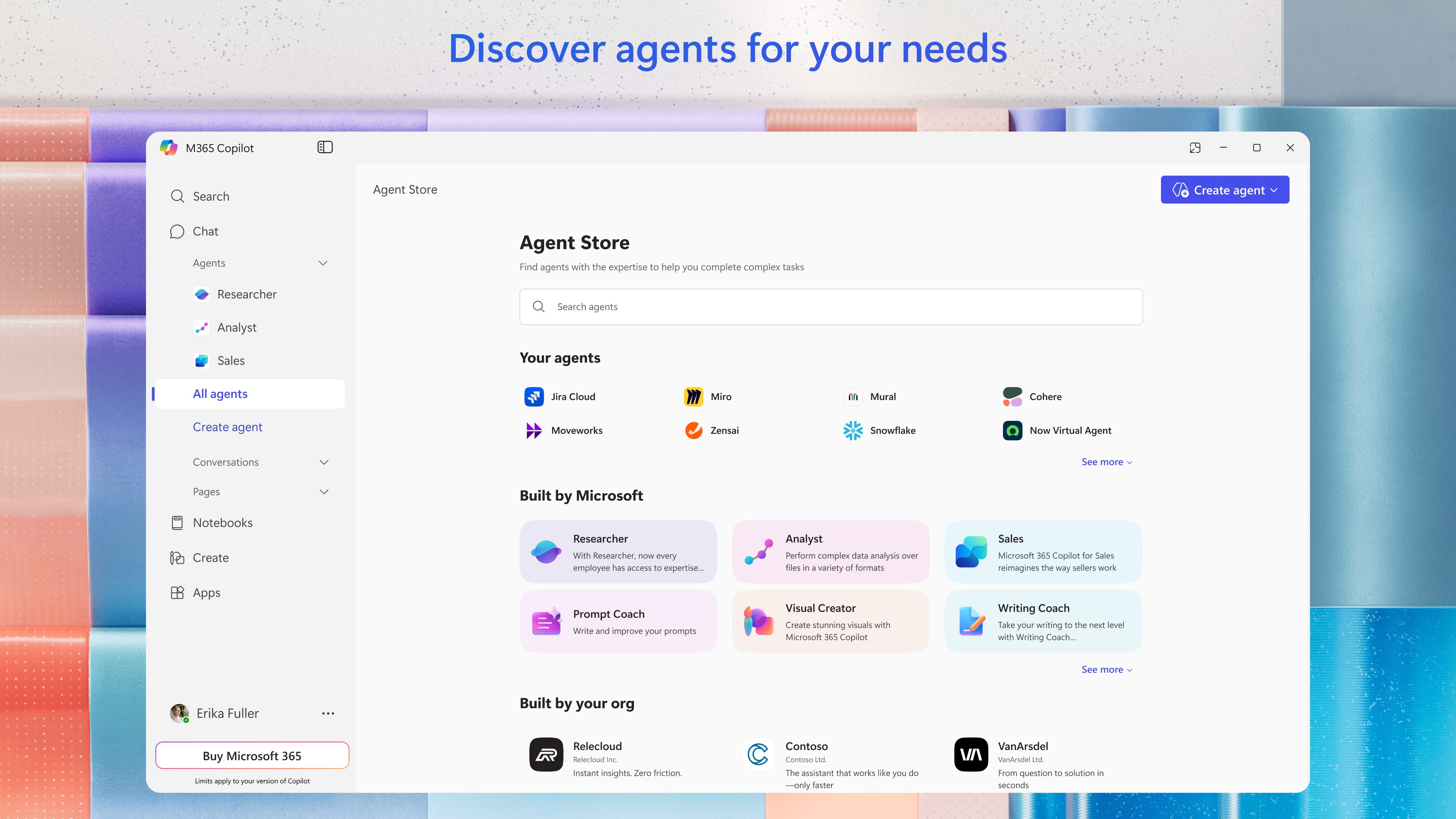
- Get expert insights: Use built-in AI agents like Researcher and Analyst to generate research reports and analyze complex datasets.
- Organize your photos: Describe the photos you are looking for in natural language, and the Photos agent can help you find them.
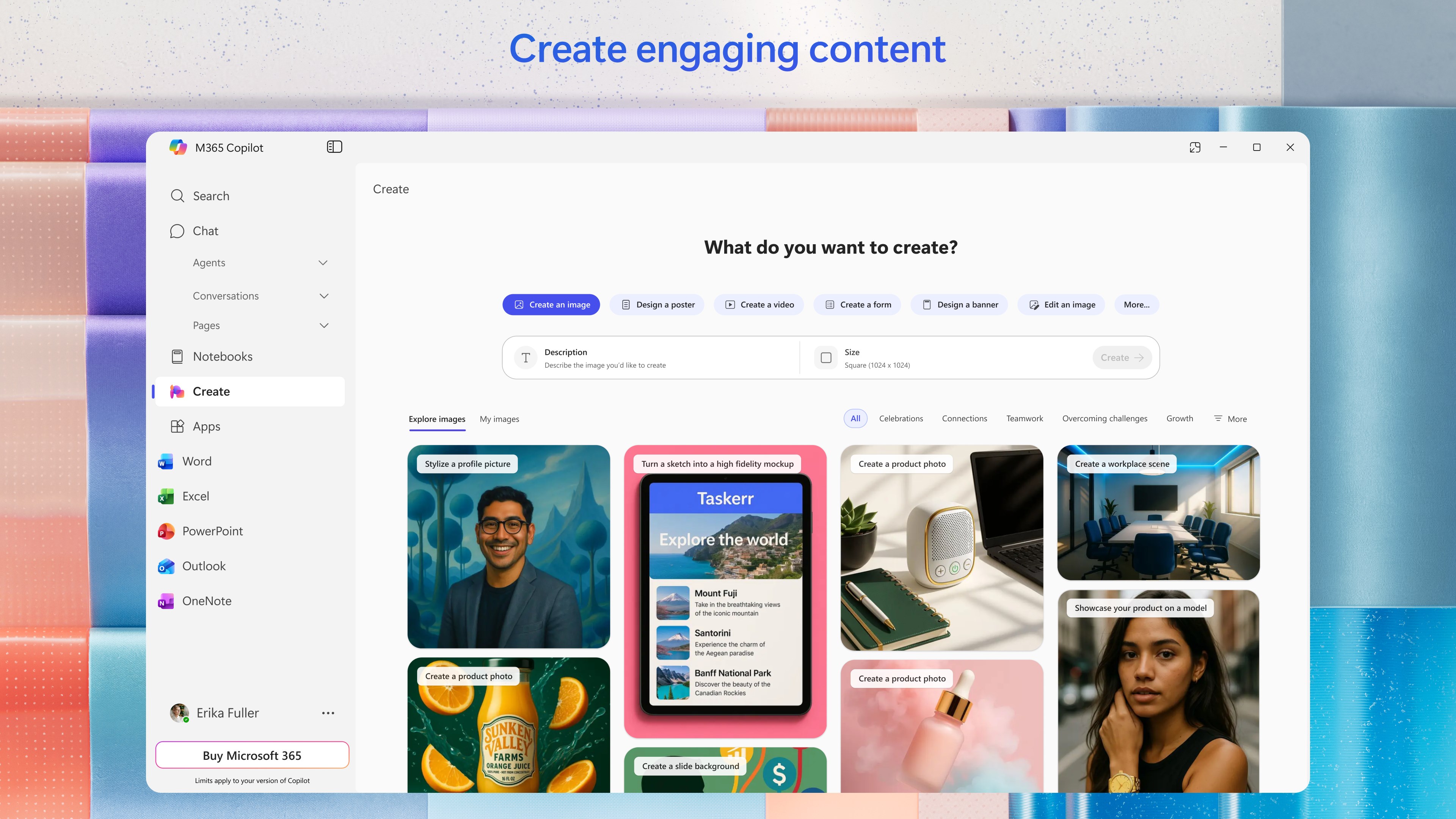
- Create polished content: Create and edit images, posters, banners, videos, surveys and more with easy-to-use templates and tools.
- Manage projects easily: Bring together ideas, documents, and links and ask Copilot to summarize and connect the dots with Copilot Notebooks.
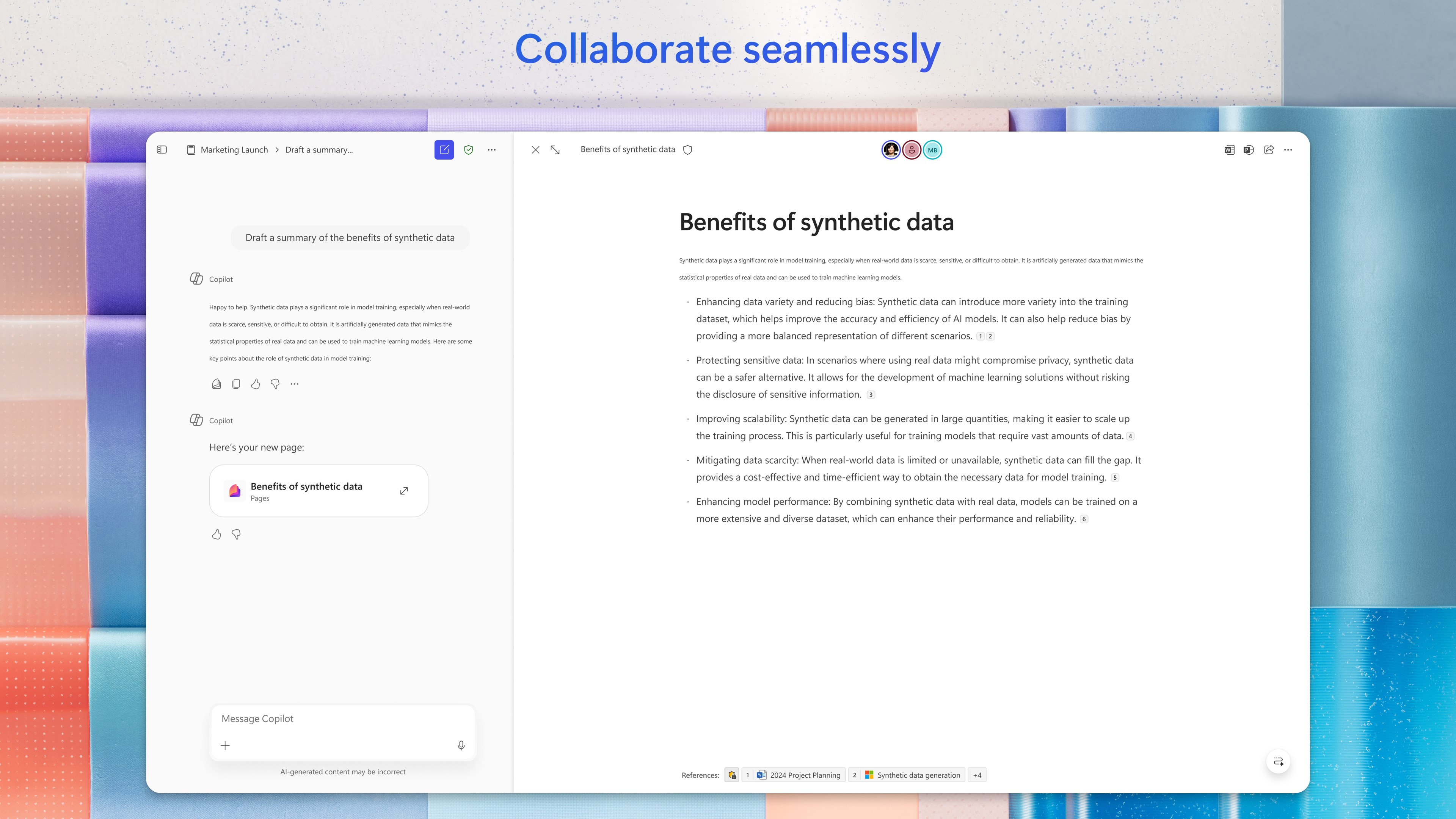
- Collaborate in real time: Turn a Copilot conversation into a durable, editable Page that you can share and collaborate on.
- Interact with voice: Talk to Copilot to help you prepare for your day, get answers, and brainstorm ideas hands-free.
- Sign in with your work, school, or personal Microsoft account to start using the free app today. (Formerly the Microsoft 365 (Office) app)
*Availability of Microsoft 365 Copilot features may vary. Some capabilities require specific licenses or may be disabled by your organization's administrator. See this webpage for more information on feature availability by license:
https://support.microsoft.com/en-us/topic/understanding-the-different-microsoft-copilot-experiences-cfff4791-694a-4d90-9c9c-1eb3fb28e842
Paste the original link from the Apple App Store or Microsoft Store. We fetch all details automatically.
How to find the URL:
1. Open the app in its store. 2.In the App Store app: tap the Share icon → “Copy Link”. In the browser: copy the URL from the address bar — it contains apps.apple.com/…/id… or apps.microsoft.com/detail/…. 3. Paste it here.
Android apps can only be listed by their developer.







 Microsoft 365 Family
Office apps with cloud storage and Copilot AI for 1-6 people
 Zoom Workplace
Video meetings, chat, phone calls and email with AI
 Microsoft Copilot
AI chat for questions, writing, and image generation
 Clarix - Ask Chat AI Assistant
Claude AI for conversations, research and tasks on Mac
 Microsoft Teams
Chat, video calls, meetings and collaboration in one app
 Blue Mail - Email & Calendar
Email client for multiple accounts with AI assistance