Screenshot appears after consentScreenshot appears after consentScreenshot appears after consentScreenshot appears after consentScreenshot appears after consentScreenshot appears after consentScreenshot appears after consent
Summary
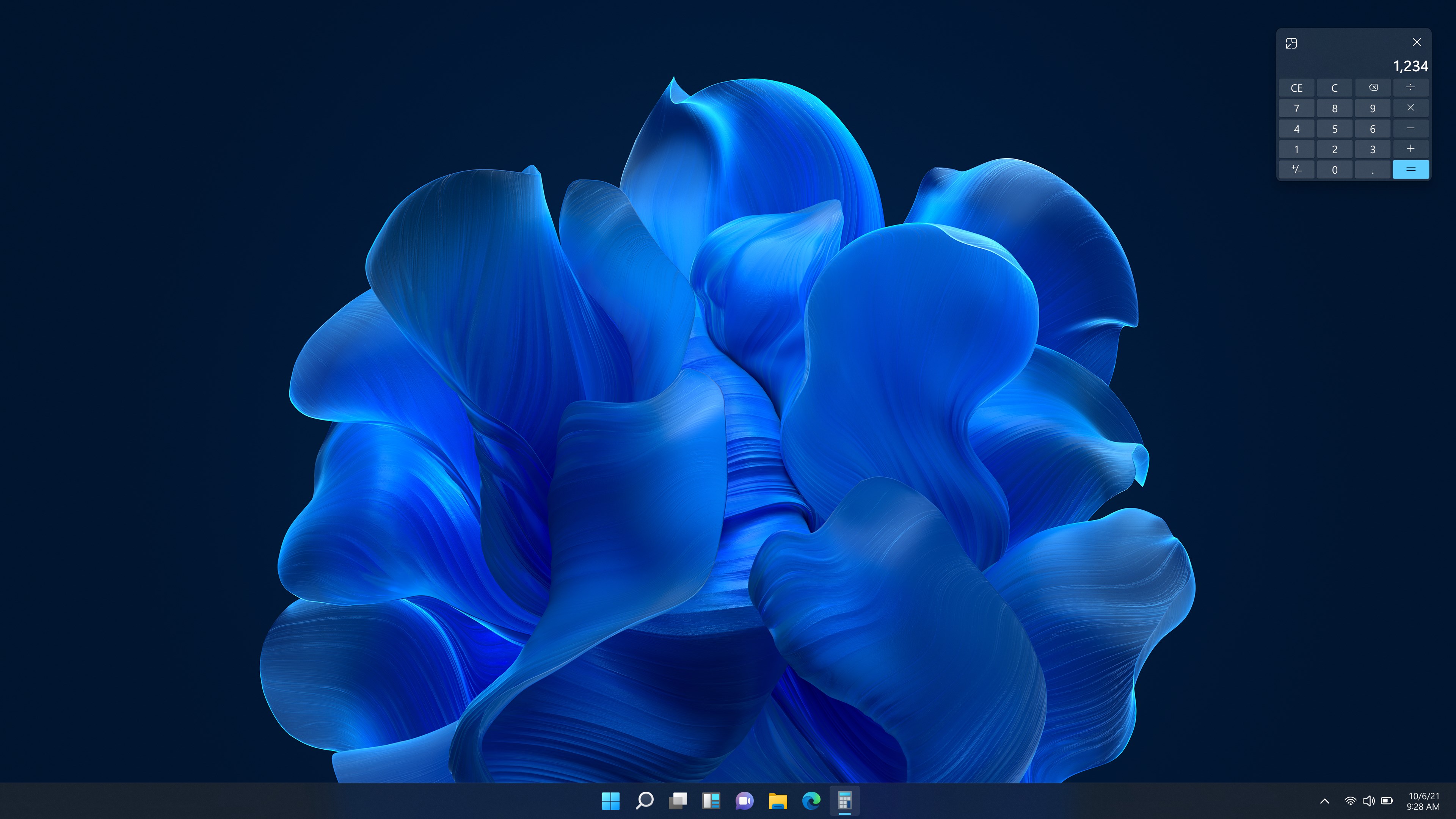
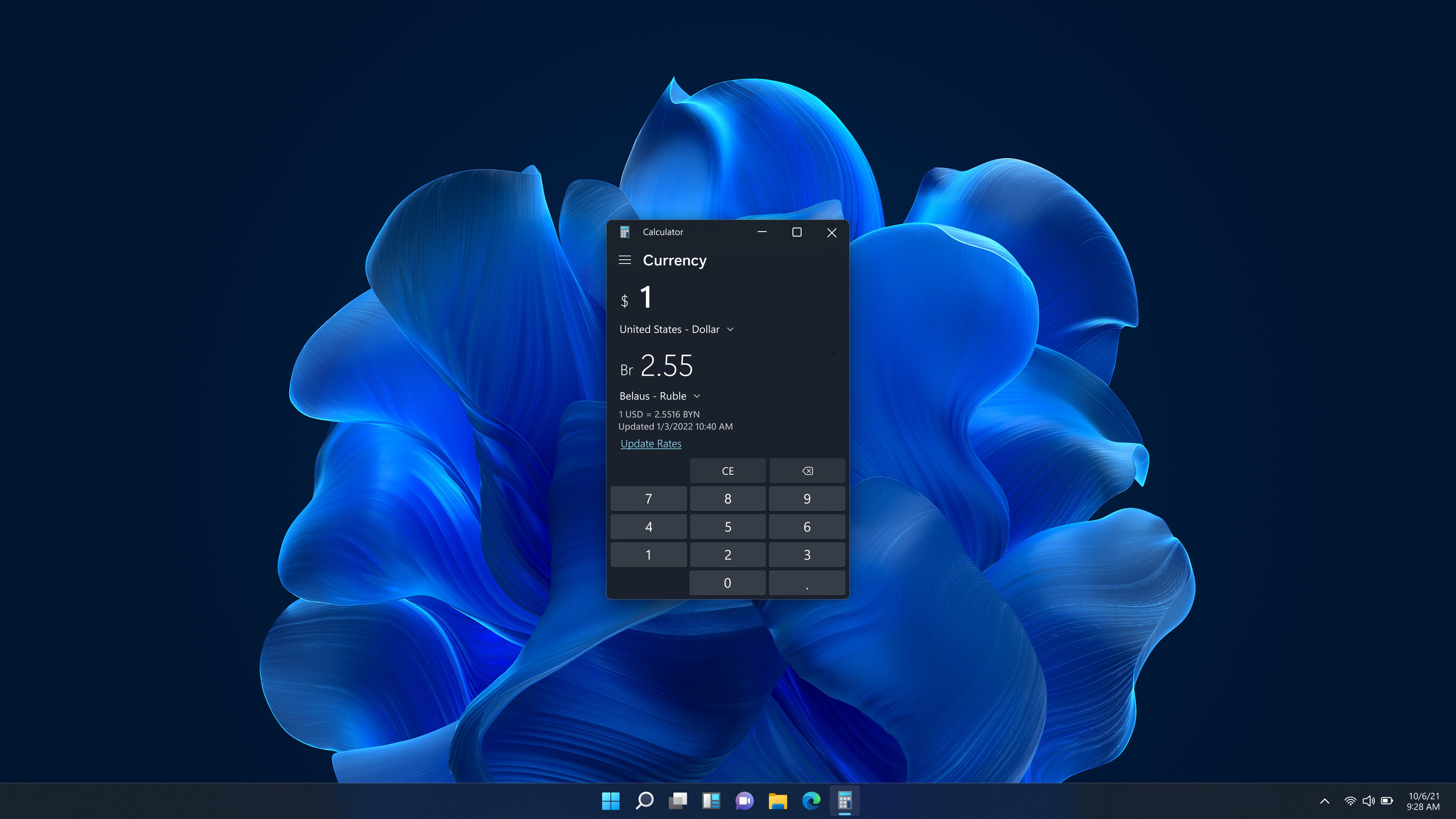
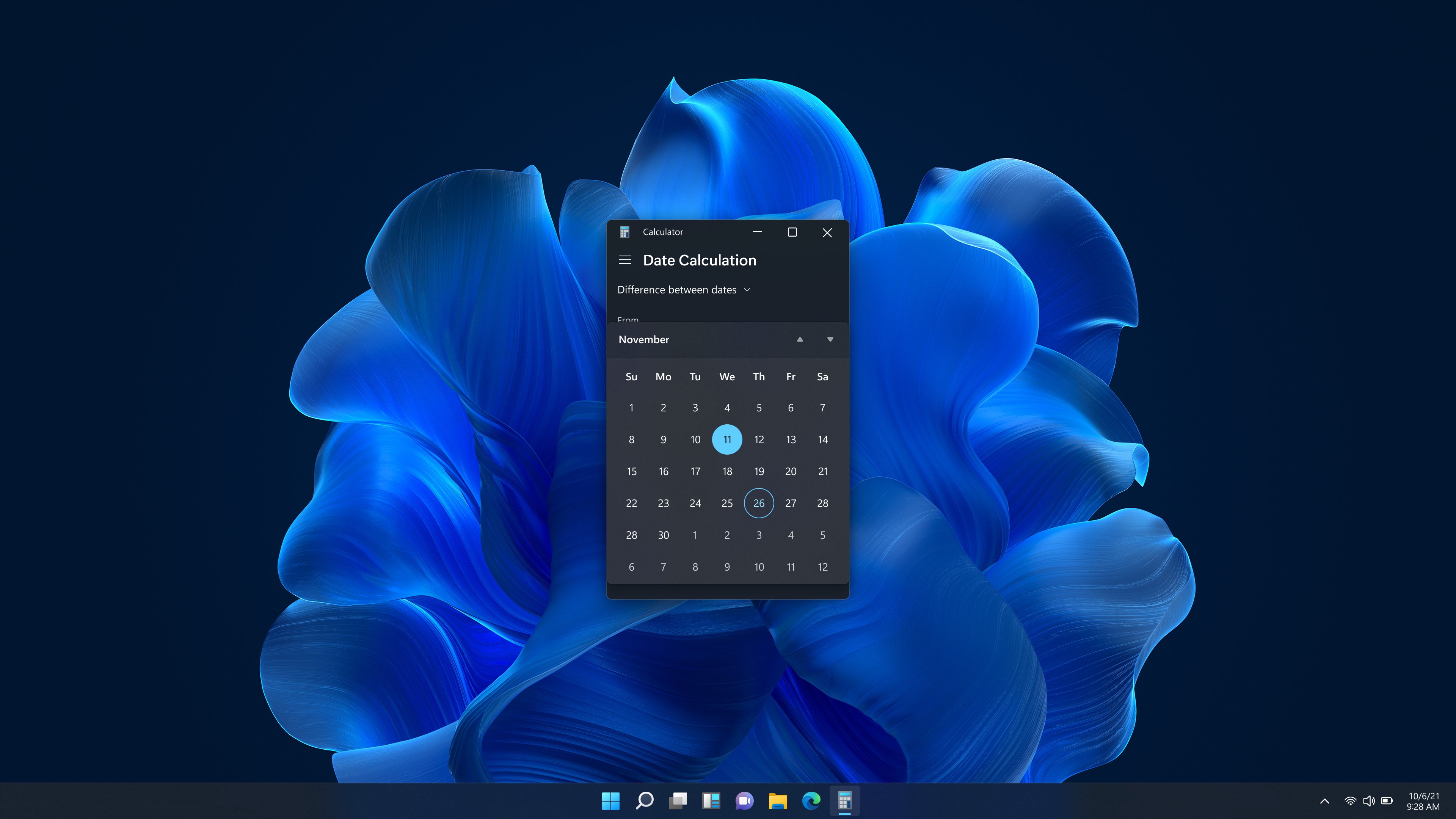
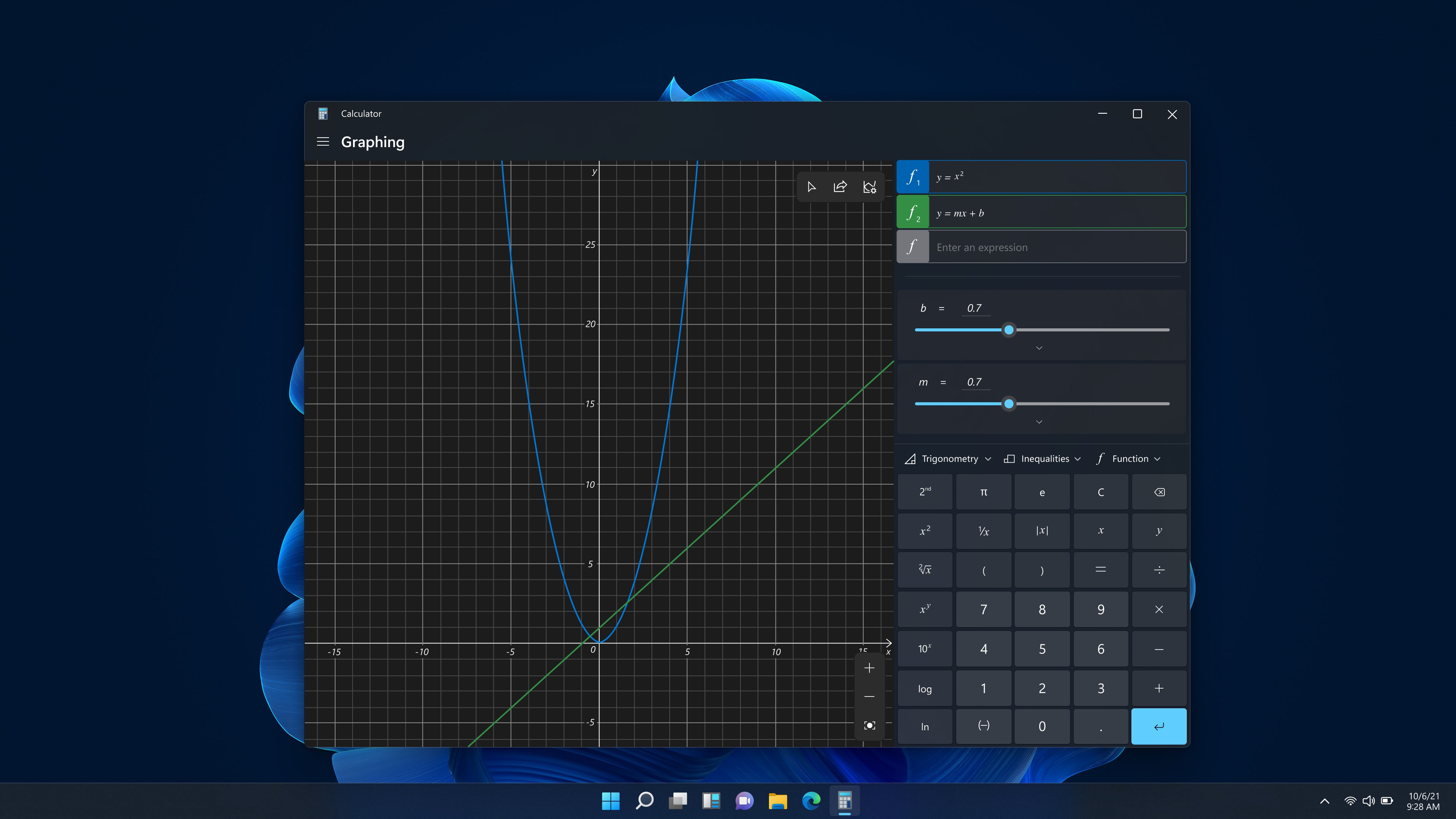
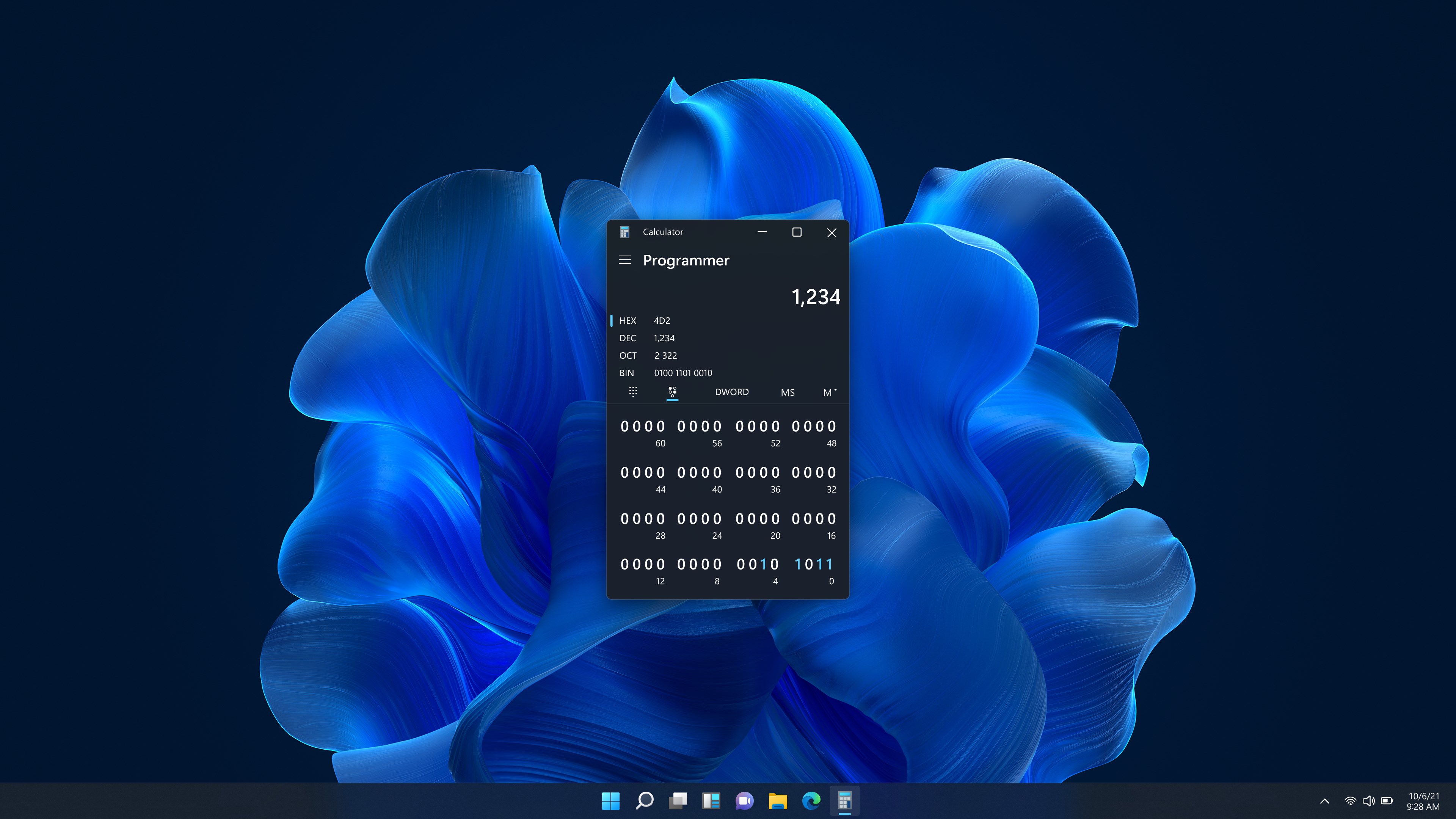
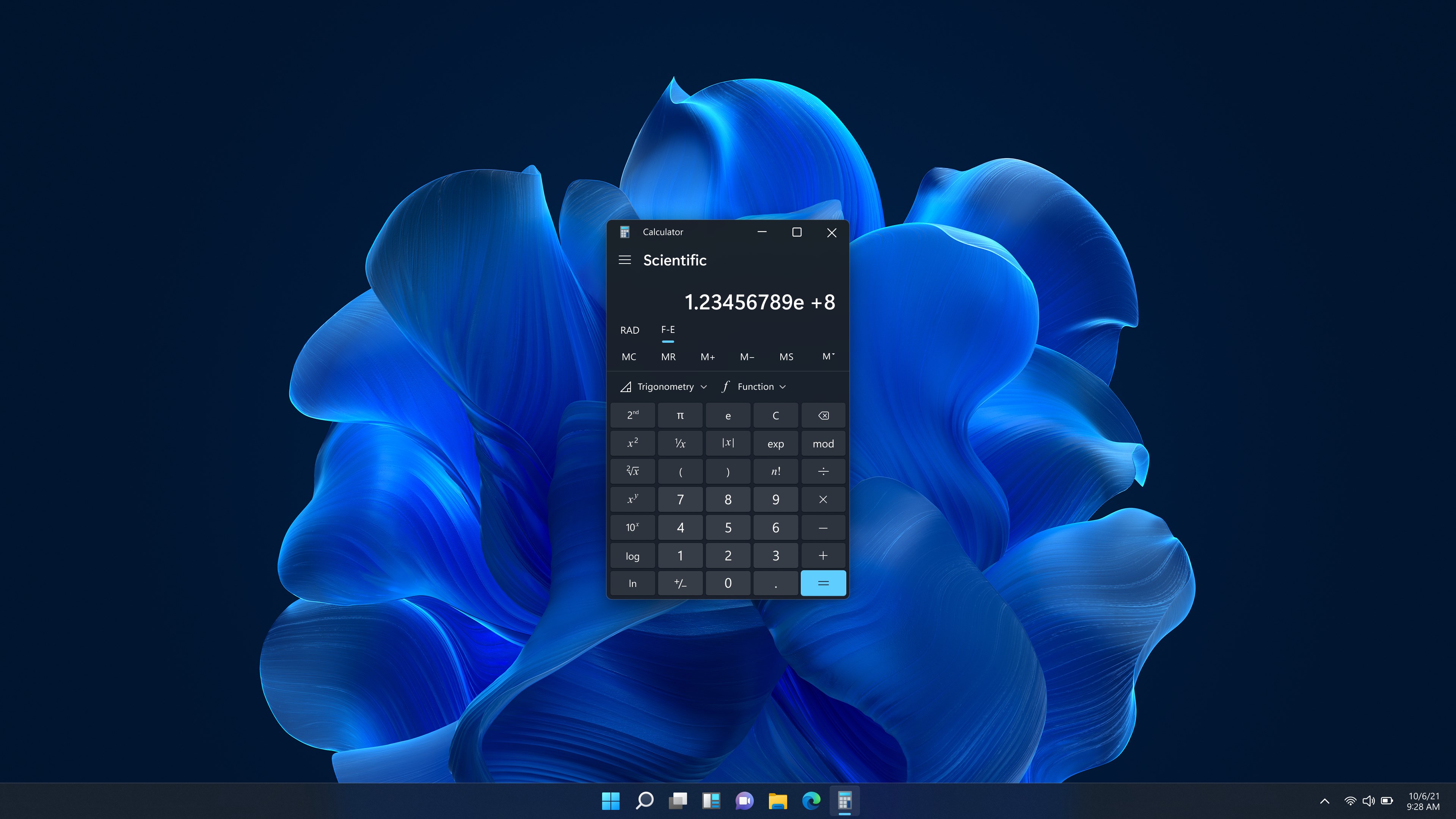
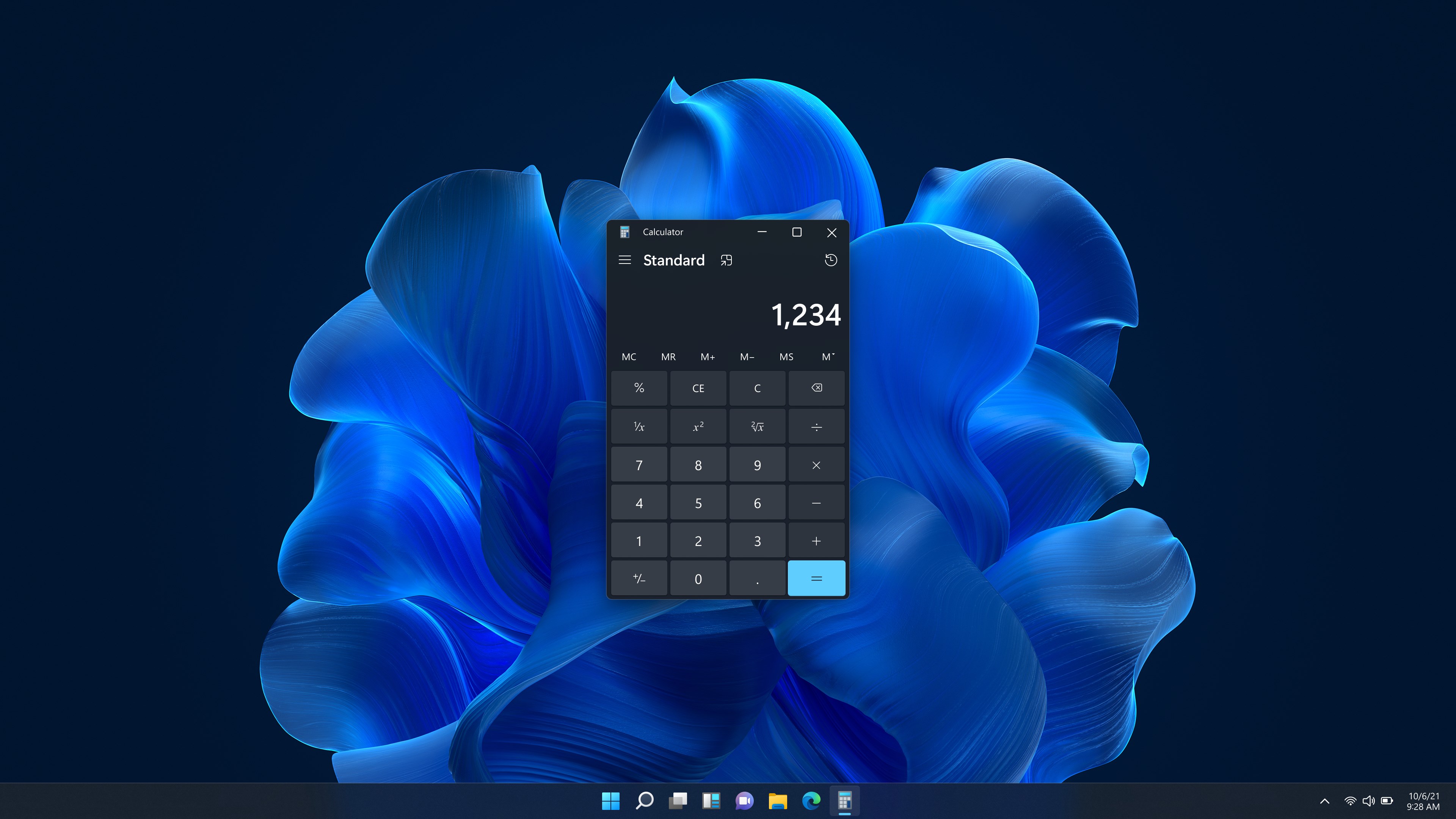
Windows Calculator is a calculator that combines standard, scientific, programmer, and graphing calculator functions. It allows plotting and analyzing equations on a graph and evaluating algebra, trigonometry, and complex mathematical expressions. It also includes a set of converters for various units of measurement and currencies. It can be used for math homework, financial calculations, and general everyday computations.
Show the developer's original descriptionHide the original description
A simple yet powerful calculator that includes standard, scientific, programmer, and graphing calculator functionality, as well as a set of converters between various units of measurement and currencies. It's the perfect tool to help you complete your math homework, manage your finances, plot and analyze equations on a graph, and evaluate algebra, trigonometry, and complex math expressions!
If there is a version of this app for iOS/Mac or Windows we don't know about, paste the store link here — we'll auto-detect the store.
How to find the URL:1. Open the app in its store. 2.In the App Store app: tap the Share icon → “Copy Link”. In the browser: copy the URL from the address bar — it contains apps.apple.com/…/id… or apps.microsoft.com/detail/…. 3. Paste it here.
Paste the original link from the Apple App Store or Microsoft Store. We fetch all details automatically.
How to find the URL:
1. Open the app in its store. 2.In the App Store app: tap the Share icon → “Copy Link”. In the browser: copy the URL from the address bar — it contains apps.apple.com/…/id… or apps.microsoft.com/detail/…. 3. Paste it here.
Android apps can only be listed by their developer.