


ZIP RAR & 7Z
Open and extract archives in multiple formats AI summary
Screenshots
Summary
ZIP RAR & 7Z is a file archiver for unpacking and creating archive files on Windows. It opens, browses and extracts formats such as ZIP, RAR, 7-Zip, TAR, Gzip and ISO, displaying an archive's contents so specific files or folders can be selected for extraction. Archives can be created through a graphical interface similar to a file explorer, including password-protected archives, and it can convert RAR files to ZIP format. A premium version adds repair of corrupted archives, photo preview without extraction, easier password management, video and image compression, and ad removal, available via subscription or lifetime purchase.
Show the developer's original descriptionHide the original description
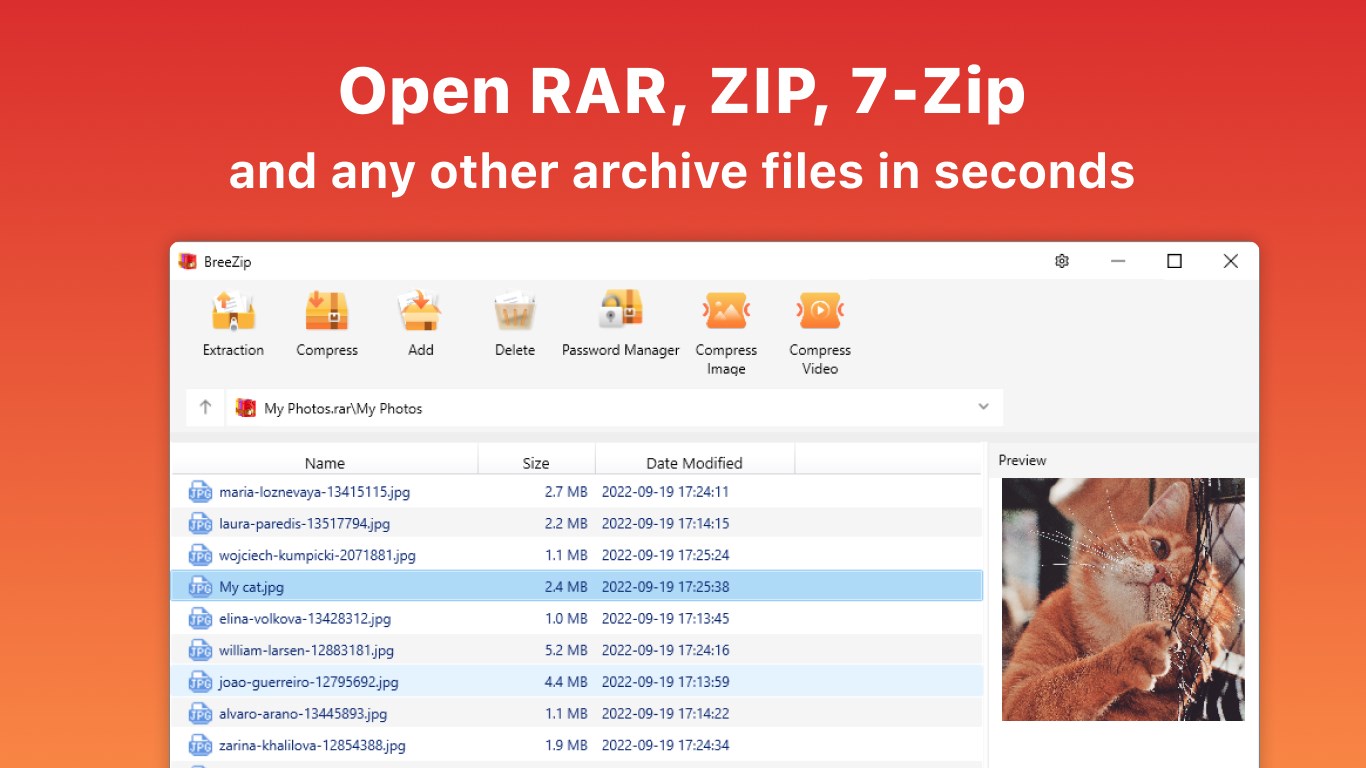
BreeZip is a tool to "unarchive" many different kinds of archive files - an alternative to winrar, winzip & 7zip on Windows 10 & Windows 11. BreeZip will make it easy to unrar and unzip archive files rapidly. It will open common formats such as ZIP, RAR, 7-Zip, TAR, Gzip and more.
[Distinctive features]
• Open, browse, view and extract archive files
• Decompression function supports different formats: .rar, .zip, .7z, ISO, Bzip2, Gzip, TAR, XZ, etc.
• Create archives easily with the GUI like the file explorer.
• Create password-protected archives.
• RAR Opener and convert rar to zip format.
• When an archive is opened in BreeZip, its contents are displayed. You can then select the files and folders which should be extracted.
[Premium: In-app Purchases Features]
• Repair Corrupted Archive
• Preview Photos without Extraction
• Manage Archive Passwords Easily to be Free from Complex Ones
• Compress Videos & Images
• Built-in Office Editor with One- Stop Experience
• Free Up Space and Optimize Storage
• No Ads
• Up to 10 devices
Subscription plan: billed annually at $9.99/year
Lifetime license: one-time purchase for $19.99
Technical details about ZIP RAR & 7Z
ZIP RAR & 7Z in the rankings
Manage app
Are you on the developer team behind ZIP RAR & 7Z?
Verify yourself and manage your listing on Most Voted Apps.
Verify ZIP RAR & 7Z for free
Verification usually takes only a few minutes.
Similar apps to ZIP RAR & 7Z
 Zip & RAR.
Extract and manage archives in multiple formats
 Total Zip: Rar, Zip and 7Z Extractor
Open, extract and create archives
 RAR, 7z & Zip Extractor
Extract and manage archive files
 RAR Zip 7Z
Extract, compress and view archives
 ZIP Unzip - RAR & 7Z File Compressor
Open, compress and encrypt ZIP, RAR and 7Z archives
 Zip Opener
Extract compressed files like ZIP, RAR and 7Z