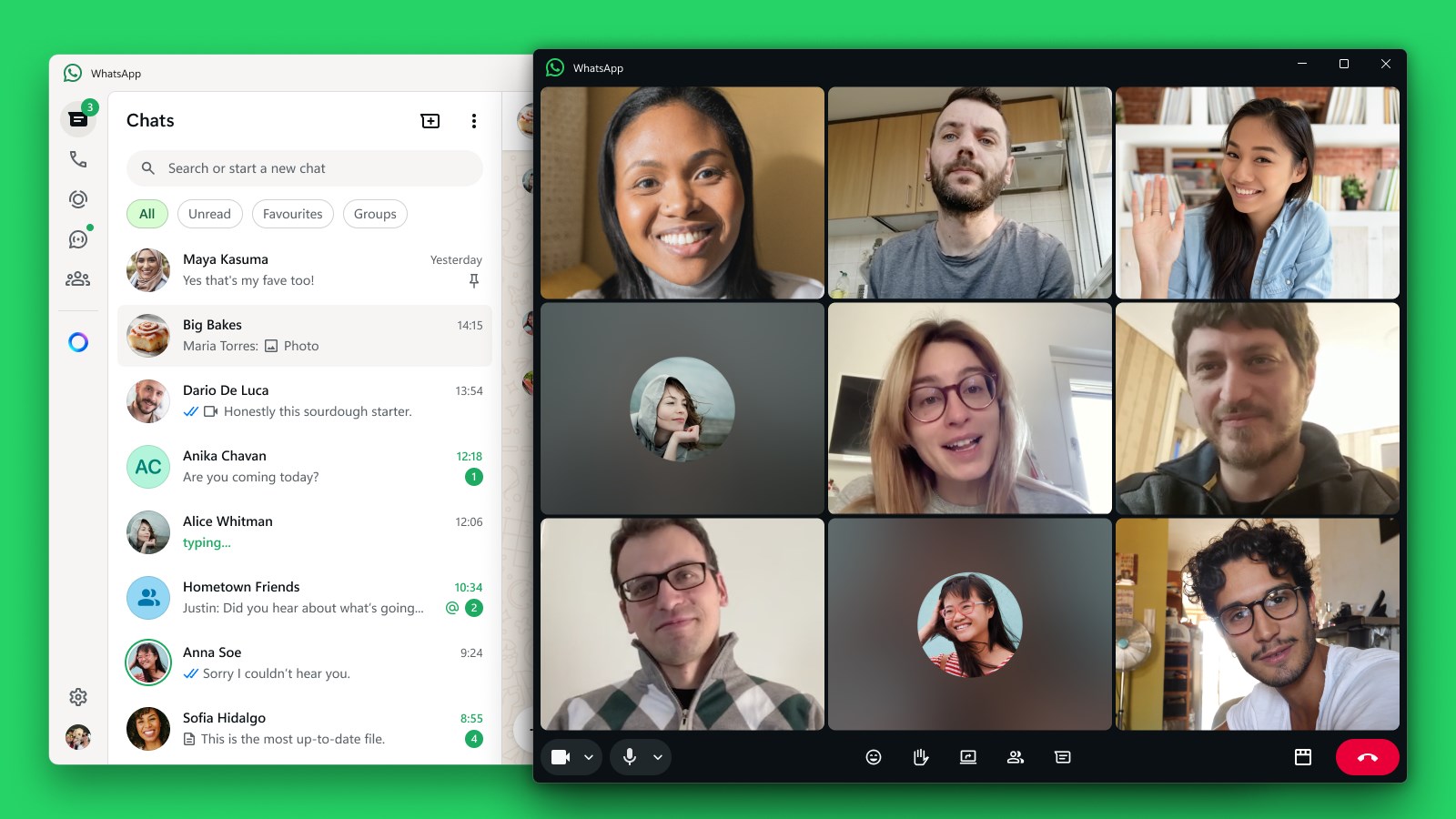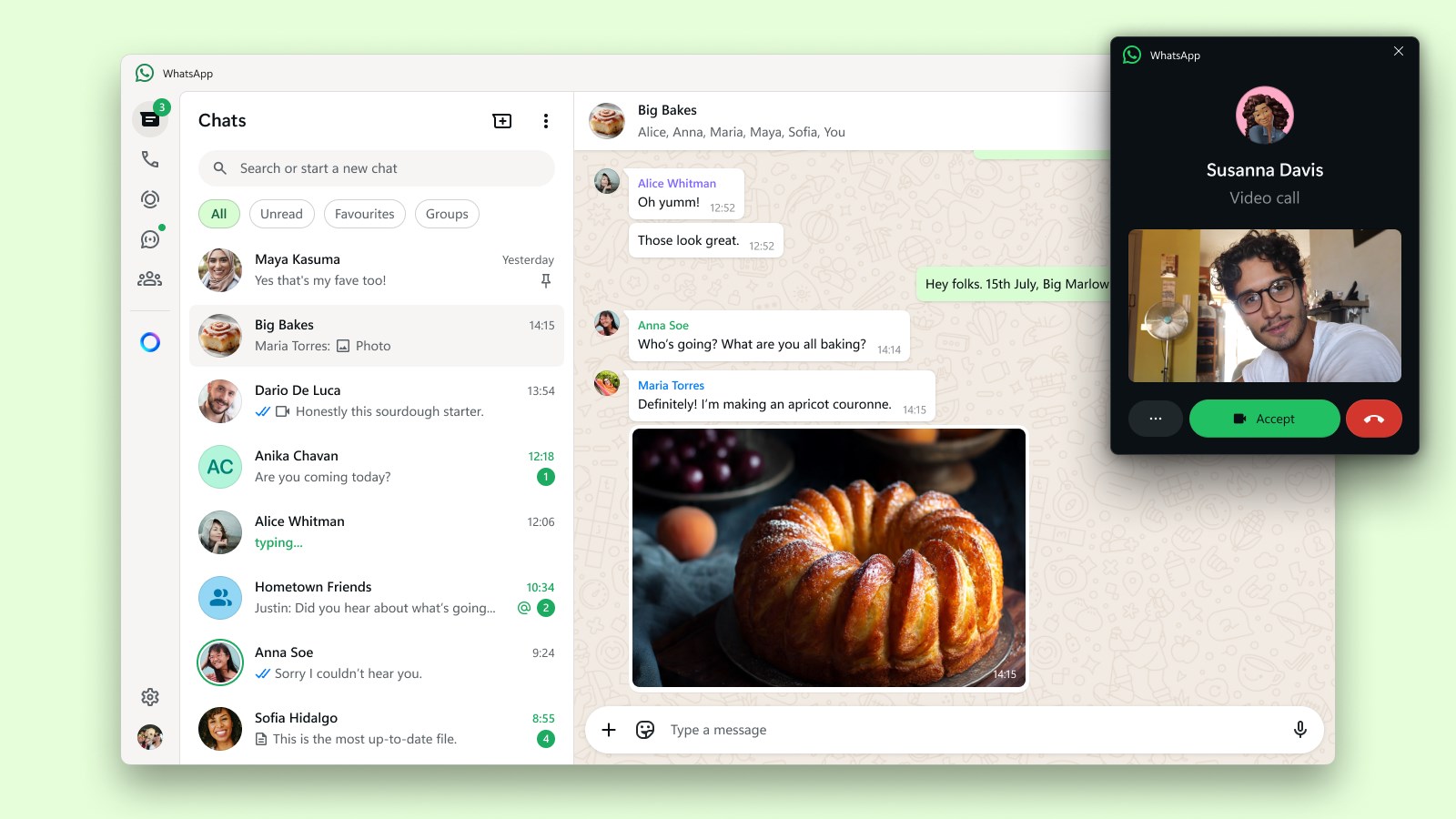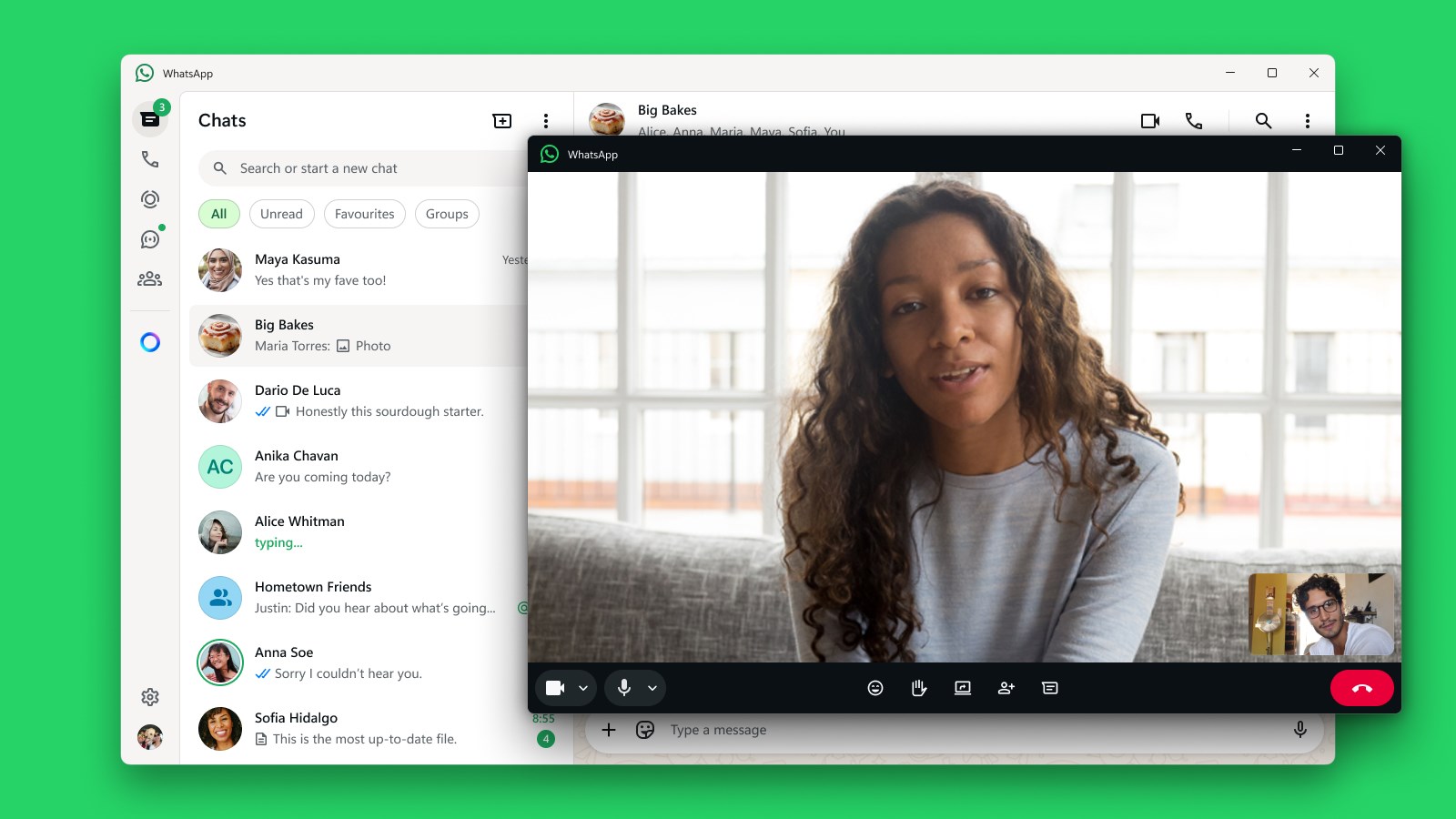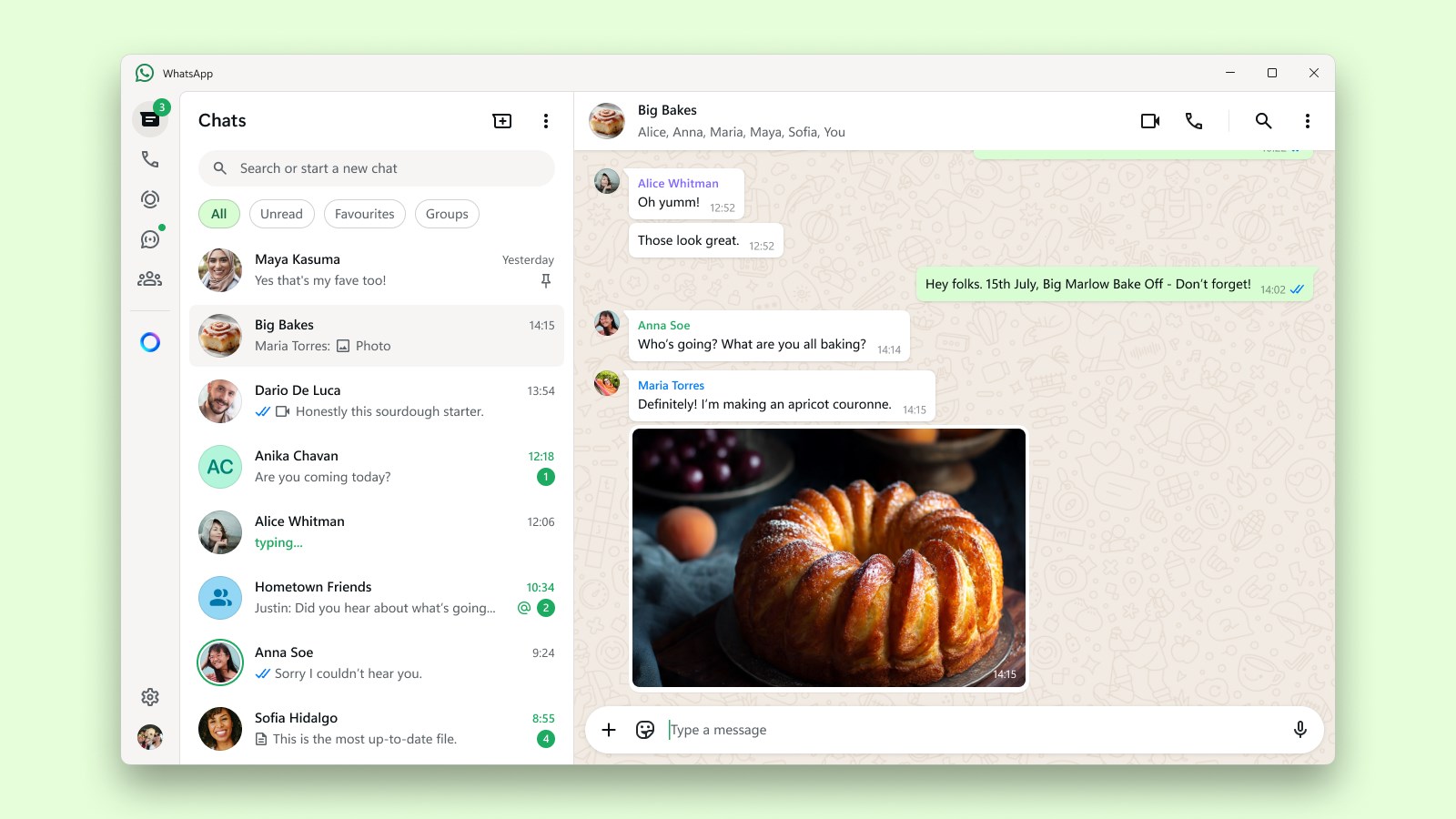
Screenshot appears after consentScreenshot appears after consentScreenshot appears after consentScreenshot appears after consentScreenshot appears after consent
Screenshot appears after consentScreenshot appears after consentScreenshot appears after consentScreenshot appears after consent
Screenshot appears after consentScreenshot appears after consentScreenshot appears after consentScreenshot appears after consentScreenshot appears after consent
Screenshot appears after consentScreenshot appears after consentScreenshot appears after consentScreenshot appears after consentScreenshot appears after consentScreenshot appears after consent
Summary
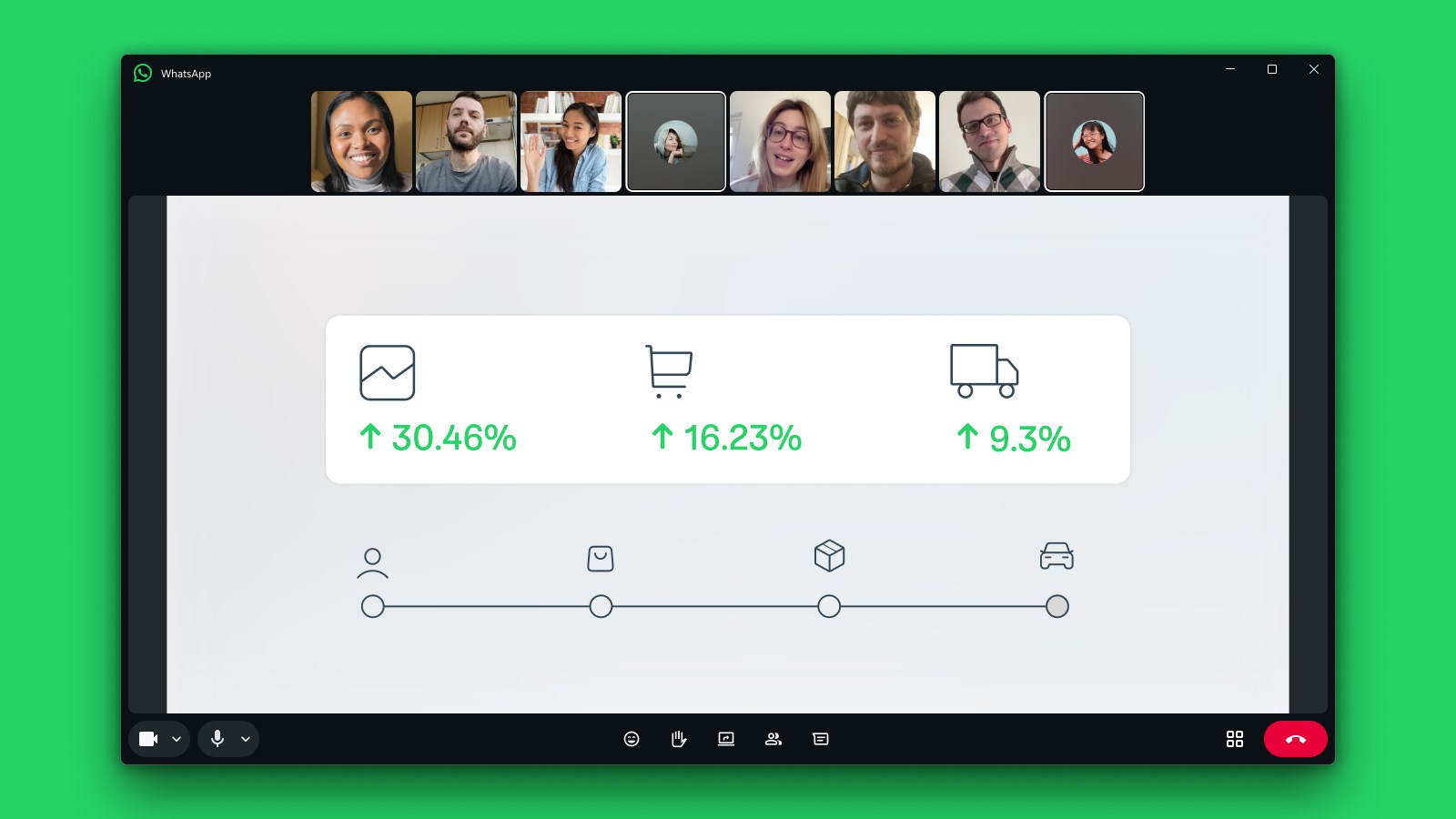
WhatsApp Beta is a free messaging and video calling app that lets early testers try updated features before general release and share feedback about the app. It allows staying in touch with friends and family through text messages and video calls. According to the provider, personal messages and calls remain protected with end-to-end encryption, so that no one outside a chat, not even WhatsApp, can read or listen to them.
Show the developer's original descriptionHide the original description
Get WhatsApp Beta and you’ll be one of the first to try updated features and share feedback about the new app. As always, your personal messages and calls continue to be protected with end-to-end encryption. No one outside of your chats, not even WhatsApp, can read or listen to them.
WhatsApp is a free messaging and video calling app used by over 2B people in more than 180 countries. It’s simple, reliable, and private, so you can easily keep in touch with friends and family.
If there is a version of this app for iOS/Mac or Windows we don't know about, paste the store link here — we'll auto-detect the store.
How to find the URL:1. Open the app in its store. 2.In the App Store app: tap the Share icon → “Copy Link”. In the browser: copy the URL from the address bar — it contains apps.apple.com/…/id… or apps.microsoft.com/detail/…. 3. Paste it here.
Paste the original link from the Apple App Store or Microsoft Store. We fetch all details automatically.
How to find the URL:
1. Open the app in its store. 2.In the App Store app: tap the Share icon → “Copy Link”. In the browser: copy the URL from the address bar — it contains apps.apple.com/…/id… or apps.microsoft.com/detail/…. 3. Paste it here.
Android apps can only be listed by their developer.