Screenshot appears after consentScreenshot appears after consentScreenshot appears after consentScreenshot appears after consentScreenshot appears after consent
Summary
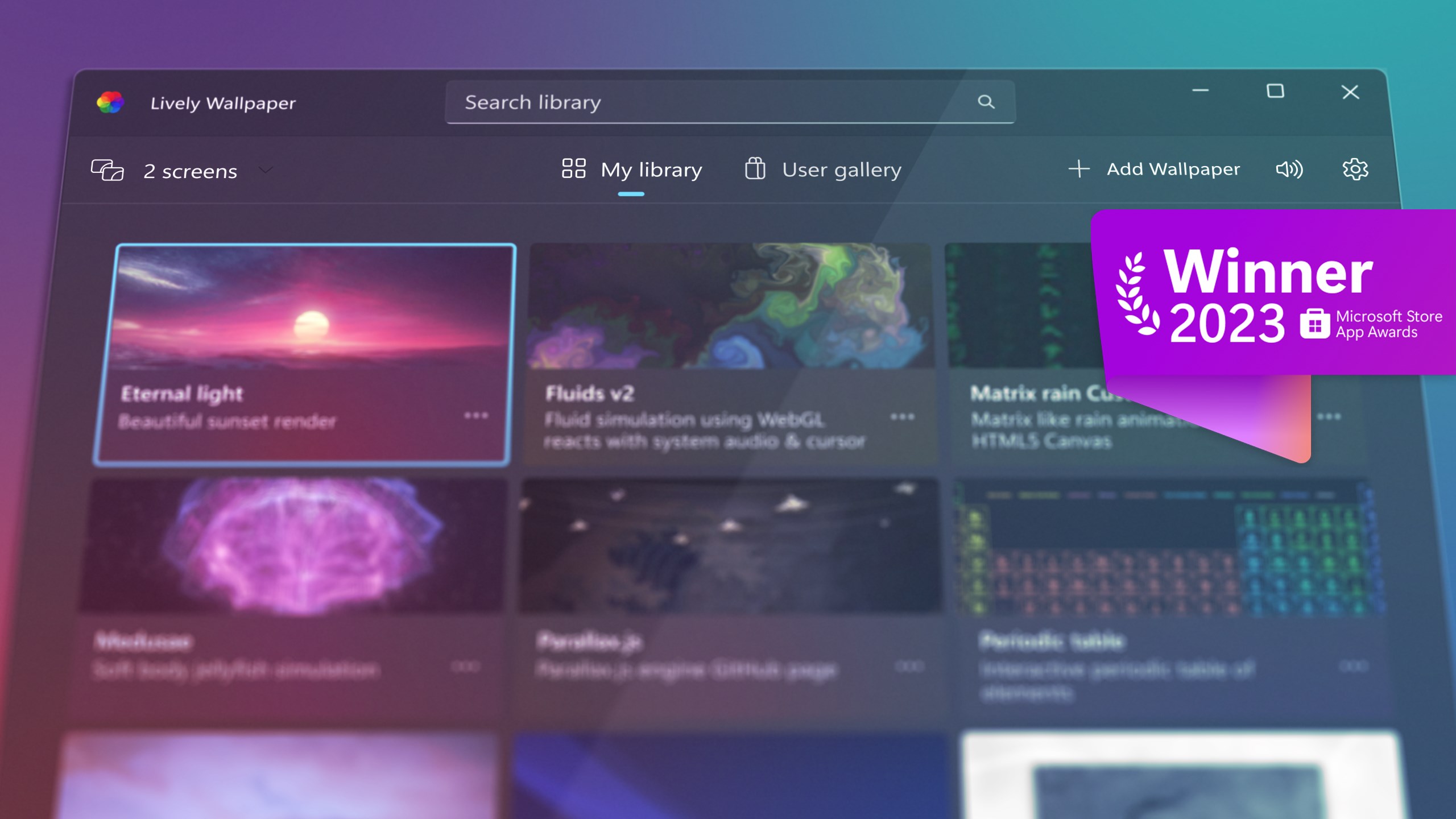
Lively Wallpaper is a free and open-source program for setting GIFs, videos and webpages as a desktop wallpaper or screensaver. It is powered by the Chromium browser and the MPV player, so wallpapers support current web technologies and video standards. The project is open source and community contributions are welcome.
Show the developer's original descriptionHide the original description
Bring your monitor to life with animated and interactive wallpapers. Lively Wallpaper is a live wallpaper app for Windows PC that lets you set videos, GIFs, websites, and animated scenes as your desktop wallpaper. Use animated wallpapers on Windows and turn any video or website into one of your live backgrounds for PC.
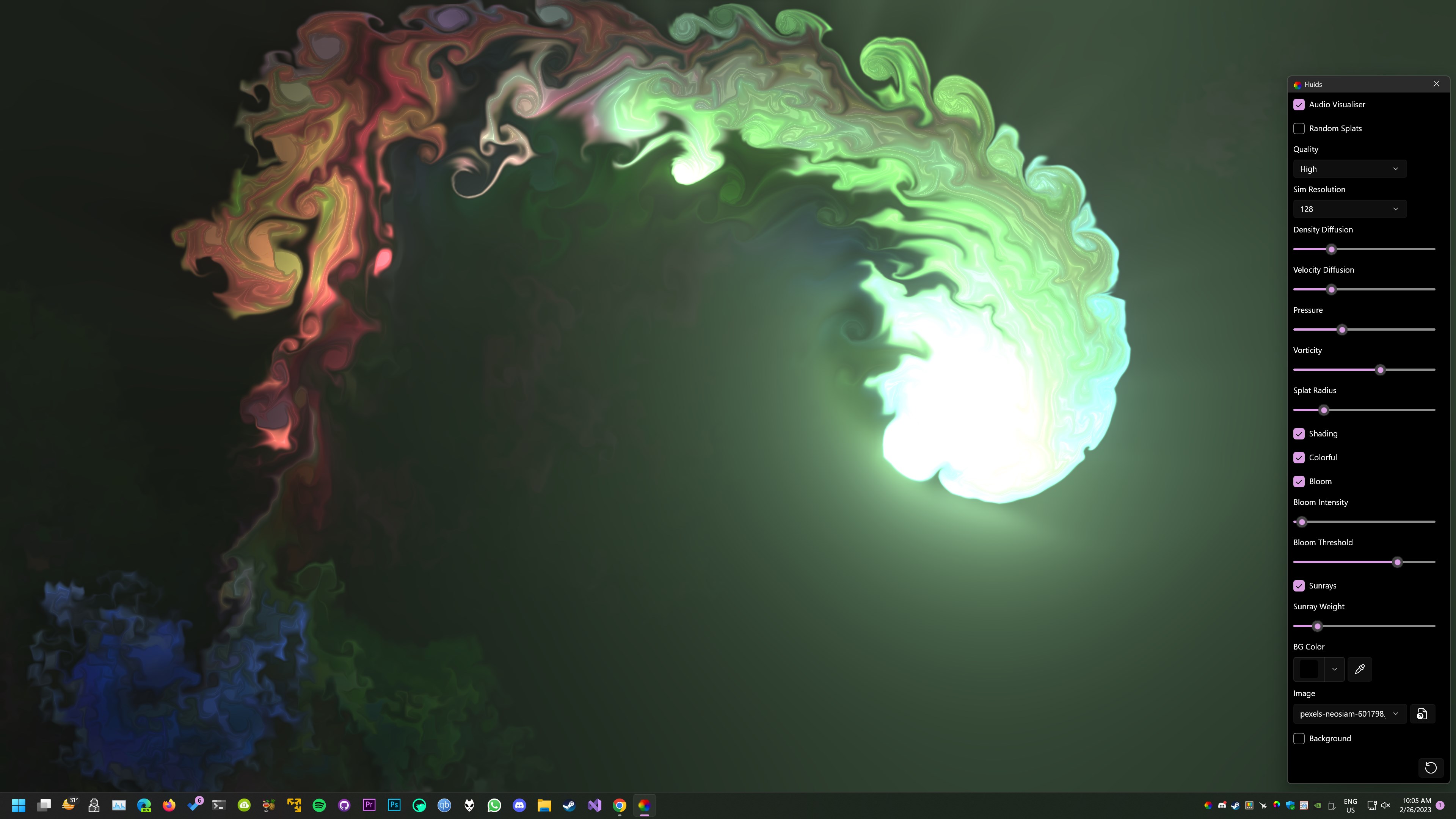
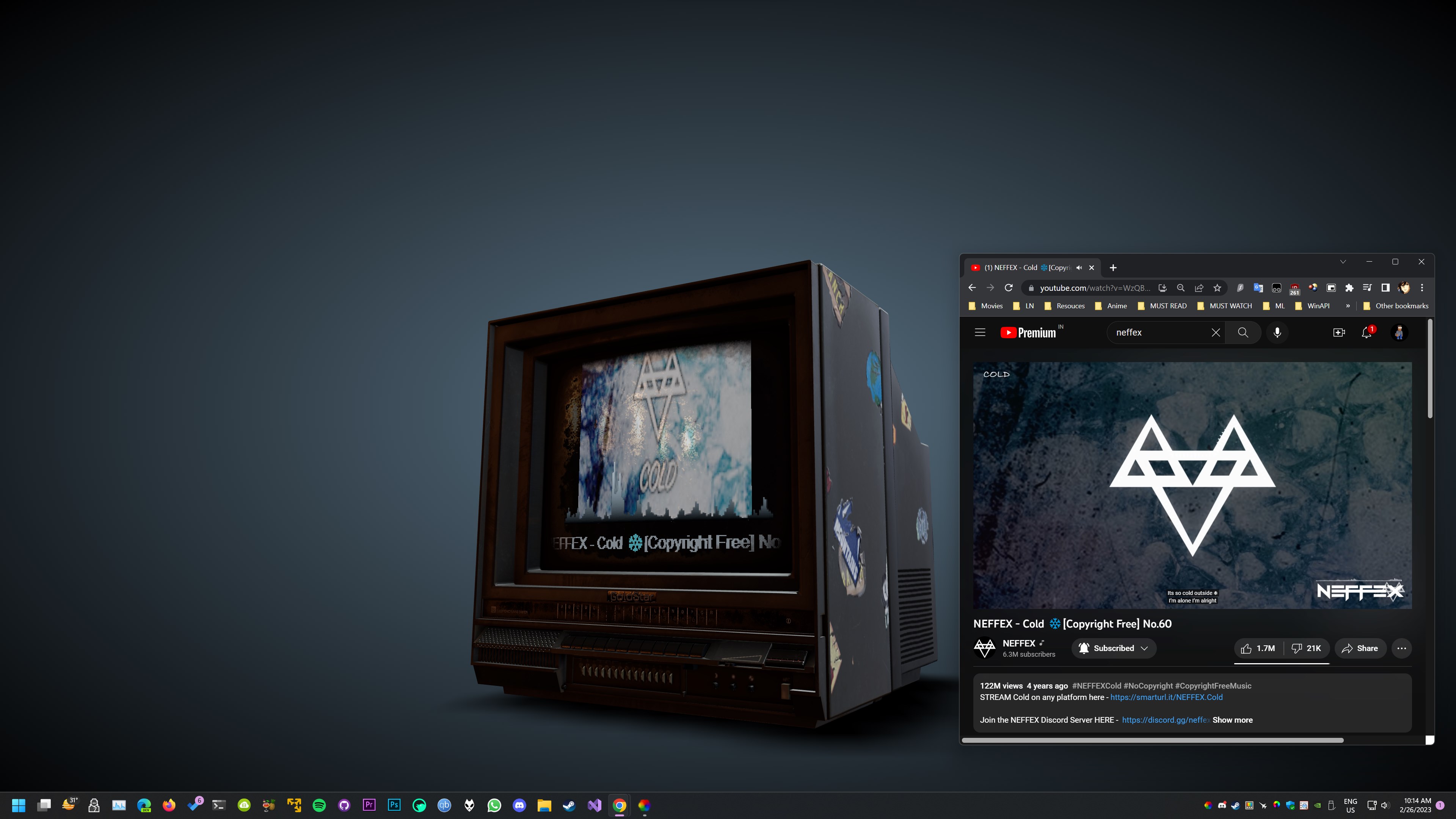
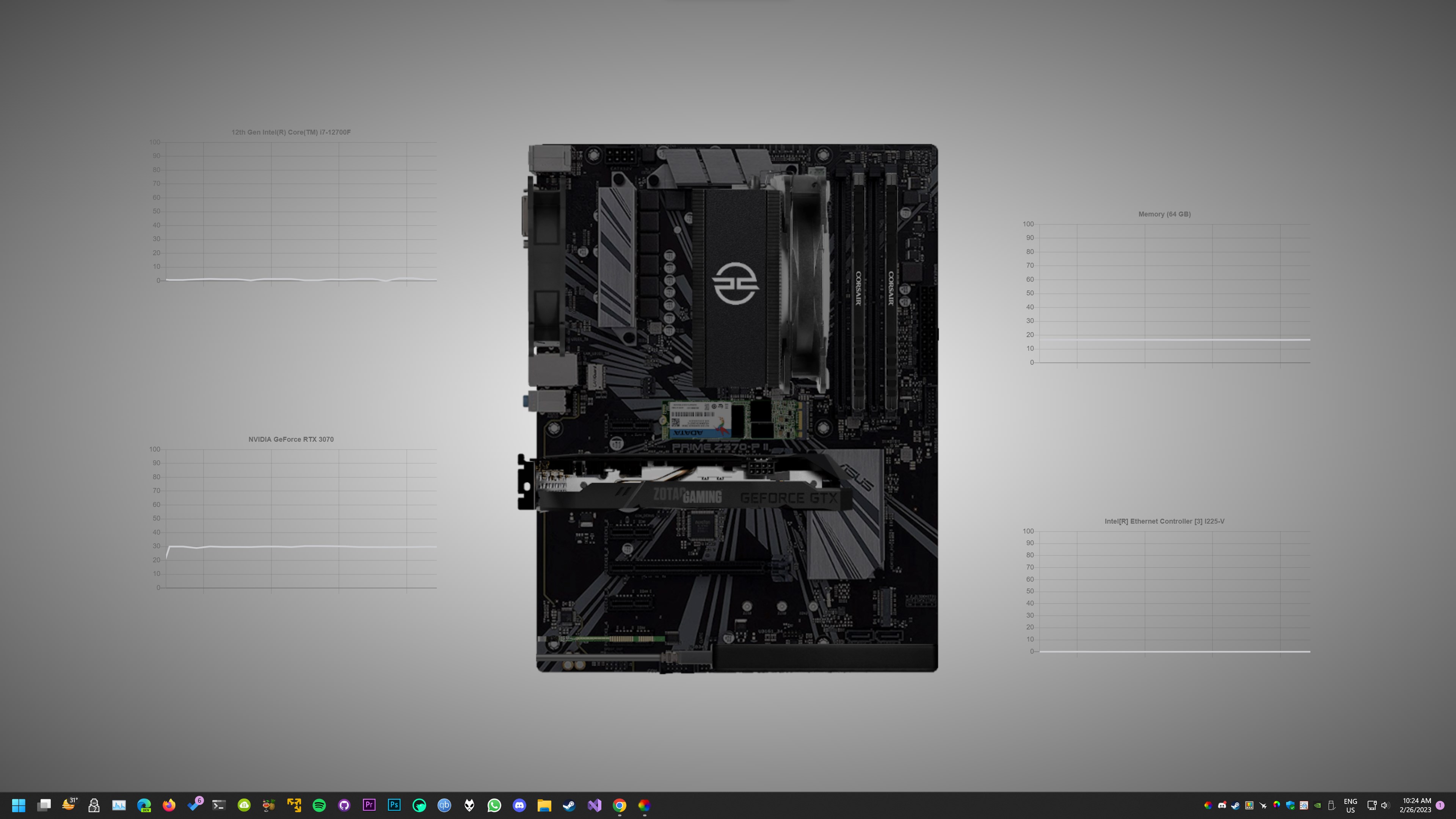
Lively's interactive and dynamic wallpapers do more than move: they can react to system audio, respond to your mouse, and display live system information such as CPU and RAM usage.
Choose from a built-in gallery of live wallpapers and backgrounds, including nature scenes, audio visualizers, generative art, particle simulations, retro CRT effects, digital rain, and more, or import your own custom wallpaper from a local file.
Key Features
- Wallpapers pause automatically (0% resource usage) while you're gaming or working.
- Supports multiple displays of any aspect ratio and resolution.
- Turn any video into an animated video wallpaper with smooth, hardware-accelerated playback powered by mpv player.
- Set any website as your wallpaper, powered by Chromium Embedded Framework (CEF) and WebView2.
- Create wallpapers that react to system audio with the Lively Audio API.
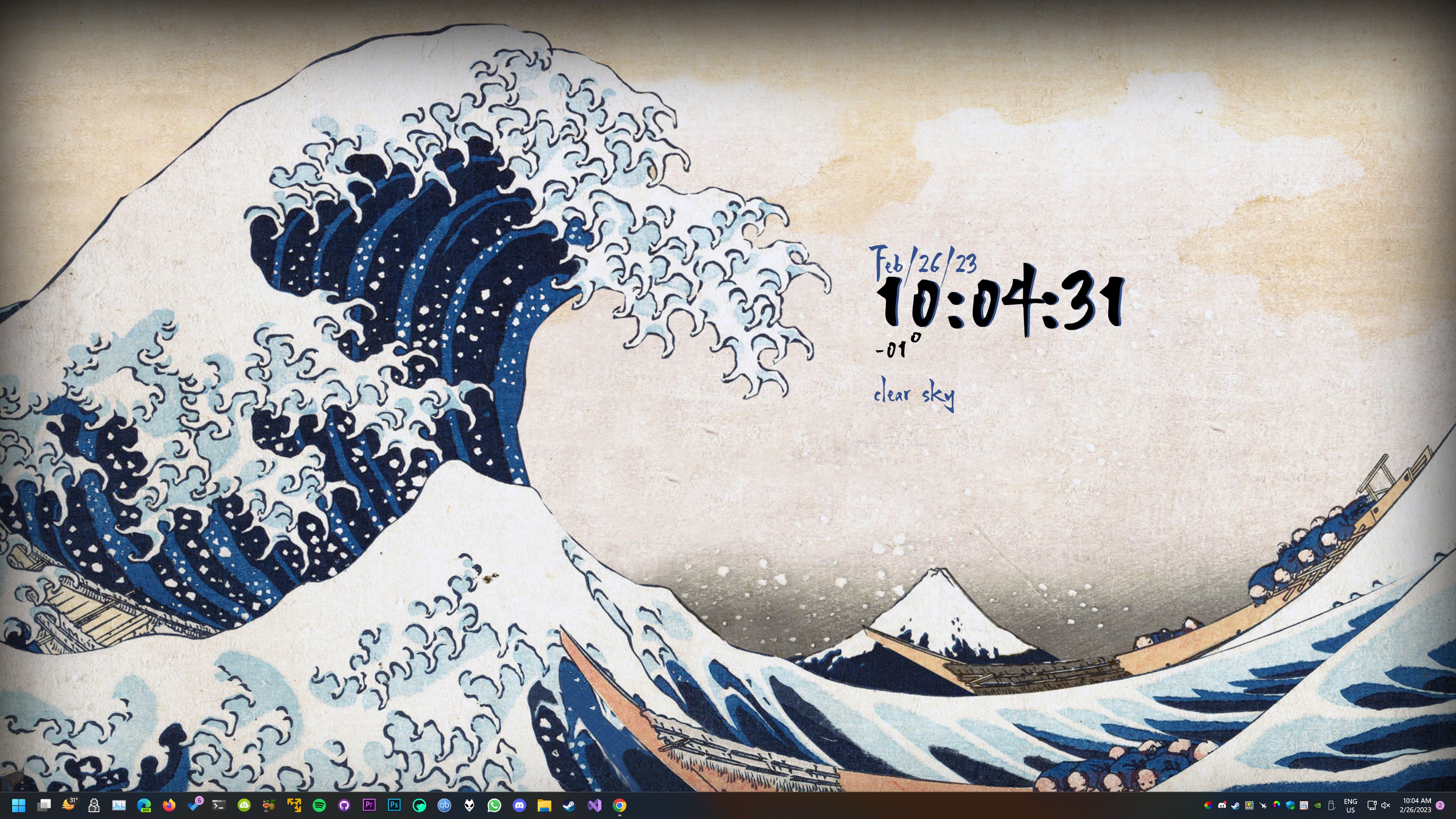
- Build widgets that show system information with the Lively System API.
- Supports Dark and Light themes.
- Use any wallpaper as your screensaver after a set period of inactivity.
- Turn any photo into a dynamic depth wallpaper using AI.
- Customize each wallpaper's appearance and effects directly in the app.
Privacy Policy: https://magic-cake-e95.notion.site/Windows-Lively-wallpaper-Privacy-Policy-3b1cf6557a0880cba379f33df13399fd?source=copy_link
Terms & Conditions: https://magic-cake-e95.notion.site/Windows-Lively-wallpaper-Terms-Conditions-3b1cf6557a08807fa893d9d90a9eb80a?source=copy_link
If you have any questions, please contact us at livelywallpaperhelp@outlook.com
If there is a version of this app for iOS/Mac or Windows we don't know about, paste the store link here — we'll auto-detect the store.
How to find the URL:1. Open the app in its store. 2.In the App Store app: tap the Share icon → “Copy Link”. In the browser: copy the URL from the address bar — it contains apps.apple.com/…/id… or apps.microsoft.com/detail/…. 3. Paste it here.
Paste the original link from the Apple App Store or Microsoft Store. We fetch all details automatically.
How to find the URL:
1. Open the app in its store. 2.In the App Store app: tap the Share icon → “Copy Link”. In the browser: copy the URL from the address bar — it contains apps.apple.com/…/id… or apps.microsoft.com/detail/…. 3. Paste it here.
Android apps can only be listed by their developer.


 X Live Wallpaper
Set videos, GIFs and webpages as animated desktop wallpapers
 Live Wallpapers +
Animated desktop wallpapers from videos, GIFs and images
 Desktop Live Wallpaper+: Video Wallpaper
Create animated live wallpapers from your own photos
 Live Wallpaper by Giantapp
Use videos as animated wallpapers
 Wallpaper - 4K Live Wallpapers
Animated and static wallpapers for Windows with AI art
 Live Wallpaper Engine Plus
Play live wallpapers with videos and music