

Screenshot appears after consentScreenshot appears after consentScreenshot appears after consentScreenshot appears after consentScreenshot appears after consentScreenshot appears after consentScreenshot appears after consentScreenshot appears after consentScreenshot appears after consentScreenshot appears after consent
Summary
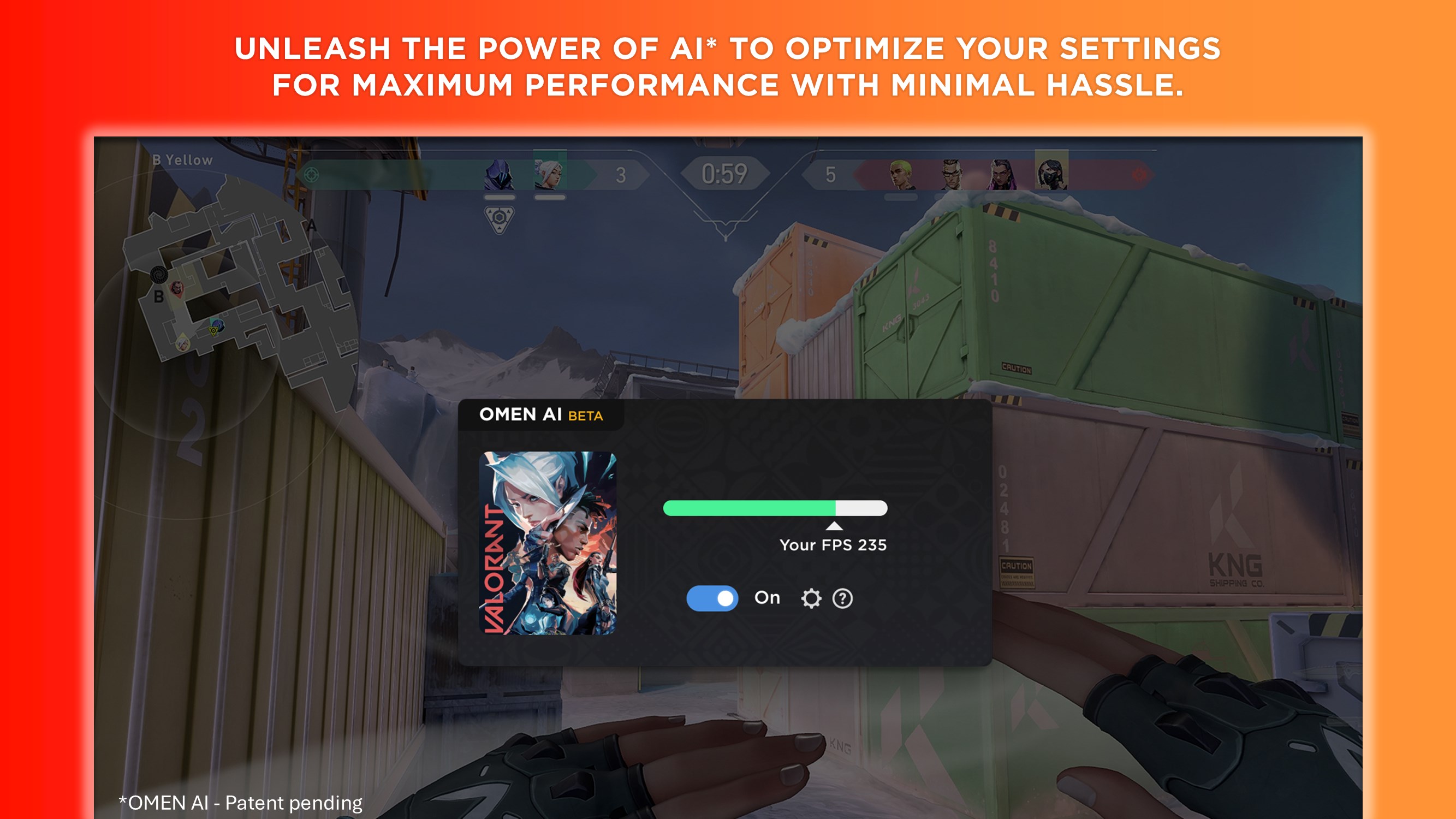
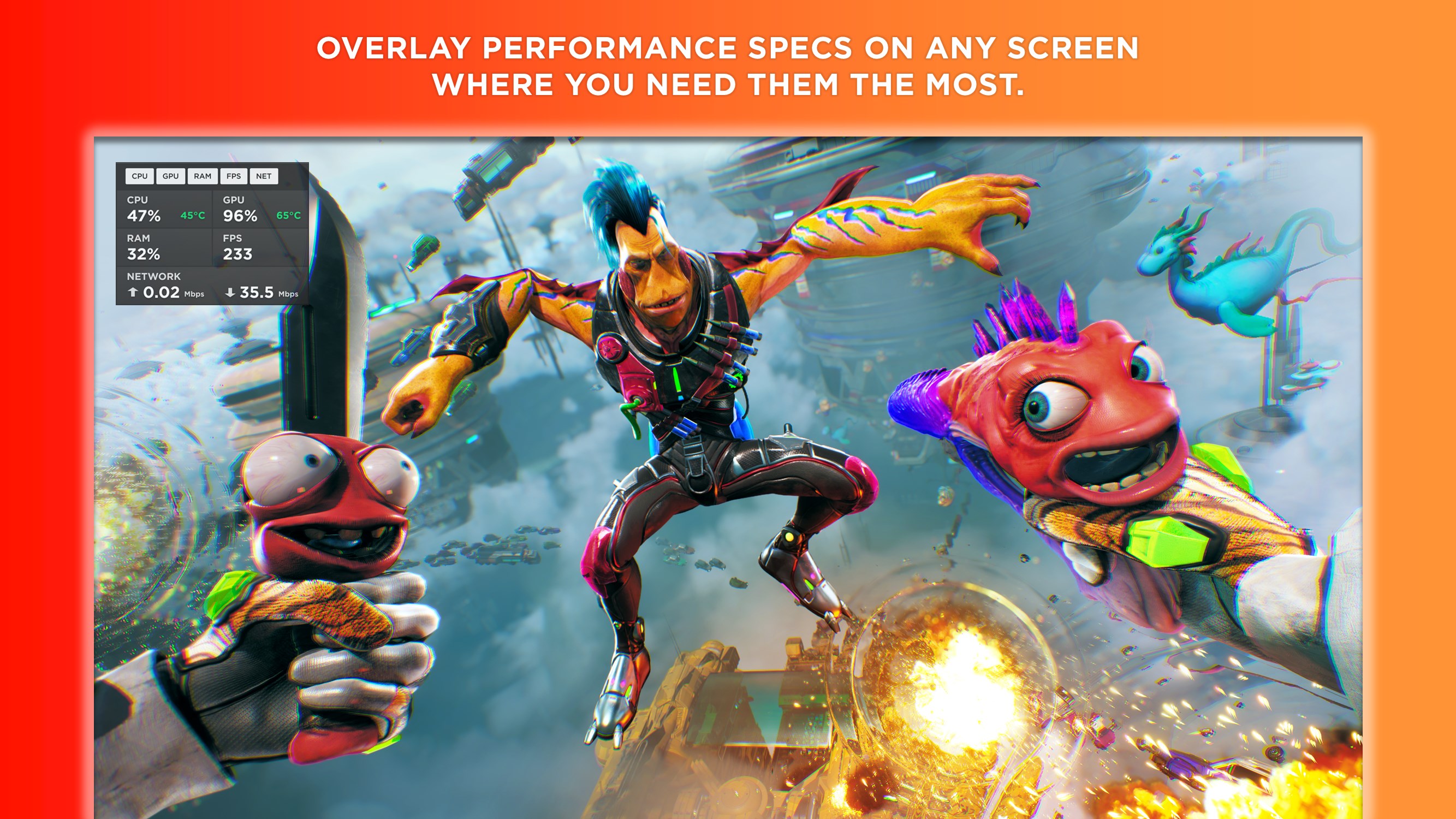
OMEN Gaming Hub is a system optimization app for gaming PCs. OMEN AI delivers personalized performance settings tailored to the device's hardware with a single click. A real-time dashboard monitors CPU, GPU, RAM and network performance, while the Optimizer cleans up the PC to improve frames per second. My Games, a universal game launcher, helps locate and start local and cloud games faster. The app also allows advanced performance tuning and overclocking of CPU and GPU clock speeds and memory transfer rates, alongside RGB lighting personalization through Light Studio.
Show the developer's original descriptionHide the original description
"ELEVATE YOUR GAMING WITH OMEN GAMING HUB
Maximize your performance, personalize your settings, and unlock better ways to play
FEATURES:
• OMEN AI: Maximize performance and minimize hassles with a single click. Provides personalized settings tailored to your unique hardware and games.
• System Vitals: Monitor CPU, GPU, and RAM utilizations, as well as network performance using a real-time dashboard
• My Games: Locate and launch local and cloud games faster with the universal game launcher
• Optimizer: Clean up your PC and boost your game’s frames per second (FPS) for smoother, faster gameplay
• Deals: Never miss a free game drop and find the best prices on PC games across the web
• Gallery: Discover thousands of community and official game wallpapers to deck out your PC
• Light Studio: Personalize your RGB lighting on your OMEN and select third-party gaming devices
• Network Booster: Prioritize your game’s network data to enable the strongest connection for your games
• Advanced Performance Tuning/Overclocking: Reach epic performance by modifying CPU and GPU clock settings, as well as memory transfer speeds (on supported OMEN platforms only).
• Performance Control: Adjust power and thermal settings to match the style of your gameplay"
If there is a version of this app for iOS/Mac or Windows we don't know about, paste the store link here — we'll auto-detect the store.
How to find the URL:1. Open the app in its store. 2.In the App Store app: tap the Share icon → “Copy Link”. In the browser: copy the URL from the address bar — it contains apps.apple.com/…/id… or apps.microsoft.com/detail/…. 3. Paste it here.
Paste the original link from the Apple App Store or Microsoft Store. We fetch all details automatically.
How to find the URL:
1. Open the app in its store. 2.In the App Store app: tap the Share icon → “Copy Link”. In the browser: copy the URL from the address bar — it contains apps.apple.com/…/id… or apps.microsoft.com/detail/…. 3. Paste it here.
Android apps can only be listed by their developer.