Screenshot appears after consentScreenshot appears after consentScreenshot appears after consentScreenshot appears after consentScreenshot appears after consentScreenshot appears after consentScreenshot appears after consentScreenshot appears after consentScreenshot appears after consentScreenshot appears after consent
Summary
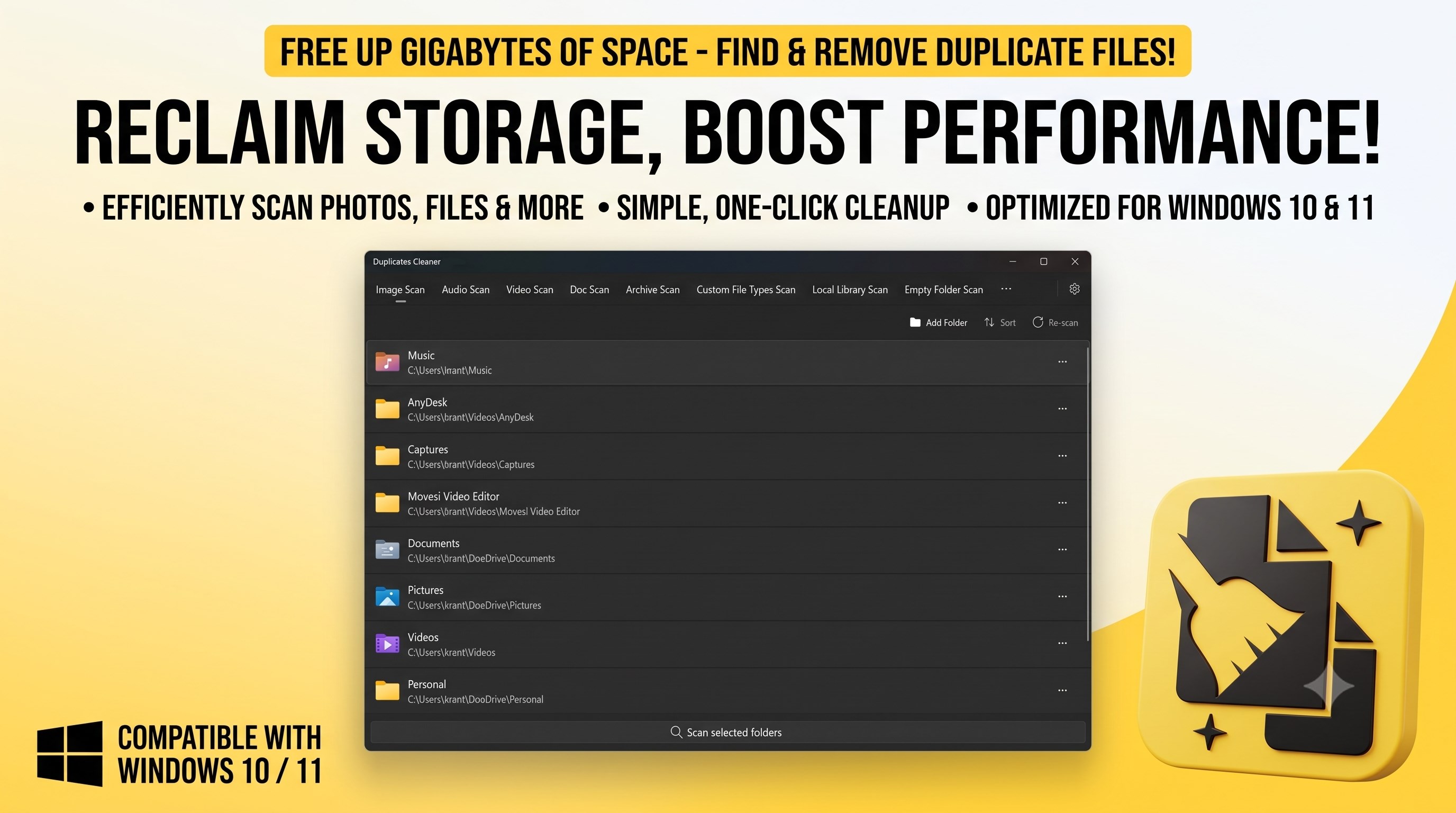
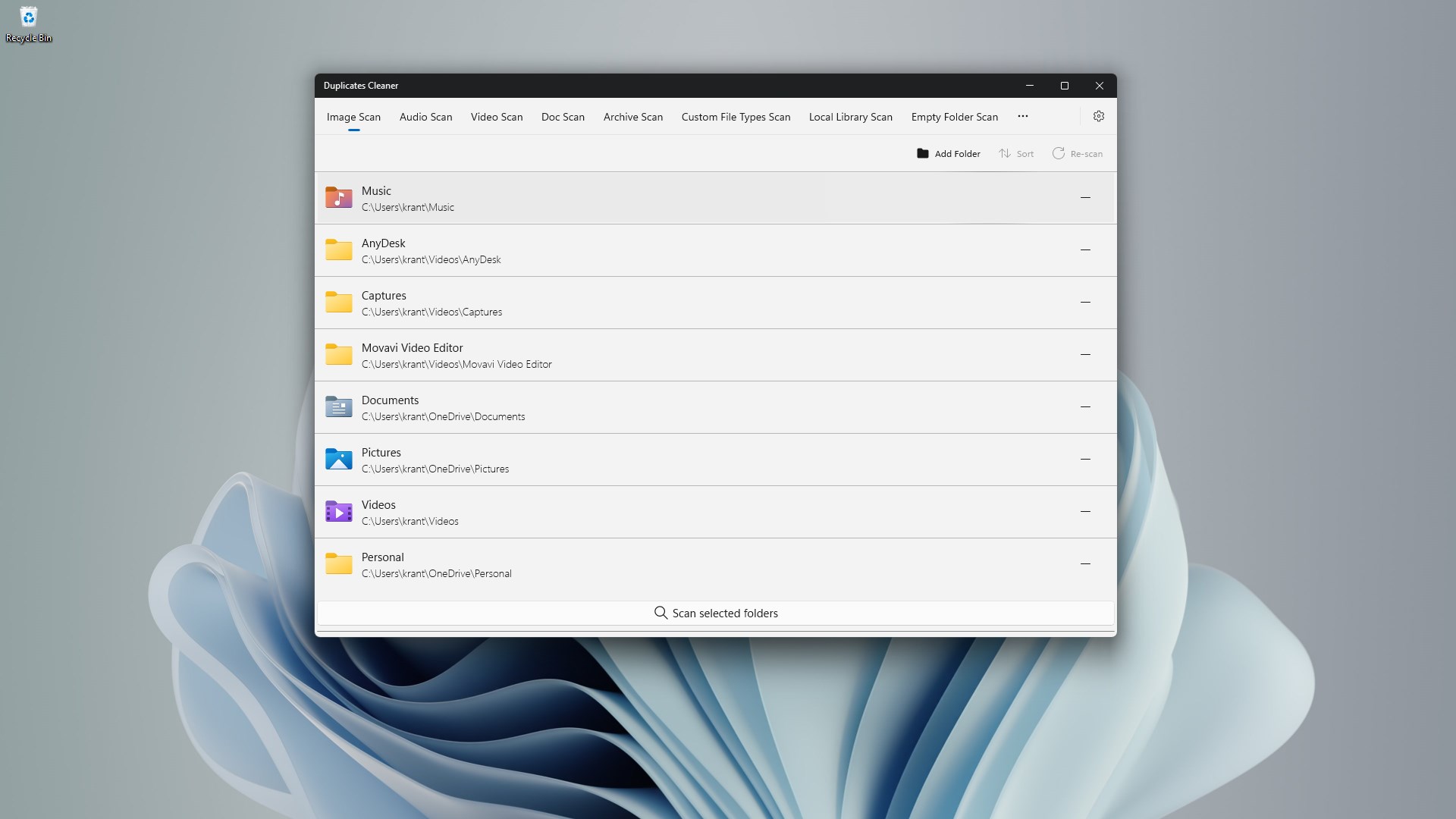
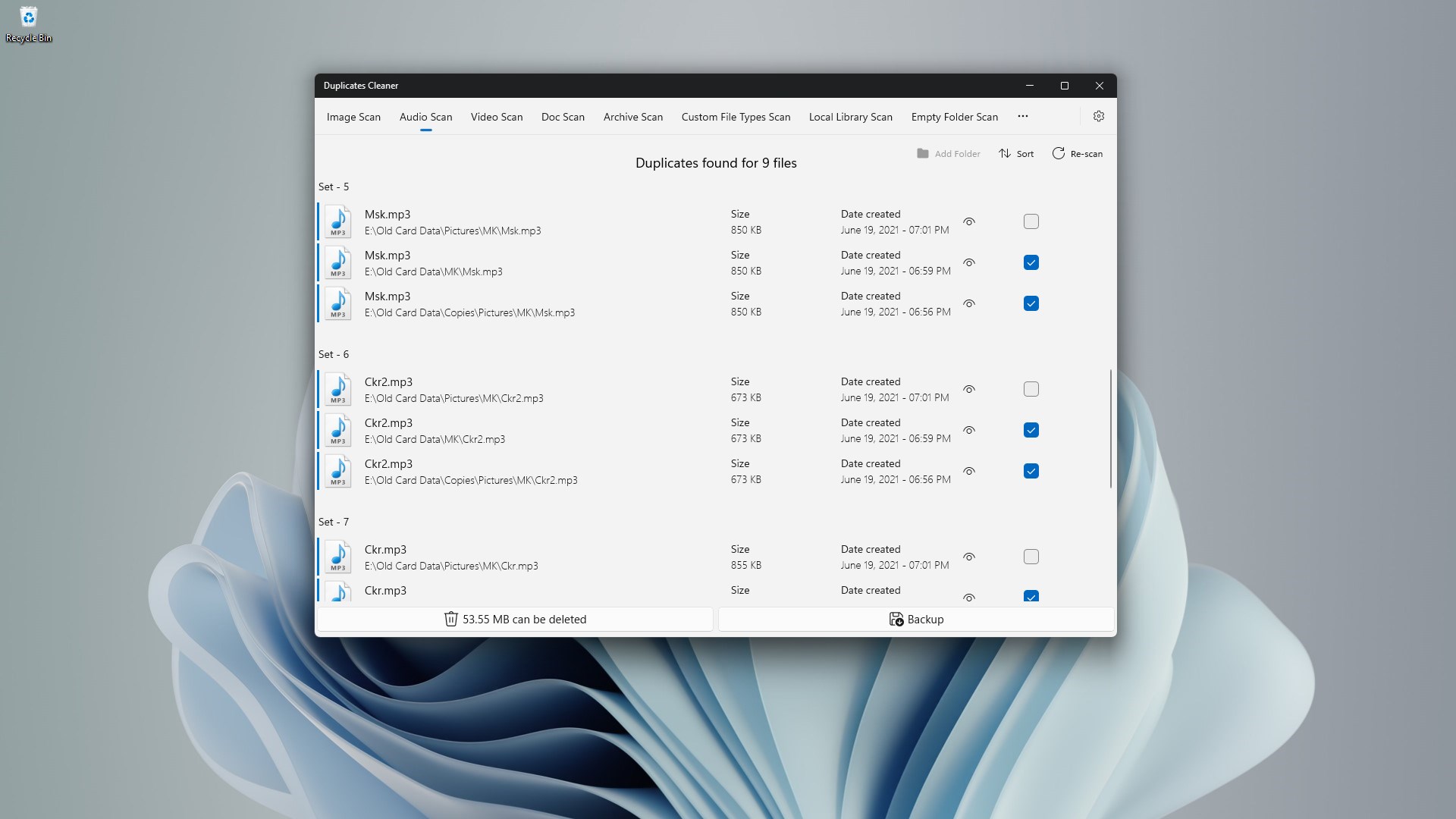
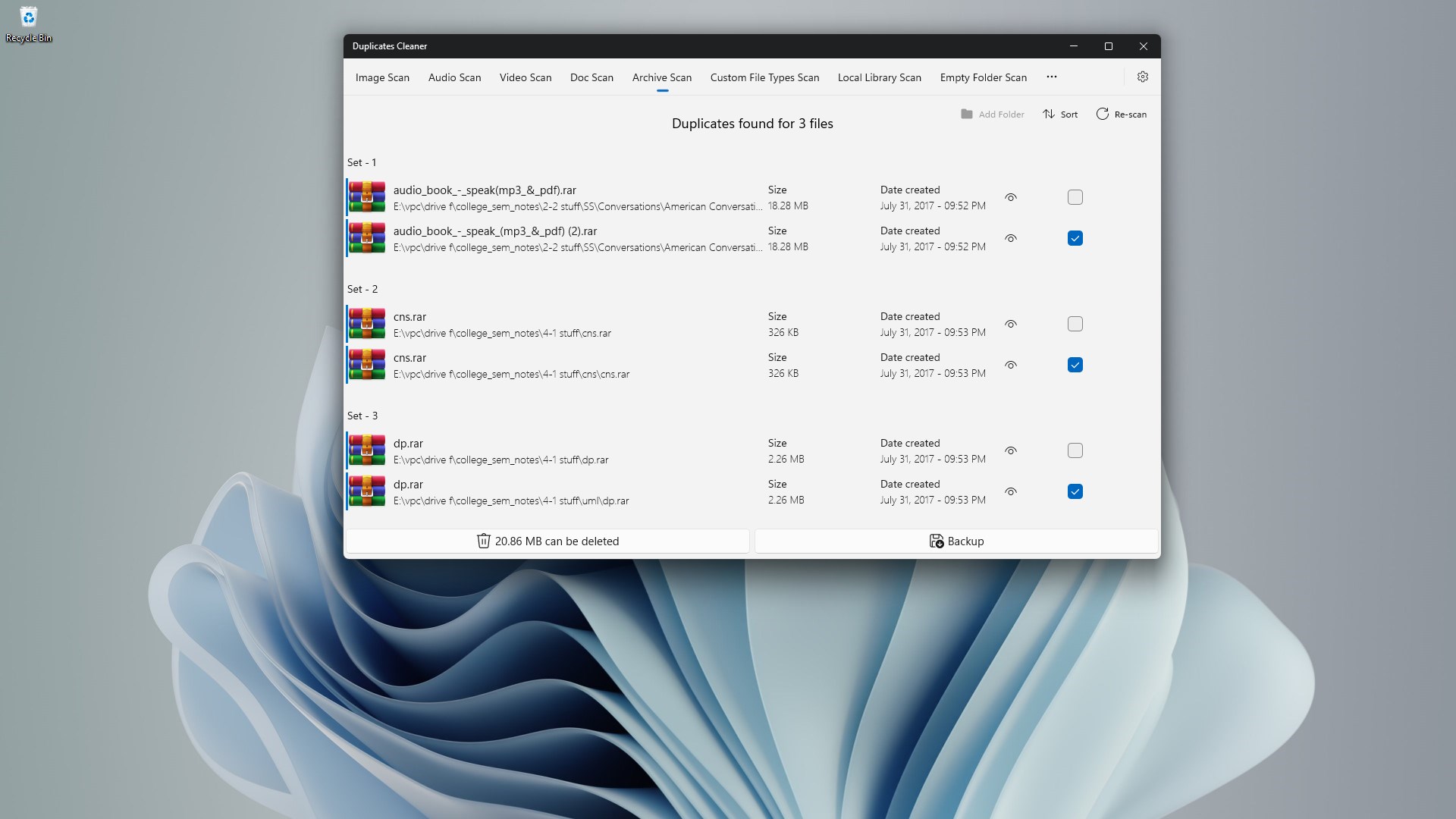
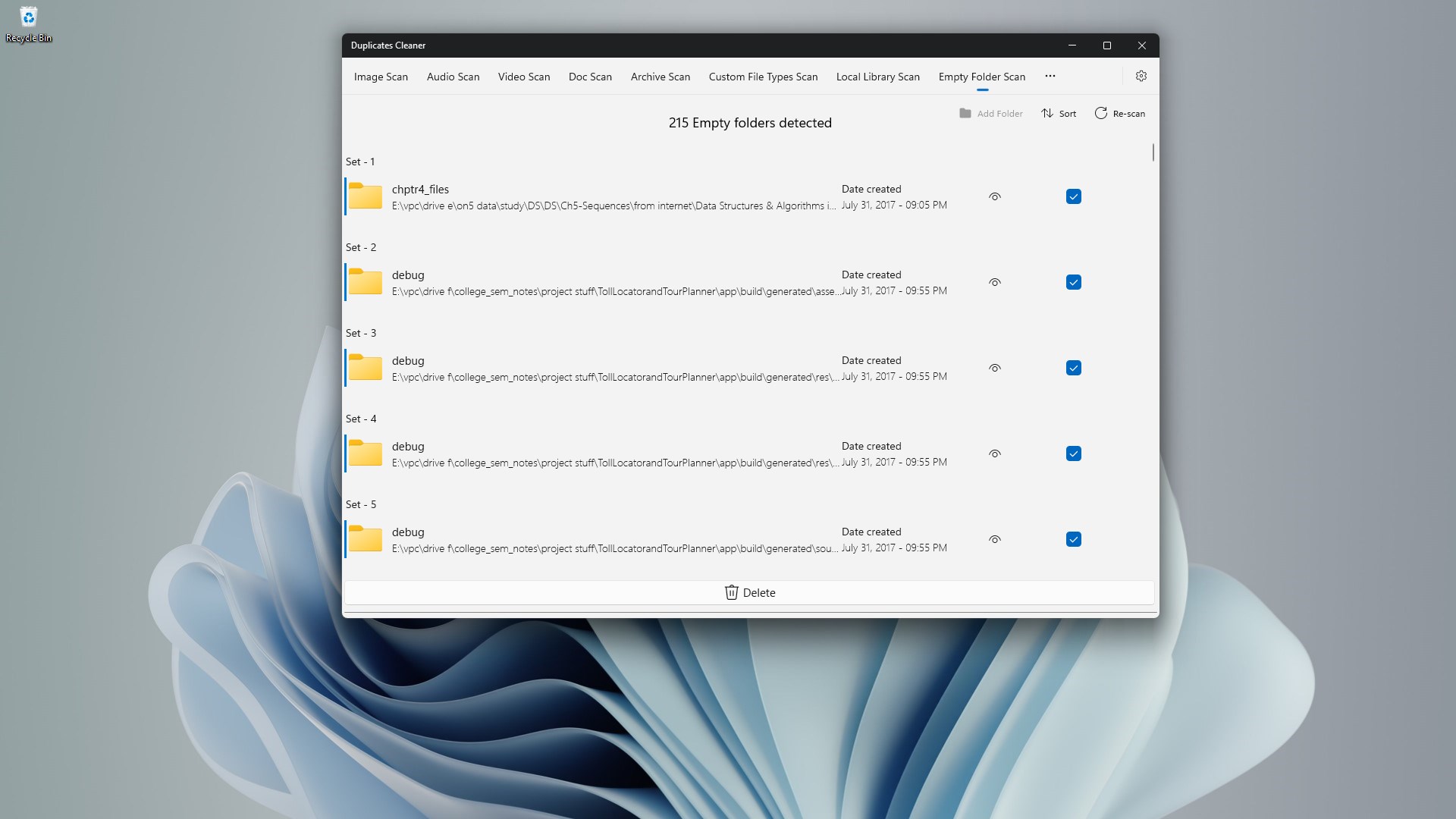
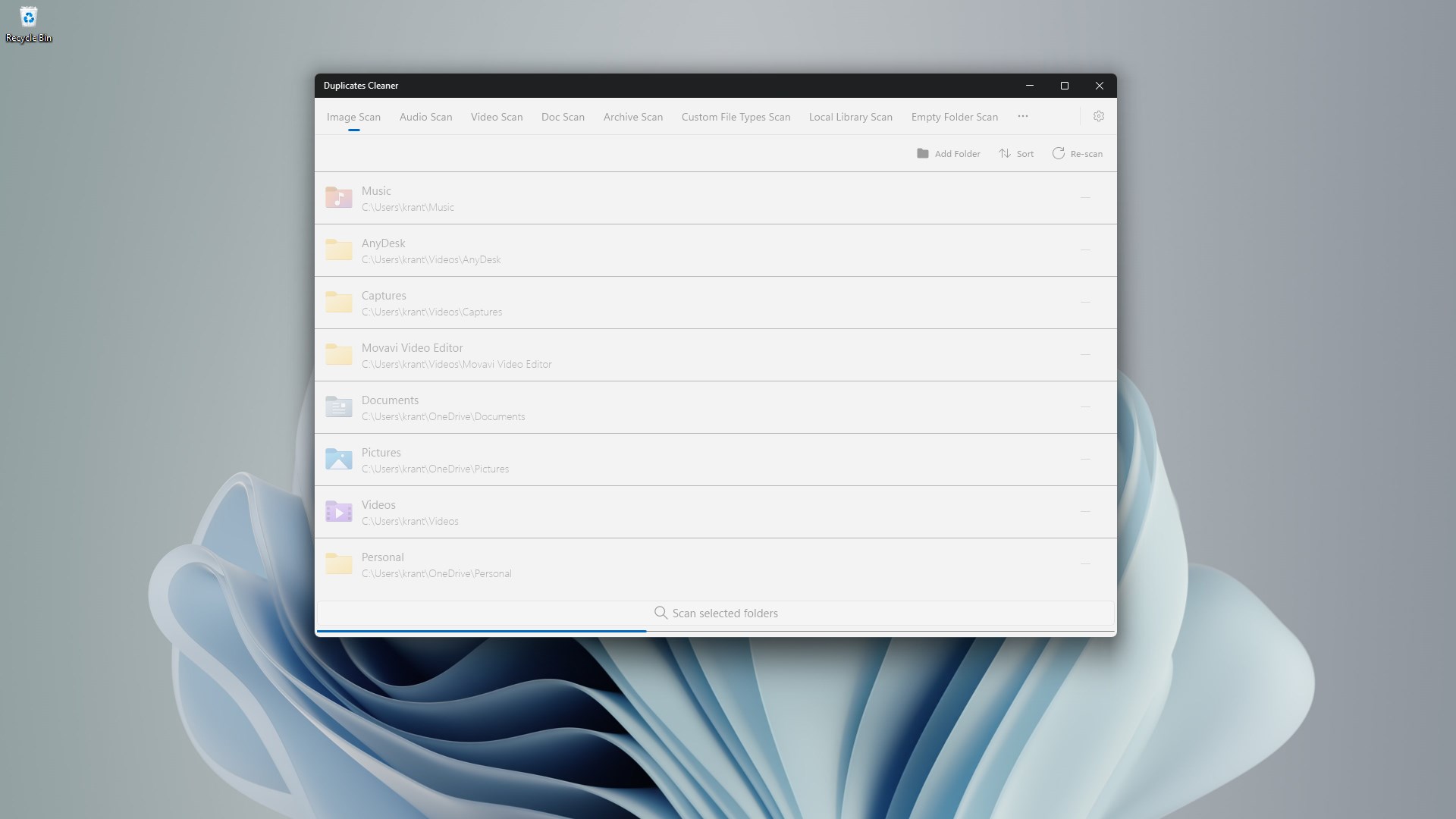
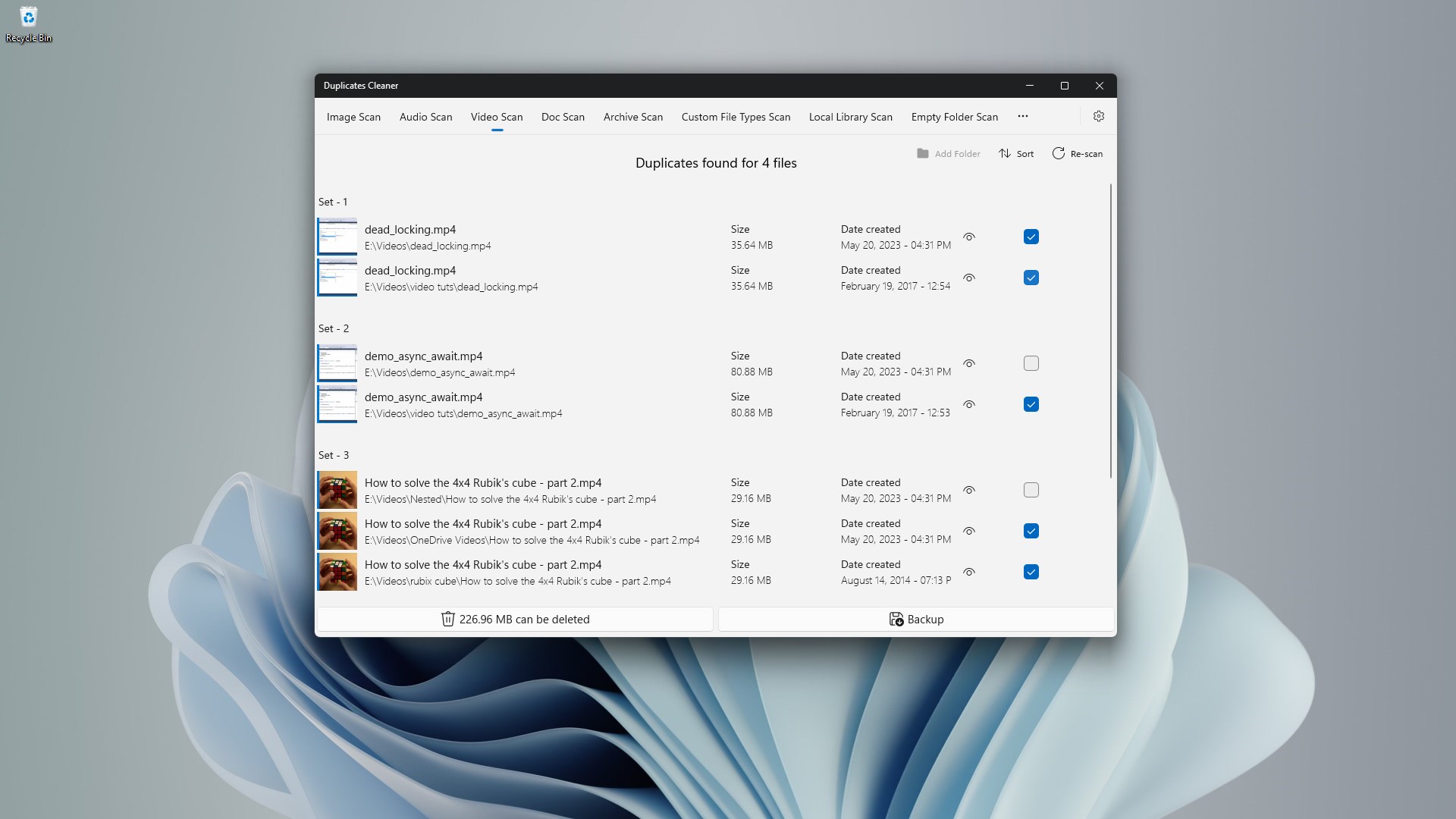
Duplicates Cleaner is a utility app that frees up storage space and improves device performance in two clicks. It scans for and removes duplicate images, videos, audio files and documents, using detection technology designed to identify only genuine duplicates so important files remain untouched. The app supports common formats such as JPEG, PNG, MP3, MP4, PDF and DOCX. According to the provider, files stay protected and no data leaves the device. The interface is simple to navigate, requiring no technical knowledge, and a free version allows deletion of up to 1GB of duplicates, with a premium version offering unlimited duplicate removal.
Show the developer's original descriptionHide the original description
Professional Duplicate File Remover & PC Cleaner for Windows 11/10 - Boost Your PC Speed & Free Storage Instantly!
Struggling with low storage, duplicate files, and a sluggish PC? Meet the best Duplicate File Cleaner designed specifically for Windows 11 and Windows 10. Reclaim your valuable storage space, optimize device performance, and make your PC lightning-fast again in just 2 simple clicks!
🌟 Why Choose Our Duplicate Cleaner? 🌟
🚀 Lightning-Fast Duplicate File Remover
🟢 Safely Clean Images, Videos, Audio, and Documents
🎯 Precision Cleaning: Intelligent File Detection Technology to detect and remove only genuine duplicates
🔒 Privacy First: Your Files Stay Protected
💡 Intuitive Interface: User-friendly and easy to navigate, so you can start cleaning up your device in seconds
🌐 Multimedia Magic: Whether it's duplicate images, audio files, videos, or documents, our app has you covered
🔋 CPU-Friendly: Enjoy a smoother device experience while our cleaner does its magic with Efficient & Lightweight – Minimal CPU & RAM Usage
📈 Optimize Performance: Free up space to improve your device's overall performance and responsiveness
⚡ Core Features ⚡
🔹 Deep Scan & Smart Detection: Precisely identifies genuine duplicate files, ensuring your important documents remain untouched
🔹 One-Click Cleanup: Save hours manually deleting files; effortlessly clear storage in seconds
🔹 Supports All Popular File Formats: JPEG, PNG, MP3, MP4, PDF, DOCX, and more!
🔹 Privacy & Security Guaranteed: No data leaves your device
💡 Easy Windows Storage Management
🔹 Simple 2-click cleanup process
🔹 Intuitive interface for all users
🔹 Works perfectly on Windows 11 & Windows 10
🔹 No technical knowledge required
🌐 Who is Duplicate Cleaner For?
🔹 Gamers, Photographers, Designers, and Professionals looking for quick & efficient storage optimization
🔹 Anyone frustrated with duplicate clutter impacting device speed and responsiveness
🎖️ Trusted by Thousands of Windows Users Worldwide!
➡️ "Saved me tons of disk space!" ★★★★★
➡️ "My PC runs faster instantly!" ★★★★★
Don't let duplicate files slow you down! Install our cleaner now and enjoy a faster, more efficient device. Say hello to a clutter-free life and goodbye to wasted storage space!
🚀 Download now and reclaim your device's full potential! 🚀
Join millions using the #1 duplicate file cleaner for Windows! Download now and reclaim your PC's full potential.
Note: free version allows 1GB of duplicates deletion
📌 Get Premium version for unlimited duplicate removal: https://apps.microsoft.com/detail/9PNTL88W7W0B?ocid=badge&hl=en-us&gl=US 📌
If there is a version of this app for iOS/Mac or Windows we don't know about, paste the store link here — we'll auto-detect the store.
How to find the URL:1. Open the app in its store. 2.In the App Store app: tap the Share icon → “Copy Link”. In the browser: copy the URL from the address bar — it contains apps.apple.com/…/id… or apps.microsoft.com/detail/…. 3. Paste it here.
Paste the original link from the Apple App Store or Microsoft Store. We fetch all details automatically.
How to find the URL:
1. Open the app in its store. 2.In the App Store app: tap the Share icon → “Copy Link”. In the browser: copy the URL from the address bar — it contains apps.apple.com/…/id… or apps.microsoft.com/detail/…. 3. Paste it here.
Android apps can only be listed by their developer.




 Duplicate Cleaner!
Find and remove duplicate photos, videos, and audio files
 DiskPress
Free up space via cleanup, deduplication and compression
 Real PC Cleaner
Clean Windows, find large files and duplicates
 Cleaner+
Clean PC storage, optimize system and speed up Windows
 DevCleaner for Xcode
Find and delete Xcode caches to free up storage space
 PC Cleaner - Disk Clean & Virus Scan
Remove junk files, analyze storage and protect