Screenshot appears after consentScreenshot appears after consentScreenshot appears after consentScreenshot appears after consentScreenshot appears after consentScreenshot appears after consentScreenshot appears after consentScreenshot appears after consent
Screenshot appears after consentScreenshot appears after consentScreenshot appears after consentScreenshot appears after consentScreenshot appears after consentScreenshot appears after consentScreenshot appears after consent
Summary
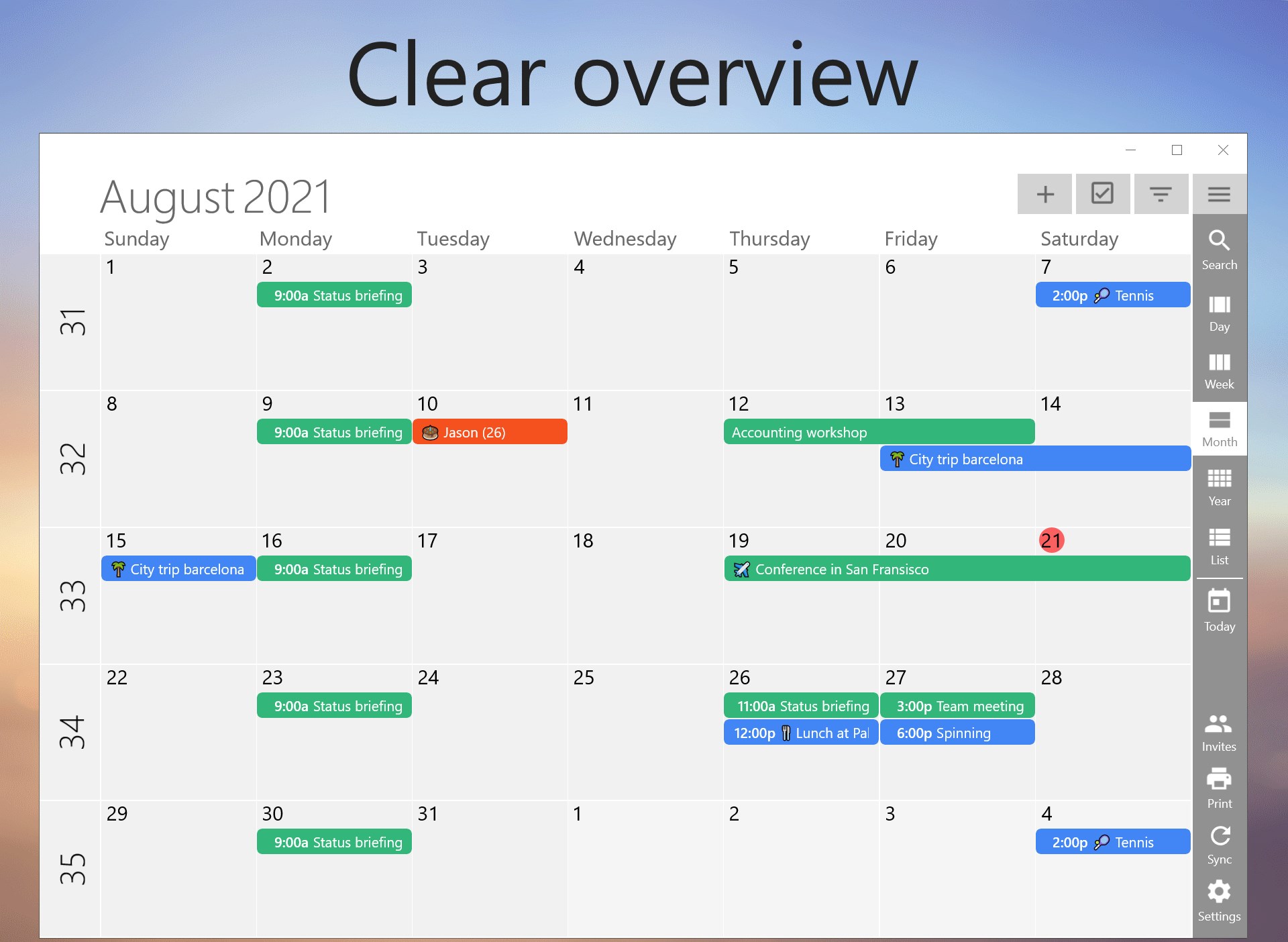
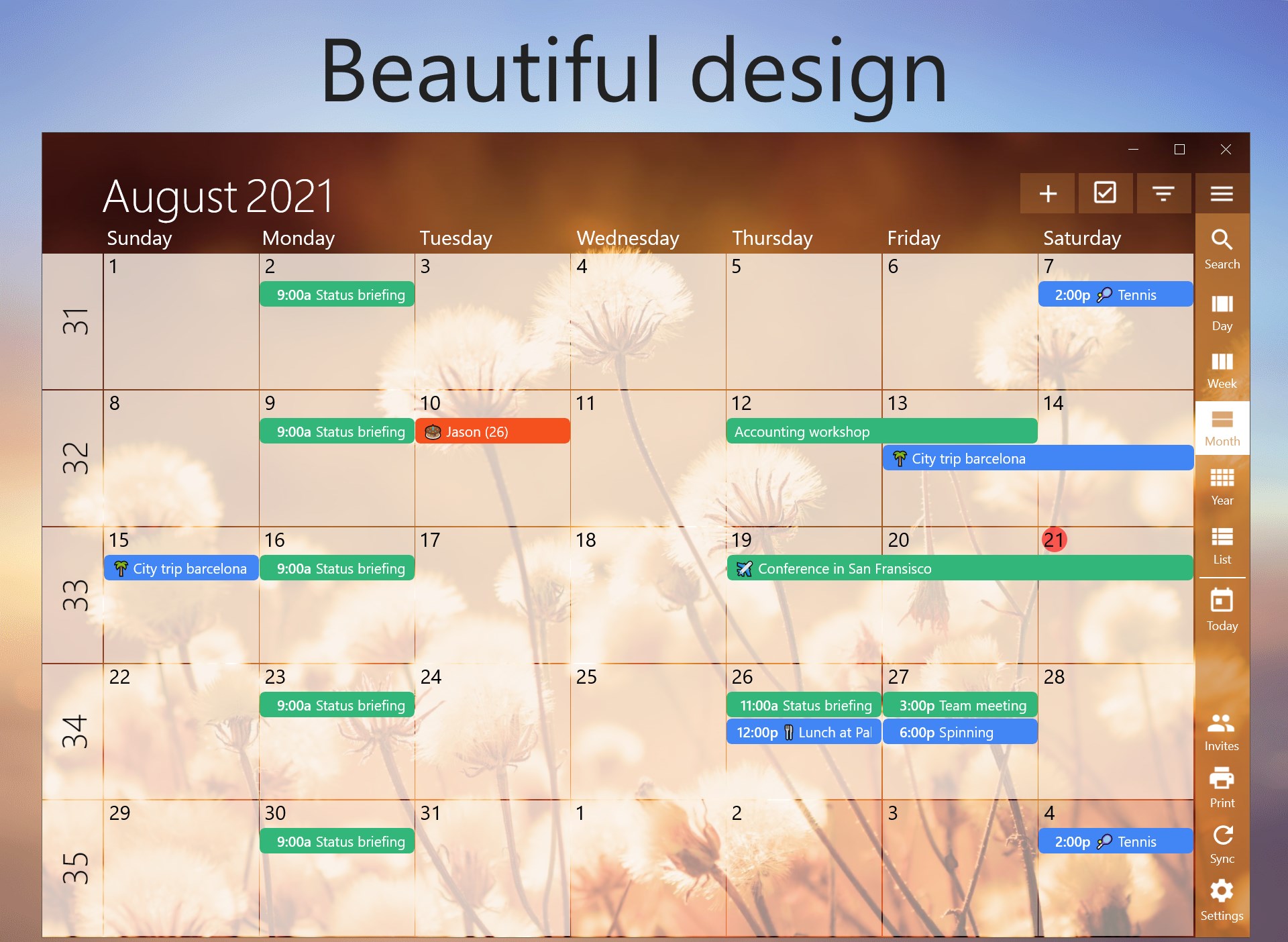
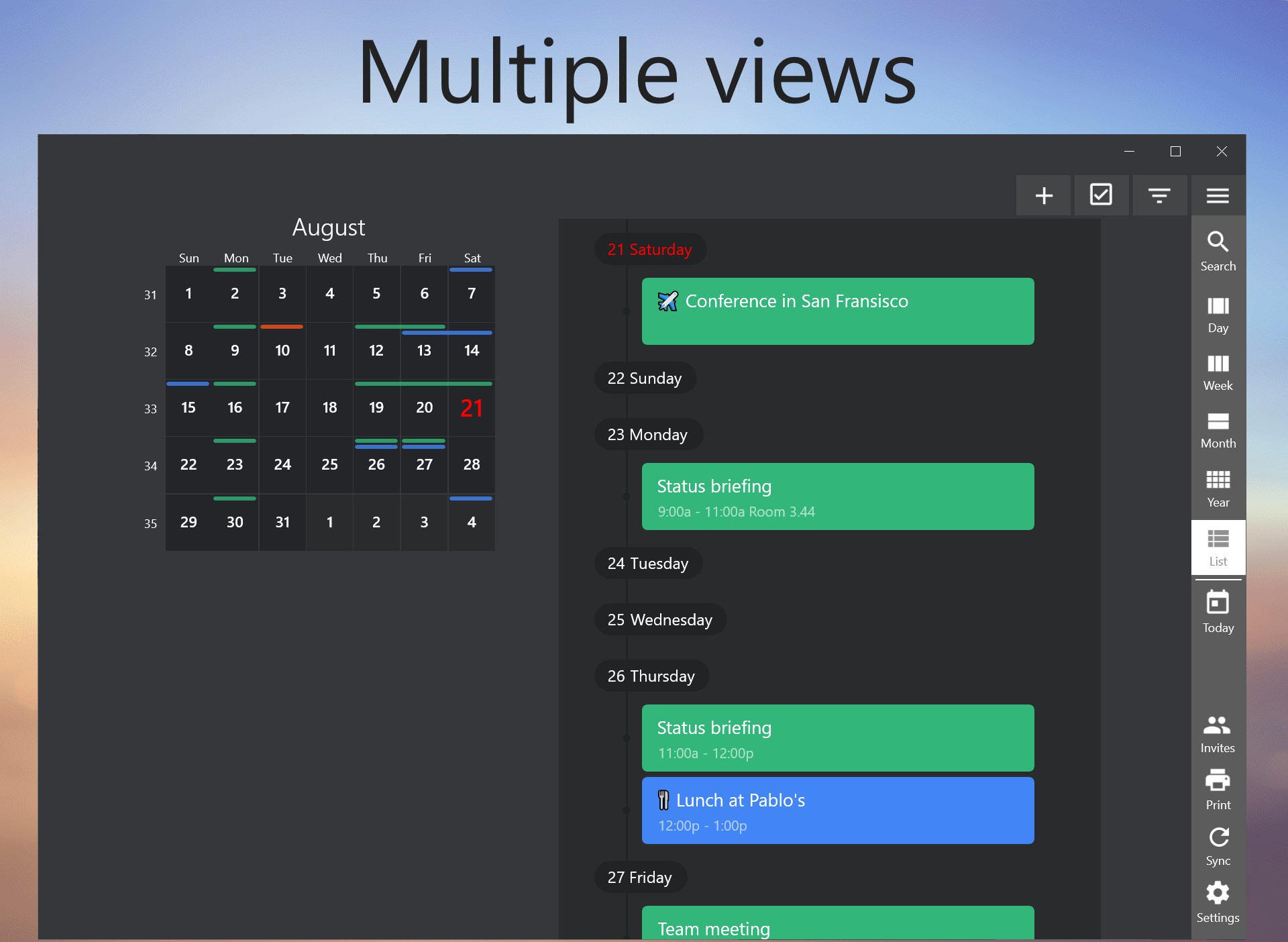
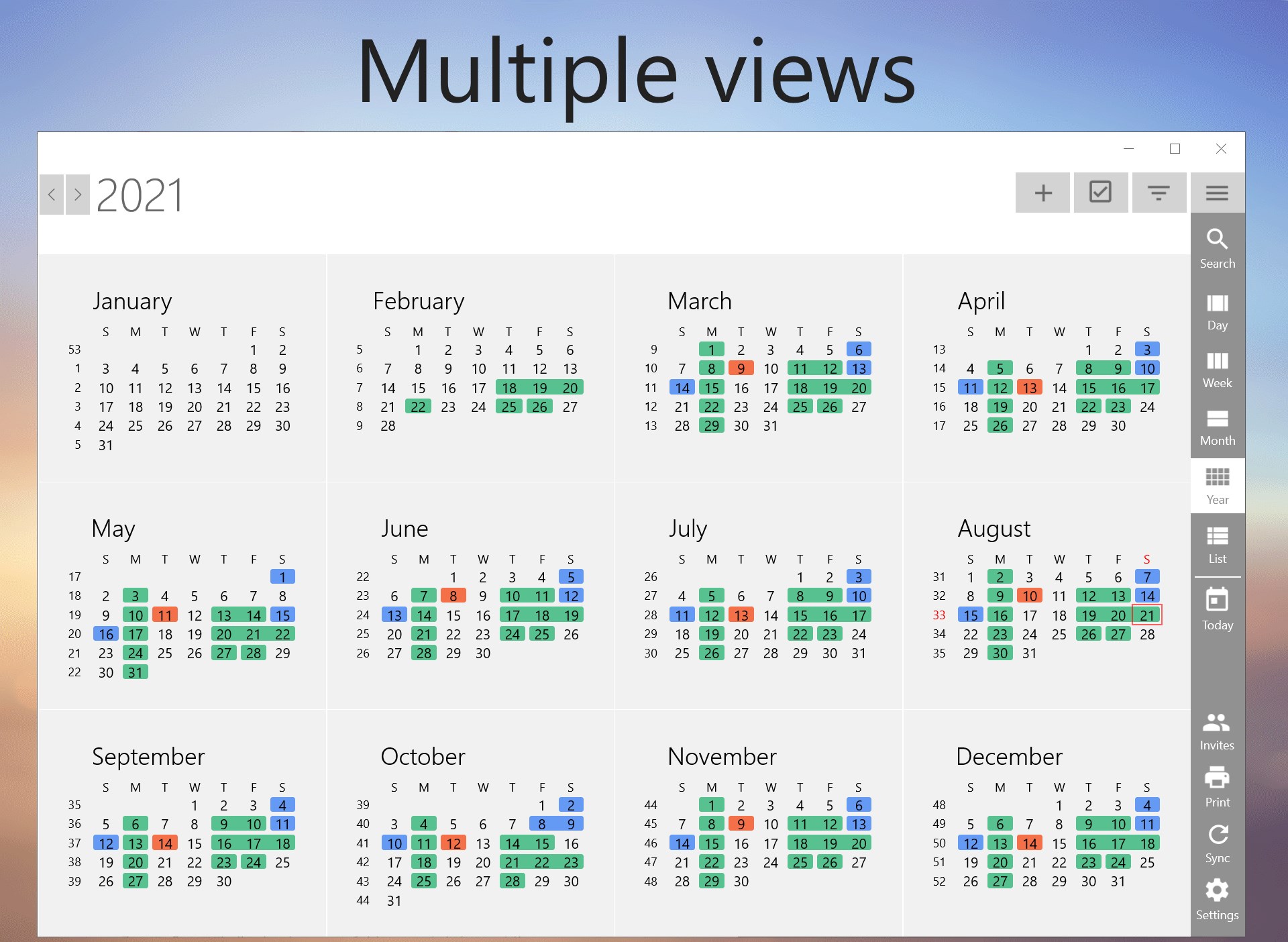
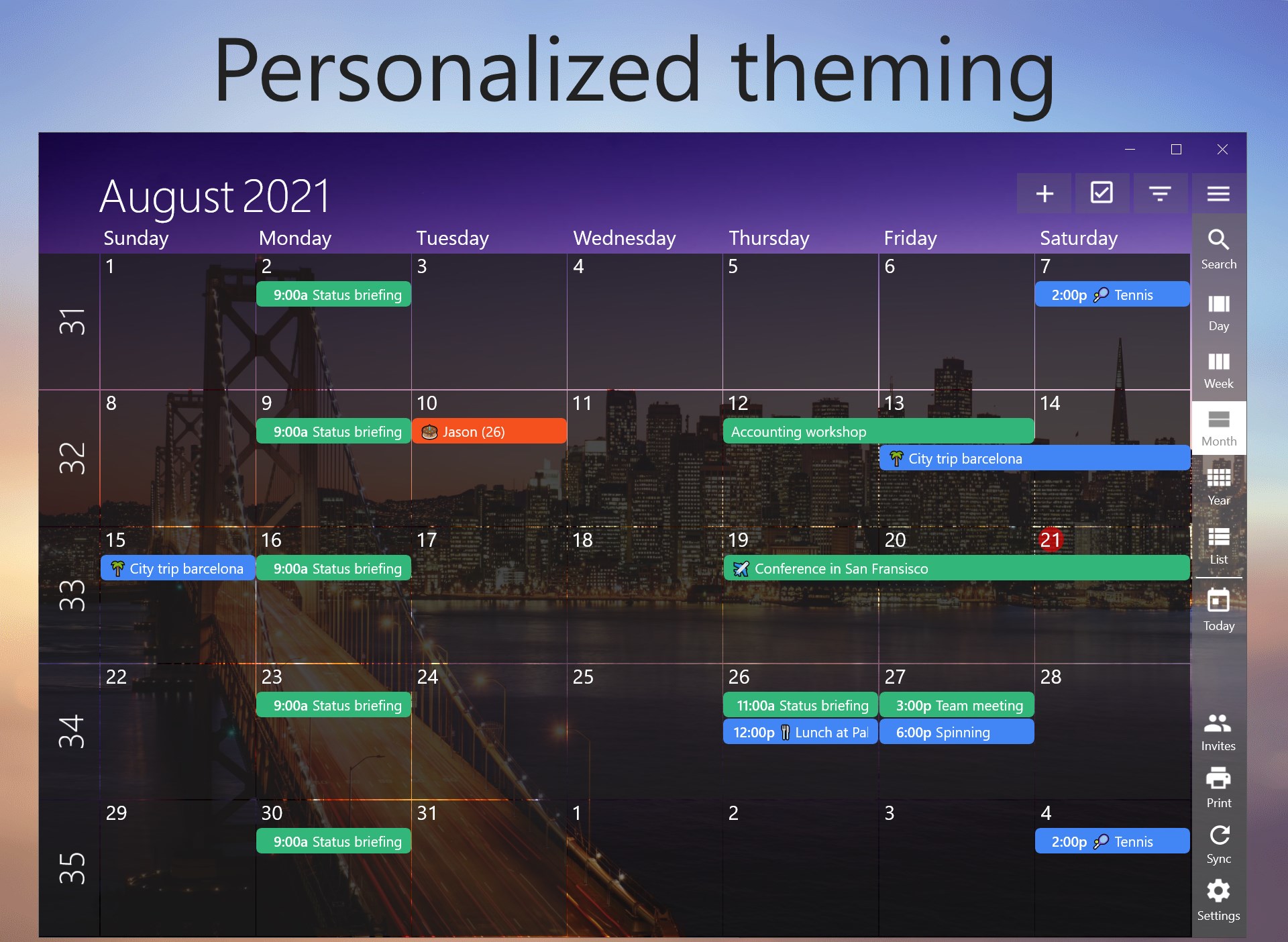
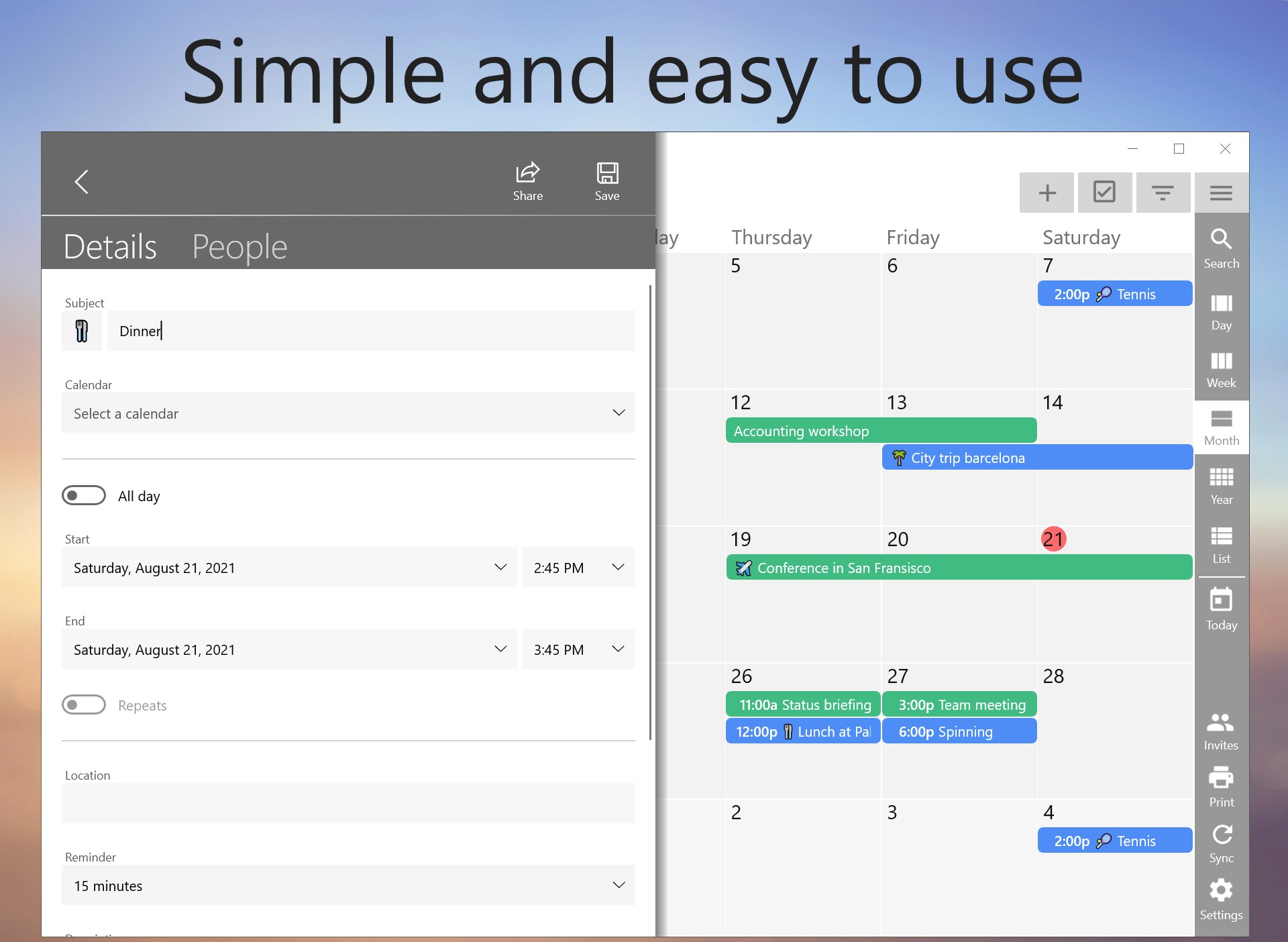
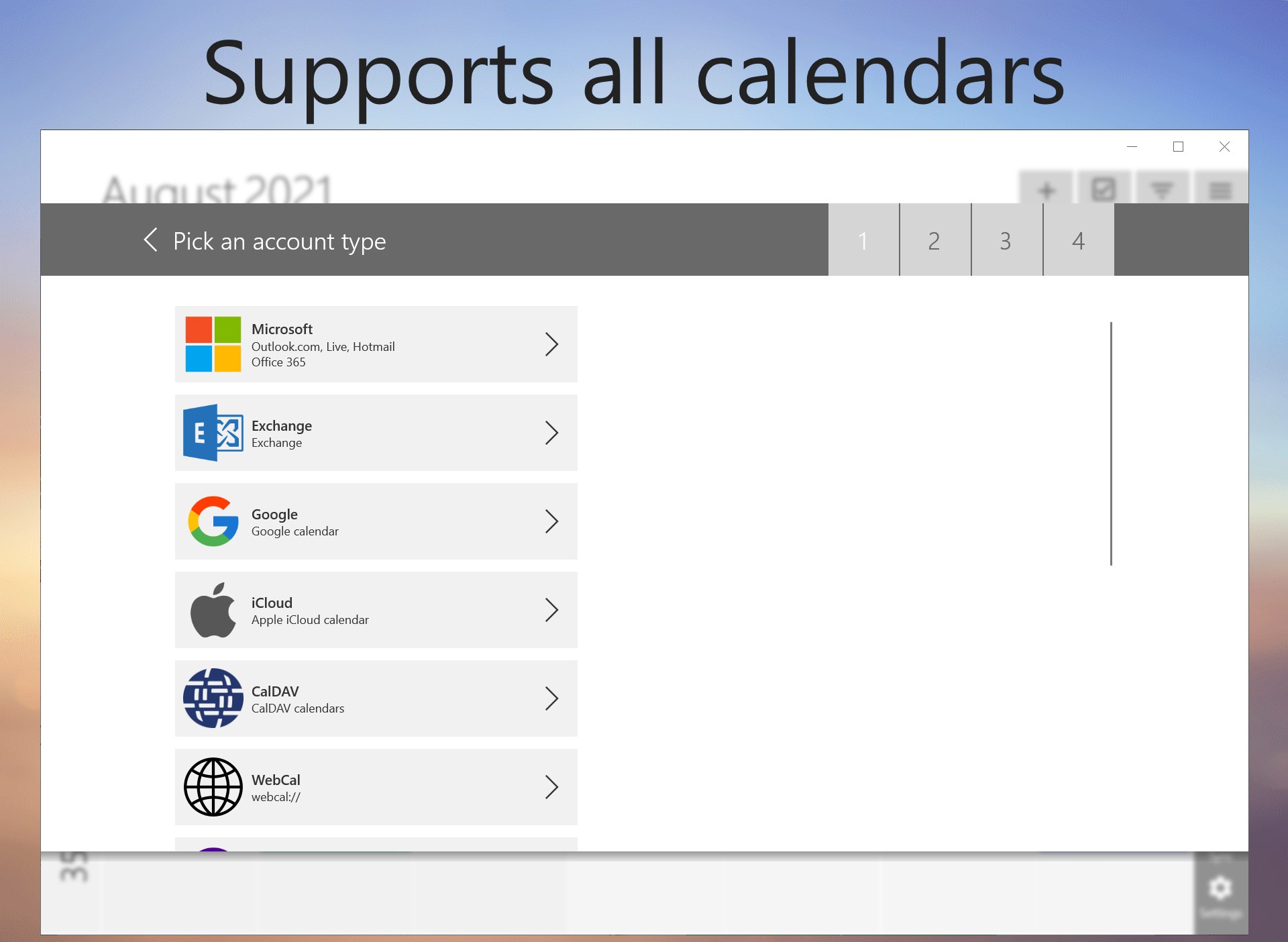
One Calendar is a calendar app that combines accounts from providers like Google, Live, Outlook, iCloud, Exchange, Office365, Yahoo, Nextcloud, Synology, GMX, Mailbox.org and ownCloud into one easy-to-read overview. It lets you view and manage appointments, events and birthdays across unlimited accounts, with recurring events, notifications, shared and invited appointments, offline access, and list, day, week, month and year views. Appointments can appear on the lock screen, and the app connects with One Task. The basic version is free and ad-free, while a premium in-app purchase adds calendar colors, multi-year history, instant sync, theming, and appointment search.
Show the developer's original descriptionHide the original description
The most popular app to view all your calendars like Google, Live, Outlook, iCloud, Exchange, Office365, Yahoo, Nextcloud, Synology, GMX, Mailbox.org, ownCloud and more. OneCalendar integrates all your calendars into an easy-to-read overview. View and manage all your appointments, events and birthdays.
Use the free version with all basic features or go Premium.
Free:
- Manage & share appointments
- Unlimited accounts
- All calendar providers
- Setup recurrences
- View birthdays
- Notifications
- Invite people
- Work offline
- List, day, week, month and year view
- Integration with One Task
- Appointments on lock screen
- Ad-free
Premium (in app purchase):
- Appointment and calendar colors
- Multiple years of history
- Immediate synchronization
- Theming
- Appointment search
- Printing
- Route and navigation
- Favorite emojis
Paste the original link from the Apple App Store or Microsoft Store. We fetch all details automatically.
How to find the URL:
1. Open the app in its store. 2.In the App Store app: tap the Share icon → “Copy Link”. In the browser: copy the URL from the address bar — it contains apps.apple.com/…/id… or apps.microsoft.com/detail/…. 3. Paste it here.
Android apps can only be listed by their developer.