Screenshot appears after consentScreenshot appears after consentScreenshot appears after consentScreenshot appears after consentScreenshot appears after consentScreenshot appears after consentScreenshot appears after consentScreenshot appears after consentScreenshot appears after consentScreenshot appears after consent
Screenshot appears after consentScreenshot appears after consentScreenshot appears after consentScreenshot appears after consentScreenshot appears after consent
Screenshot appears after consentScreenshot appears after consentScreenshot appears after consentScreenshot appears after consentScreenshot appears after consentScreenshot appears after consentScreenshot appears after consentScreenshot appears after consentScreenshot appears after consentScreenshot appears after consent
Screenshot appears after consentScreenshot appears after consentScreenshot appears after consentScreenshot appears after consentScreenshot appears after consentScreenshot appears after consentScreenshot appears after consentScreenshot appears after consentScreenshot appears after consent
Summary
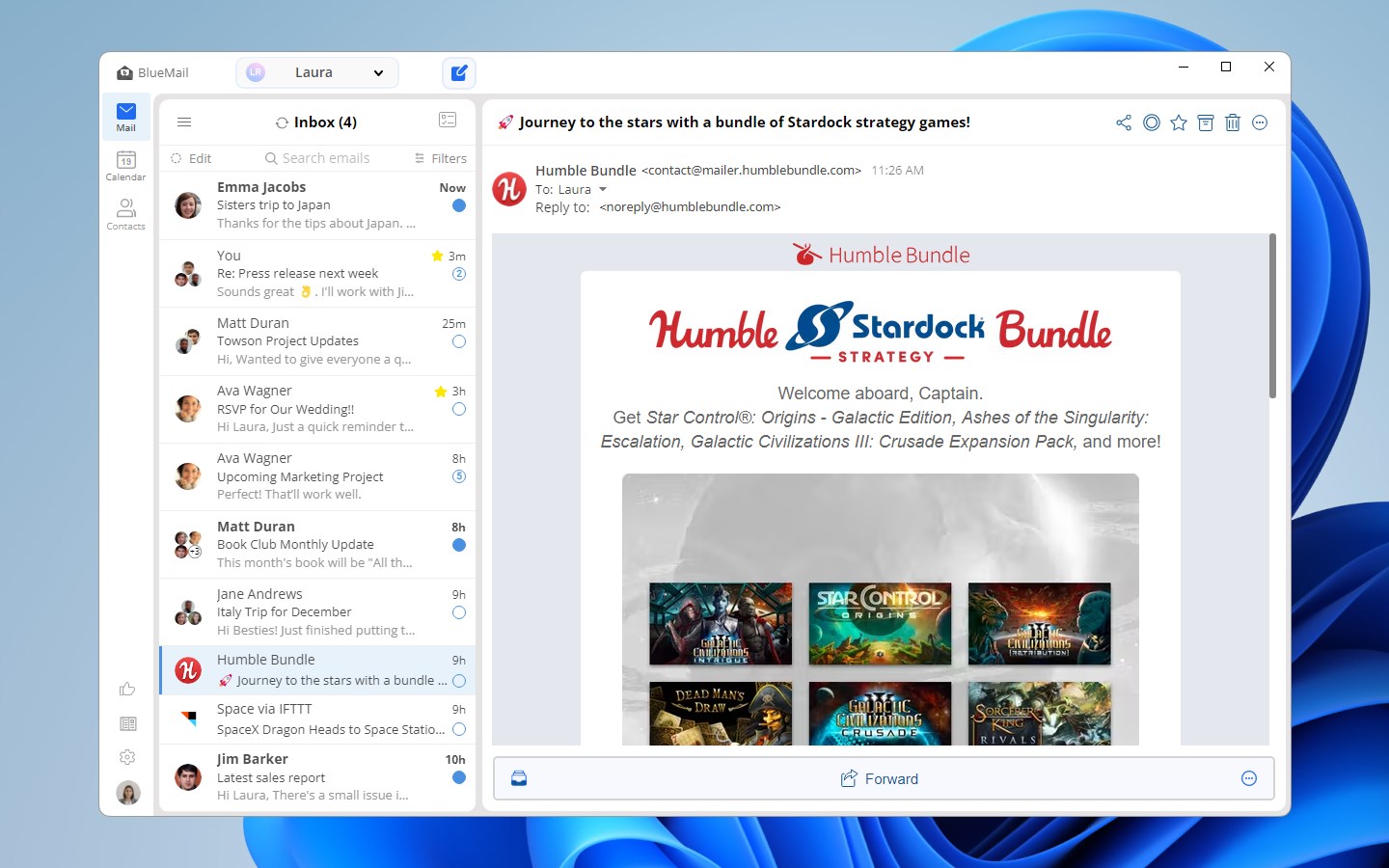
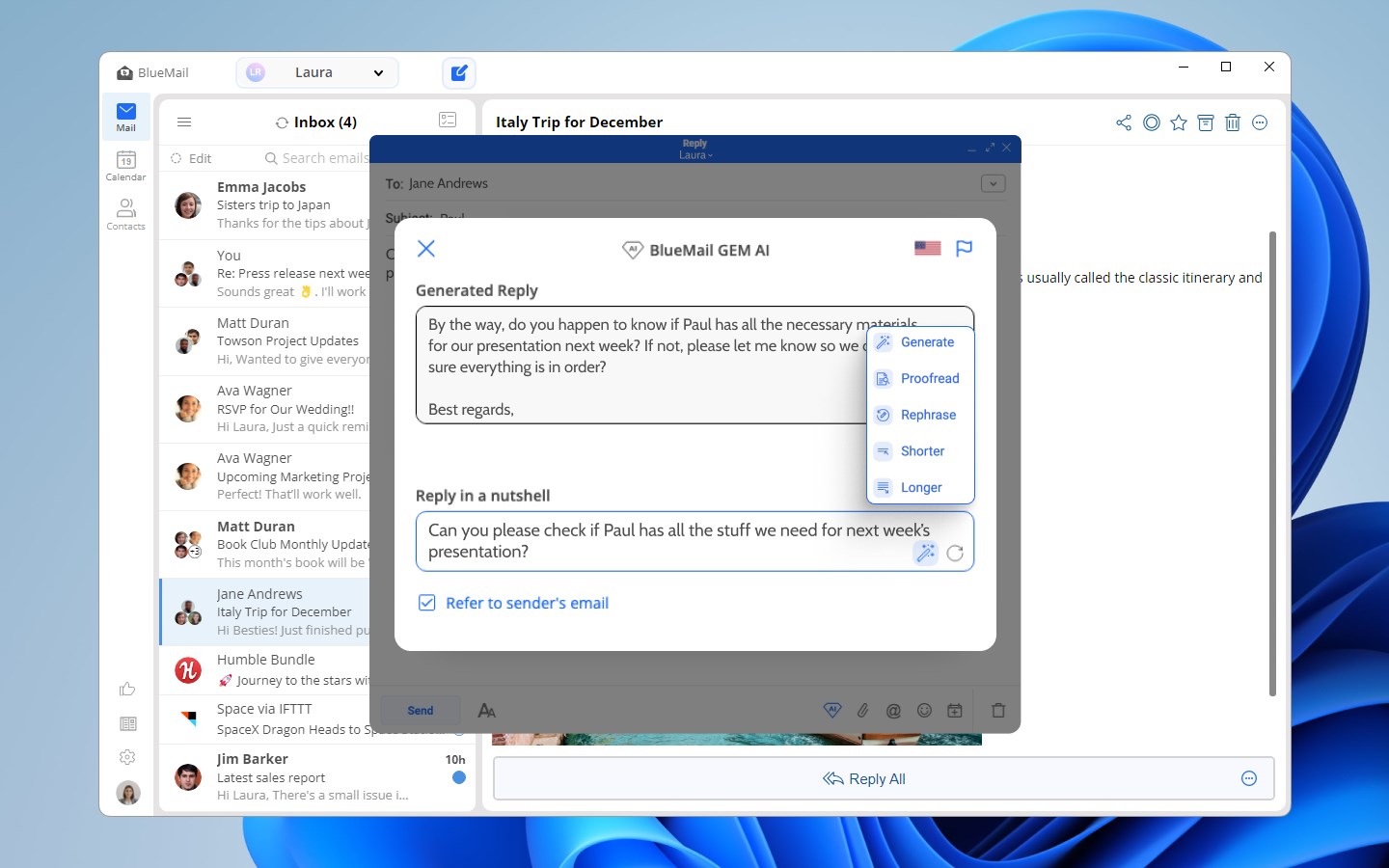
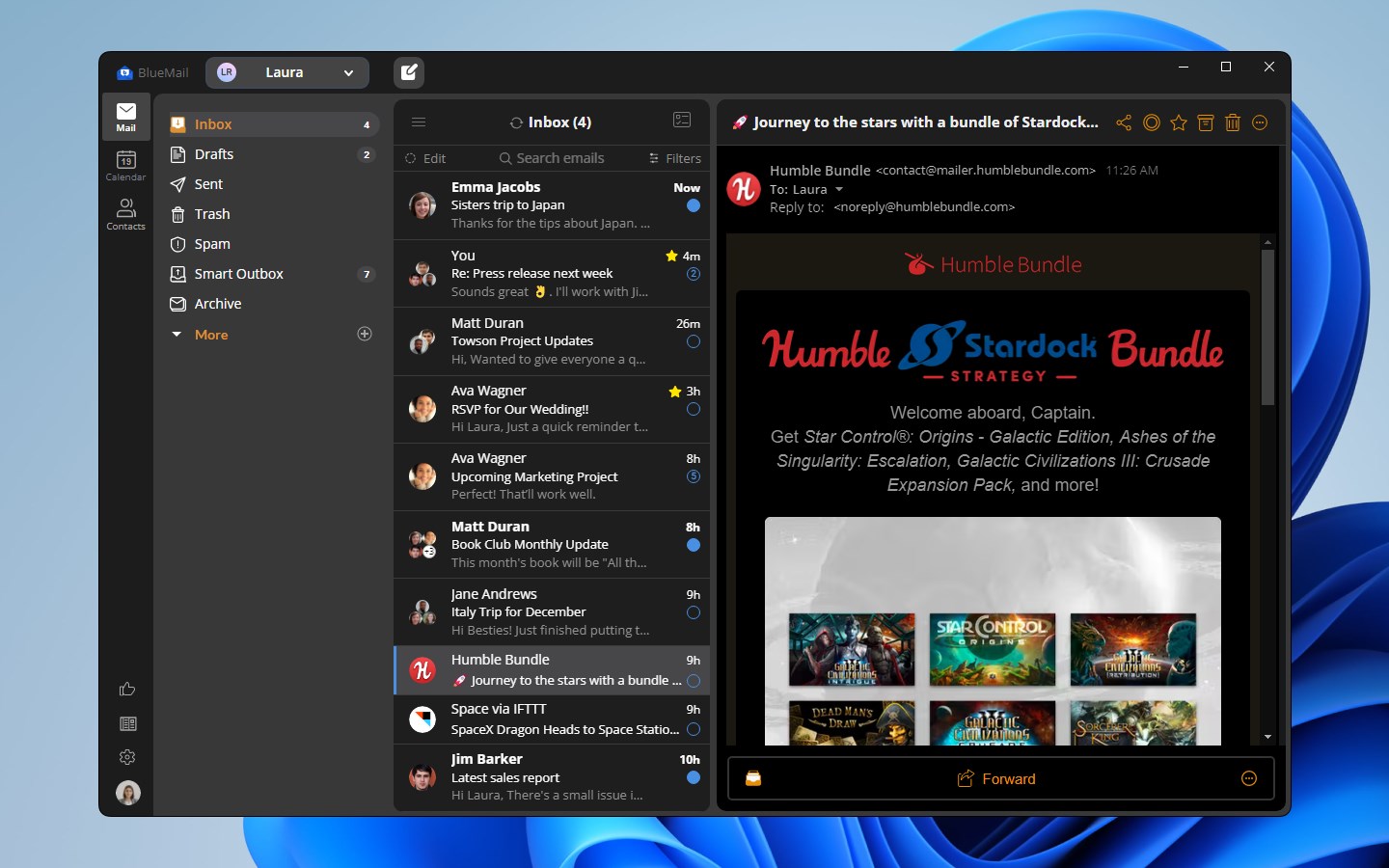
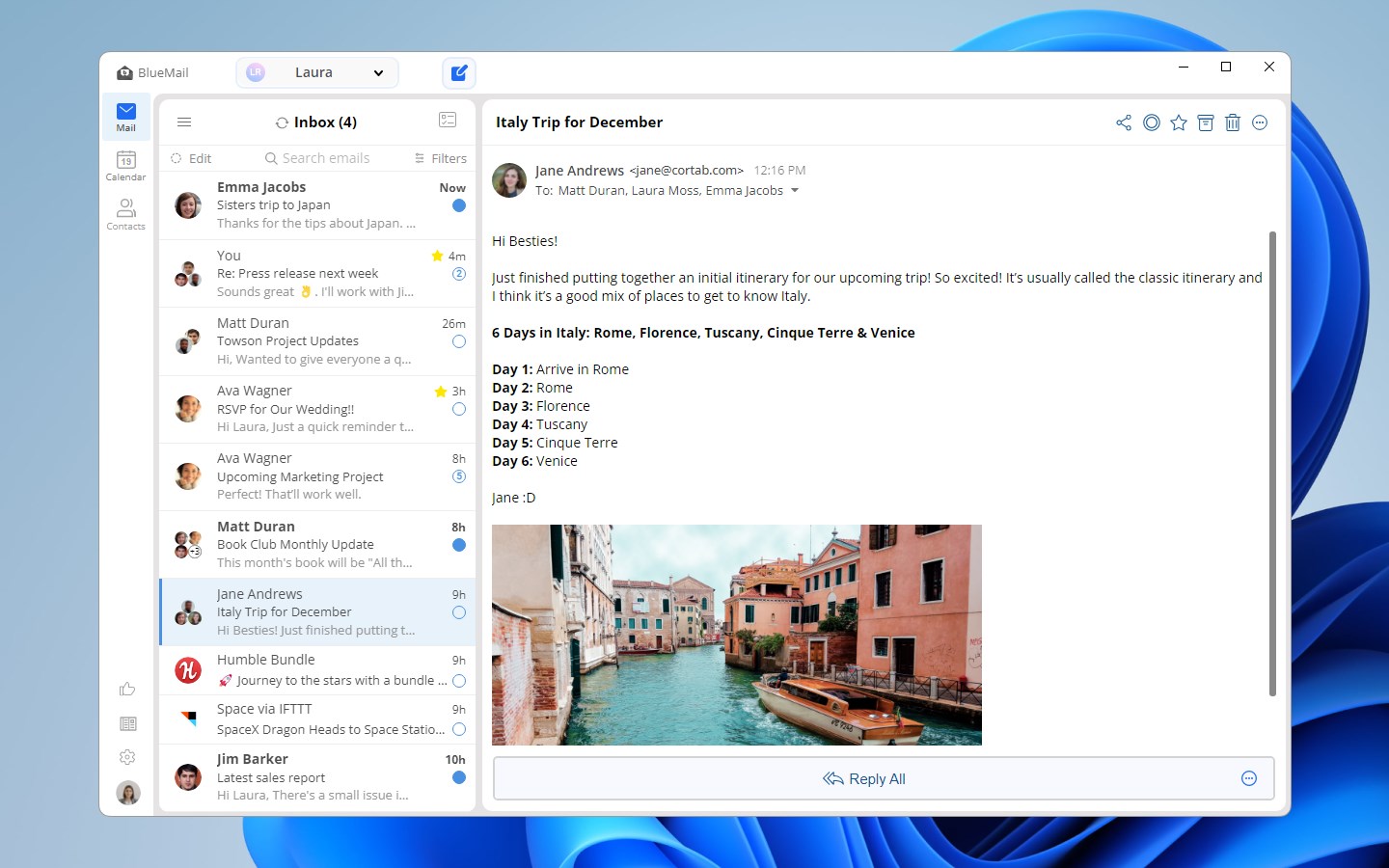
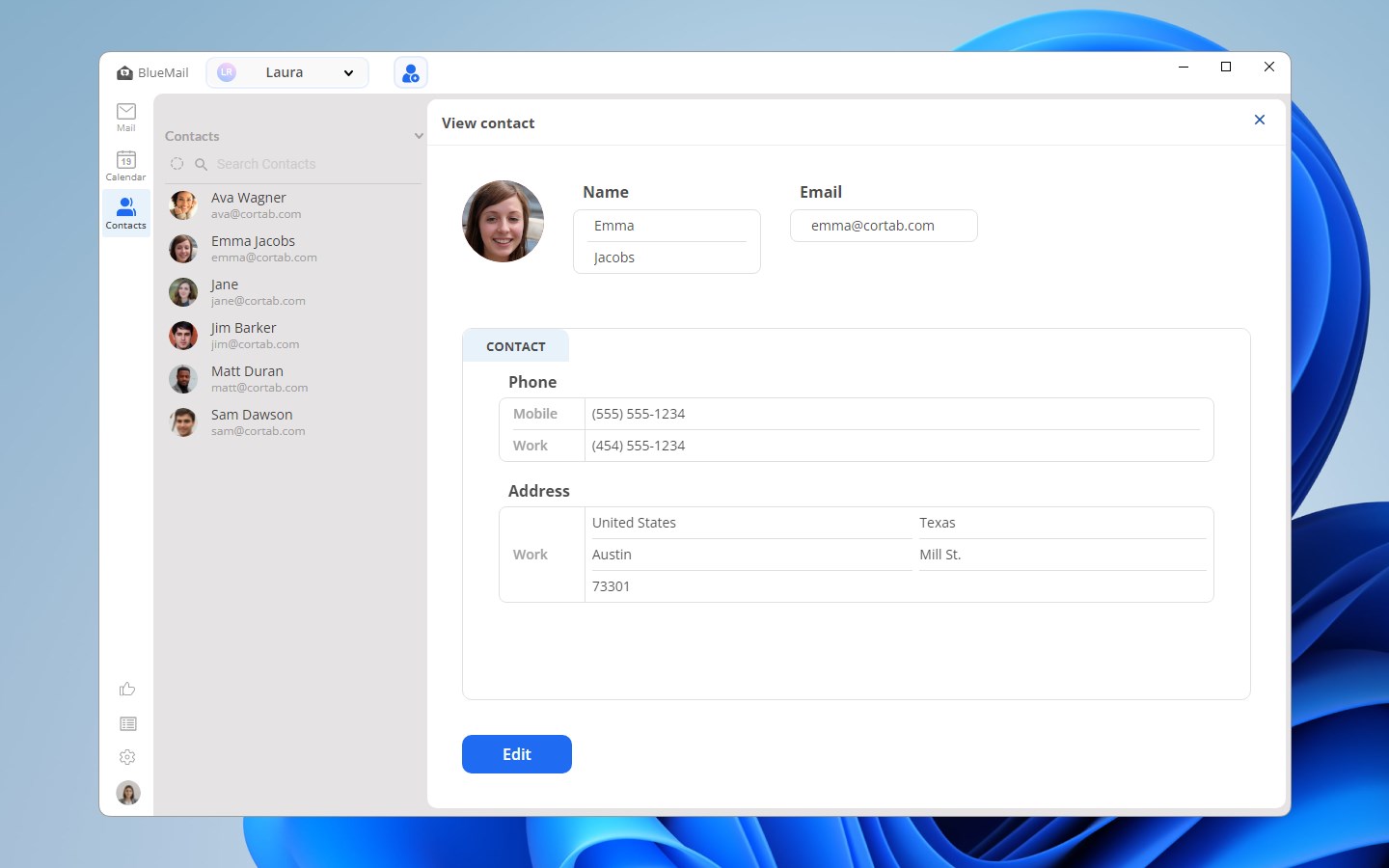
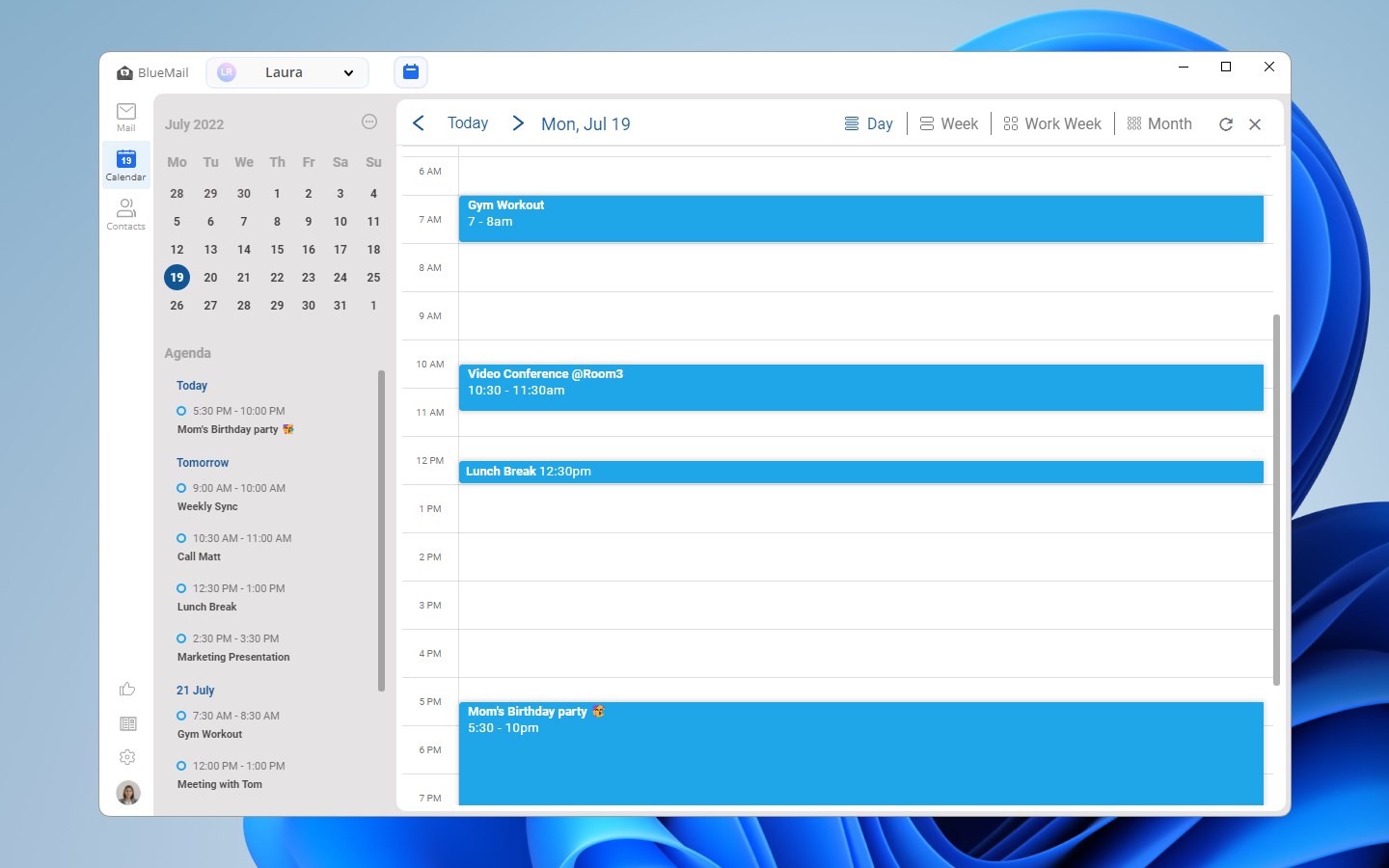
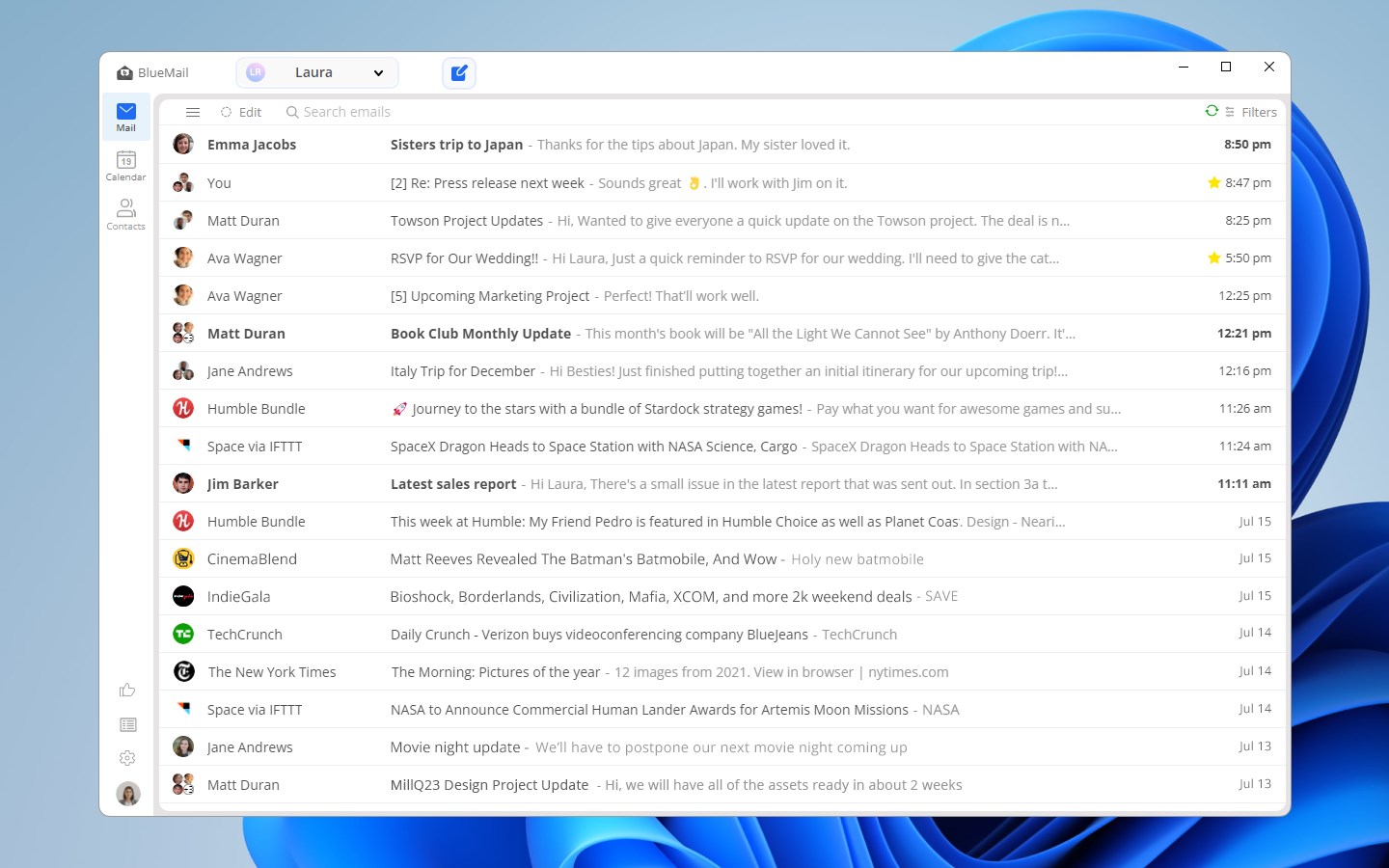
Blue Mail - Email & Calendar is an email and calendar app that manages unlimited accounts from Gmail, Outlook, Hotmail, Yahoo Mail, AOL, iCloud and Office 365, supporting IMAP, SMTP, POP3, Exchange ActiveSync and EWS. It offers a unified interface with combined folders, instant push notifications, and email clusters that group similar messages to reduce clutter. An integrated calendar allows viewing, creating and editing events, and a built-in AI tool called GemAI helps draft messages and summarize longer emails. Data is encrypted using industry protocols. The app is free, with a paid upgrade offered for expanded AI features, themes, and priority support.
Show the developer's original descriptionHide the original description
BlueMail is a secure and intuitive cross-platform email application, revitalizing your email experience with support for all email account types. It includes features such as Instant Push, Unified Folders, and an Integrated Calendar, all designed to rekindle your enthusiasm for email communication.
Capitalizing on its success on other platforms, BlueMail for Windows enables you to add an unlimited number of email accounts for free. It supports all major email protocols, including IMAP, SMTP, Exchange ActiveSync, EWS, and POP3.
Discover the convenience of GemAI, our AI-enhanced email management tool, with our complimentary limited edition included in BlueMail. GemAI streamlines your communication by providing intelligent writing assistance and condensed summaries for easier comprehension. For the full, unlimited experience, consider upgrading to BlueMail Plus.
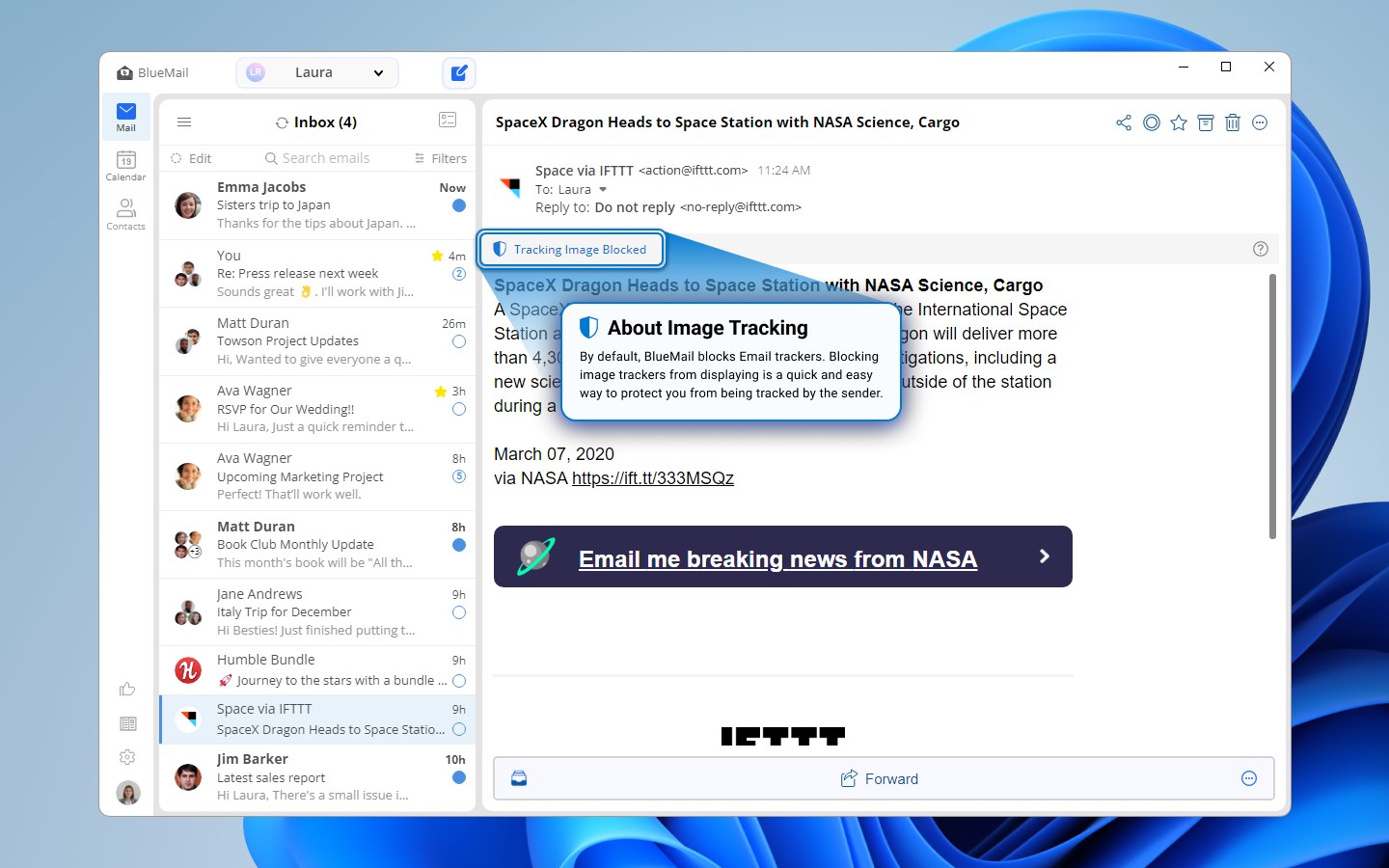
The BlueMail client employs leading industry protocols to secure, encrypt, and protect your data. It connects directly to your mail server provider, eliminating the need for an email proxy. BlueMail is compatible with all major providers like Gmail, Outlook, Hotmail, Yahoo Mail, AOL, iCloud, Office 365, and more, making it an ideal choice for every user.
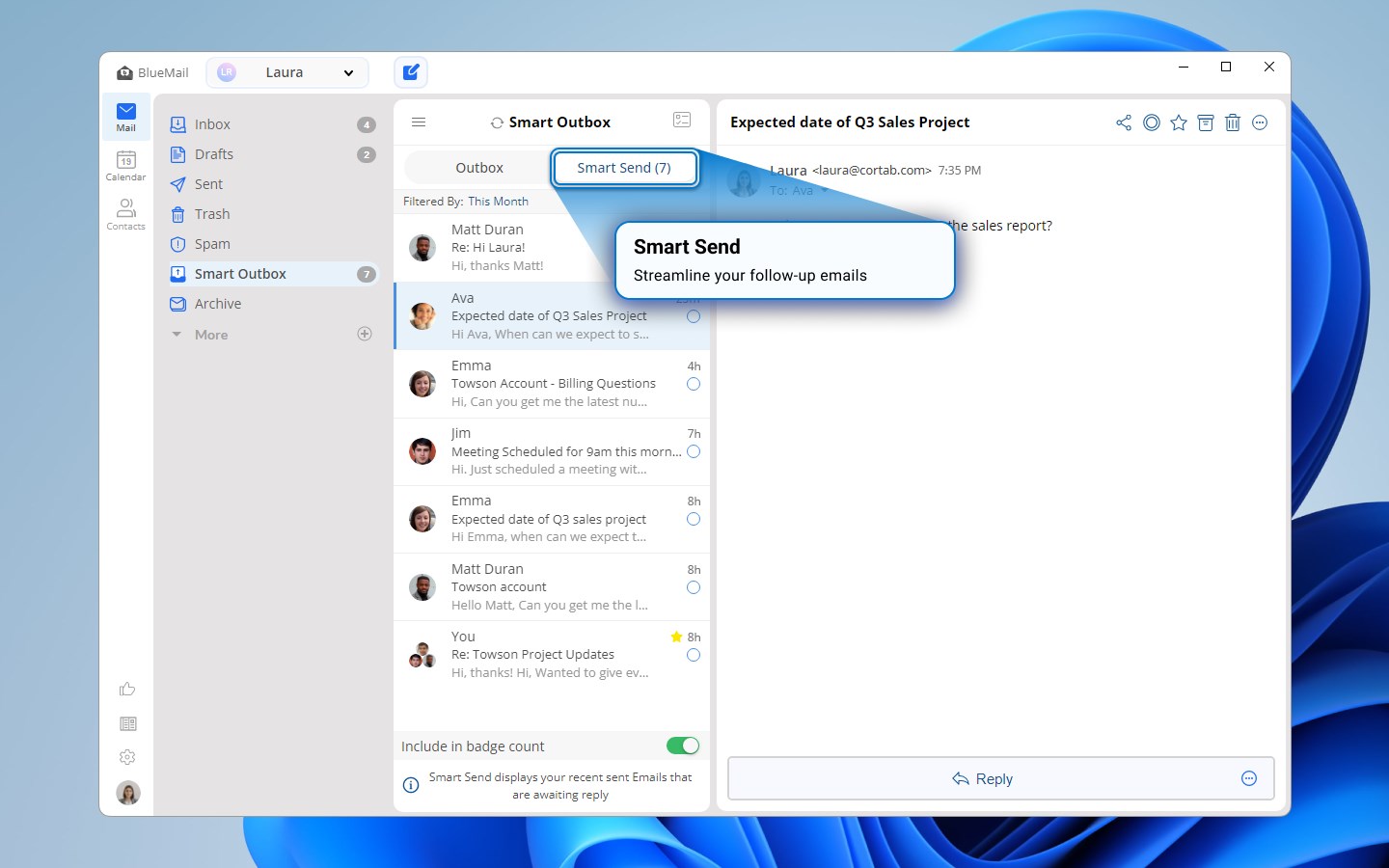
With millions of users worldwide, BlueMail delivers an exceptional user experience. Its free features, including Clusters, Later Board, Smart Outbox, and MagicSync, make BlueMail for Windows a top choice for individuals and teams.
BlueMail provides a powerful and unified email experience in an intuitive and beautifully designed interface, offering top-notch email services across all your accounts.
For users seeking more advanced capabilities, BlueMail Plus is our premium offering:
Advanced GemAI: unlocks the full potential of GemAI unlimited with more advanced proofreading.
Themes: Personalize your experience with a variety of themes.
Early Access to New Features: Get exclusive early access to our latest features.
Priority Support: Receive dedicated support from our technical experts.
To learn more about BlueMail, GemAI, and its extensive features, visit our website: https://bluemail.me/
We ♥ receiving your feedback! Feel free to email us at windows@bluemail.me with any questions or comments.
Stay updated with BlueMail to ensure the best experience possible. We recommend running the latest update for enhanced security, new features, and improved performance.
Paste the original link from the Apple App Store or Microsoft Store. We fetch all details automatically.
How to find the URL:
1. Open the app in its store. 2.In the App Store app: tap the Share icon → “Copy Link”. In the browser: copy the URL from the address bar — it contains apps.apple.com/…/id… or apps.microsoft.com/detail/…. 3. Paste it here.
Android apps can only be listed by their developer.








 Multi Mail - Multi-Account Email Client
Manage multiple email accounts in one unified inbox
 Spark Mail: AI Email Assistant
Manage emails from multiple accounts in one inbox
 Flow Mail - Email with multi account
Manage emails from multiple accounts in one place
 Mail Apps
Manage multiple email accounts in one app
 Airmail - Lightning Fast Email
Email client for multiple accounts with modern design
 Fastmail – Email & Calendar
Manage email, calendar and contacts securely