
Screenshot appears after consentScreenshot appears after consent
Summary
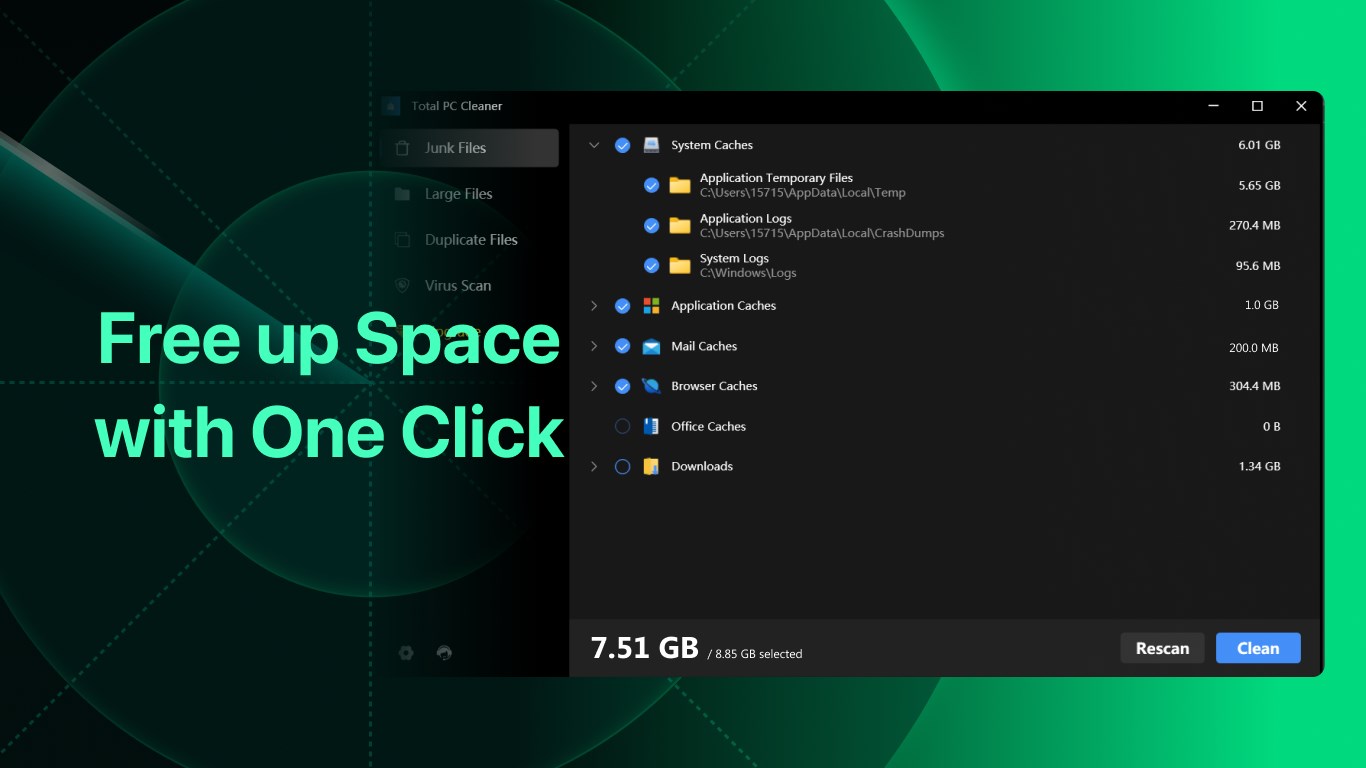
Total PC Cleaner is a disk cleanup and optimization tool for Windows that scans the whole computer to remove junk files, free up storage and speed up system performance. It clears system caches, application caches, mail caches, office caches, browser caches and downloads with just a few clicks. It also detects large files over 100MB that are no longer needed and lets users view and remove them easily. A paid Pro version, available as an annual subscription or a one-time lifetime license, adds unlimited cleaning as well as removal of duplicate and large files.
Show the developer's original descriptionHide the original description
PC Cleaner & AntiVirus for Windows 11. Free disk space clean up, optimize memory, and speed up Windows system. Optimize and clean my PC.
Cleaner & PC Cleaner for free. CCleaner, avast, avg, norton, mcafee, adblock & Clean master alternative cleaner.
Keep your computer clean and fast with Total PC Cleaner. It lets you clean your PC's cache and big files. It has everything you need for a free computer cleaner. User comments "This is the best pc cleaner in Microsoft store".
It scans your whole computer to clean up junk files, speed up your PC, and boost its performance. With just a few clicks, you can selectively remove files from the following categories:
- System Caches (Cache Cleaner)
- Application Caches (App Uninstaller)
- Mail Caches (Mail Cleaner)
- Office Caches
- Browser Caches (Browser Cleaner)
- Downloads
- Remove Ads (Ads Cleaner)
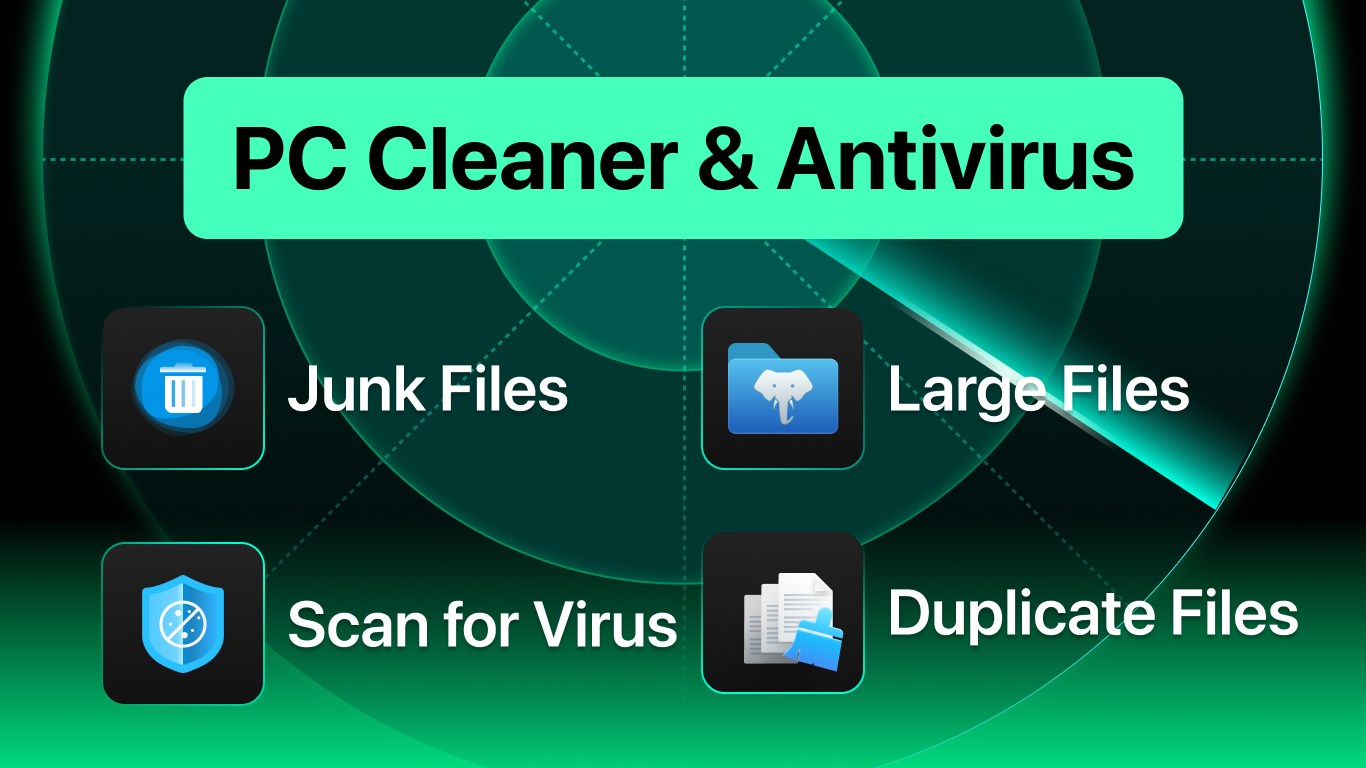
- Large Files (Large File Cleaner)
- Duplicate Files (Duplicate Cleaner)
[Pro: In-app Purchases Features]
• Unlimited Clean
• Remove Duplicate Files
• Remove Large Files
Subscription plan: billed annually at $16.99/year
Lifetime license: one-time purchase for $9.99
Play Store URL for "Total PC Cleaner: Clean Disk, Antivirus"
If there is a version of this app for iOS/Mac or Windows we don't know about, paste the store link here — we'll auto-detect the store.
How to find the URL:1. Open the app in its store. 2.In the App Store app: tap the Share icon → “Copy Link”. In the browser: copy the URL from the address bar — it contains apps.apple.com/…/id… or apps.microsoft.com/detail/…. 3. Paste it here.
Paste the original link from the Apple App Store or Microsoft Store. We fetch all details automatically.
How to find the URL:
1. Open the app in its store. 2.In the App Store app: tap the Share icon → “Copy Link”. In the browser: copy the URL from the address bar — it contains apps.apple.com/…/id… or apps.microsoft.com/detail/…. 3. Paste it here.
Android apps can only be listed by their developer.