Screenshot appears after consentScreenshot appears after consentScreenshot appears after consentScreenshot appears after consentScreenshot appears after consentScreenshot appears after consentScreenshot appears after consentScreenshot appears after consentScreenshot appears after consentScreenshot appears after consentScreenshot appears after consentScreenshot appears after consent
Summary
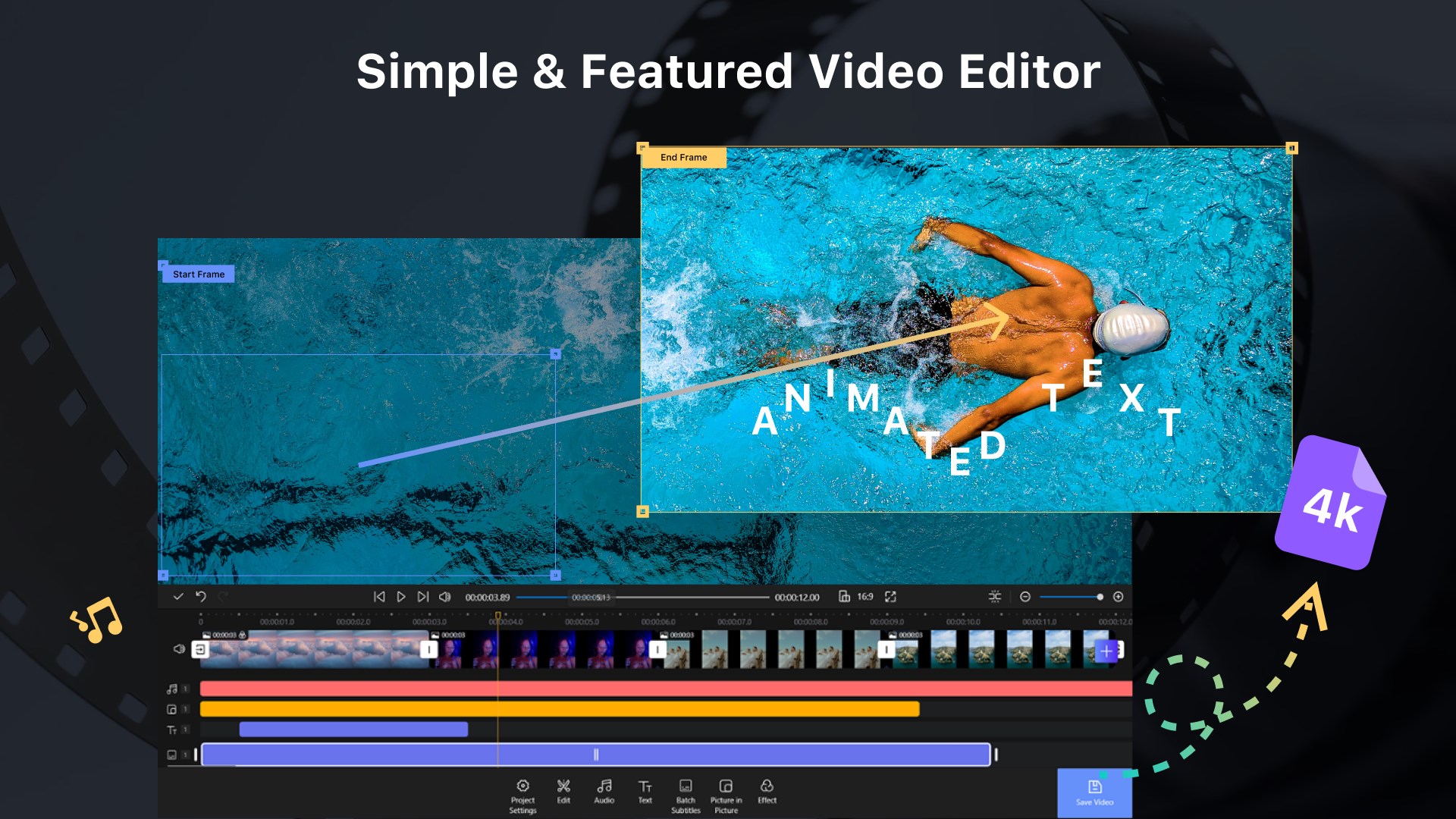
Nex Video Editor is a video editing tool for Windows that turns photos, video clips and music into edited movies. It supports splitting, trimming, rotating, flipping, joining and combining clips, along with transition effects and enhancement filters. Background music and voiceover can be added and adjusted, including fading and volume control, while text captions allow font, size, style and color changes. It works with a wide range of image, video and audio formats. Videos export in HD quality without a watermark, with a premium option offering 4K resolution, higher frame rates and watermark removal.
Show the developer's original descriptionHide the original description
Create videos easily on your PC. Nex Video Editor helps you turn your photos and clips into polished videos with music, transitions, and captions. Whether you're making a personal memory, a social post, or a short creative project, everything stays simple and smooth.
Import your media, arrange your timeline, and export in high quality with just a few steps. No steep learning curve, no complicated setup—just start creating.
Perfect for everyday use:
- Turn photos into animated slideshows
- Edit clips for social sharing
- Add music, voiceover, and captions
- Create videos for personal or creative projects
[Key Features]
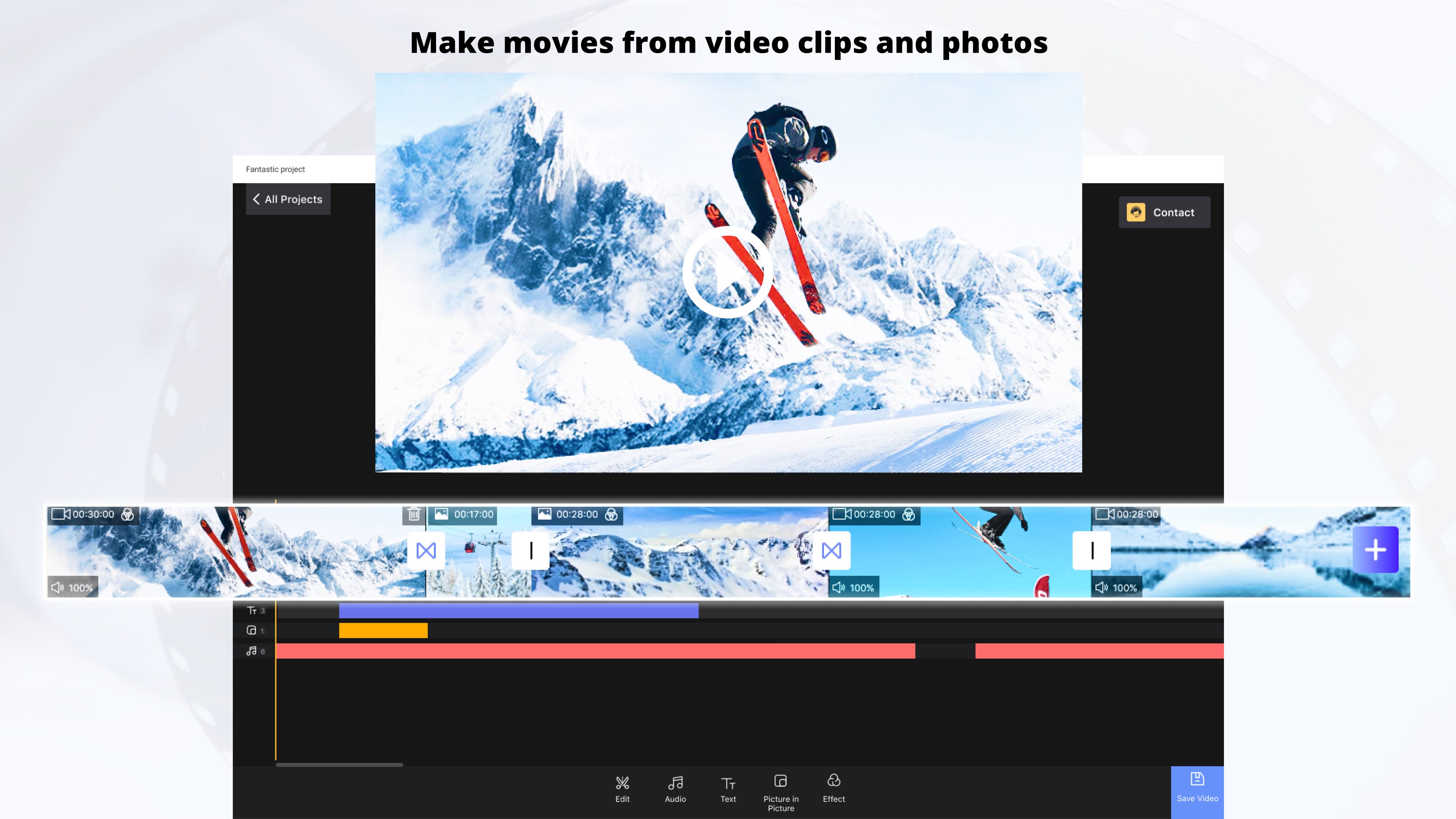
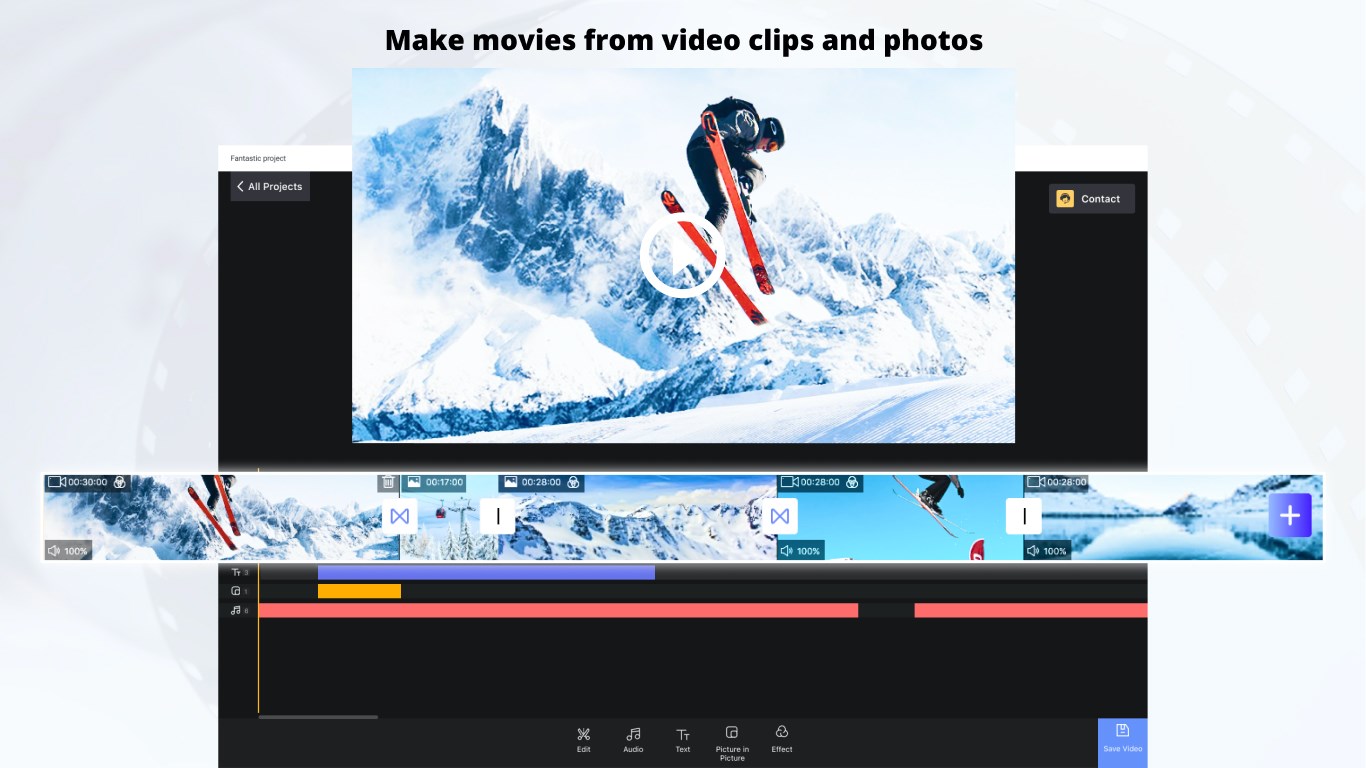
1.Make movies from video clips and photos
- Split, trim, rotate, flip, join and combine video clips
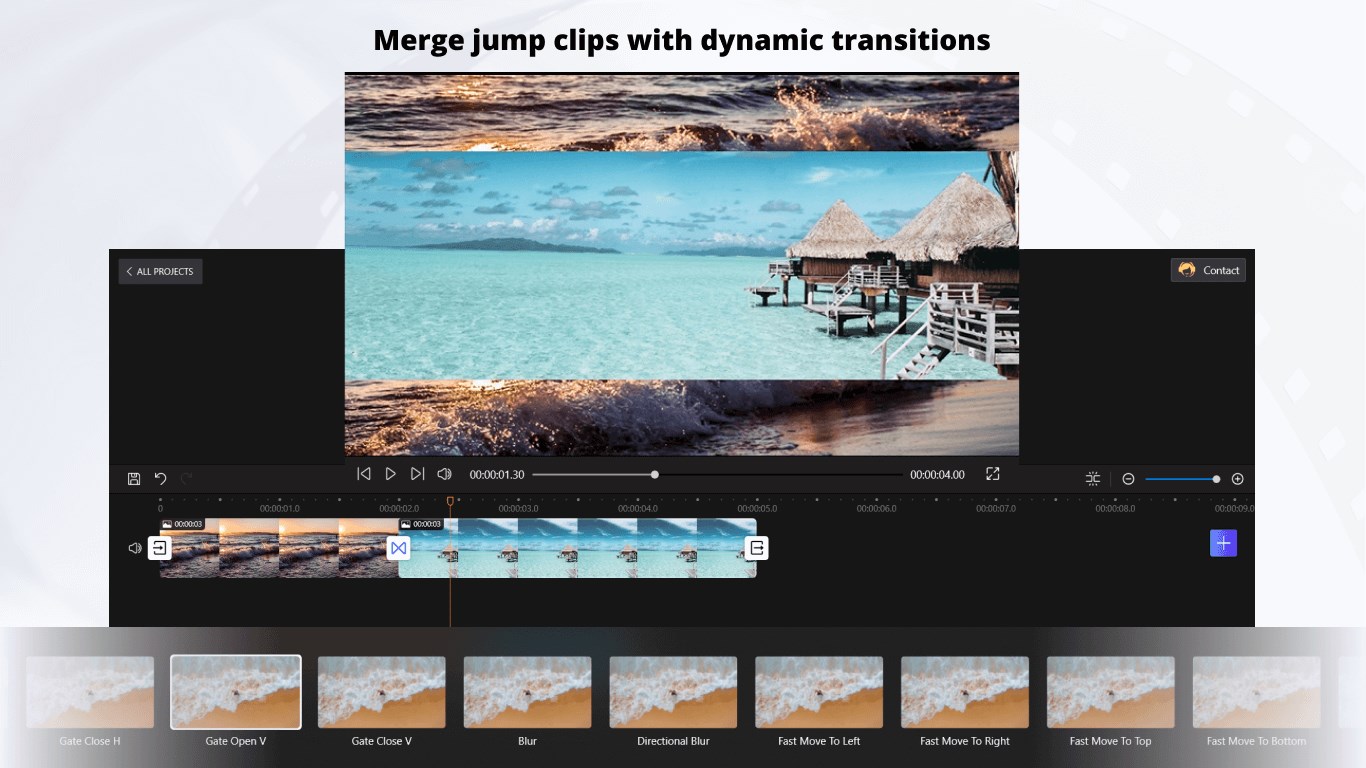
- Support transition effects for photos and videos.
- Detach audio
- Freeze frame
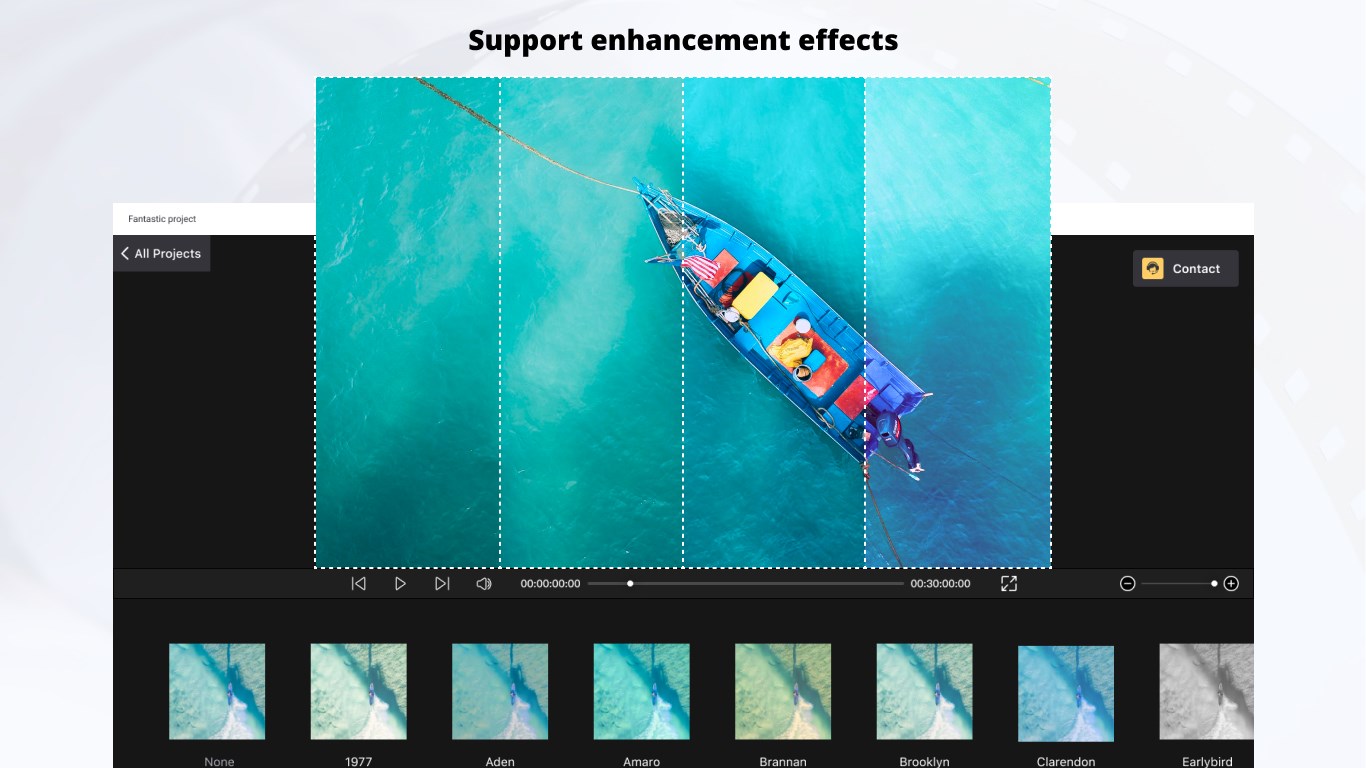
- Support enhancement effects: Clarendon, Gingham, Moon, Lark
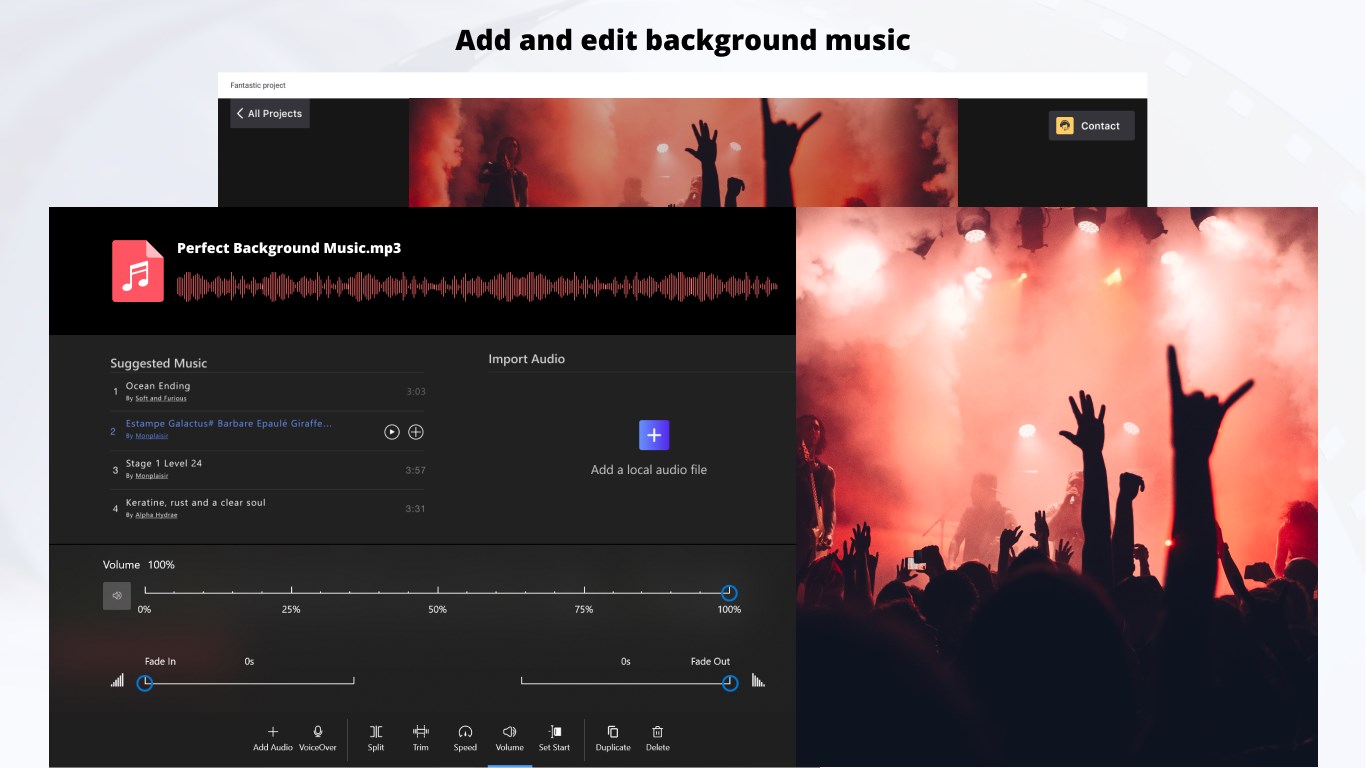
2.Add and edit background music:
- Add audio: built-in music, import from the user library
- Voiceover
- Split, trim
- Adjust volume
- Fade in and fade out effect
3.Add and edit text captions
- Edit text: font, size, bold, italic, color
- Split
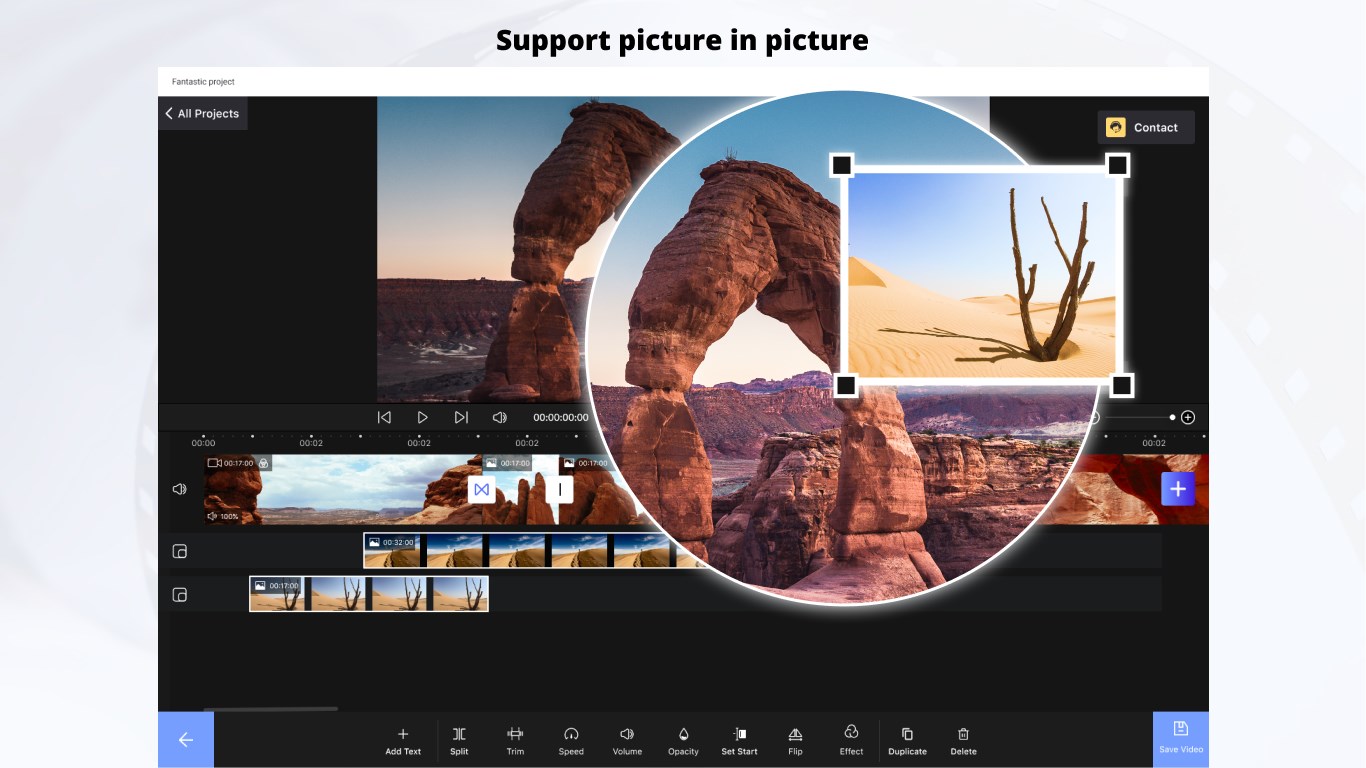
4.Support picture in picture
- Split, trim, rotate, flip, join and combine video clips
- Support transition effects for photos and videos.
- Opacity
- Support enhancement effects: Clarendon, Gingham, Moon, Lark
5.Export video
- HD video quality
- No watermark
6.Wide format support
Supports common image, video, and audio formats for flexible editing.
[Premium: In-app Purchases Features]
• No Watermark
• UHD and 4K Resolution
• Higher FPS Supported
Subscription plan: billed annually at $11.99/year
Lifetime license: one-time purchase for $19.99
Play Store URL for "Nex Video Editor – Easy movie maker app"
If there is a version of this app for iOS/Mac or Windows we don't know about, paste the store link here — we'll auto-detect the store.
How to find the URL:1. Open the app in its store. 2.In the App Store app: tap the Share icon → “Copy Link”. In the browser: copy the URL from the address bar — it contains apps.apple.com/…/id… or apps.microsoft.com/detail/…. 3. Paste it here.
Paste the original link from the Apple App Store or Microsoft Store. We fetch all details automatically.
How to find the URL:
1. Open the app in its store. 2.In the App Store app: tap the Share icon → “Copy Link”. In the browser: copy the URL from the address bar — it contains apps.apple.com/…/id… or apps.microsoft.com/detail/…. 3. Paste it here.
Android apps can only be listed by their developer.





 Movie Maker - Video Editor
Create and edit videos and slideshows from photos and clips
 Z Mobile : Video Editor Studio
Trim, merge and edit videos with music and filters
 Video Editor Master
Trim, merge and add music to videos with ease
 Crazy Video Maker - Video Editor & Movie Maker
Create videos from photos, clips and music
 VN: Video Editor
Edit videos and photos with multi-track timeline and effects
 Movie Maker - Video Editor PRO
Edit videos from clips, photos and music to share