Screenshot appears after consentScreenshot appears after consentScreenshot appears after consentScreenshot appears after consentScreenshot appears after consent
Summary
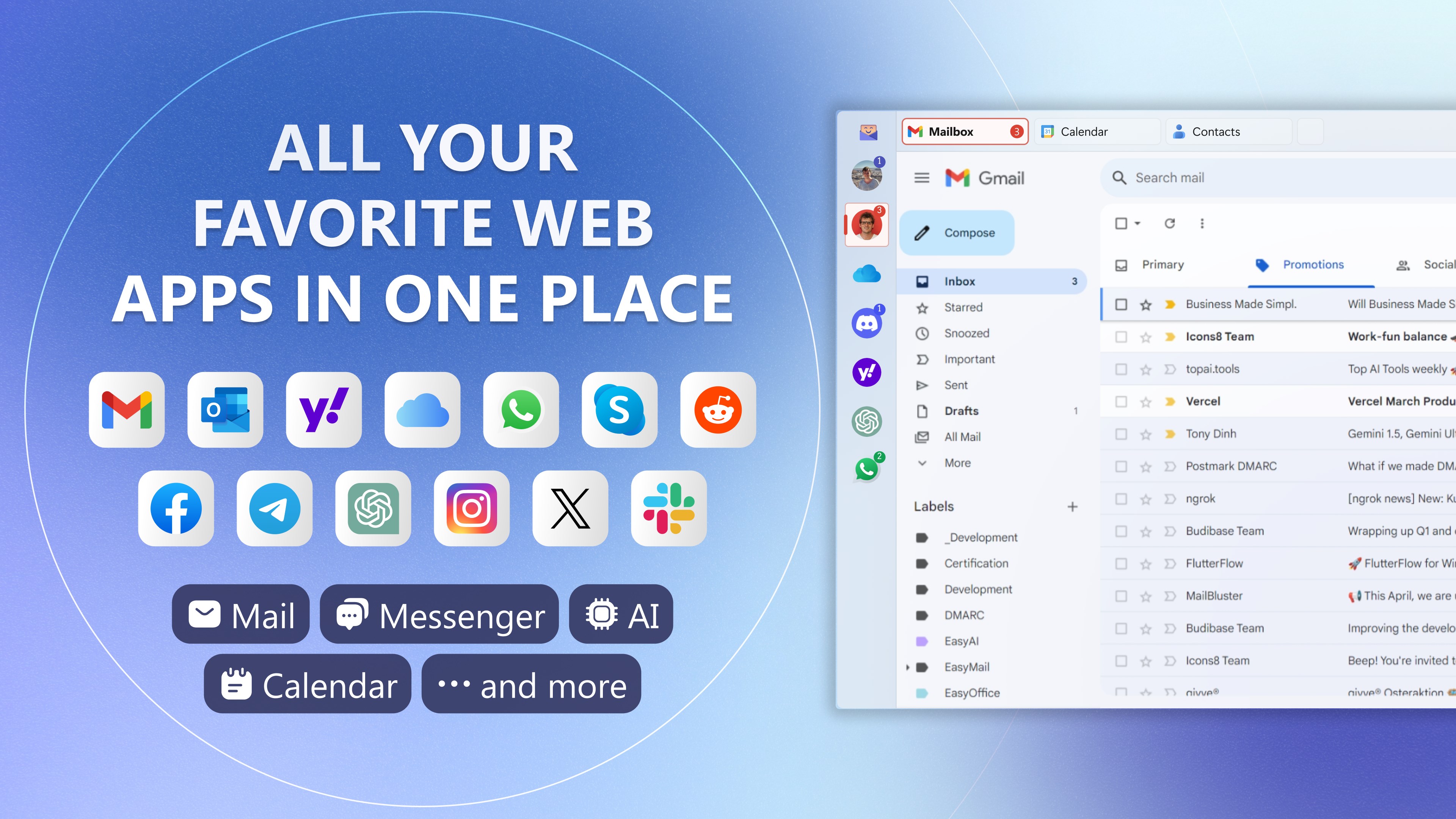
Easy Mail - Email & Messaging and more is a communication tool that gathers email, social media and messaging web apps in one place, including services such as Gmail, Outlook, WhatsApp, Telegram and Instagram. It shows real-time notifications with unread messages on the taskbar and allows switching between accounts with a single click. The dashboard can be personalized with preferred services and settings. Work and personal accounts are kept separate through distinct cookies and login data. It is free to use, with a free trial offering additional premium features.
Show the developer's original descriptionHide the original description
EasyMail: All Your Favorite Web Apps in One Place! 🚀📬
Are you tired of managing countless browser tabs?
Have all your favorite web apps in one place with EasyMail. 🌟 Whether it's email, social media, or messaging, EasyMail brings everything together for easy and fast access.
Why EasyMail is Your Perfect Hub:
📱 Unified Access: All your favorite web apps, including Gmail, Yahoo, Outlook, WhatsApp, Telegram, Instagram, and more, in one place.
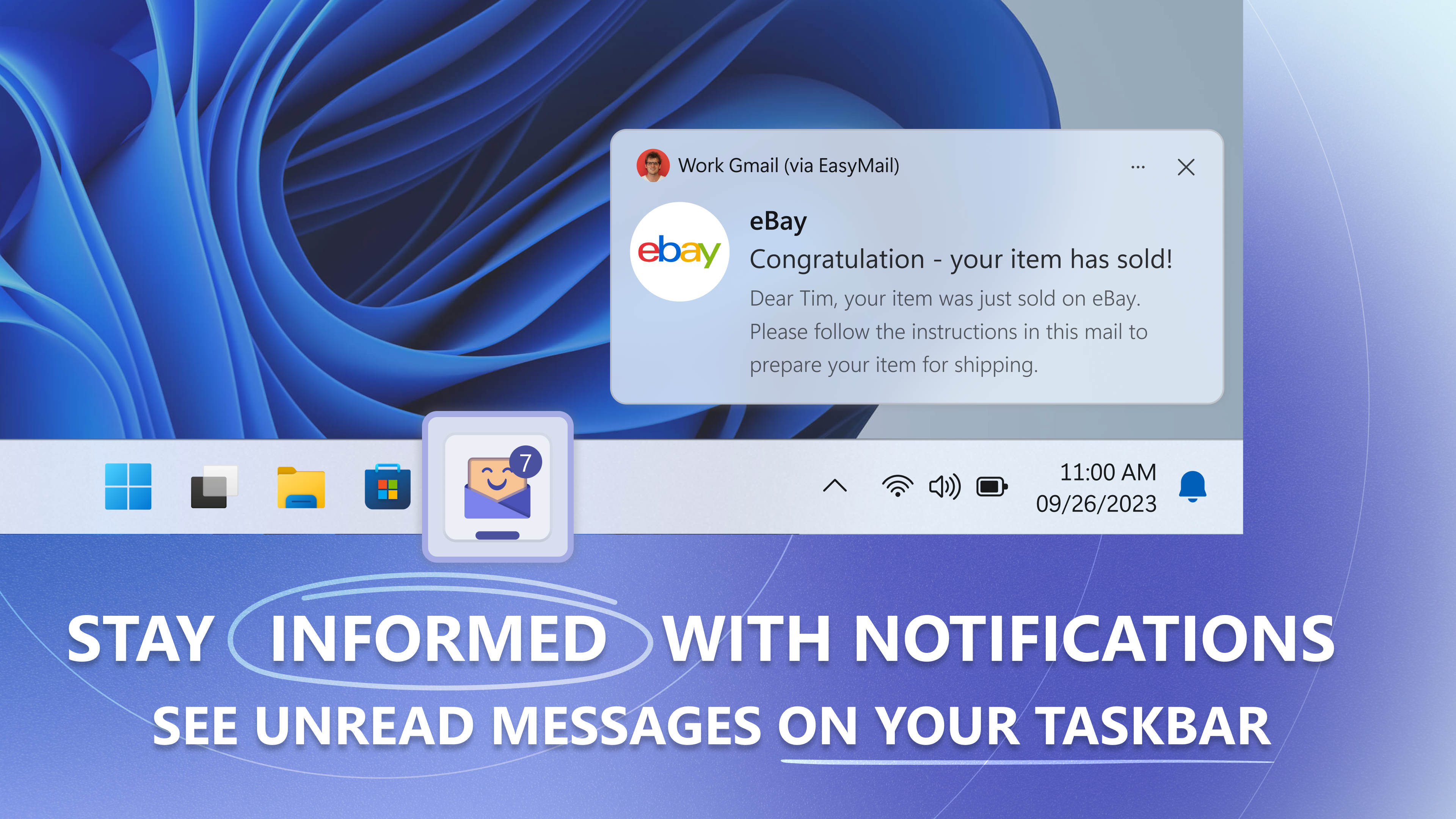
🔔 Instant Notifications: Stay informed with real-time notifications. See unread messages directly on your taskbar.
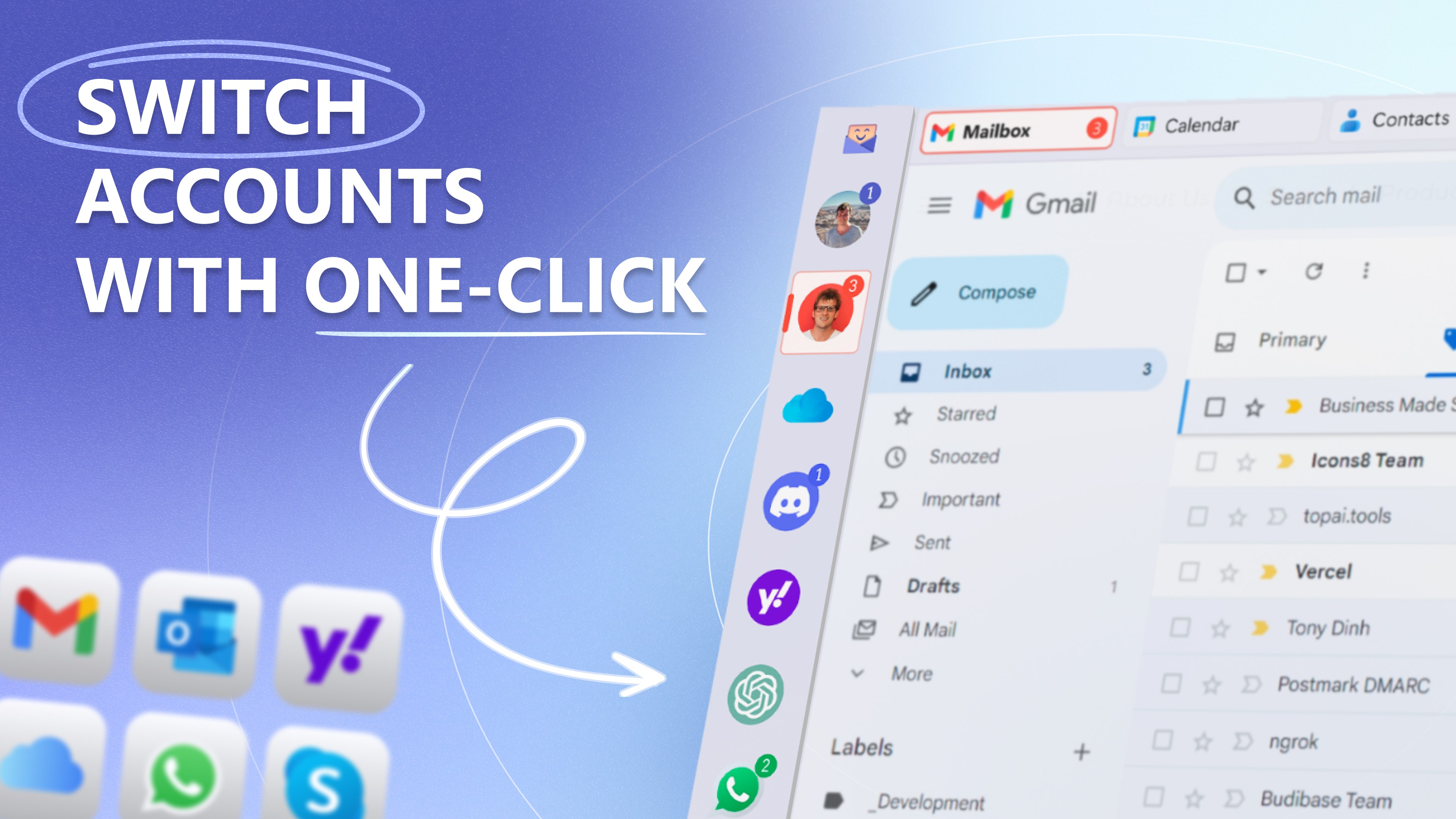
🔄 Quick Account Switching: Switch between accounts with just one click.
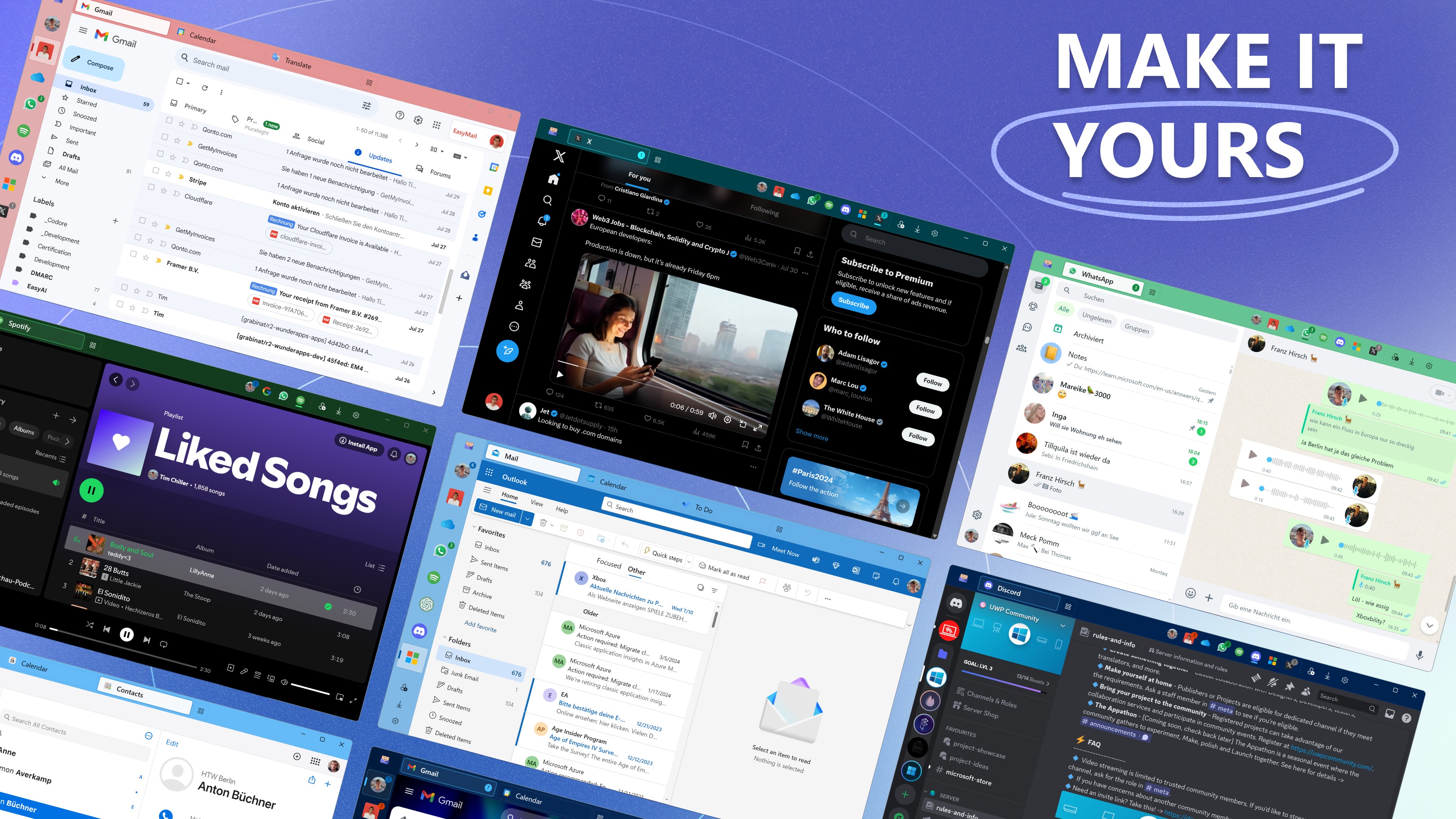
🎨 Customization: Personalize EasyMail with your preferred web apps and settings.
📌 Taskbar Integration: Launch your most-used web apps directly from the taskbar for quick and easy access.
Seamless Customization and Control:
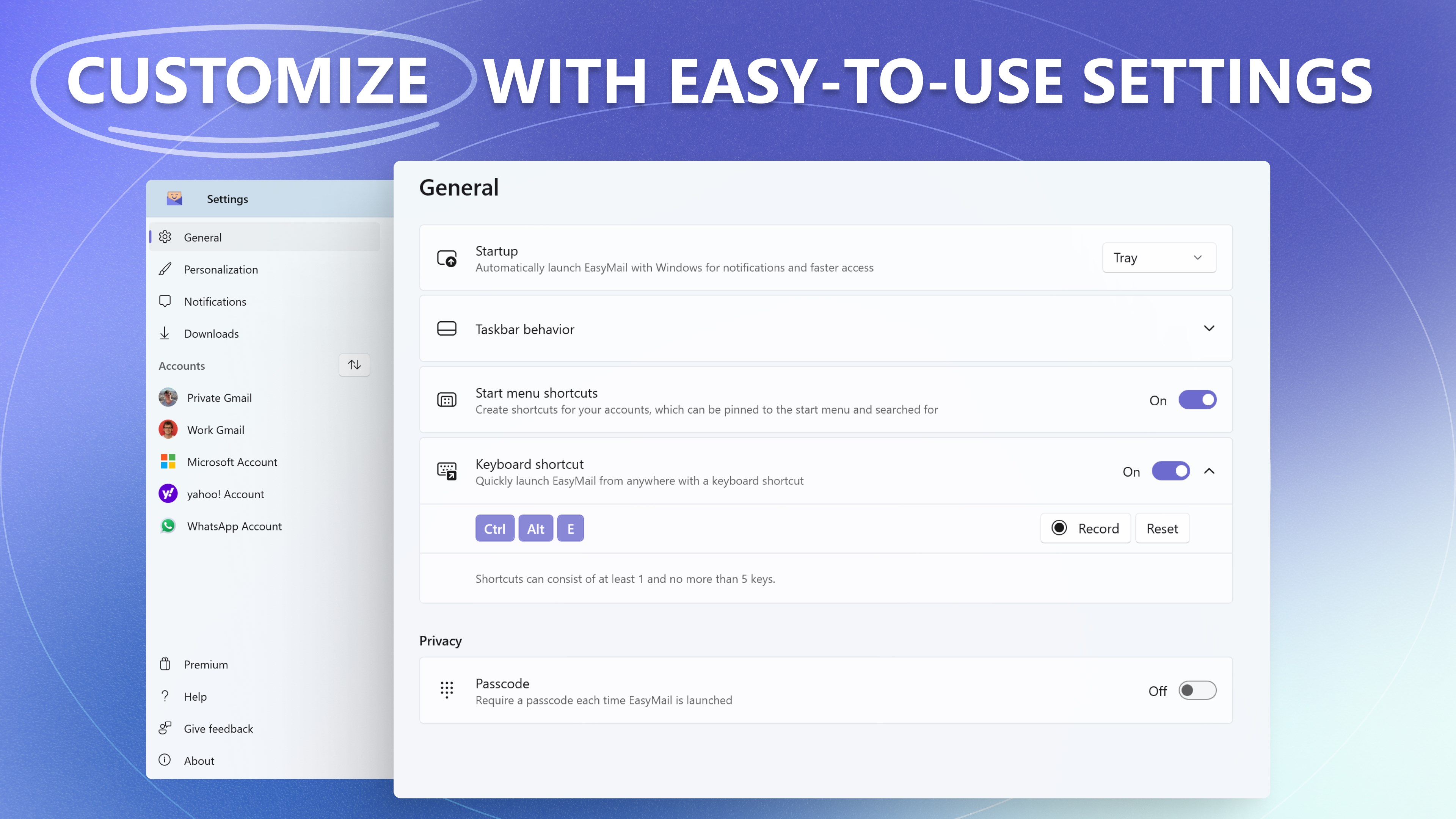
⚙️ Easy-to-Use Settings: Tailor EasyMail to fit your workflow with intuitive and straightforward settings.
📬 Badge Alerts: Get instant badge alerts for new account activity, so you never miss an important update.
🔐 Account Separation: Maintain privacy with separate cookies and login data for work and personal accounts.
Get Started with EasyMail:
1️⃣ Download EasyMail from the Microsoft Store.
2️⃣ Add your favorite web apps and personalize your dashboard.
3️⃣ Enjoy quick access and instant notifications for a more productive and organized digital life.
Dive into EasyMail and explore all its features with a free trial. After the trial, you'll still be able to use EasyMail for free, with no charges —just without the premium extras.
Supported Services:
Email & Calendar: Gmail, Yahoo, Outlook, iCloud, Proton Mail
Social Media: Facebook, Instagram, LinkedIn, Pinterest, TikTok, X (Twitter), Reddit
Messaging: WhatsApp, Telegram, Facebook Messenger, Slack, Skype, Google Messages, WeChat, Snapchat, Discord
Productivity: Google, Microsoft, Notion, Trello, Evernote, Duolingo, Zoom
Others: ChatGPT, Claude, YouTube, Spotify
No More Tab Chaos! Stay Organized and Informed:
EasyMail eliminates the chaos of multiple browser tabs and keeps you connected with all your essential web services.
Ready to reclaim your time and boost your productivity?
Get started with EasyMail now! 🚀
Play Store URL for "Easy Mail - Email & Messaging and more"
If there is a version of this app for iOS/Mac or Windows we don't know about, paste the store link here — we'll auto-detect the store.
How to find the URL:1. Open the app in its store. 2.In the App Store app: tap the Share icon → “Copy Link”. In the browser: copy the URL from the address bar — it contains apps.apple.com/…/id… or apps.microsoft.com/detail/…. 3. Paste it here.
Paste the original link from the Apple App Store or Microsoft Store. We fetch all details automatically.
How to find the URL:
1. Open the app in its store. 2.In the App Store app: tap the Share icon → “Copy Link”. In the browser: copy the URL from the address bar — it contains apps.apple.com/…/id… or apps.microsoft.com/detail/…. 3. Paste it here.
Android apps can only be listed by their developer.



 Flow Mail - Email with multi account
Manage emails from multiple accounts in one place
 Spark Mail: AI Email Assistant
Manage emails from multiple accounts in one inbox
 Mail Apps
Manage multiple email accounts in one app
 GMX - Mail & Cloud
Manage emails, cloud storage and news in one app
 Blue Mail - Email & Calendar
Email client for multiple accounts with AI assistance
 Multi Mail - Multi-Account Email Client
Manage multiple email accounts in one unified inbox