Screenshot appears after consentScreenshot appears after consentScreenshot appears after consentScreenshot appears after consentScreenshot appears after consent
Screenshot appears after consentScreenshot appears after consentScreenshot appears after consentScreenshot appears after consent
Screenshot appears after consentScreenshot appears after consentScreenshot appears after consent
Screenshot appears after consentScreenshot appears after consentScreenshot appears after consentScreenshot appears after consentScreenshot appears after consentScreenshot appears after consentScreenshot appears after consentScreenshot appears after consent
Summary
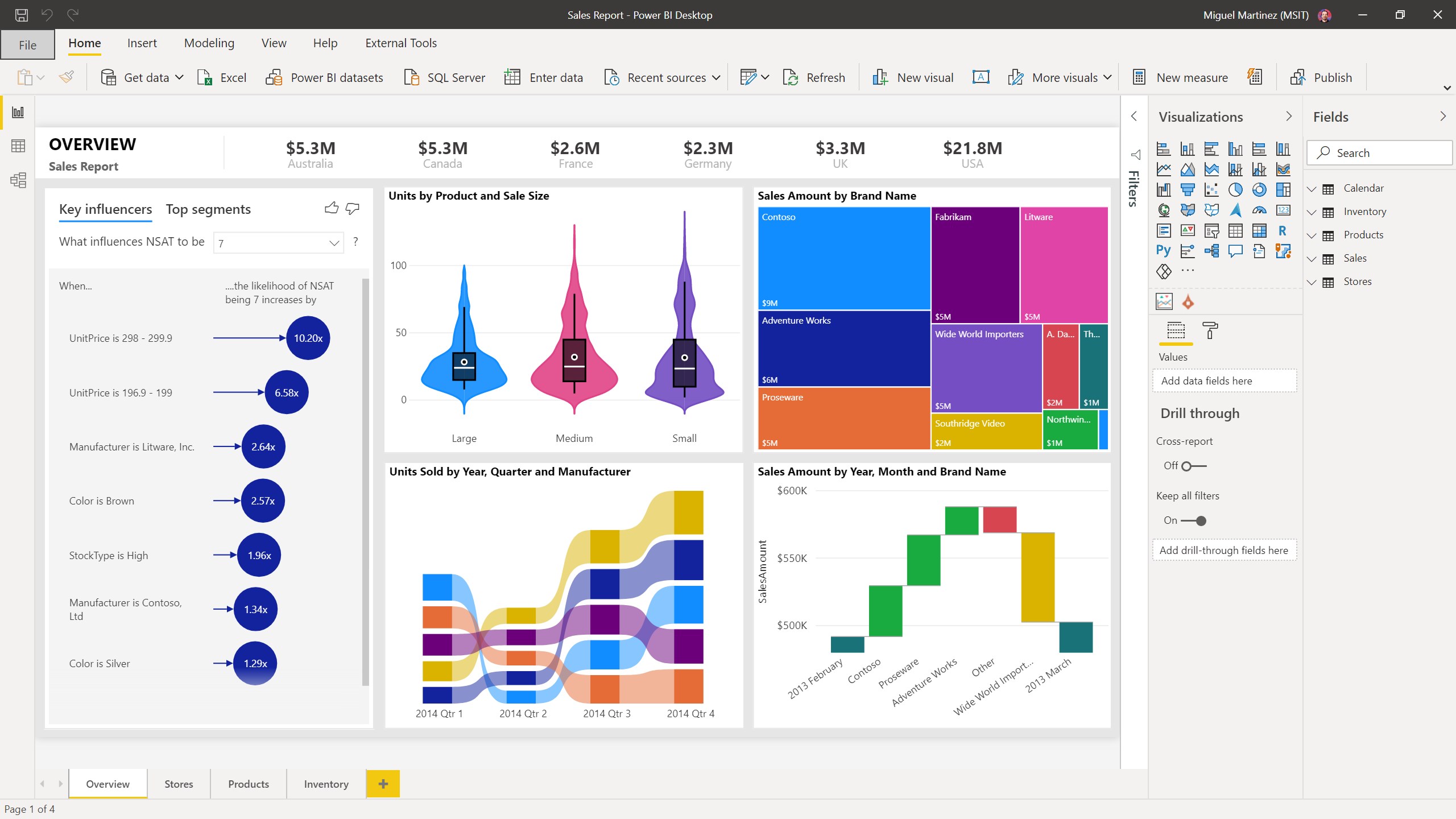
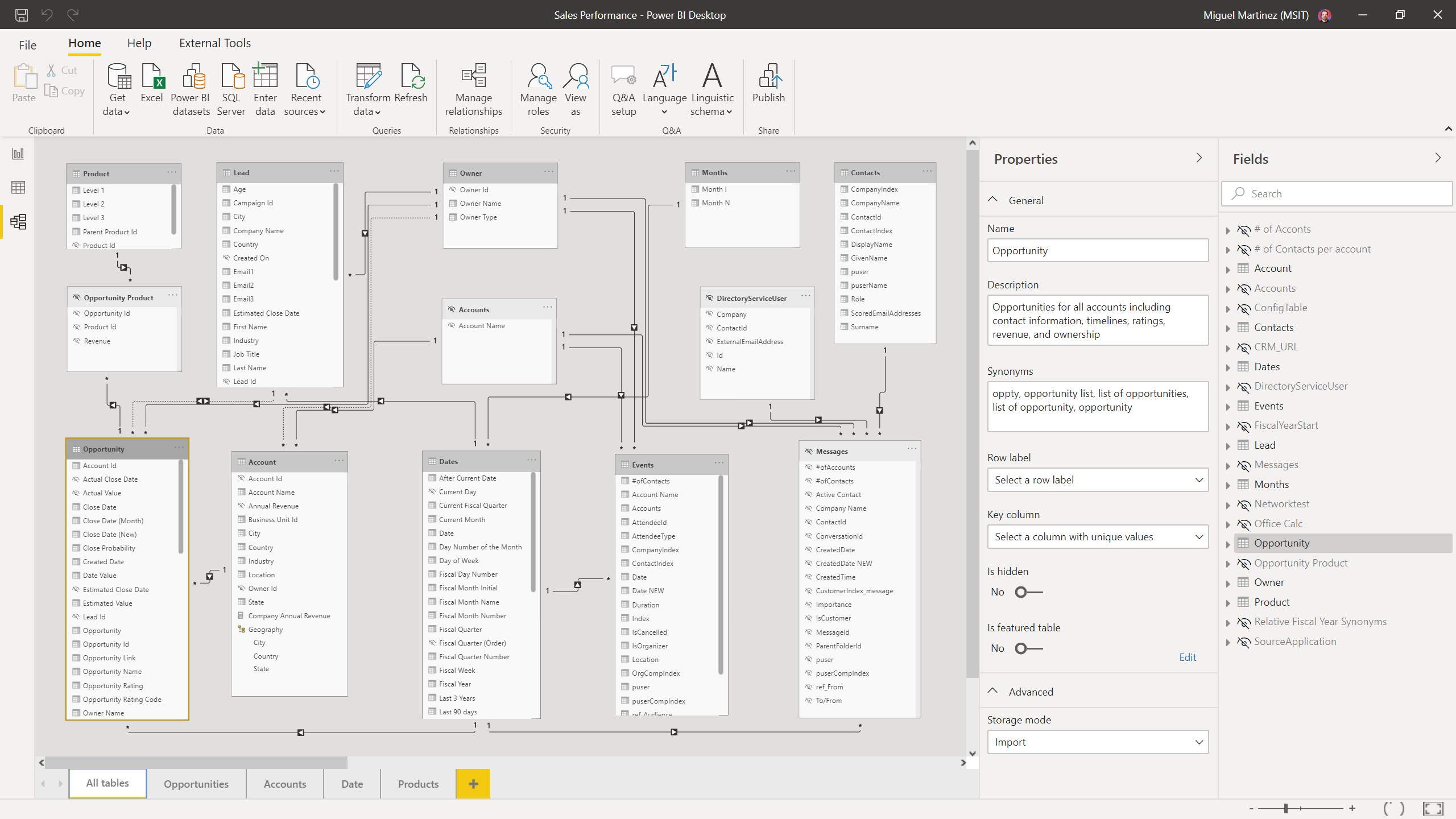
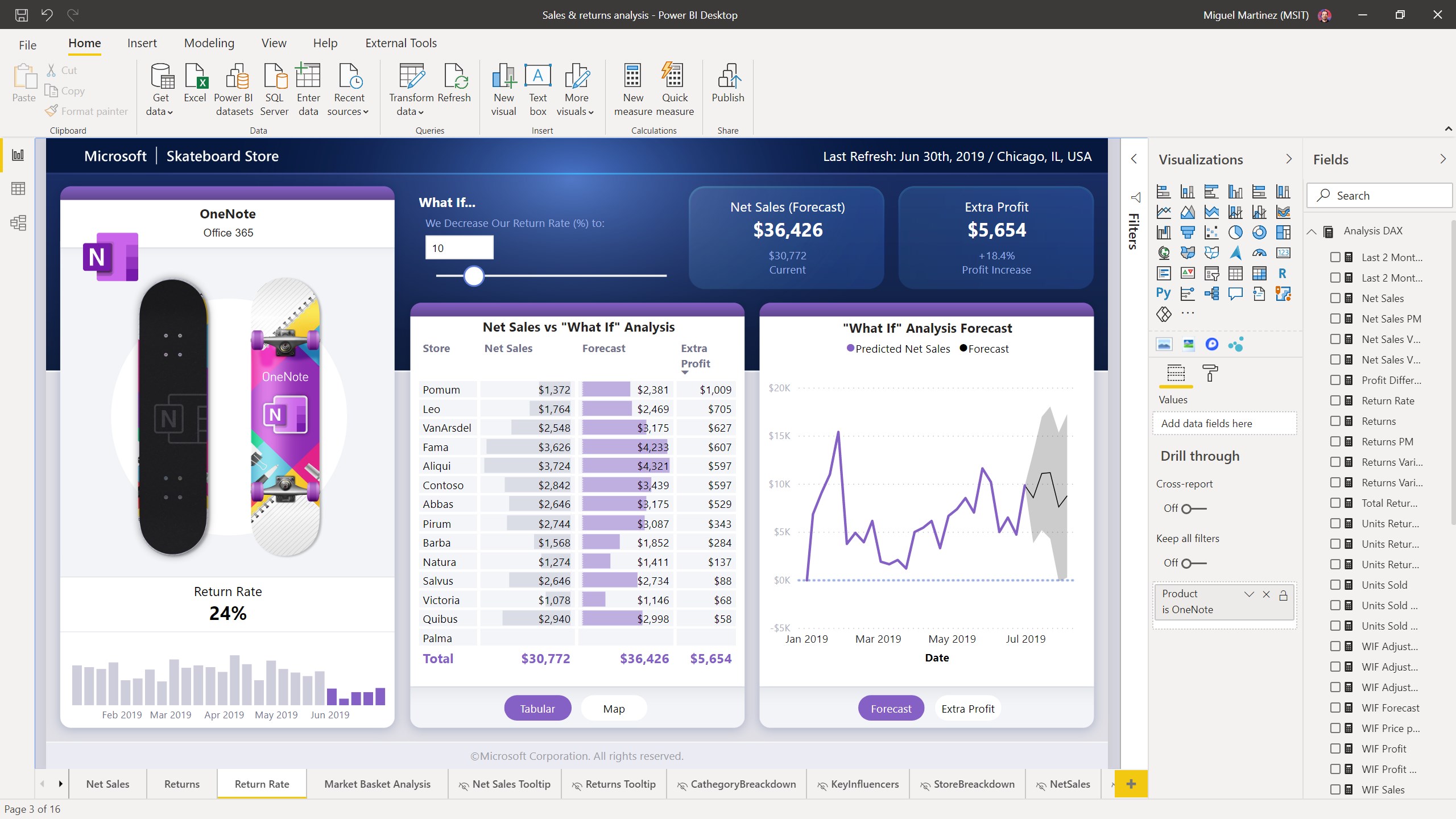
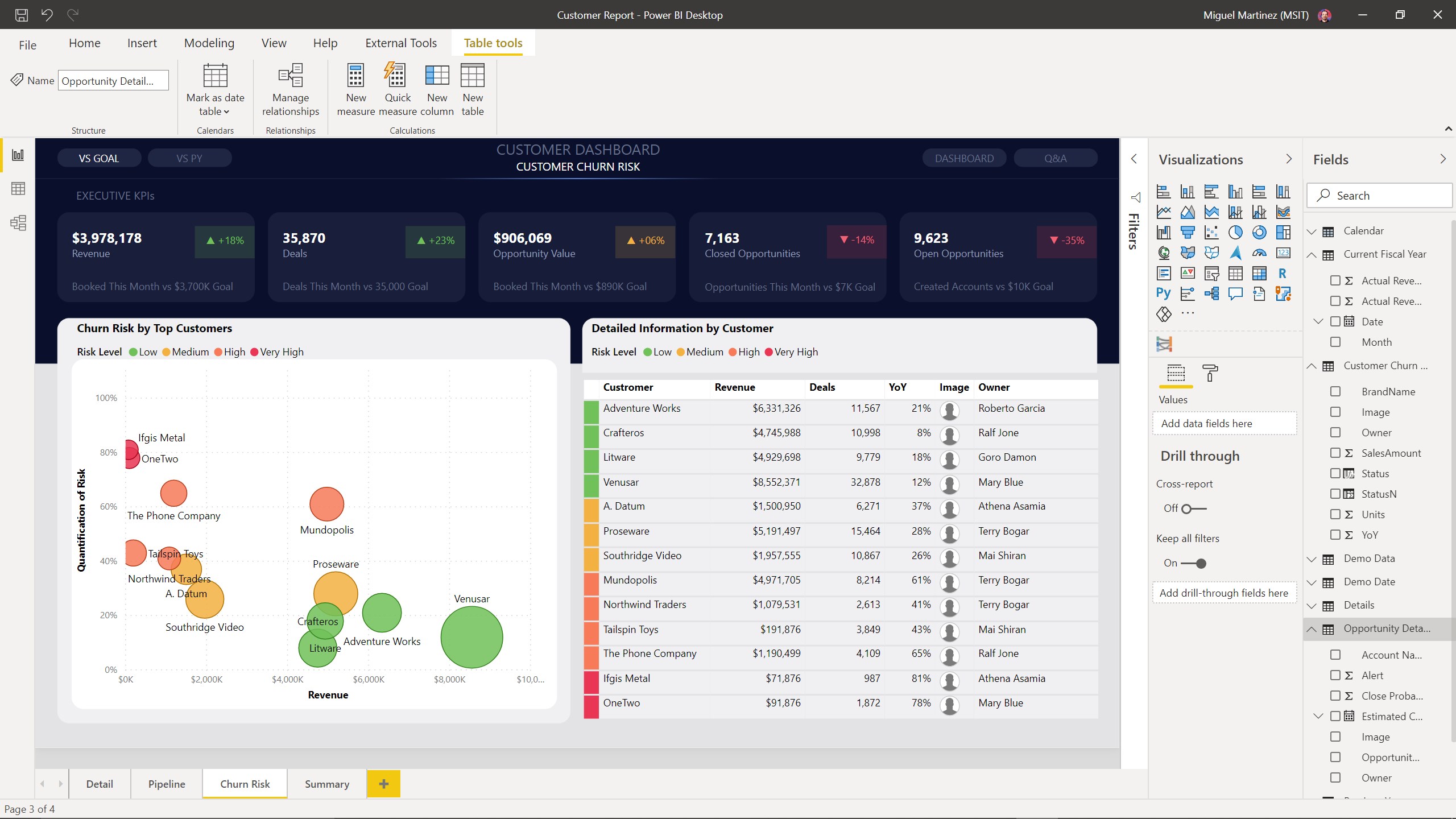
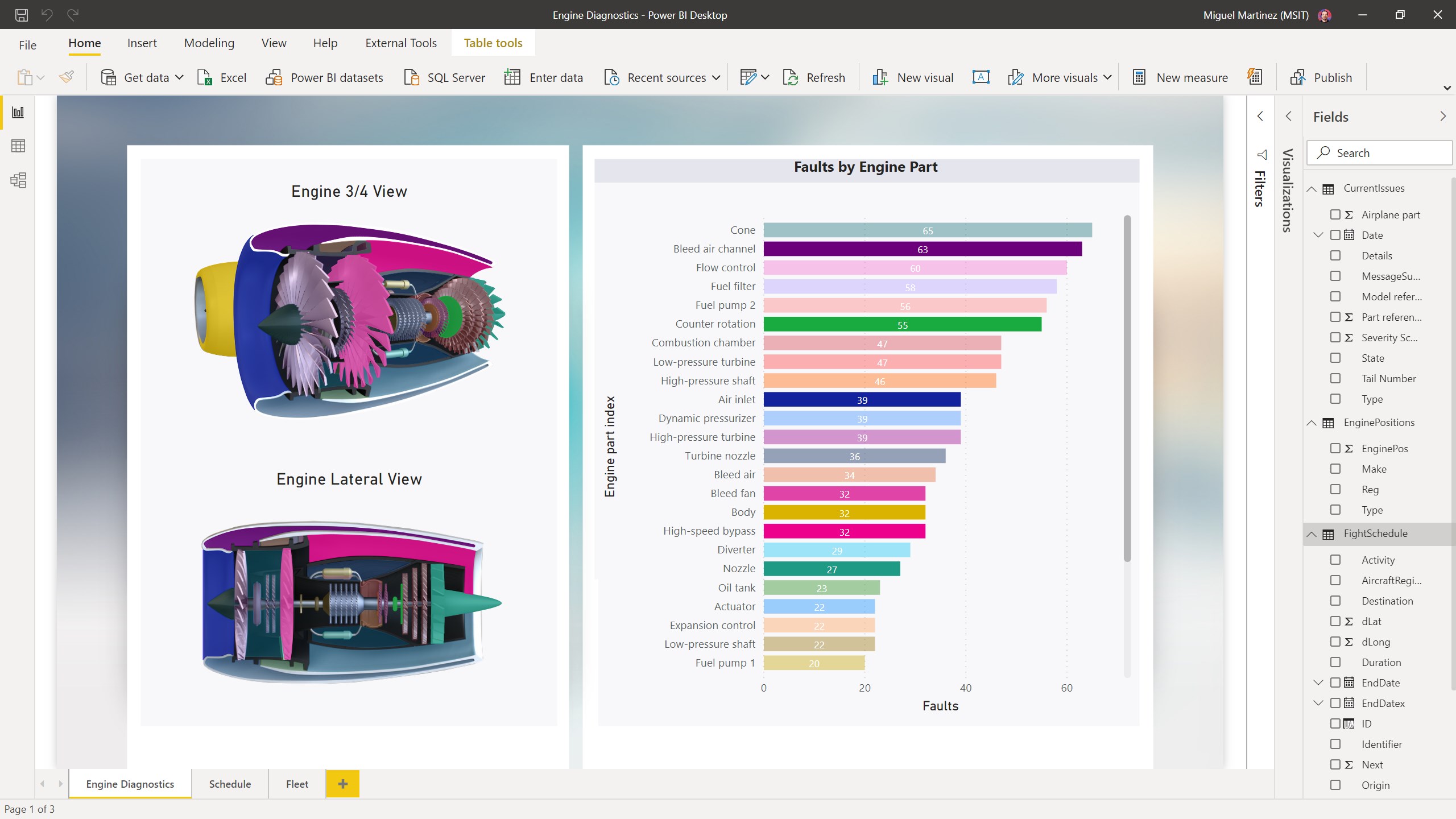
Power BI Desktop is a data visualization tool for creating interactive reports. It connects securely to hundreds of data sources in the cloud and on-premises, transforming and combining data from multiple sources in a few clicks. Data models can be extended with DAX formulas, and reports can be built from more than a hundred data visuals or custom-made ones. Content can be shared with a team or an organization by publishing to the Power BI web service, to the web, or to an on-premises report server, or by embedding visuals in a website or app. Power BI Desktop is part of the Power BI product suite, alongside the Power BI web service and mobile app.
Show the developer's original descriptionHide the original description
Power BI Desktop puts visual analytics at your fingertips. With this powerful authoring tool, you can create interactive data visualizations and reports.
Connect, mash up and model, and visualize your data. Place visuals exactly where you want them, analyze and explore your data, and share content with your team by publishing to the Power BI web service.
Power BI Desktop is part of the Power BI product suite. Use Power BI Desktop to create and distribute BI content. To monitor key data and share dashboards and reports, use the Power BI web service. To view and interact with your data on any Windows 10 device, get the Power BI Mobile app.
With Power BI Desktop, you can:
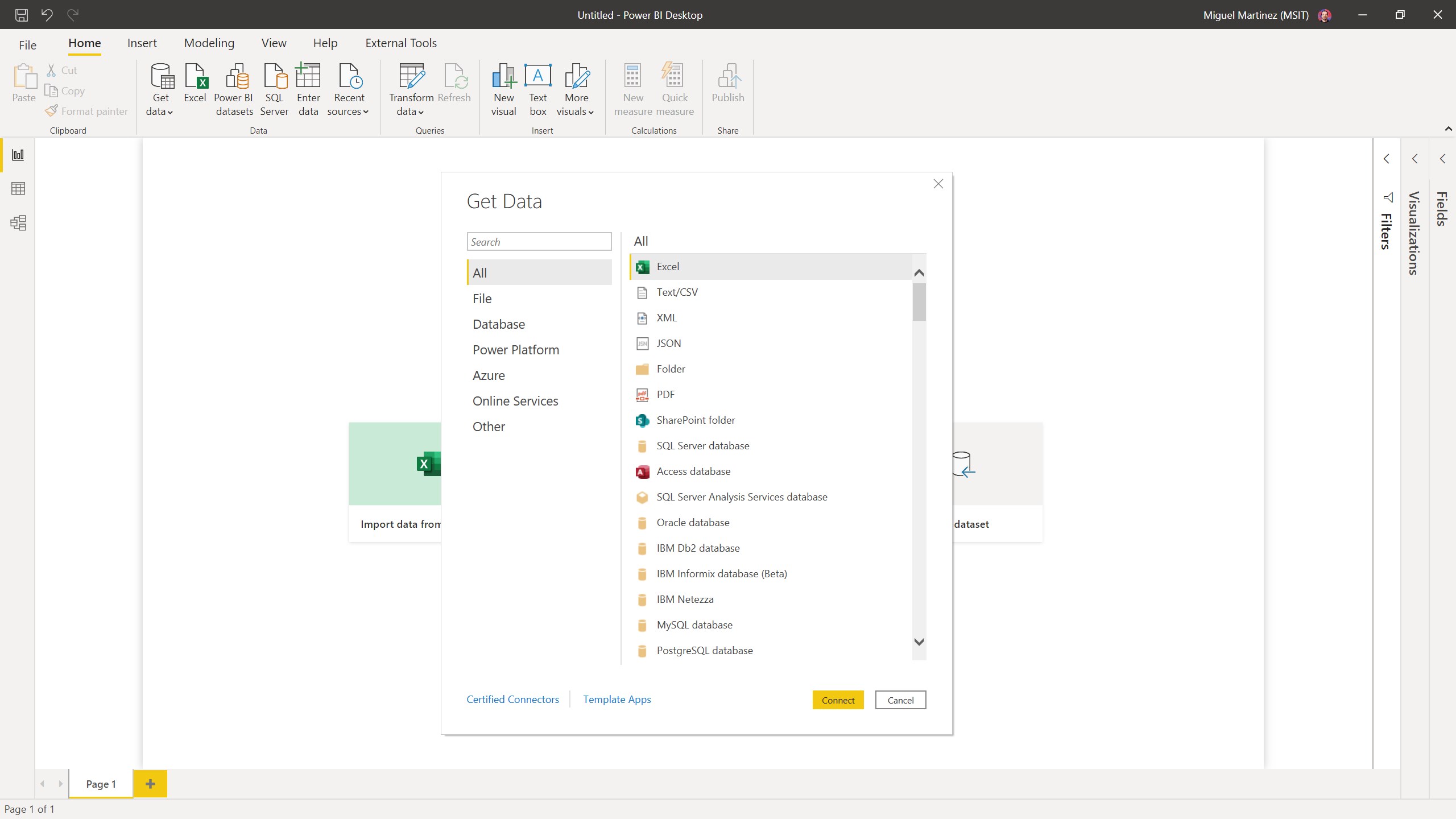
• Connect securely to hundreds of data sources —in the cloud and on-premises
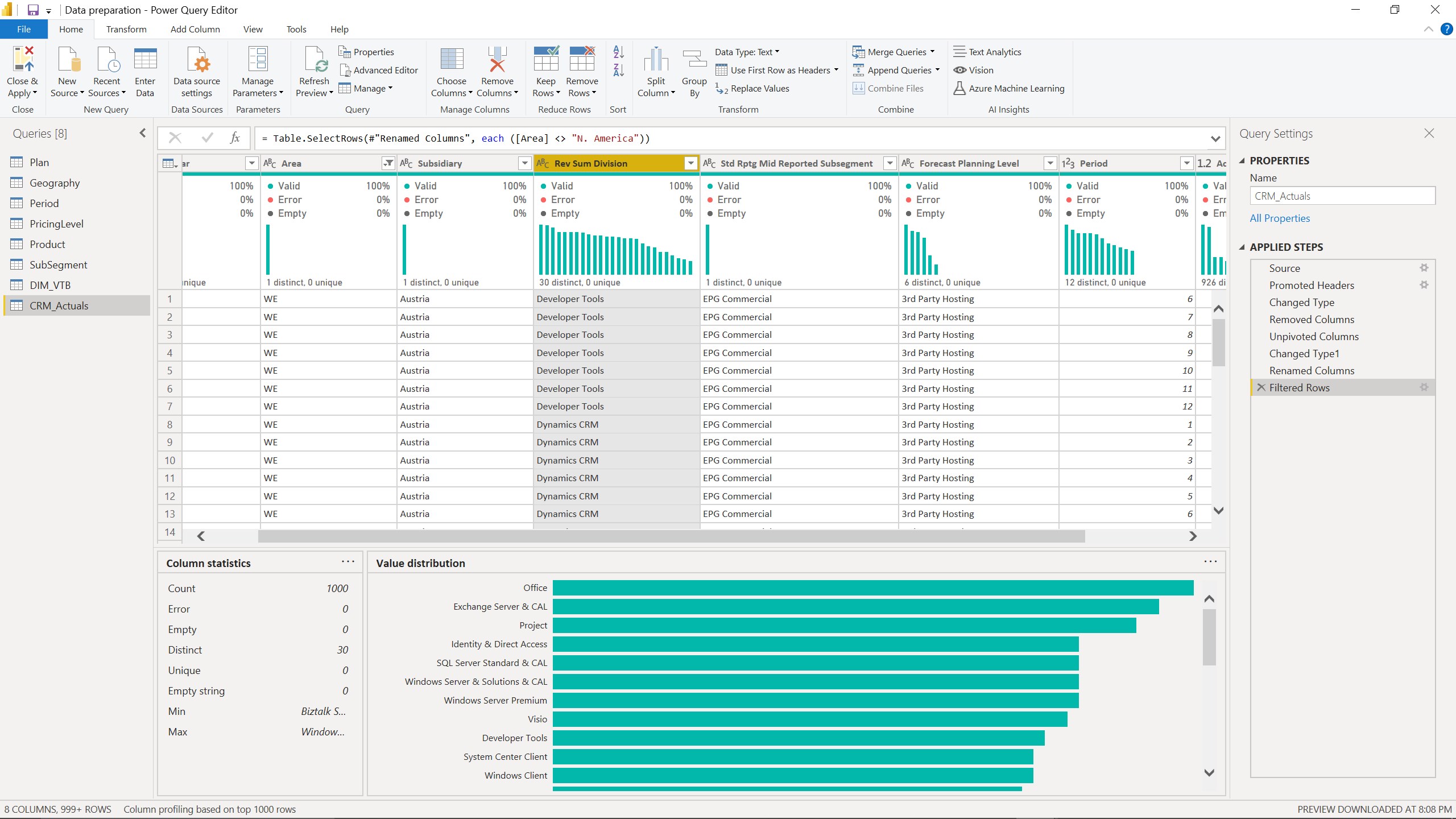
• Transform and mash up data from multiple sources—in just a few clicks
• Extend your data models with DAX formulas
• Choose from more than 100 cutting-edge data visuals—or create your own
• Dig deep into data to find patterns and discover insights
• Build out your design with intuitive formatting tools and themes
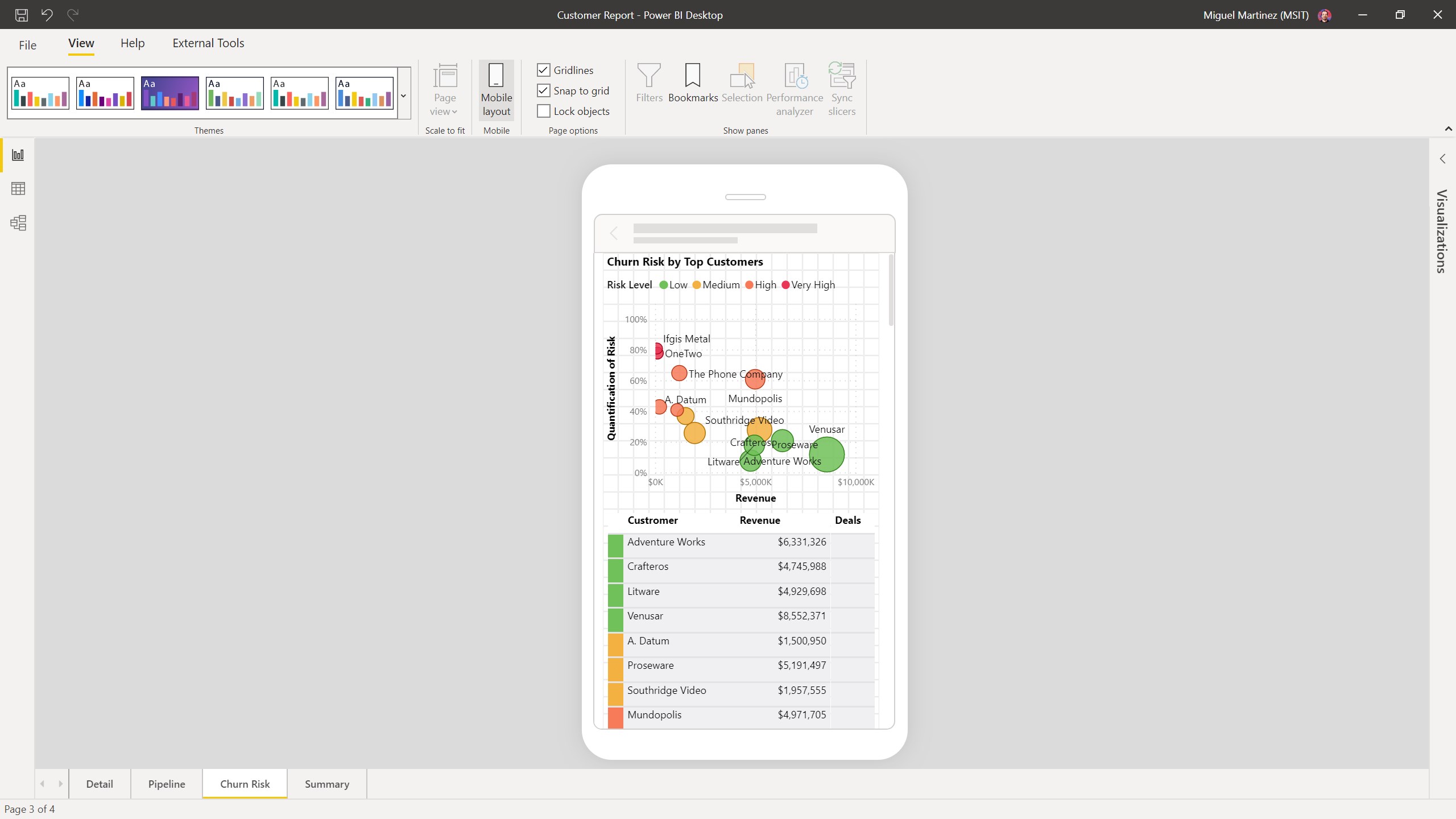
• Create mobile reports for on-the-go users
• Share visual analytics with everyone in your organization
• Publish securely to the web or an on-premises report server, or embed visuals in your website or app
Get the full Power BI suite and never miss a beat with Power BI Desktop, the Power BI web service, and the Power BI app.
If there is a version of this app for iOS/Mac or Windows we don't know about, paste the store link here — we'll auto-detect the store.
How to find the URL:1. Open the app in its store. 2.In the App Store app: tap the Share icon → “Copy Link”. In the browser: copy the URL from the address bar — it contains apps.apple.com/…/id… or apps.microsoft.com/detail/…. 3. Paste it here.
Paste the original link from the Apple App Store or Microsoft Store. We fetch all details automatically.
How to find the URL:
1. Open the app in its store. 2.In the App Store app: tap the Share icon → “Copy Link”. In the browser: copy the URL from the address bar — it contains apps.apple.com/…/id… or apps.microsoft.com/detail/…. 3. Paste it here.
Android apps can only be listed by their developer.