OfficeSuite Office Pack & PDF Editor - MobiOffice is an office suite that combines document, spreadsheet, presentation, and PDF tools in one program. It lets users create, edit and format Word, Excel and PowerPoint files while supporting Microsoft formats as well as those from Google, Apple and OpenOffice. Its PDF module allows viewing, converting, filling, signing, encrypting and password-protecting PDF documents, including conversion to Word, Excel or ePub. Files can be accessed across Windows, Android, iOS and Mac devices, with cloud storage included through MobiDrive.
Show the developer's original descriptionHide the original description
Get your work done with OfficeSuite - a complete office solution that lets you work with Documents, Presentations, Speadsheets, PDF, & Mail. Compatible with Microsoft Office, Word, Excel, PowerPoint, & more.
Work seamlessly on Documents, Sheets, Slides & PDFs. Edit, view, convert, scan and sign files with ease. Compatible with MS Office, MS Word, MS Excel & many more.
OfficeSuite is a complete office productivity solution with advanced apps for creating and editing Word, Excel, & PowerPoint files - with Mail & Calendar management, and a feature-rich PDF app to fill, sign, annotate & protect PDFs.
[Simple, powerful, affordable]
Easy to use: Familiar interface minimizes learning time and maximizes productivity.
Always up-to-date: Regular updates and responsive customer support keep you working at your best.
All-in-one suite: Includes tools for documents, spreadsheets, presentations, PDFs, and email.
Works with everything: Compatible with all major file formats and other office packs.
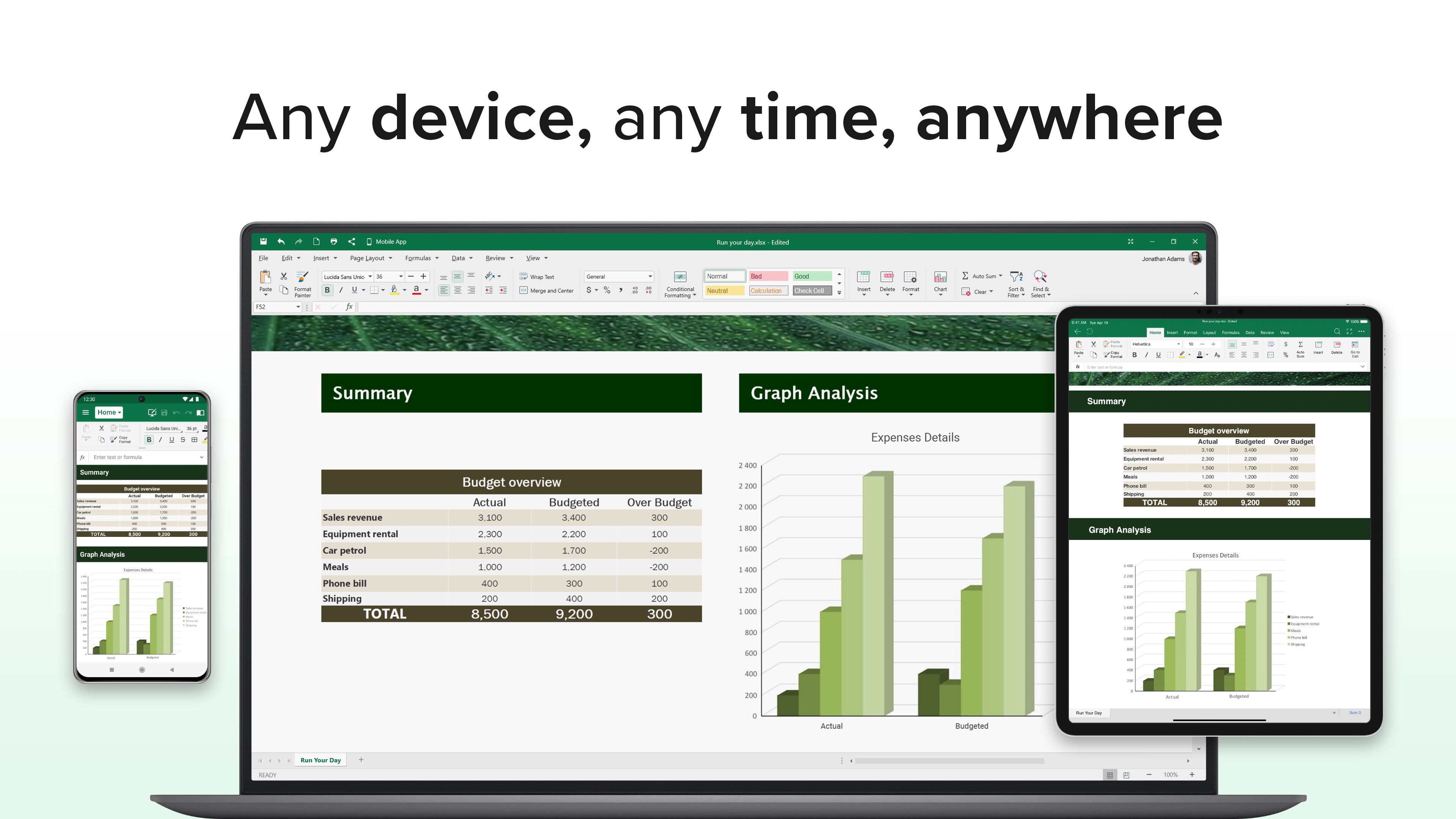
Cross-platform and device support with OfficeSuite also available on Android, Mac, & iOS.
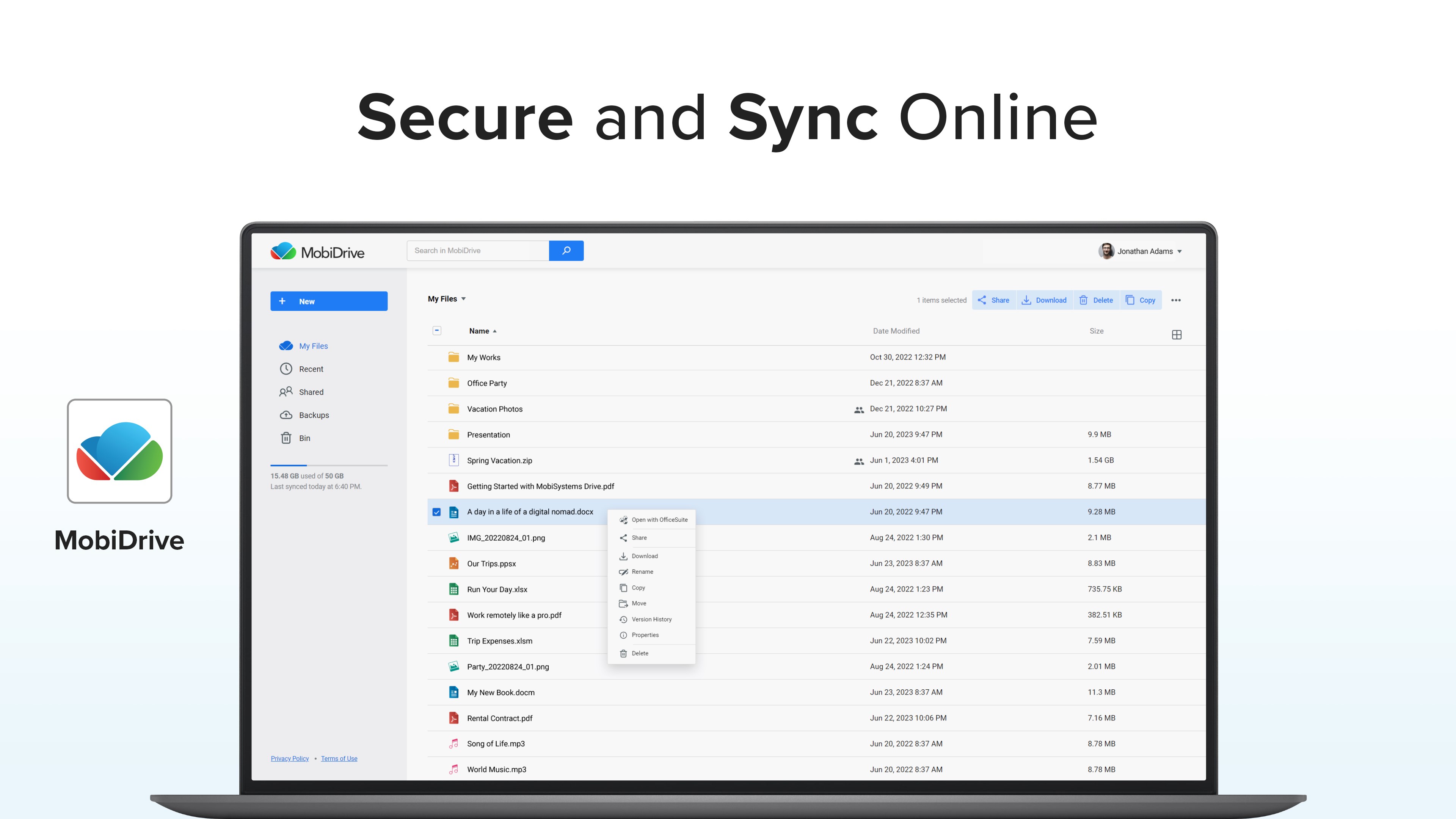
Access files anywhere: Included 20GB free cloud storage lets you reach your files anytime, anywhere.
Free version offers basic features, with an affordable Premium upgrade to unlock full functionality.
[Try free for 30 days]
Unleash your productivity potential with OfficeSuite's free 30-day trial! Edit, view, and create documents, spreadsheets, and presentations on your Windows device with ease. Experience familiar interfaces similar to Word, Excel, and PowerPoint, and work seamlessly with various file formats, including PDF. Try OfficeSuite today and see how it can transform your work
[Documents]
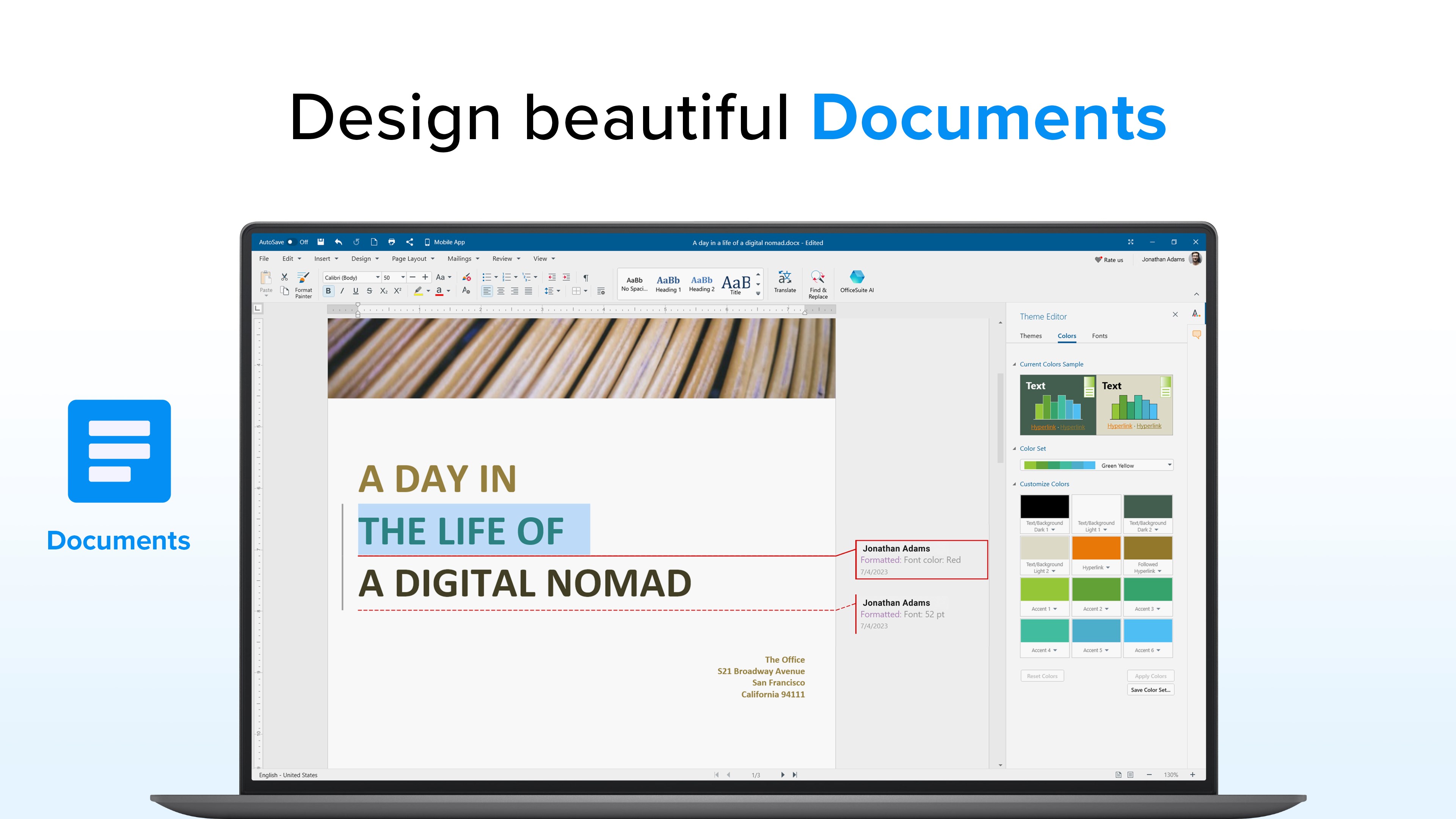
With its lightweight interface and easy-to-use tools, you can create, edit and collaborate on documents from anywhere. Whether you're working on a report, a proposal, or just taking notes, OfficeSuite Documents has you covered with all the fonts, graphics, and formatting options you need.
AI assistant to help you with your writing.
Microsoft Word: Supports DOCX, DOCM, DOTX, DOTM formats (2007 and later) and legacy DOC, DOT formats (97-2003).
Other Word Processors: Opens Google Docs, Apple Pages, OpenOffice ODT, TXT, and RTF files.
PDF Conversion: Converts PDFs to Word, Excel, and ePub formats.
Wide Compatibility: Works with WPS Office, Libre Office, Polaris Office, and other file formats.
[Sheets]
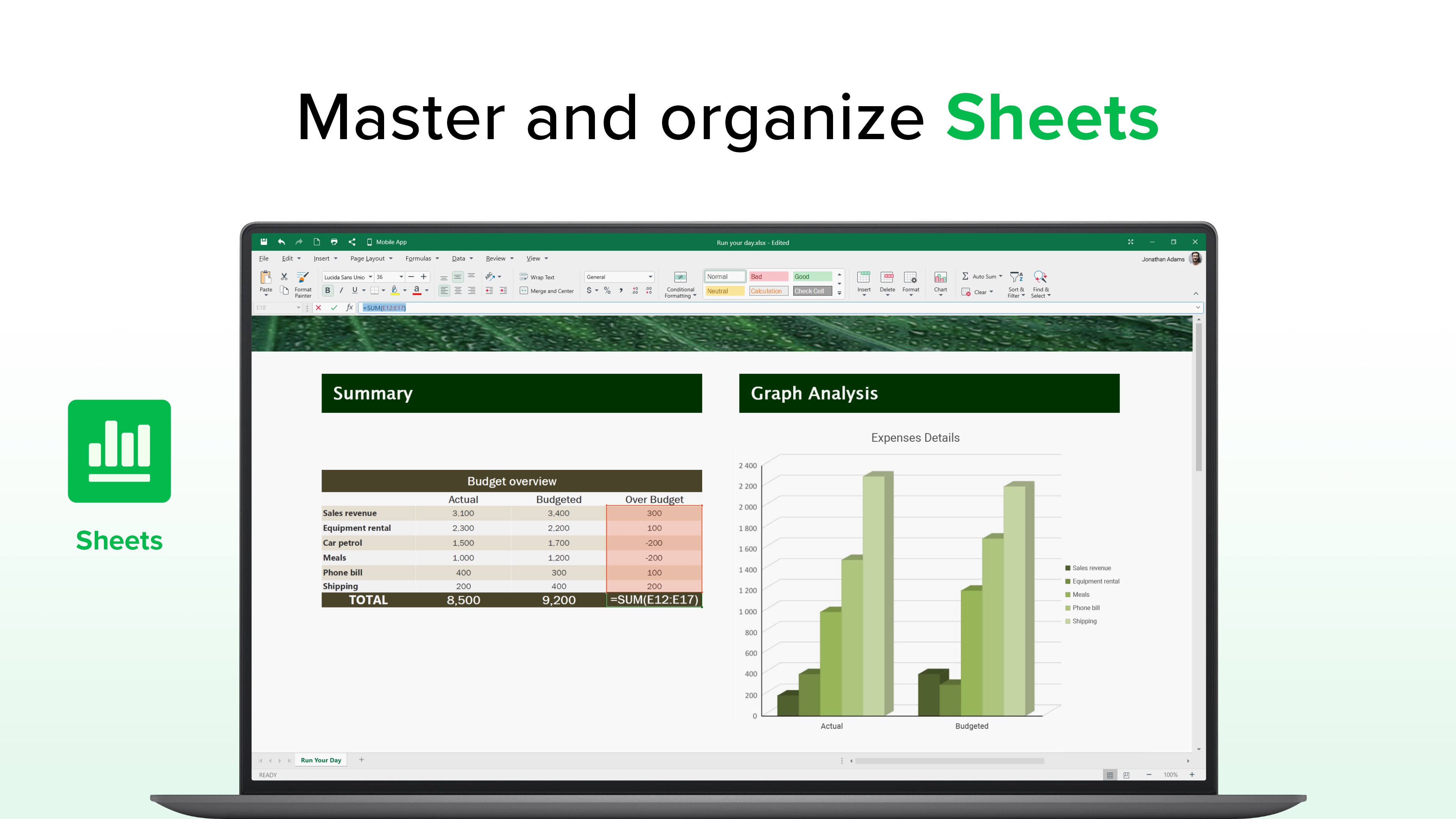
View, edit, and format any part of your file’s sheets, tables, charts, and formulas. Create new spreadsheets from templates, analyze data with pivot tables, and work with all popular file formats, including:
Microsoft Excel: Supports XLSX, XLSM, XLTX formats (2007 and later) and legacy XLS, XLT formats (97-2003).
Other Spreadsheets: Opens Google Sheets, Apple Numbers, OpenOffice ODS, CSV files.
PDF Conversion: Converts PDFs to Excel, Word, and ePub formats.
Wide Compatibility: Works with WPS Office, Libre Office, Polaris Office, and other file formats.
[Slides]
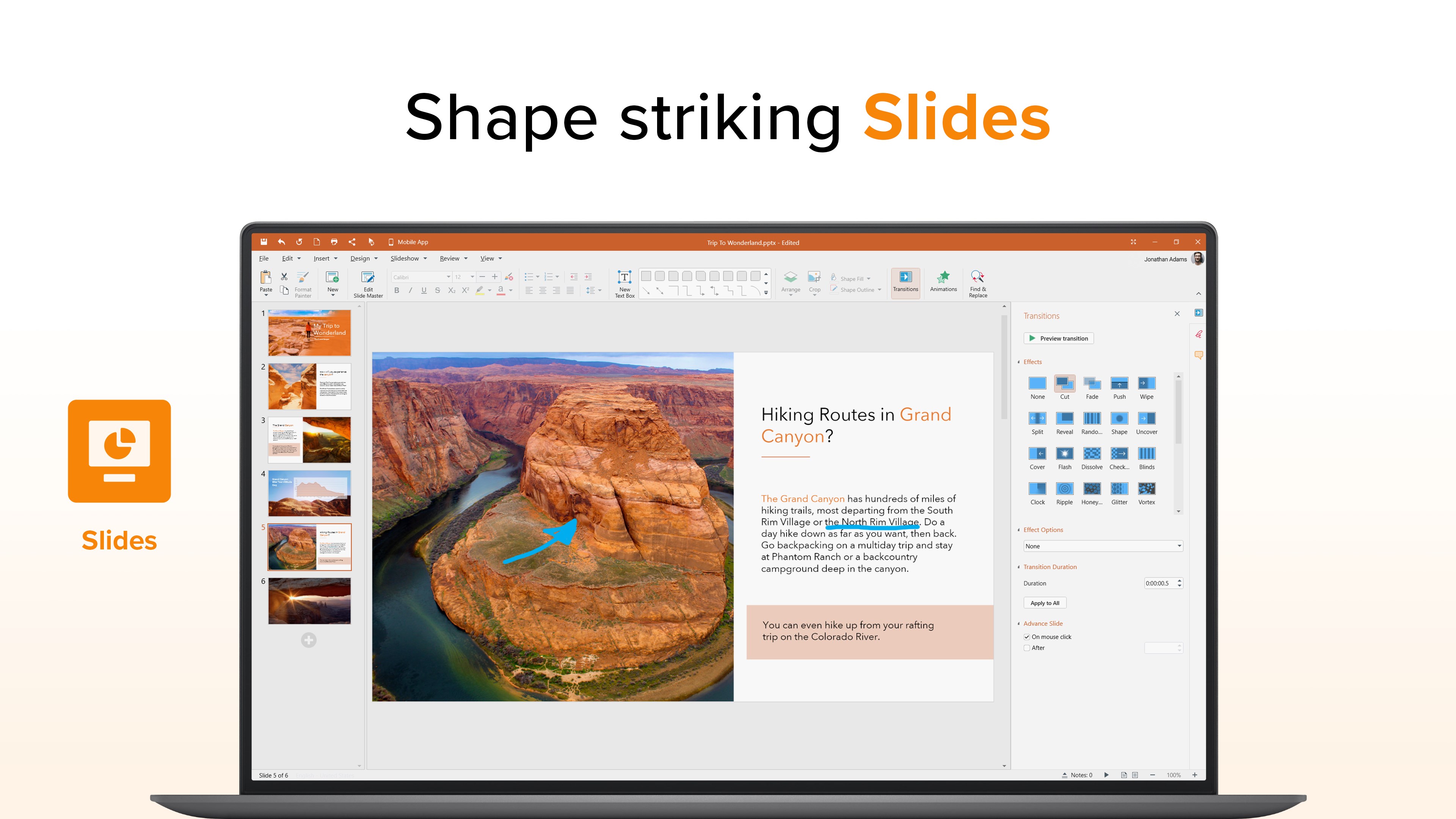
View, edit & format your presentations text, design, layout, tables, media. Inspire audiences by setting animations, transitions, rehearsing timings and presenting your work with an advanced presenter mode. Compatible with all popular file formats, including:
Microsoft PowerPoint: Supports PPTX, PPTM, PPSX, POTX, POTM formats (2007 and later) and legacy PPT, PPS, POT formats (97-2003).
Other Presentation Tools: Opens Google Slides, Apple Keynote, OpenOffice ODP files.
Wide Compatibility: Works with WPS Office, Libre Office, Polaris Office, and other file formats.
[Mail]
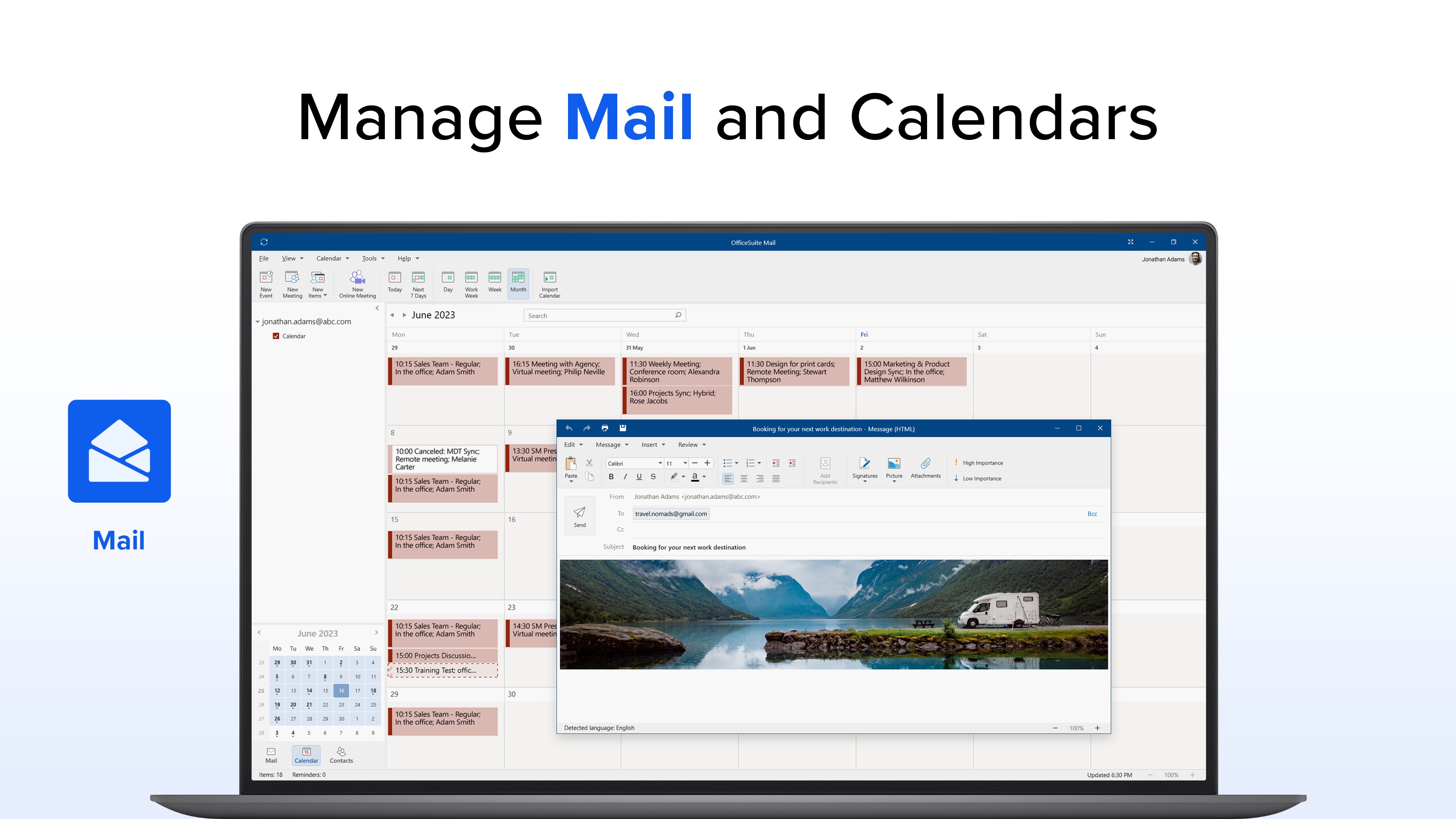
Connect all your email accounts and calendars in one secure and easy to use Mail app. Edit and format any aspect of your email, manage your inbox offline, and organize meetings.
Rich email editor with diverse fonts, formatting options & ability to attach files
Create meeting, send invites & manage attendance
Supports OAuth protocols for Microsoft 365 and Gmail.
Configure & connect to all popular mail servers, including Exchange, IMAP and POP3.
Create & attach custom signatures
Manage your inbox while offline
[PDF]
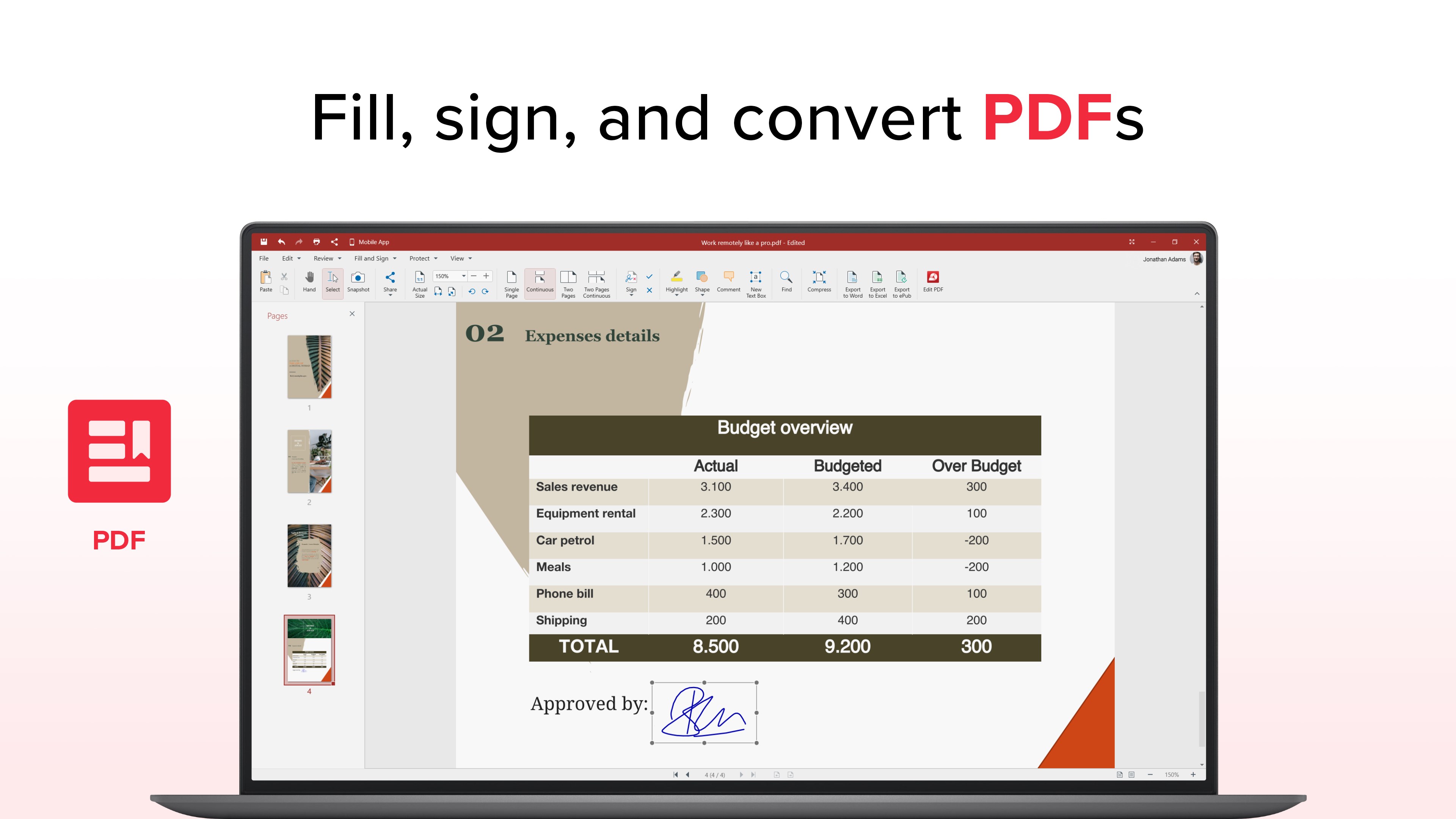
Enjoy a dedicated editor for PDF files without having to work with external software for contracts, invoices, forms, and reports.
Convert to and from Microsoft Word (.docx), Excel (.xlsx), and ePub formats.
Fill & Sign fillable PDF forms
Sign PDF files with handwriting, typing or attaching image
Encrypt with digital signatures
Set password protection
Insert comments, text boxes, shapes, stamps, and attach entire files
And that’s not all. Discover everything else OfficeSuite has to offer by starting a Free 7-Day Trial, or by visiting https://mobisystems.com/mobioffice




 Easy Office Suite
Office suite for documents, spreadsheets and presentations
 MC Office Suite
Office suite for opening and editing documents
 Real Office
Create, view and edit office documents
 ePub Reader +
Read and edit e-books, PDFs and office documents
 PDF Extra - PDF Reader and PDF Editor
Edit, convert, sign and organize PDF documents
 DOCX‘
Edit documents, spreadsheets and presentations