Screenshot appears after consentScreenshot appears after consentScreenshot appears after consentScreenshot appears after consentScreenshot appears after consentScreenshot appears after consentScreenshot appears after consentScreenshot appears after consentScreenshot appears after consent
Summary
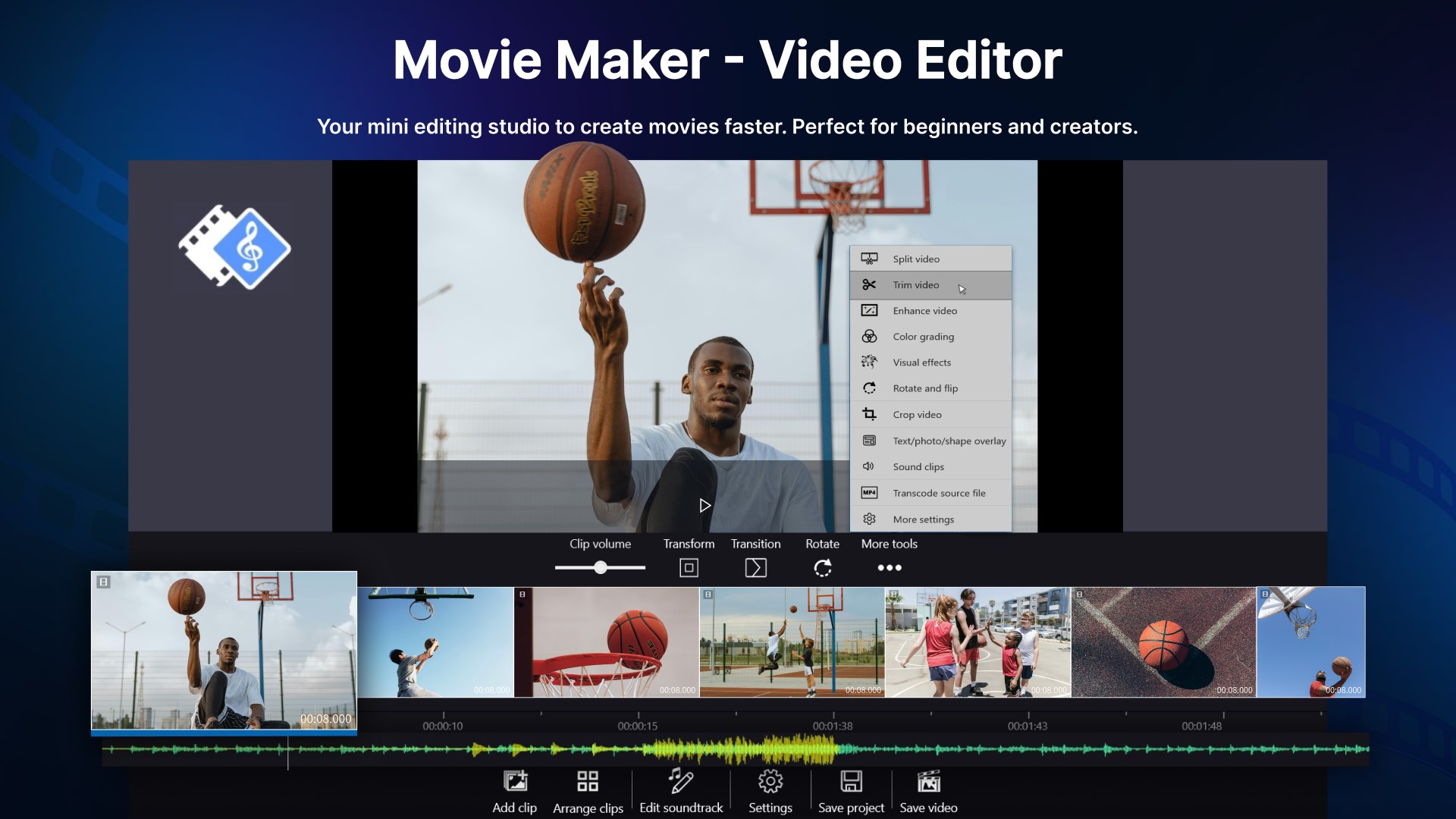
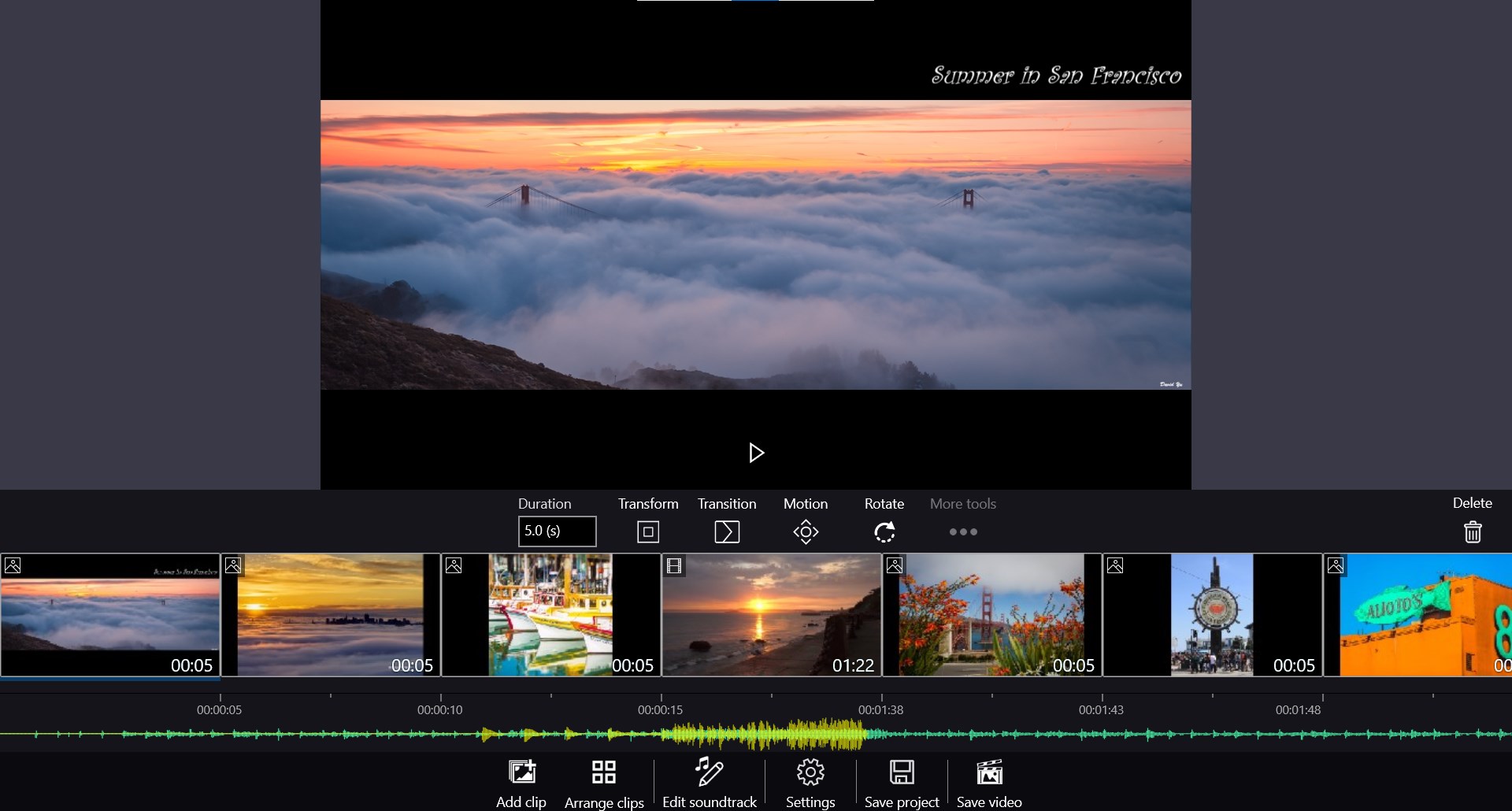
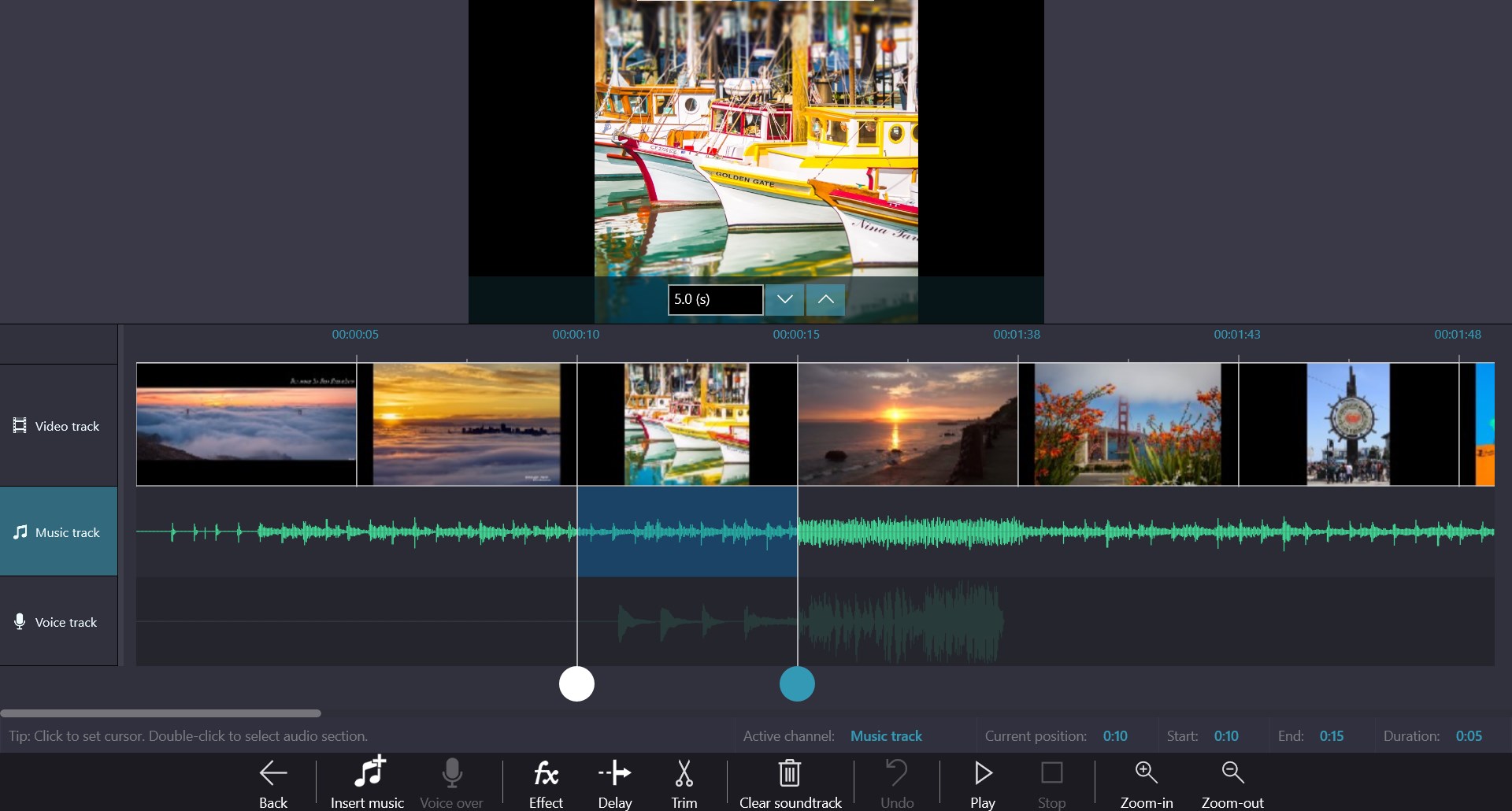
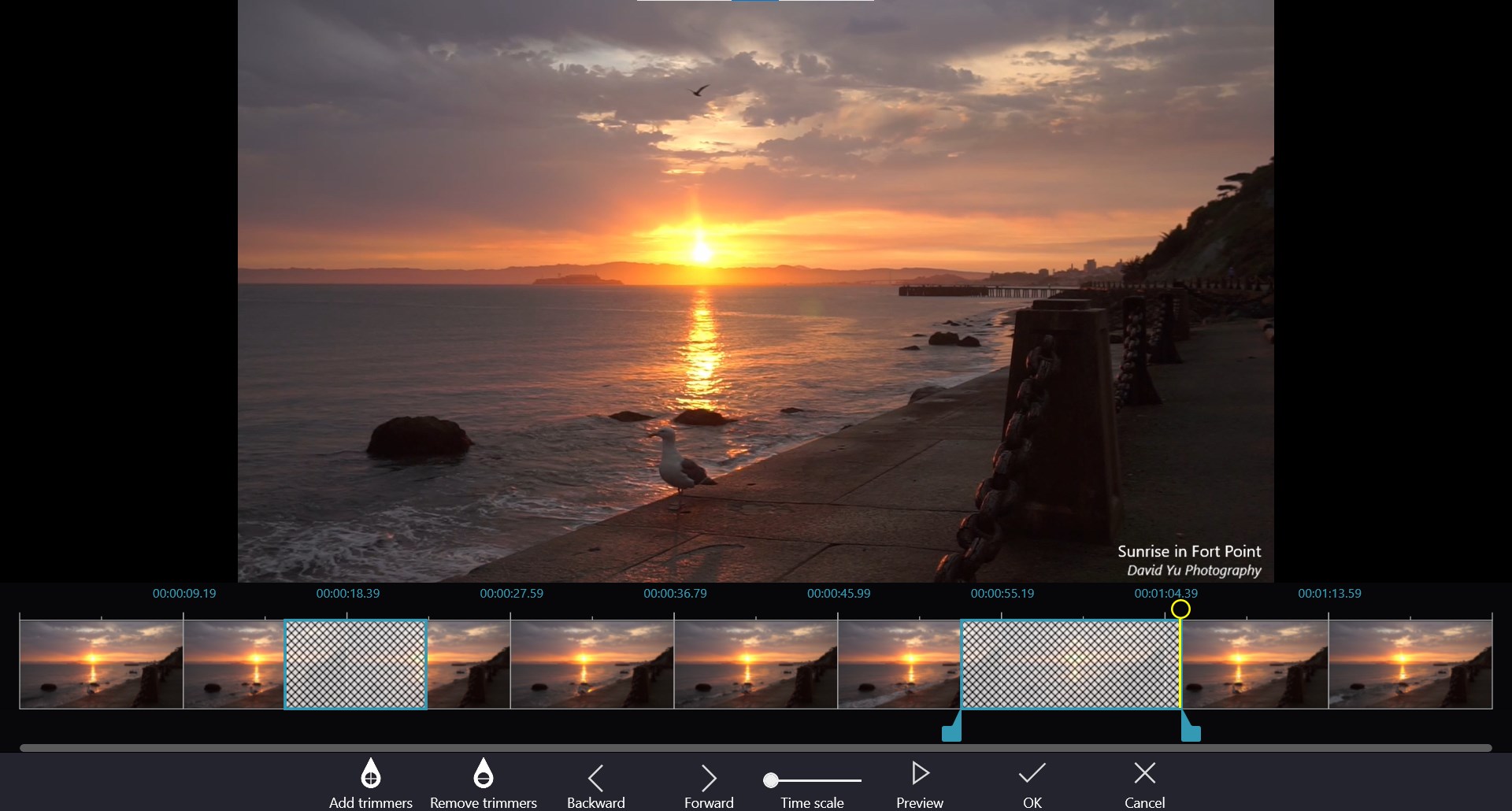
Movie Maker - Video Editor is a video editing tool for Windows that turns photos and video clips into movies and slideshows. It offers basic editing functions such as cutting, splitting, joining, rotating and flipping, along with soundtracks including built-in music, imported audio and voice-over. It supports animated titles, captions, stickers and overlays, plus transitions and effects like fade, zoom, ripple and pixelate. Photo enhancements include filters and pan-zoom animation. The free version exports Full HD video without a watermark, while a paid upgrade adds project management and 4K export at 60fps.
Show the developer's original descriptionHide the original description
Video Editor - Movie Maker for Windows 10 & 11.
The fastest way to make video for YouTube, TikTok, or Instagram - no experience needed.
Trusted by millions of users worldwide. Create stunning videos and slideshows with Full HD export and NO watermark.
Whether it’s a family video, school project, product showcase, vlog, or content for YouTube, TikTok, or Instagram – Video Editor - Movie Maker makes video editing simple, fast, and professional.
Key Features (Free Version)
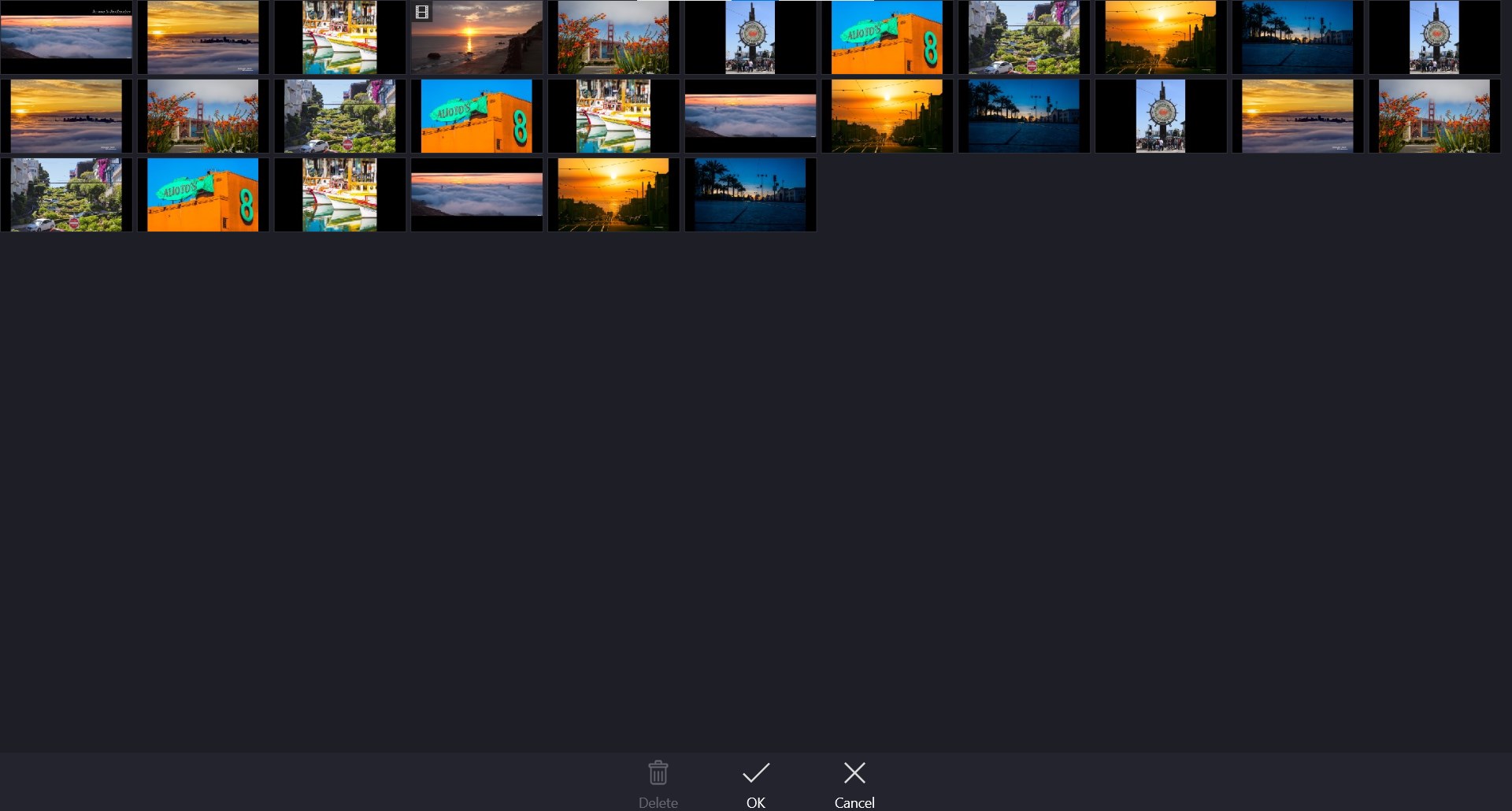
- Make slideshow videos, movies from photos & video clips with basic editing functions: cut, split, join, rotate, flip...
- Add soundtracks – built-in music or import your own audio file, with support for voice-over.
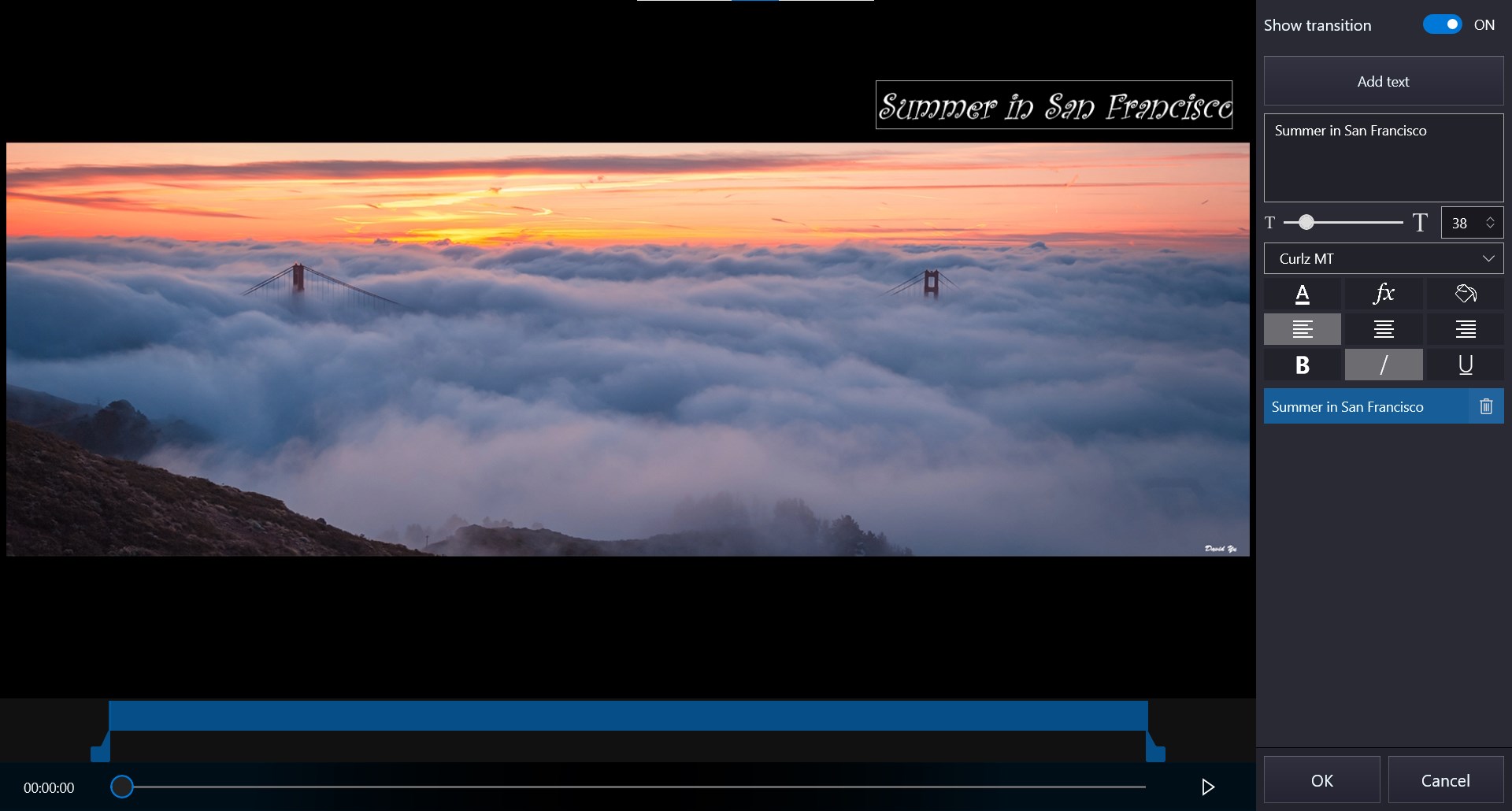
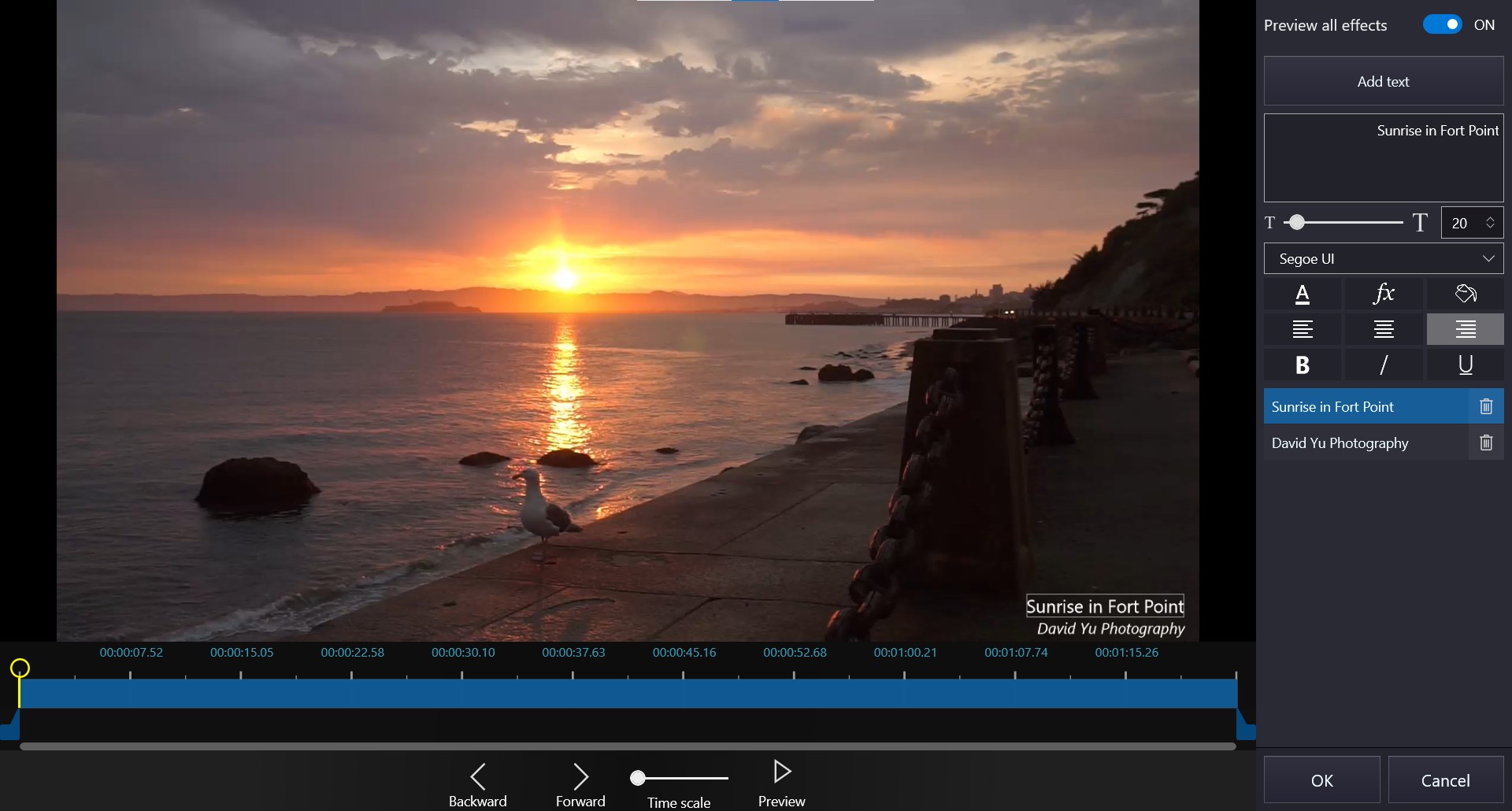
- Text & captions – animated titles, credits, stickers, and overlays.
- Transitions & effects – fade, zoom, ripple, pixelate, and many more.
- Photo enhancements – filters, pan-zoom animation.
- Audio tools – adjust volume, mute, extract audio.
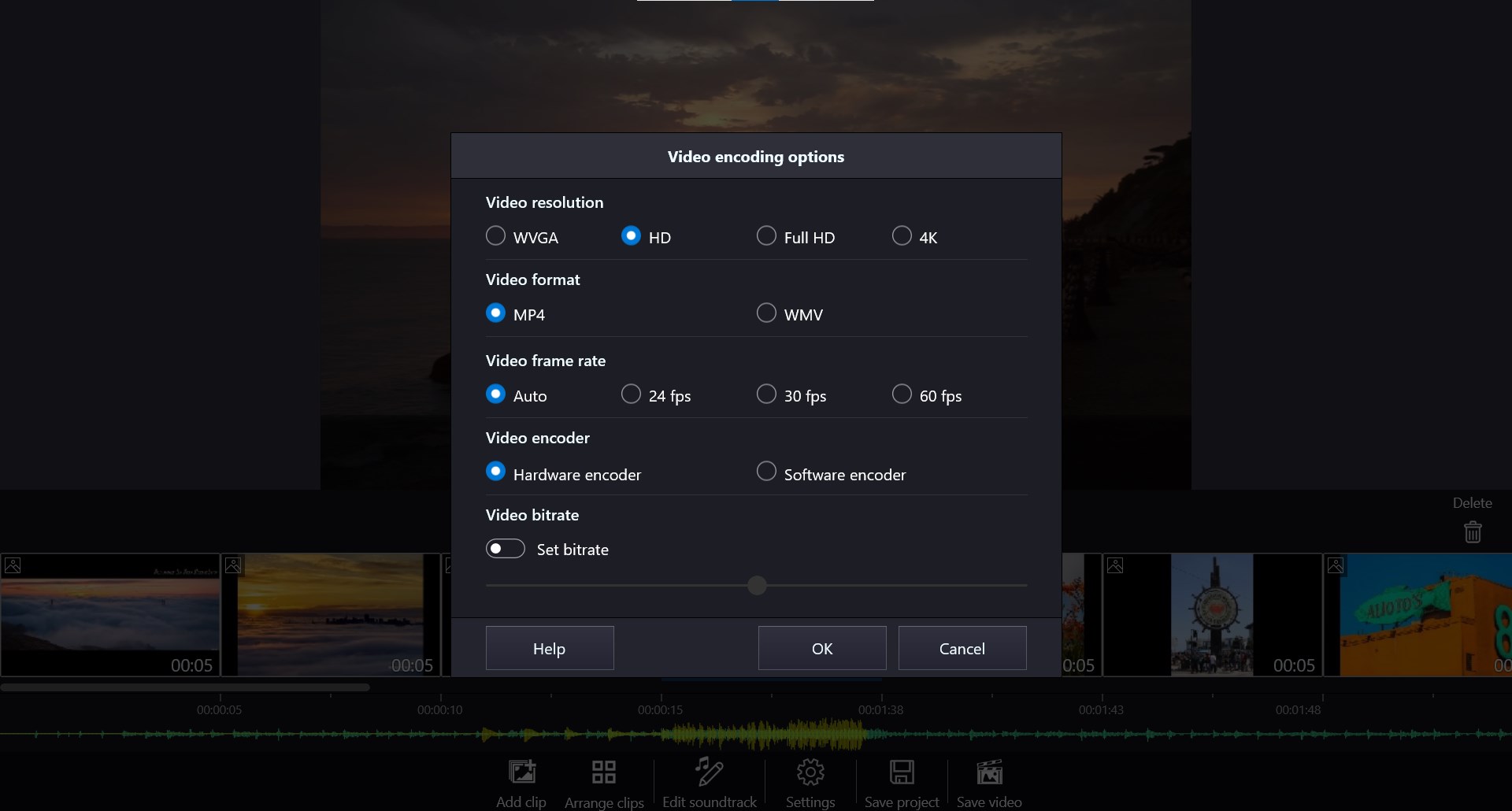
- Export Full HD video (1080p) with no watermark.
- Support most formats: MP4, WMV, MKV, MOV, AVI, JPEG, PNG, MP3, WAV, and more.
- Animated text templates
- Rotation for overlays
Upgrade to PRO
- Unlock advanced tools with a bundle with affordable price.
- Project management – save & load projects anytime.
- Quick tools – trim, split, join, crop, overlay, green screen, censor, and more.
- Export in 4K & 60fps.
- Exclusive effects.
Why choose Video Editor - Movie Maker?
- Simple like iMovie, powerful like CapCut, but built for Windows.
- Perfect for beginners and creators alike.
- Free to start – upgrade only if you need pro features.
Disclaimer: This app is not affiliated with iMovie, CapCut, YouTube, TikTok, Instagram, or other brands. All trademarks belong to their respective owners.
If there is a version of this app for iOS/Mac or Windows we don't know about, paste the store link here — we'll auto-detect the store.
How to find the URL:1. Open the app in its store. 2.In the App Store app: tap the Share icon → “Copy Link”. In the browser: copy the URL from the address bar — it contains apps.apple.com/…/id… or apps.microsoft.com/detail/…. 3. Paste it here.
Paste the original link from the Apple App Store or Microsoft Store. We fetch all details automatically.
How to find the URL:
1. Open the app in its store. 2.In the App Store app: tap the Share icon → “Copy Link”. In the browser: copy the URL from the address bar — it contains apps.apple.com/…/id… or apps.microsoft.com/detail/…. 3. Paste it here.
Android apps can only be listed by their developer.



 Movie Maker - Video Editor PRO
Edit videos from clips, photos and music to share
 Crazy Video Maker - Video Editor & Movie Maker
Create videos from photos, clips and music
 Movie Creator : Video Editor
Trim, merge and edit videos with effects
 Video Photo SlideShow
Transform photos and videos into slideshows and clips
 Video Editor Master
Trim, merge and add music to videos with ease
 Nex Video Editor – Easy movie maker app
Create videos from photos and clips with music and captions