Screenshot appears after consentScreenshot appears after consentScreenshot appears after consentScreenshot appears after consentScreenshot appears after consentScreenshot appears after consentScreenshot appears after consentScreenshot appears after consentScreenshot appears after consent
Summary
Crosshair X is a customization tool for PC gamers that lets them create an on-screen aiming reticle for use across different games. Users can start from a featured professional design or a community-made one and adjust it further with sliders controlling opacity, size, color, blur, rotation and other line, center dot and outline properties. The app displays the crosshair in fullscreen using the Game Bar extension, an overlay platform built by Microsoft. Custom images can be uploaded and used as a crosshair, and finished designs can be displayed on any monitor with saved positions managed for different games, shared with friends, or exported as PNG or SVG files.
Show the developer's original descriptionHide the original description
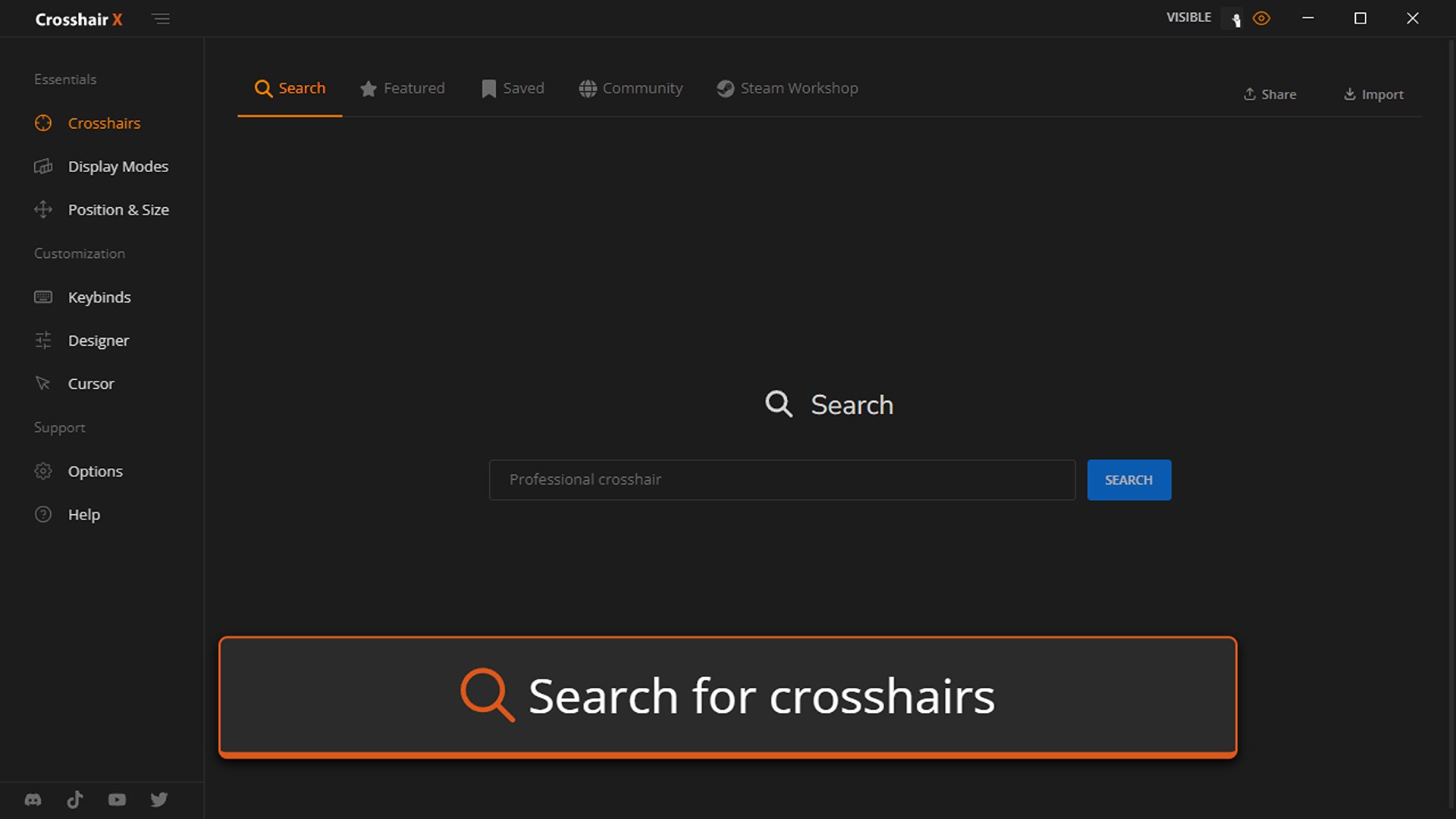
Get a competitive edge by customizing your crosshair to be clear and precise on every game you play. You can start out with a featured pro Crosshair or a community design, then make adjustments to create a custom gaming solution that takes your aim to the next level.
Features:
• Community: Explore thousands of designs created by the Crosshair X community
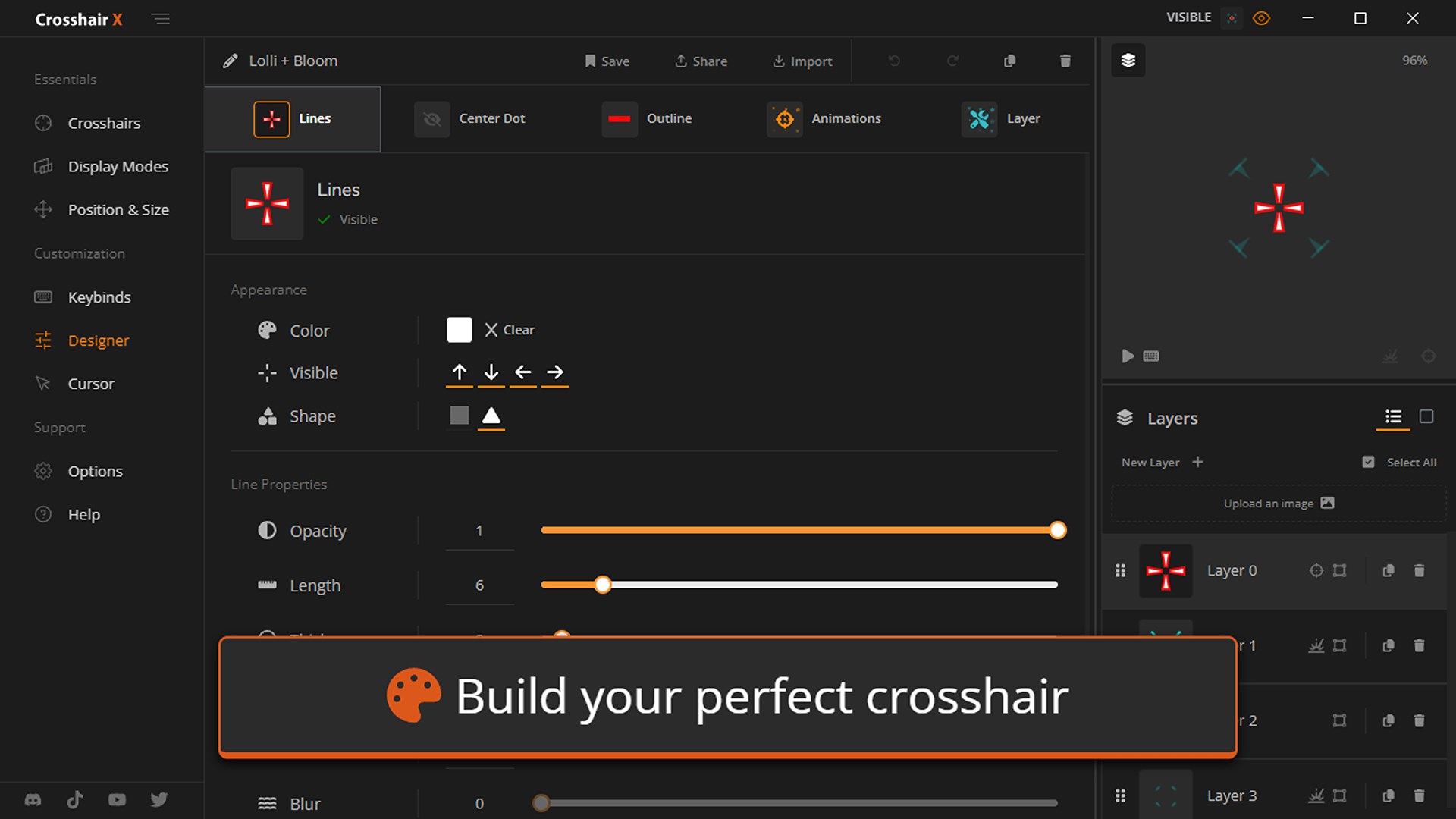
• Designer: Easy to use sliders let you adjust all features of your crosshair
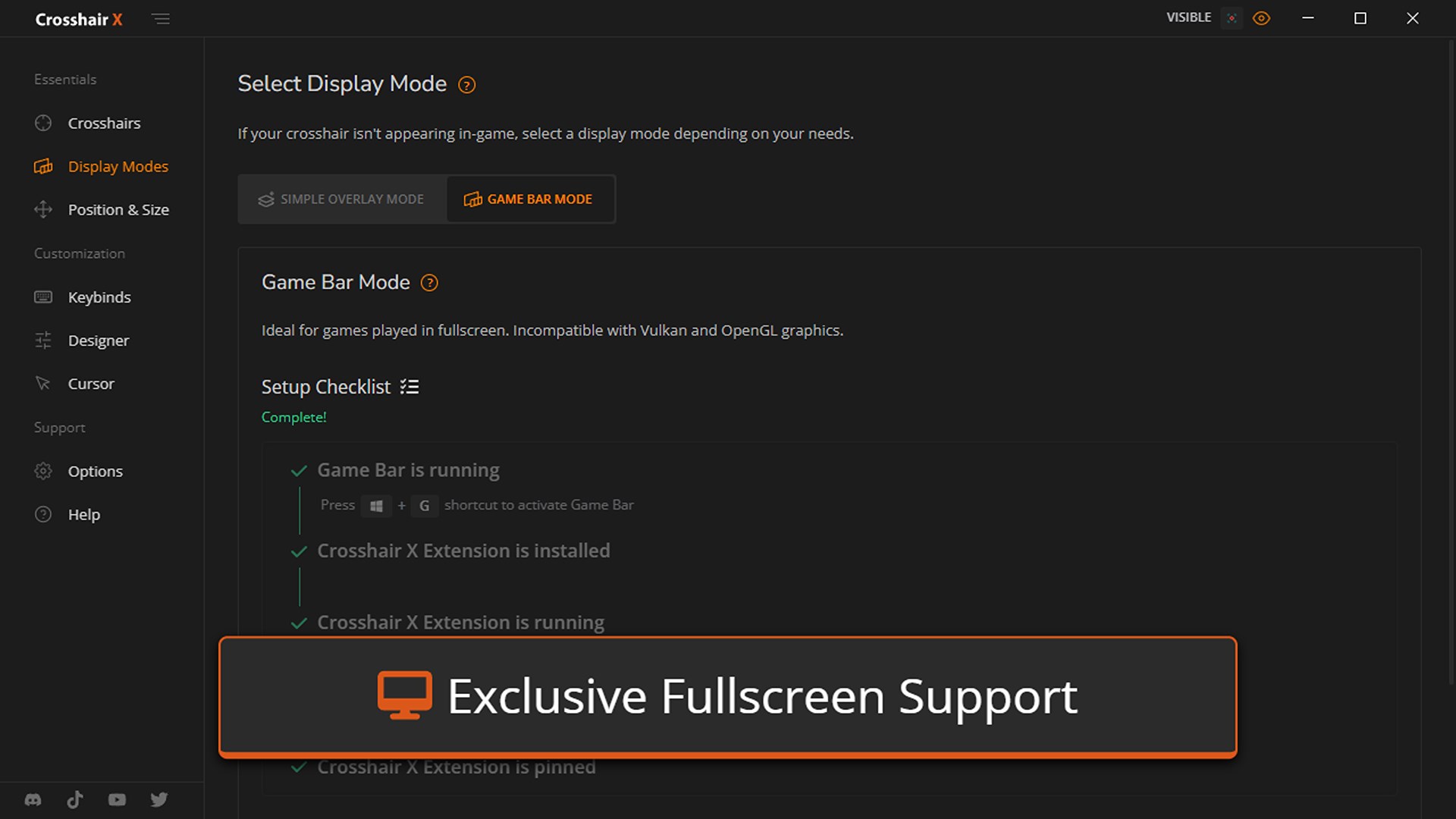
• Exclusive Fullscreen with Game Bar Extension: Game bar is a trusted and secure game overlay platform that is built by Microsoft for PC gamers. This is by far the safest and most secure way to overlay games.
• Share: Share your favorite designs with your friends
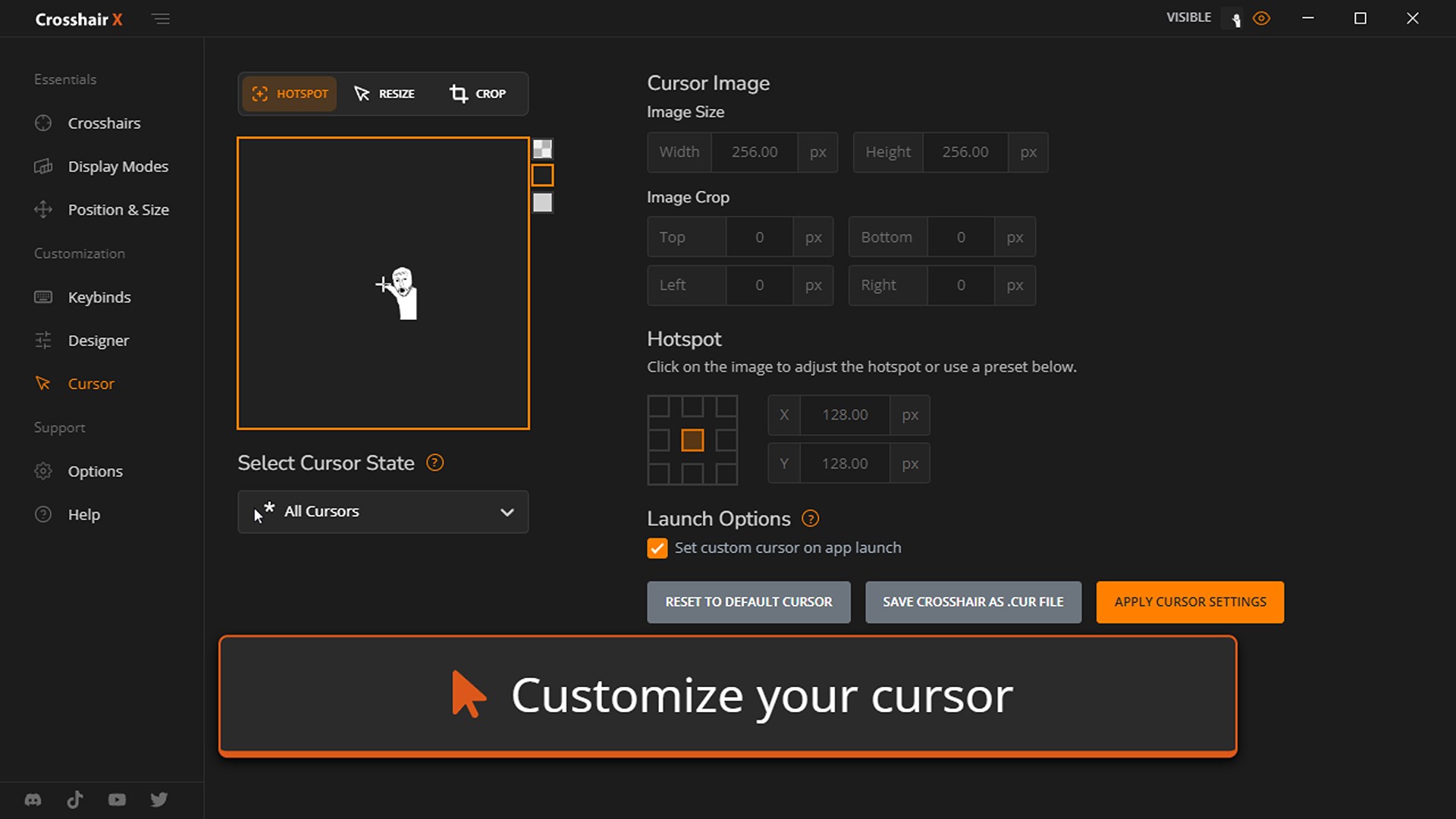
• Images: Upload any image you want to overlay as a Crosshair
• Toggle: Toggle the visibility of your crosshair with many different mouse states and keyboard shortcuts
• Positions: Display your crosshair on any monitor and manage saved positions for different games
• Export: Save your crosshair to your computer as a .PNG or .SVG
Customization Options:
• Lines: Opacity, Length, Width, Offset, Color, Blur, Rotation
• Center dot: Opacity, Size, Color, Blur
• Outlines: Opacity, Thickness, Color, Blur
• T-Shape: Remove top Crosshair arm never, always, or only when firing
• Bloom: Make the crosshair spread apart when firing
• Location: Adjust the X and Y coordinates of the crosshair
If there is a version of this app for iOS/Mac or Windows we don't know about, paste the store link here — we'll auto-detect the store.
How to find the URL:1. Open the app in its store. 2.In the App Store app: tap the Share icon → “Copy Link”. In the browser: copy the URL from the address bar — it contains apps.apple.com/…/id… or apps.microsoft.com/detail/…. 3. Paste it here.
Paste the original link from the Apple App Store or Microsoft Store. We fetch all details automatically.
How to find the URL:
1. Open the app in its store. 2.In the App Store app: tap the Share icon → “Copy Link”. In the browser: copy the URL from the address bar — it contains apps.apple.com/…/id… or apps.microsoft.com/detail/…. 3. Paste it here.
Android apps can only be listed by their developer.






 Crosshair X Extension
Custom crosshair for games in Xbox Game Bar
 Crosshair V2
Customize crosshair overlays for games with pro presets
 FURY CTRL
Customize RGB lighting on gaming products
Pointer Cue
Highlights the cursor with a ring or box for presentations
 Tobii Experience
Use eye and head tracking for gaming and device optimization
 Cursor Pro
Highlights your cursor and magnifies the screen